






















The Magic of the Magic World PowerPoint Template
In the world of presentations, creativity and magic can make your slides stand out from the crowd. The Magic World PowerPoint Template is a tool that allows you to take your audience on an enchanted journey, where information is presented in a memorable and captivating way. In this article, we'll explore how this template can make your presentations shine with a touch of magic and provide you with SEO tips to easily find it online.
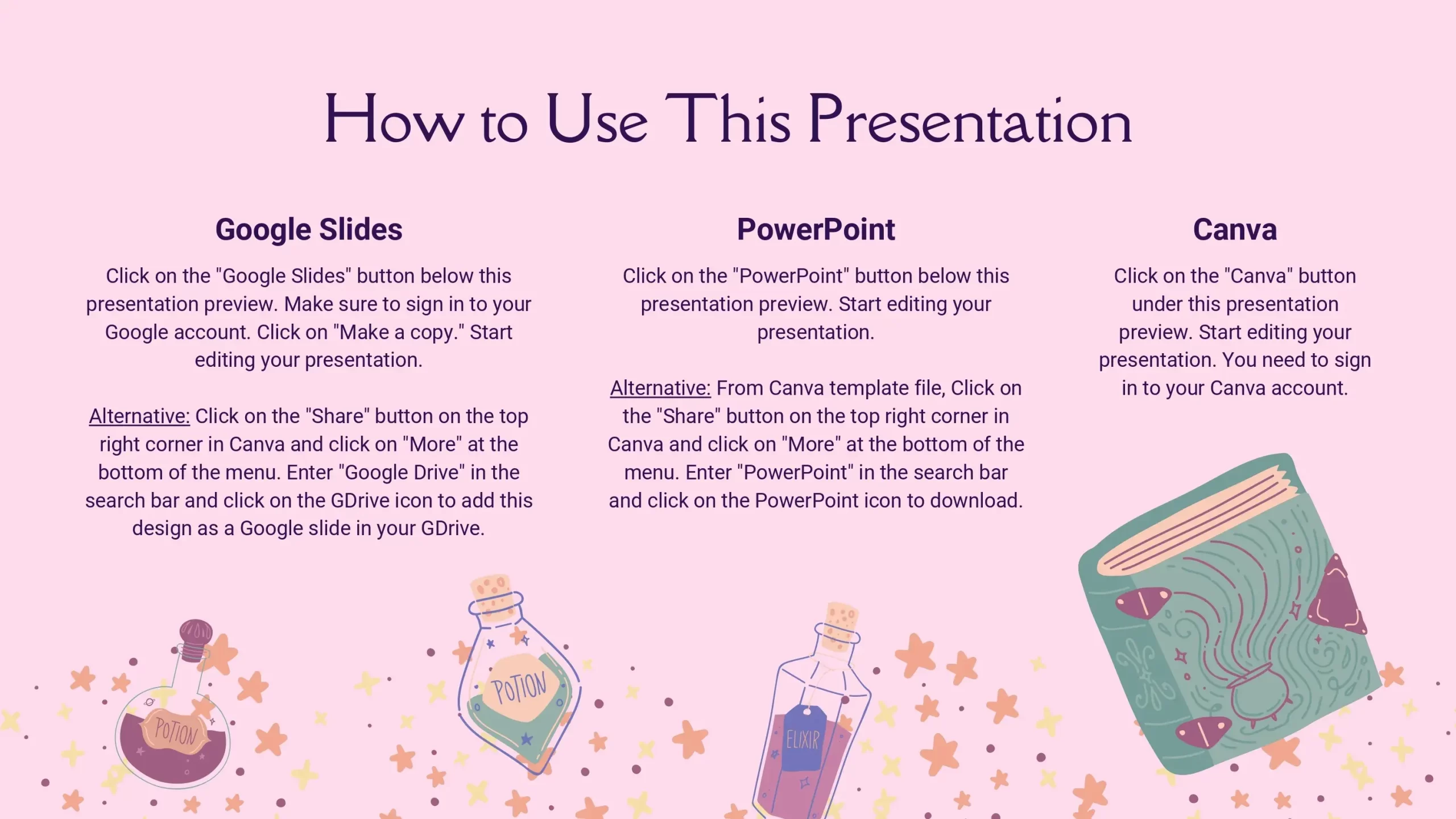
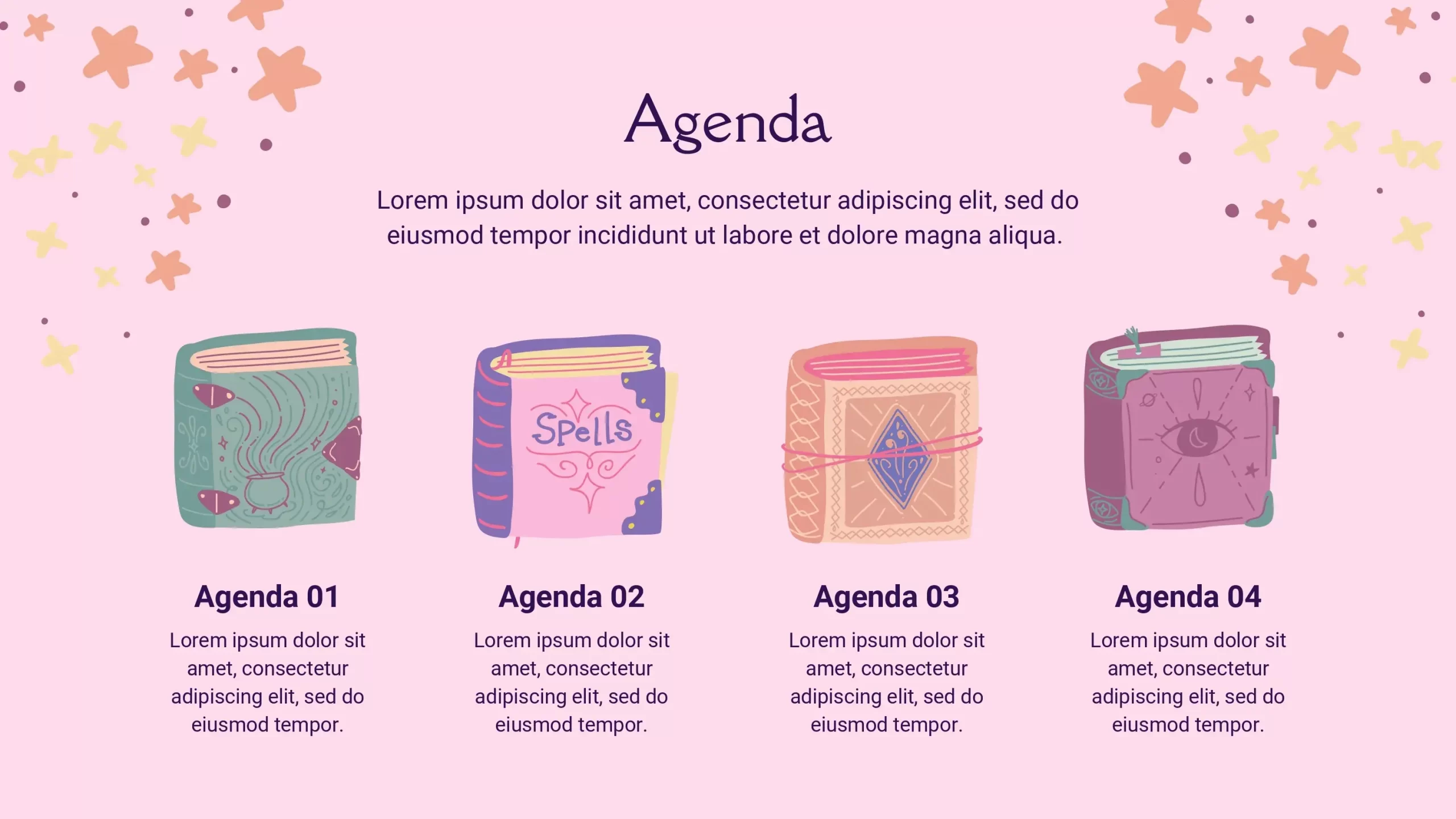
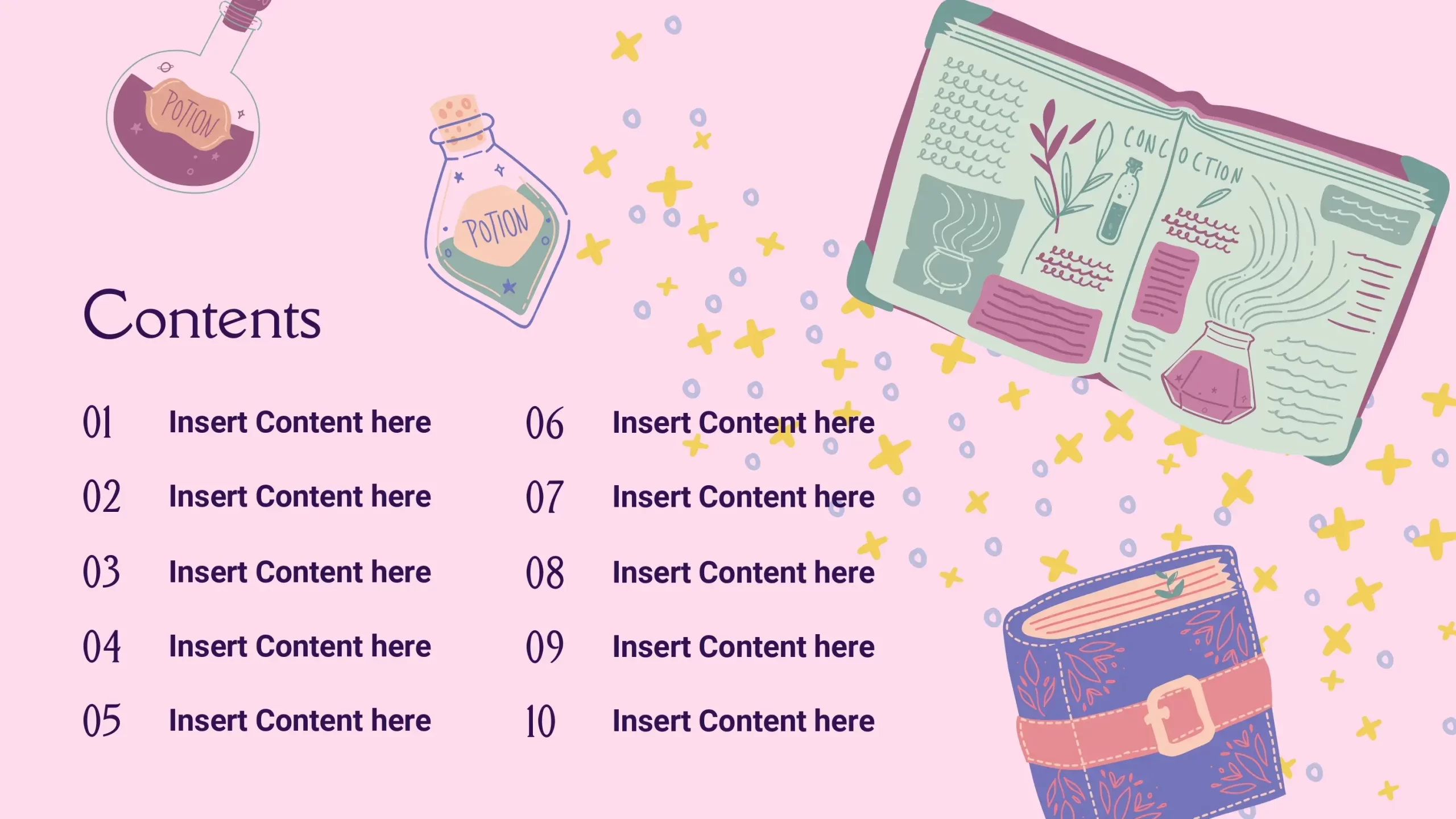
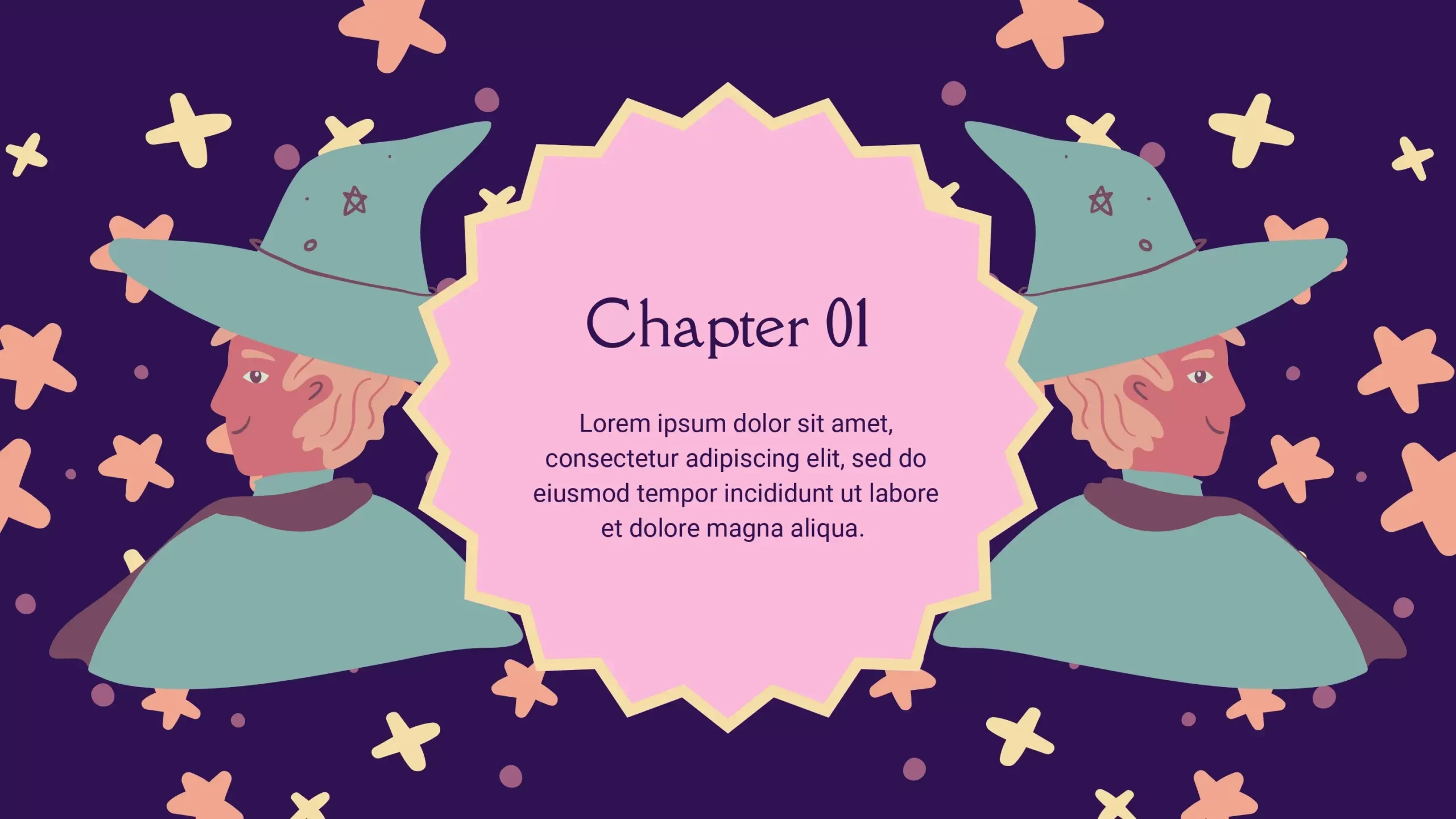
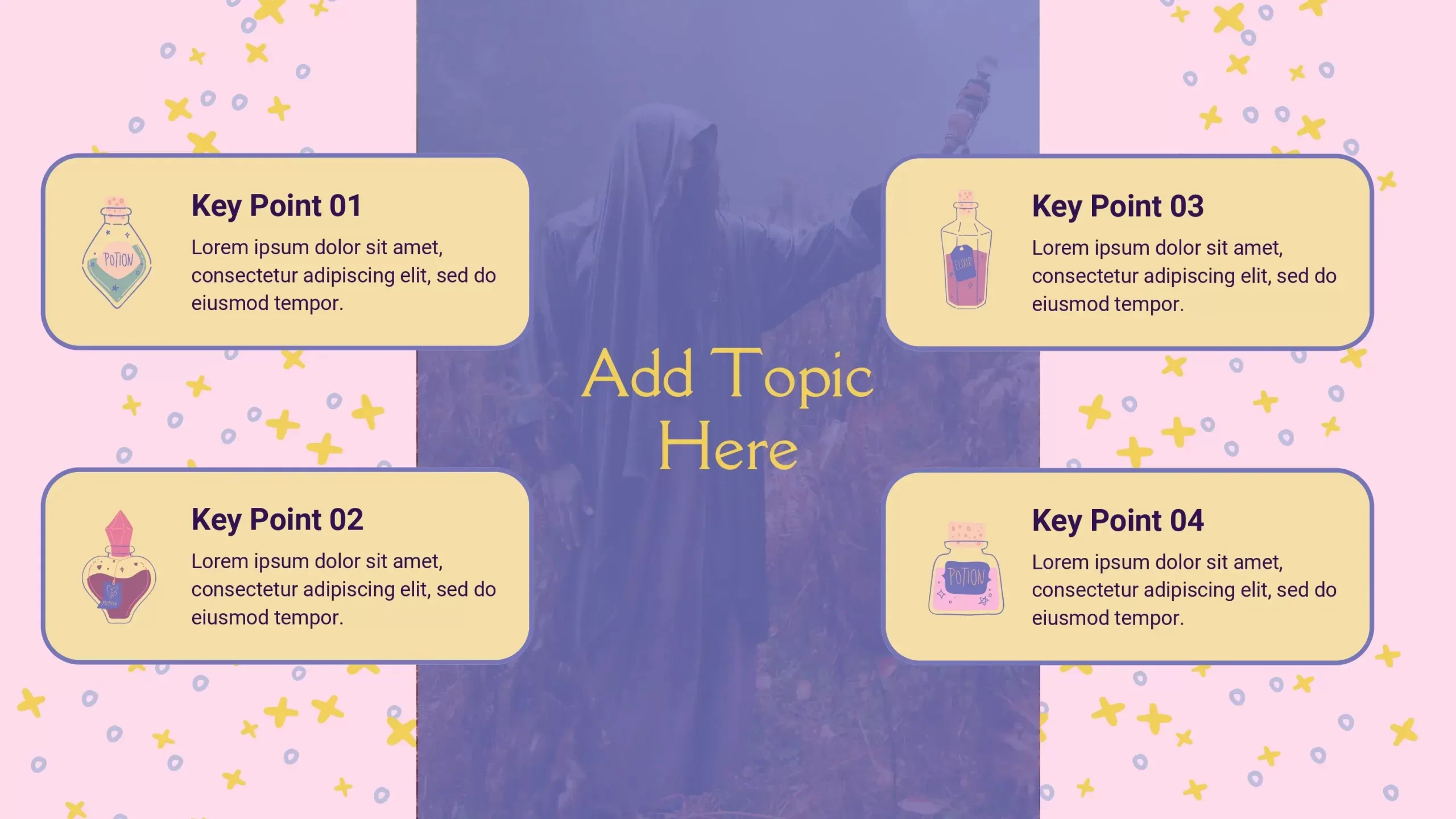
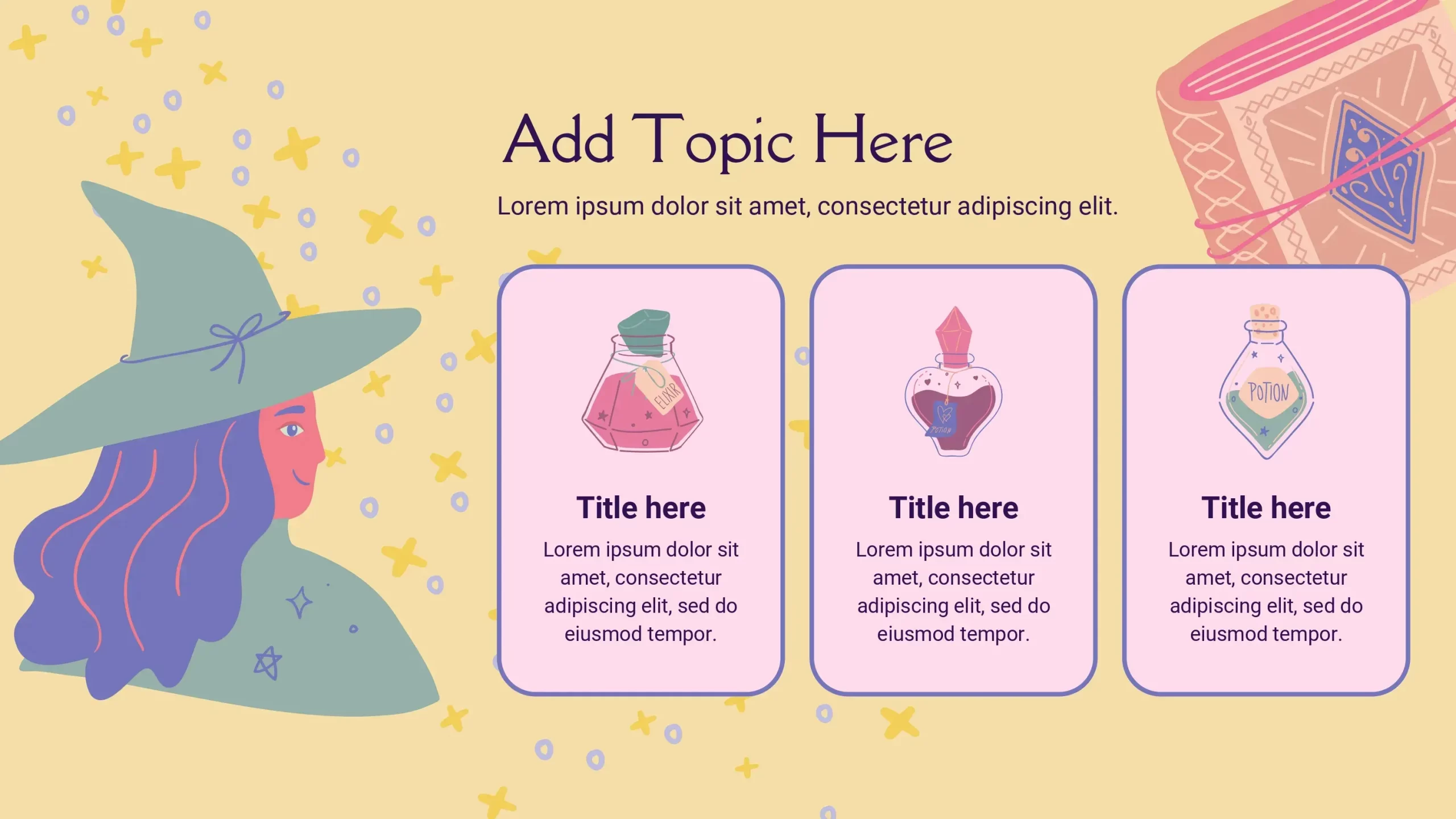
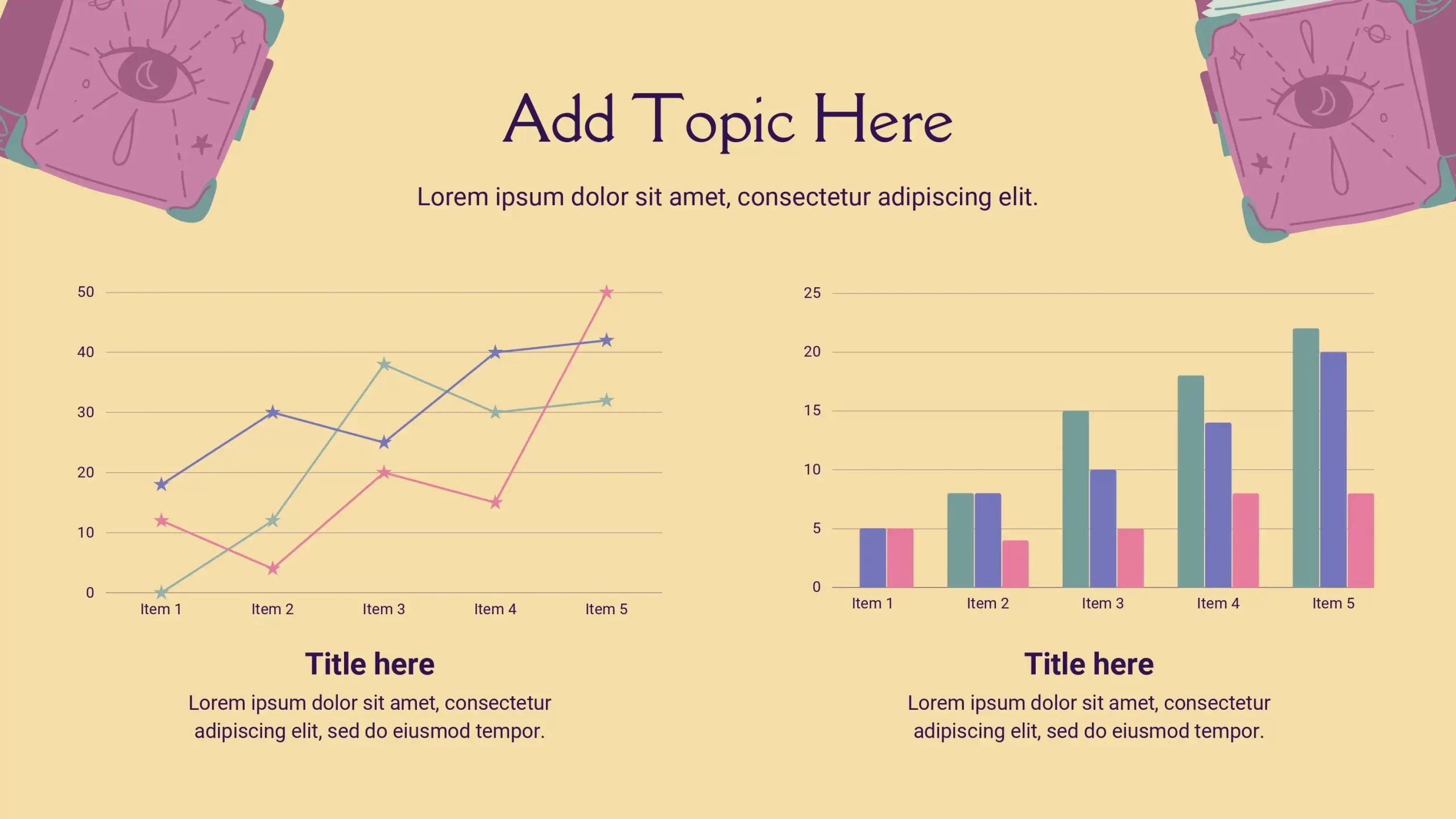
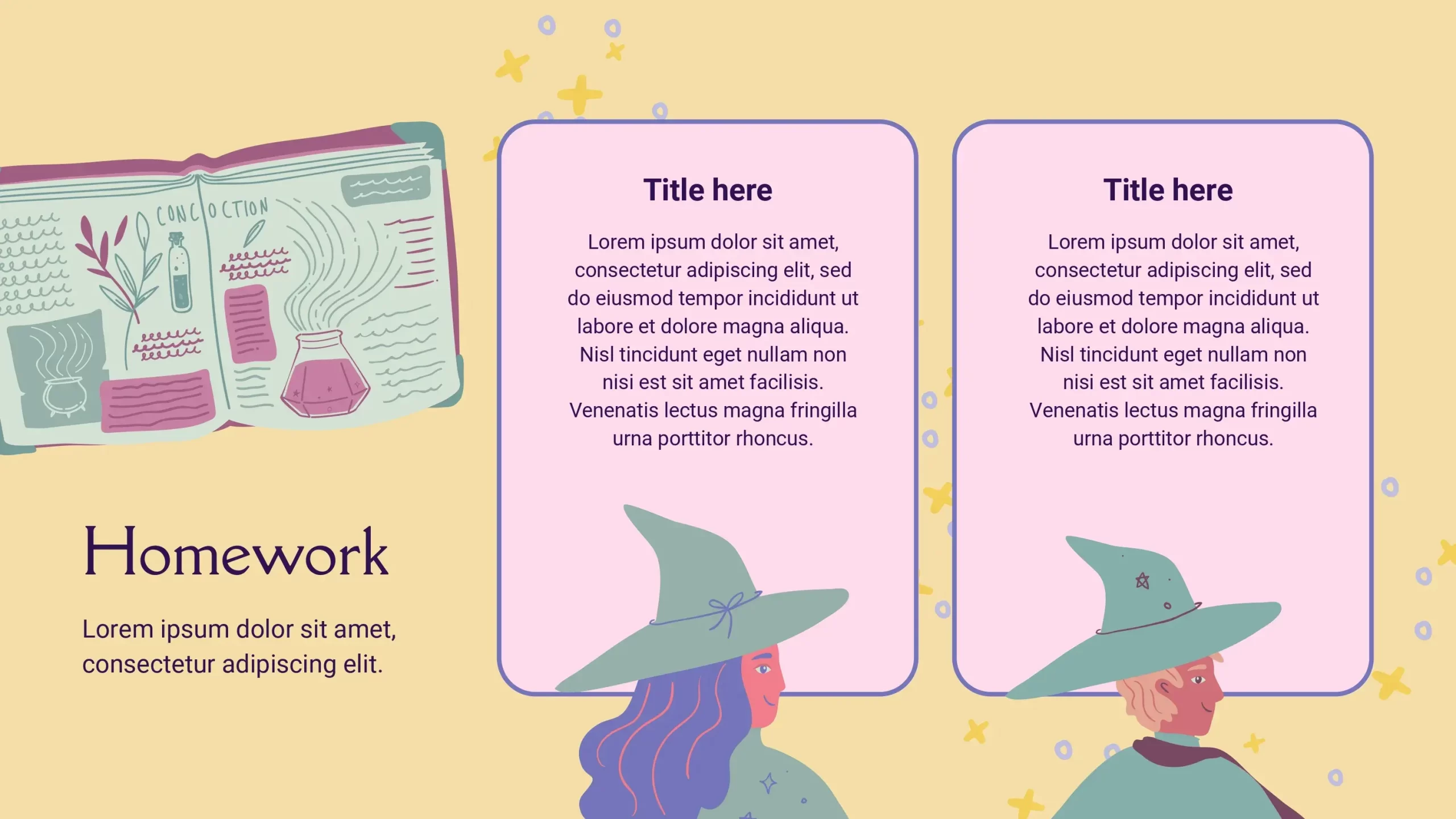
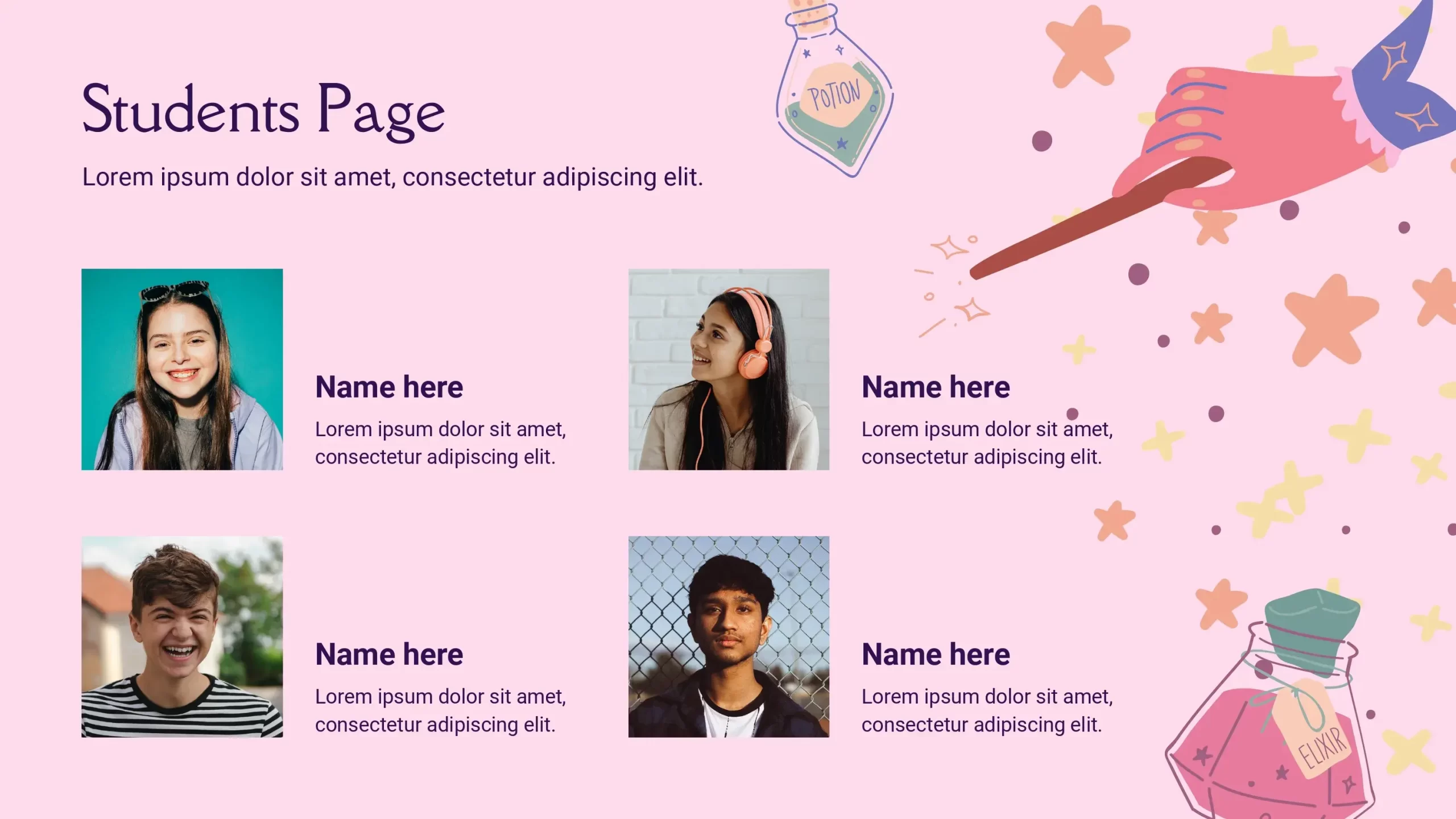
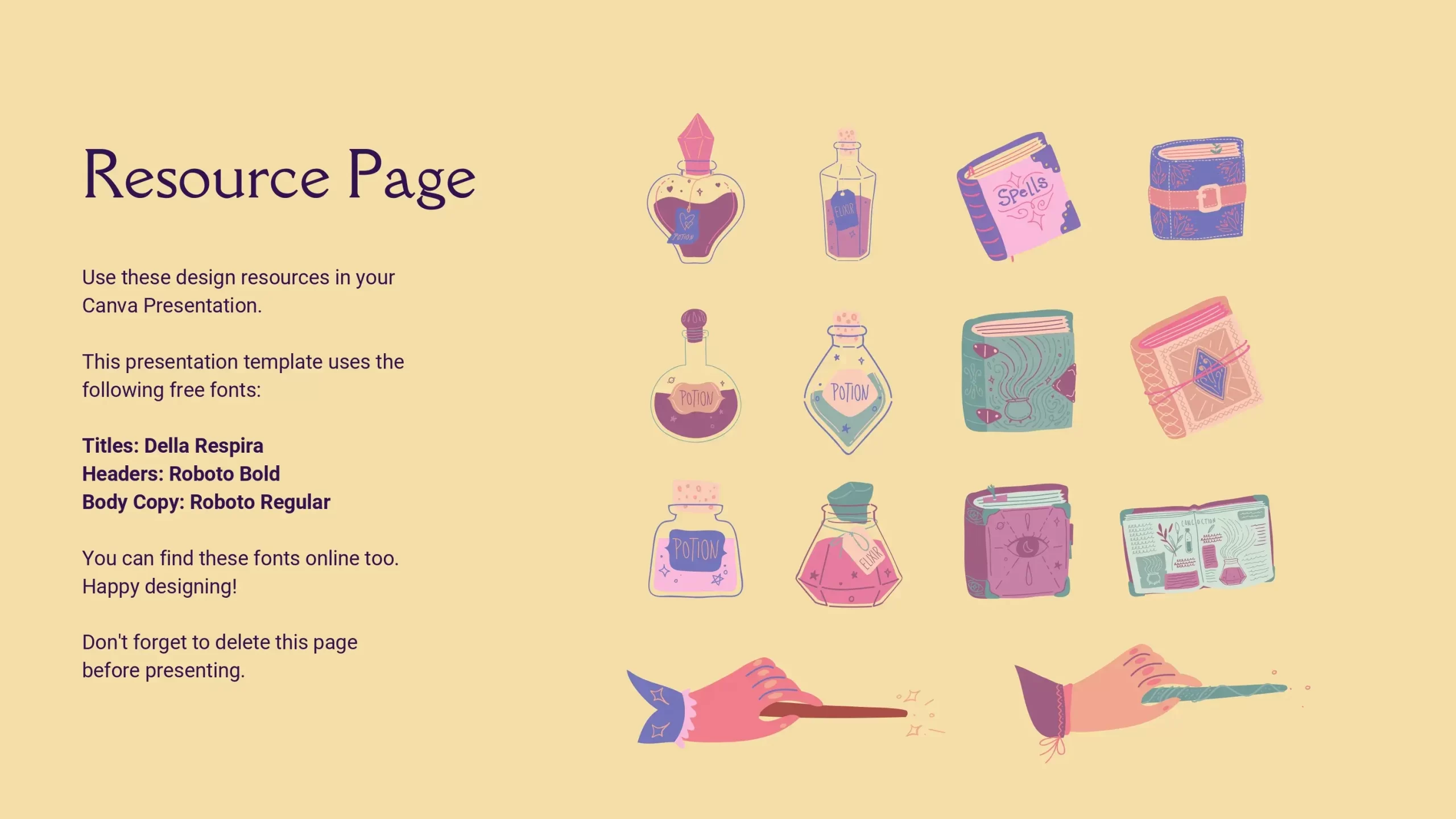
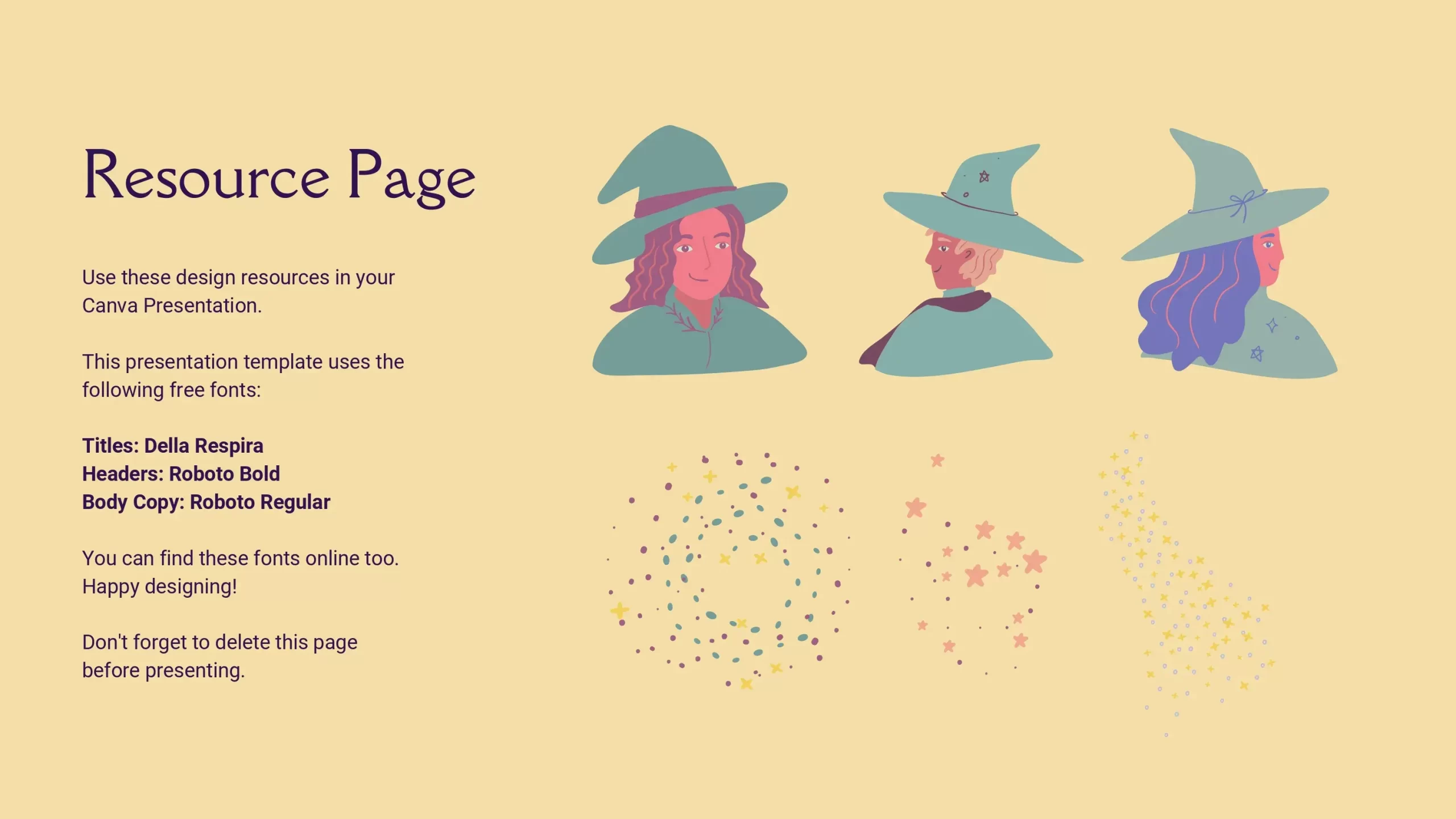
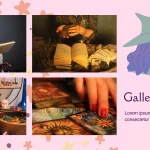
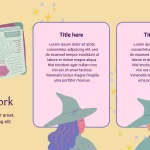
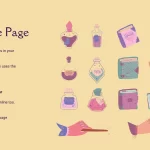
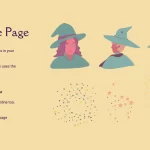
- Visual Appeal: This template offers a visually appealing design reminiscent of the world of magic and fantasy. With elements like magic wands, top hats, and star sprinkles, your slides will come to life with unique charm.
- Unlimited Creativity: Unlike conventional templates, the Magic World PowerPoint Template allows you to be creative and customize it to your needs. You can add your own magic elements and effects to give your presentations a truly unique touch.
- Thematic Versatility: This template is versatile and adapts to a wide variety of topics and audiences. Whether you're presenting at a business meeting, at school, or at a special event, the stencil's magical charm can be suitable for any occasion.
- Facilitates Retention: Magic and fantasy have a universal appeal that can help keep your audience's attention. Presenting information in a charming way can make the information more memorable.
Tips:
Once you've found the perfect Wizarding World PowerPoint Template, here are some tips to make the most of its potential:
- Theme your Content: Take advantage of the magical charm of the template to emphasize your key points. Use magical elements and effects to illustrate your ideas in a charming way.
- Simplify your Message: Use visual elements to simplify complex concepts. Magic elements can make information easier to understand and remember.
- Maintain Consistency: Use a color palette and fonts that fit the template's magical style to maintain visual consistency throughout your presentation.
- Practice and Master the Template: Before presenting, make sure you are familiar with the template. Learn how to add content and navigate between slides to avoid interruptions during your presentation.
COLORS:Colorful