


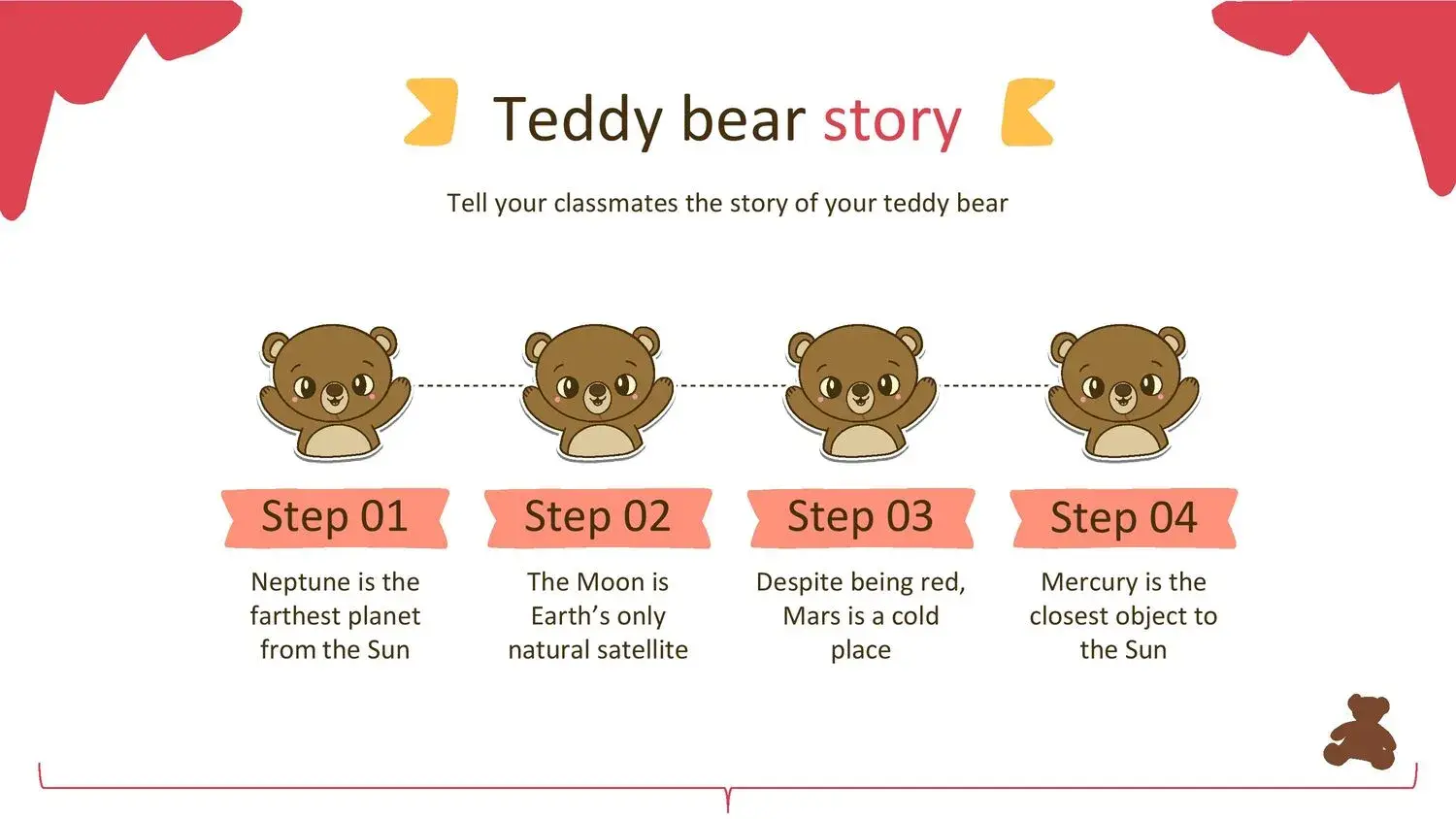
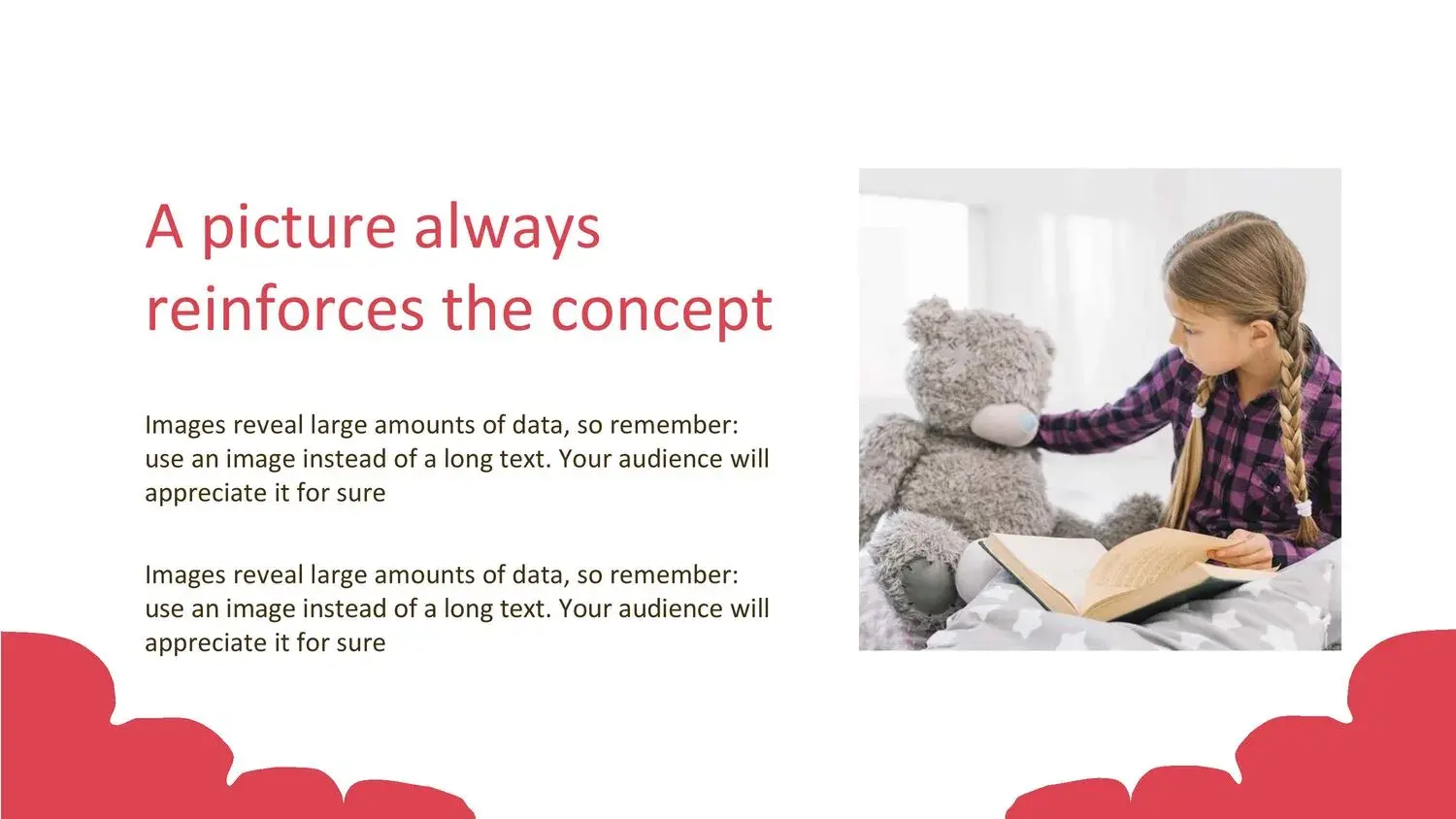
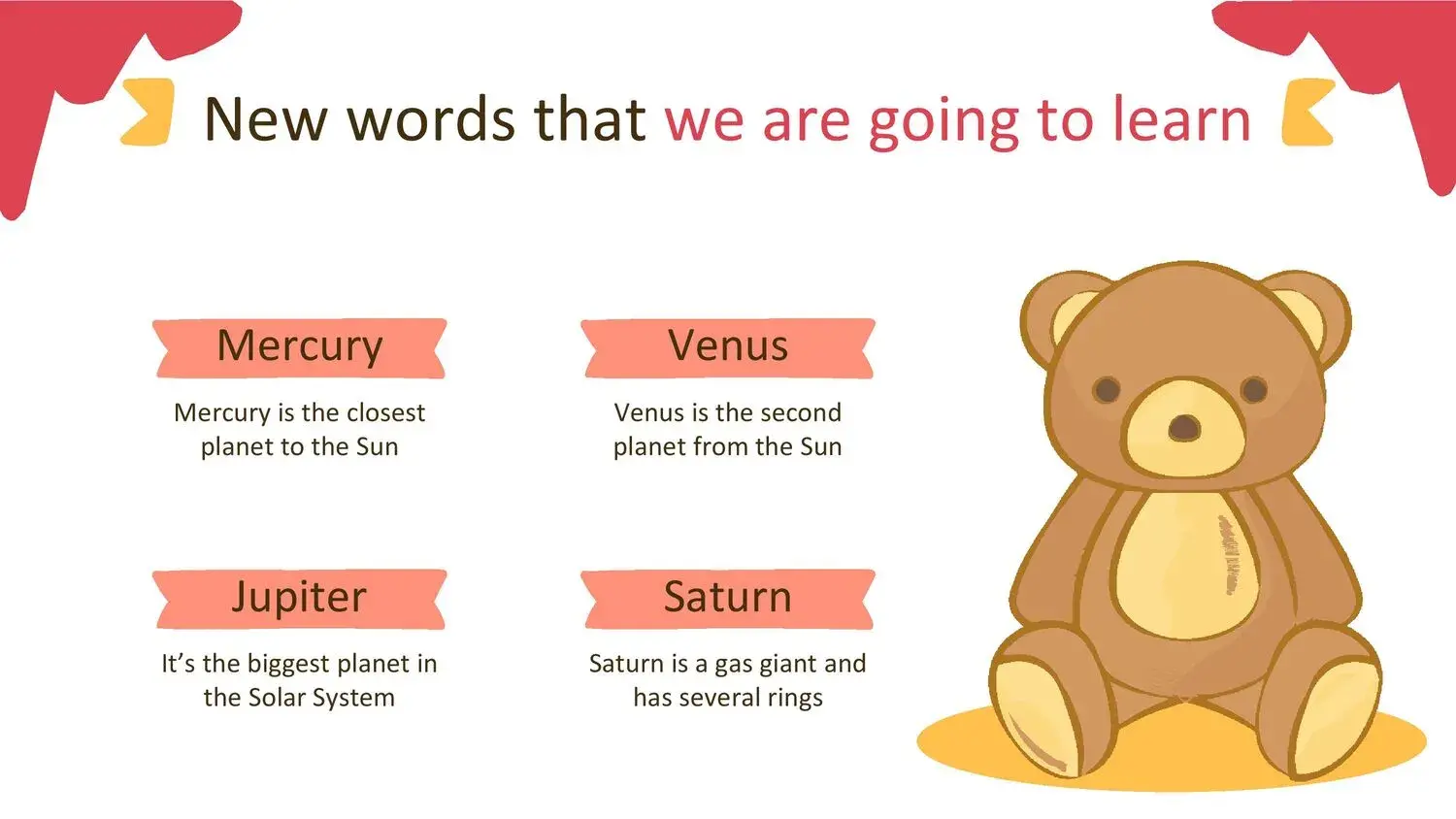
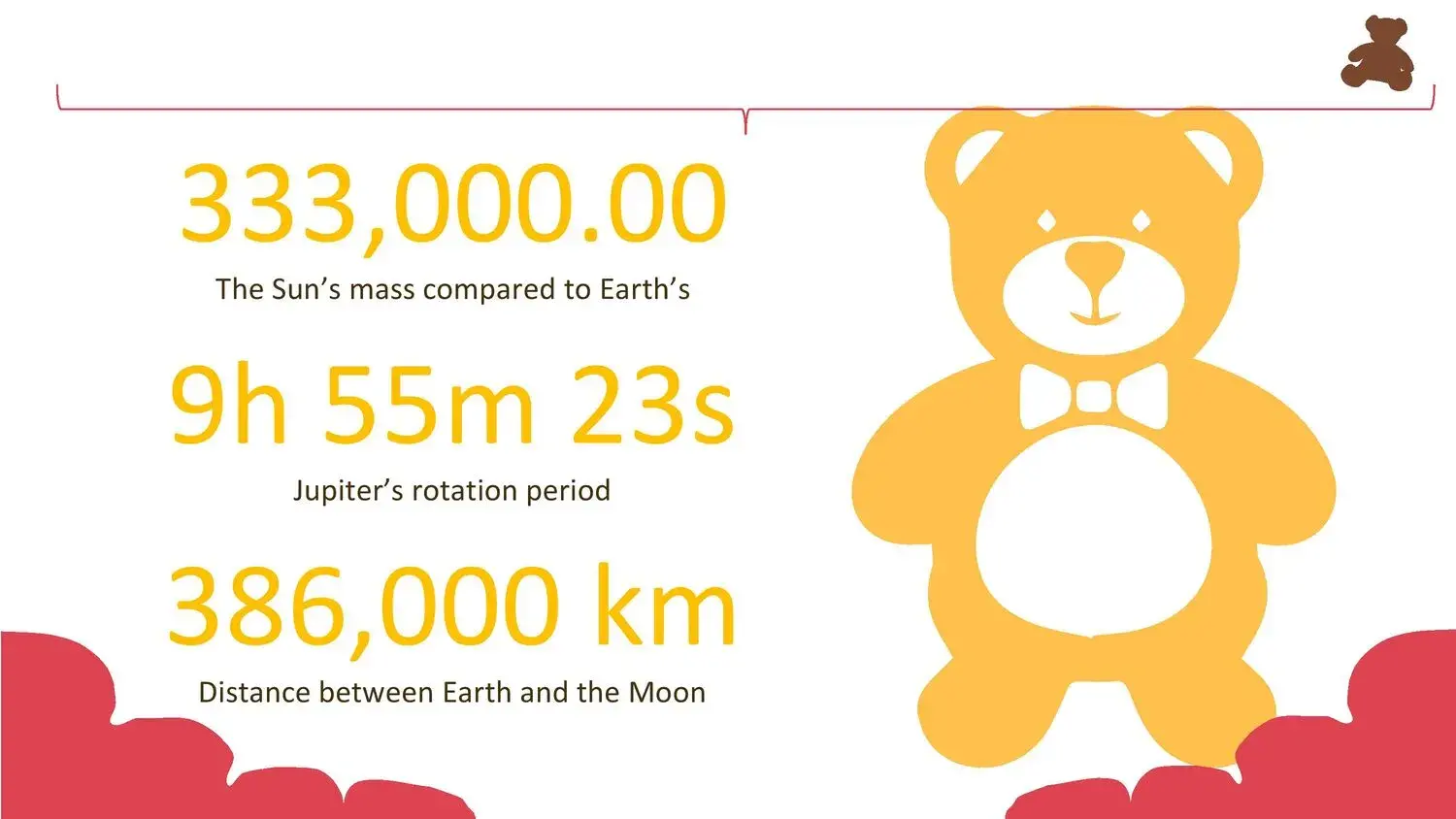


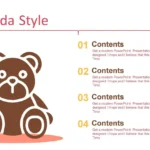
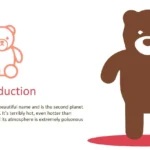
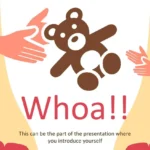

When I need to create a presentation with a warmer, sweeter feel, or one tailored to a children's audience, I always turn to visual themes that convey a sense of connection. That's why, when I discovered the Teddy Bear PowerPoint Template, I felt it was exactly the kind of resource that combines aesthetics, organization, and professionalism without losing its charm. In fact, one of the first things that caught my attention is that its variety of slides offers a touch of elegance, along with a layout already defined by designers specializing in digital themes. That sense of balance between cuteness and professional design is what motivated me to explore it further to make the most of it.
This template isn't just beautiful; it's highly functional. Its structure allows you to prepare educational presentations, school projects, children's activities, creative proposals, or even business content focused on young or family audiences. And the best part is that, when using it, you'll notice how each slide is designed to guide you naturally. That's why, when you review it, that "touch of elegance" I mentioned is something you'll perceive on every page.
🧸 A cute yet professional design for any type of presentation
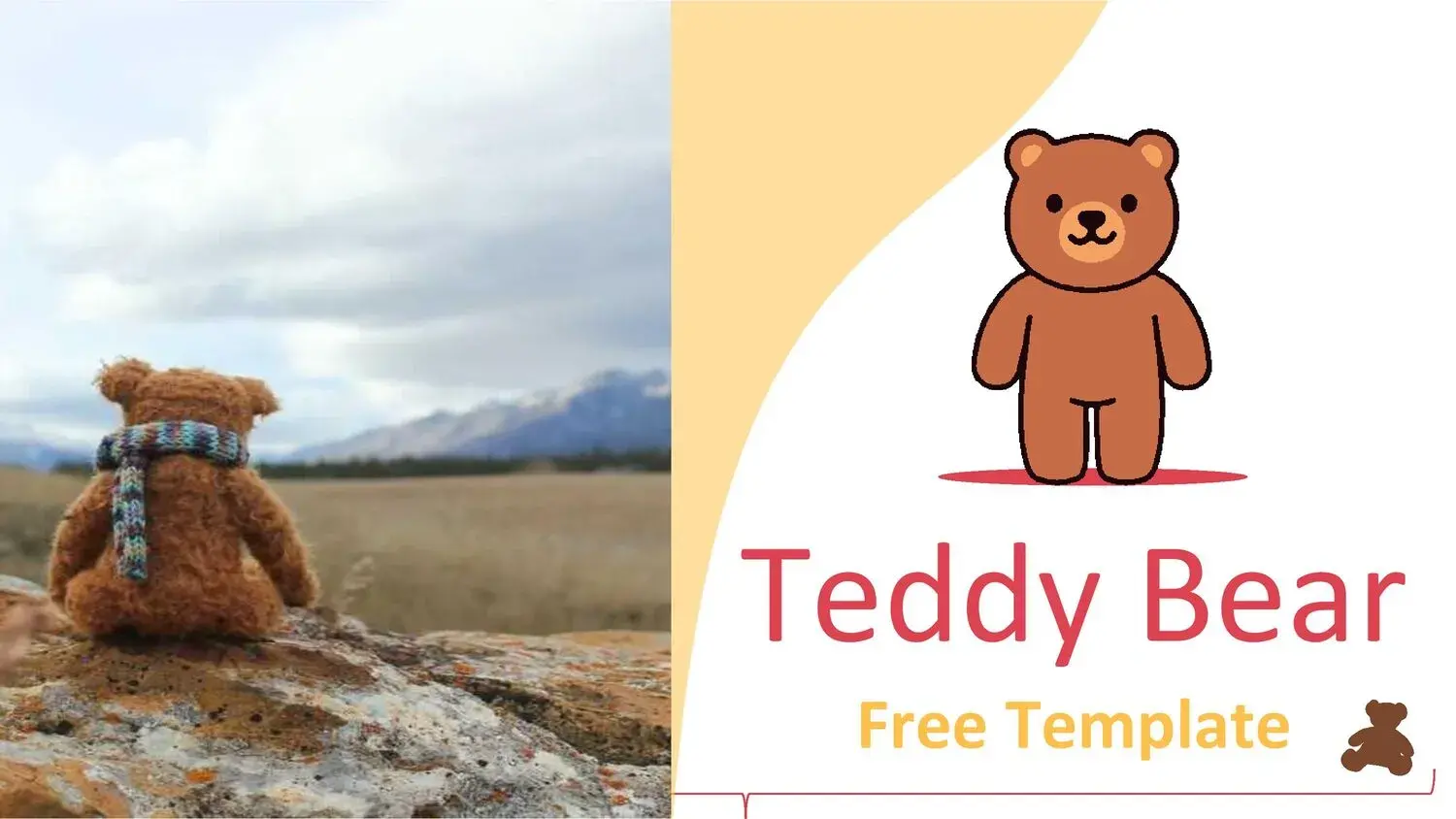
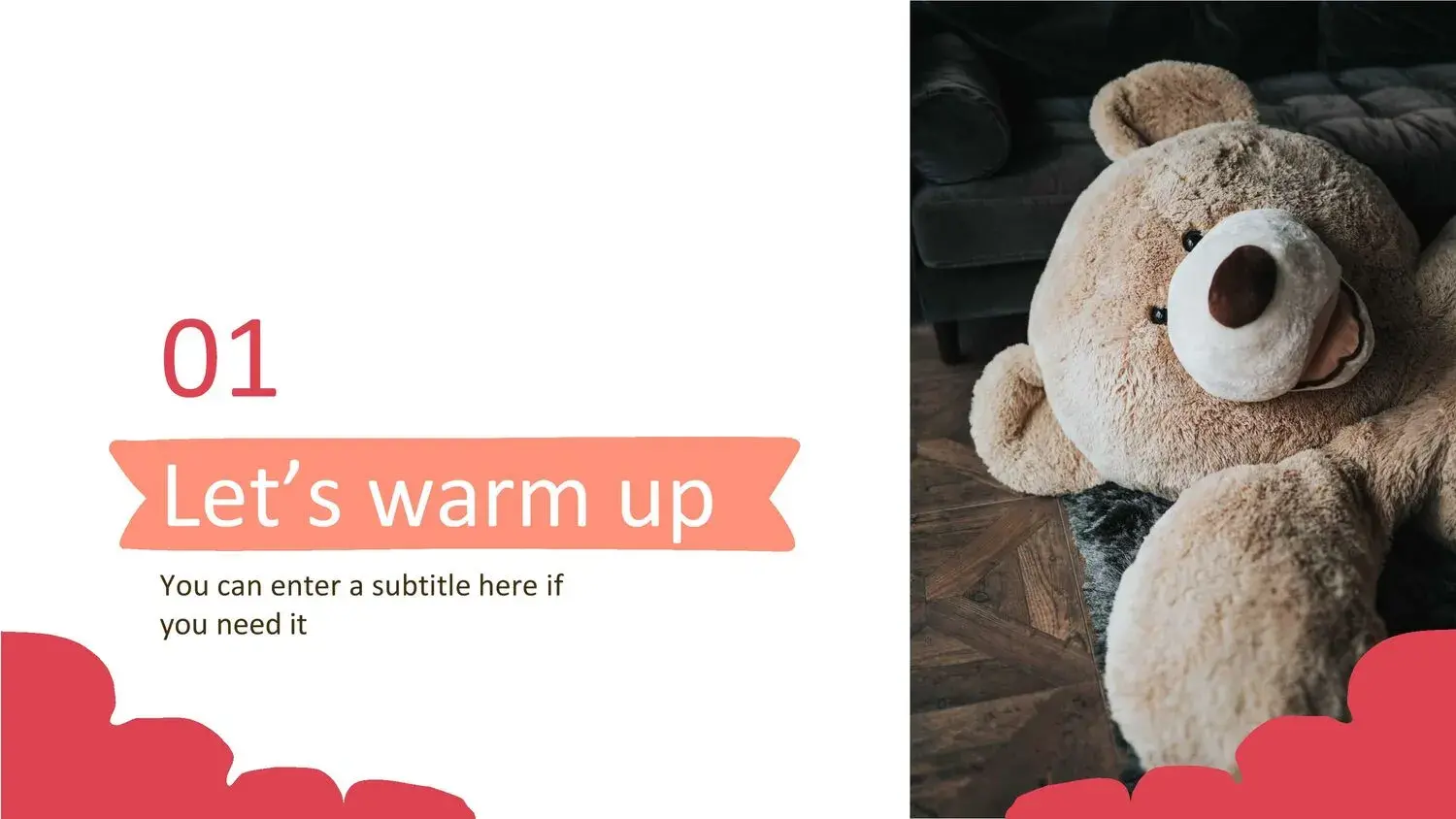
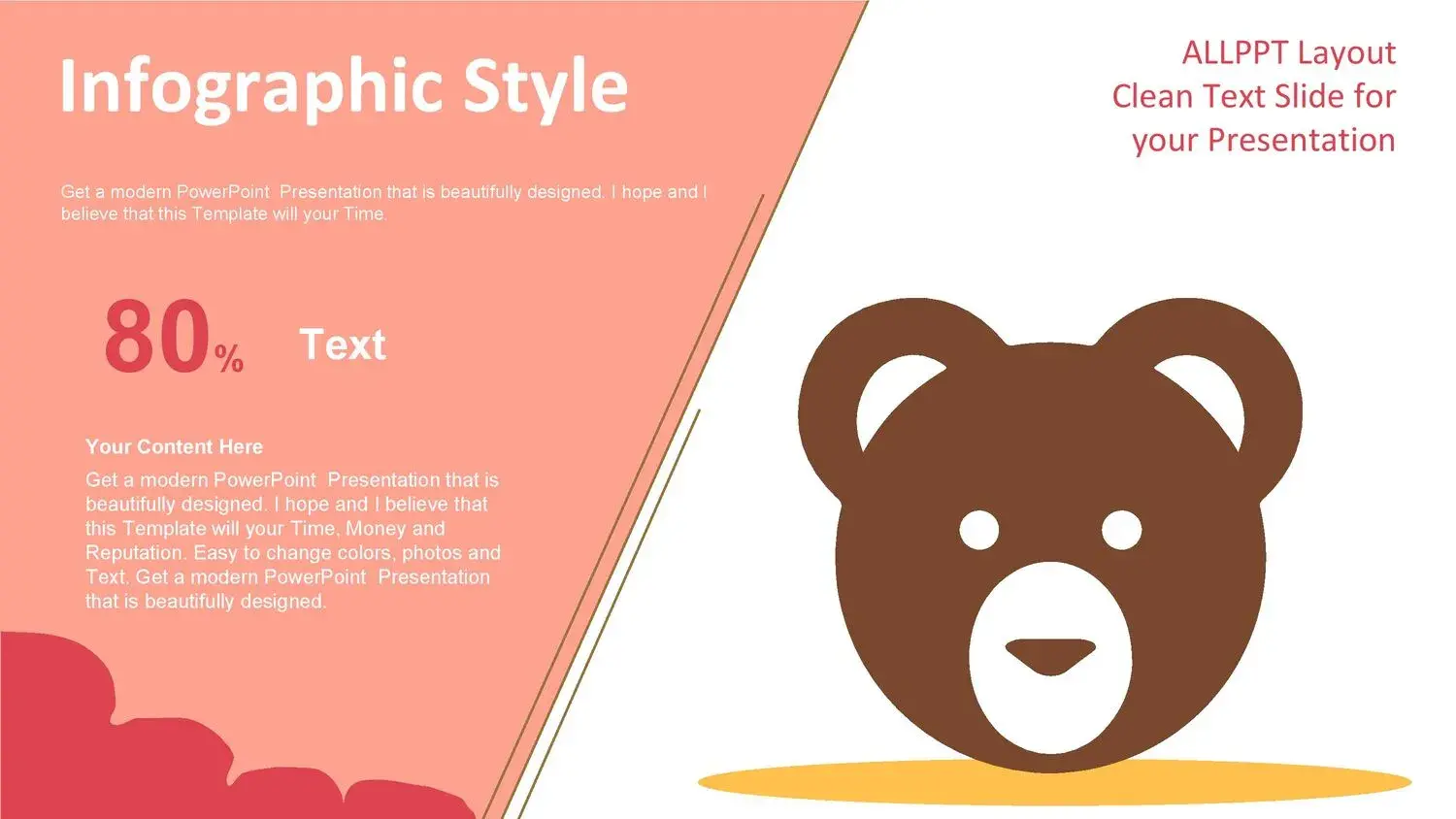
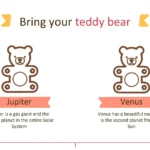
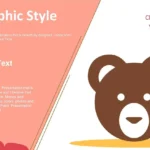
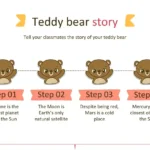
The aesthetics are undoubtedly one of the factors that convinced me the most. The teddy bear—a universal symbol of affection, innocence, and security—is strategically integrated into the backgrounds, borders, and decorative elements that don't distract but rather elevate the composition.
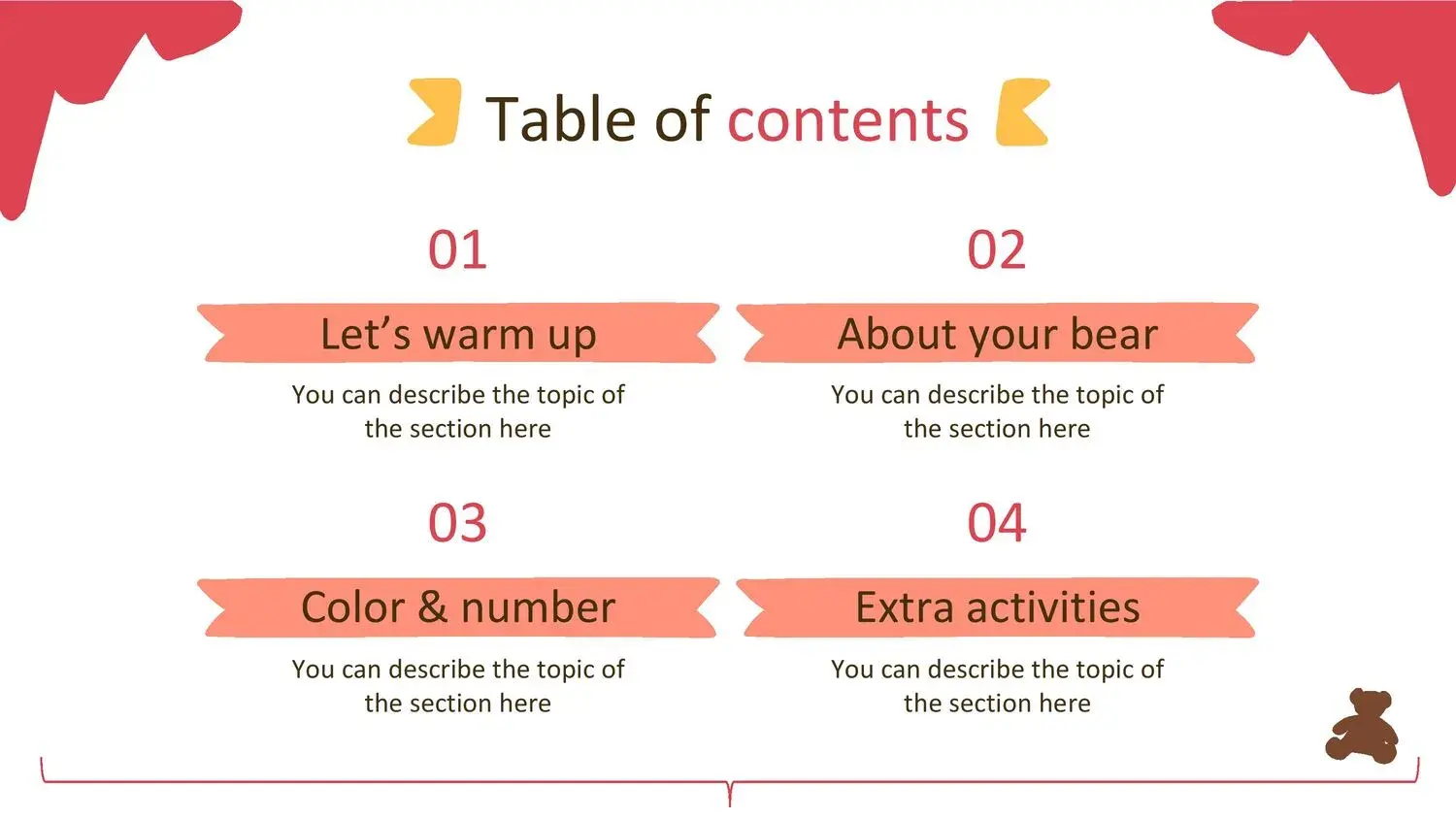
While reviewing the template, I noticed that its variety of slides offers a touch of elegance, along with a structure already defined by designers specializing in digital presentations, a phrase that perfectly describes its organization. I appreciate how each slide maintains a consistent style, avoiding visual repetition, which facilitates the flow of content and helps retain the audience's attention.
Furthermore, it combines soft colors, rounded shapes, and an illustrated style that brings any information to life without overwhelming the eye. This is key in children's presentations because it maintains attention without being overwhelming.
🍼 Why choose the Teddy Bear PowerPoint Template?
Speaking from my own experience allows me to say something very clear: it's not just about it being "pretty." What's truly valuable is how it helps you structure your message. For example, when I started using it, I noticed that its variety of slides offers a touch of elegance, as well as an order already defined by designers specializing in digital presentations, which means you don't have to start from scratch or worry about aligning elements.
These are some reasons why I recommend it:
✔️ 1. Its professional structure
Although the target audience may be children or young adults, the design is entirely professional. The designers have created a visual order intended to facilitate reading and storytelling.
✔️ 2. Ideal for educational or creative presentations
Perfect for classes, workshops, projects, storytelling, or school activities. The bear's design creates a friendly atmosphere.
✔️3. Fully editable
You can modify colors, texts, icons, images, and even reorganize sections without losing visual coherence.
✔️ 4. Includes multiple slide types
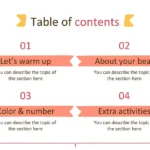
From covers and general presentations to lists, tables, graphs, and conclusions. Its variety is evident—as I mentioned before—that in its variety of slides you will find a touch of elegance, in addition to an order already defined by designers specializing in virtual themes.
🎨 Visual elements that elevate the quality of your presentation
A presentation isn't just about text; it also depends on how you visually complement it. And this template understands that perfectly: everything is integrated harmoniously.
During the editing process, I kept noticing that in its variety of slides you can find a touch of elegance, in addition to an order already defined by designers specializing in virtual themes. This organization allowed me to work faster, because each slide fulfilled a specific function.
Among the best visual elements you'll find:
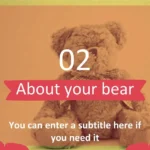
- Backgrounds illustrated with teddy bears in different poses.
- Soft, rounded frames and decorative elements.
- Cute but legible fonts.
- Children's icons consistent with the theme.
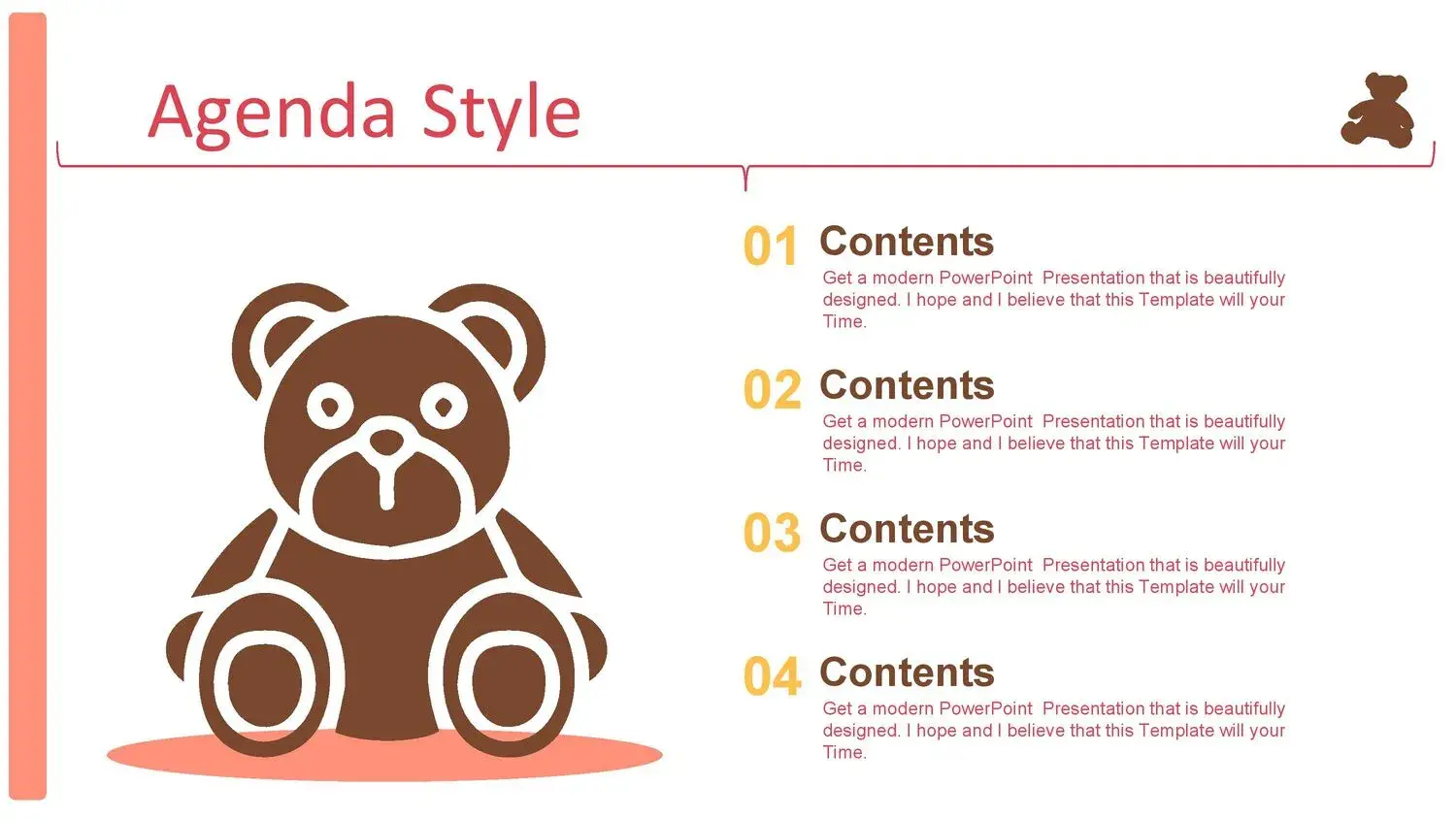
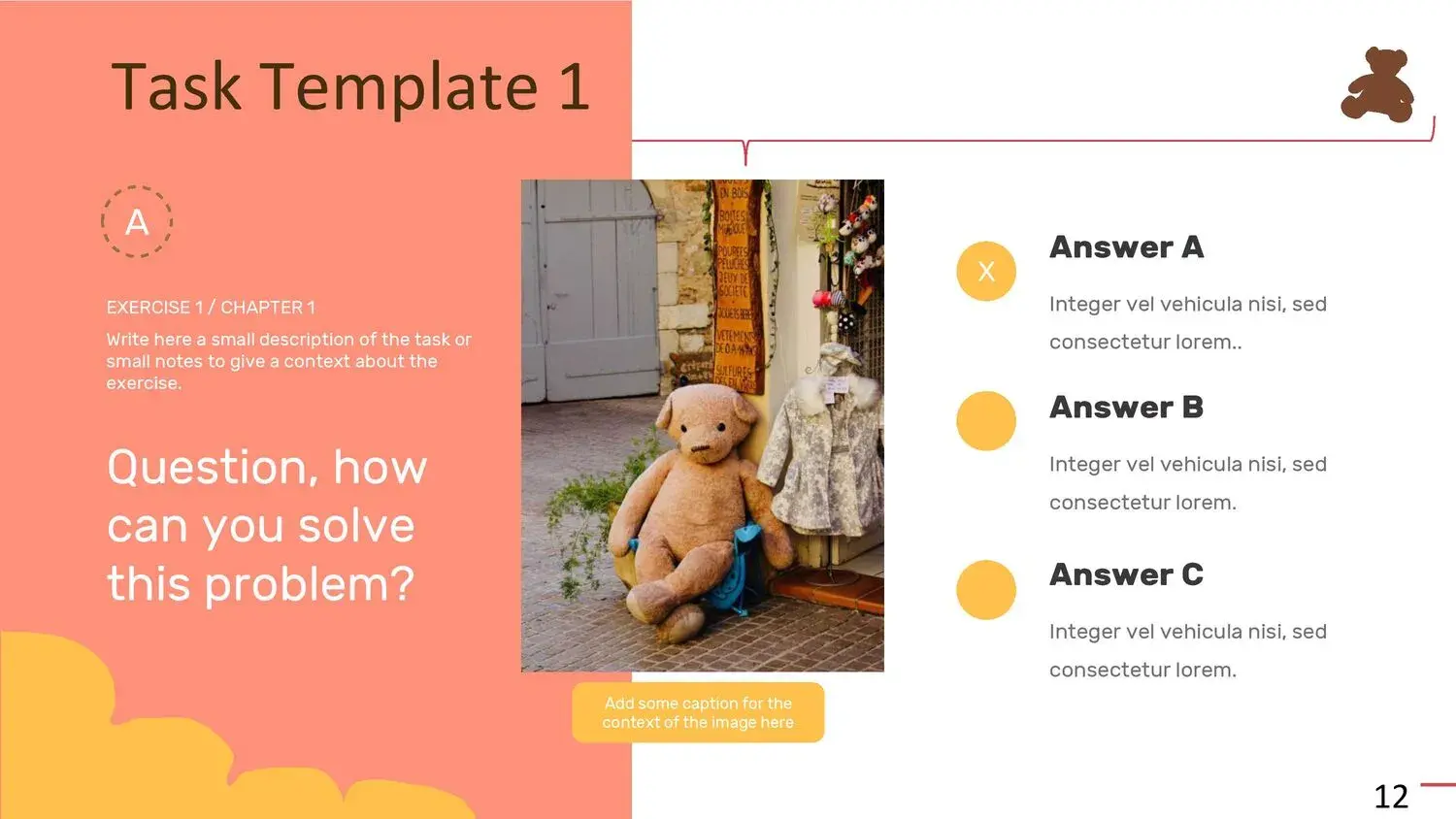
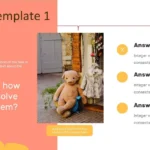
- Well-defined spaces for titles, lists, and long texts.
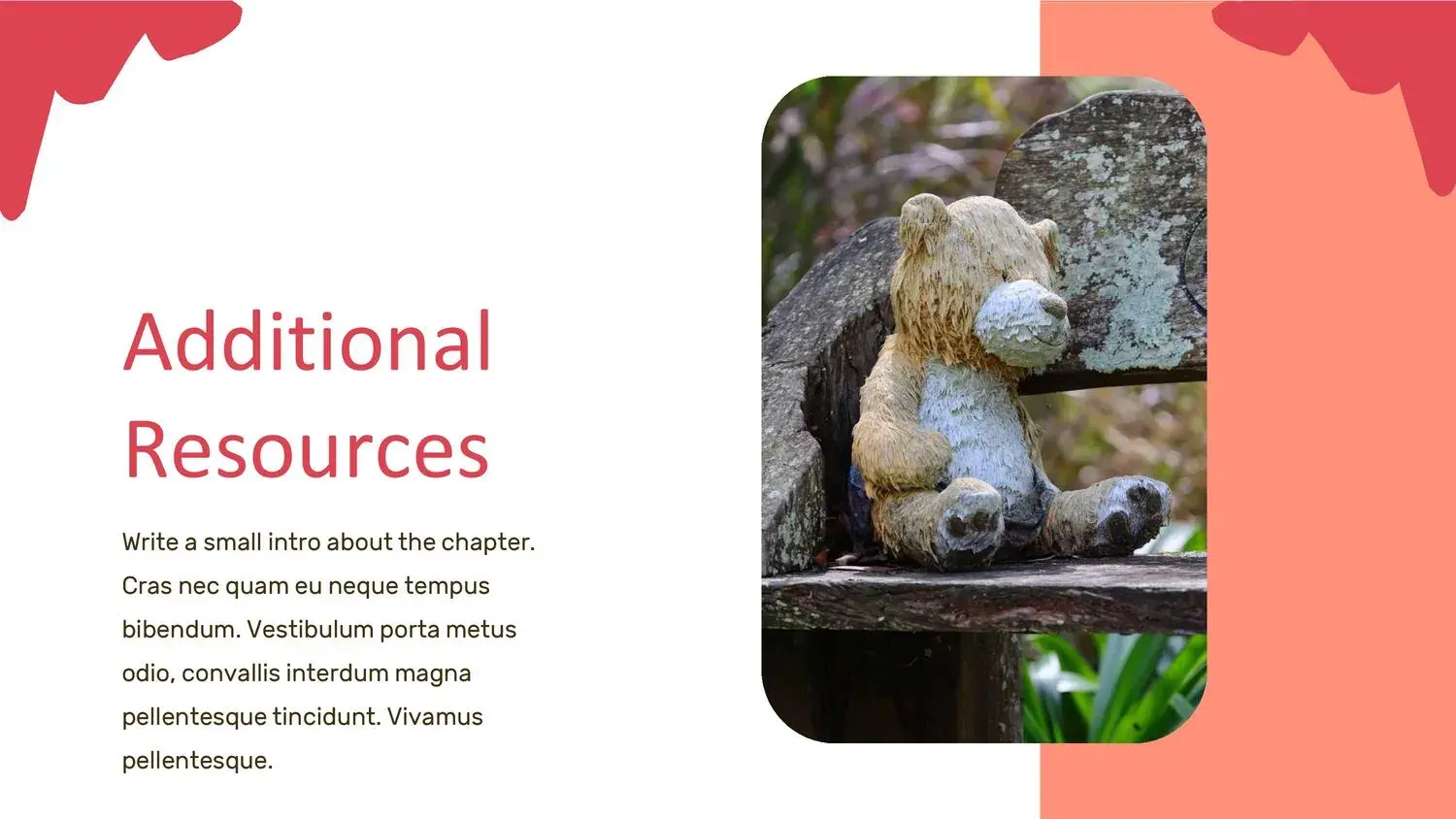
- Storytelling sections where you can accompany the narration with images.
🧰 How to use this template to maximize impact
Speaking in the first person about a template might seem odd, but the truth is that when a visual tool is well-designed, it changes the way you prepare presentations. And that's what happened to me. While using it, I remembered that its variety of slides offers a touch of elegance, as well as an order already defined by designers specializing in digital presentations, which helped me work with greater precision.
Here are some tips I use when working with this template:
🎯 1. Place the strongest point at the beginning
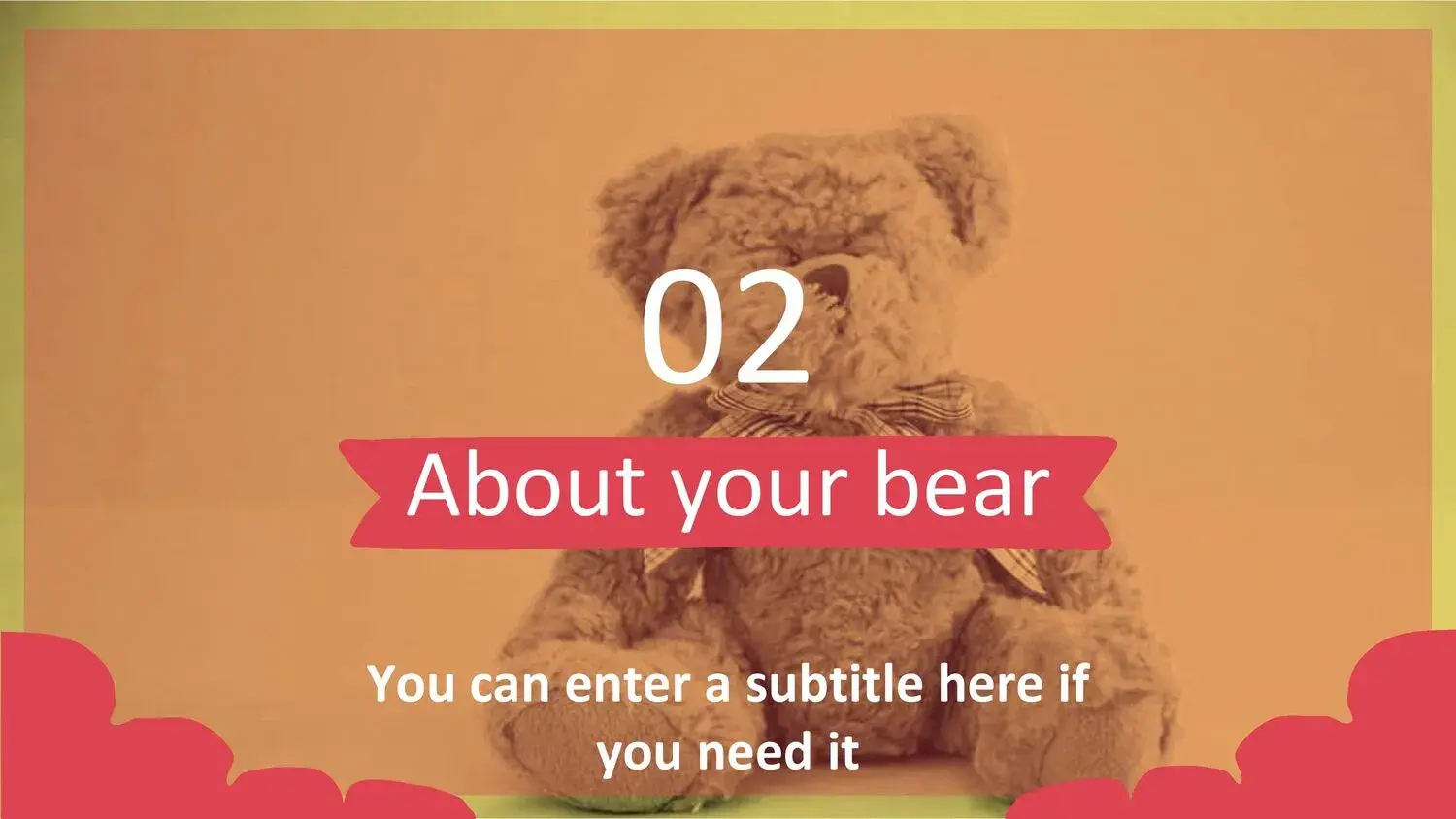
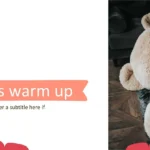
La portada de la plantilla tiene un impacto muy dulce y atractivo; úsala para captar atención desde el primer segundo.
🎯 2. Combine real images with illustrations
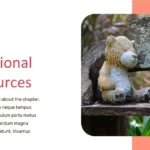
The illustrated teddy bear works perfectly as a visual frame, but mixing it with real photos can elevate the narrative quality.
🎯 3. Use the template colors as the basis for your content
This creates visual uniformity and professionalism.
🎯 4. Be clear in your messages
The template makes it easier to keep things organized, but remember that your content should flow coherently.
📊 Practical Applications of the Teddy Bear PowerPoint Template
Over time, I've found this template to be especially useful for:
- Presentations in schools or nurseries
- Children's projects
- Reading activities or stories
- Creative workshops
- Family introductions
- School projects
- Playful exhibitions
- Presentations of children's entrepreneurship projects
And its versatility is noticeable from the moment you open it, because in its variety of slides you will find a touch of elegance, in addition to an order already defined by designers specializing in virtual themes that makes it easy to organize complex topics in a simple way.
💡 Final tips to get the most out of it
After working with this template so many times, it's clear to me that its greatest strength is the combination of cuteness and professionalism. That mix isn't usually found in typical children's templates.
For example, one of the things I want to highlight is that in its variety of slides you will find a touch of elegance, in addition to an order already defined by designers specializing in virtual themes, something that not only speeds up the process, but also gives a feeling of superior quality.
If you want to create a memorable, warm and at the same time serious presentation, this template is ideal.




