

🔬 Why choose a professional histology PowerPoint template?
When I had to prepare an academic presentation on cell tissues and microscopic anatomy, I realized that finding a good histology PowerPoint template wasn't as easy as it seemed. Many options look too basic, others use outdated designs, and some simply don't convey the professional level required in medical or academic settings.
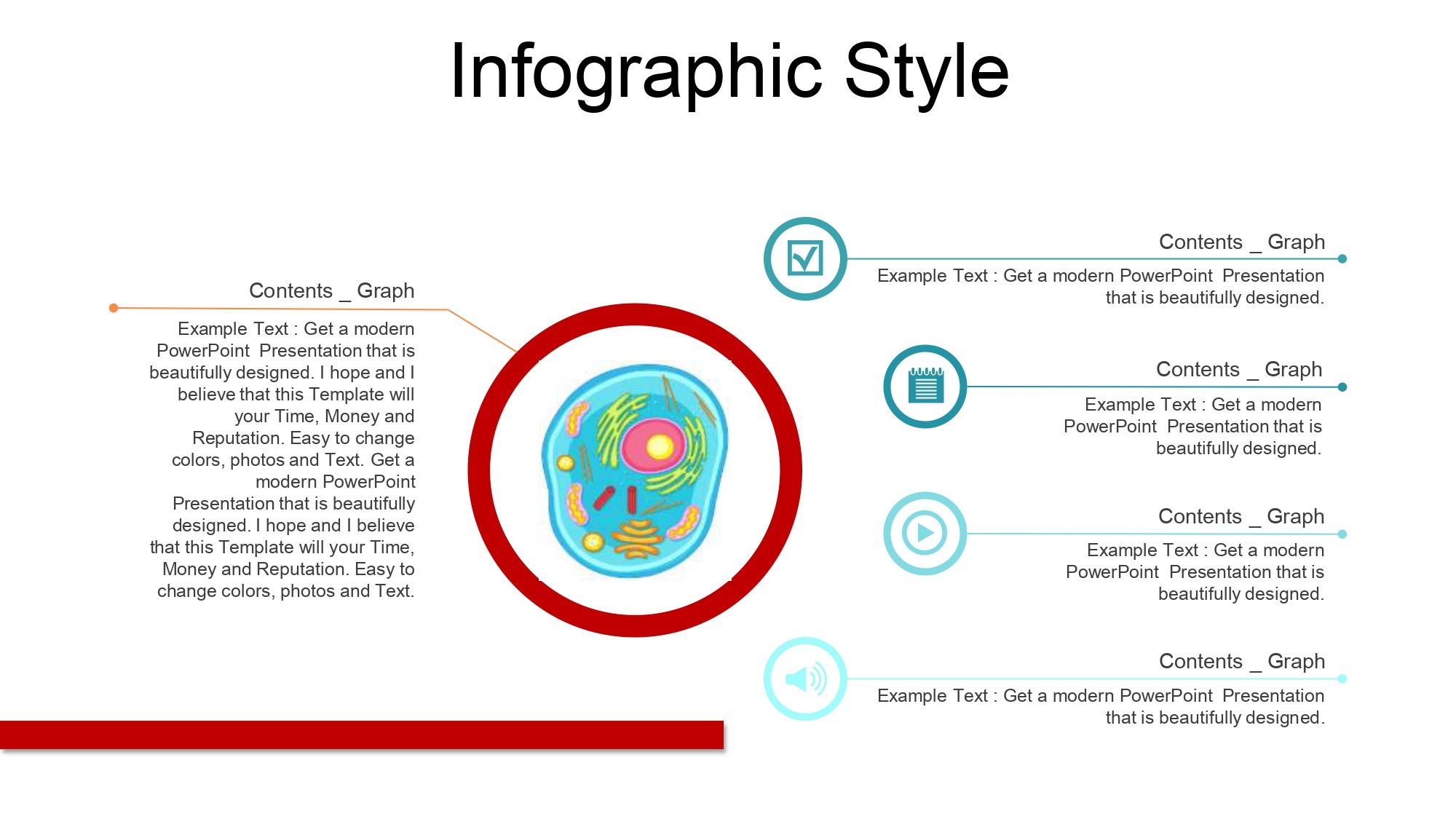
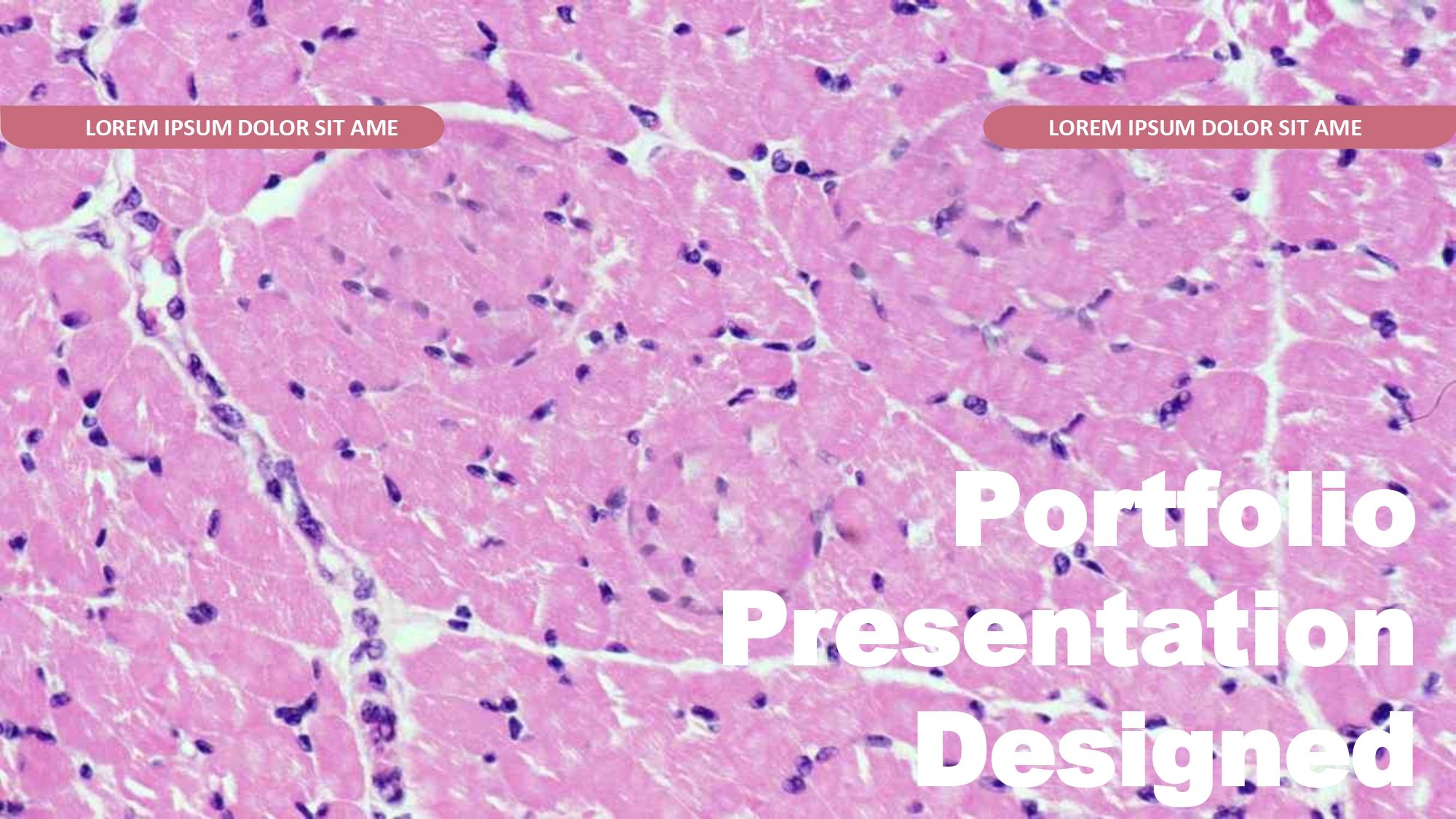
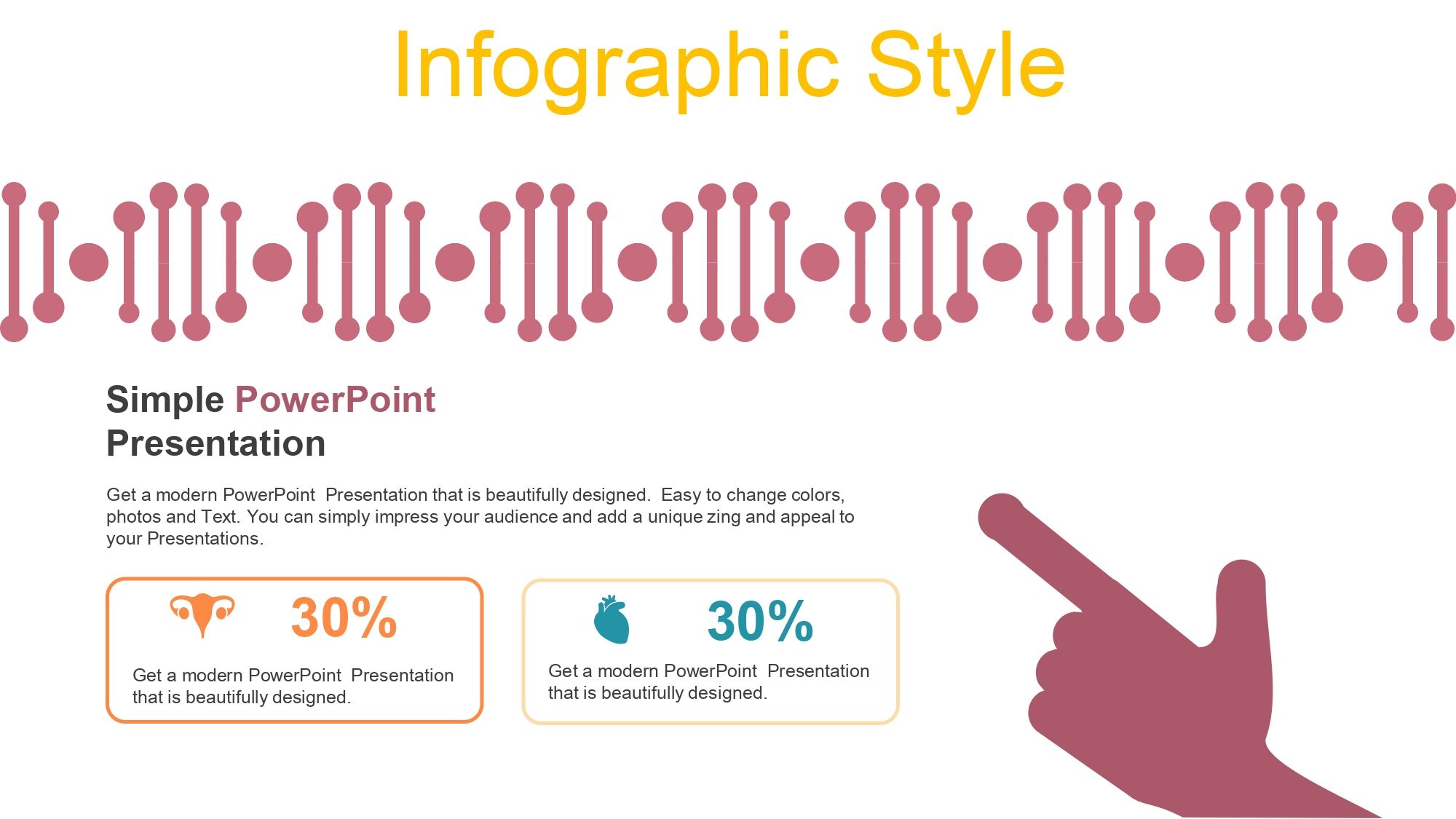
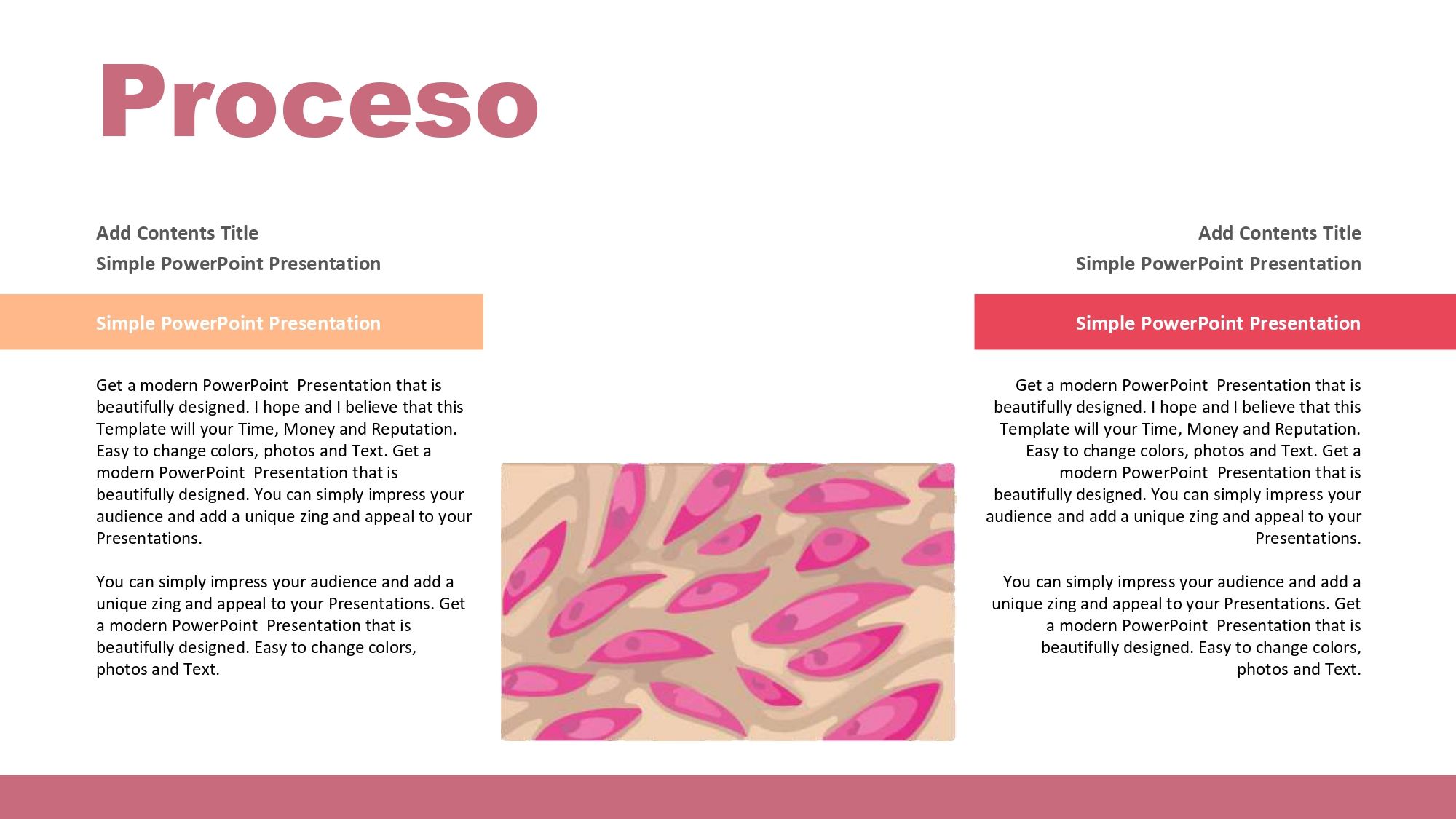
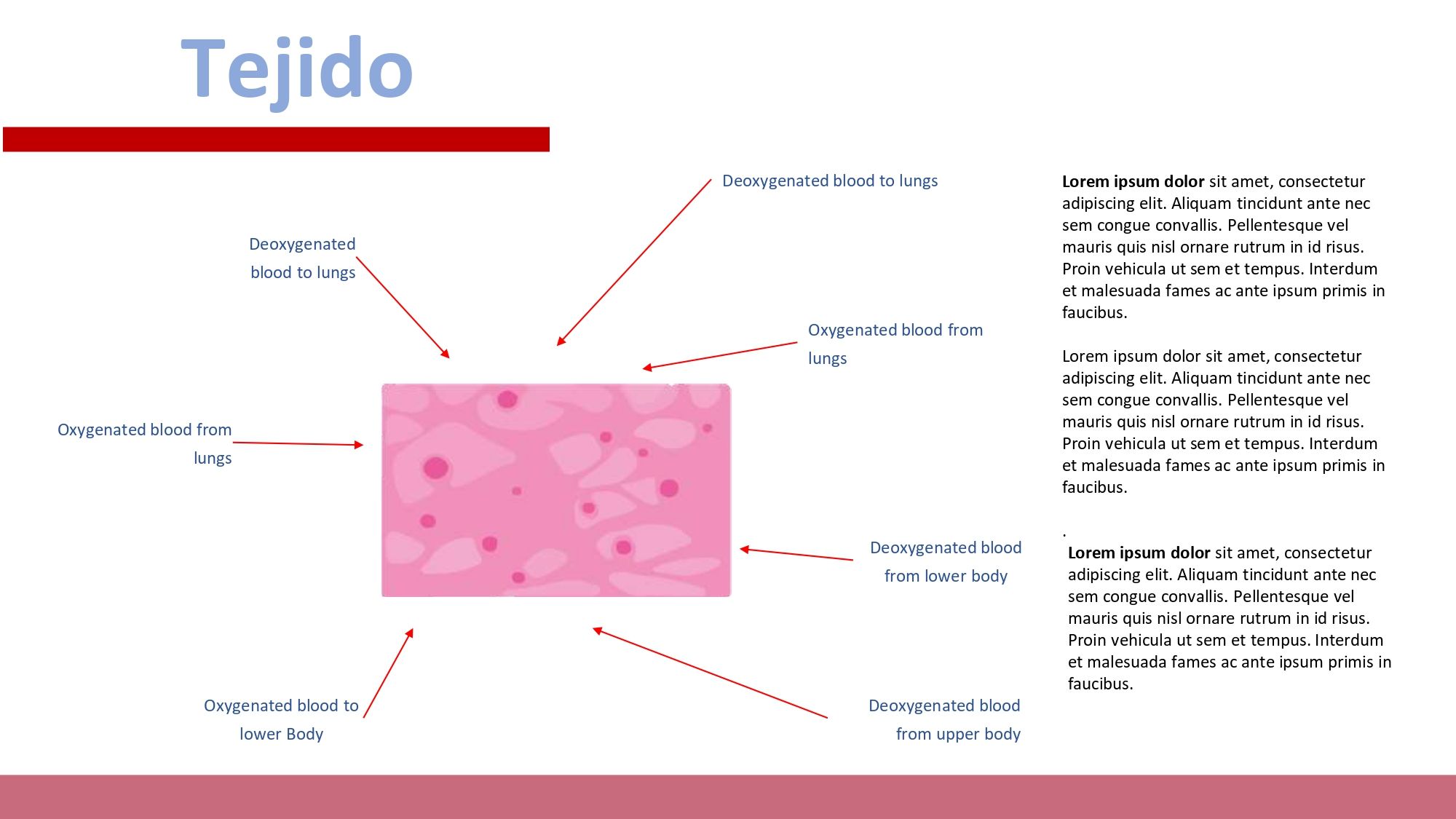
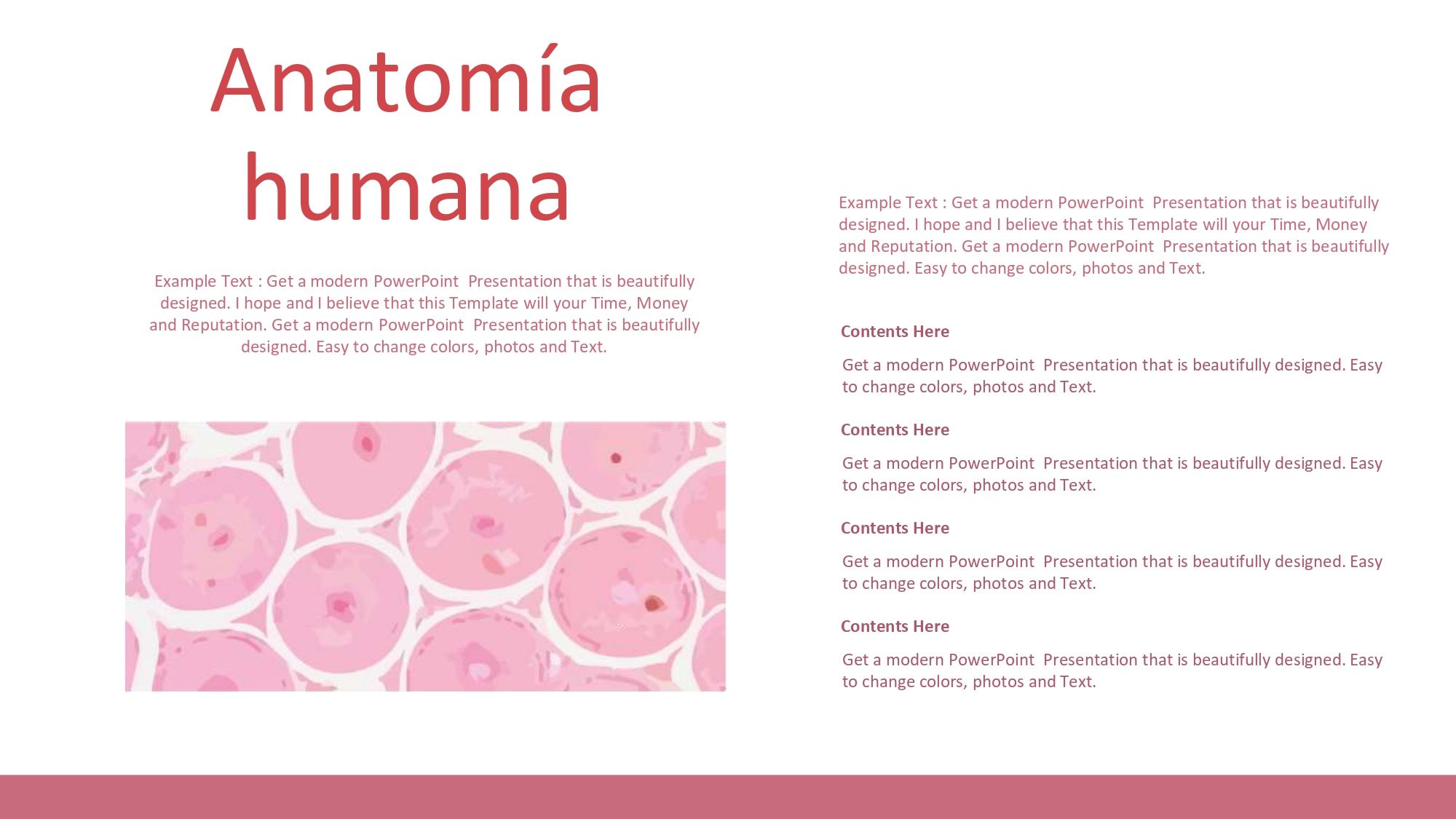
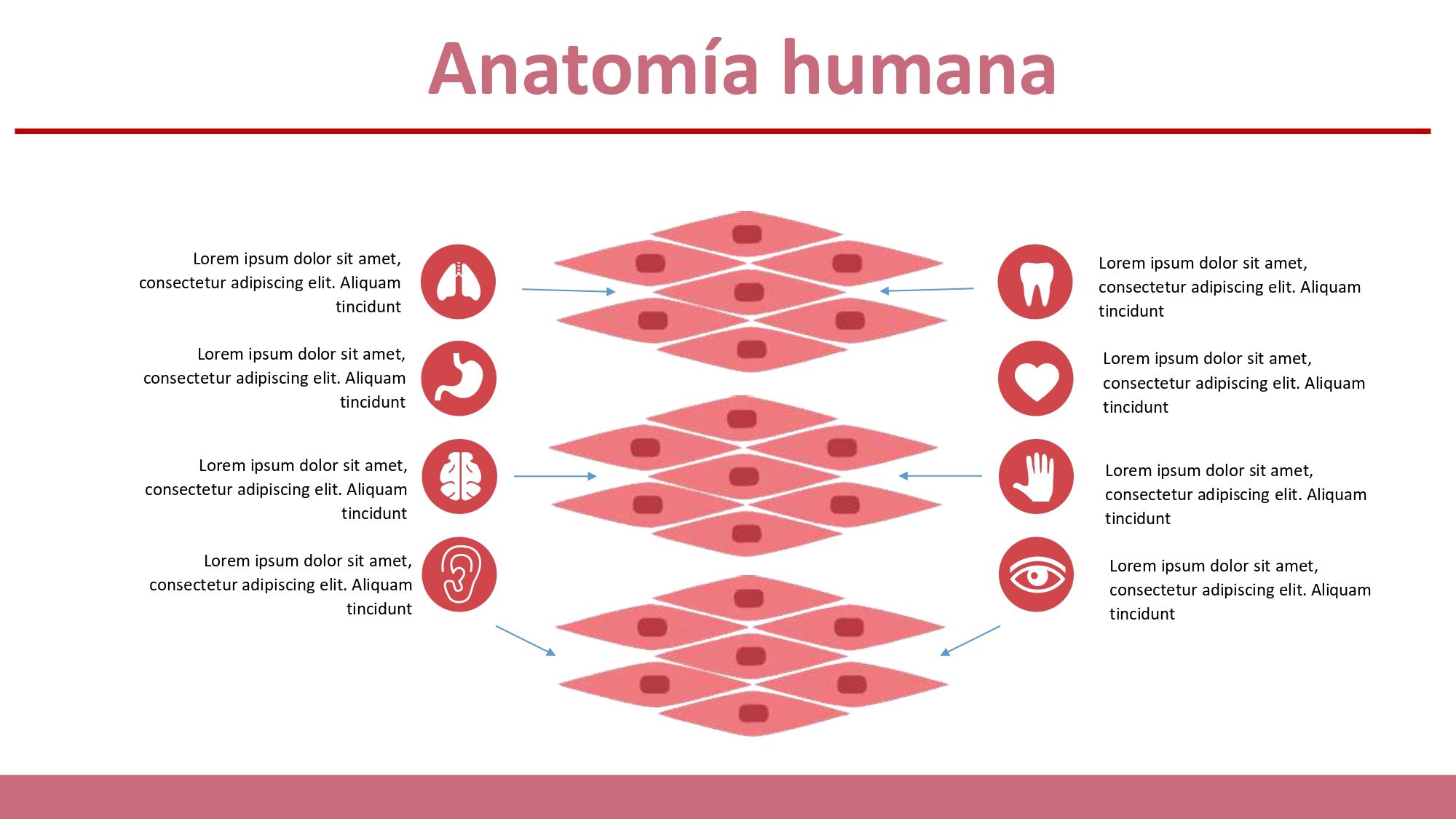
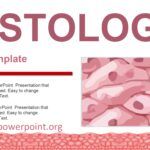
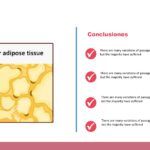
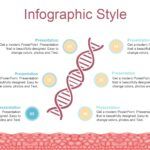
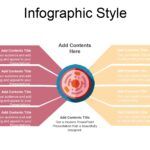
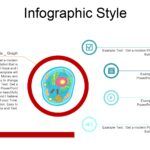
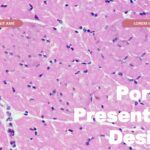
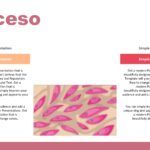
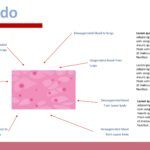
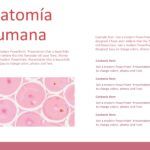
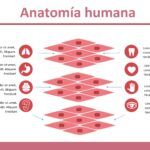
After reviewing various options, I found a presentation that stood out because it had exactly 40 slides and included many visual elements, such as charts, vectors, diagrams, and animations. This detail completely changes how a medical presentation is perceived by students, professors, or even healthcare professionals.
Currently, a good histology PPT template should combine:
- 🧪 Modern academic design
- 📊 Scientific visual elements
- 🧫 Anatomical diagrams
- 💻 PowerPoint Compatibility
- ✏️ Easy-to-edit slides
- 🎨 Professional graphic resources
- 📚 Clean and organized structure
Histology is a highly visual discipline. Therefore, slides must not only look good, but also facilitate the understanding of tissues, cells, microscopic structures, and complex biological processes.
🧠 Features that a histology template in PowerPoint should have
Professional scientific design
A medical presentation needs to convey visual authority. In my experience, the best designs use:
- 🩺 Clinical color palettes
- 🤍 Clean funds
- 📐 Organized visual spaces
- 🔠 Modern typography
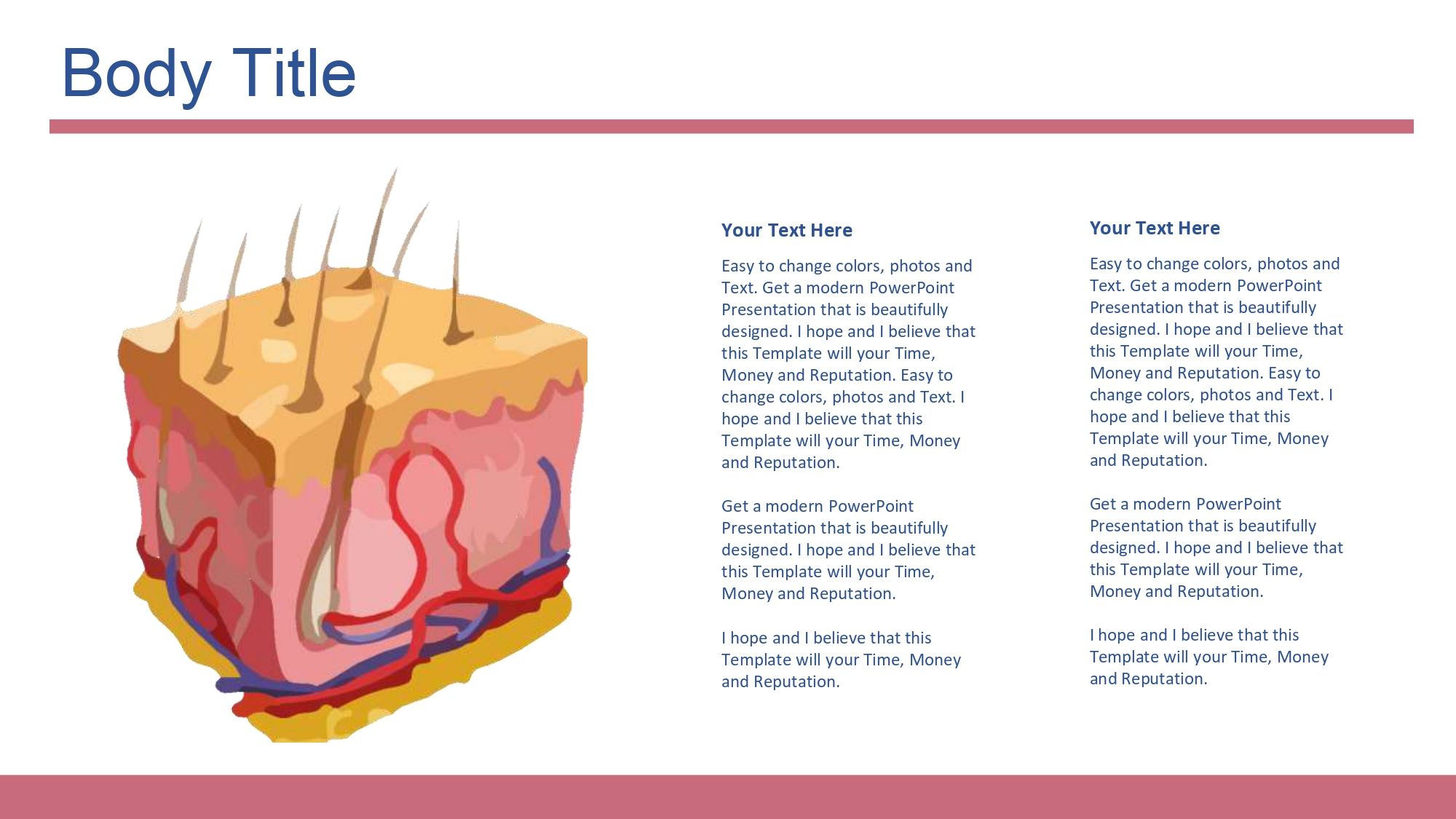
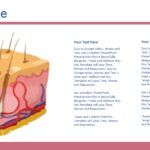
- 🧬 Clear anatomical diagrams
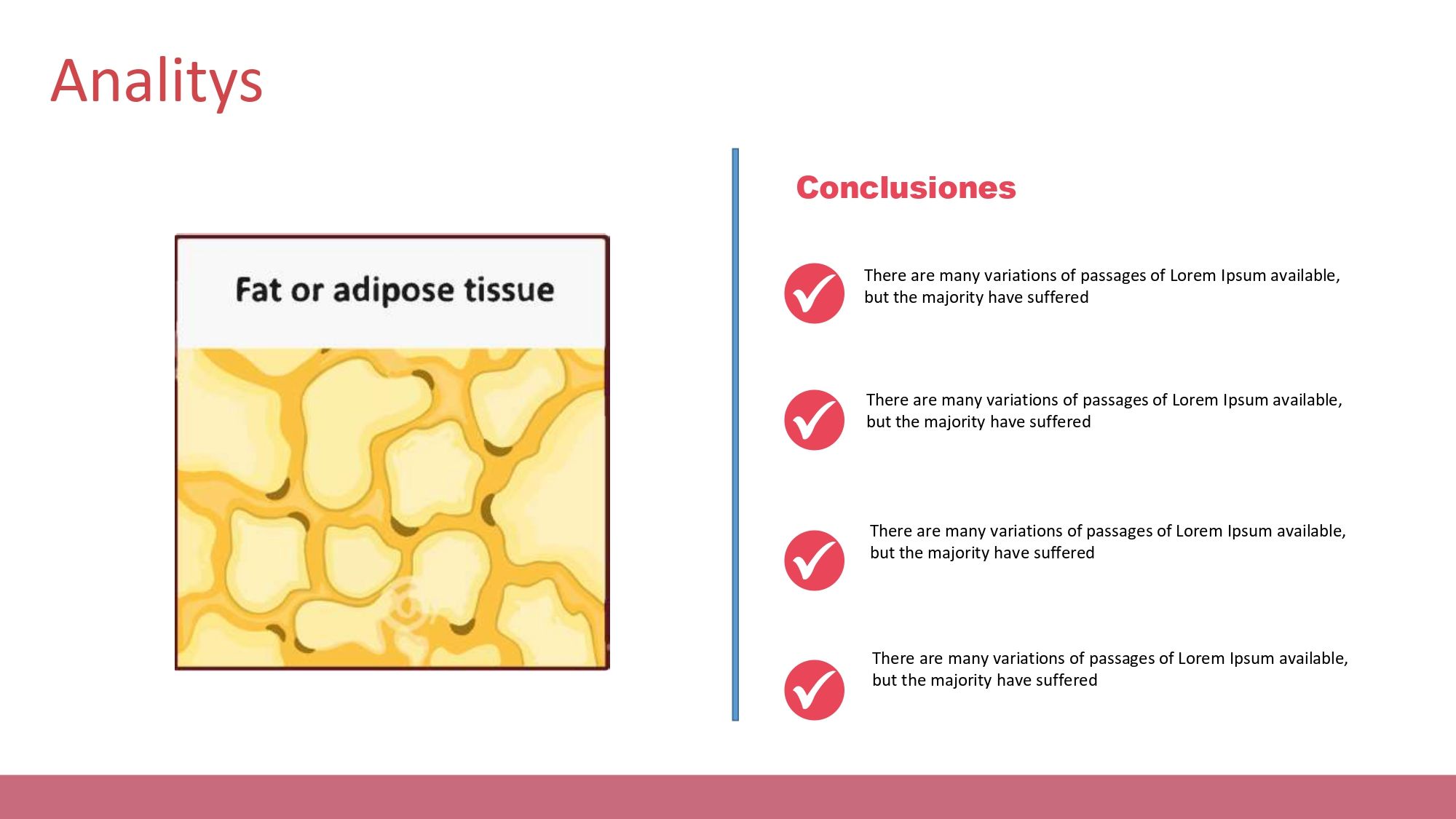
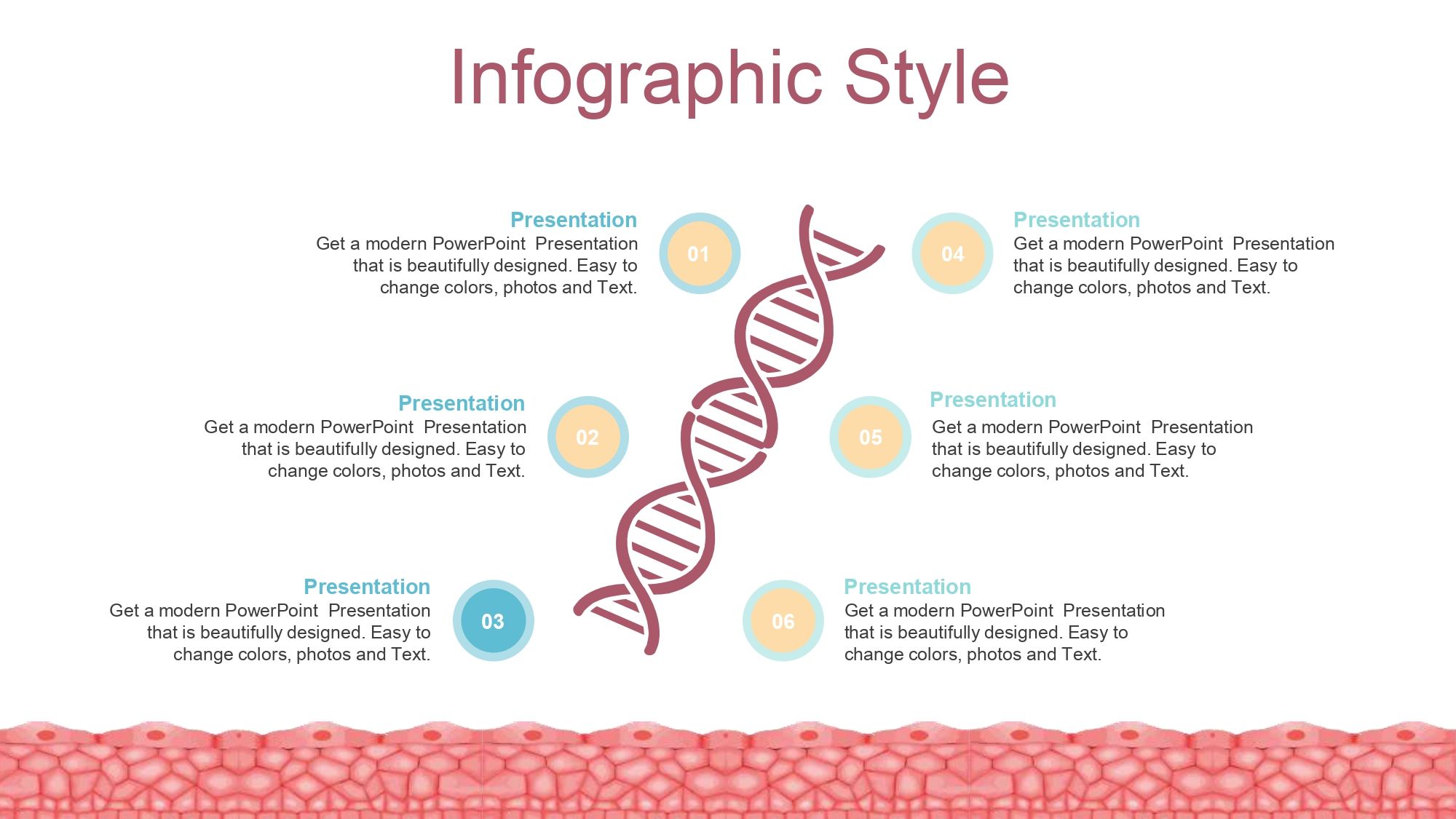
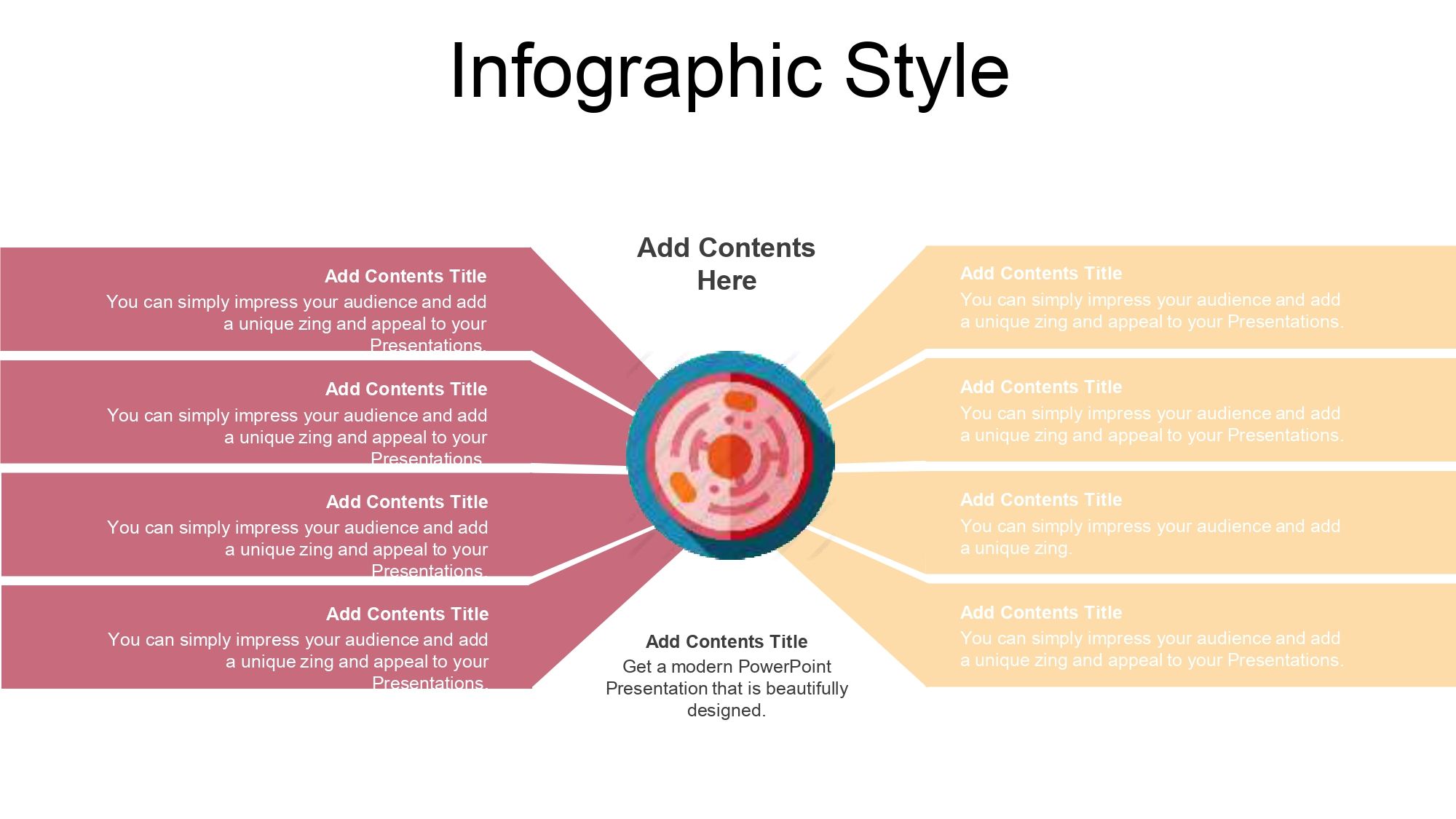
Something that really caught my attention was that his slides are exactly 40 and they include many visual elements, some of which are graphics, vectors, diagrams, animations, and others, which helps a lot when trying to capture attention during long presentations.
Smooth animations and well-distributed visual resources help prevent an academic presentation from becoming heavy or monotonous.
📈 Medical diagrams and charts
A modern histology PowerPoint template needs to include:
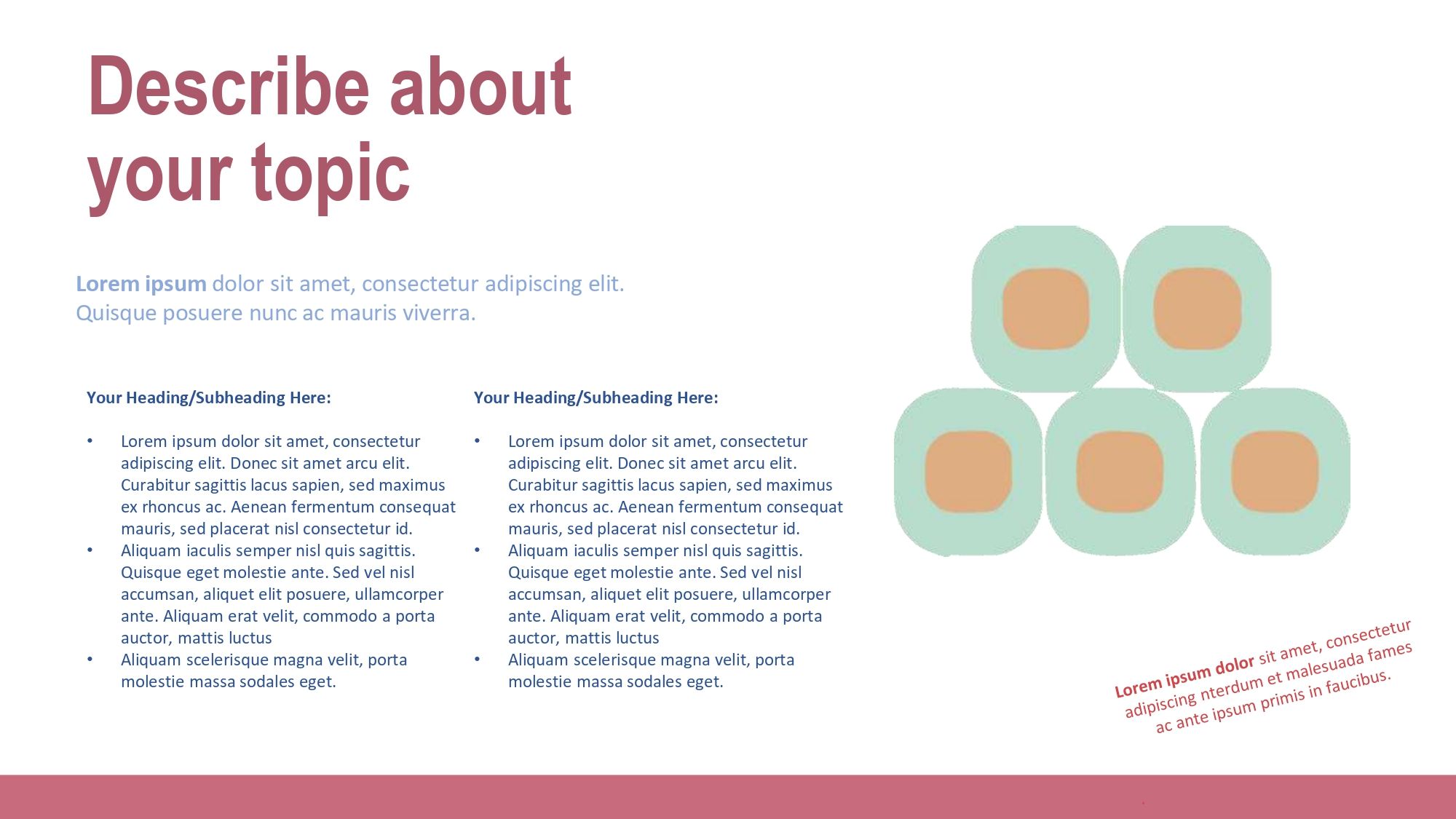
- 🧫 Cell diagrams
- 🦠 Fabric illustrations
- 🧩 Anatomical vectors
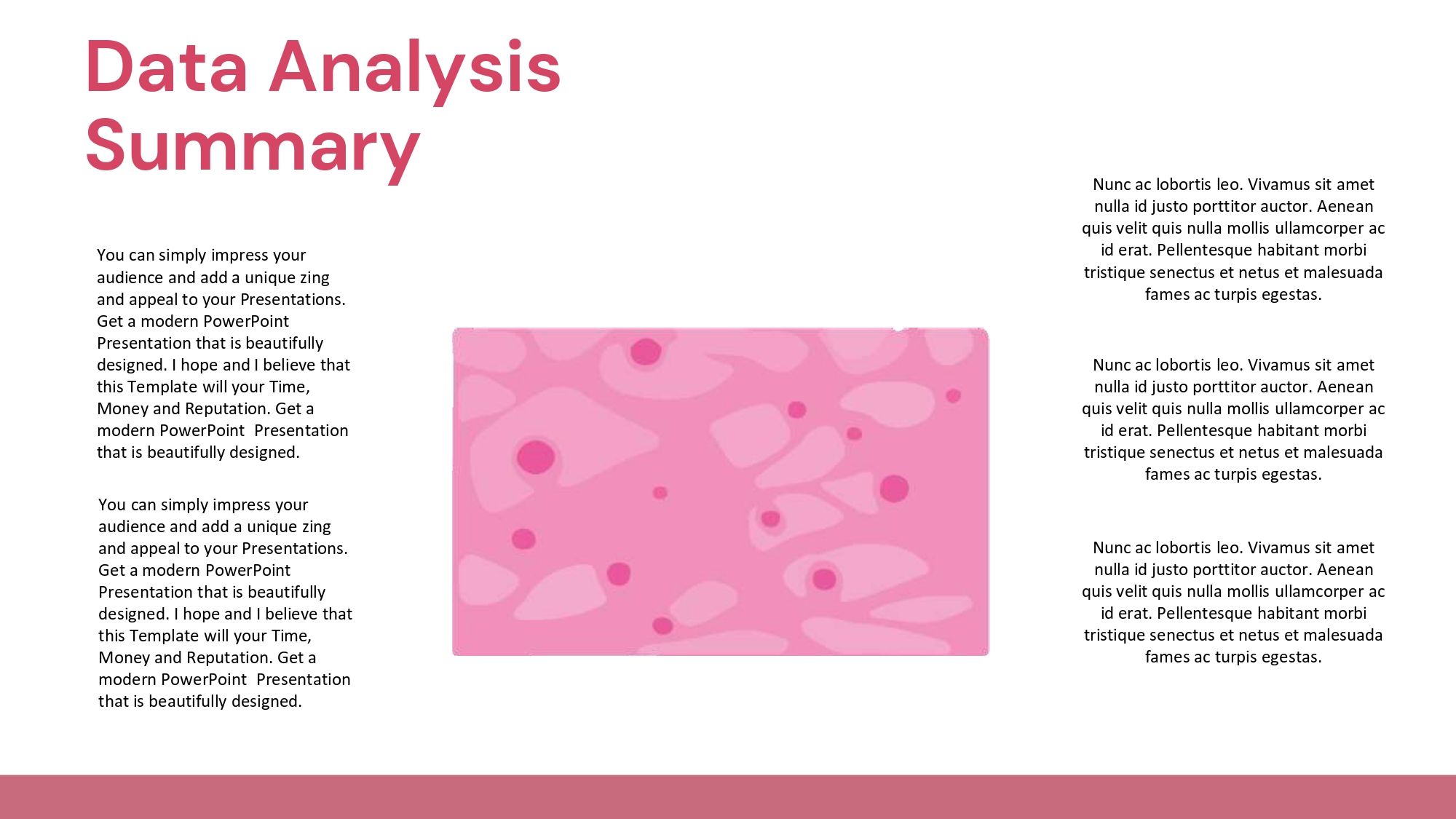
- 🔍 Microscopic structures
- 🏥 Biomedical resources
Graphics are especially important when explaining:
- epithelial tissue
- connective tissue
- muscle tissue
- nervous tissue
- specialized cells
The use of visual diagrams greatly facilitates learning, especially in university contexts or medical presentations.
✨ Animations and visual dynamism
Many academic presentations fail because they are completely static. However, an effective histology presentation needs to maintain the audience's attention.
That's why I think it's important that your slides are exactly 40 and include many visual elements, some of which are graphics, vectors, diagrams, animations, and others, since that visual dynamism significantly improves the presentation experience.
Animations help to:
- 🎬 Explain biological processes
- 🔬 Show microscopic structures
- 📍 Reveal information step by step
- 🧠 Improve visual comprehension
- 🚀 Generate greater academic impact
⚕️ Advantages of using an editable medical template
⏳ Huge time savings
Designing 40 slides from scratch can take days. A professional template already comes organized with:
- 📑 visual structure
- 📌 Content hierarchy
- 🎨 consistent design
- 🧪 Prepared medical supplies
This allows you to focus directly on the academic content.
🌟 Improved professional appearance
In university or scientific presentations, aesthetics matter much more than many people realize.
A modern template conveys:
- 👨⚕️ preparation
- 💼 professionalism
- 📚 organization
- 🧠 mastery of the subject
- ✅ credibility
Furthermore, when slides include well-designed graphics, vectors, and diagrams, the content is more easily understood.
🚀 How to use a histology template to stand out at exhibitions
🛠️ Adapt the content to each topic
The advantage of editable templates is that you can customize them:
- 🎨 colors
- 🖼️ images
- 🔠 Titles
- 📊 graphics
- 🧬 diagrams
- 📋 tables
- 🧩 Medical icons
This allows you to use the same presentation for multiple topics related to:
- human histology
- cell biology
- medicine
- anatomy
- physiology
- microbiology
🎯 Maintain visual consistency
One of the most common mistakes in medical exhibitions is mixing too many visual styles.
The best templates maintain:
- 🔠 same font
- 🎨 same graphic style
- 🩺 same colors
- 📐 Uniform design
- 🧩 coherent iconography
That makes the whole presentation look much more professional.
📚 What are medical students and professionals currently looking for?
Today, most users are looking for a histology PowerPoint template that is:
- ✏️ editable
- 🌟 modern
- 👀 visual
- 💼 professional
- 🎓 Academic
- 💻 compatible with PowerPoint
- ⚡ Easy to customize
There's also a strong preference for designs that incorporate advanced visual resources. That's why I found it especially useful that their slides are exactly 40 and include many visual elements, such as charts, vectors, diagrams, and animations, among others, because this allows for much more dynamic and less boring presentations.
🧪 Visual elements that make a histology presentation stand out
🧩 Scientific Vectors
Medical vectors help maintain visual quality regardless of screen size.
Besides:
- They look more professional.
- facilitate understanding
- They improve academic aesthetics.
🫀 Anatomical diagrams
Diagrams allow us to represent:
- tissues
- organs
- cells
- microscopic structures
- biological processes
This is key in medical and biomedical careers.
📊 Educational graphics
The charts make it easier:
- compare structures
- summarize information
- Show statistics
- visualize processes
A good educational template should always integrate these elements.
💡 Tips for choosing the best histology PowerPoint template
Before downloading any presentation, I recommend verifying:
📑 Number of slides
The more resources it includes, the better its adaptability will be.
🎨 Visual quality
It must include:
- 📊 graphics
- 🧬 diagrams
- 🧩 vectors
- 🏥 Medical icons
- 🔬 anatomical resources
💻 Compatibility
It is important that it works correctly in:
- PowerPoint
- Google Slides
- Keynote
✏️ Ease of editing
The best templates allow you to change:
- 🎨 colors
- 🖼️ images
- 🔠 texts
- 🧬 diagrams
- 📑 funds