


















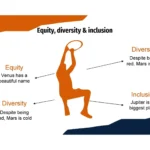



I've always believed that a good presentation can make all the difference between capturing your audience's attention and going unnoticed. That's why, when I tried the Ball of Basketball PowerPoint Template, I knew it wasn't just another template. Its dynamism, vibrant colors, and professional structure make it an essential tool for any sports fan or presenter looking for visual impact.
The best part is that this PowerPoint plugin is completely free, so you'll have access to top-tier tools like its charts and timelines. And believe me, that makes all the difference when it comes to delivering impactful presentations.
Why choose a Ball of Basketball PowerPoint template?
Basketball is a sport full of rhythm, strategy, and movement. Translating that energy into a presentation requires a design that combines professionalism with excitement. A Ball of Basketball PowerPoint template offers just that: vibrant colors, bold typography, and compositions that reflect the dynamism of the court.
When I first used it, I was impressed by how easy it was to customize and adapt each slide to my needs. Furthermore, this PowerPoint plugin is completely free, giving me access to premium-quality tools at no cost.
Key features
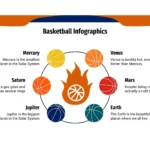
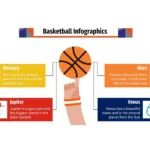
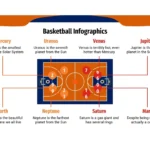
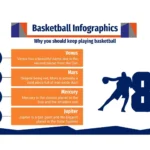
- Authentic sporty design: with orange, black and white colors, inspired by the basketball.
- More than 30 editable slides, adaptable to any purpose: reports, classes or motivational talks.
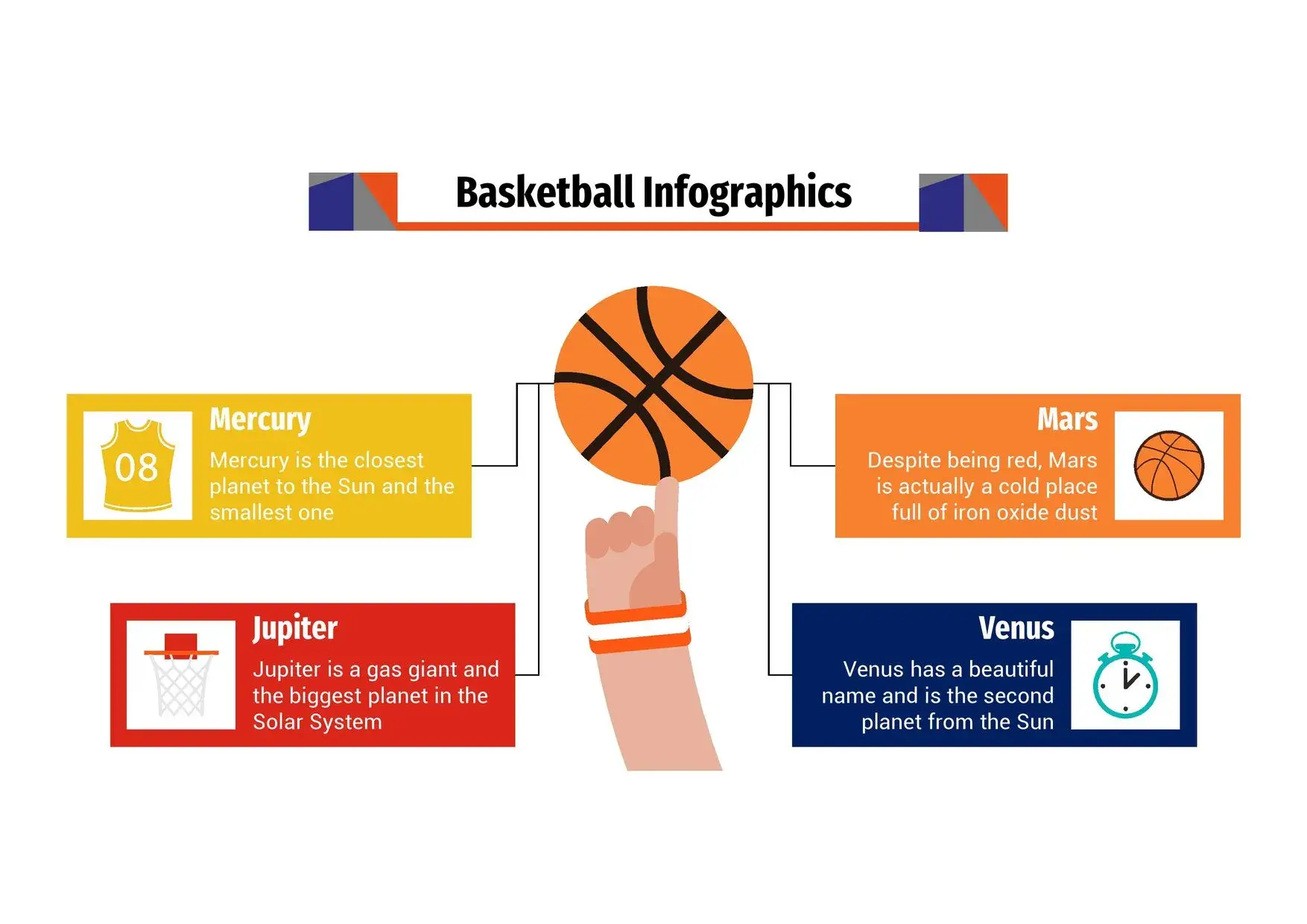
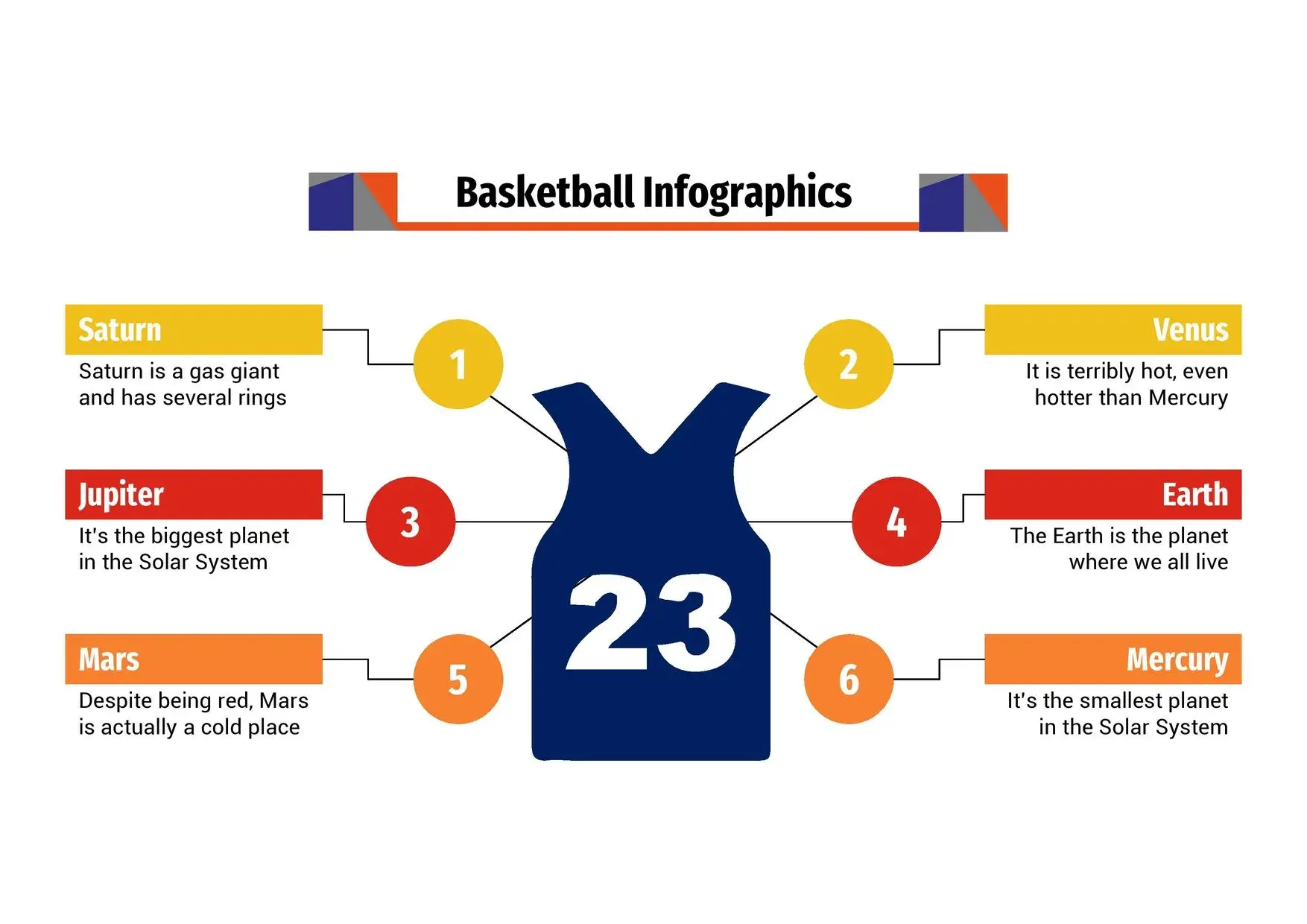
- Professional charts and timelines, perfect for displaying statistics, timelines, or plays.
- Compatible with PowerPoint, Google Slides and Canva.
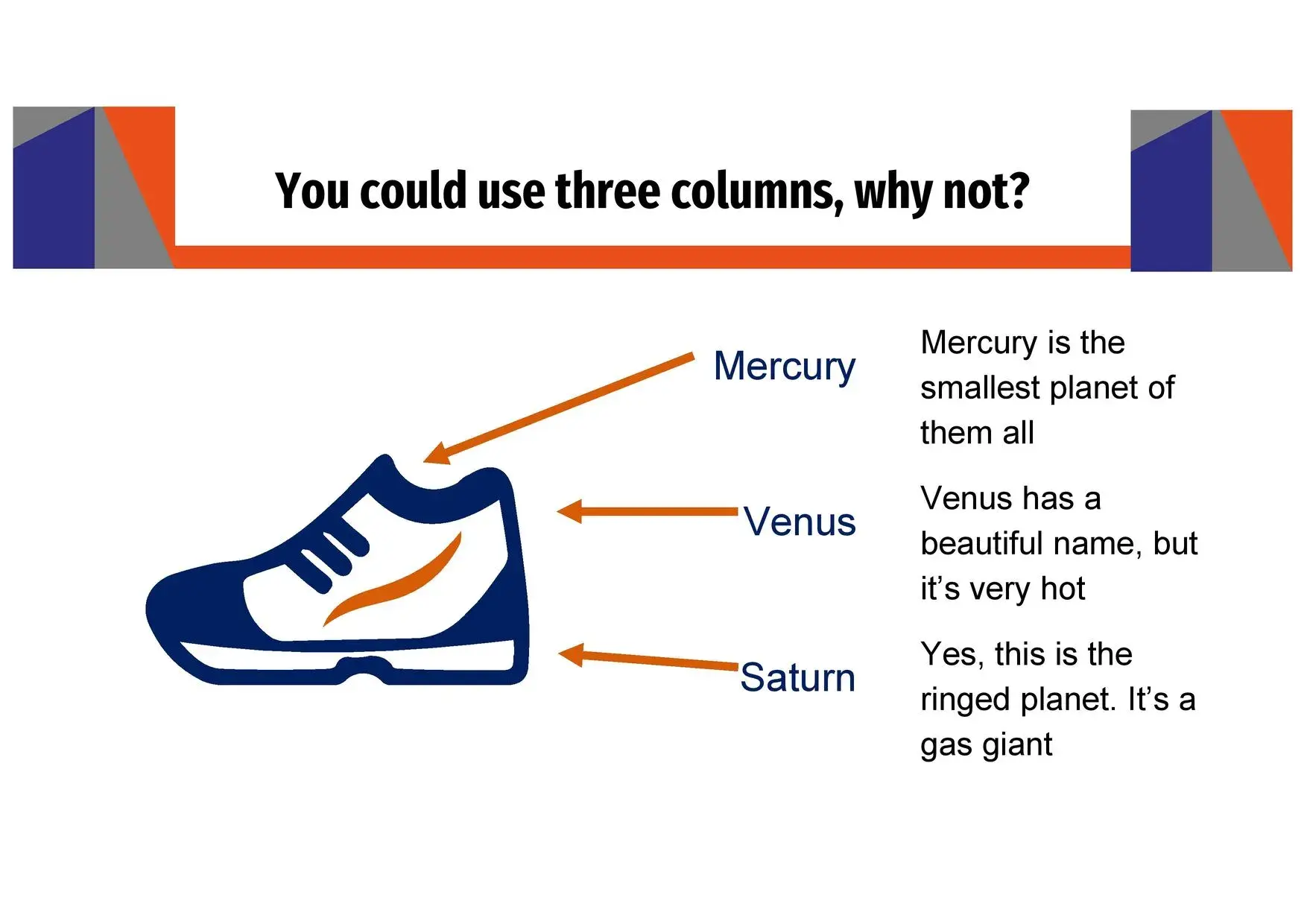
- Sports icons and vectors included to fully customize your display.
During my experience, the charts were what impressed me most: the animated bars and lines allow you to display performance, percentages, or results in a very visual way. I'm not exaggerating when I say that you'll have top-tier tools like its charts and timelines, something that elevates the standard of any presentation.
How to get the most out of this template
- Start strong: Use a cover slide that combines a court image and a powerful title.
- Tell a story: Structure your presentation as if it were a game: introduction (first quarter), development (second and third quarters) and inspiring conclusion (last quarter).
- Leverage the graphics: Visual statistics make technical information more understandable.
- Add movement: Use the pre-designed animations to add fluidity and rhythm to your presentation.
- Maintain visual consistency: avoid mixing colors outside the base palette (orange, black, white).
In my academic and sports projects, this structure allowed me to connect with the audience without overloading the slides. Furthermore, this PowerPoint add-on is completely free, making it easy for students, coaches, and teachers to use.
Benefits of using a professional sports insole
- Time saving: you don't need to design from scratch.
- Immediate visual impact: The colors and compositions convey energy.
- Versatility: works for topics ranging from training and basketball history to sports marketing.
- Guaranteed professionalism: thanks to its advanced graphics and timelines.
If you've ever tried to create a presentation from scratch, you know how difficult it is to strike a balance between aesthetics and clarity. This template achieves that with ease. And what's more, you'll have access to superior tools like its charts and timelines, which strengthen the narrative and keep the audience engaged.
Ideal for…
- Physical education teachers.
- Coaches or sports analysts.
- Students preparing presentations about basketball.
- Organizers of events or sports clubs.
- Sports marketing professionals.
I've seen how even those who aren't proficient in PowerPoint achieve professional results with this template. Its ease of editing and consistent design make it perfect for all skill levels.




