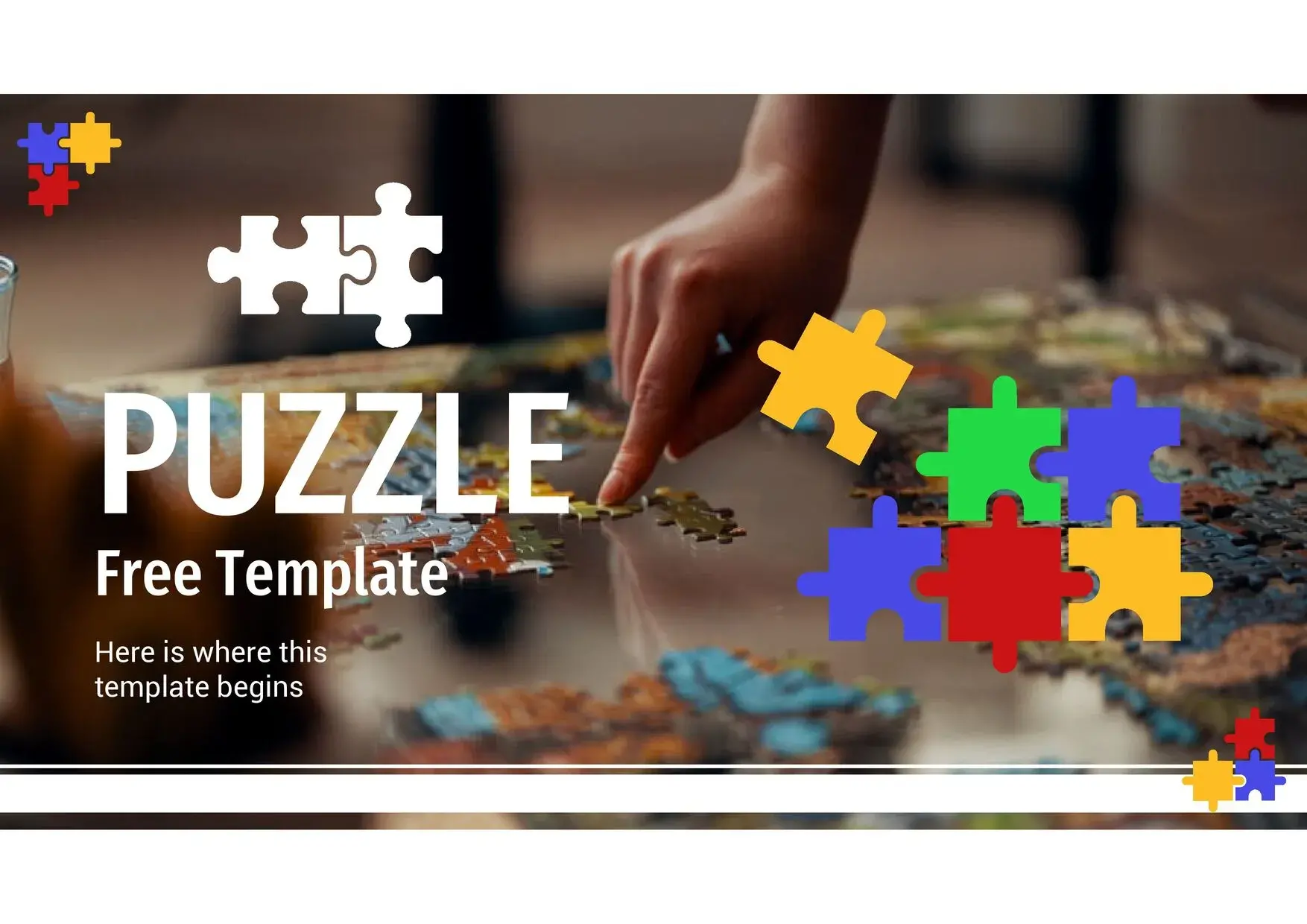
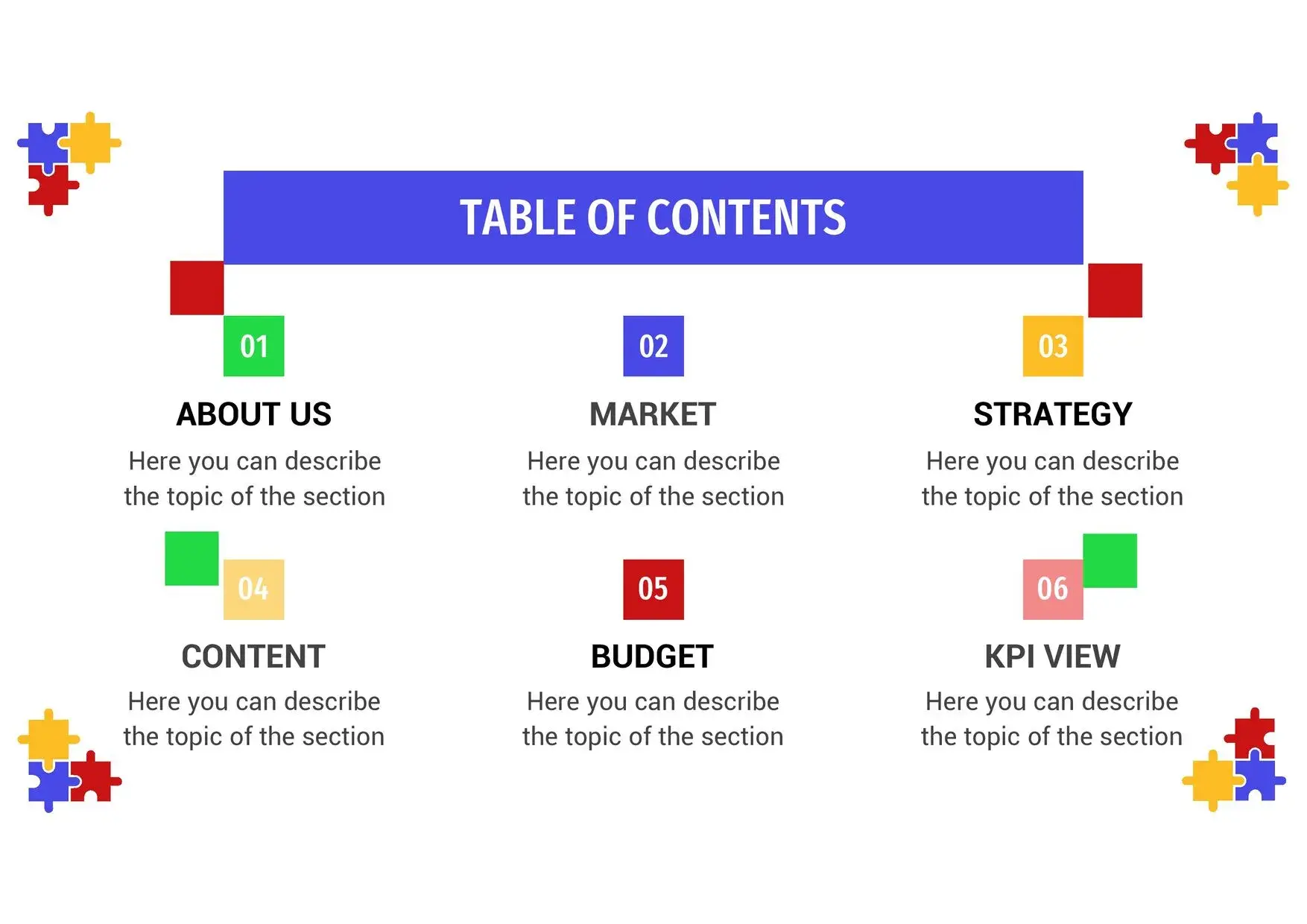

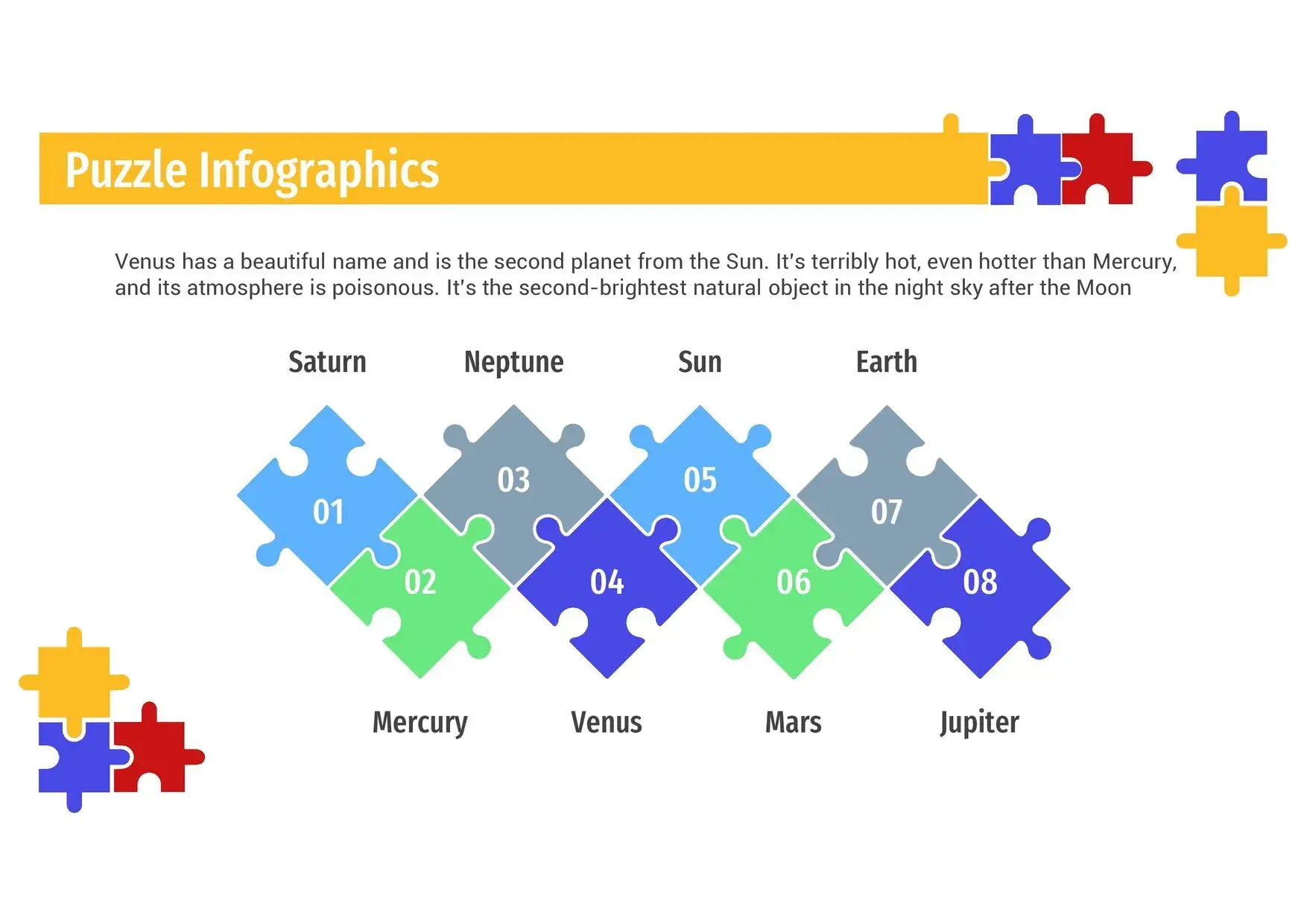
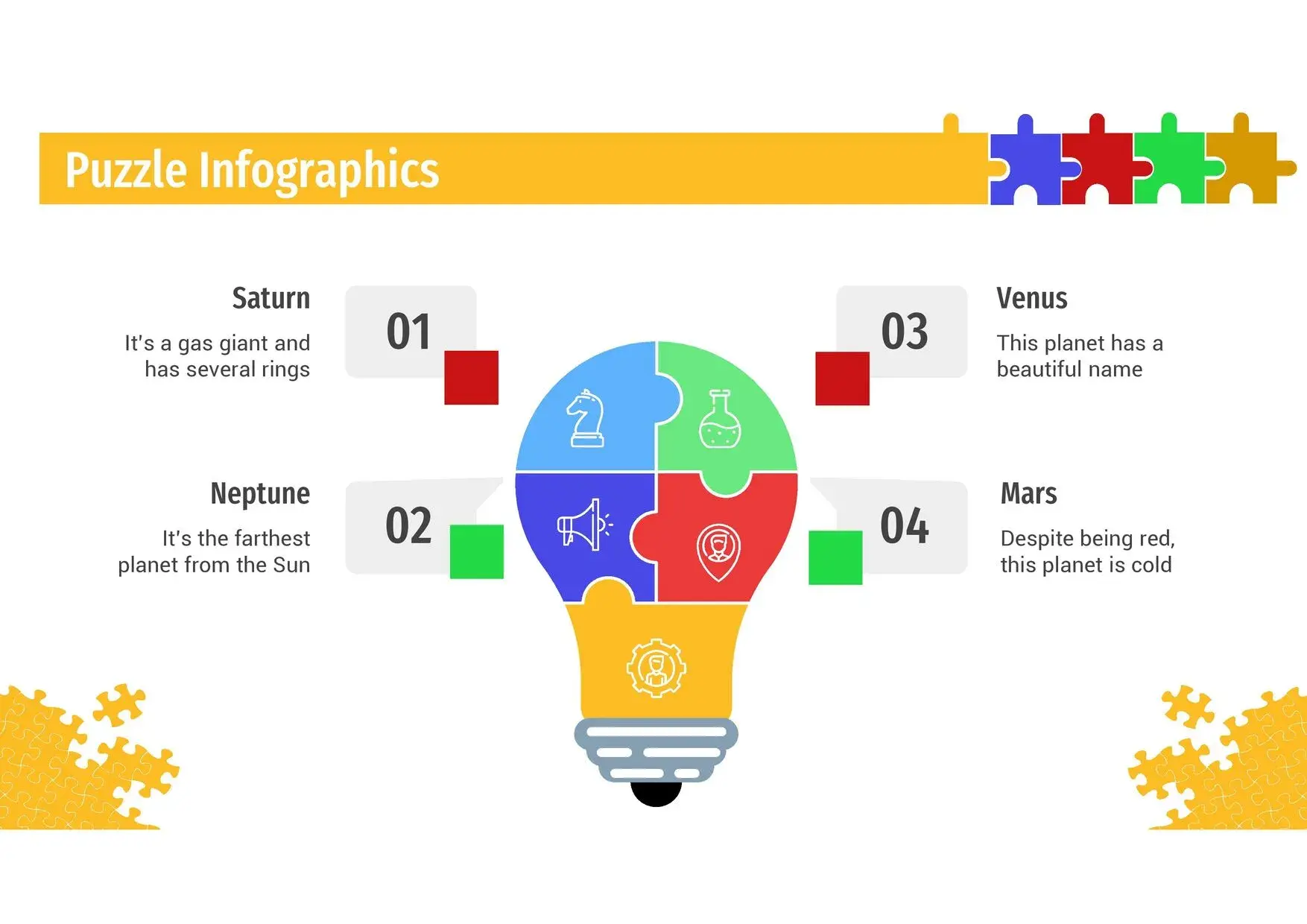
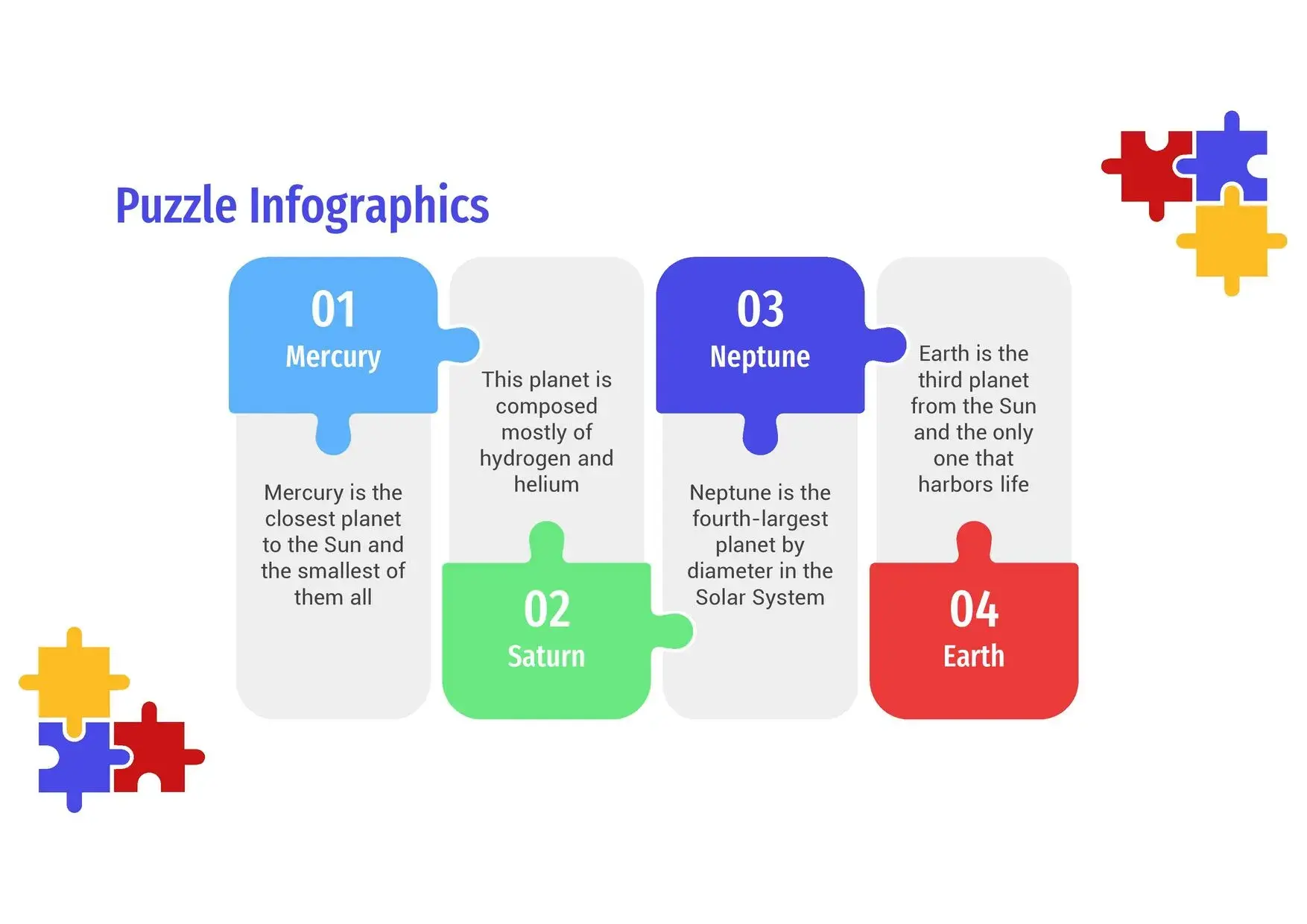
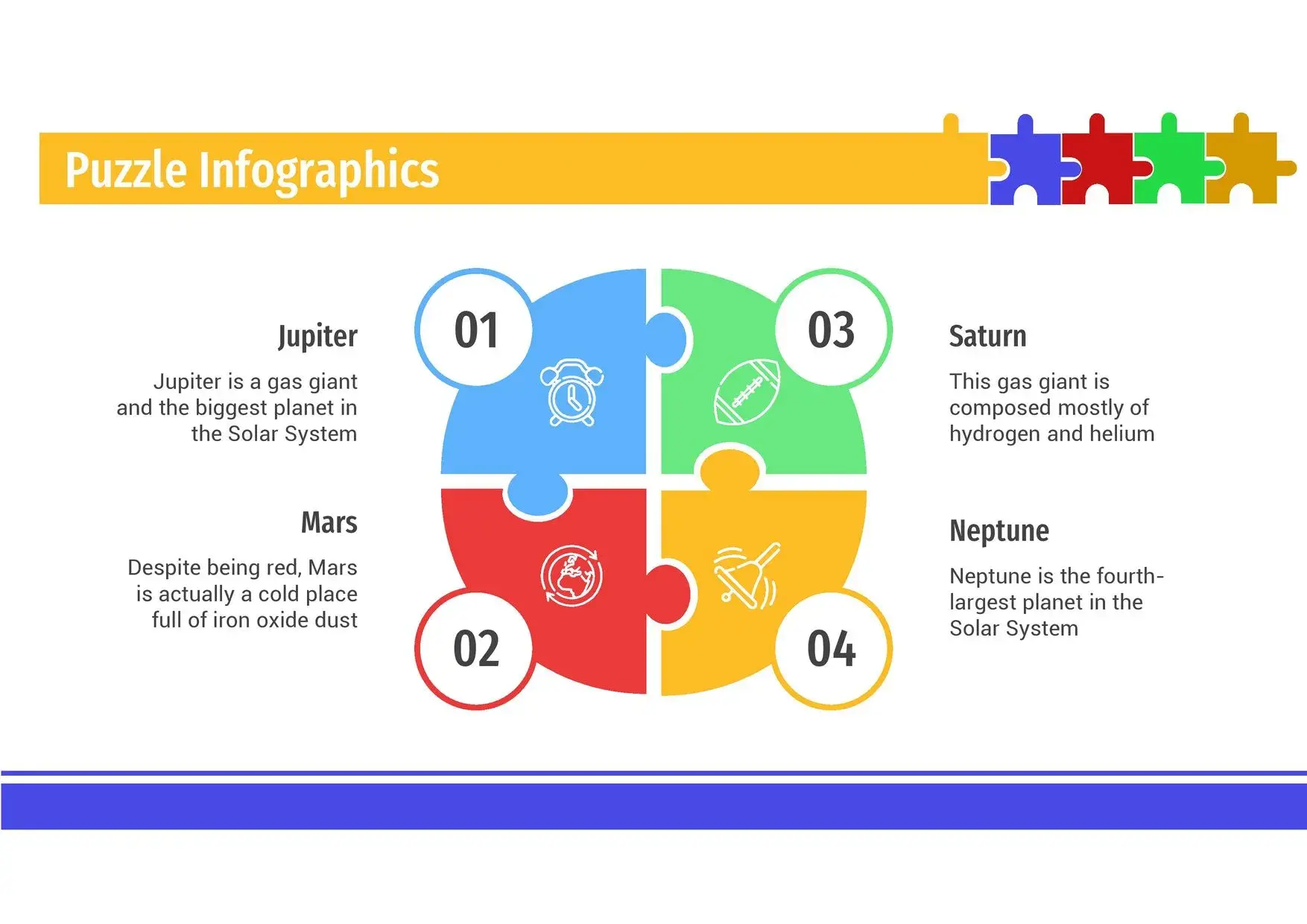
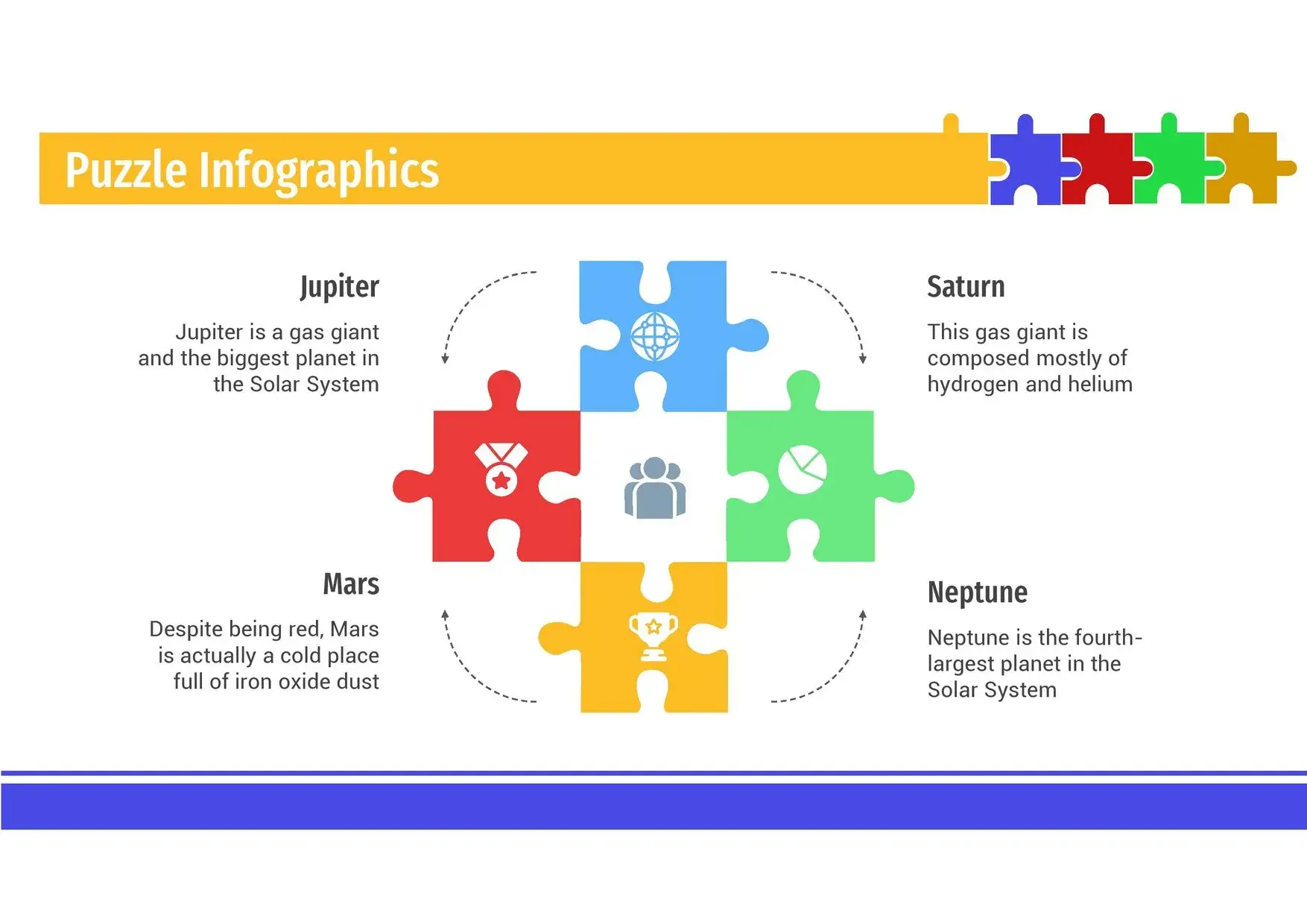
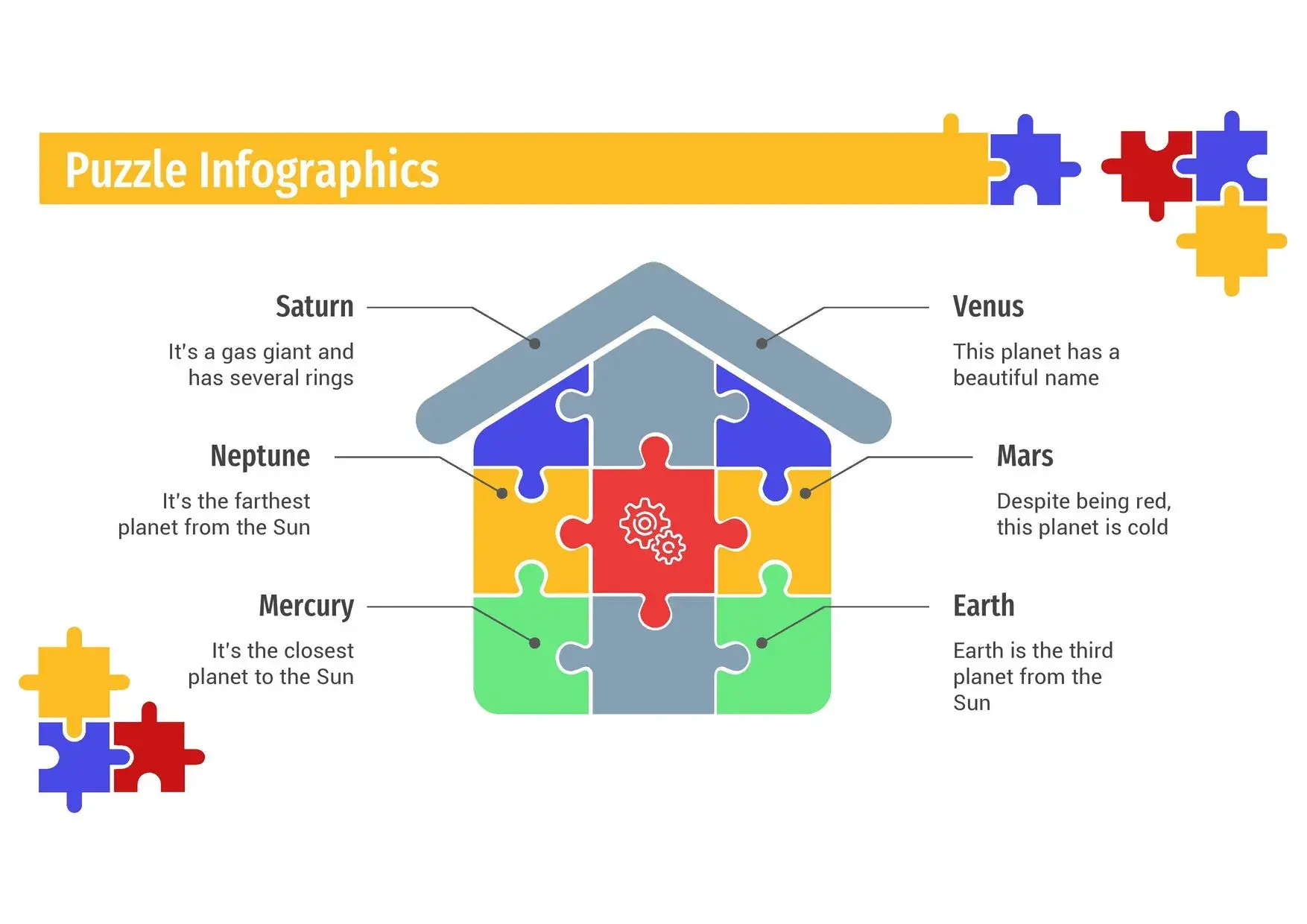
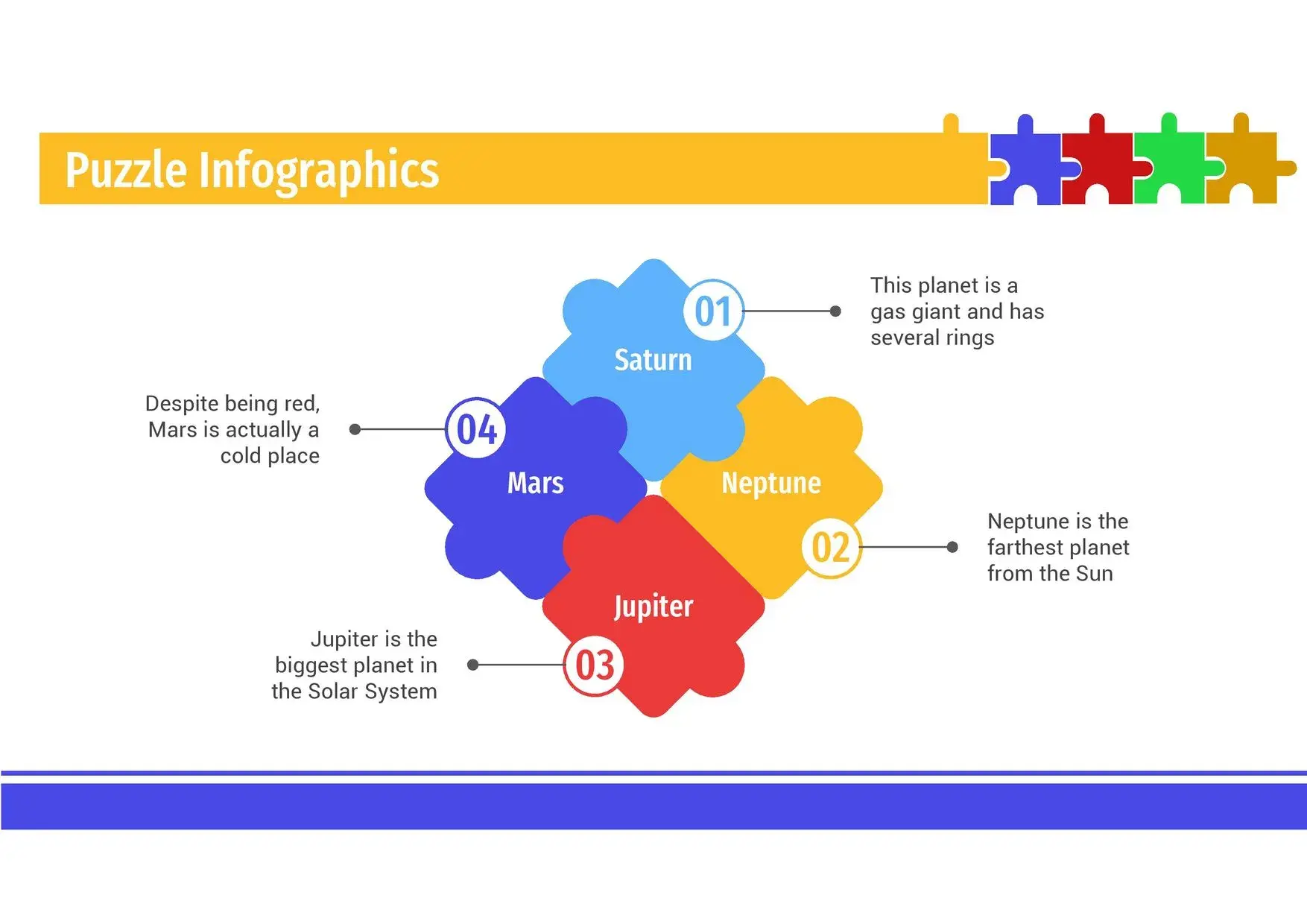




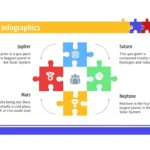

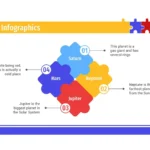
When I need to explain complex concepts, interrelated processes, or ideas that fit together as parts of a whole, I always turn to a Puzzle-style PowerPoint Template. This type of design allows me to visually represent how each element makes sense within a larger structure. Furthermore, something I greatly appreciate is that this puzzle template can be used in your preferred program, but you can also create your presentation online via Canva, giving me complete freedom to work from any environment.
🧠 What is a Puzzle Style PowerPoint Template?
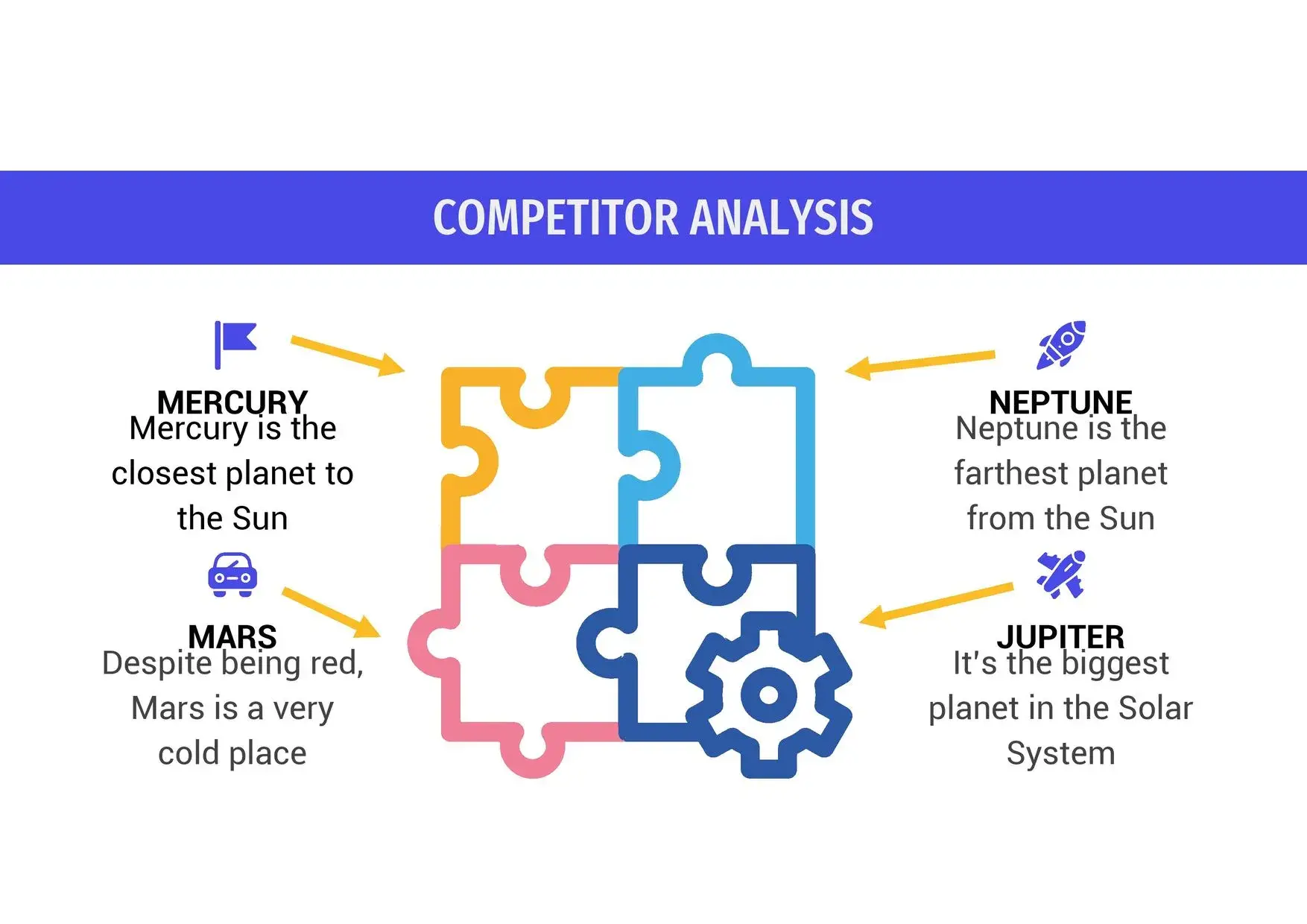
A puzzle-style template is a slide design based on visual pieces that connect to each other. Each piece represents a key idea, concept, phase, or element within a process. This format is ideal when you are looking to:
- explain relationships between ideas
- show step-by-step processes
- represent teams, strategies or structures
- visualize logical connections
In my experience, this type of template stands out especially because this puzzle template can be used in your preferred program, but you can also make your presentation online via Canva, which makes it extremely practical.
🎯 Why use a puzzle-type template?
✔ Immediate visual clarity
The pieces help to understand how everything fits together.
✔ Excellent for storytelling
Each slide builds a visual story.
✔ Ideal for multiple contexts
It works equally well in education, business, or creative projects.
✔ Intuitive design
You don't need advanced design skills.
And everything becomes even more convenient when I remember that this puzzle template can be used in your preferred program, but you can also make your presentation online via Canva, which eliminates technical barriers.
🧩 Key features of a good Puzzle PPT Template
A well-designed template typically includes:
- editable puzzle pieces
- striking but balanced colors
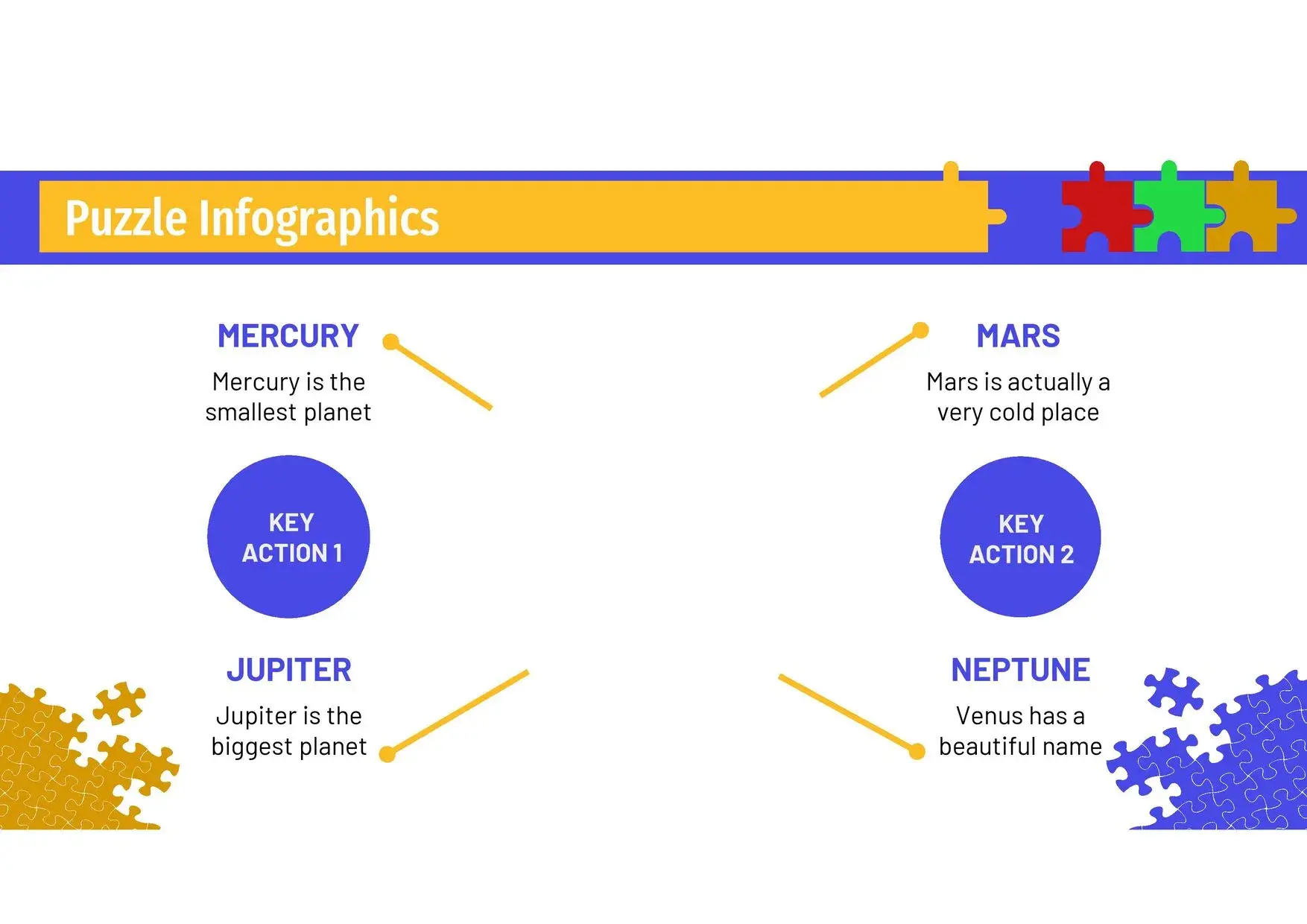
- graphics and visual diagrams
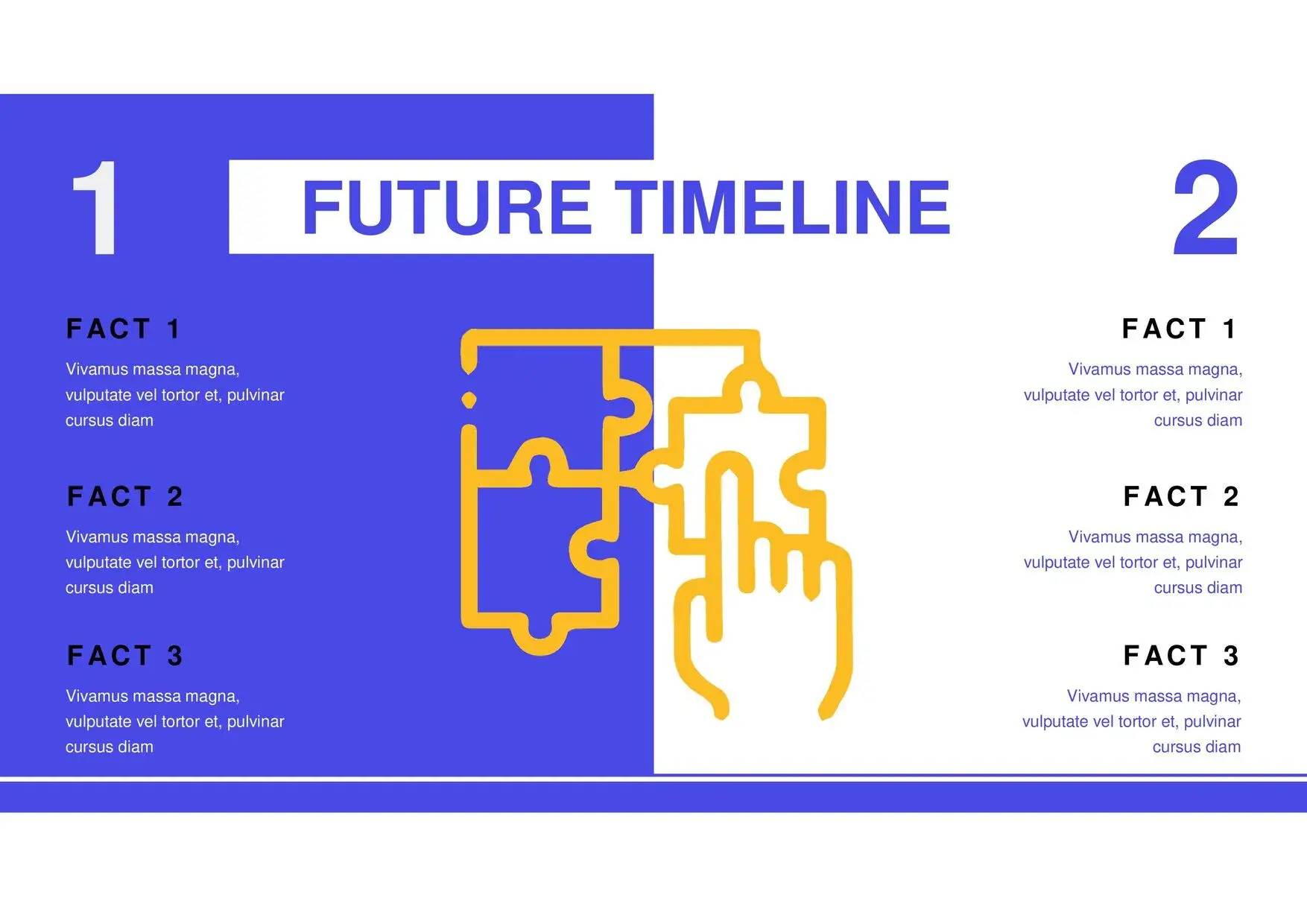
- timelines
- tables and diagrams
- customizable icons
- modular structure
I've tried several templates of this style, and few offer as much flexibility as those where this puzzle template can be used in your preferred program, but you can also make your presentation online via Canva, which greatly facilitates collaborative work.
🏫 Most common uses of a Puzzle-style PowerPoint Template
🎓 Education
- explanations in parts
- schoolwork
- group projects
- learning processes
🏢 Companies
- corporate strategies
- business plans
- workflows
- problem analysis
🎨 Creativity
- brainstorming
- visual storytelling
- dynamic presentations
📊 Consulting and analysis
- diagnoses
- concept maps
- solution models
In all these cases, I'm very grateful that this puzzle template can be used in your preferred program, but you can also make your presentation online via Canva, because it doesn't limit the way you work.
✏️ How to customize a Puzzle Template in PowerPoint
1. Define what each piece represents
A key idea, step, or concept.
2. Adjust colors and text
Adapt the color palette to the message.
3. Use icons within each piece
It reinforces the visual meaning.
4. Integrate charts or timelines
Perfect for long processes.
5. Work from wherever you prefer
Personally, I really appreciate that this puzzle template can be used in your preferred program, but you can also create your presentation online via Canva, which allows me to edit even without PowerPoint installed.
🌐 Compatibility and ease of use
One of the great strengths of this template is its compatibility:
- PowerPoint
- Google Slides
- Canva (online edition)
This makes it a modern, accessible solution designed for remote teams or users who prefer to work in the cloud. Again, it makes sense that this puzzle template can be used in your preferred program, but you can also create your presentation online via Canva, something that is becoming increasingly popular.