



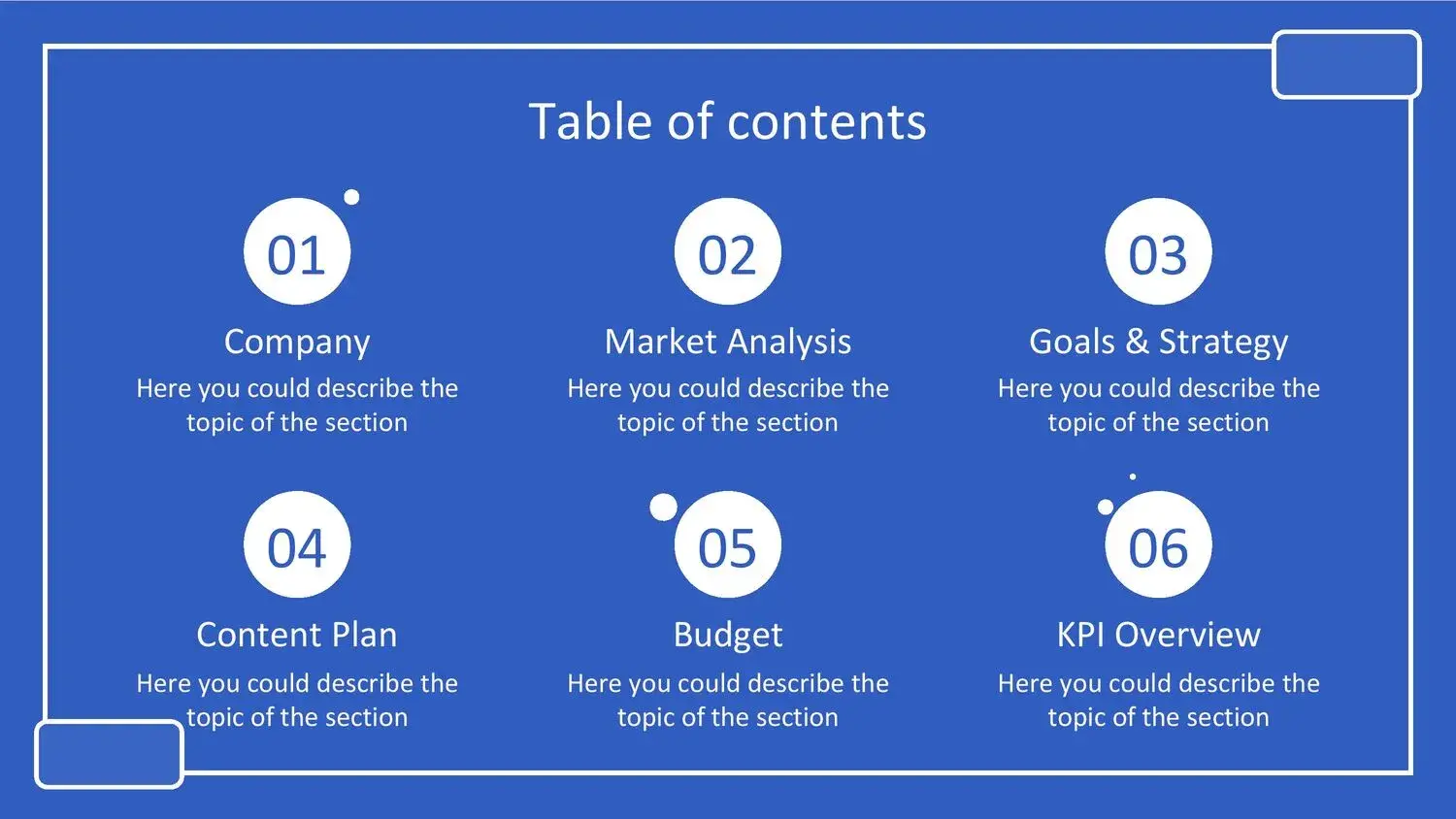




When it comes to creating a professional presentation, choosing a formal blue PowerPoint template can make a big difference. These types of templates not only convey professionalism, but also elegance, confidence and visual clarity.
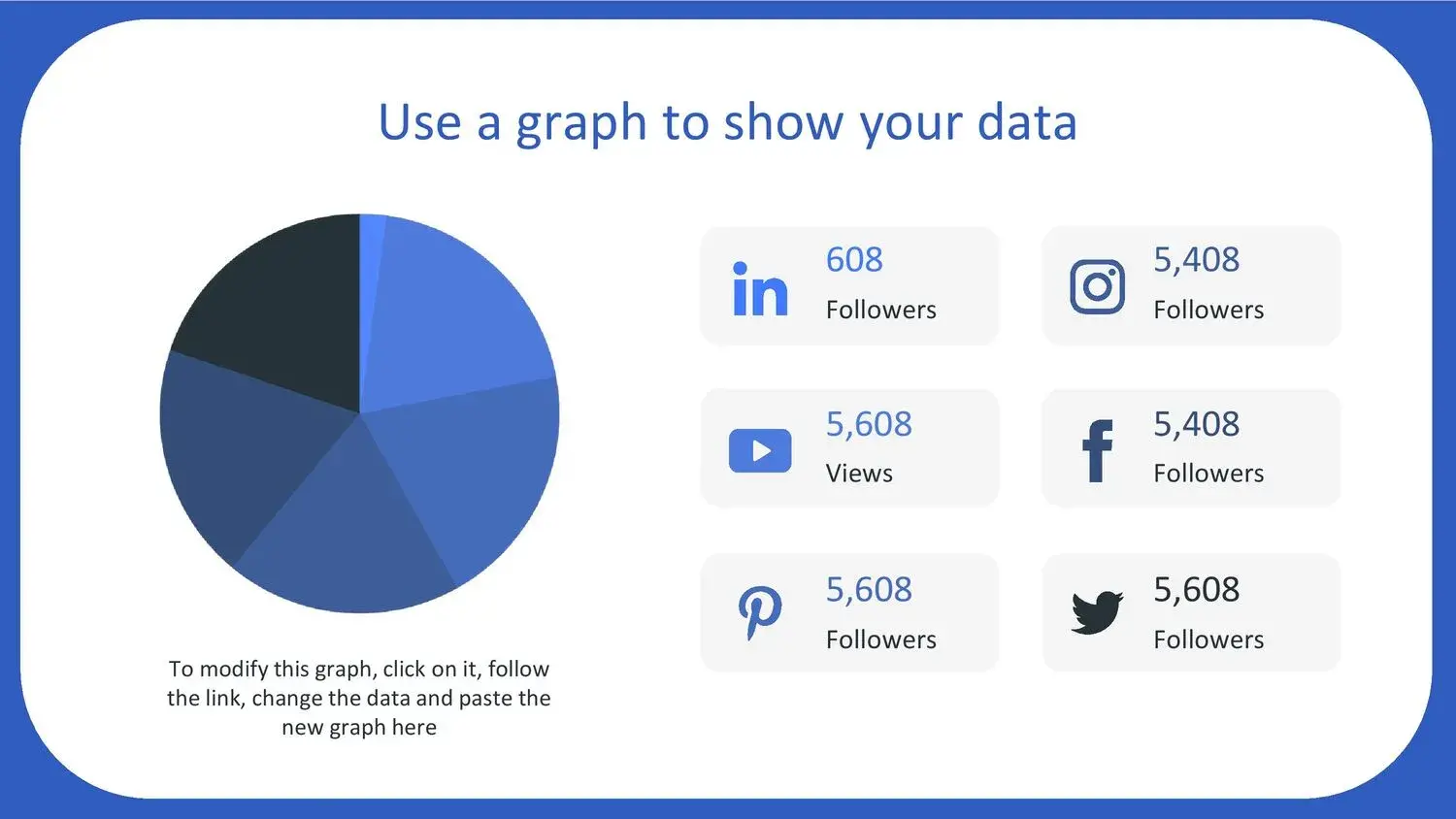
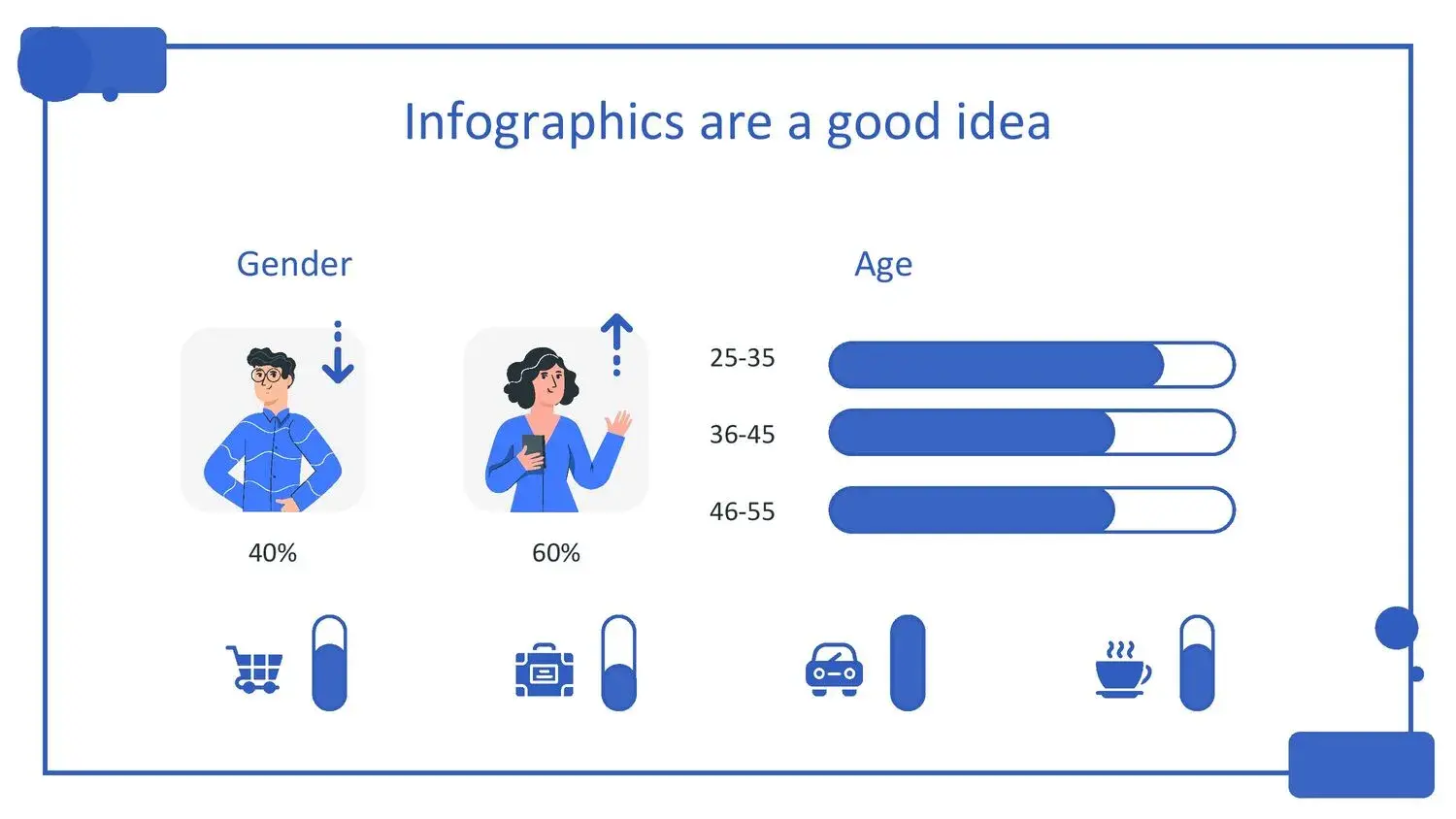
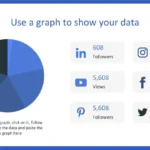
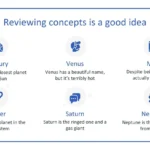
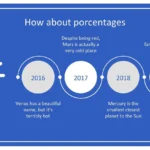
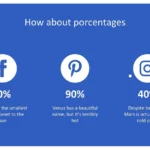
From my experience, one of the things that caught my attention was that its 32 slides come with many images, graphs, vectors and timelines, ideal for making your presentation more attractive, something that really makes work easier from the first moment.
Furthermore, these types of presentations save time and improve the visual quality of any professional or academic exhibition.
🎯 Why choose a formal blue PowerPoint template?
The color blue is widely used in professional presentations because it conveys:
- Professionalism
- Trust
- Clarity
- Elegance
- Authority
When I worked with a template of this type, I noticed that its 32 slides have many images, graphs, vectors and timelines, which allowed the information to be better structured and the presentation more attractive.
This is especially useful for:
- 📊 Business presentations
- 🎓 Academic projects
- 📈 Corporate reports
- 👔 Executive presentations
- 🧑🏫 Professional exhibitions
⭐ Features of a formal blue PowerPoint template
The best formal PowerPoint templates typically include:
🎨 Professional design
These templates are designed to convey seriousness and elegance. The combination of blue with neutral tones creates a perfect visual balance.
📑 Multiple Slides
One of the most important advantages is that its 32 slides have many images, graphs, vectors and timelines, making it easy to organize the content.
This allows:
- Present data
- Create schedules
- Show statistics
- Compare information
✏️ Editable Formal Blue PowerPoint Template
One of the biggest advantages is the ease of editing. In my case, just by downloading this ppt for free, you will have many facilities for preparing your presentations, which greatly speeds up the work.
Additionally, many of these templates allow:
- Edit colors
- Change fonts
- Modify graphics
- Customize content
This makes the template ideal for any type of professional presentation.
☁️ Compatible with Canva and other tools
Something that I found especially useful was that one of them is online editing with Canva among others, which allows you to work from anywhere.
This allows:
- 🌐 Edit online
- 👥Work as a team
- ☁️ Save to the cloud
- 📤 Export easily
This makes the presentation creation process much easier.
🚀 Advantages of using a professional blue PowerPoint template
⏱️ Time saving
You don't need to start from scratch.
💼 Immediate professional design
You get a high-quality presentation from the start.
🧰 Ease of editing
You can modify each element easily.
Furthermore, something that was very useful to me was that its 32 slides have many images, graphs, vectors and timelines, which allowed the entire presentation to be better structured.
👨💻 Who is this template ideal for?
This template is ideal for:
- 🎓 Students
- 👔 Professionals
- 🏢 Companies
- 👩🏫 Teachers
- 💼 Entrepreneurs
Furthermore, just by downloading this ppt for free, you will have many facilities for preparing your presentations, which makes it an excellent option for any user.
⬇️ How to Download the Formal Blue PowerPoint Template
The process is usually very simple:
- 🌐 Access the website
- ⬇️ Download the template
- 🖥️ Open in PowerPoint
- ✏️ Edit content
In addition, one of them is online editing with Canva among others, which allows greater flexibility.
💡 Tips to make better use of the template
For best results:
- Keep the design clean
- Don't overload the slides
- Use visual graphics
- Maintain visual coherence
In my case, the fact that its 32 slides have many images, graphs, vectors and timelines helped a lot to maintain visual coherence.
🆓 Free Formal Blue PowerPoint Template
One of the best things is that you can find high-quality free options.
Furthermore, just by downloading this ppt for free, you will have many facilities for preparing your presentations, something that makes the process much easier.




