











Personal Project PowerPoint Presentation
A personal project PowerPoint template is a versatile tool that allows you to present the details of a project you have undertaken or plan to undertake on your own in an organized and effective manner. These templates can be useful for showing your goals, planning, progress, and results of your personal project. Here's a description of the common elements you can include in a personal project PowerPoint template:
- Title and Cover: The first slide should include the title of your project and your name. You can add an image or illustration that visually represents your project.
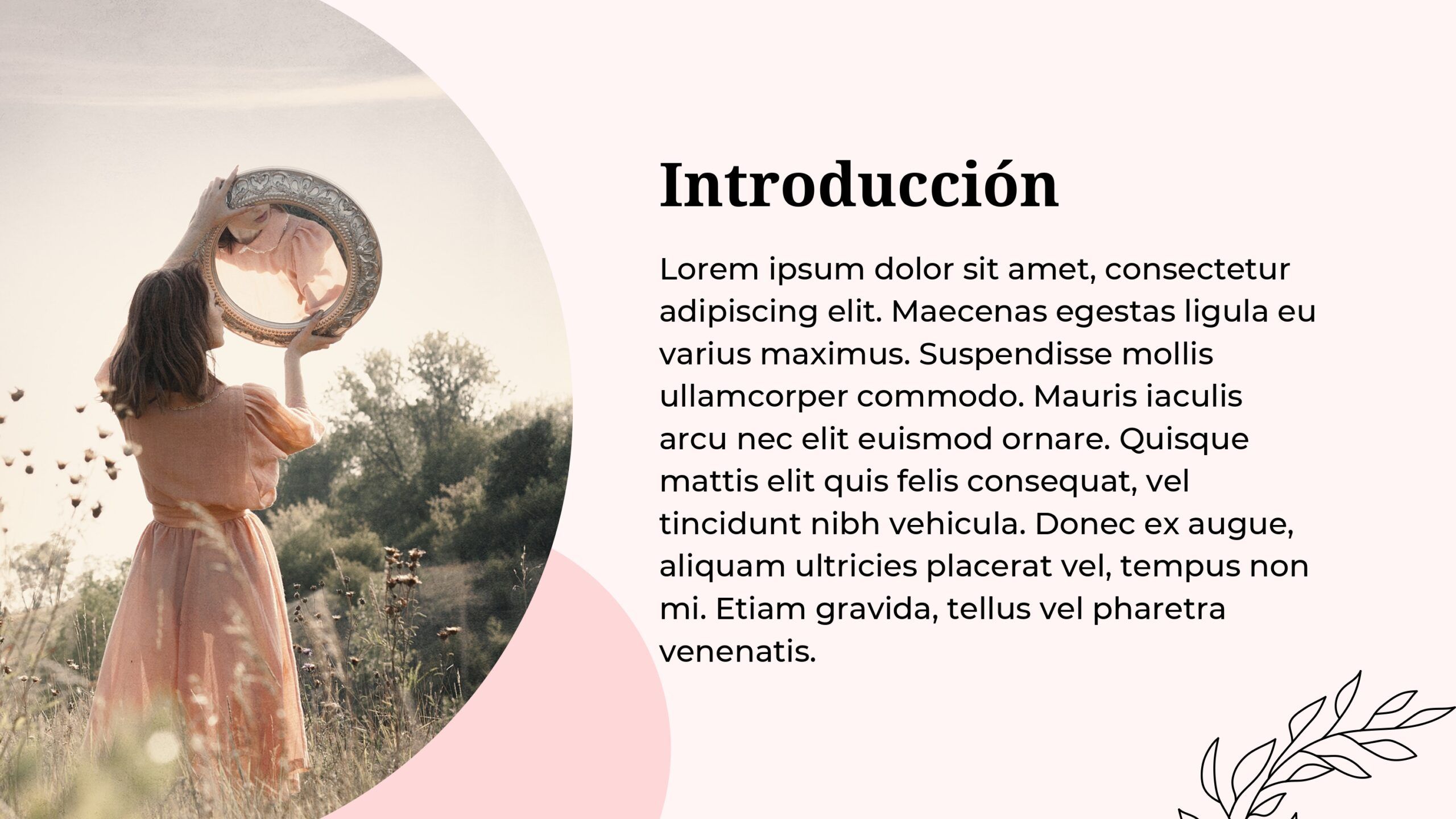
- Introduction: Dedicate a slide to briefly present the context and motivation behind your personal project. Explain why you decided to do it and what your goals are.
- Project Objectives: Detail the specific objectives you hope to achieve with your personal project. These objectives must be measurable and achievable.
- Planning: Shows an overview of the plan you have followed or will follow to carry out your project. You can use a Gantt chart or other visual elements to illustrate the timeline and key tasks.
- Resources and Tools: List the resources, materials or tools that you need or have used to carry out your project. This may include software, hardware, physical materials, online resources, etc.
Features:
- It is 100% adjustable and easy to adjust
- 46 different slides to impress your audience
- Designed to be used in Google Slides and Microsoft PowerPoint
- 16:9 Aspect ratio suitable for all types of screens
- Contains information about fonts, colors and credits of free resources used
- You can edit it in Canva easily
COLORS:Pink




