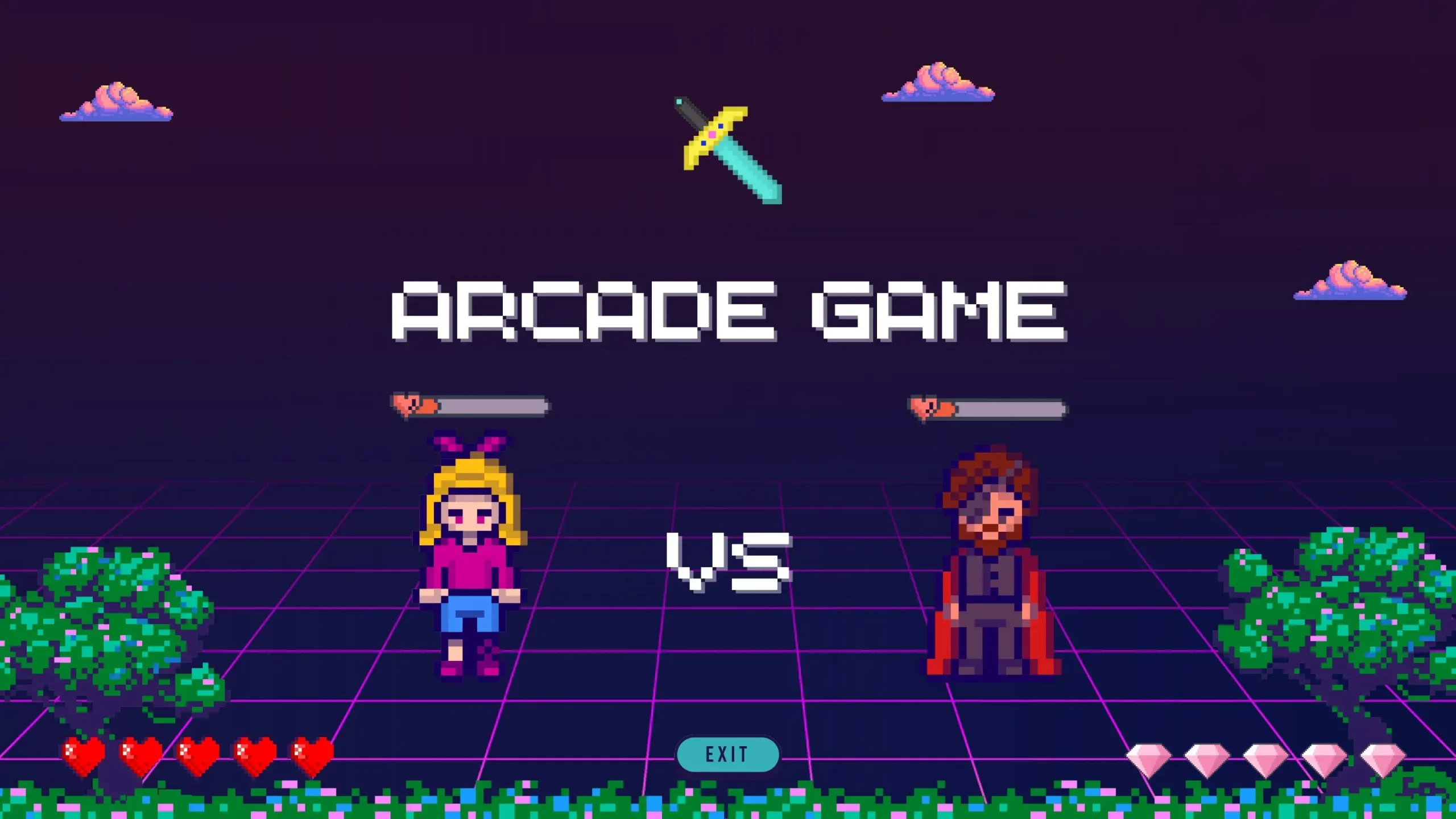
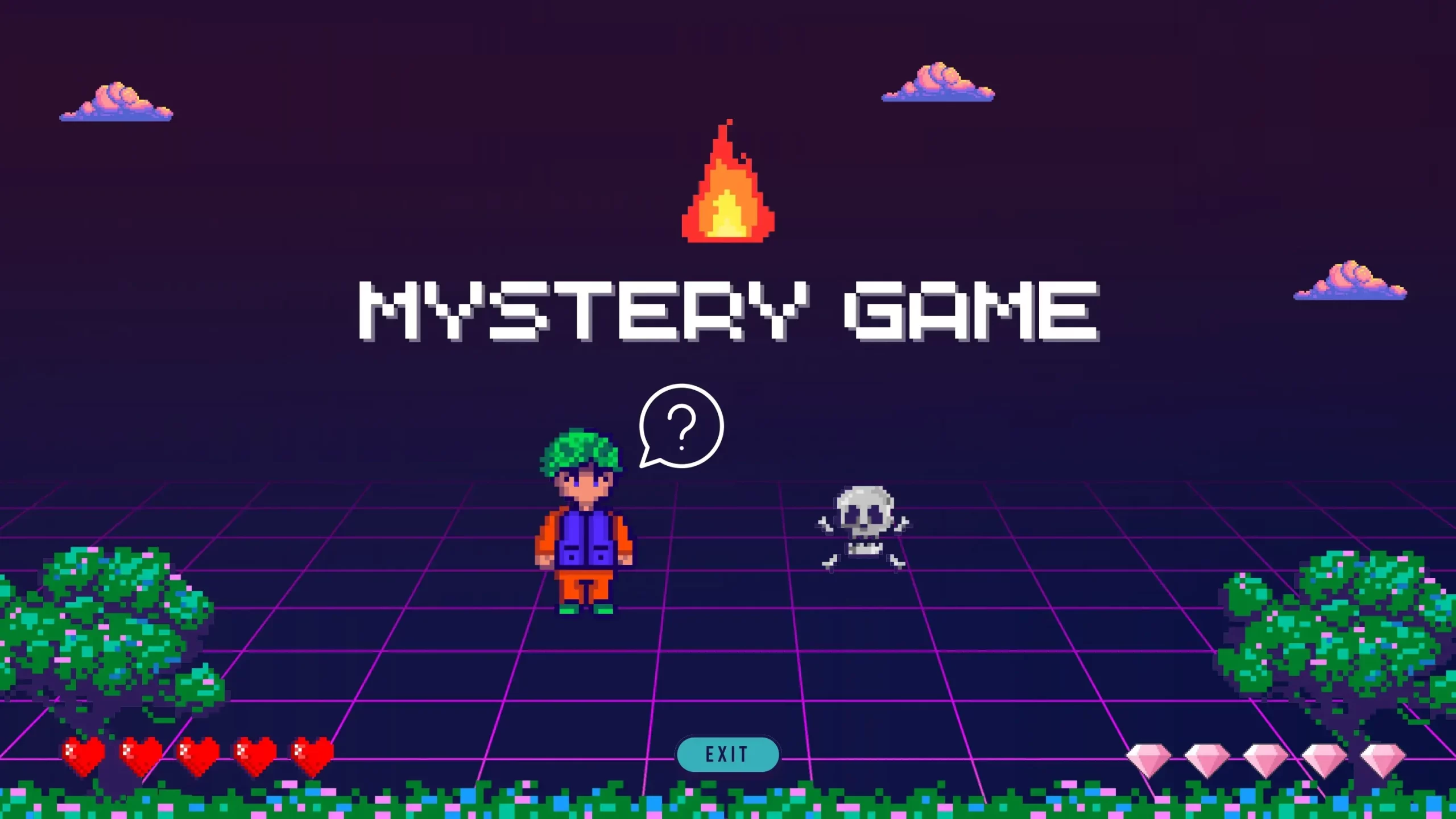
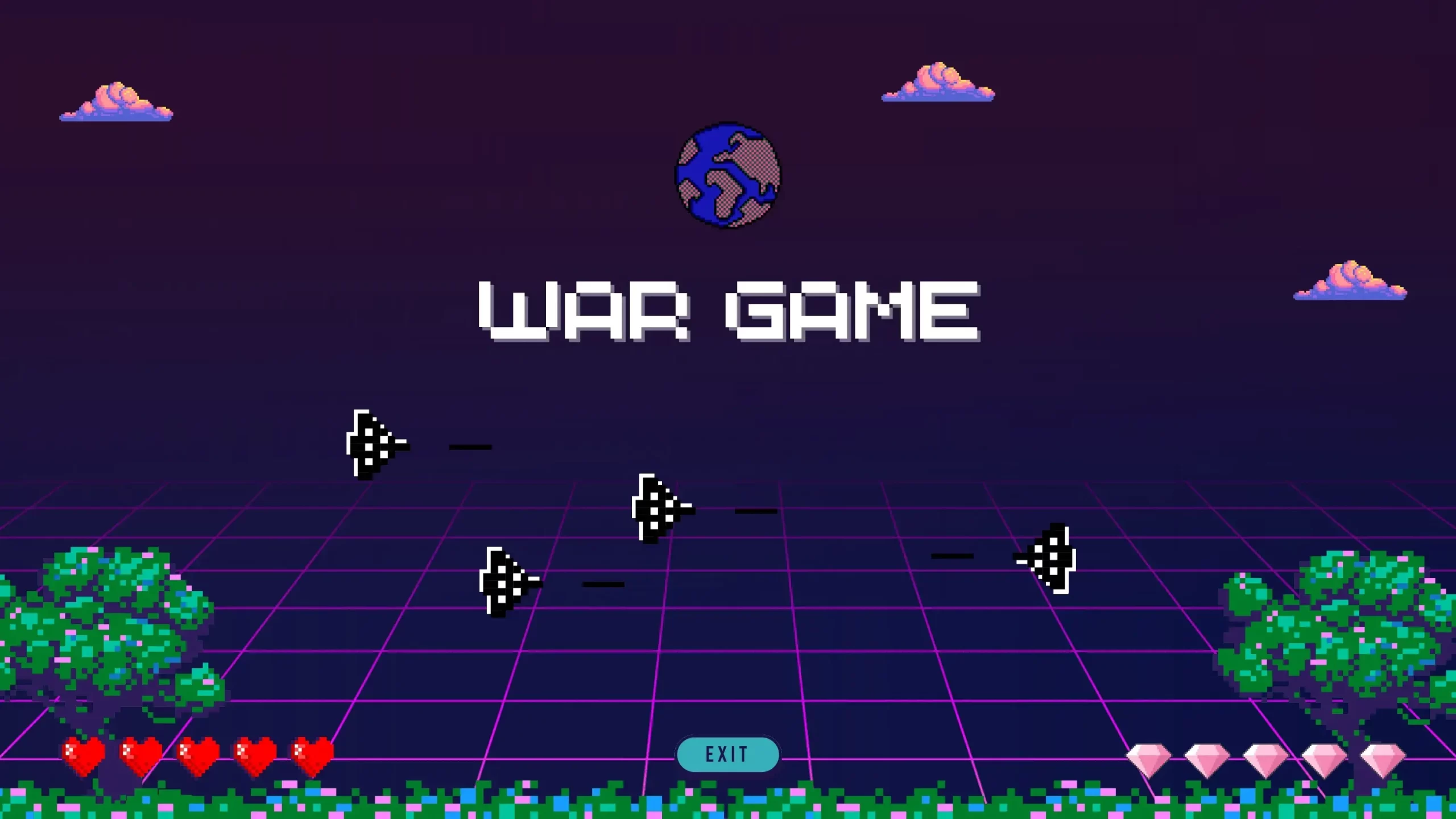
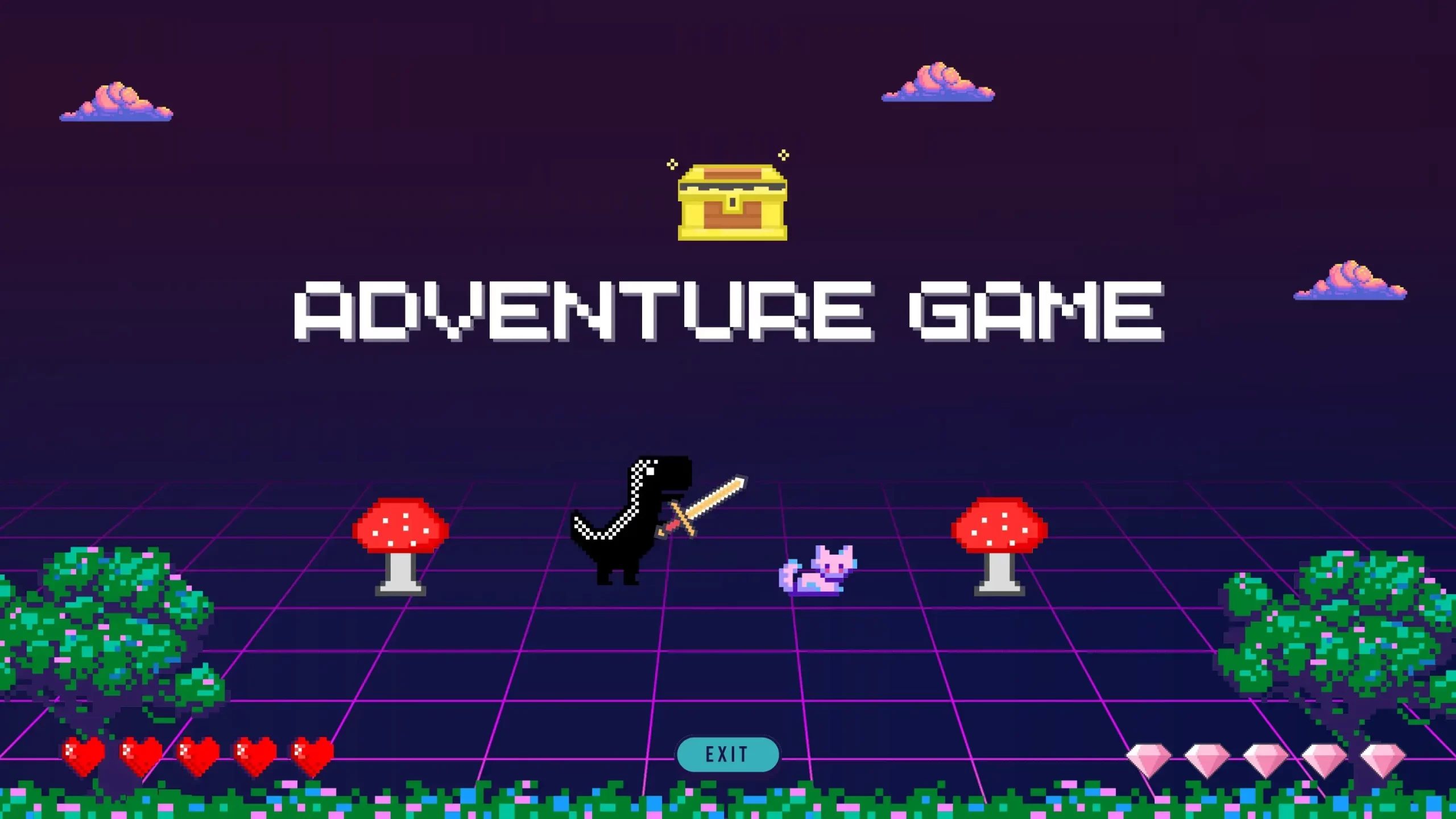












Transform your Presentations into an Adventure: Retro Game PowerPoint Template
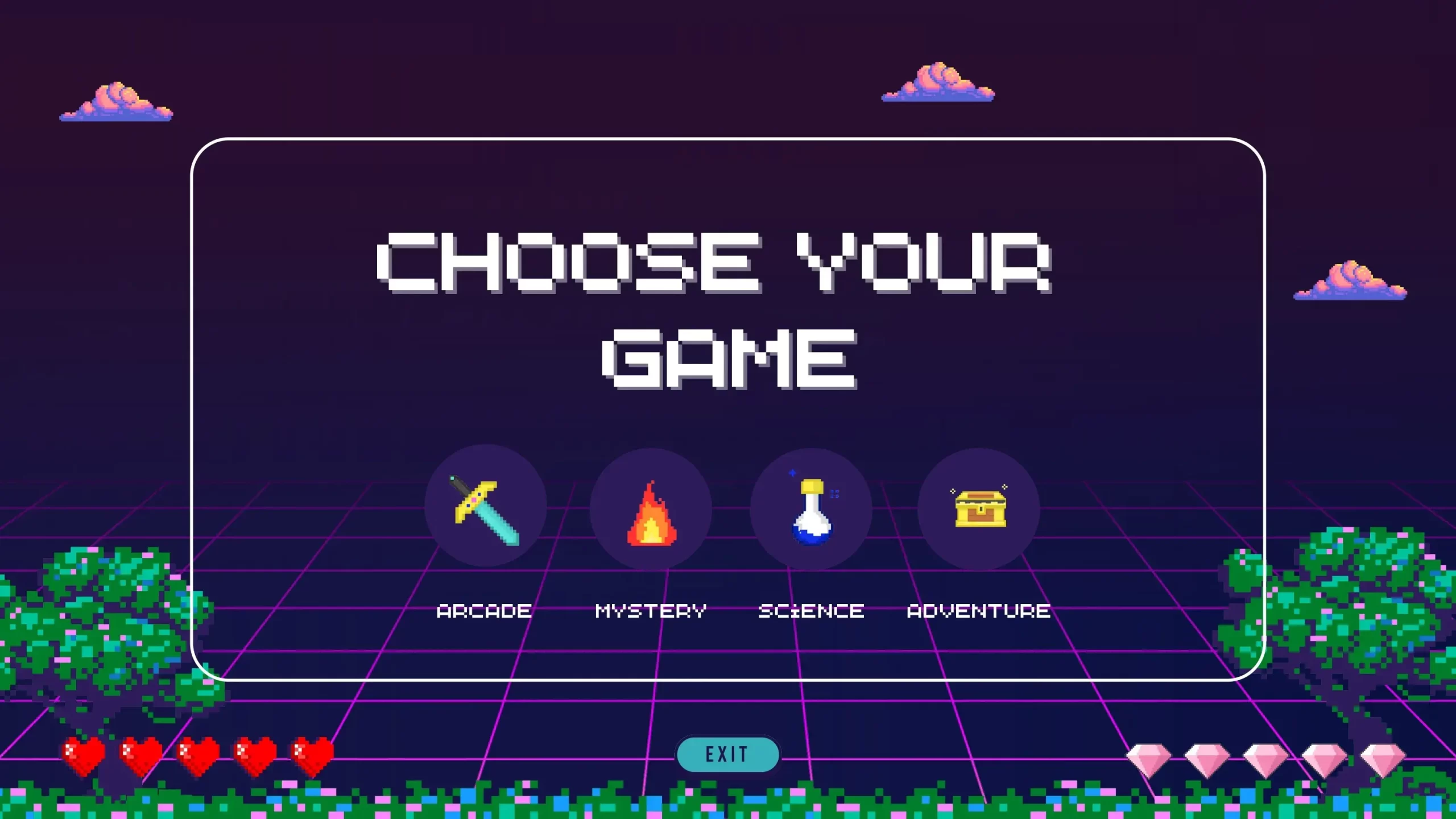
In a world full of boring and conventional presentations, why not give your slides a retro and exciting twist? The Retro Game PowerPoint Template is the perfect choice for those who want to capture the nostalgia and fun of games classics in their presentations. In this article, we'll explore how this template can transform your presentations into an exciting visual adventure.
8 Bit PowerPoint Template:
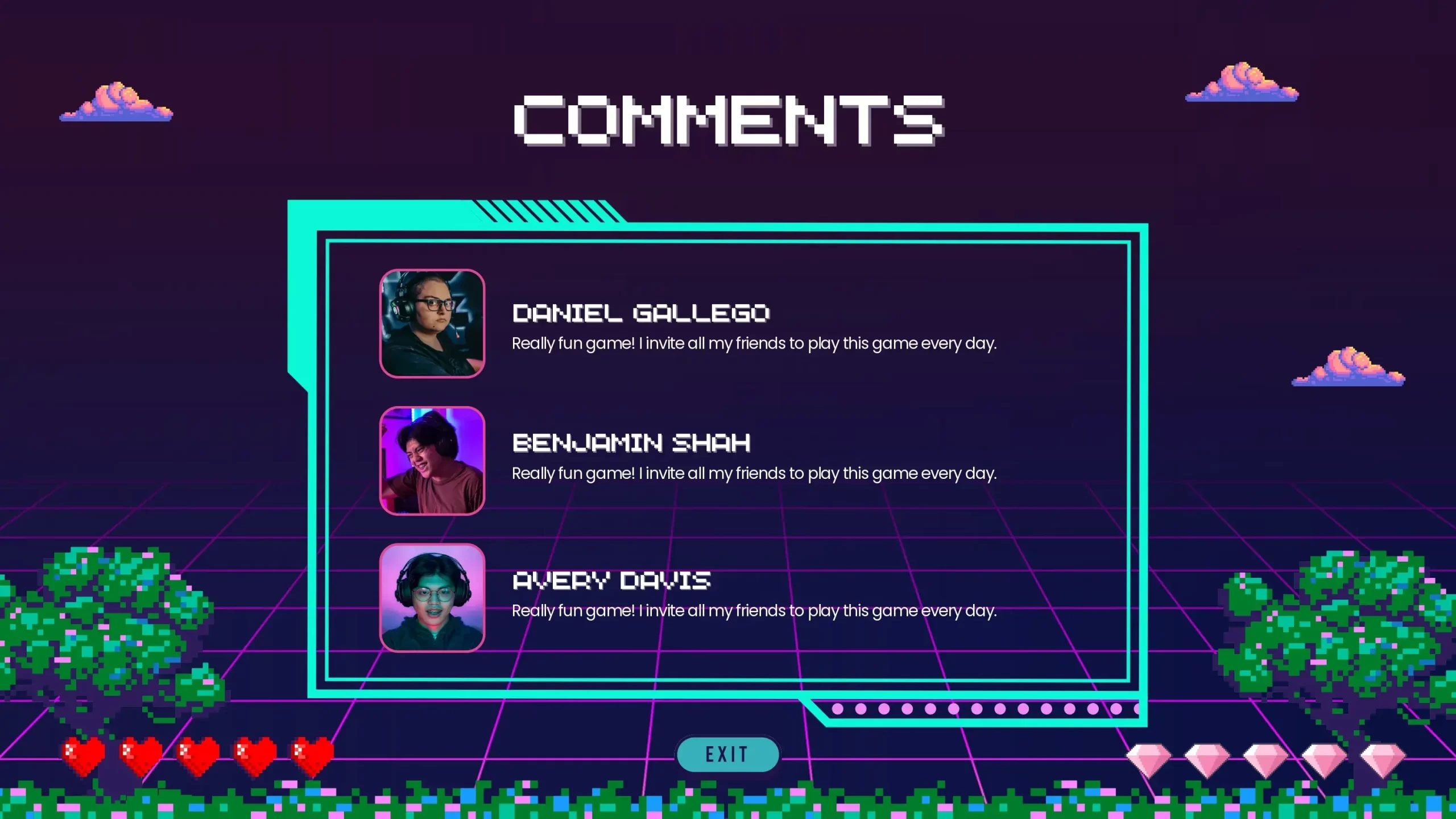
- Unique and Attractive Style: This template will instantly transport you to the golden age of video games. With retro graphic elements such as pixels, 8-bit, and arcade-style backgrounds, your slides will come to life with nostalgic charm.
- Creativity Without Limits: Unlike standard templates, the Retro Game PowerPoint Template allows you to be creative and customize it to your needs. You can add your own graphics, characters, and effects to give your presentation a unique touch.
- Thematic Versatility: This template is not limited to video game presentations. You can use it for a variety of topics, from business presentations with a retro feel to educational tutorials that appeal to a younger audience.
- Hook your Audience: The retro style has universal appeal and can help keep your audience's attention throughout your presentation. The familiarity of retro elements can create a feeling of nostalgia and connection.
Tips:
Once you've found the perfect Retro Game PowerPoint Template, here are some tips to get the most out of it:
- Theme your Content: Take advantage of the retro style of the template to emphasize your key points and concepts. Use retro graphics to creatively illustrate your ideas.
- Simplify your Message: Use visual elements to simplify complex concepts. Retro graphics can make information easier to understand and remember.
- Maintain Consistency: Use a color palette and fonts that fit the template's retro style to maintain visual consistency throughout your presentation.
- Practice and Master the Template: Before presenting, make sure you are familiar with the template. Learn how to add content and navigate between slides to avoid interruptions during your presentation.