


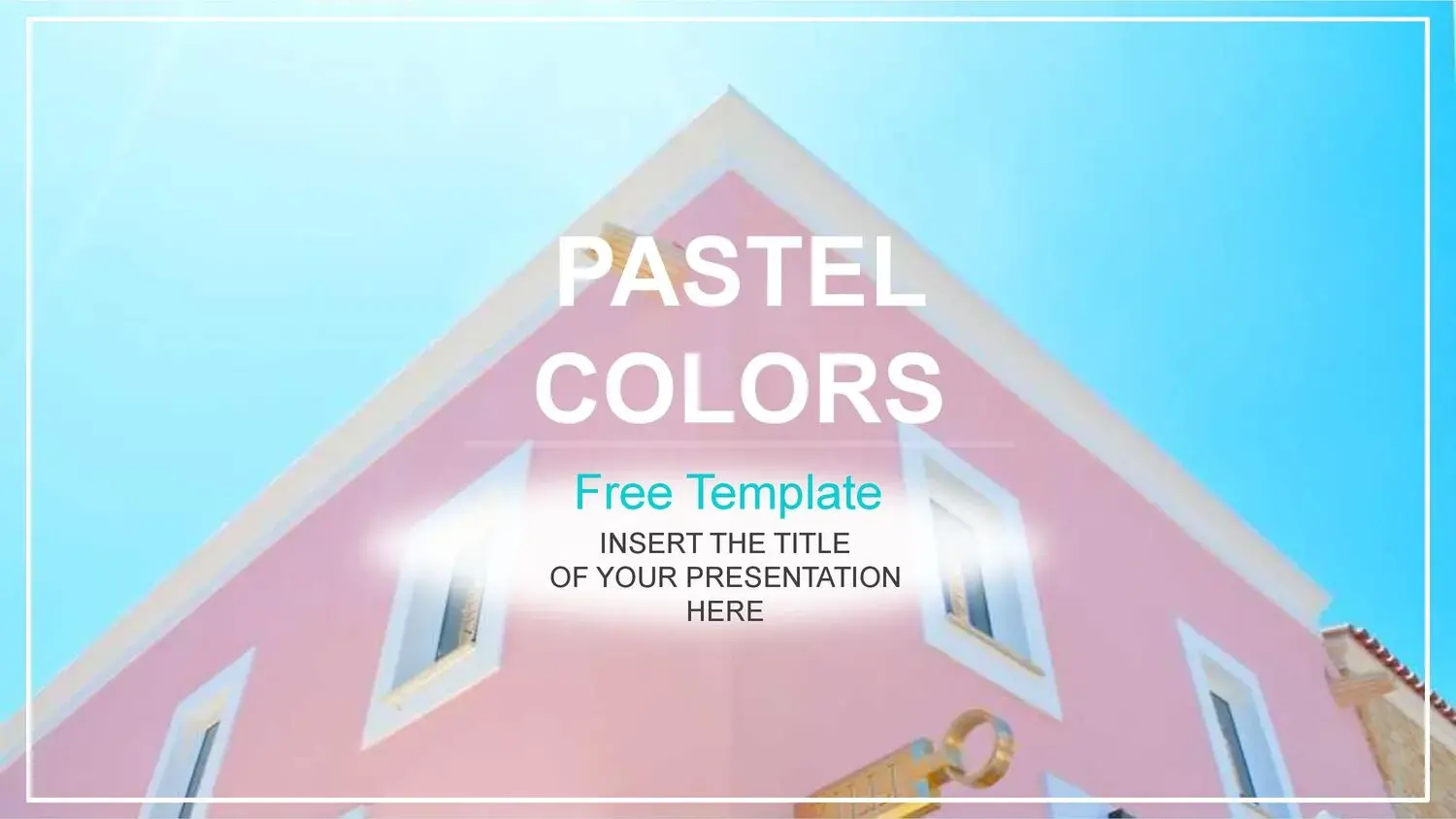


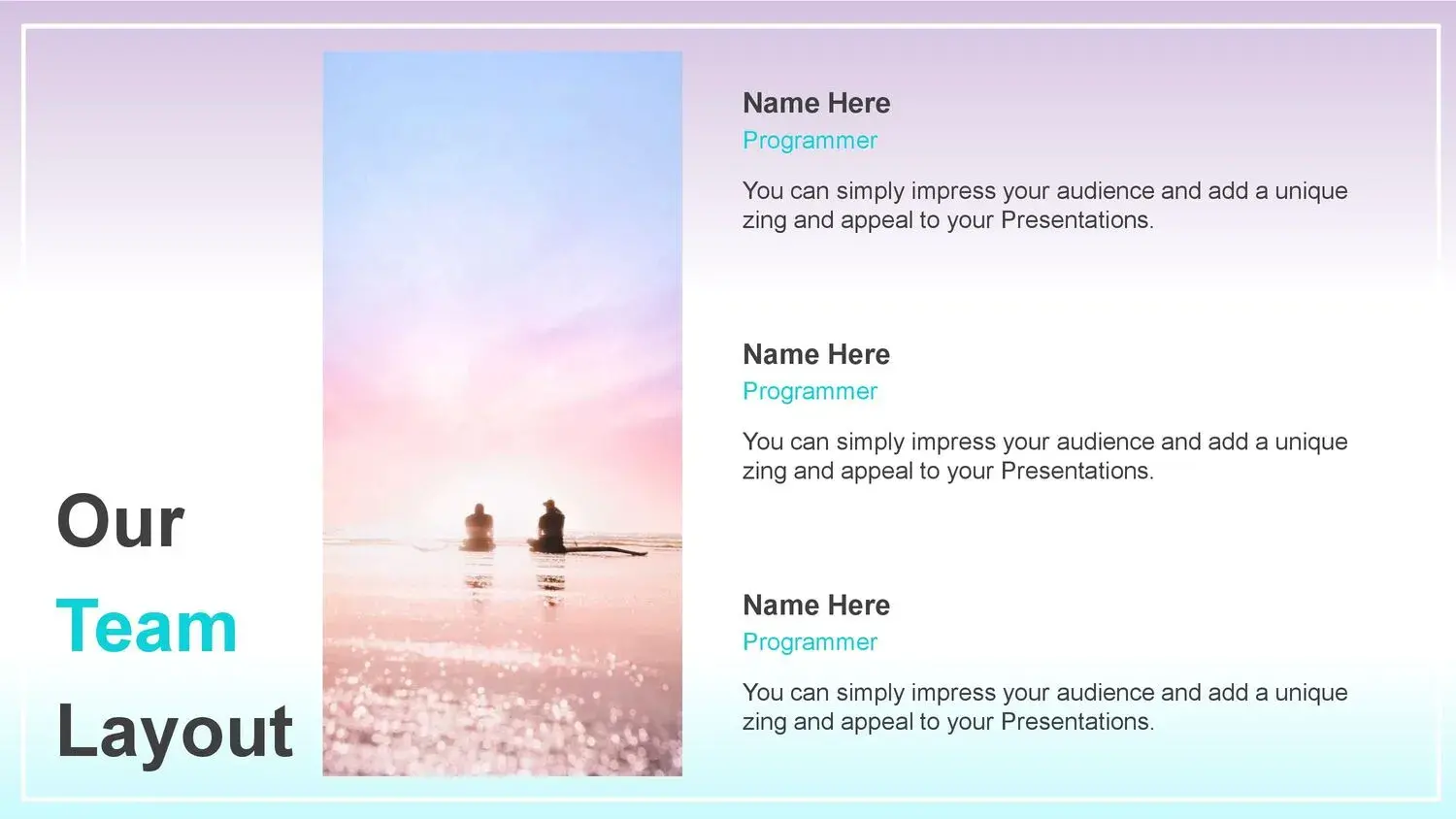


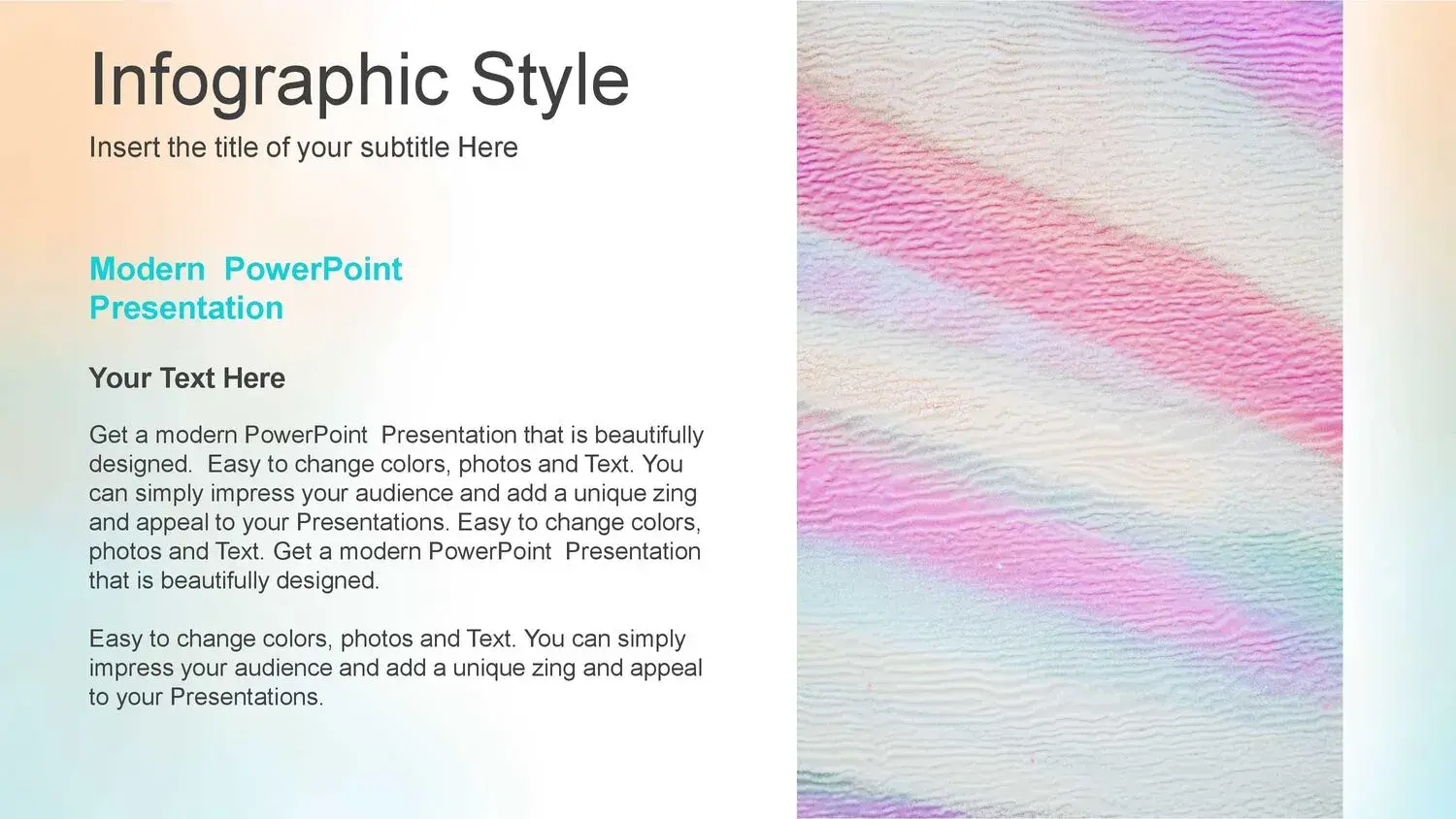







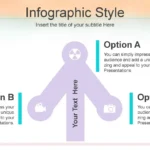

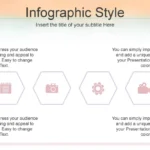




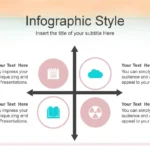

When I started looking for a PowerPoint template with gradient borders, my goal was to find a design that was not only visually appealing but also functional and easy to customize. After trying several options, I discovered that these types of templates not only enhance the aesthetics but also greatly facilitate the creation of professional presentations.
What caught my attention from the very beginning was that their slides offer many tools, allowing for greater precision and clarity when structuring information.
What is a PowerPoint template with gradient borders?
A PowerPoint template with gradient borders is a visual design that uses smooth color transitions on the edges of slides to create a modern, elegant, and professional presentation.
This type of design is notable for:
- Modern aesthetics
- Minimalist design
- Greater visual impact
- Professional appearance
In addition, these templates often include visual tools that facilitate the work, such as charts, tables, and timelines, which help to present information in a clearer and more attractive way.
Advantages of using a template with gradient borders
🎨 Modern and attractive design
Gradient borders provide a modern style that enhances the visual appeal of any presentation.
This is especially useful when you want to capture the audience's attention from the first slide.
📊 Professional visual tools
One of the aspects I liked most was that some of these are highly accurate charts, tables, and timelines, which makes it easier to organize information without having to create elements from scratch.
This saves time and improves the visual quality of the presentation.
Ideal for different types of presentations
This PowerPoint template with gradient borders is perfect for:
- Professional presentations
- Academic exhibitions
- Business projects
- Educational presentations
- Commercial proposals
Thanks to its versatile design, it easily adapts to different needs.
Compatible with Canva and teamwork
What truly sets it apart is its seamless workflow, even for teamwork. In fact, if you want to create presentations from the comfort of your home and collaborate with others, this template is ideal.
Furthermore, being compatible with Canva, you can edit the presentation directly online without needing to install any additional programs.
This greatly facilitates collaborative work and allows you to create professional presentations from anywhere.
Free download and easy customization
Another important advantage is that you can download this template for free and start working immediately.
The best part is that by downloading this free PowerPoint presentation, you can apply its Canva-compatible format, making customization easy without needing advanced design knowledge.
This is especially useful for those seeking fast and professional results.
How to get the most out of this template
To get the most out of this PowerPoint template with gradient borders, I recommend:
- Keep the design clean
- Use graphs and tables
- Leveraging timelines
- Avoid overloading the slides
This way, you can create clearer and more attractive presentations.
Why choose a template with gradient borders?
Templates with gradient borders offer a significant advantage over other designs:
- Greater professionalism
- Modern design
- Easy editing
- Versatility
Furthermore, by including visual tools and compatibility with Canva, they become an ideal option for any type of presentation.




