


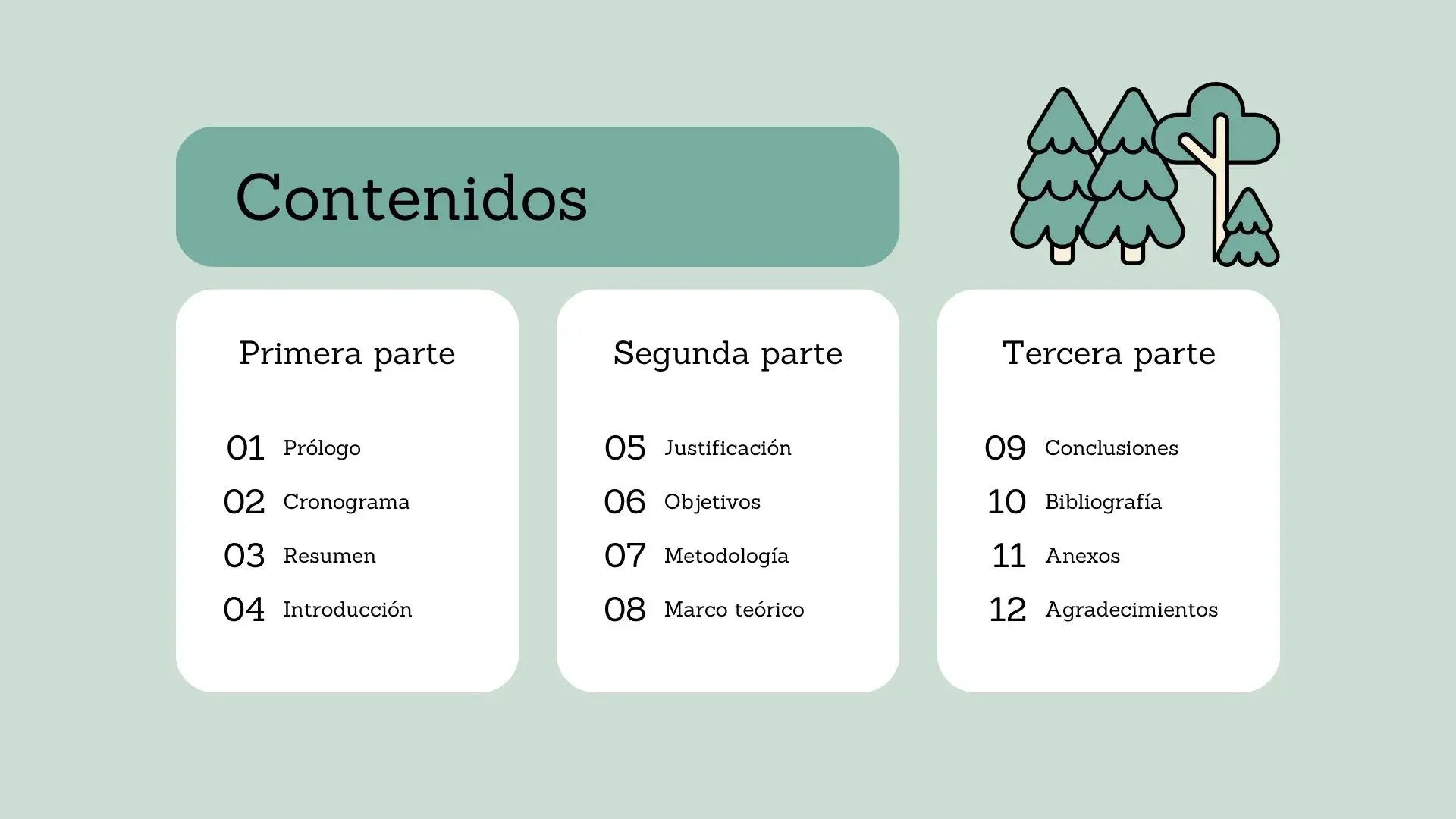
Economy and Sustainability Presentation for PowerPoint
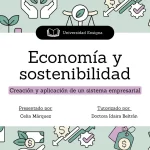
The Economy and Sustainability PowerPoint Template is a valuable tool to communicate your ideas in an impactful way. Sustainability and economy are two fundamental pillars in today's world. The need to communicate ideas related to these topics effectively is essential. Economy and Sustainability PowerPoint Templates have become indispensable allies for presentations that seek to create an impact and raise awareness about the importance of balancing economic growth with the preservation of the environment and natural resources.
In addition, these templates offer a series of advantages that can make a difference in your presentation:
- Professionalism: These templates have been designed by experts to offer a professional and polished look to your presentations. The graphics, schemes and colors are carefully selected to highlight your ideas of economy and sustainability.
- Effective communication: Economy and sustainability are complex topics. The templates are designed to simplify the communication of difficult concepts through visually appealing graphics and designs.
- Time saving: It is not necessary to start from scratch in your presentations. These templates give you a solid starting point, saving time and effort when creating slides.
- Personalization: Although pre-built templates are offered, you can also customize them to fit your specific needs. Add your data, adjust colors and fonts, and adapt the template to your message.
- Visual impact: The first impression is crucial in any presentation. These templates help you stand out visually, ensuring your audience pays attention to your ideas.
Features:
- It is 100% adjustable and easy to adjust
- 17 different slides to impress your audience
- Designed to be used in Google Slides and Microsoft PowerPoint
- 16:9 Aspect ratio suitable for all types of screens
- Contains information about fonts, colors and credits of free resources used
- You can edit it in Canva easily
COLORS:Green




