



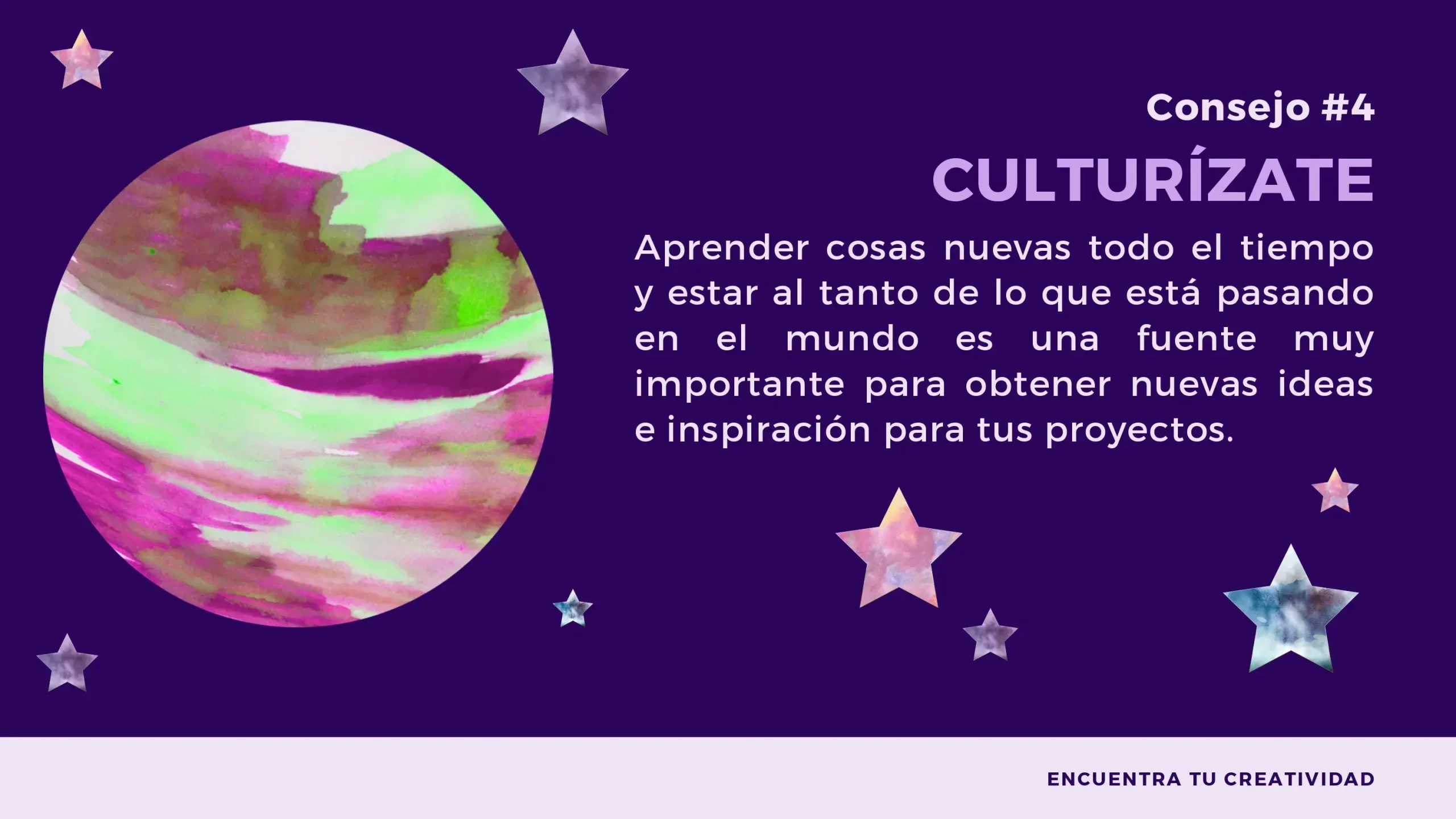







Brighten your Presentations with the Planets and Stars PowerPoint Template
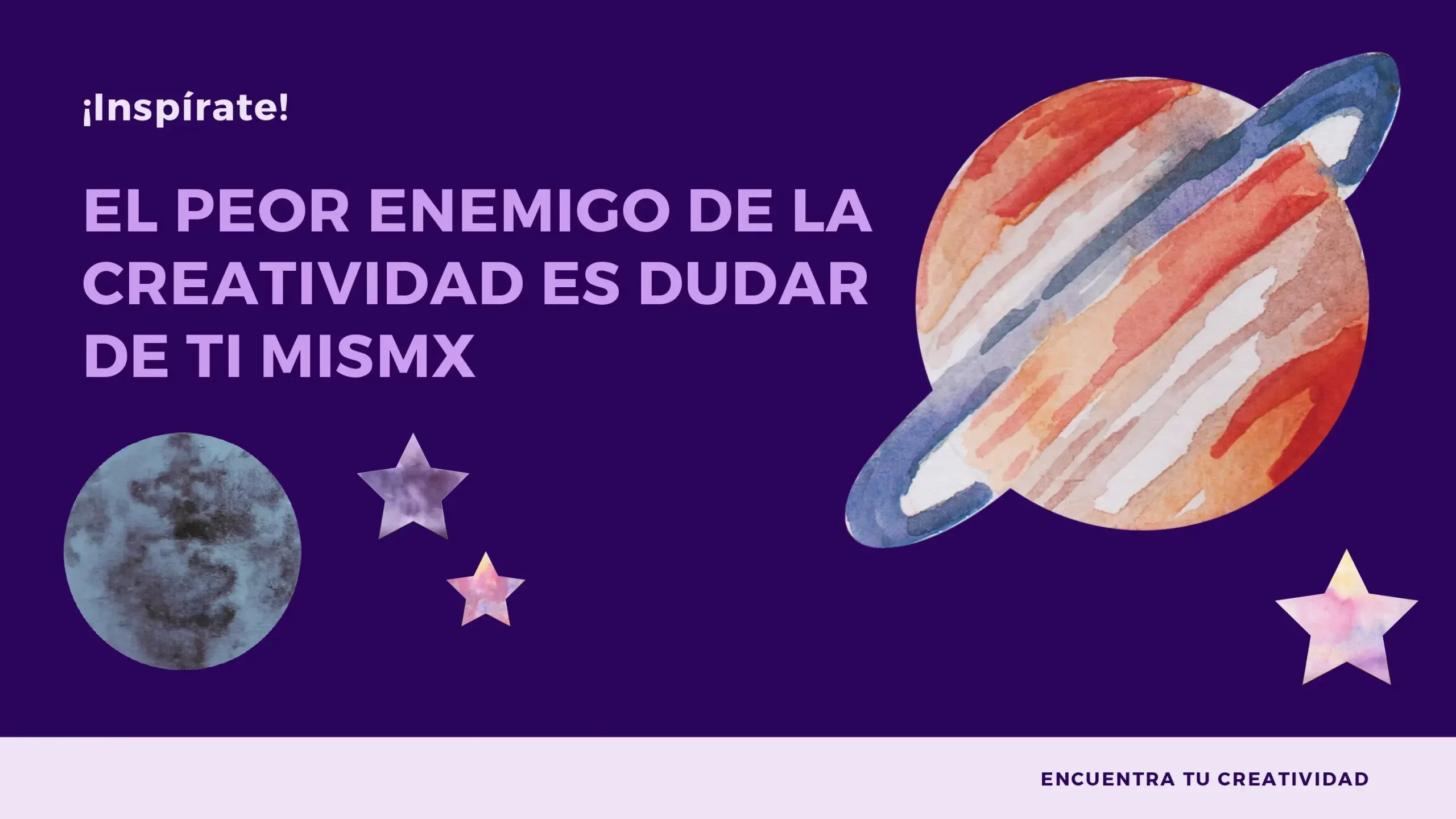
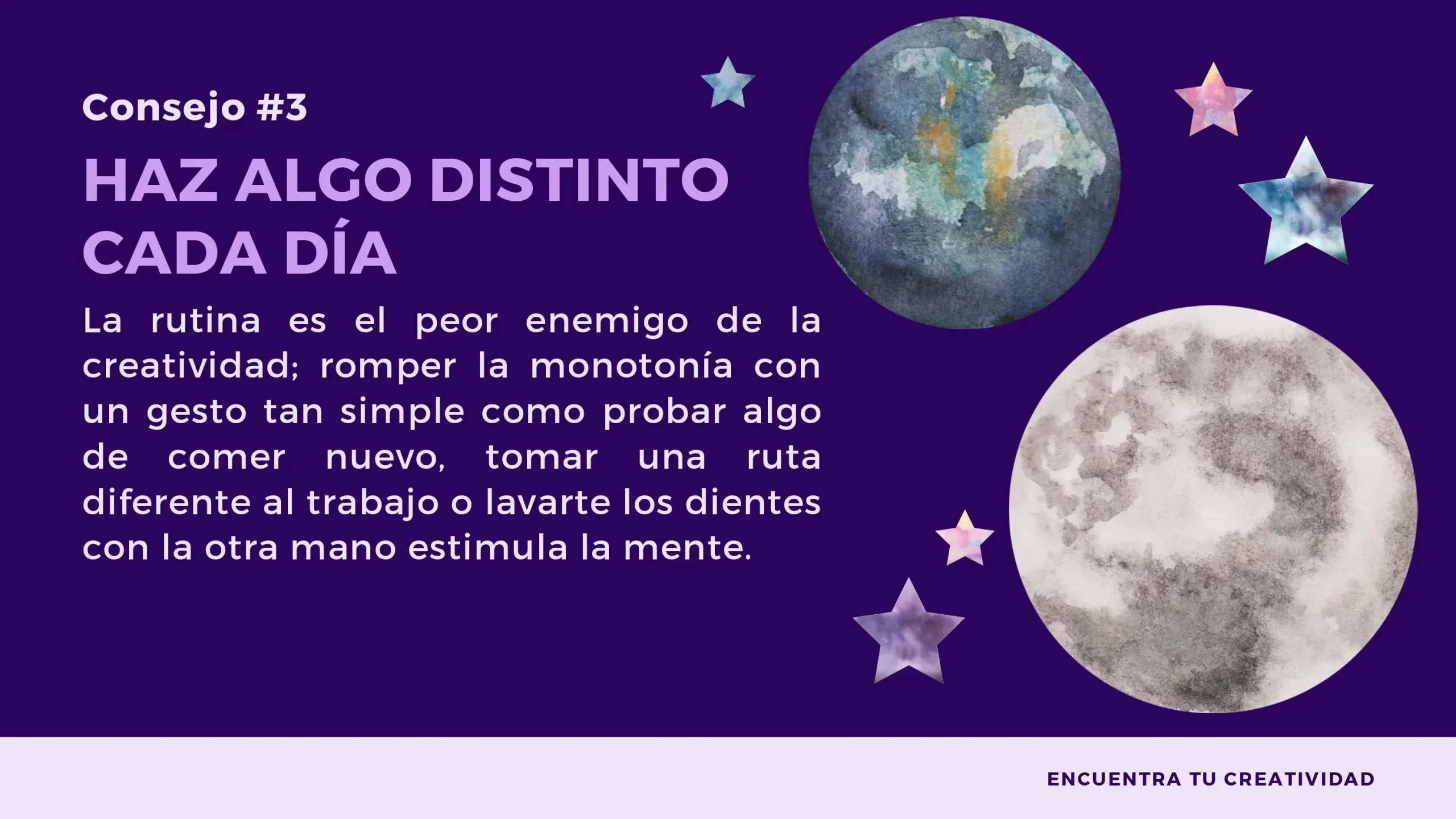
In the vast cosmos of presentation design, the Planets and Stars PowerPoint Template shines as a dazzling option. Why settle for boring, monotonous presentations when you can elevate your projects to new heights with a touch of outdoor space? In this article, we'll explore how this template can take your presentations to the stratosphere and provide you with valuable SEO tips to find it.
Tips:
Once you've found the right Planets and Stars PowerPoint Template, here are some tips to get the most out of it:
- Contextualize your Content: Make sure the spatial elements of the template relate effectively to the content of your presentation. Use images of planets and stars to illustrate your key points and concepts.
- Simplify your Message: Take advantage of the beauty of the template to simplify and visualize complex concepts. Use star and constellation charts to represent data more clearly.
- Maintain Consistency: Use the same color palette and fonts throughout your presentation to maintain visual and professional consistency.
- Practice and Master the Template: Before presenting, familiarize yourself with the template. Make sure you know how to add content and navigate between slides to avoid interruptions during your presentation.
Features:
- It is 100% adjustable and easy to adjust
- 14 different slides to impress your audience
- Designed to be used in Google Slides and Microsoft PowerPoint
- 16:9 Aspect ratio suitable for all types of screens
- Contains information about fonts, colors and credits of free resources used
- You can edit it in Canva easily
COLORS:Colorful