


























Since I started working with sports presentations, I found that many templates fell short: they lacked style, dynamism, or were simply not suited to the athletic theme. That's why, when I came across the Cycling PowerPoint Template, I knew it was exactly what I needed to make it stand out.
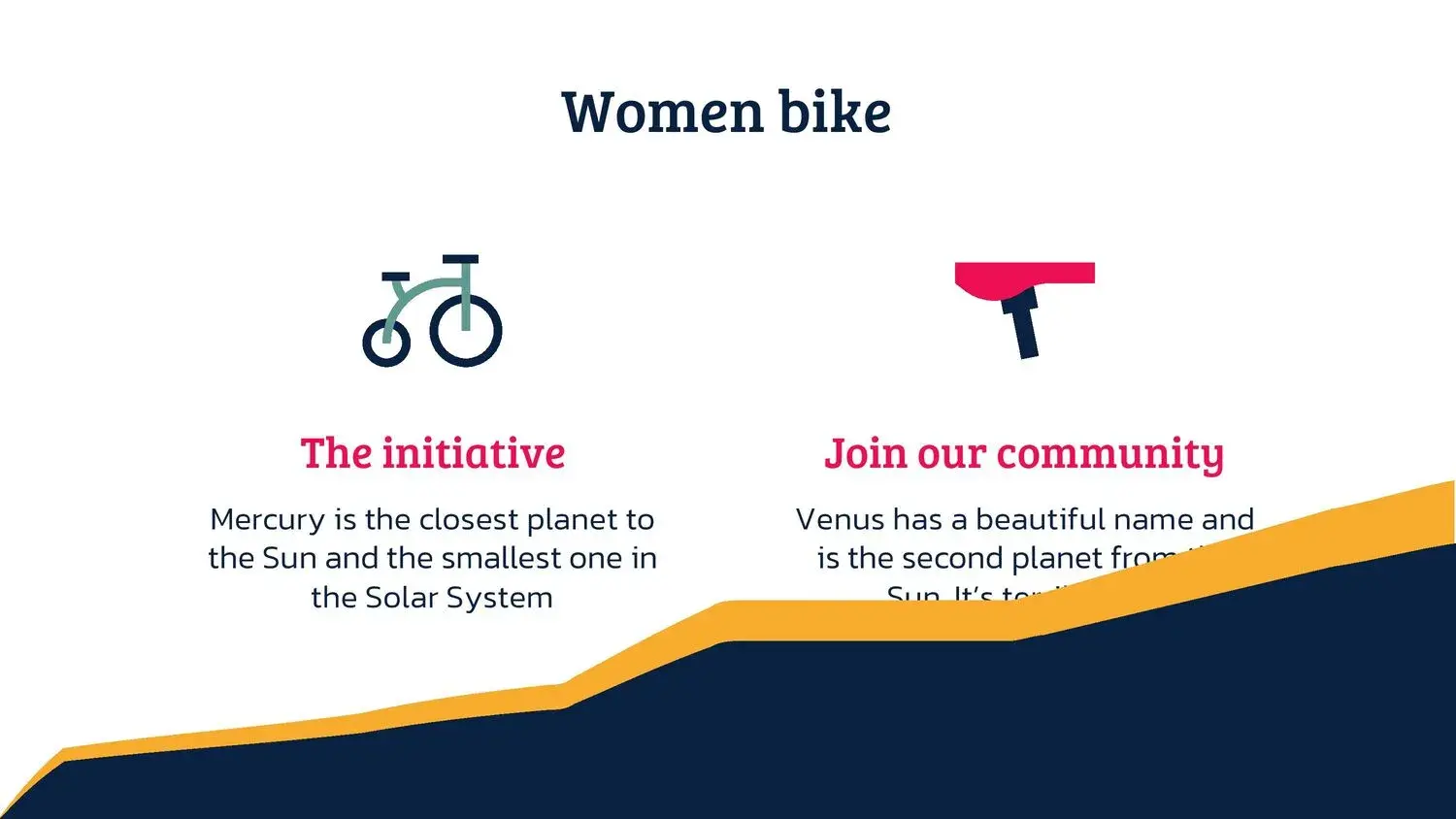
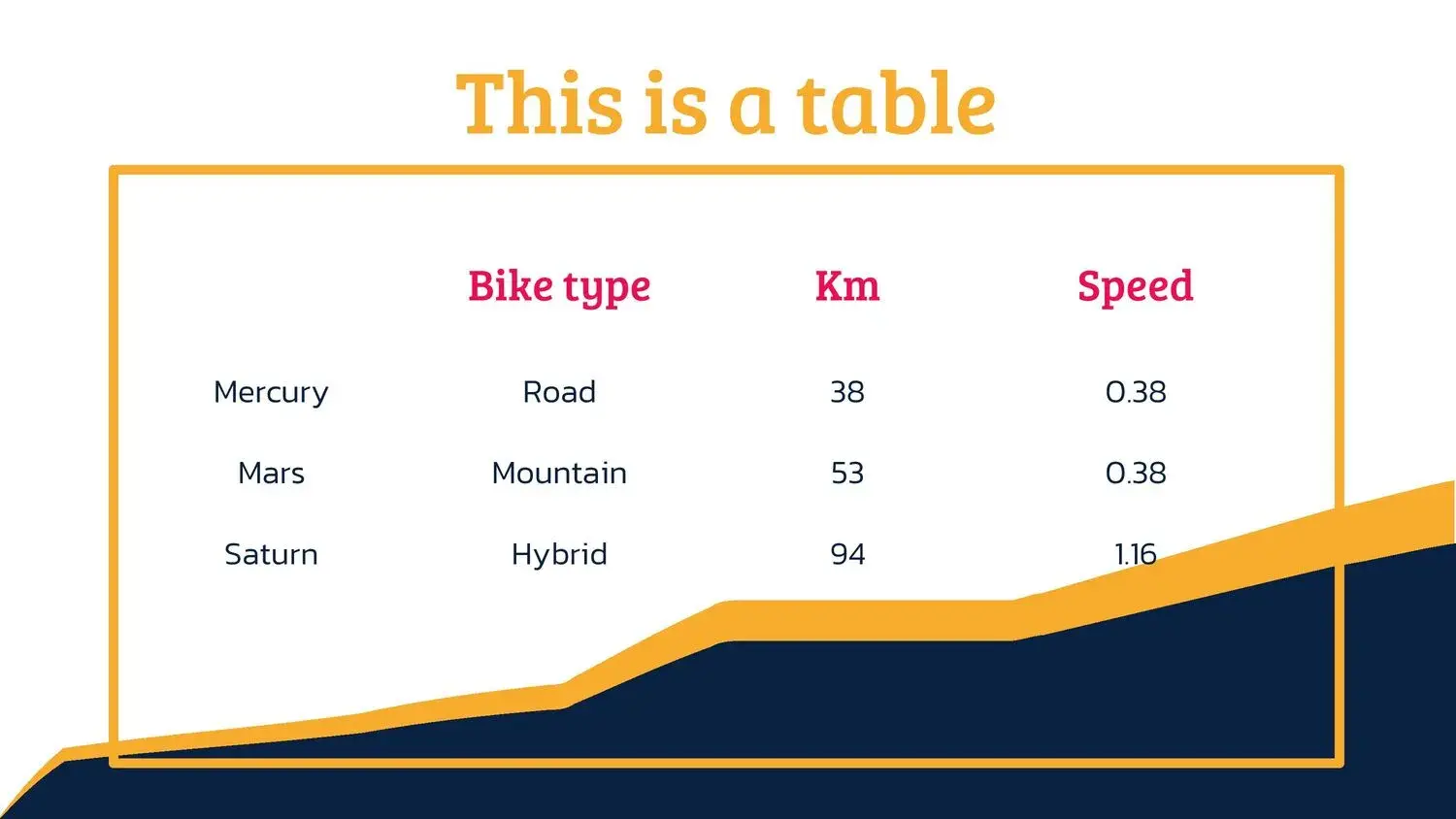
The Cycling template has a total of 36 slides, including graphics, vectors, and timelines, allowing you to get the most out of this digital material. This feature, more than just an advantage, became the foundation for me to build visually impactful presentations.
Why choose a presentation template focused on cycling?
The sport of cycling conveys speed, endurance, and energy. When you use a cycling presentation template or a cycling PowerPoint template, you communicate those values visually as well. In my case, by switching from a generic template to a specialized one, I noticed a greater connection with the audience. I incorporated the cycling presentation template into a performance report for a youth team, and the change was evident: people interacted more, paid attention, and the graphics made sense.
Key features of this sports insole
A classic presentation becomes much more professional when you use a template designed for sports. This cycling presentation template is designed with the following key elements:
- 16:9 widescreen format, suitable for modern projections and large screens.
- More than 30 slides (specifically 36), guaranteeing a wide range of options for any type of presentation.
- Customizable graphics, vectors, and icons, essential for customizing performance data, statistics, or training cycles.
- Professional timelines to display training schedules, competition stages, or team evolution.
- Visual background and design consistent with the theme of the sport: bicycles, road cycling, mountain biking or track.
The Cycling template has a total of 36 slides, including graphics, vectors, and timelines, allowing you to get the most out of this digital material. This sentence perfectly summarizes what I found when using it, and why I decided to fully adopt it in my sports presentations.
How to adapt this template for different contexts
It's not just a tool for professional cycling competitions or events. You can use this cycling sports template for:
- School or university performance reports.
- Presentations of projects on health, urban mobility or ecology, where the bicycle is a symbol of sustainability.
- Corporate events, sponsorship proposals, or marketing campaigns related to cycling.
- Physical education classes, personalized training, or demonstrations at sports clubs.
Best practices to get the most out of it
To ensure your cycling-themed presentation template is as effective as possible, I recommend following these guidelines:
- Maintain consistency in colors: dark or metallic tones go well with sports, but you can adapt them to your organization's branding.
- Use timelines to organize processes: training stages, competitions, long-term goals.
- Replace generic charts with real data on performance, club growth, bike comparisons, or mobility economics.
- Use vectors and icons to reinforce key themes: helmet, bicycle, pedaling, speed.
- Perform a screen test before presenting: the 16:9 template included in this version ensures that everything looks correct.




