


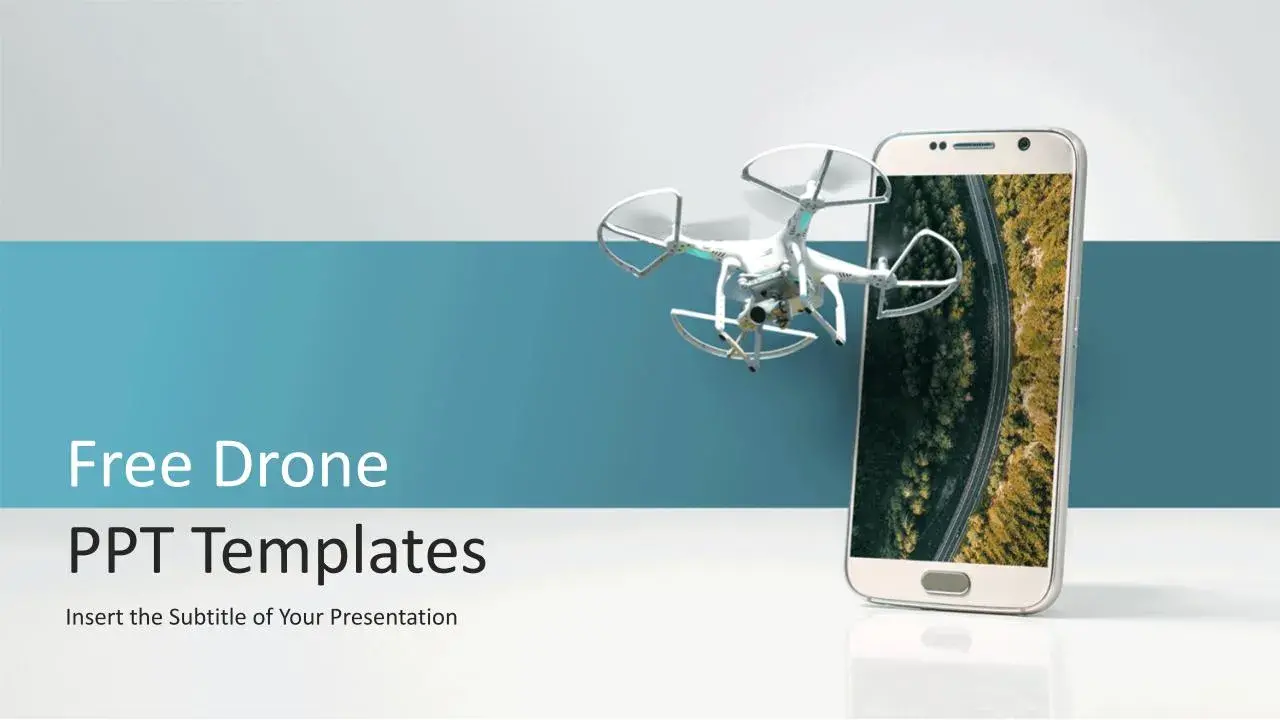
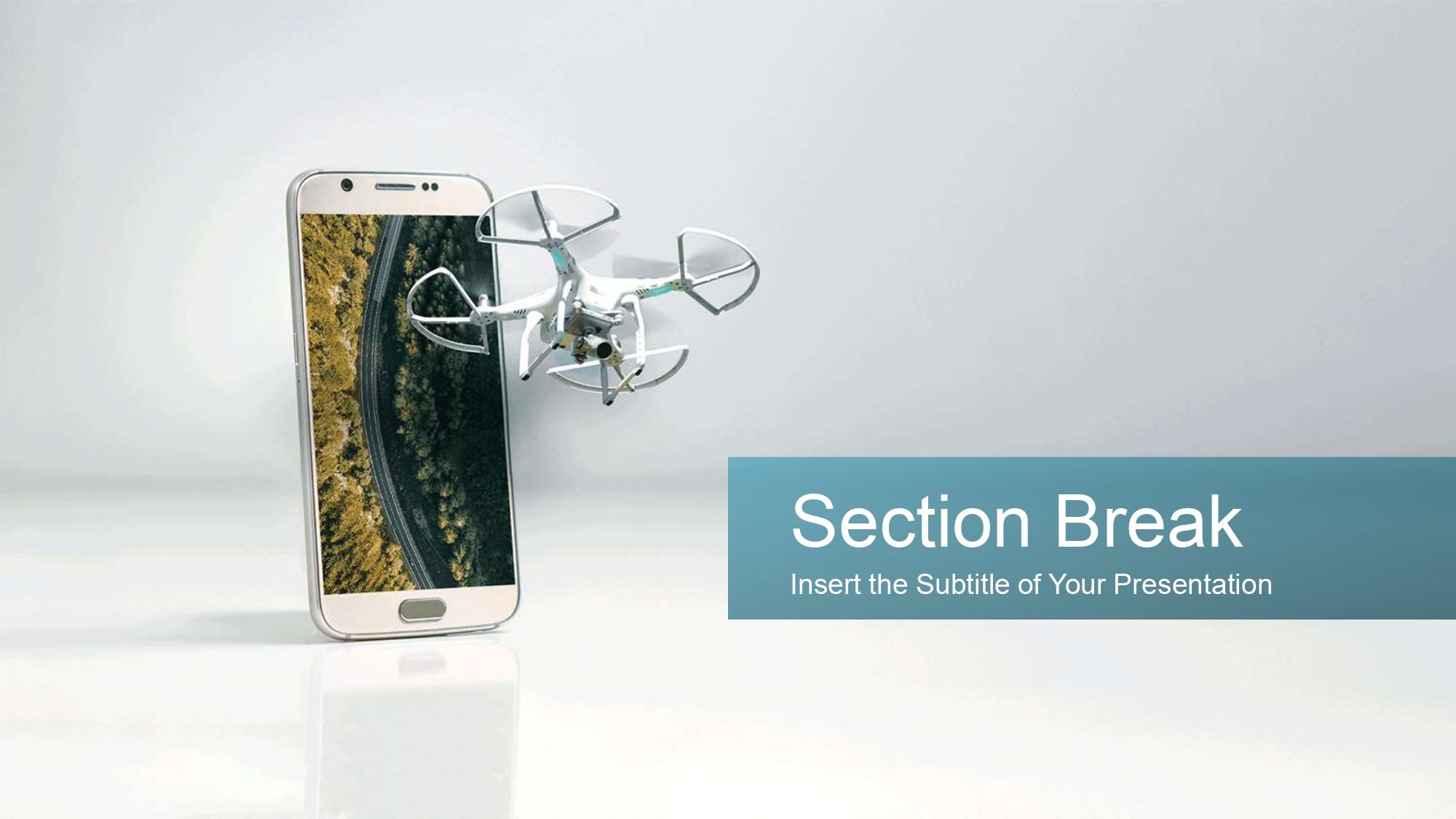
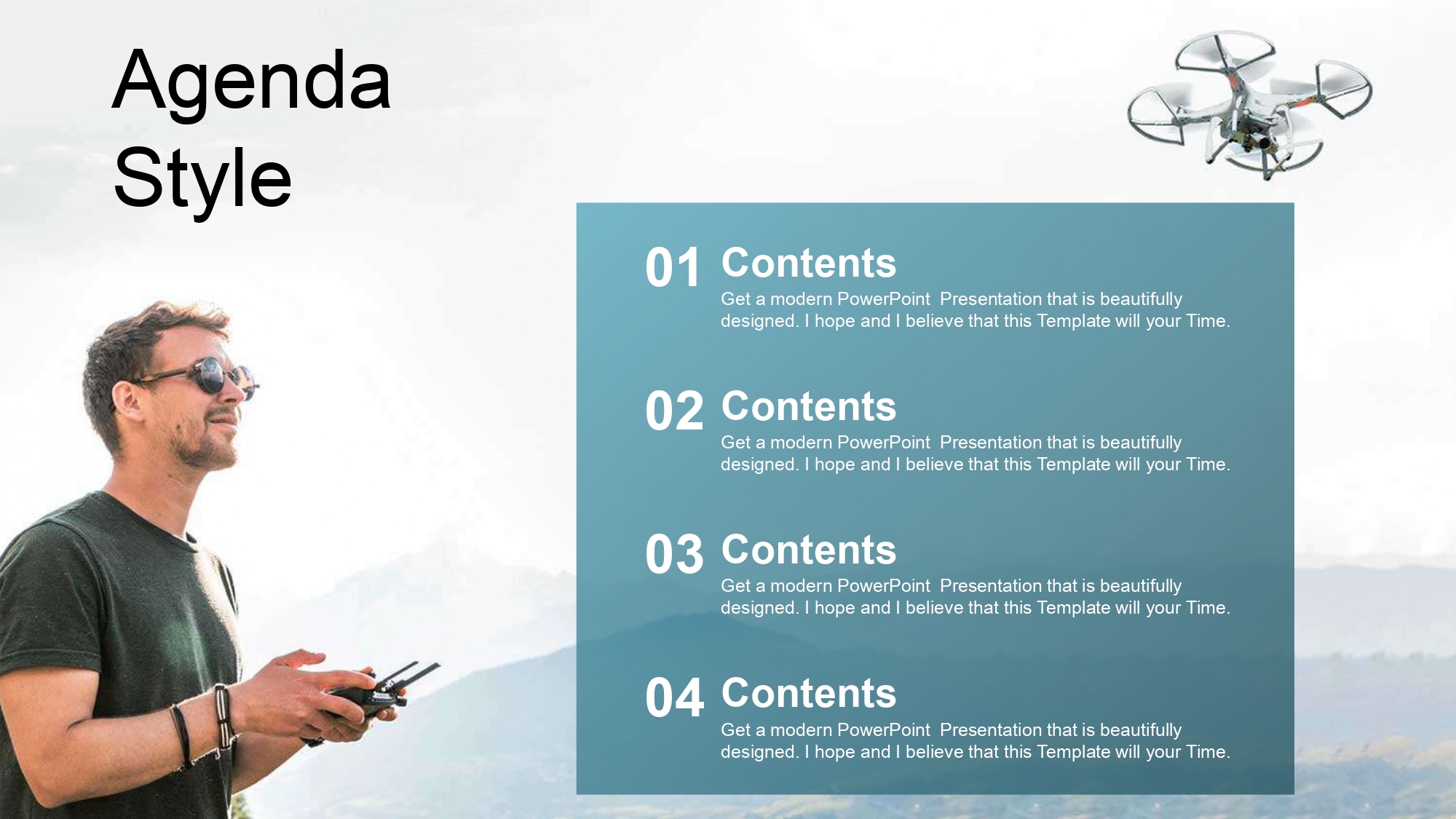

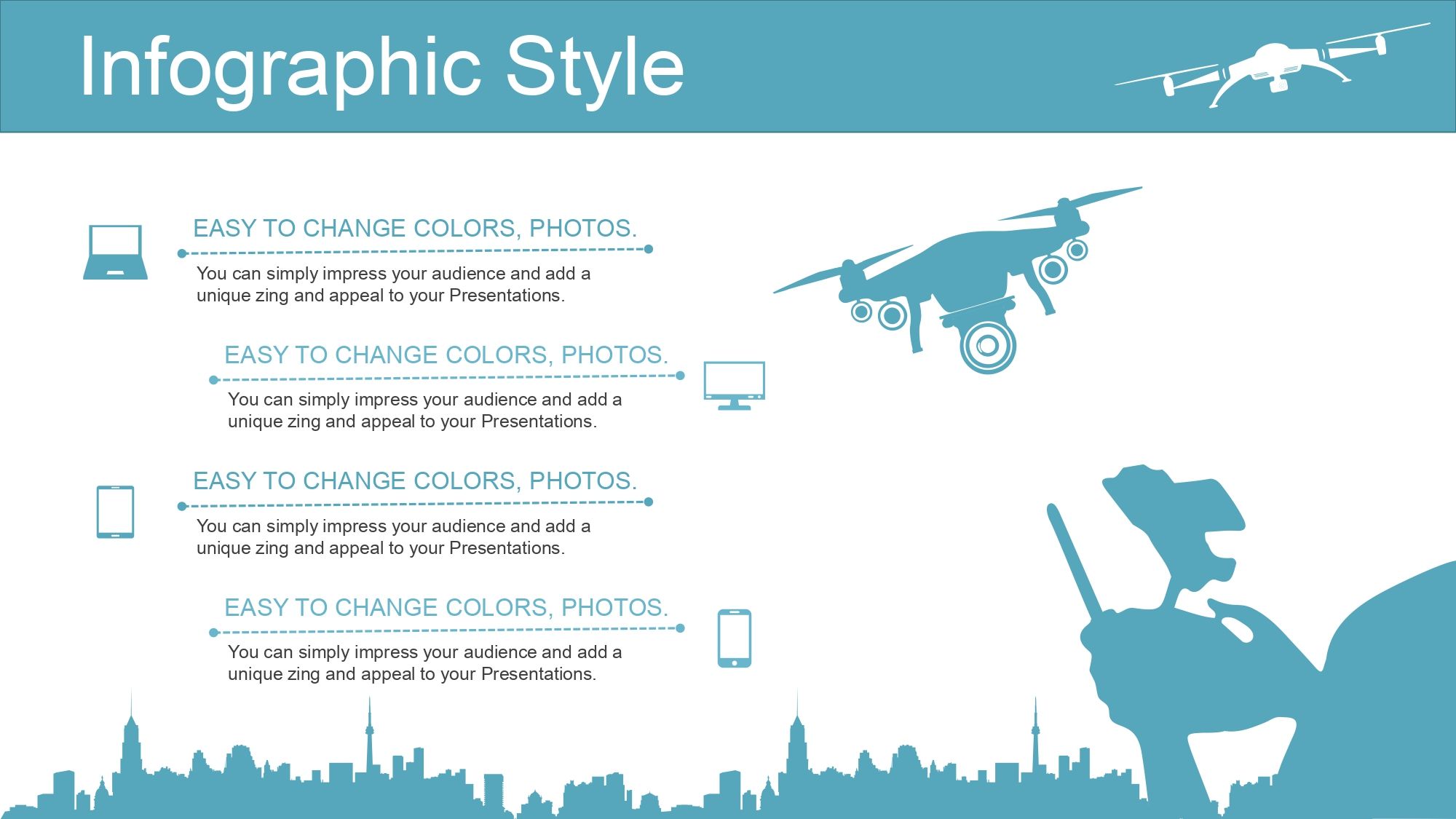

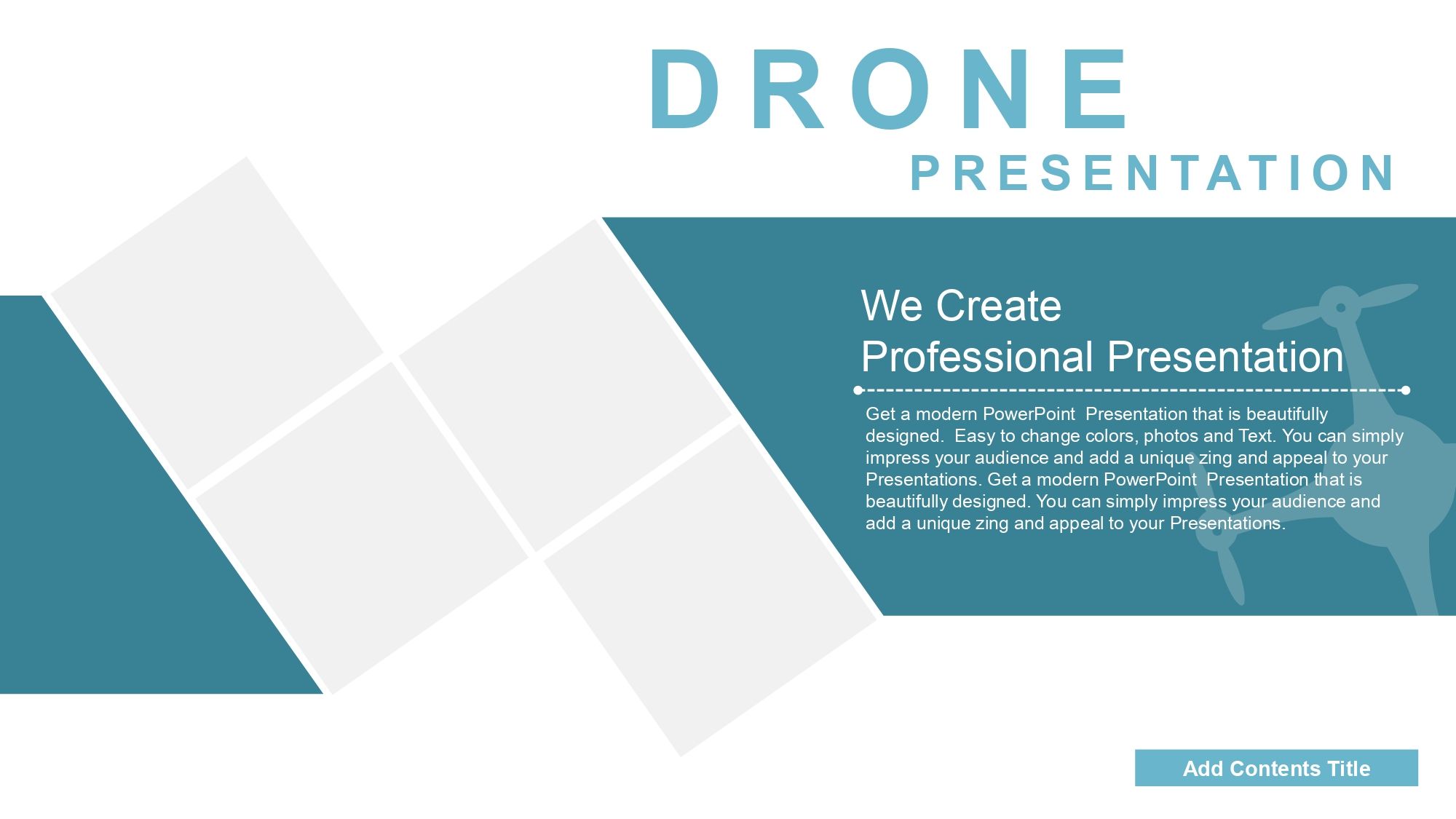

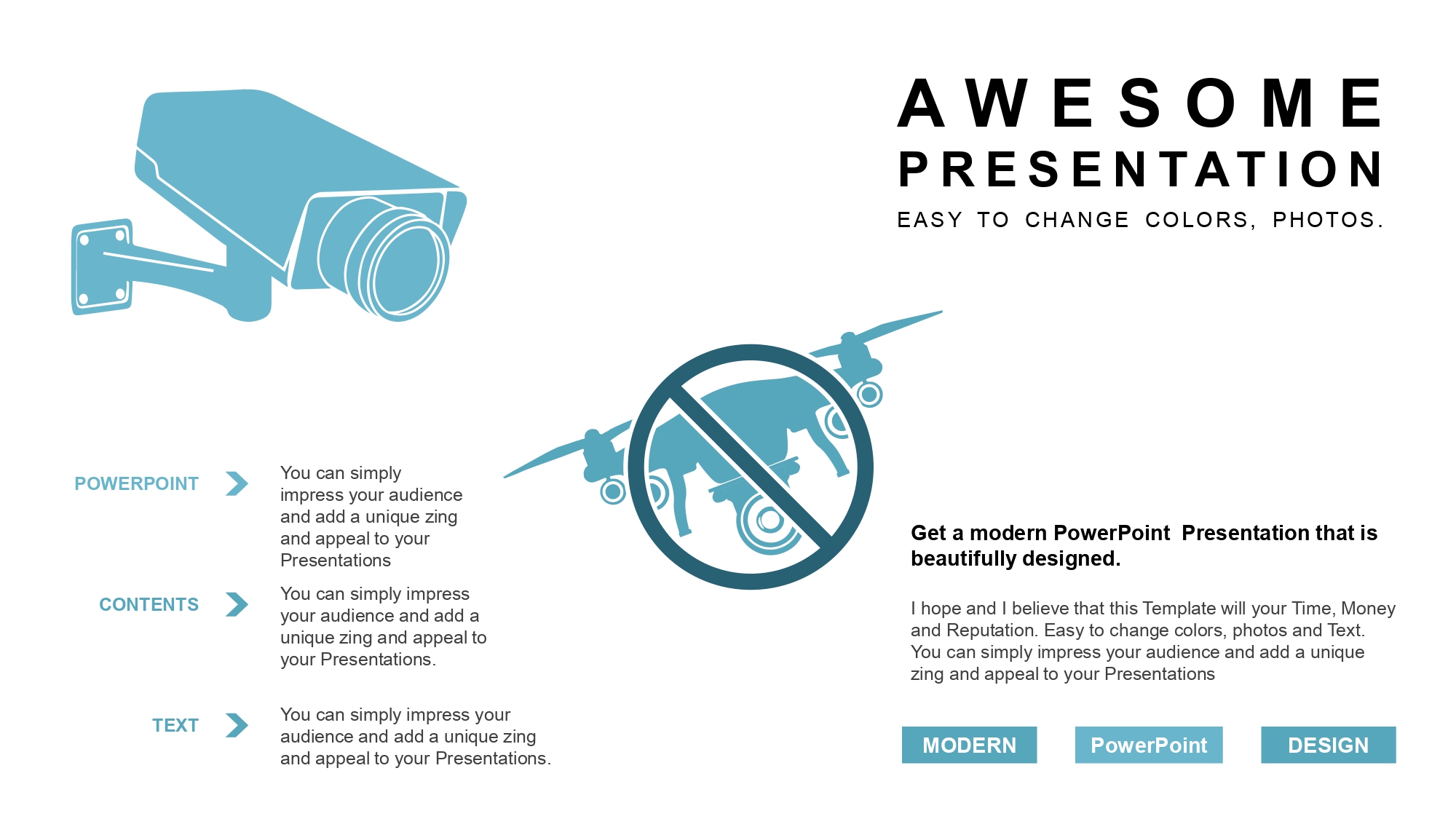


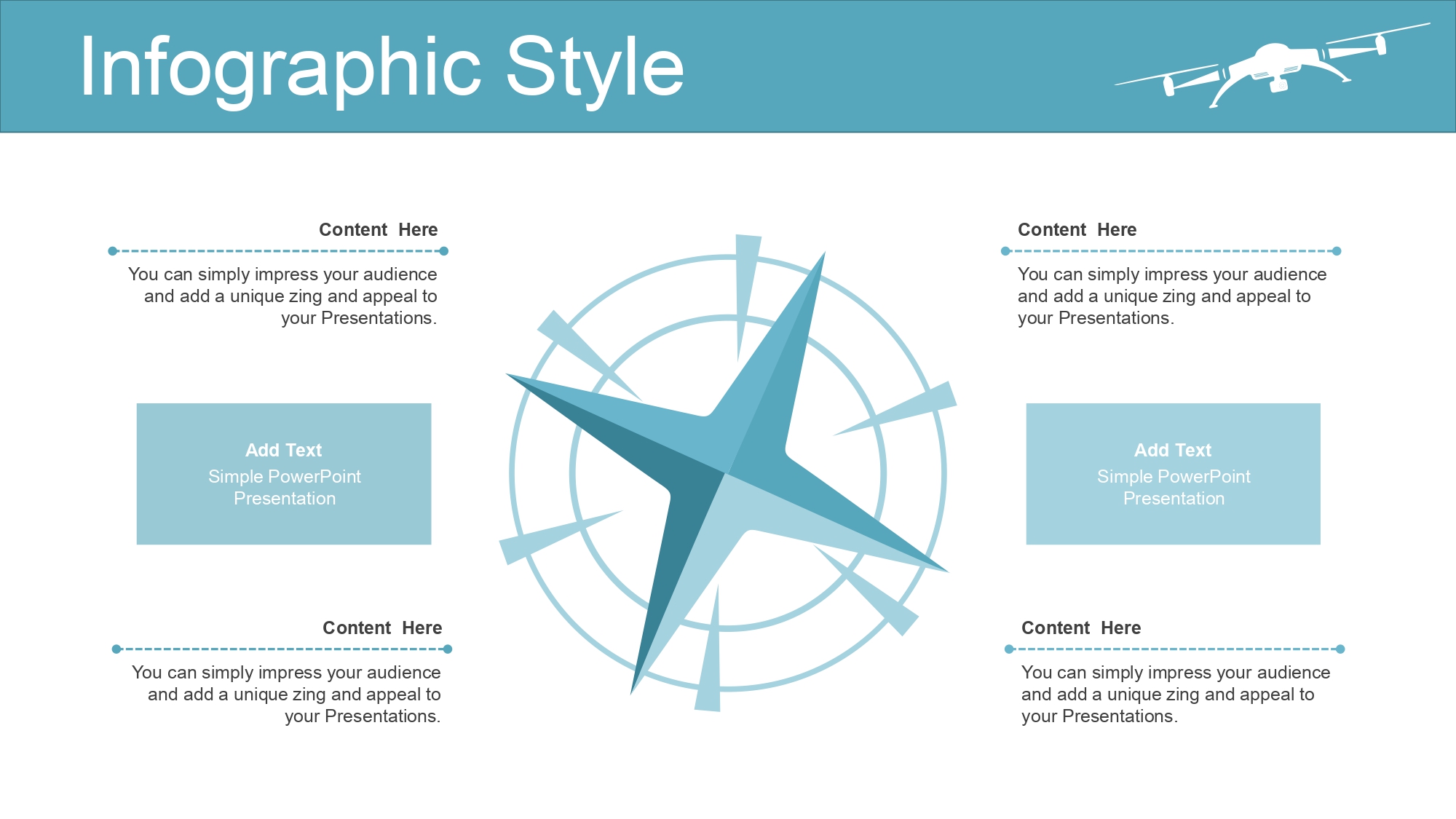
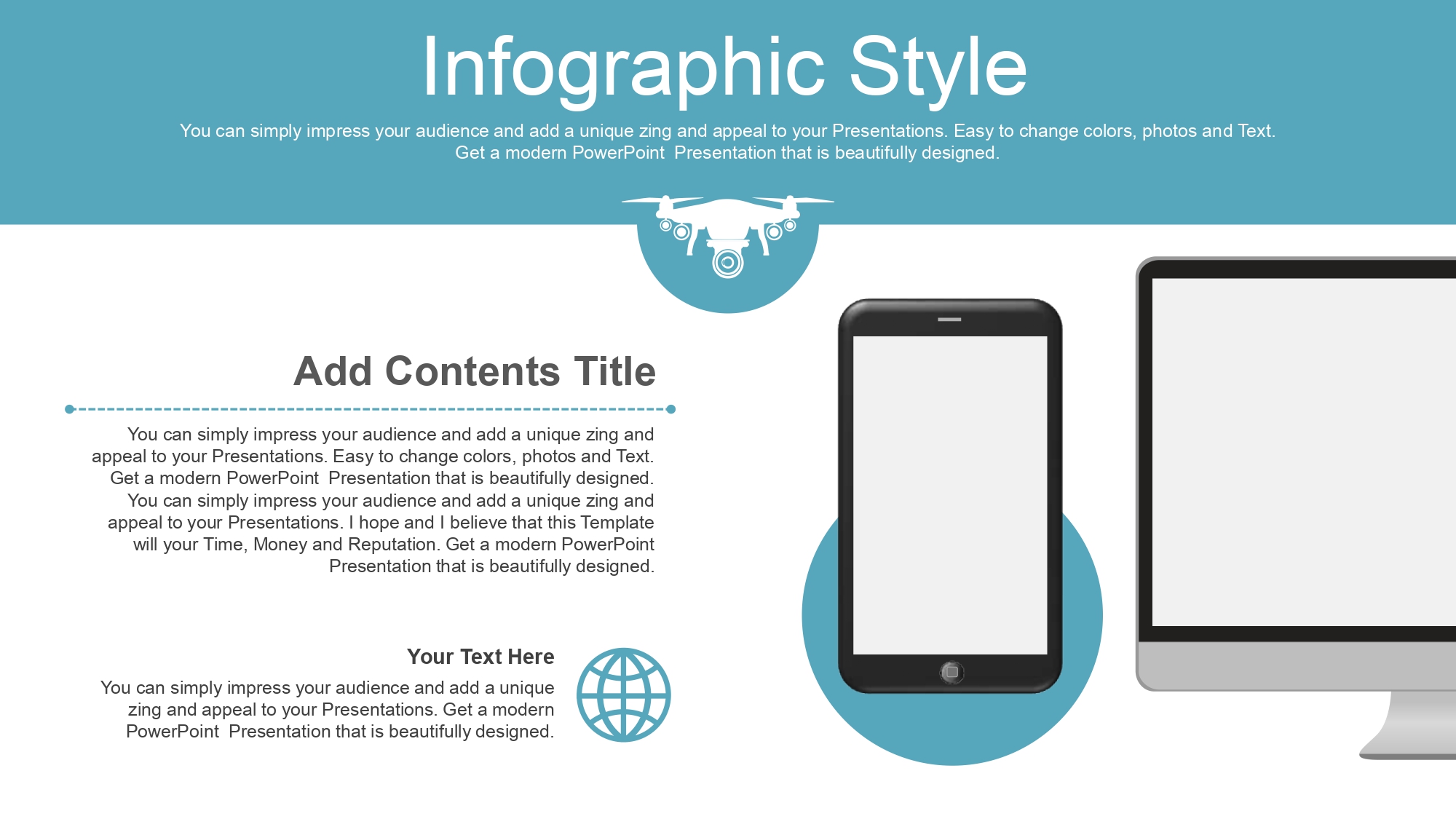
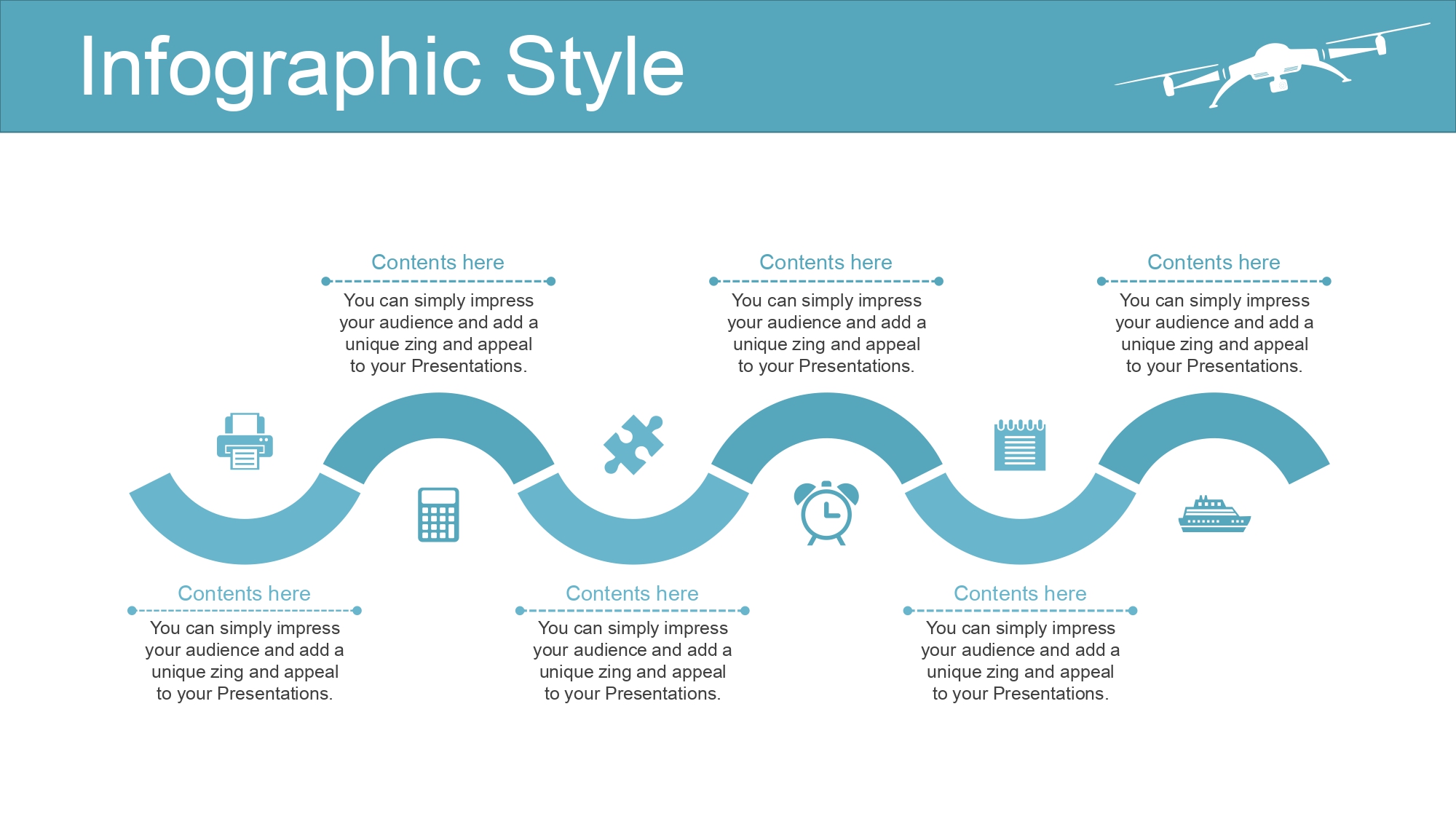
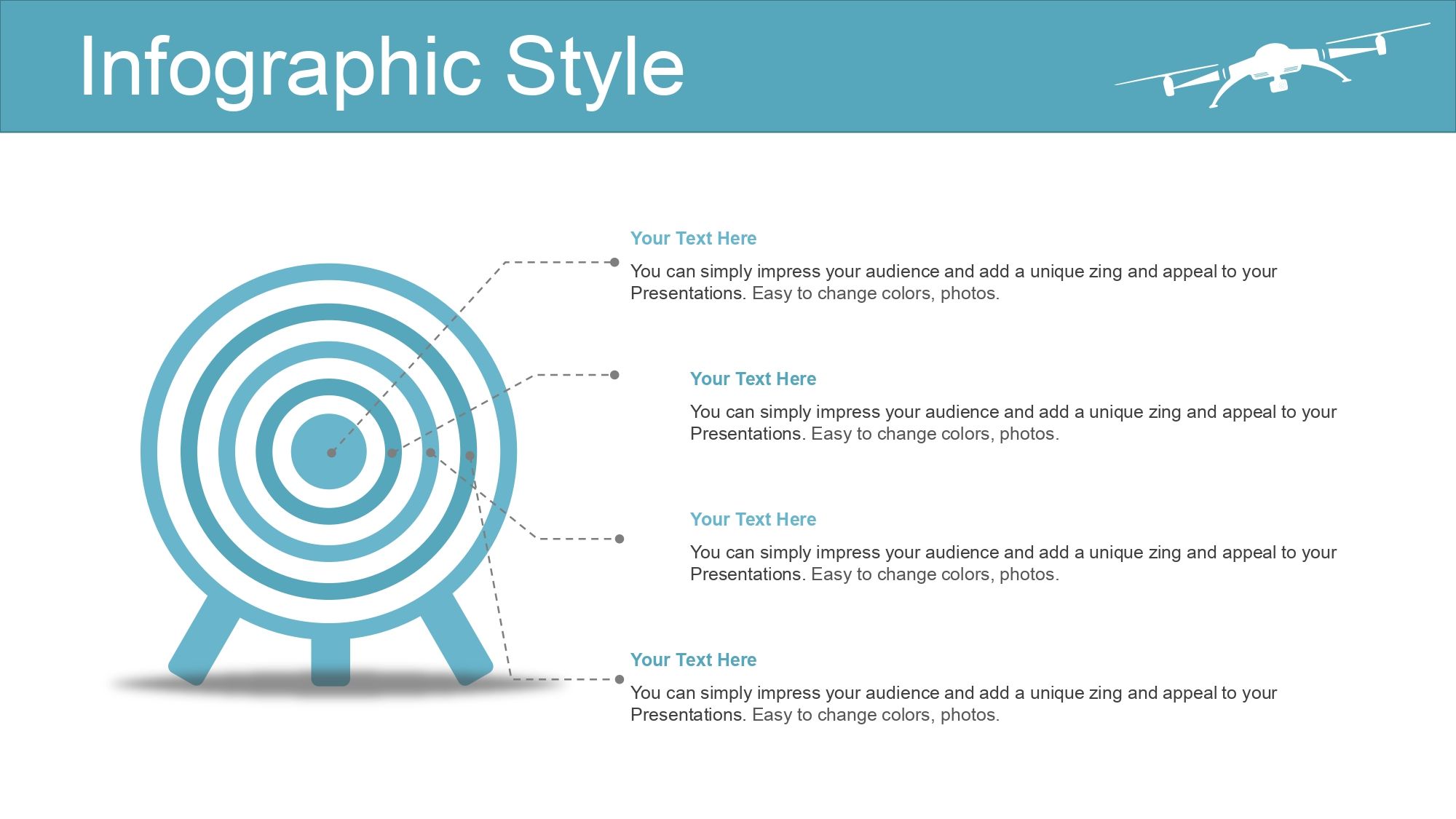




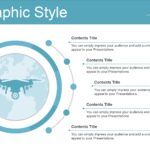
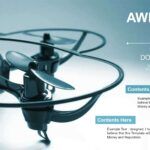
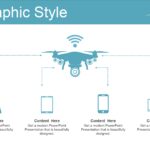


Whenever I prepare presentations on aerial technology, photography, or innovation, I use a Drone PowerPoint Template because it allows me to explain complex concepts visually, dynamically, and professionally. I remember perfectly that its 36 slides contain many high-quality, editable vectors, as well as tools like charts and timelines, which greatly simplifies the content organization process and enhances the final visual impact.
🚀 What is a Drone PowerPoint Template?
A drone PPT template is a set of themed slides designed to represent:
- aerial drones
- UAV technology
- flight scenes
- aerial photography and video
- technological processes
- analysis charts
What I like most about these templates is that they make presenting technical information easier, especially since in their 36 slides you can find many editable and high-quality vectors, as well as tools like charts and timelines, which allows you to explain functions, processes, or comparisons effortlessly.
🎯 Why use a drone-themed template?
✔ Immediate professionalism
Ideal for engineers, photographers, drone pilots, teachers, and students.
✔ Ability to explain complex processes
Such as flight paths, stabilization, sensors, or cameras.
✔ Ideal for visual analysis
Drones require graphics and data visualization.
✔ Adaptable to multiple sectors:
- precision agriculture
- industrial inspection
- cinema and photography
- security
- education
- logistics
And editing becomes even more convenient when in its 36 slides you can find many editable and high-quality vectors, as well as tools such as charts and timelines.
🔋 Essential features of a good Drone PPT Template
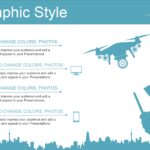
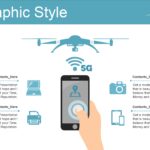
- 100% editable drone vectors
- Professional graphics for technical analysis
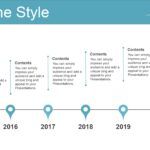
- Explanatory timelines
- Flight diagrams
- Technology front pages
- Modern backgrounds
- Icons of cameras, propellers, sensors, maps
- Comparative slides
I've worked with many technology templates, but few are as complete as those where in its 36 slides you can find many editable and high-quality vectors, as well as tools such as charts and timelines, allowing you to maintain a cohesive style without losing clarity.
📡 Uses of a drone-themed presentation
This template works perfectly on:
🎓 Education
- school projects
- technical presentations
- research on aerial technology
🎥 Photography and video
- visual works
- camera analysis
- professional portfolios
🛠 Engineering and technology
- sensors
- autonomous flight routes
- UAV components
🌱 Precision agriculture
- NDVI maps
- crop monitoring
- aerial inspections
🏢 Businesses and marketing
- product demonstrations
- business proposals
- corporate reports
And in all these cases it helps that in its 36 slides you can find many editable and high-quality vectors, as well as tools such as charts and timelines.
🧩 How to customize a Drone Template in PowerPoint
Personalizing it is very easy if you follow these steps:
1. Change images or icons
Add photos of your own drones or projects.
2. Edit the vectors
Since they are editable, you can adjust colors, sizes, and positions.
3. Adjust the graphics
It includes real flight data, percentages, or comparisons.
4. Modify the timeline
Ideal for showcasing technological evolution or workflow.
5. Add diagrams
Such as flight paths, sensors, or recording processes.
This ease is multiplied when in its 36 slides you can find many editable and high-quality vectors, as well as tools such as charts and timelines.
📥 Where can I download a Drone PowerPoint Template?
Always look for templates that offer:
- Compatibility with PowerPoint and Google Slides
- HD Images
- Modifiable vectors
- Modern graphics
- Clean visual style
- Technological approach




