




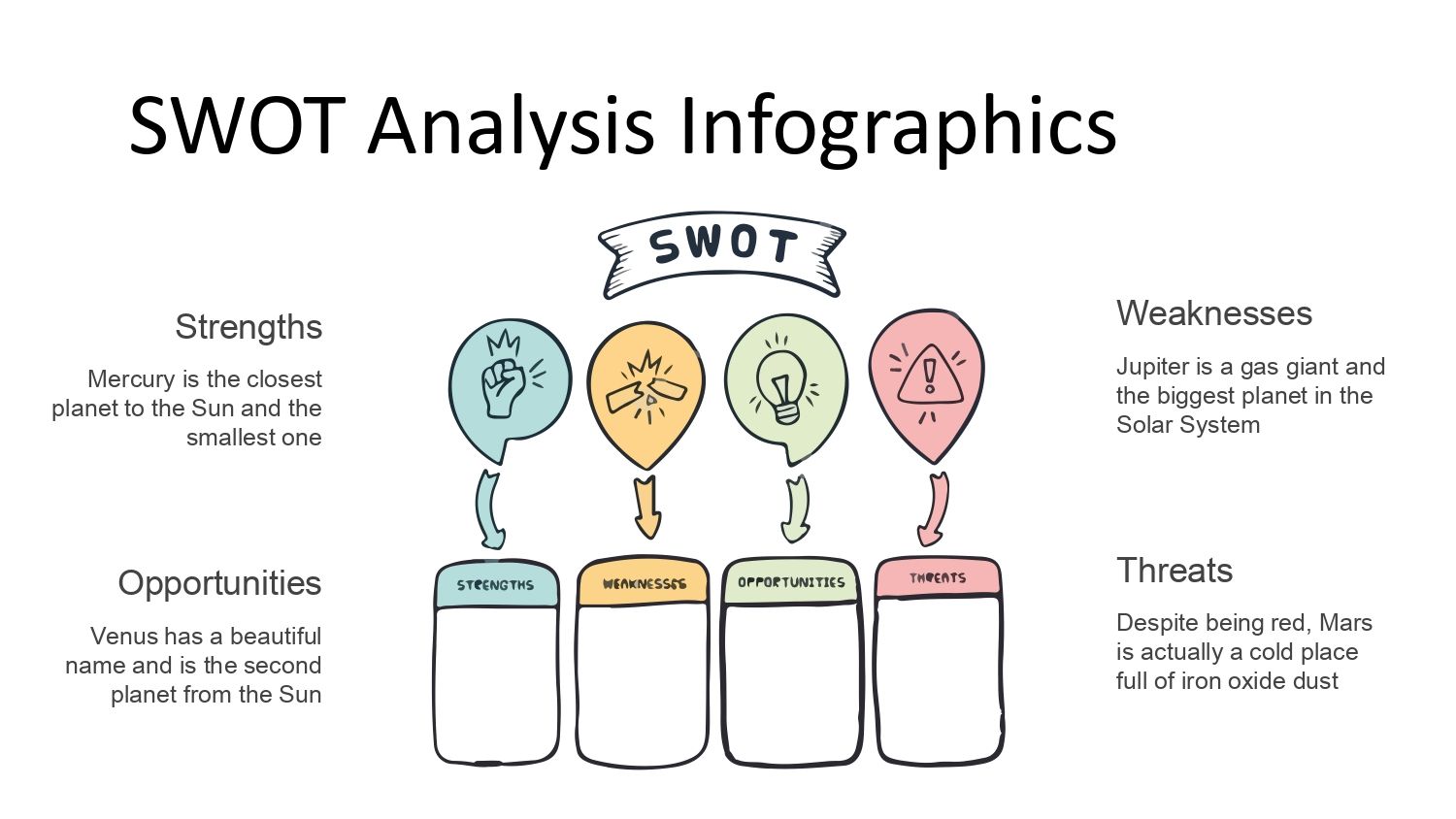
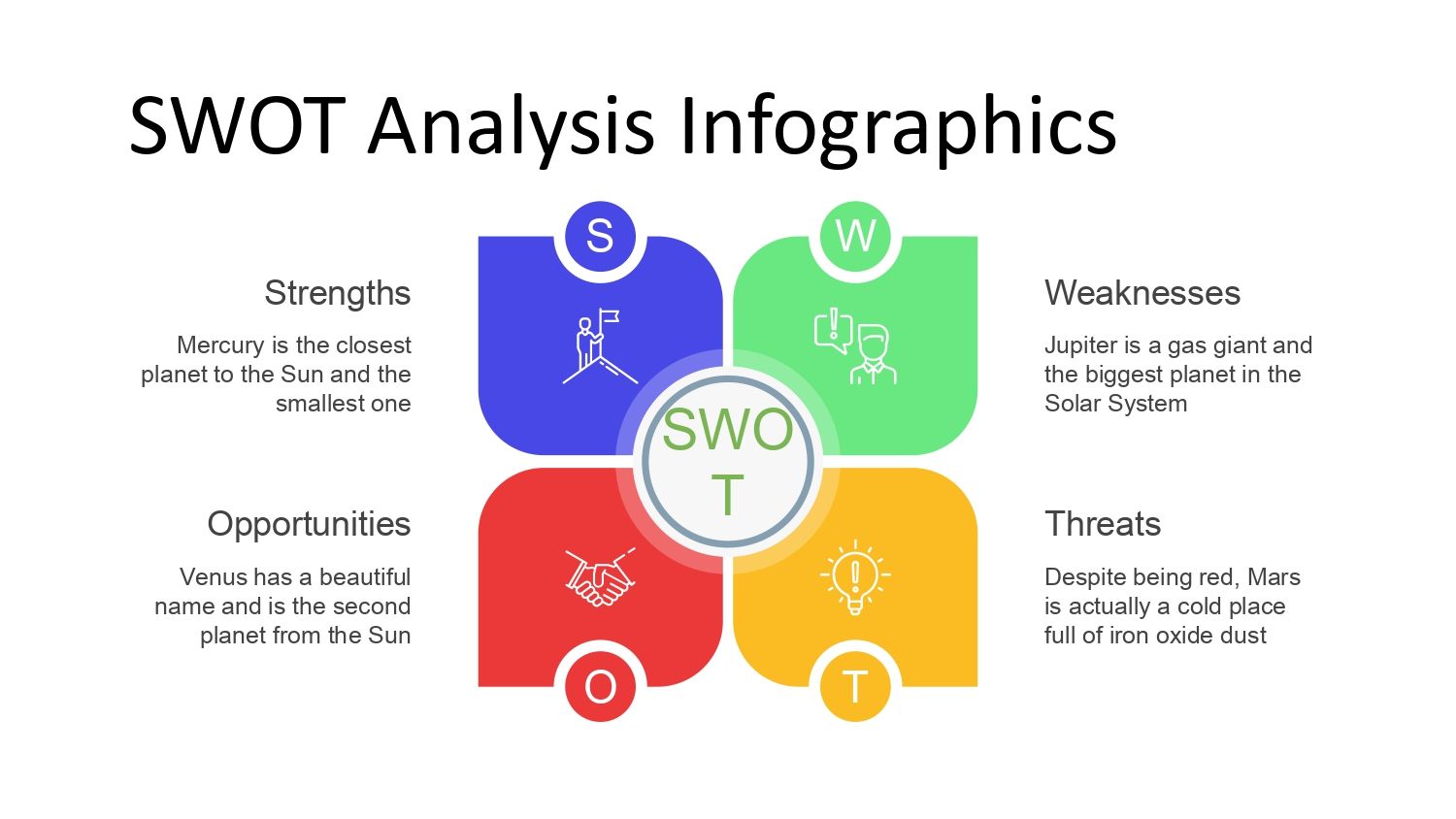
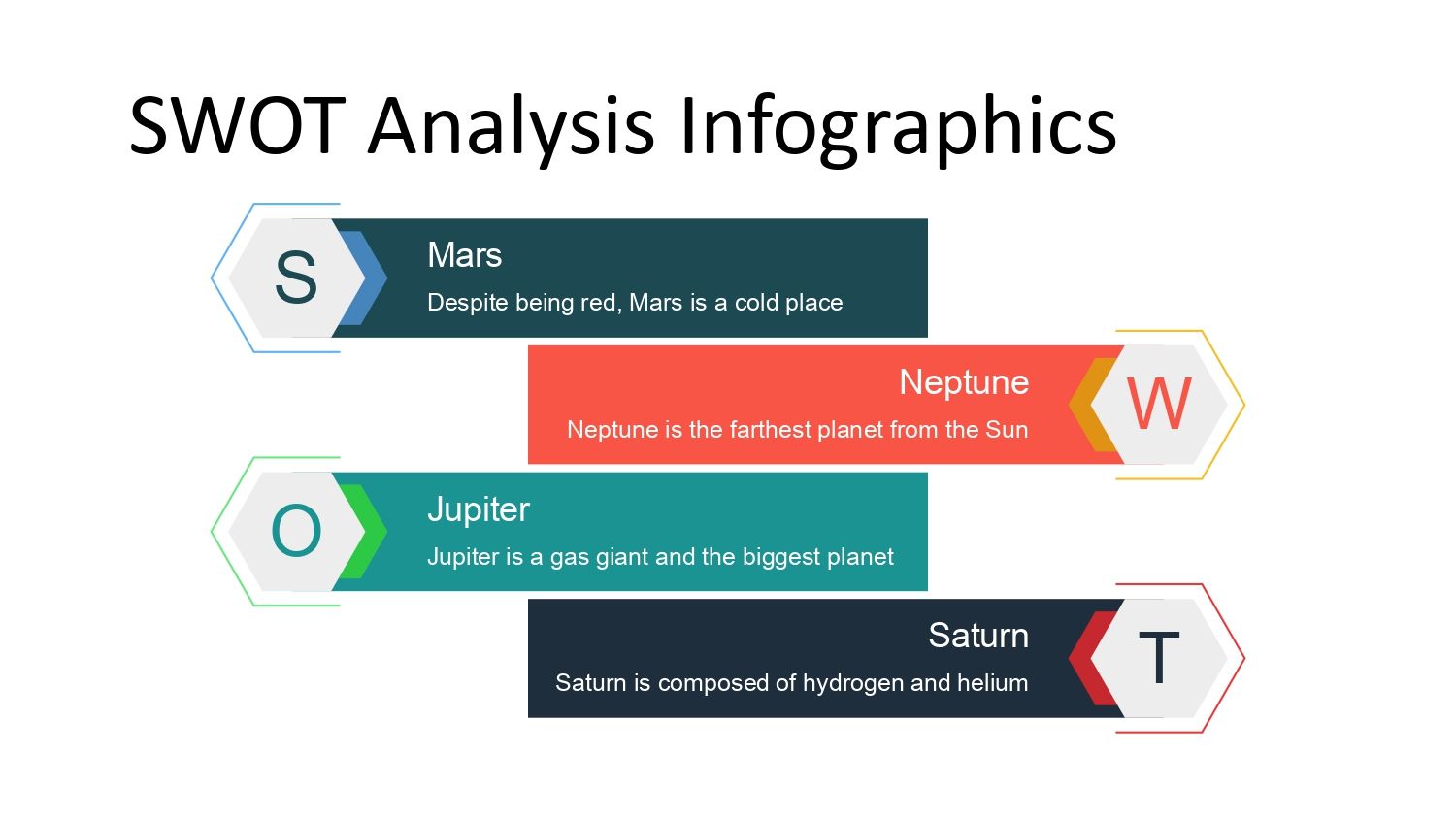
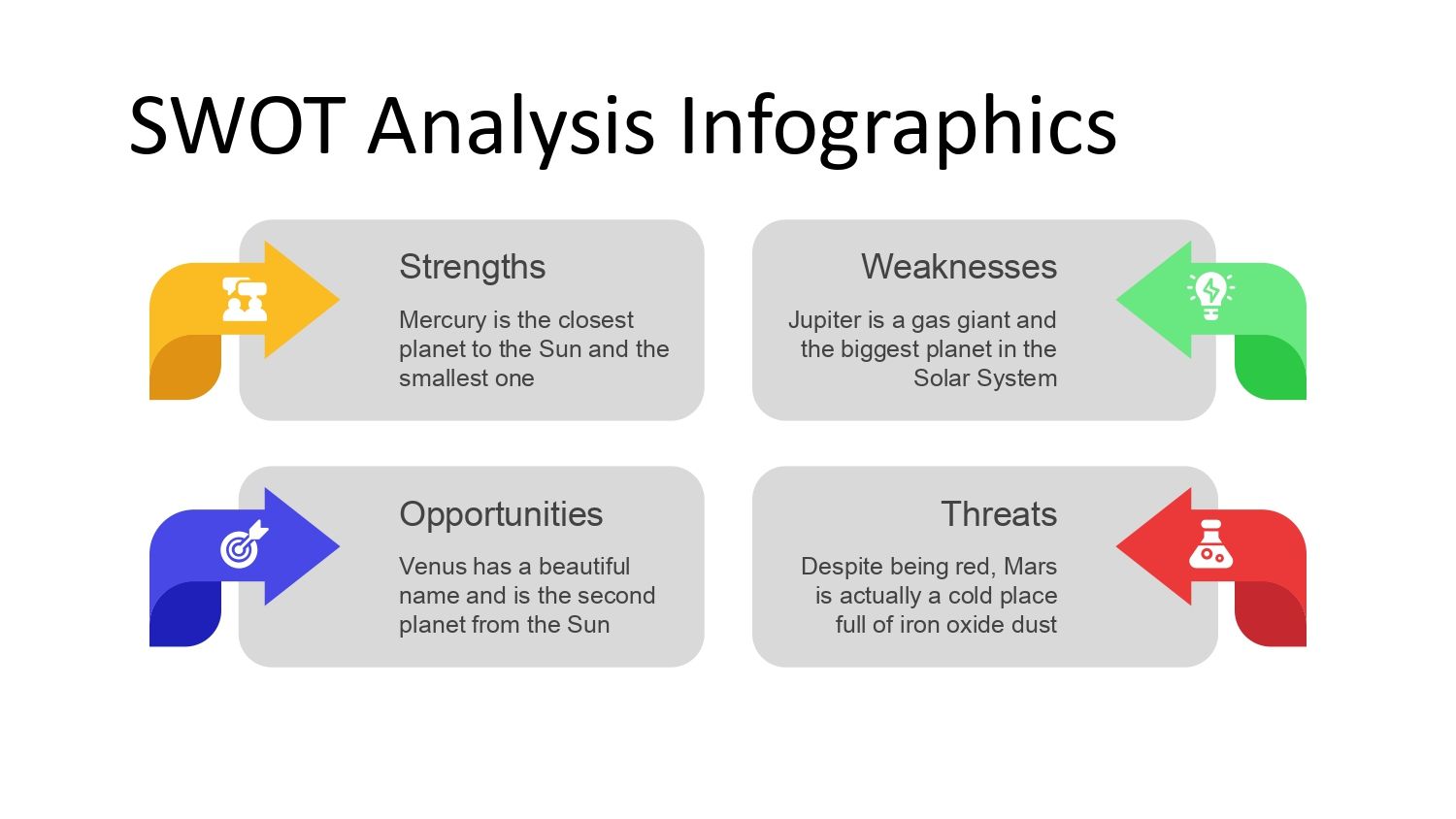
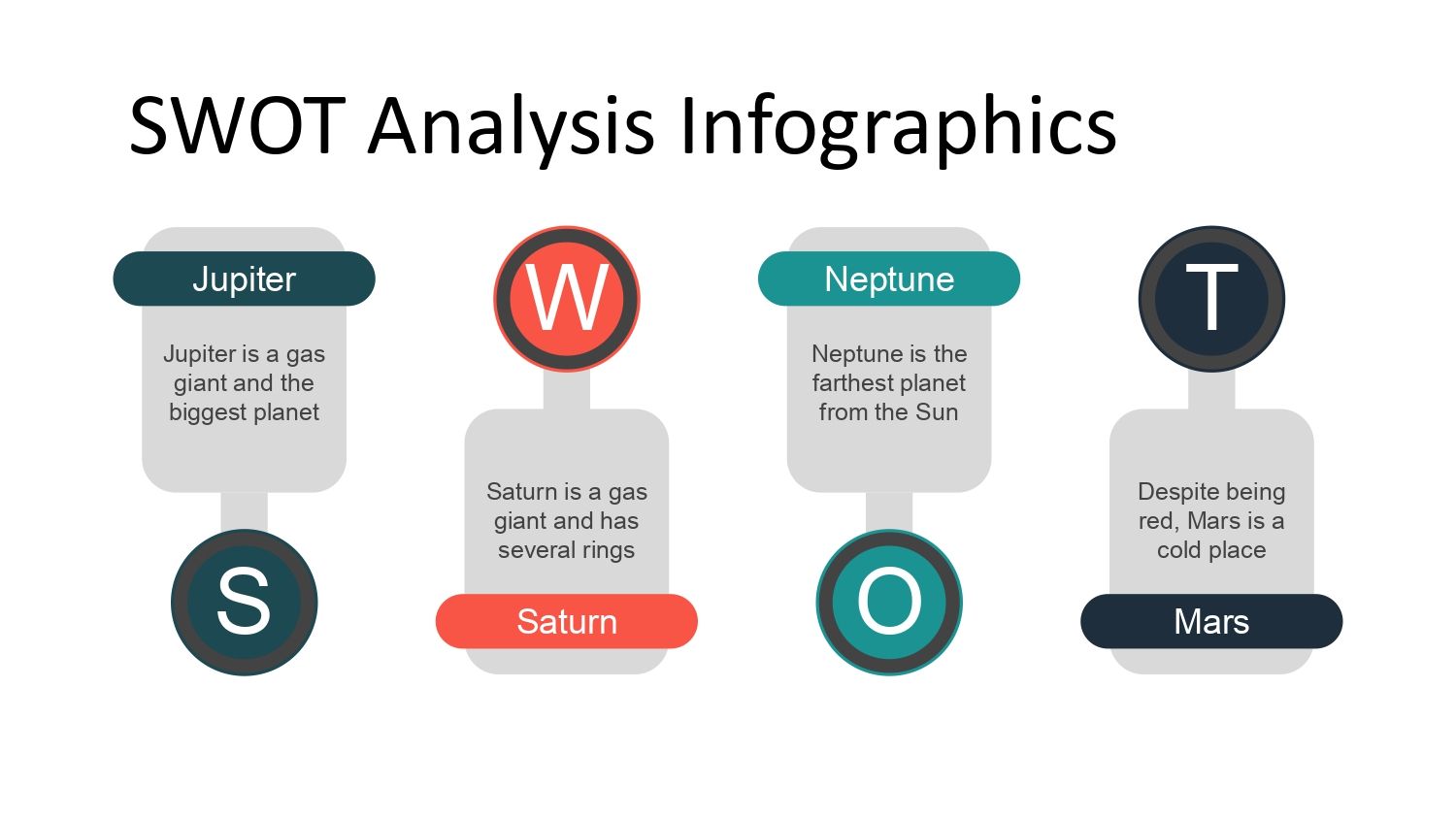



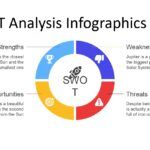
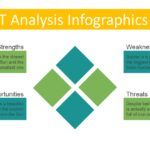
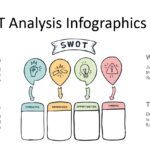
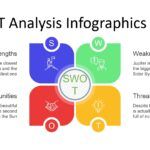





A good SWOT analysis can make the difference between a forgettable presentation and one that truly communicates strategic clarity. When it comes to conveying data, ideas, or decisions to a team, having the right visual tool can accelerate understanding and improve the perception of your work.
Therefore, a well-designed SWOT Analysis PowerPoint Template not only saves time but also transforms the way you present strengths, weaknesses, opportunities, and threats. In my experience, to fulfill its purpose, this PowerPoint has 48 fully editable slides, perfect for fitting any type of requirement—something that is noticeable from the first moment you work with it.
🔎 What is SWOT Analysis and why is it so widely used?
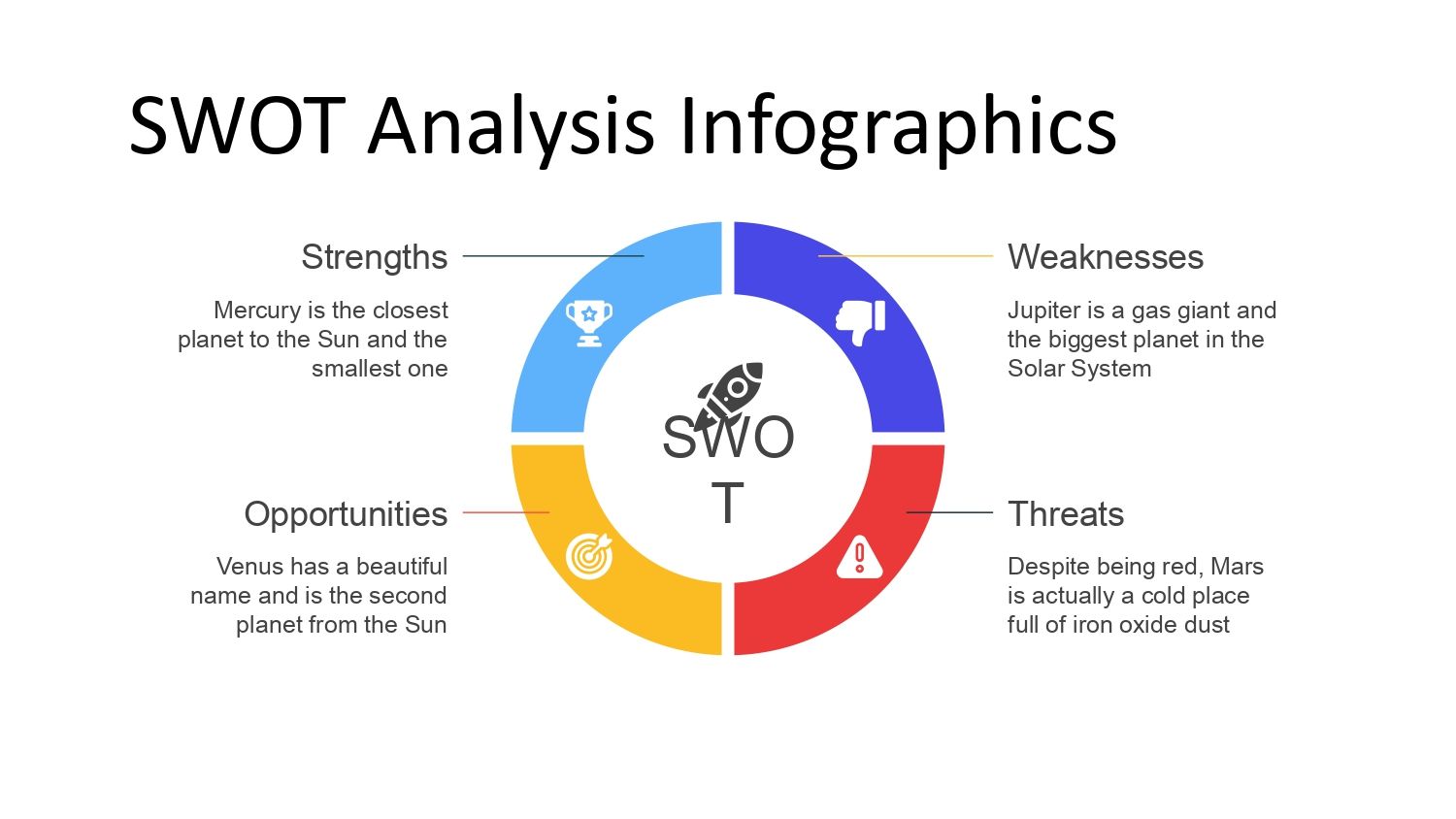
SWOT analysis (also known as SWOT analysis) is a technique that allows you to evaluate the internal and external factors that affect a project, company, or even personal decisions.
📌 F = Strengths
📌 O = Opportunities
📌 D = Weaknesses
📌 A = Threats
Using it helps to:
- Define realistic strategies
- Understanding the internal and external context
- Visualize priorities and risks
- Guiding decision-making
When presenting a SWOT analysis visually, it's crucial that the elements are well-organized so the audience can immediately grasp its conclusions. This is where a SWOT Analysis PowerPoint template becomes especially useful.
📈 Benefits of using a specific template for SWOT analysis
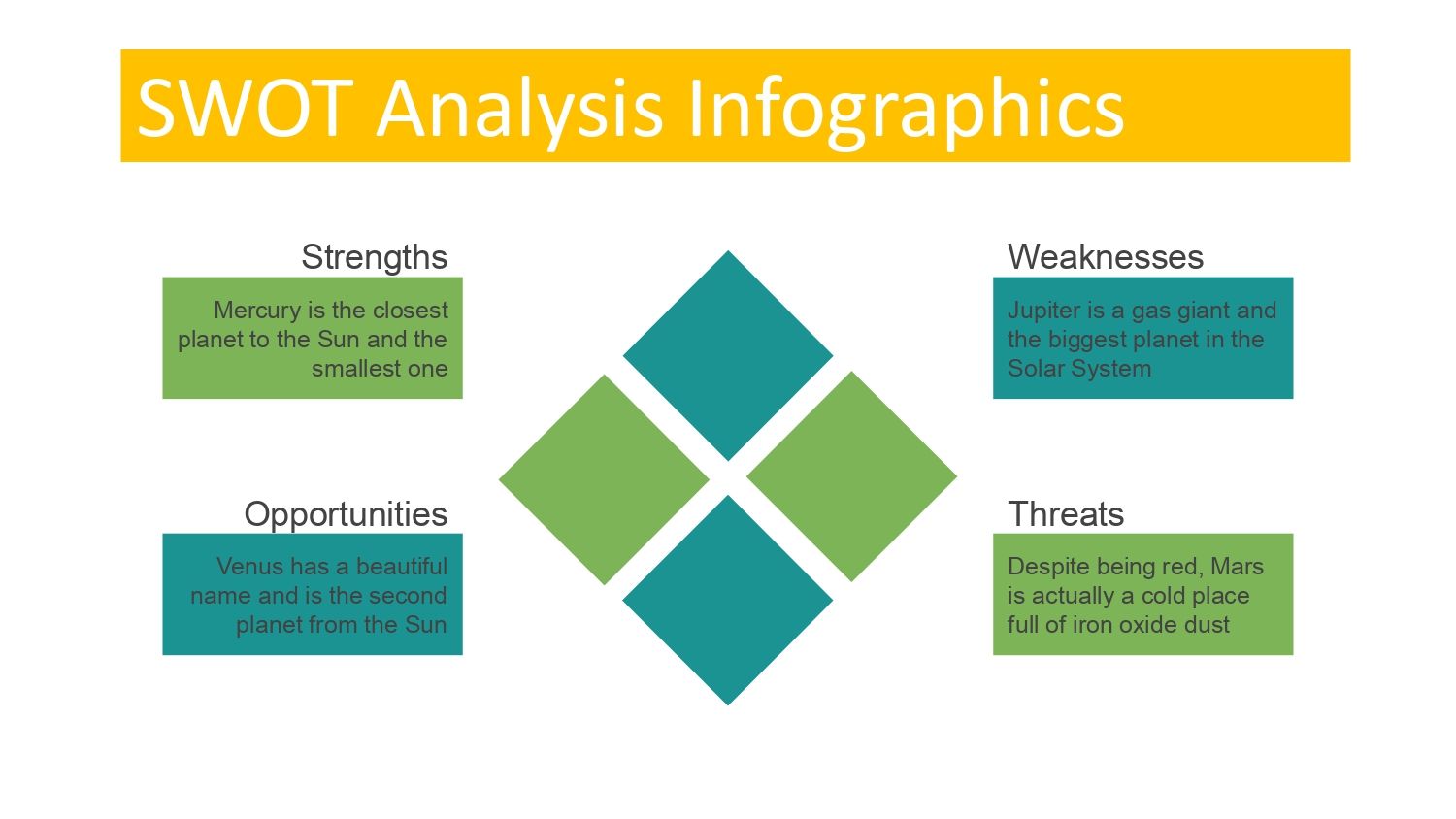
🎯 Visual clarity: The elements are designed so that each quadrant of the analysis has the appropriate space and format.
📊 Professional structure: The SWOT matrix comes pre-organized and ready to use, which avoids design errors.
⚙️ Time saving: When you don't have to design every element, preparing your presentation becomes much faster.
📌 Flexibility: You can adapt it for different audiences — managers, work teams, clients or academics — without losing coherence.
Furthermore, since this ppt has 48 fully editable slides perfect for fitting any type of requirement, you can reuse it again and again in different scenarios, from business proposals to personal or educational projects.
🧩 How to get the most out of your SWOT Analysis PowerPoint template
🧠 1. Customize the titles and colors
Adapting colors and titles to your audience makes your analysis more visually impactful and easier to remember.
📊 2. Enter your real data
Having a good structure is not enough: incorporating your data and real examples makes your presentation credible and useful.
📍 3. Use complementary graphics
A SWOT matrix can be accompanied by additional graphics (such as impact matrices, comparative tables, or trends) to enrich your presentation.
In this sense, the fact that this ppt has 48 100% editable slides allows combining different presentation styles without losing visual unity.
👩💼 Most common use cases
🔹 Companies: evaluate new products or markets
🔹 Entrepreneurs: plan business strategies
🔹 Education: teach strategic concepts visually
🔹 Consultancy: present analysis to clients clearly
🔹 Personal projects: evaluate the strengths and risks of an idea
Using a pre-structured template for these cases not only communicates professionalism, but also helps your audience quickly understand the key takeaways.
📋 Key elements in an effective SWOT presentation
✅ Clear and well-balanced matrix
✅ Different icons or colors for each quadrant
✅ Concise texts
✅ Examples applied to the context
✅ Strategic conclusions
These practices can make the difference between a presentation that only “shows data” and one that truly guides decisions.
And since to fulfill its purpose this ppt has 48 100% editable slides perfect to fit any type of requirements, you can organize this information in a logical and visually appealing way without starting from scratch.
✨ Additional tips for powerful SWOT presentations
✔ Rehearse your explanation before presenting it
✔ Use color contrast to highlight key ideas
✔ Don't overload the slides with too much text
✔ Include visual examples where possible
All of this becomes easier when the template already offers you a variety of professional slides from the start.




