

















We live in an era where information flows from anywhere in the world, and documents are no longer limited to a physical computer. Thanks to the cloud, it's possible to create, share, and modify files from anywhere, an essential feature in educational and business environments.
Therefore, having a PowerPoint template for cloud-based documents is an excellent tool for illustrating how this technology works and its advantages. Personally, I believe that the cloud is a place where you can share, create, and modify files, even if they are located in different places, making it the best example of modern collaborative work.
What is a cloud document PowerPoint template?
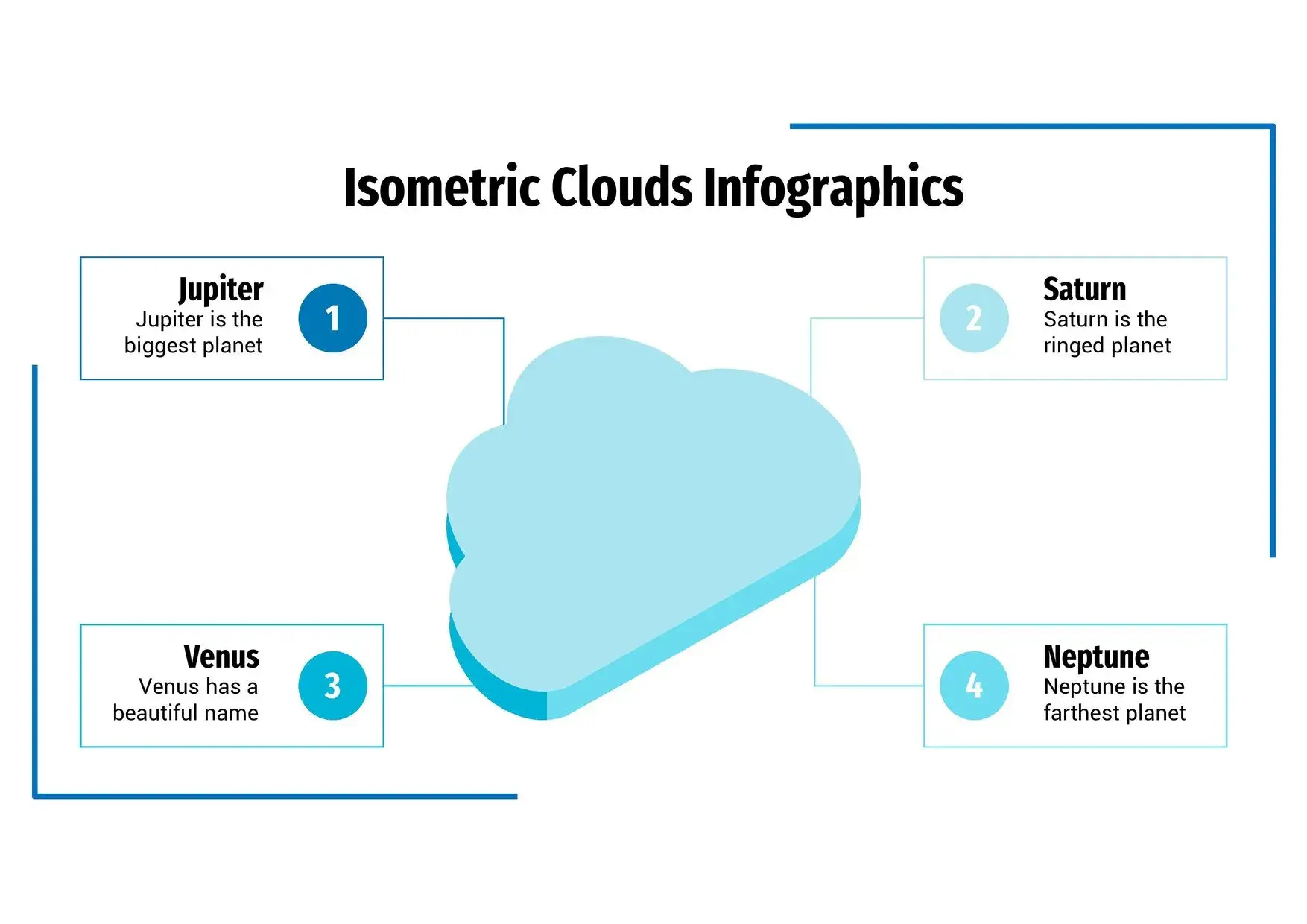
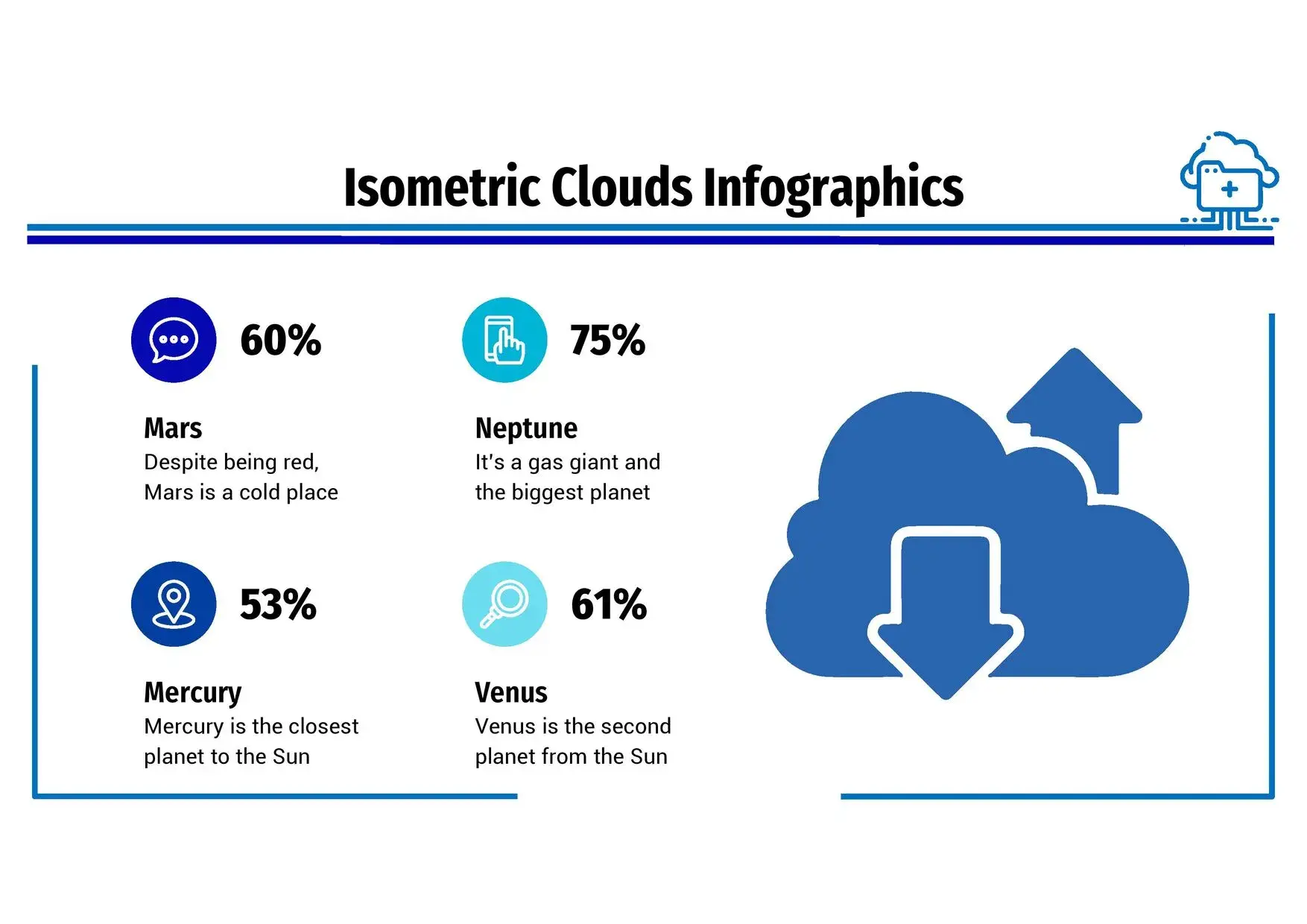
It's an editable template designed for technology presentations. It allows you to represent concepts such as online storage, file synchronization, or teamwork across different devices. Its aesthetic combines icons of servers, folders, and digital clouds, along with blue and white backgrounds that convey clarity and modernity.
This type of template makes it easy to visually demonstrate how files are created, shared, and updated simultaneously, regardless of whether users are in different locations or on different devices.
Main features of the template
This PowerPoint template stands out for being modern and functional. Its features include:
- More than 30 editable slides with professional visual layouts.
- Digital iconography with clouds, folders, and interconnected devices.
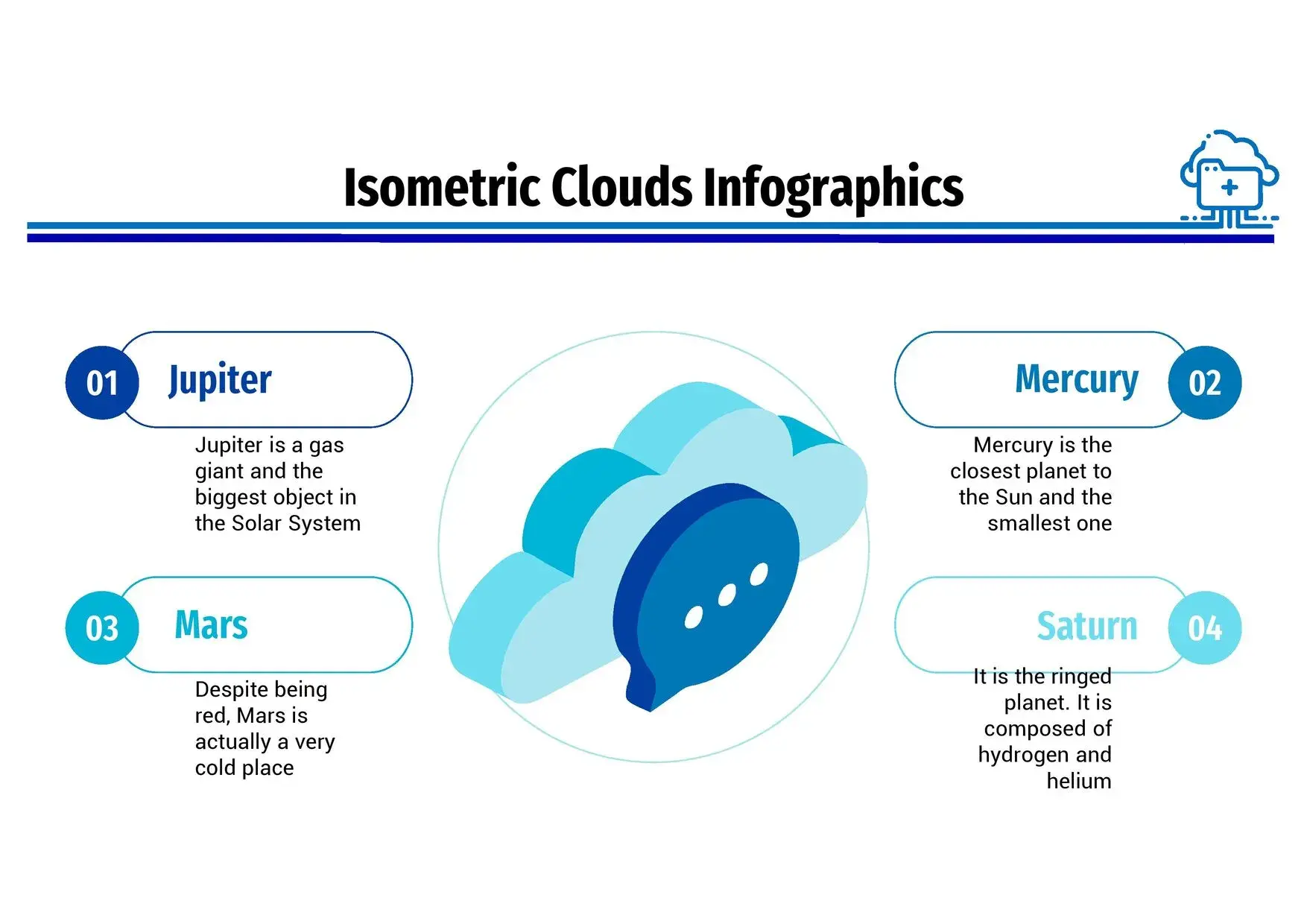
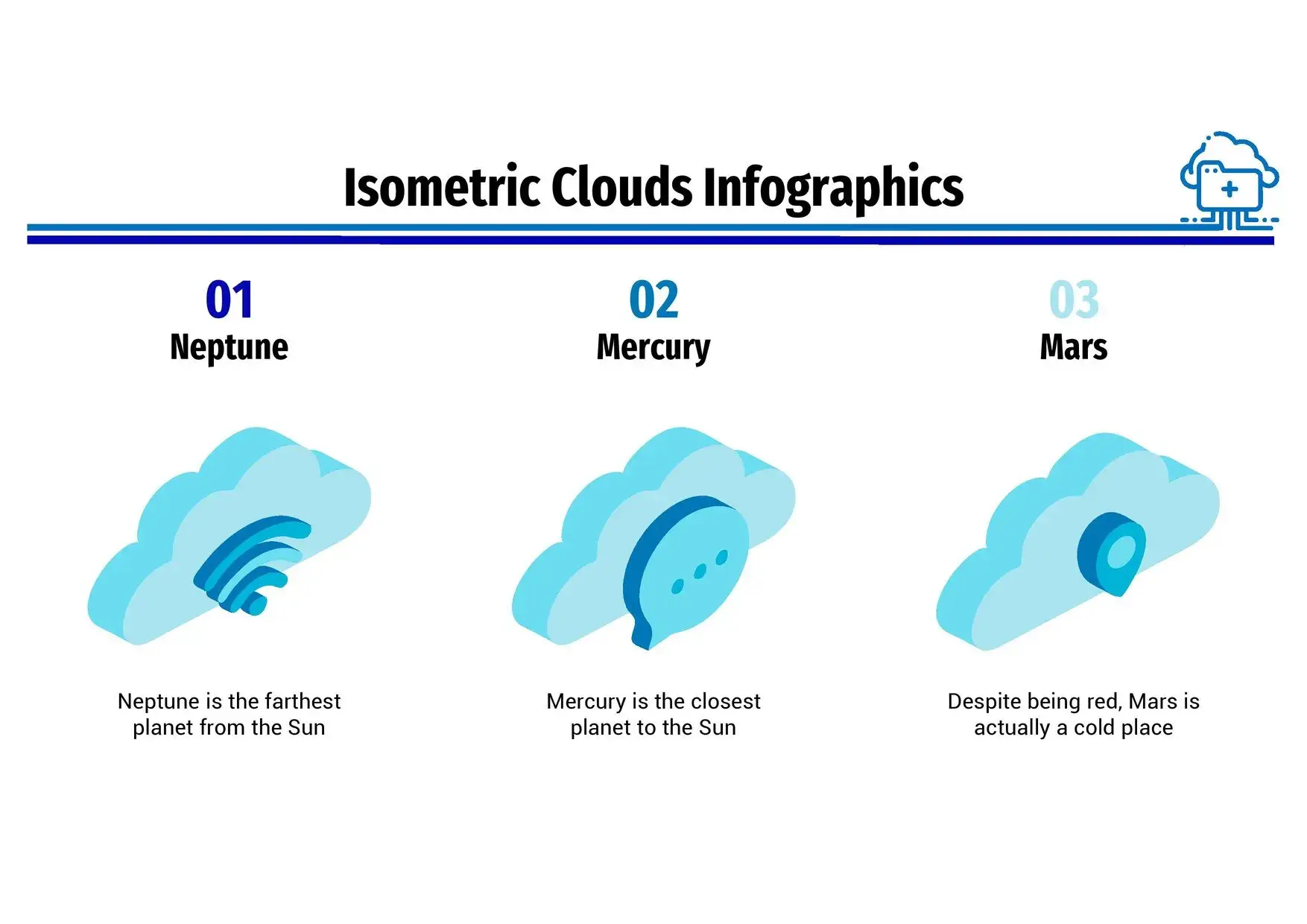
- Designs for processes, diagrams, and timelines.
- Compatibility with PowerPoint, Google Slides and Keynote.
- Legible typography and clean backgrounds.
During its use, I noticed that the distribution of the elements allows to illustrate how files are stored and shared in a clear and attractive way, facilitating the understanding of the cloud even for those without technical knowledge.
Benefits of using a cloud template in your presentations
Using a cloud-based PowerPoint template not only enhances design but also improves communication efficiency. It helps you explain topics such as:
- How online storage works.
- Advantages of collaborative work.
- Security and accessibility of digital files.
- Popular services: Google Drive, OneDrive, Dropbox, iCloud.
How to get the most out of this template
To get the most out of it, follow this structure:
- Introduce the concept of the cloud with a visual slide and initial impact.
- Explain its operation using the integrated diagrams.
- Highlight the benefits using charts or infographics.
- It closes with a visual reflection on the future of digital storage.
Thanks to the process-focused slides, you can show how a document is generated, saved, and shared step by step, reinforcing the audience's visual understanding.
Educational and professional applications
This template is ideal for both teachers who teach about technology and professionals who present digital transformation projects. By showing that files can be modified and shared from different locations, your presentations will reflect the essence of today's connectivity.
It is also useful for:
- Business digital transformation projects.
- Talks on computer security and backups.
- Educational workshops on online collaboration tools.
Advantages of the cloud visually represented
The best thing about this template is its ability to turn abstract concepts into concrete visuals. Each slide reflects the idea that the cloud is a shared space where work flows and is updated in real time, a reality that has changed the way we work and learn.




