


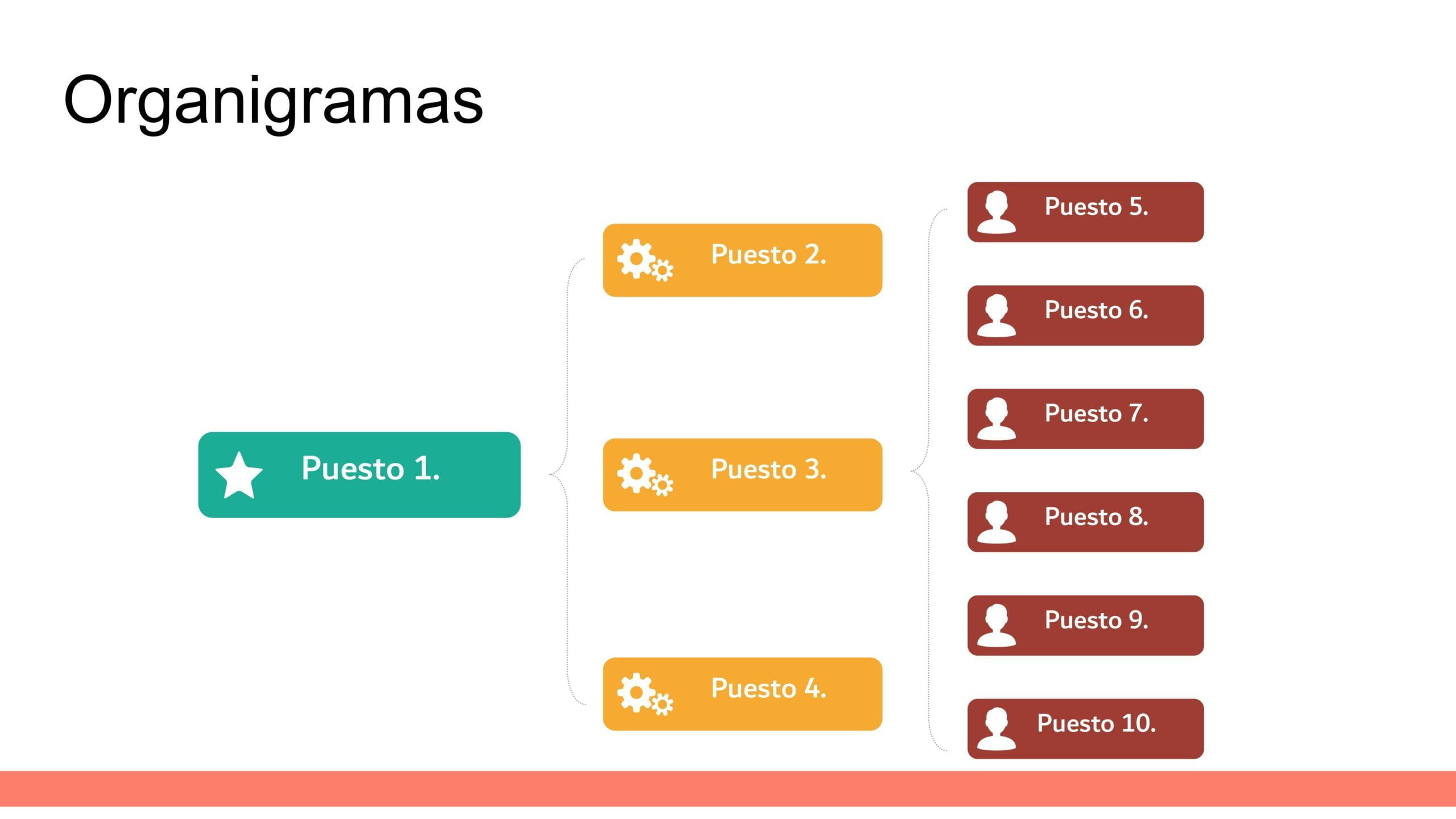
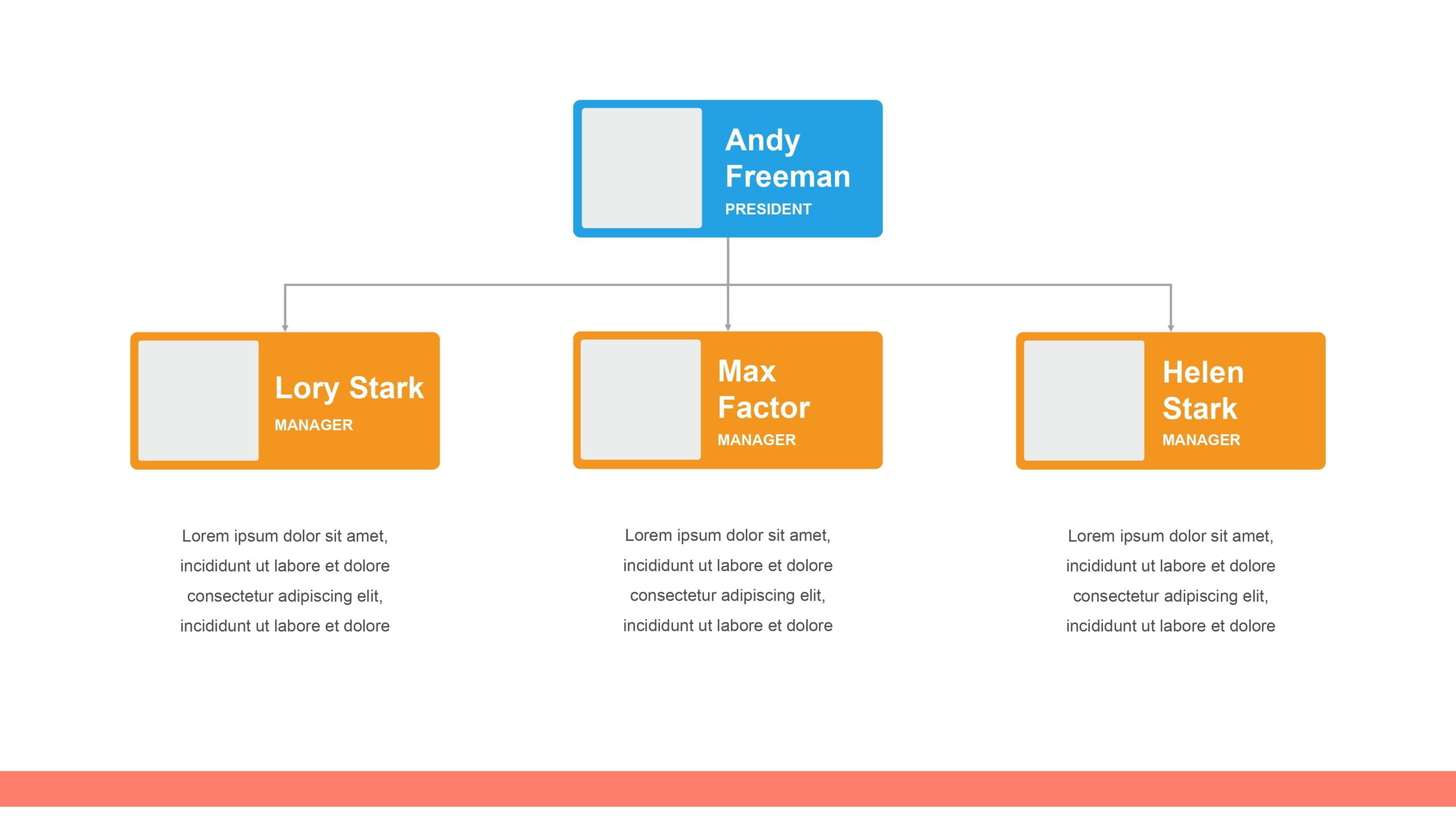
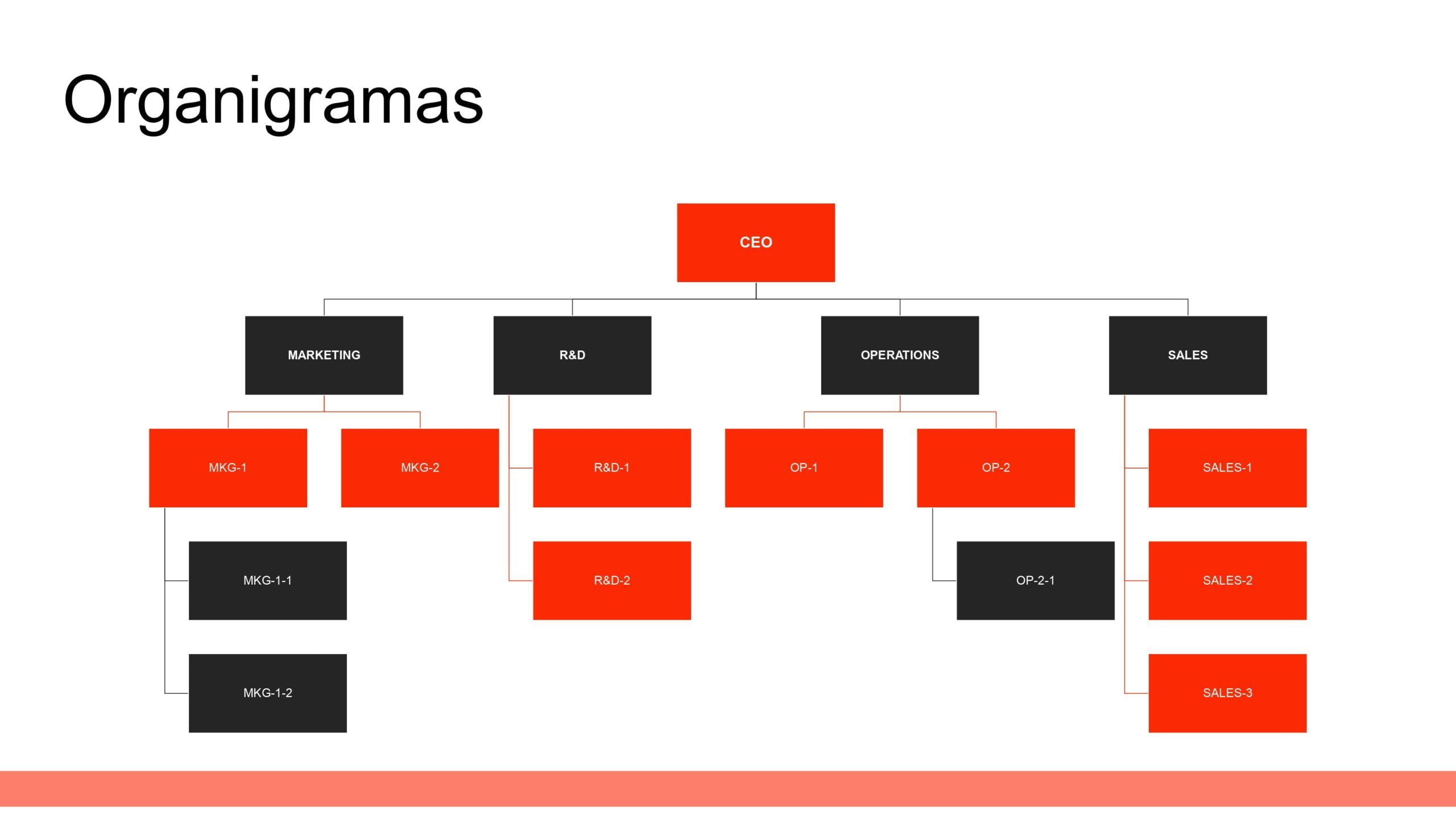
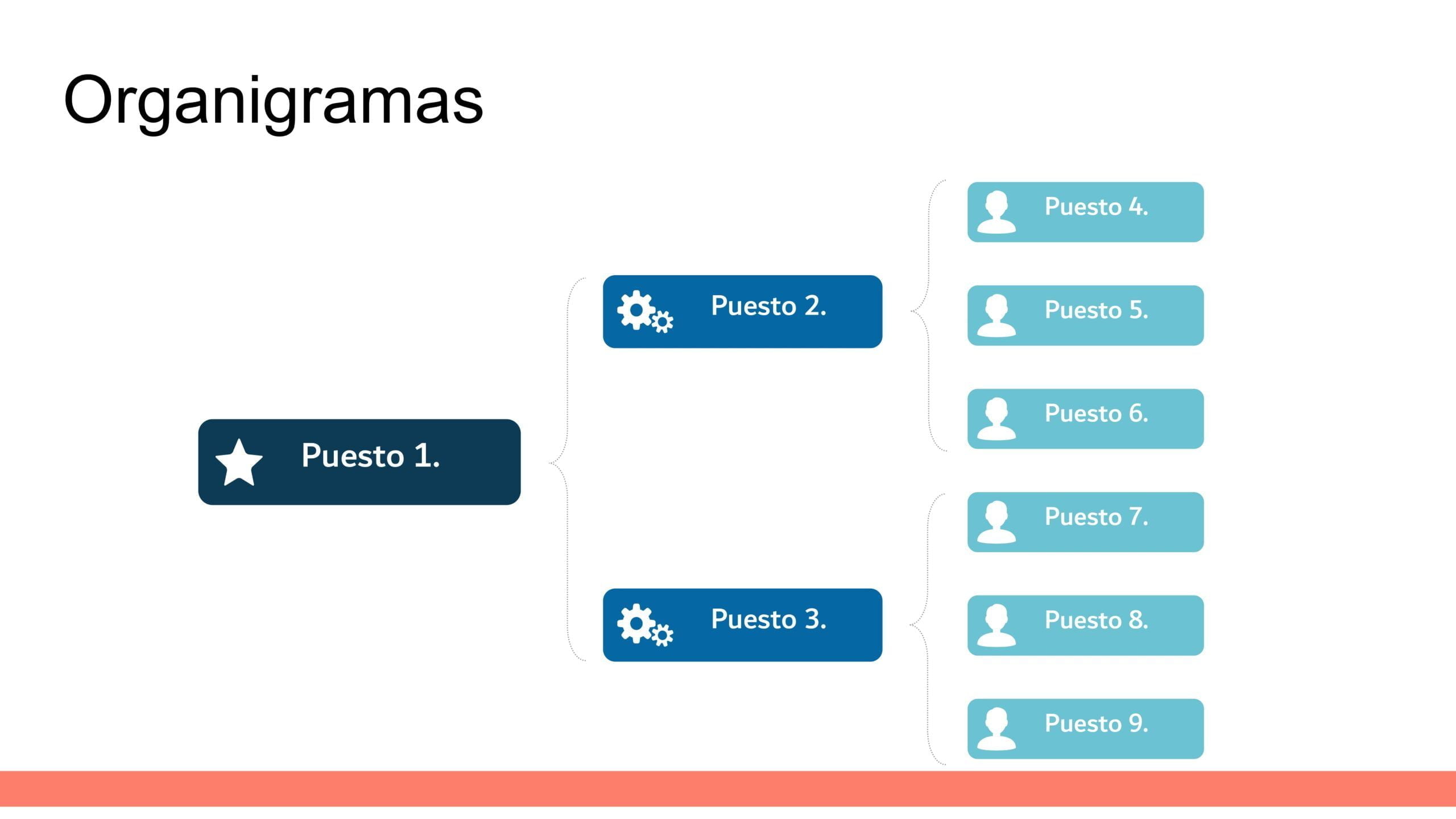
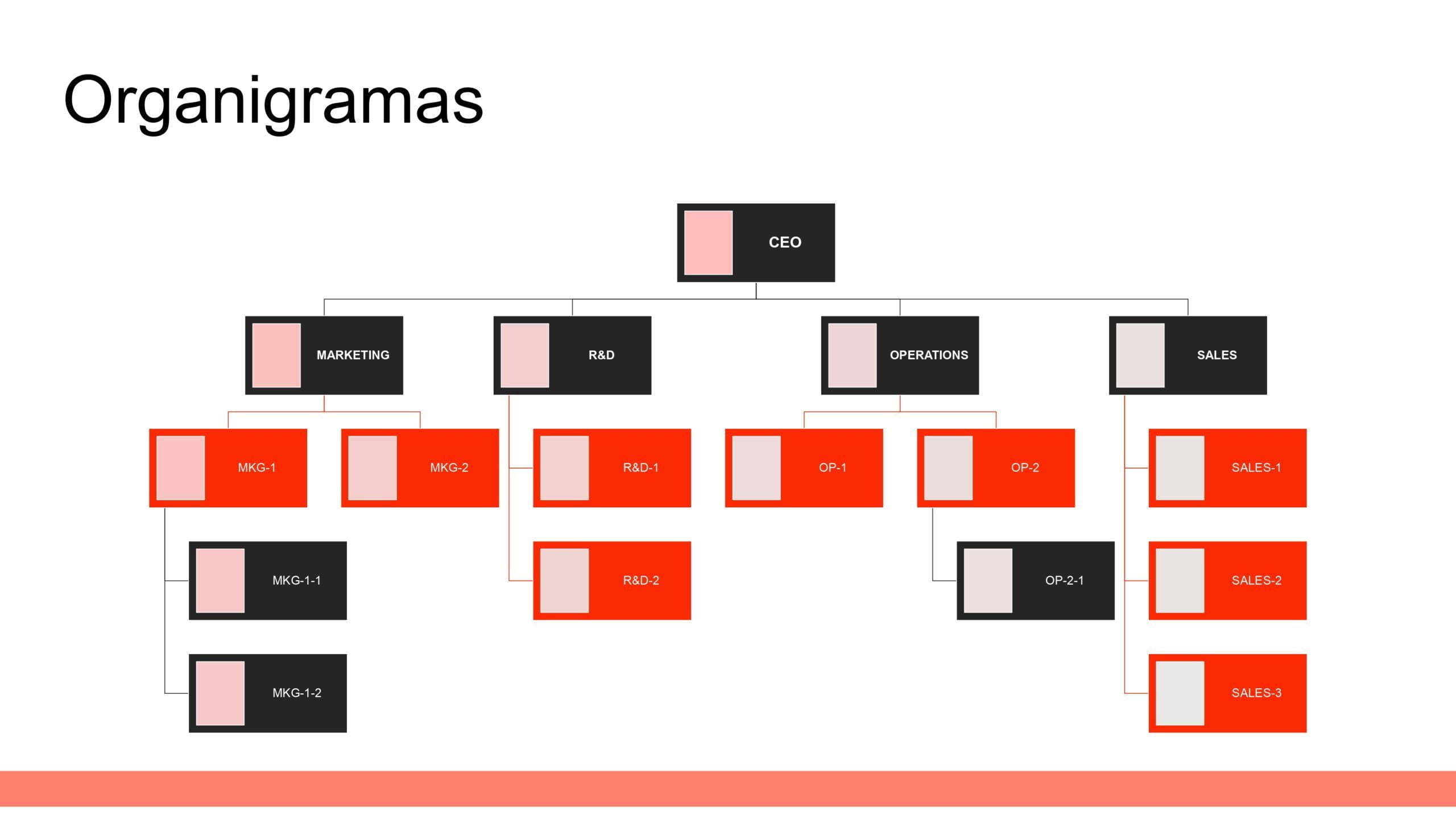
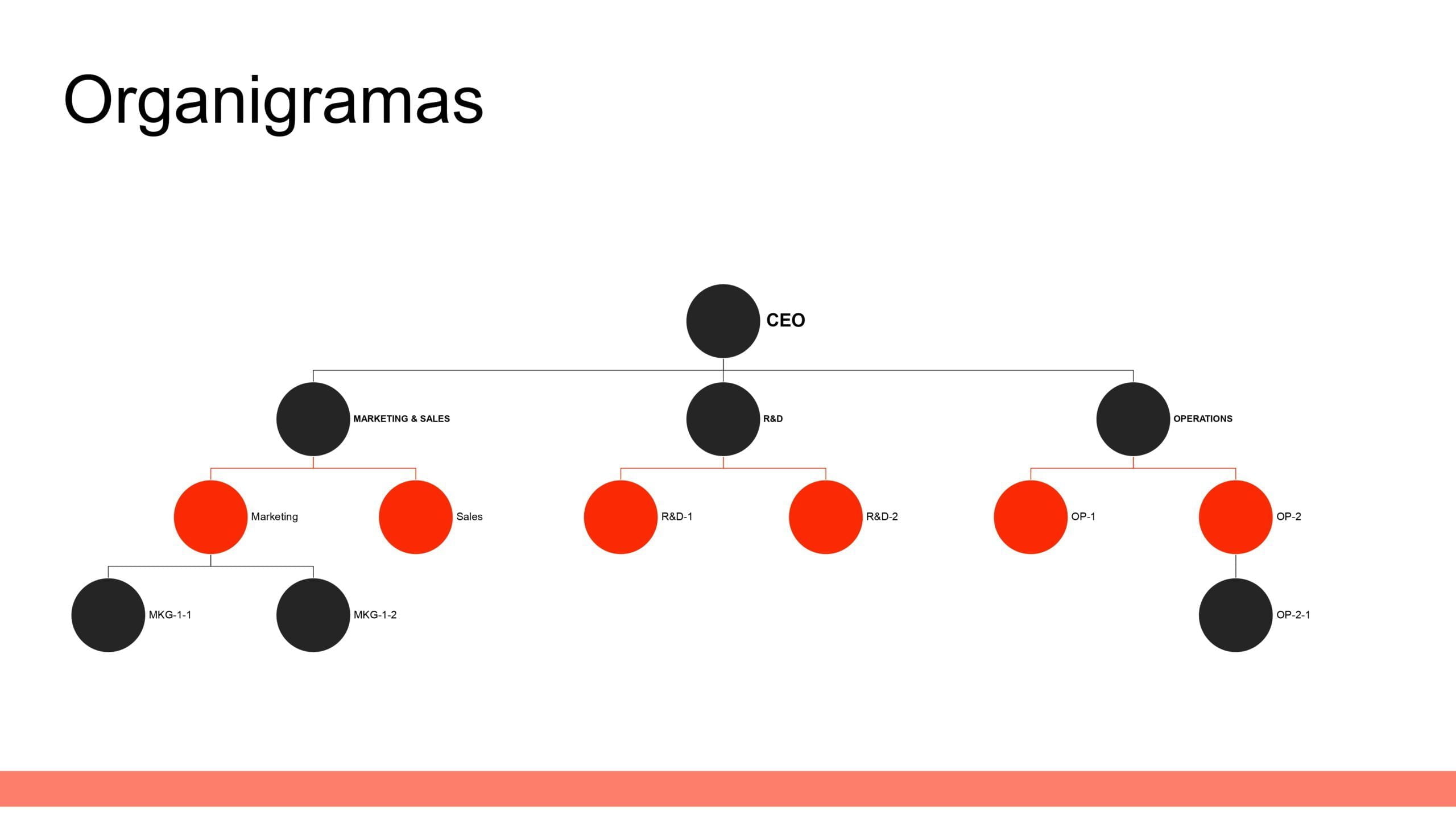
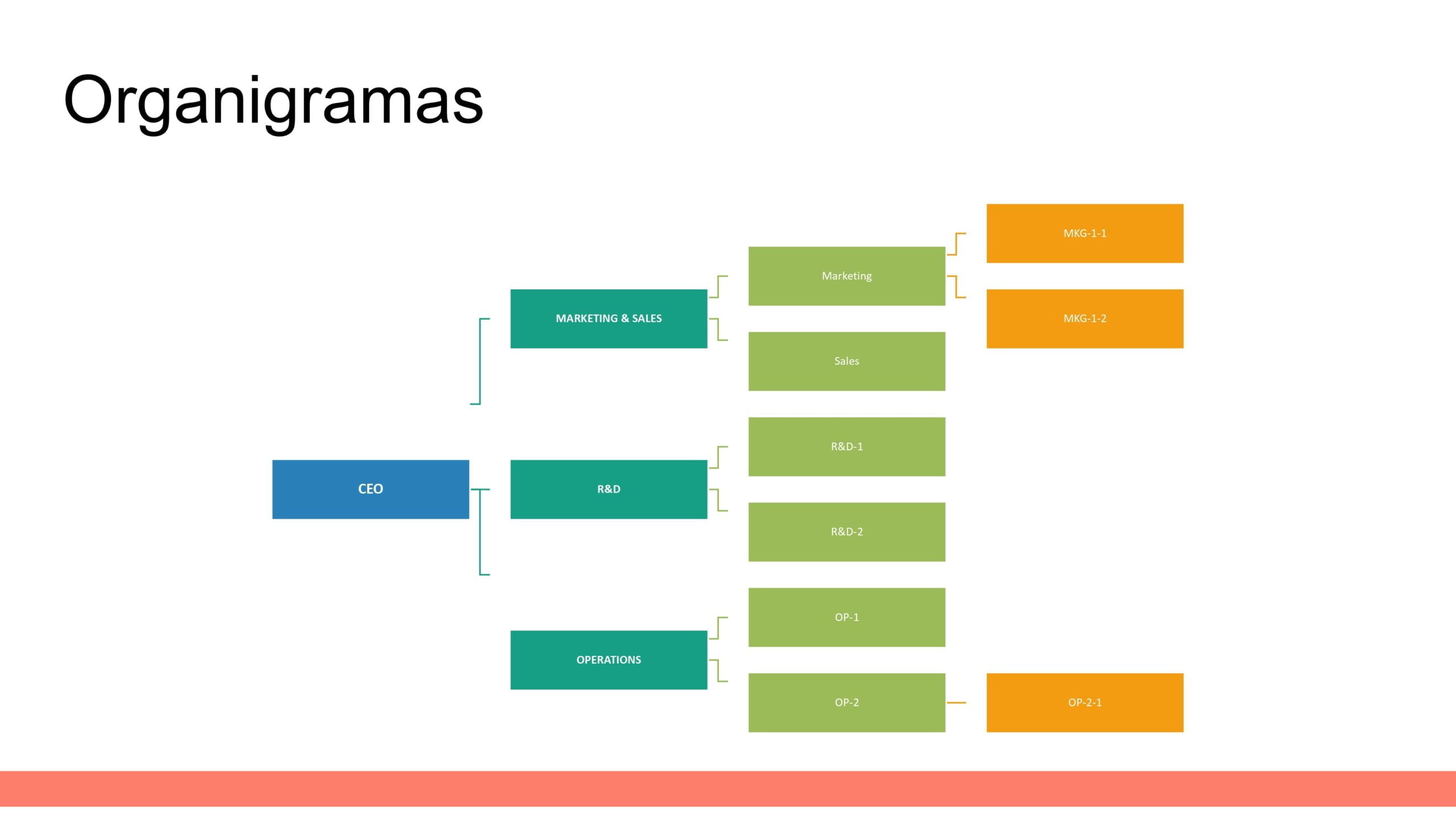
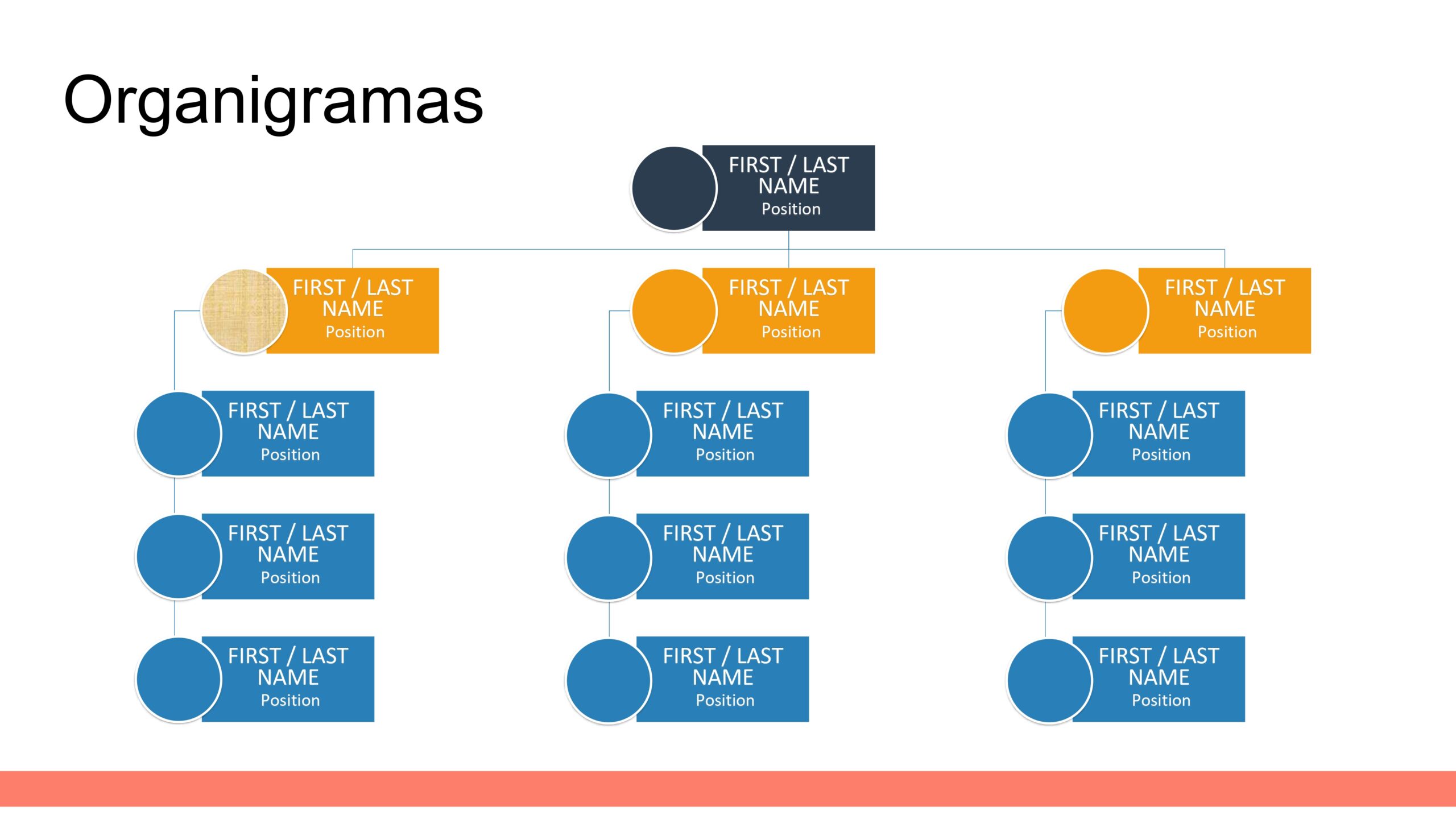
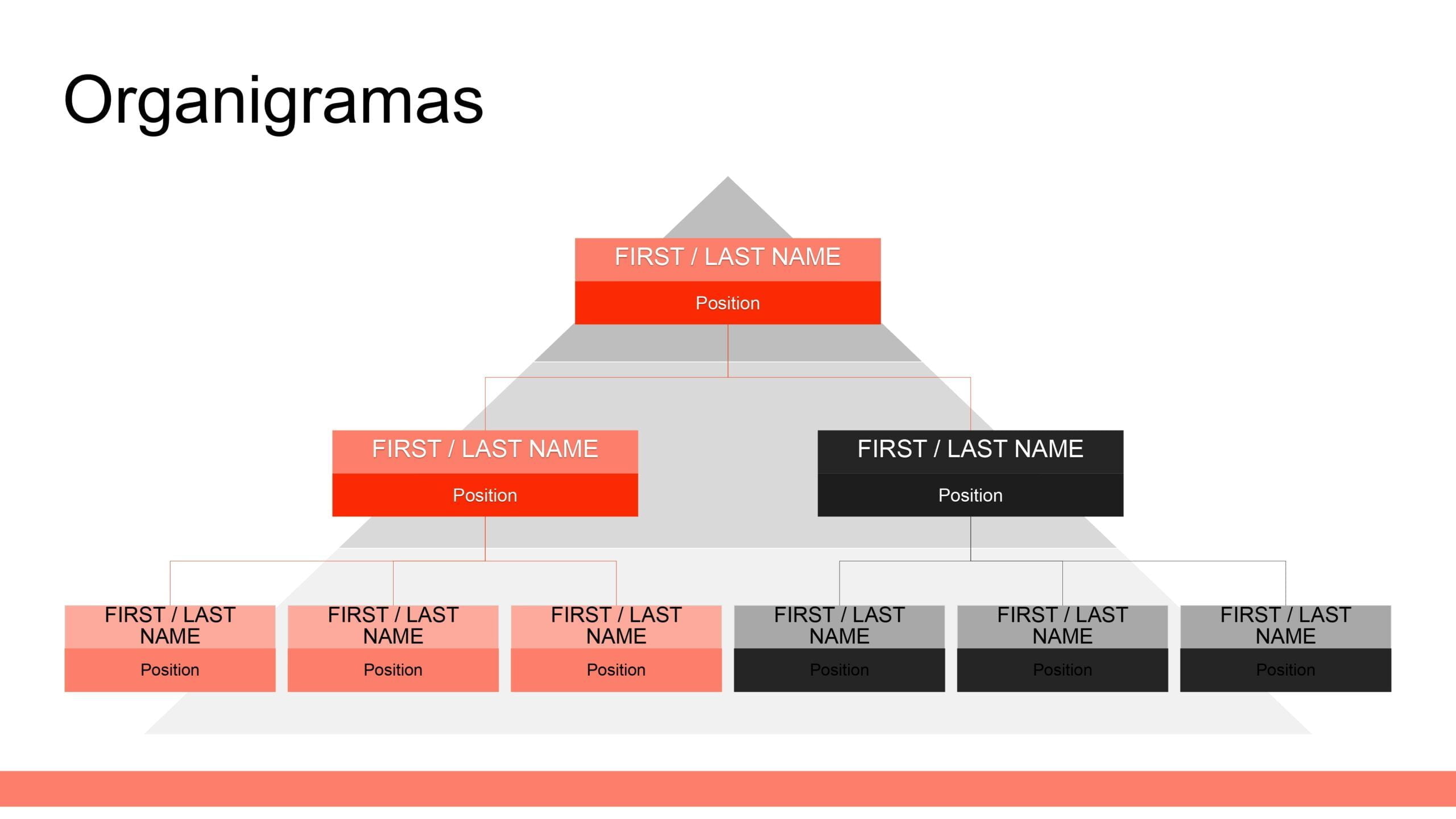
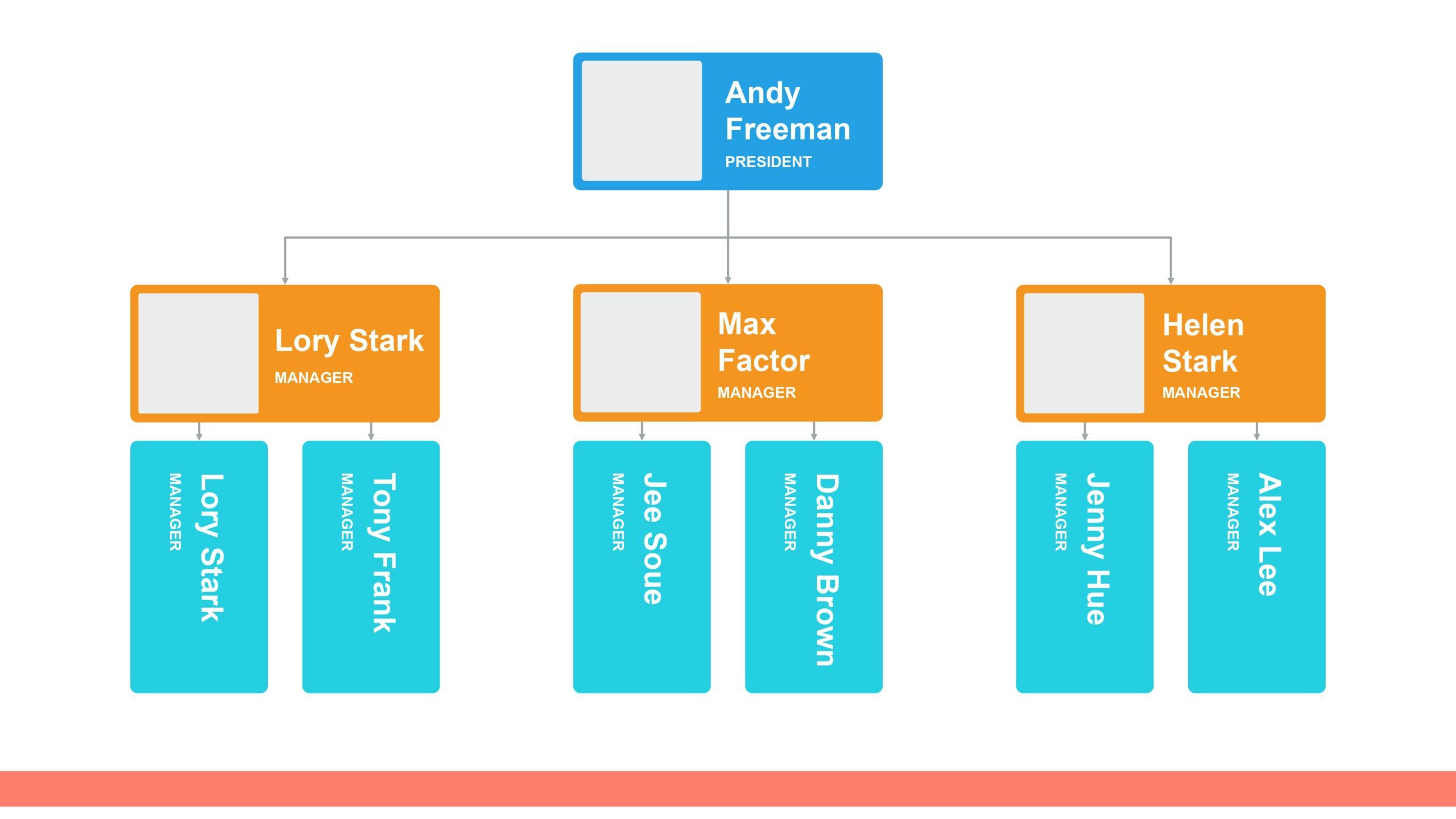
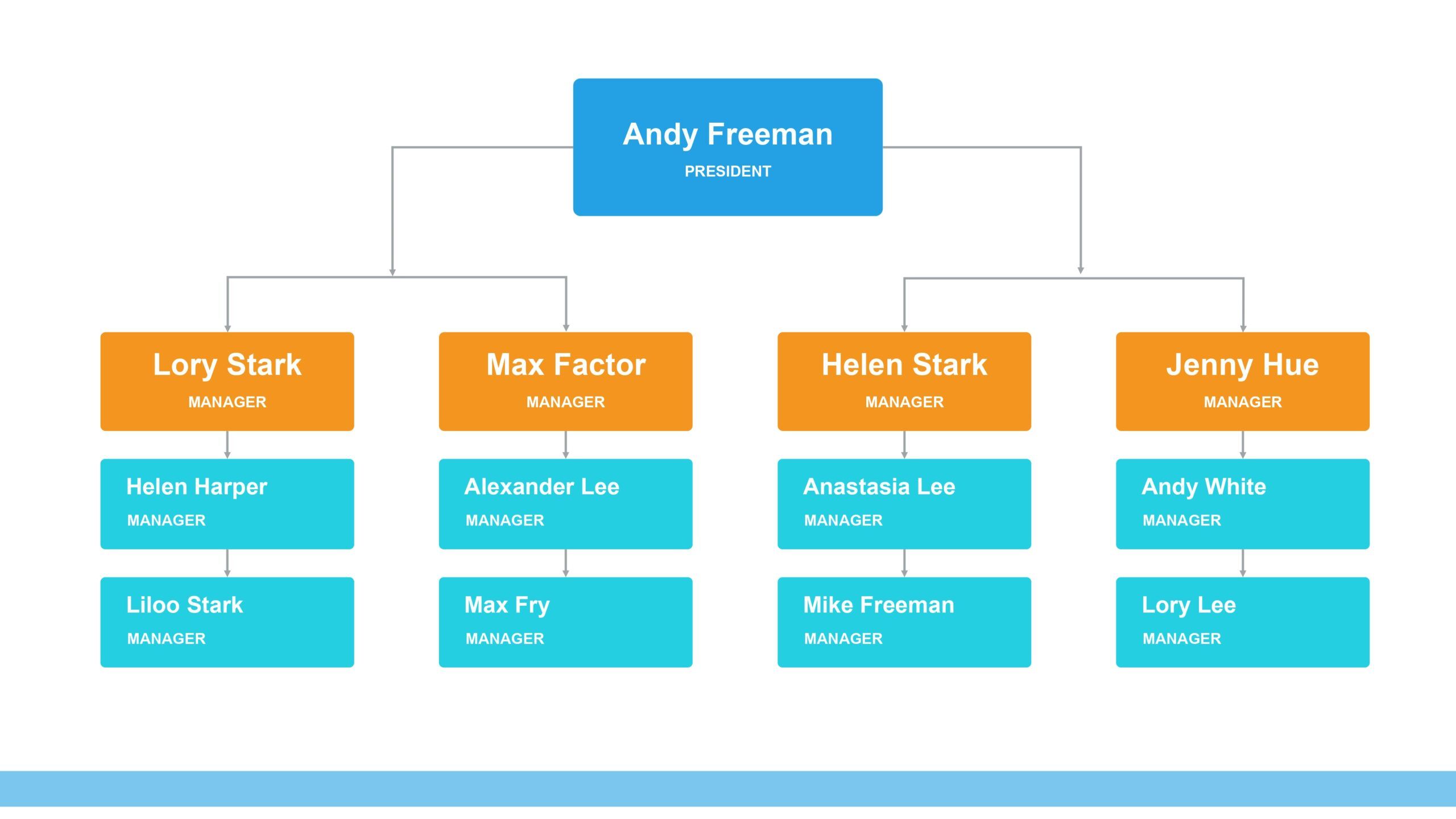
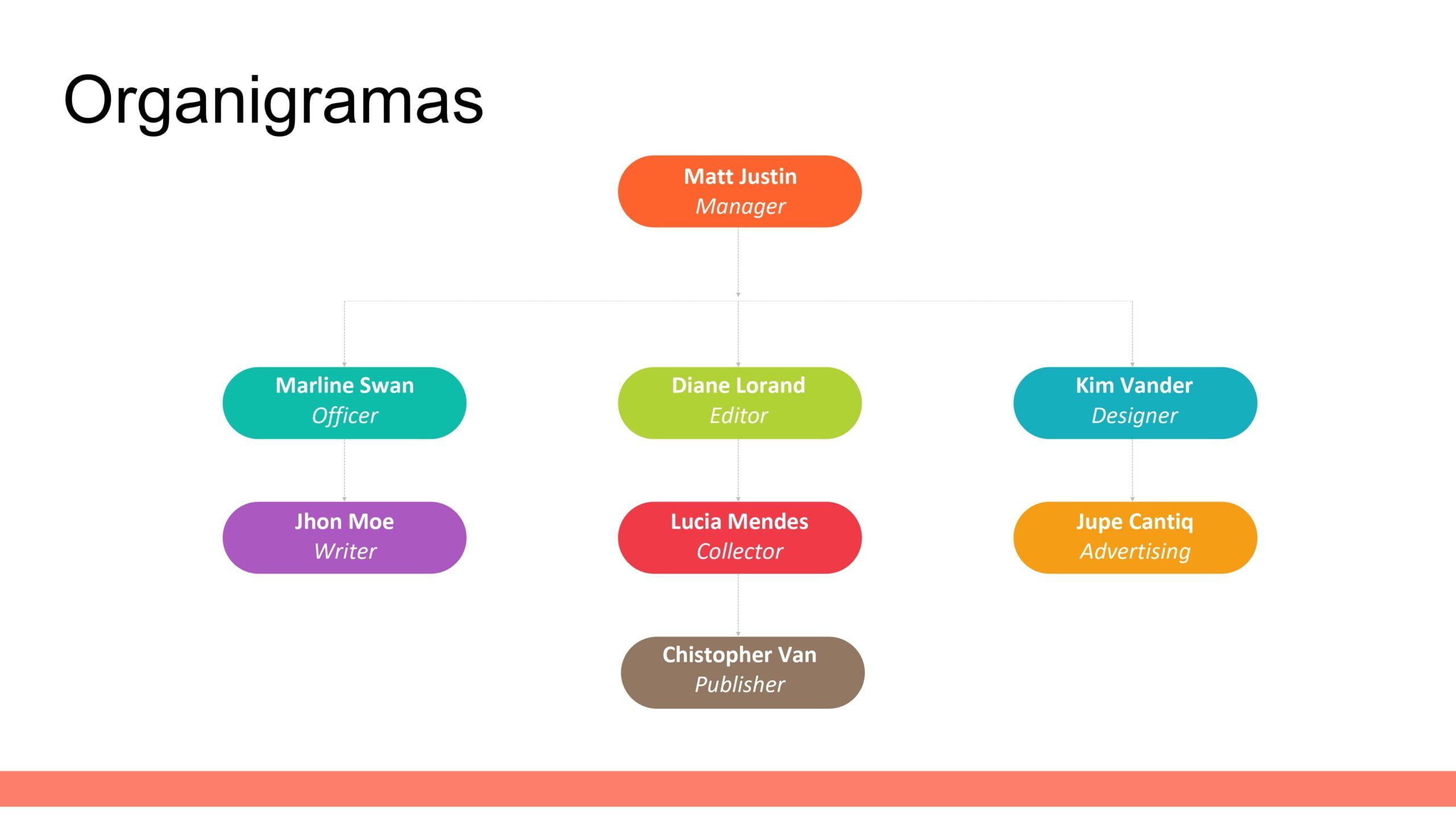
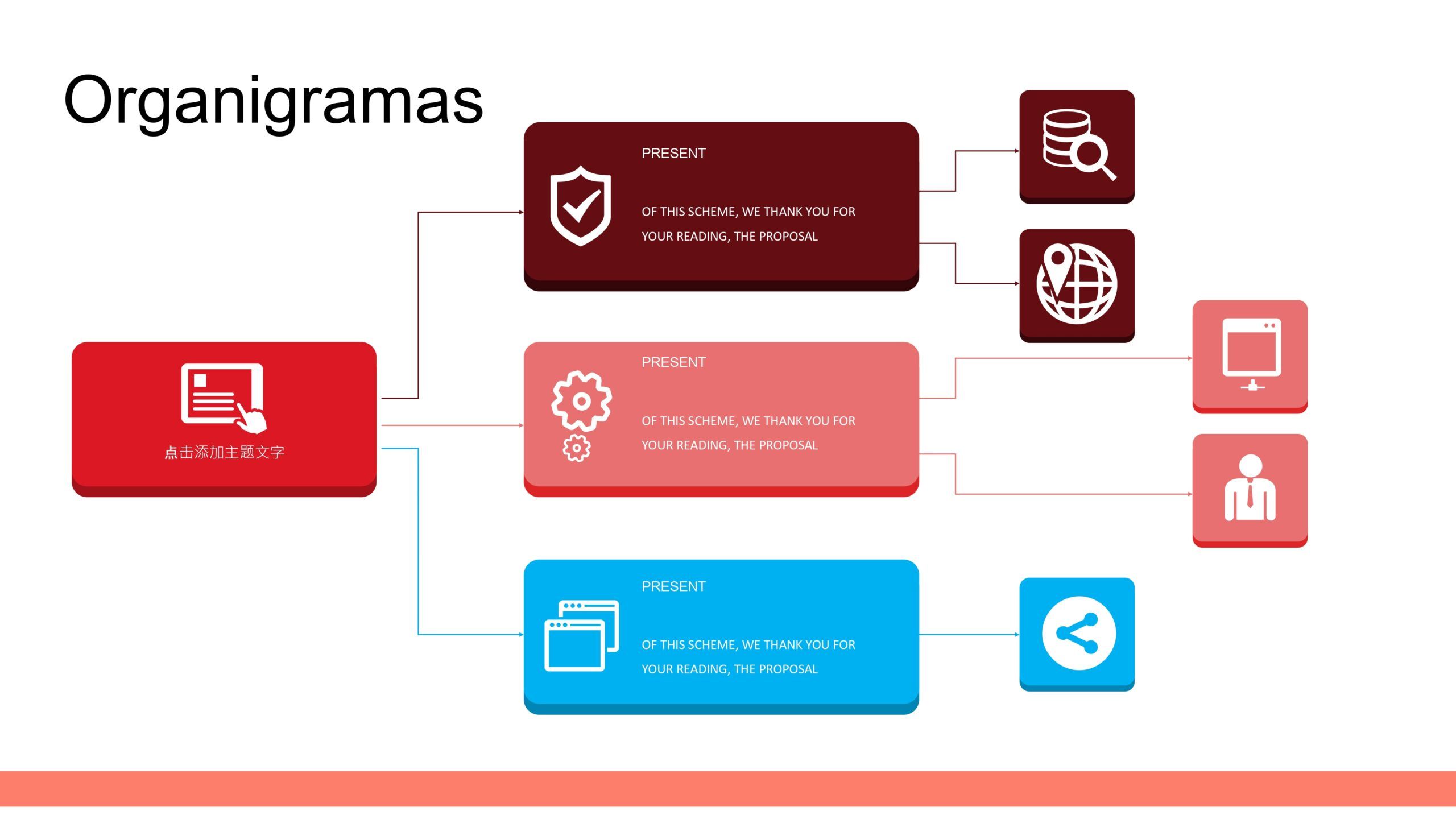
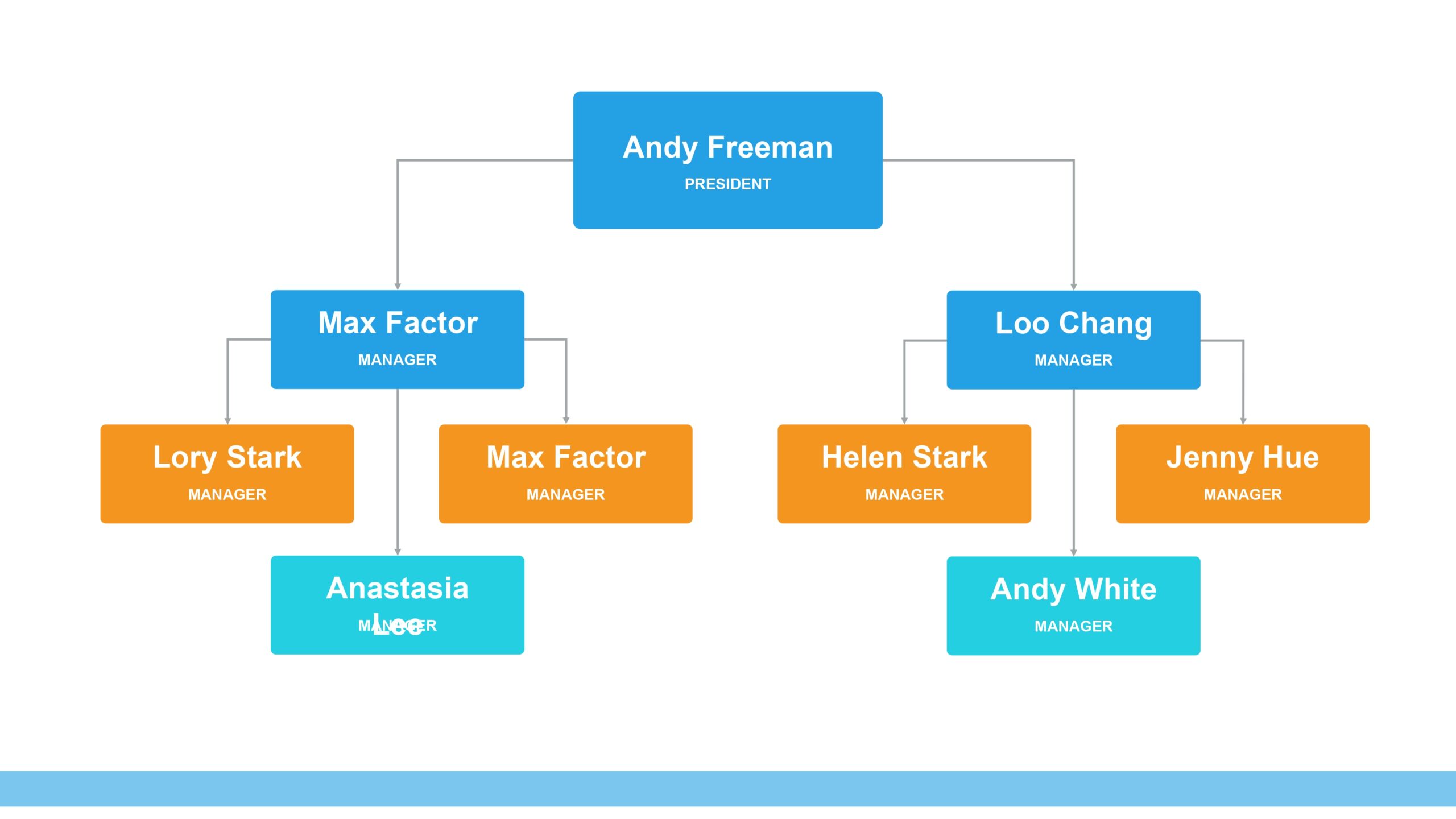
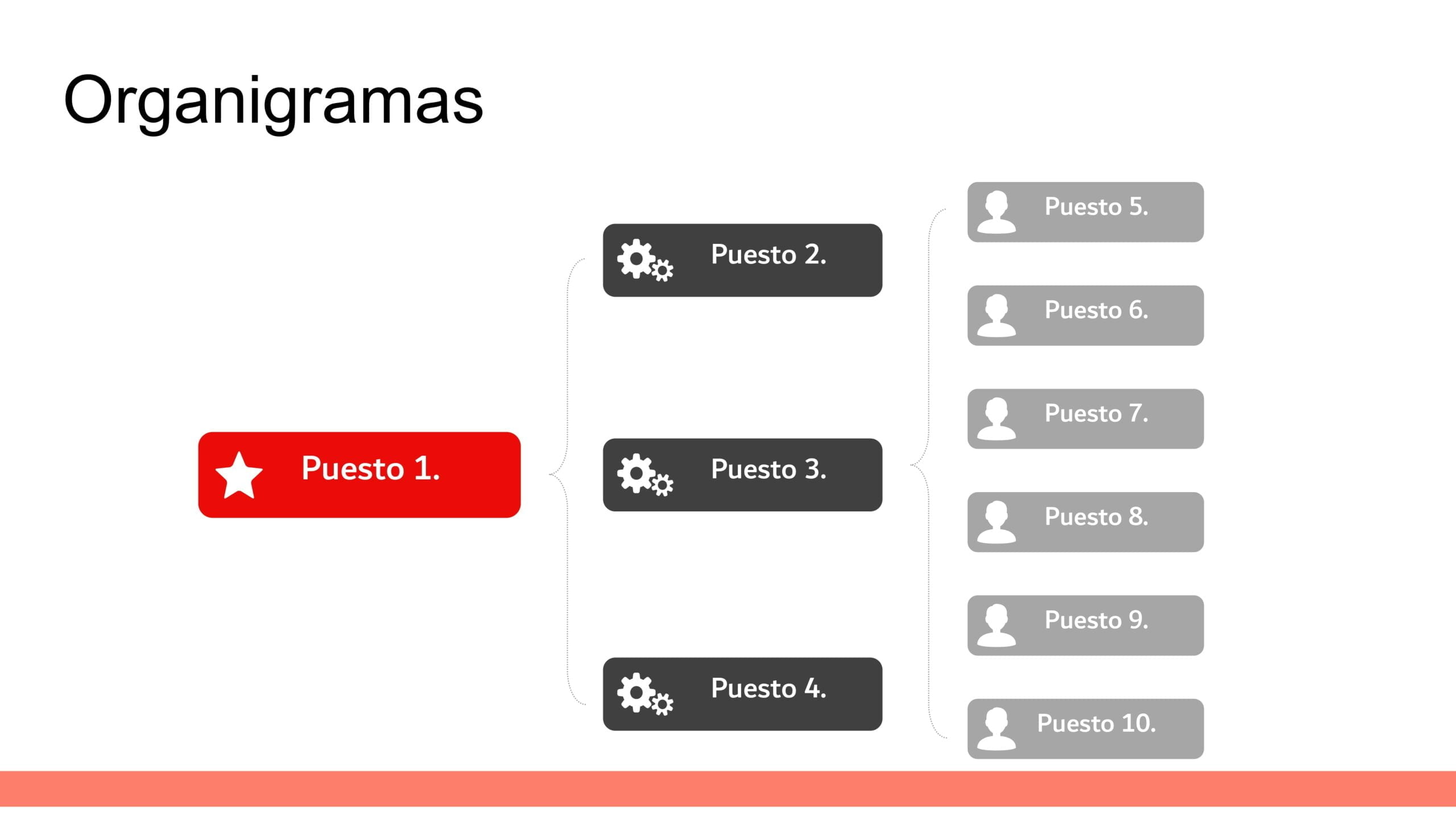


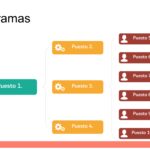
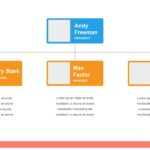
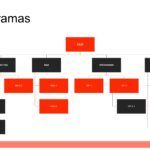
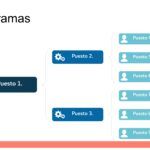
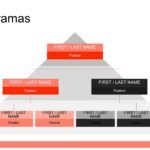
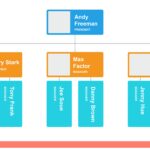
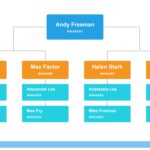
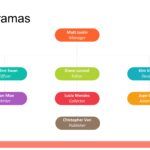

When you need to explain hierarchies, roles, and workflows, nothing is more effective than a good organizational chart. Throughout my experience creating and using professional presentations, I've found that PowerPoint organizational chart templates not only save time but also automatically elevate the visual and strategic level of any presentation.
On more than one occasion, while working with large teams or complex business projects, I've realized that visual clarity makes all the difference. That's precisely why resources like these templates become key allies for communicating ideas directly and clearly.
🧩 What are PowerPoint organizational chart templates and why are they so important?
PowerPoint organizational chart templates are pre-designed templates that allow you to graphically represent the structure of a company, institution, project, or work team. Their main function is to show hierarchical relationships, dependencies, and levels of responsibility.
In my experience, when a presentation includes a well-designed organizational chart, the audience understands the message in seconds. This is especially useful in:
- Corporate presentations
- Business proposals
- Internal reports
- Academic classes
- Human resources projects
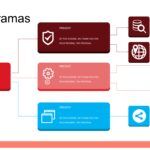
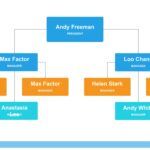
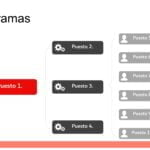
“The success of these organizational chart templates comes from their 88 slides filled with fully editable diagrams and elements.” This variety allows them to adapt to virtually any scenario, without needing to start from scratch.
🏗️ Variety of organizational charts for all types of needs
One of the great advantages of these PowerPoint organizational chart templates is the variety of structures they include. Over time, I've used different types depending on the presentation's objective, and having multiple options within a single file makes a huge difference.
Among the most commonly used formats are:
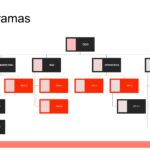
- 🔹 Vertical organizational charts
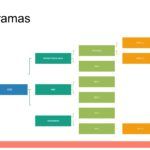
- 🔹 Horizontal organizational charts
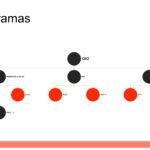
- 🔹 Circular organizational charts
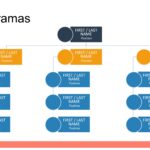
- 🔹 Matrix organizational charts
- 🔹 Modern hierarchical structures
Thanks to the fact that the 88 slides are full of diagrams and fully editable elements, it is possible to modify colors, texts, sizes and shapes without complications, something I greatly appreciate when working with tight deadlines.
🎨 Professional and fully editable design
One of the aspects I want to highlight most is the design. It's not just about functional diagrams, but about balanced and professional visual compositions. Every element is designed to maintain a clear and aesthetically pleasing readability.
From my actual experience working with these types of resources, I can say that editing is smooth even for users with basic PowerPoint skills. This is because:
- The texts are editable
- The shapes adapt automatically
- Colors can be customized
- The diagrams maintain visual consistency
The success of these organizational chart templates comes from their 88 slides filled with diagrams and fully editable elements, allowing them to be reused in multiple projects without losing quality.
🧠 Real advantages of using organizational chart templates in PowerPoint
Throughout various projects, I have found that using optimized templates has very specific benefits:
✅ Time savings in design
✅ Better understanding of the message
✅ More professional presentations
✅ Adaptability to any sector
✅ Constant reuse of the resource
When you have 88 ready-to-use slides at your disposal, the creative process becomes more strategic and less technical. This allows you to focus on the content rather than the structure.
🏢 Ideal for businesses, education, and personal projects
PowerPoint organizational chart templates aren't just for large companies. In fact, I've used them in very different contexts, from educational presentations to personal projects.
They are ideal for:
- Companies and startups
- Educational institutions
- Consultants and freelancers
- HR Departments
- Academic presentations
The ability to customize each slide is key, and it is confirmed once again that having 88 slides filled with diagrams and fully editable elements is a differentiating factor compared to other more limited options.
🚀 Why do these templates stand out from others?
After analyzing multiple similar resources, one thing is clear: the breadth of content. It's not common to find such a complete package, where each slide contributes a distinct and functional structure.
This level of depth makes it easy to create solid, coherent, and visually appealing presentations without needing to resort to external tools or improvised designs.




