


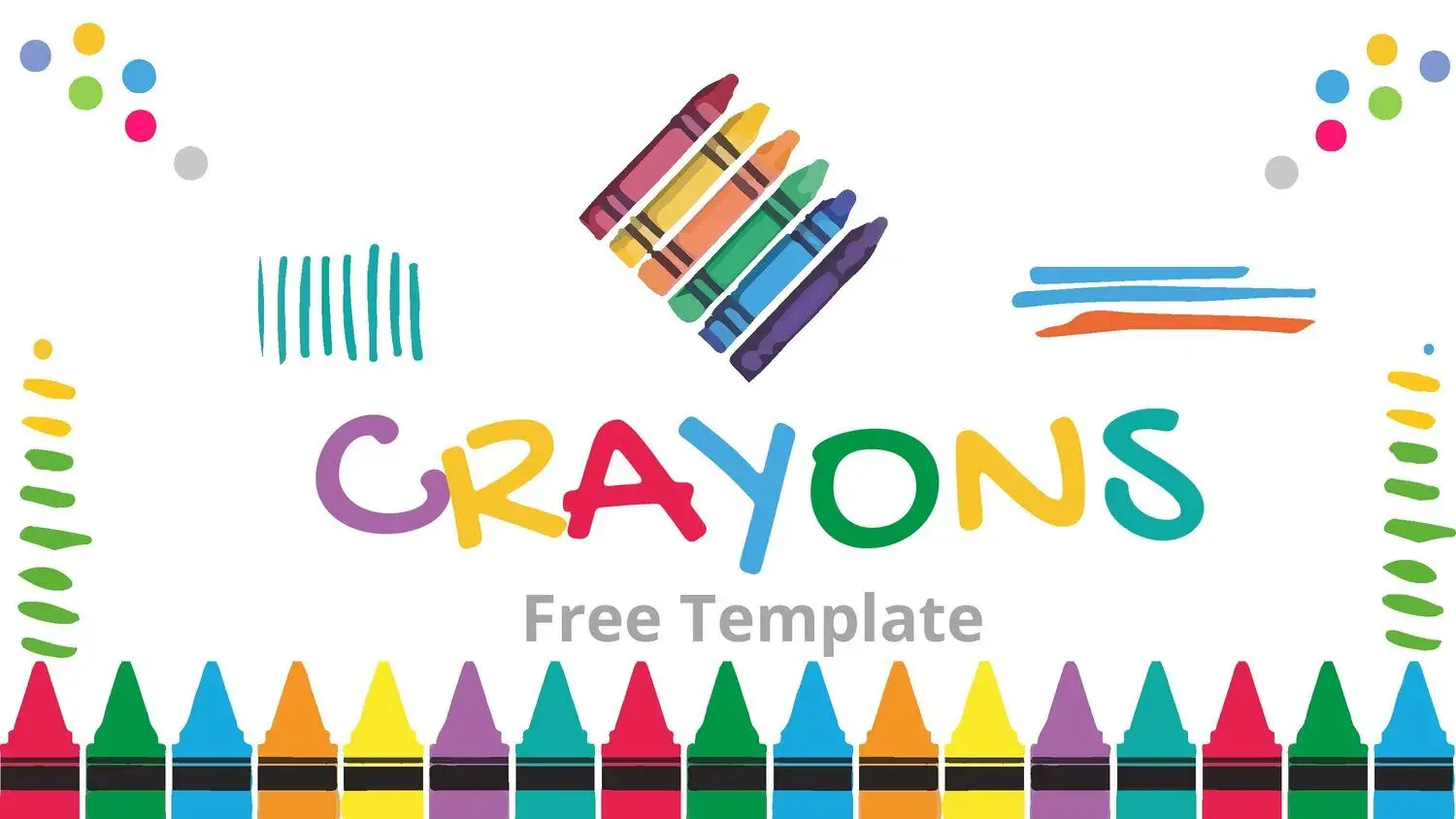










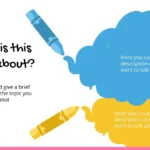
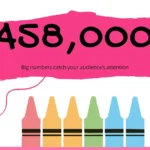
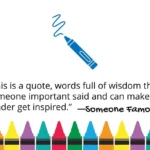






When I'm looking for a presentation that conveys energy, creativity, and dynamism, I always turn to a crayon PowerPoint template. This type of design stands out not only for its childlike or colorful aesthetic, but also for its ability to adapt to different contexts: from educational classes to presentations of creative projects.
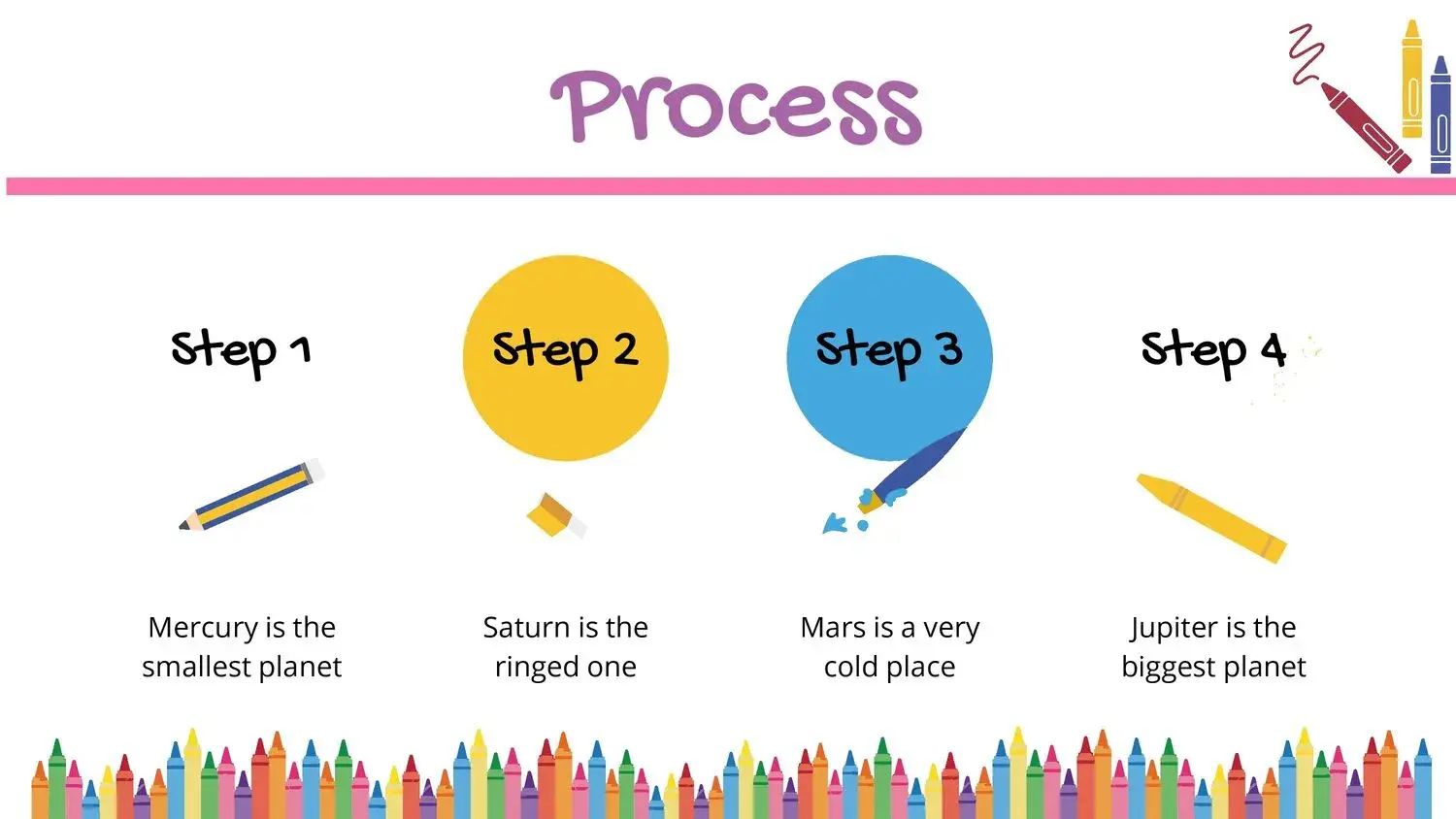
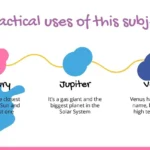
The first thing that attracted me was its balance between fun and functionality. It's not just a pretty background, but a well-thought-out structure that makes it easy to communicate ideas clearly. It has a wide variety of resources such as timelines, images, vectors, charts, maps, and more that you can use to better organize your content. This allowed me to structure my ideas without losing visual coherence.
A colorful design that inspires
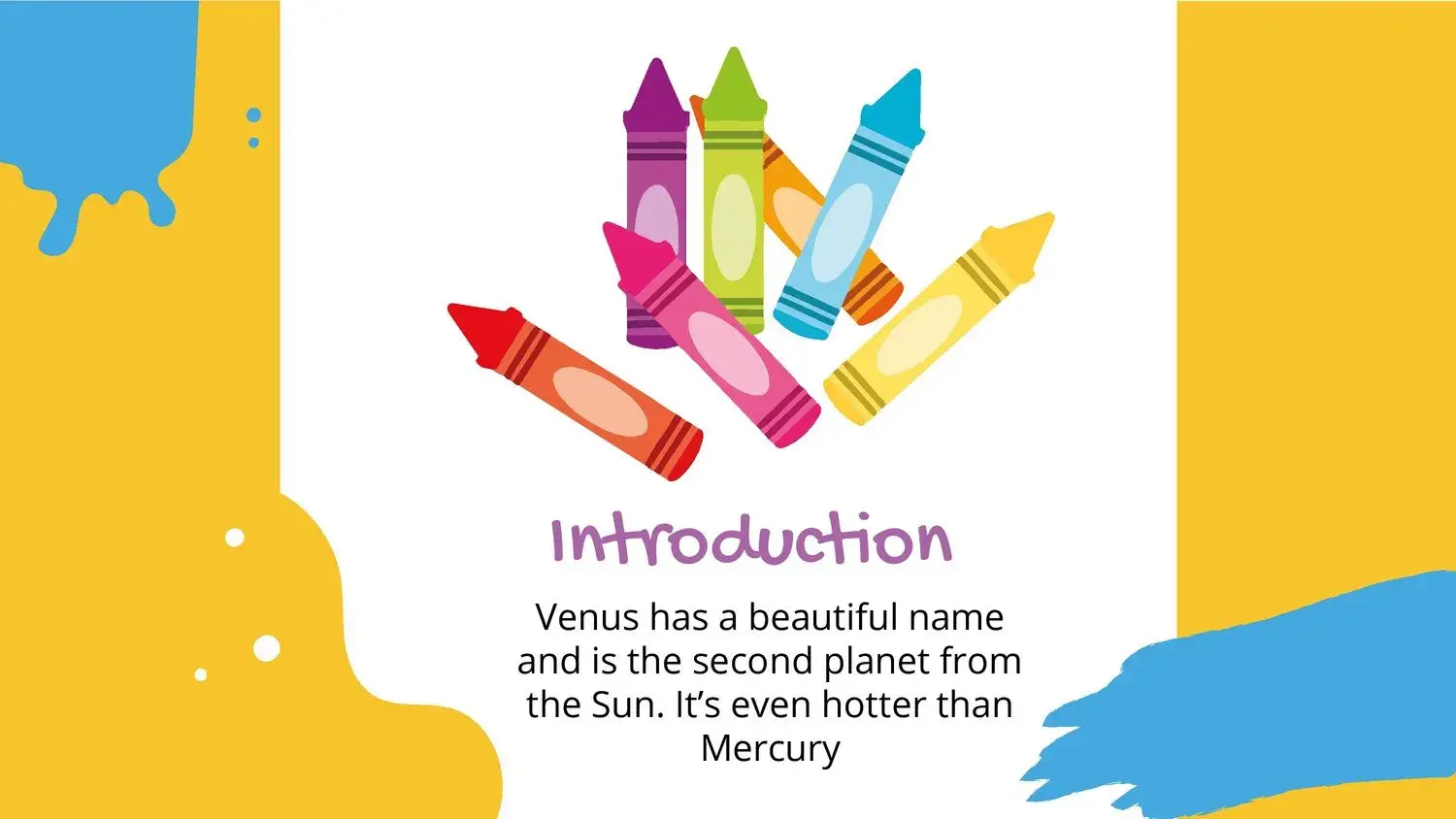
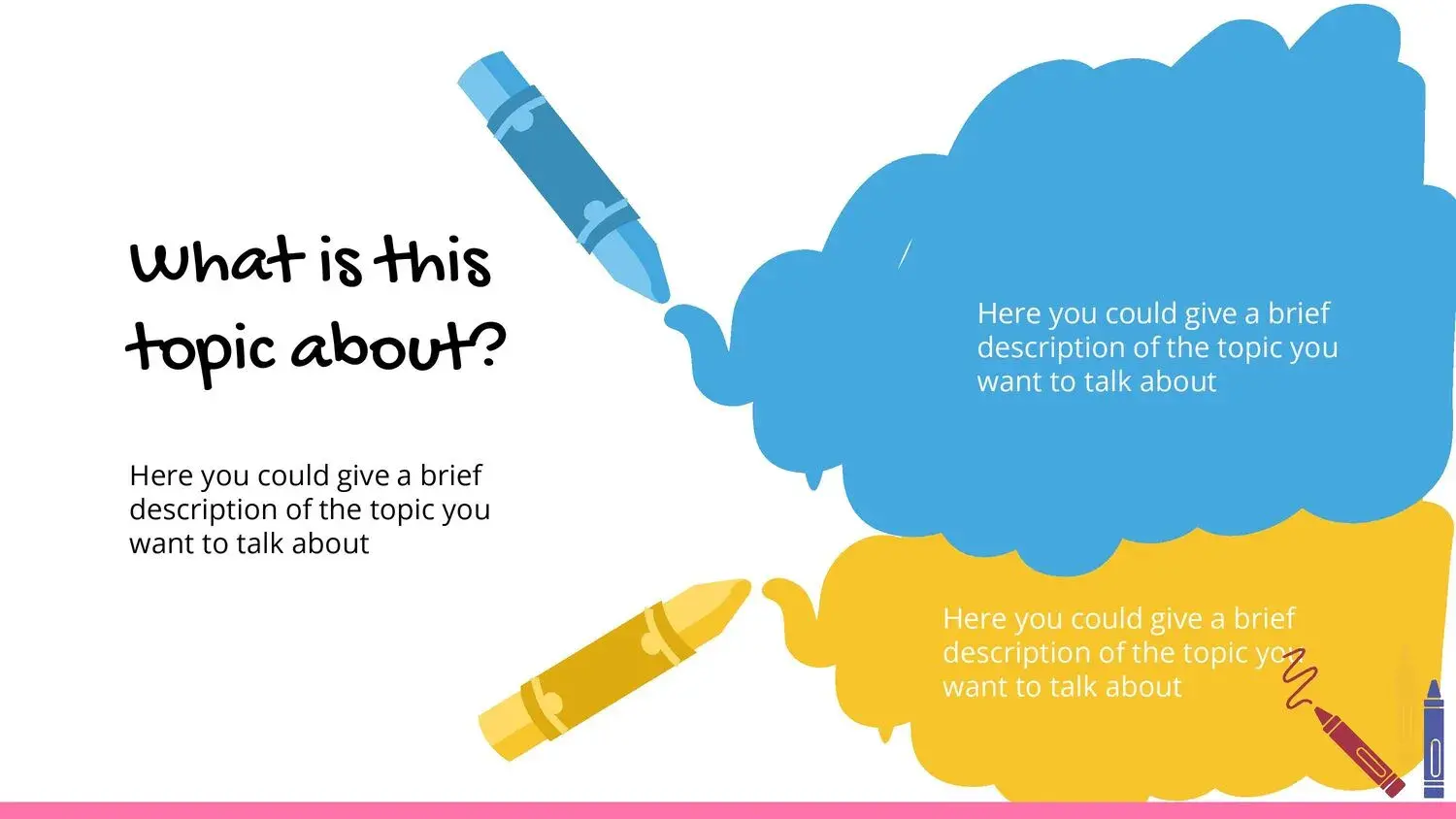
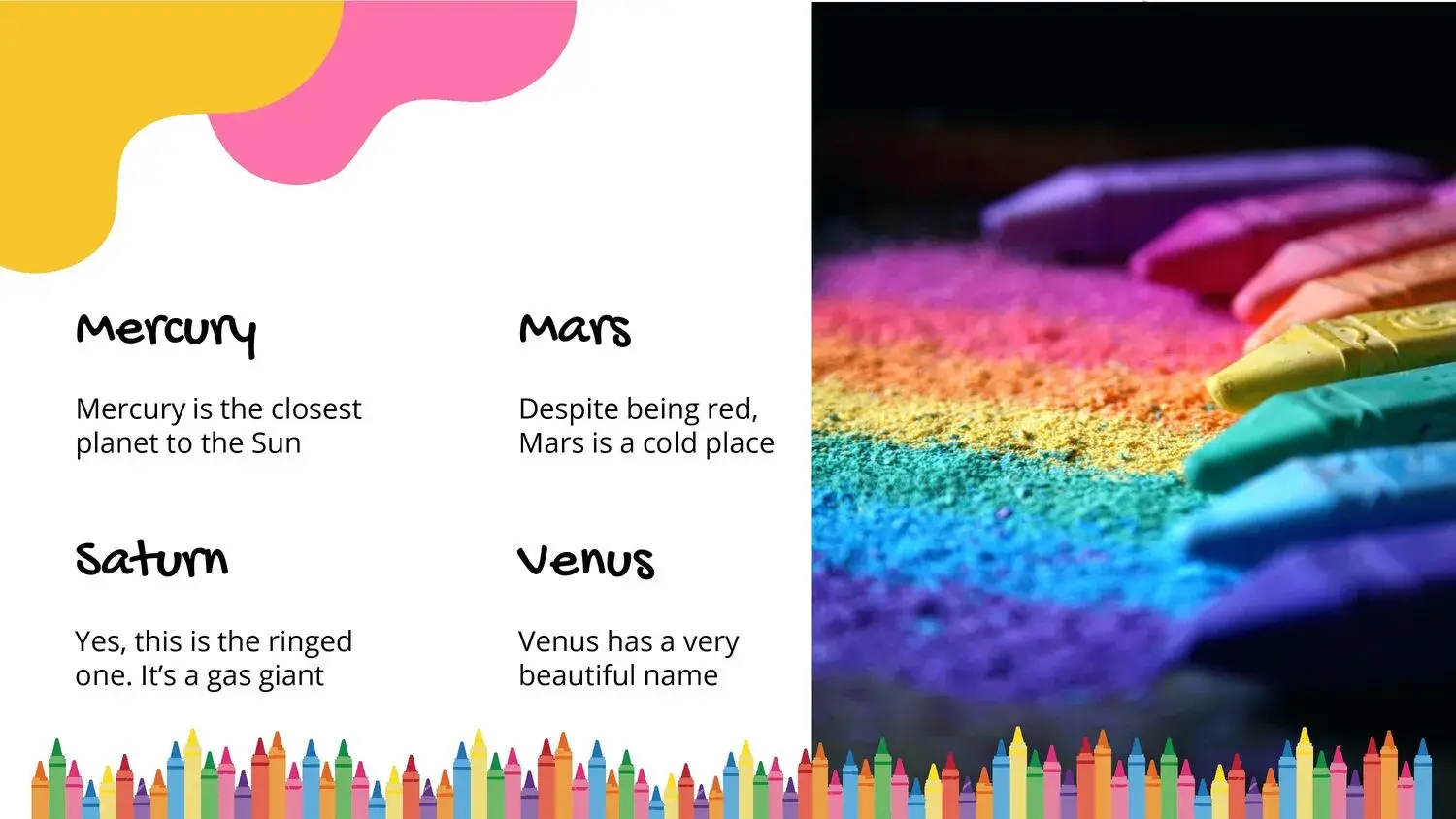
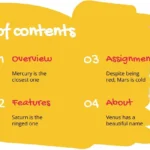
The color palette of this template is vibrant: it combines intense and contrasting tones that capture attention without being overwhelming. On a slide, you might find a touch of yellow to highlight a title, or a soft blue that balances the visual elements.
While using it, I noticed how the design helps maintain audience interest. The colors aren't random; they're carefully chosen to guide the eye and reinforce the content hierarchy. This approach is ideal for presentations aimed at children, art workshops, or conferences where creativity takes center stage.
How to get the most out of the Crayons PowerPoint template
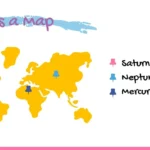
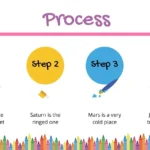
One of the best features of this template is its versatility. You can adapt it for different purposes: school presentations, design classes, motivational talks, or more informal corporate presentations. In my case, I found it very useful that it includes timelines and maps, as I was able to organize my ideas in a neat and visually appealing way.
Another advantage is that the vectors and frames can be easily edited, allowing you to adjust colors, shapes, and sizes to suit your needs. This flexibility makes it a powerful tool for those looking to stand out without technical complications.
Ideal for teachers, students, and creative people
If you work in education or design, this children's crayon PowerPoint template can completely transform your presentations. It allowed me to convey concepts visually, which is essential when trying to capture the attention of a diverse audience.
Furthermore, the included maps and icons make it easy to represent complex ideas in a simple way. In my experience, this makes all the difference when the goal is to teach or inspire.
Main benefits
Using a crayon PowerPoint template not only improves the aesthetics of your slides, but also the visual organization of the message. Thanks to its multiple graphic elements, I was able to build cleaner, more coherent, and professional presentations, while maintaining the artistic touch that distinguishes it.
Among its benefits I would highlight:
- Colorful and modern design.
- Editable resources such as vectors, charts, and maps.
- Adaptability for different types of presentations.
- Ideal for educational and creative environments.
- Quick download and easy customization.




