


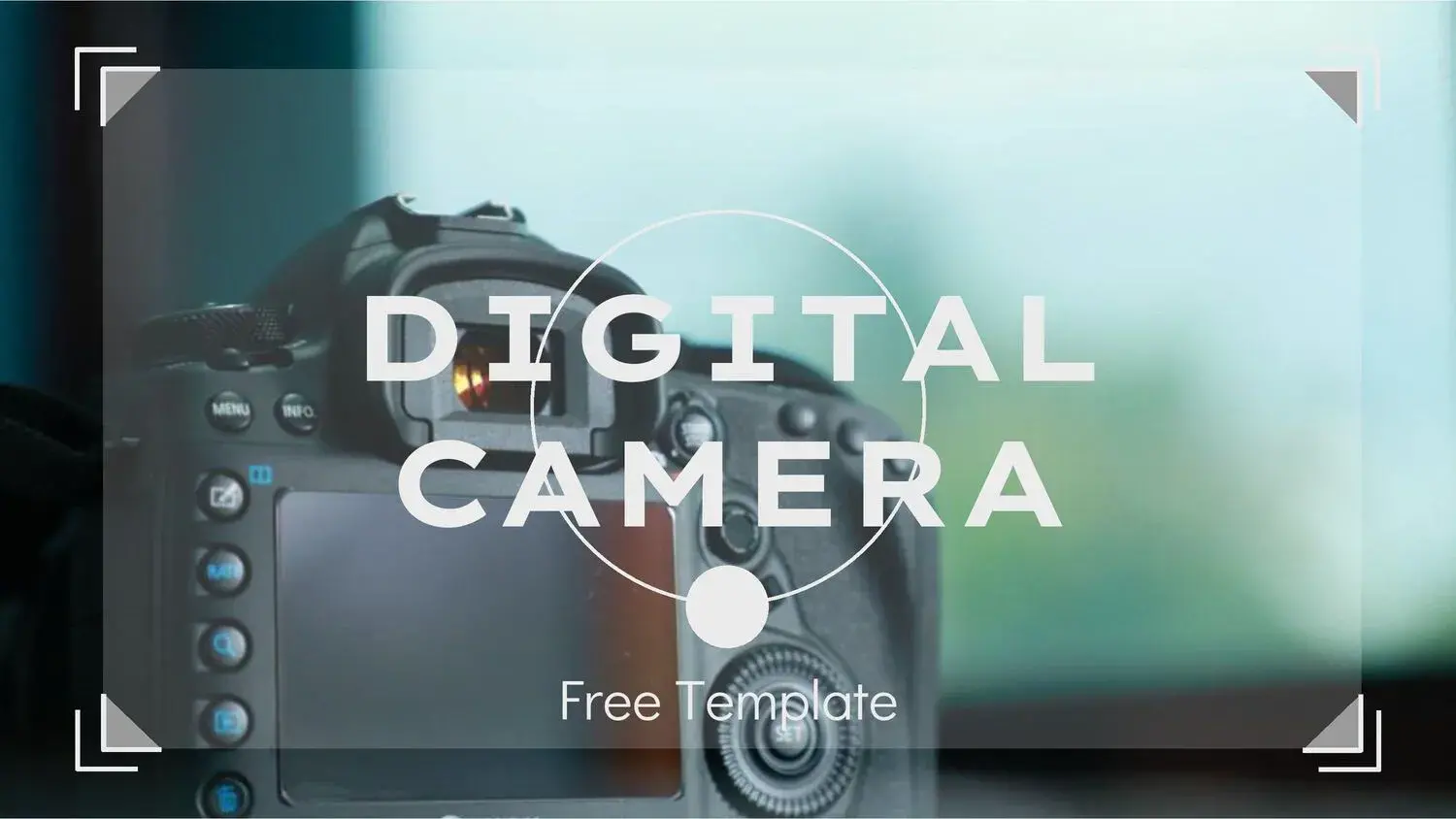












I've always looked for resources that allow me to create engaging presentations without wasting time or money, and I must say that the Digital Camera PowerPoint Template has been one of the most comprehensive options I've found. Its visually appealing design and professional structure make it an ideal tool for academic papers, photography exhibitions, or digital marketing projects.
A design inspired by modern photography
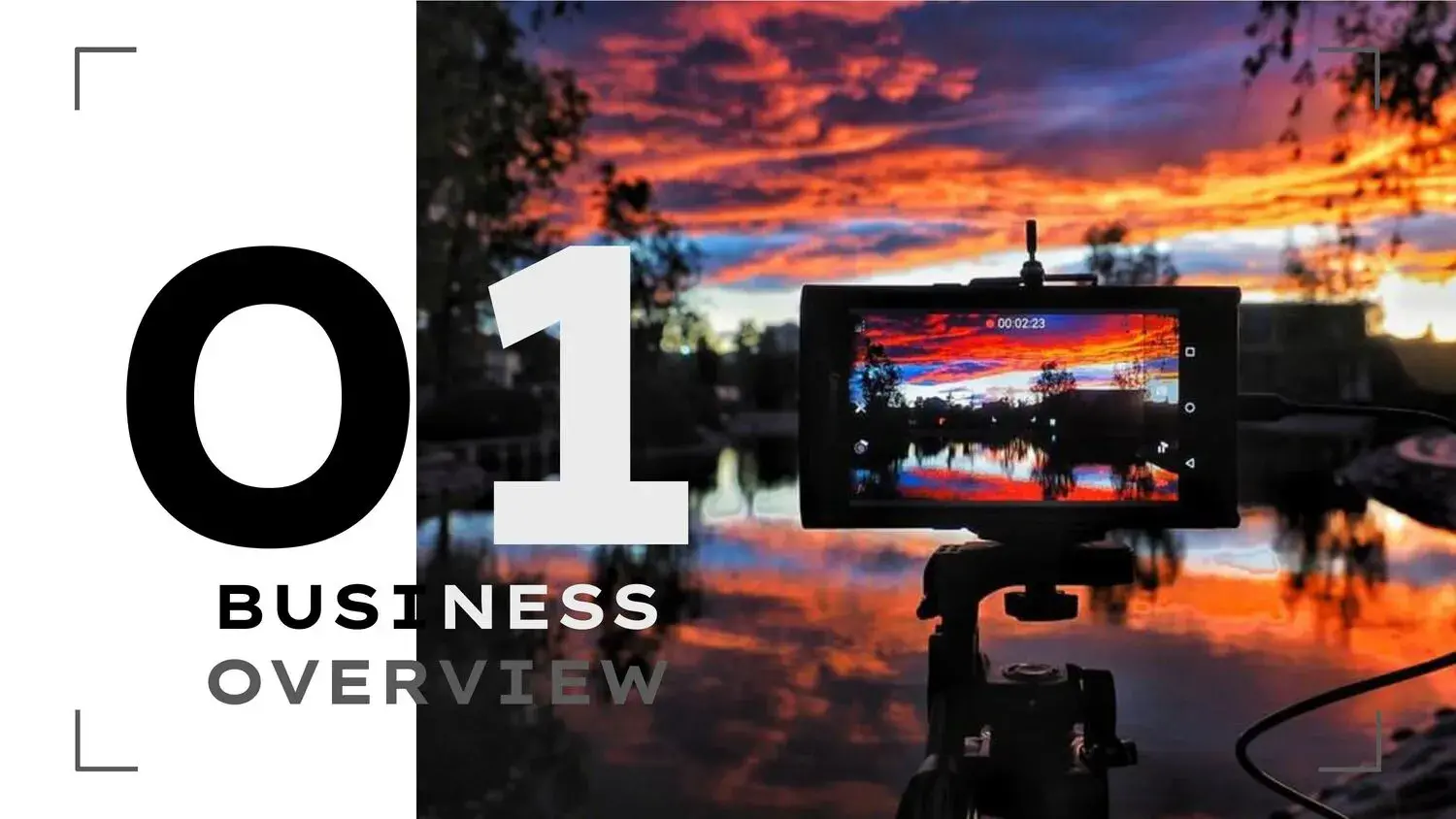
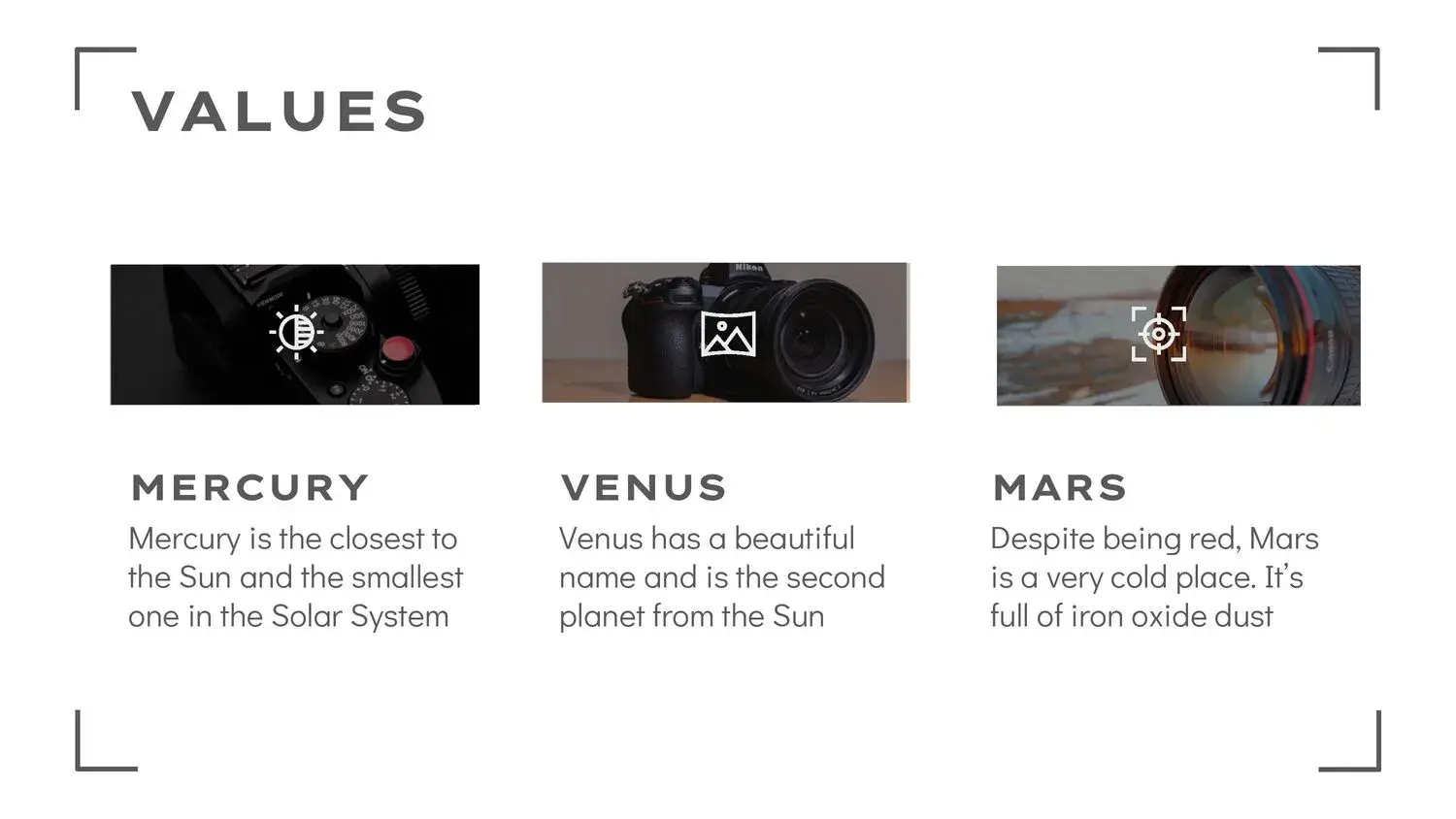
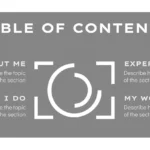
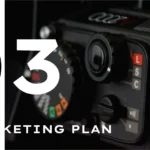
The first time I used this template, I was impressed by how its aesthetic simulated the lens and structure of a professional camera. The backgrounds, icons, and graphics evoke the world of photography and technology, making it perfect for presentations about digital cameras, visual design, social media, or technological innovation.
With this attractive digital camera template you can produce professional-quality work in a short time and without spending money, something I greatly value when I have to deliver visually stunning projects within tight deadlines.
36 editable, professional-quality slides
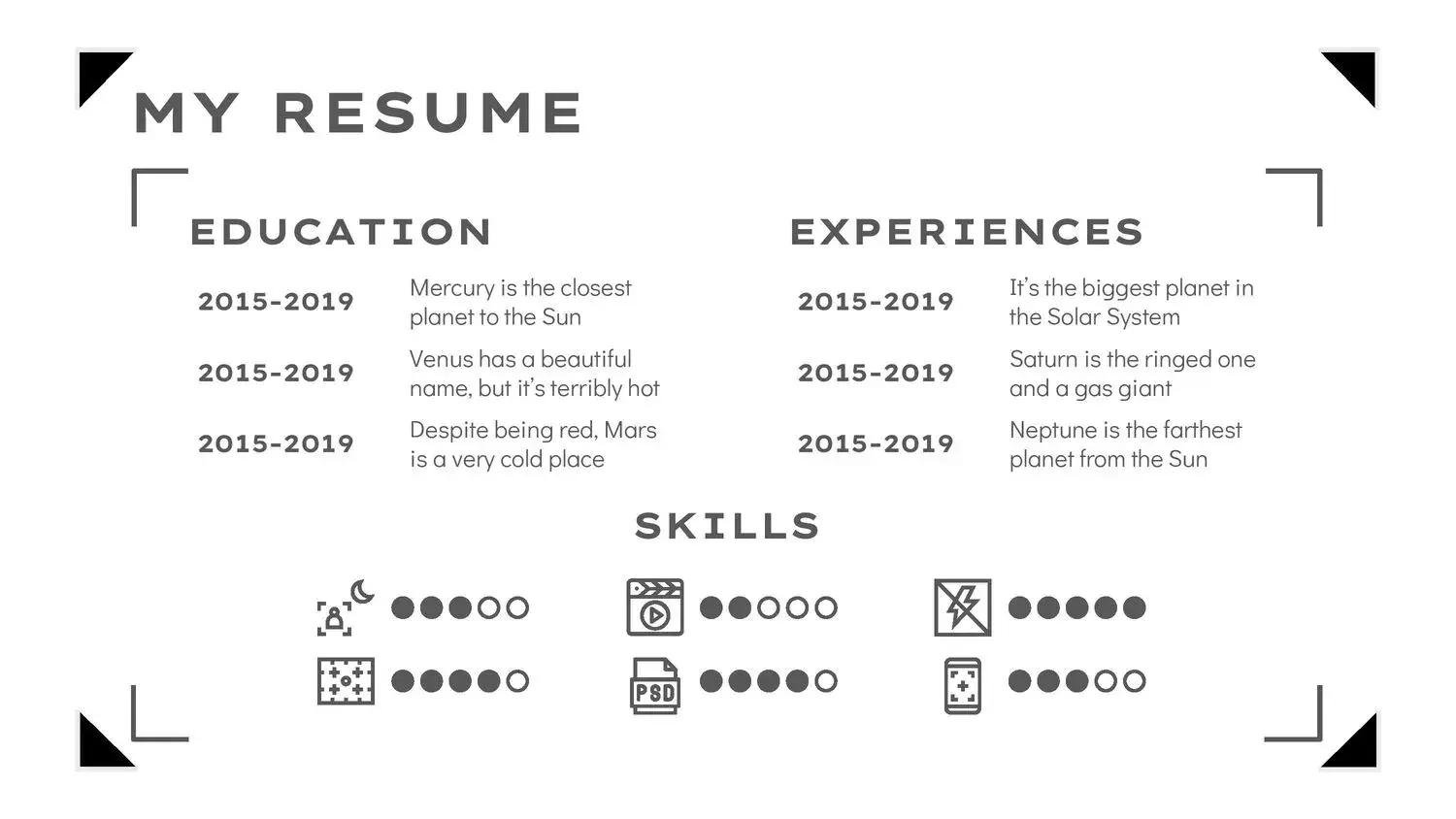
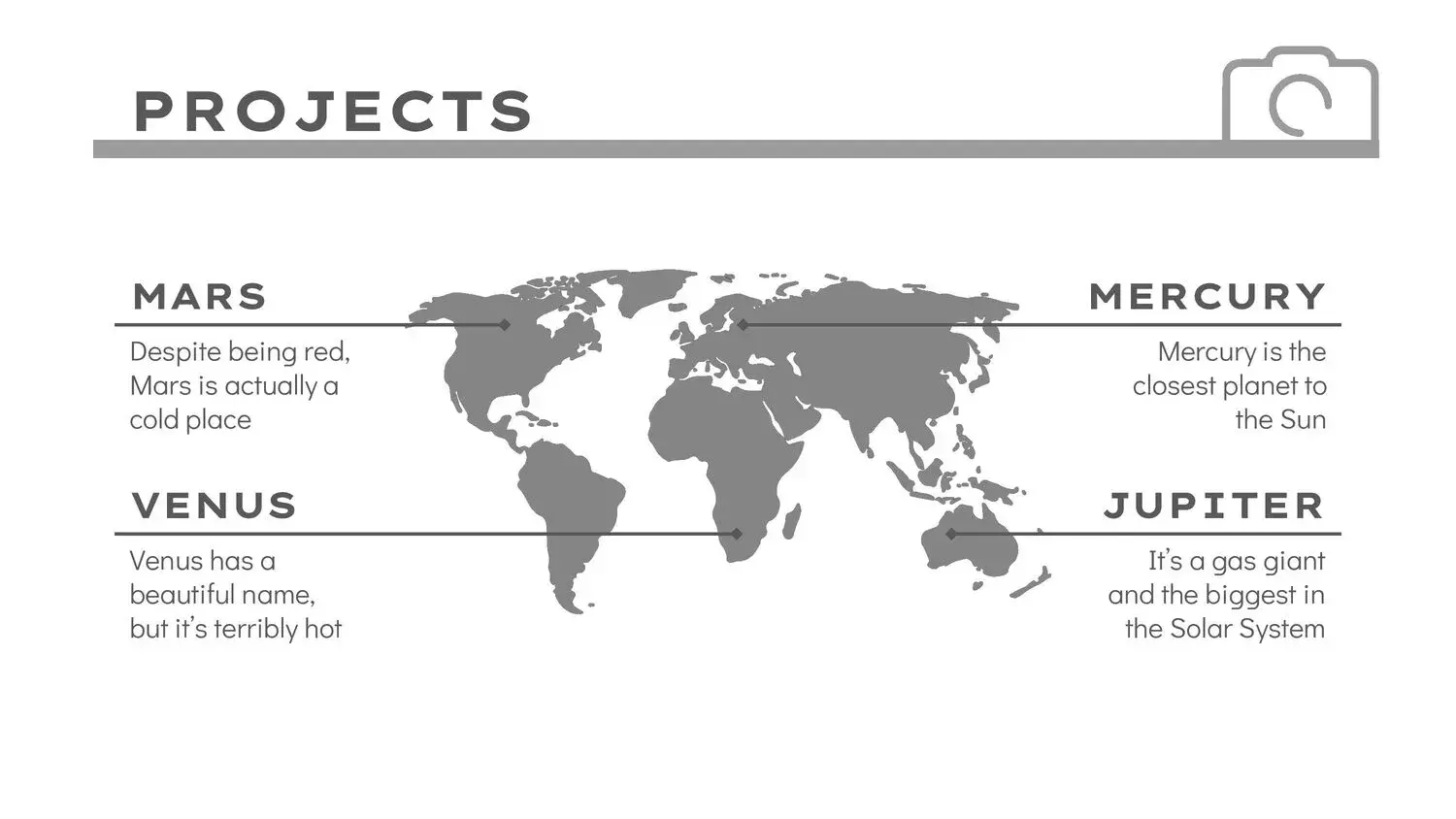
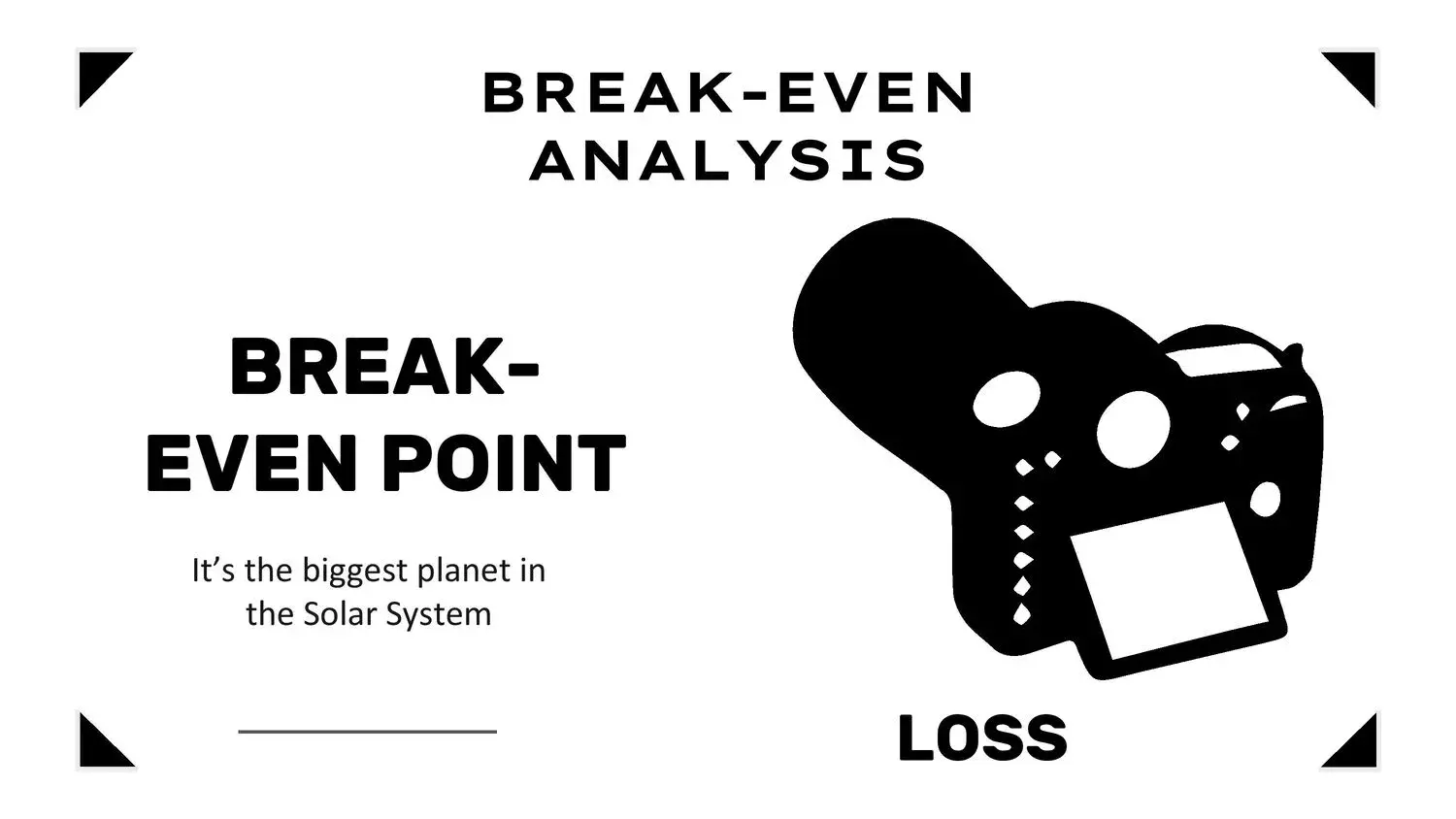
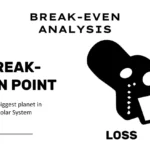
One of the biggest advantages of this template is the quantity and quality of its slides. There are 36 in total, carefully designed with neutral color combinations and orange accents that add energy and contrast. Each slide can be fully customized in PowerPoint or Google Slides, allowing you to adapt the design to any type of presentation: from photo reports to product pitches or institutional presentations.
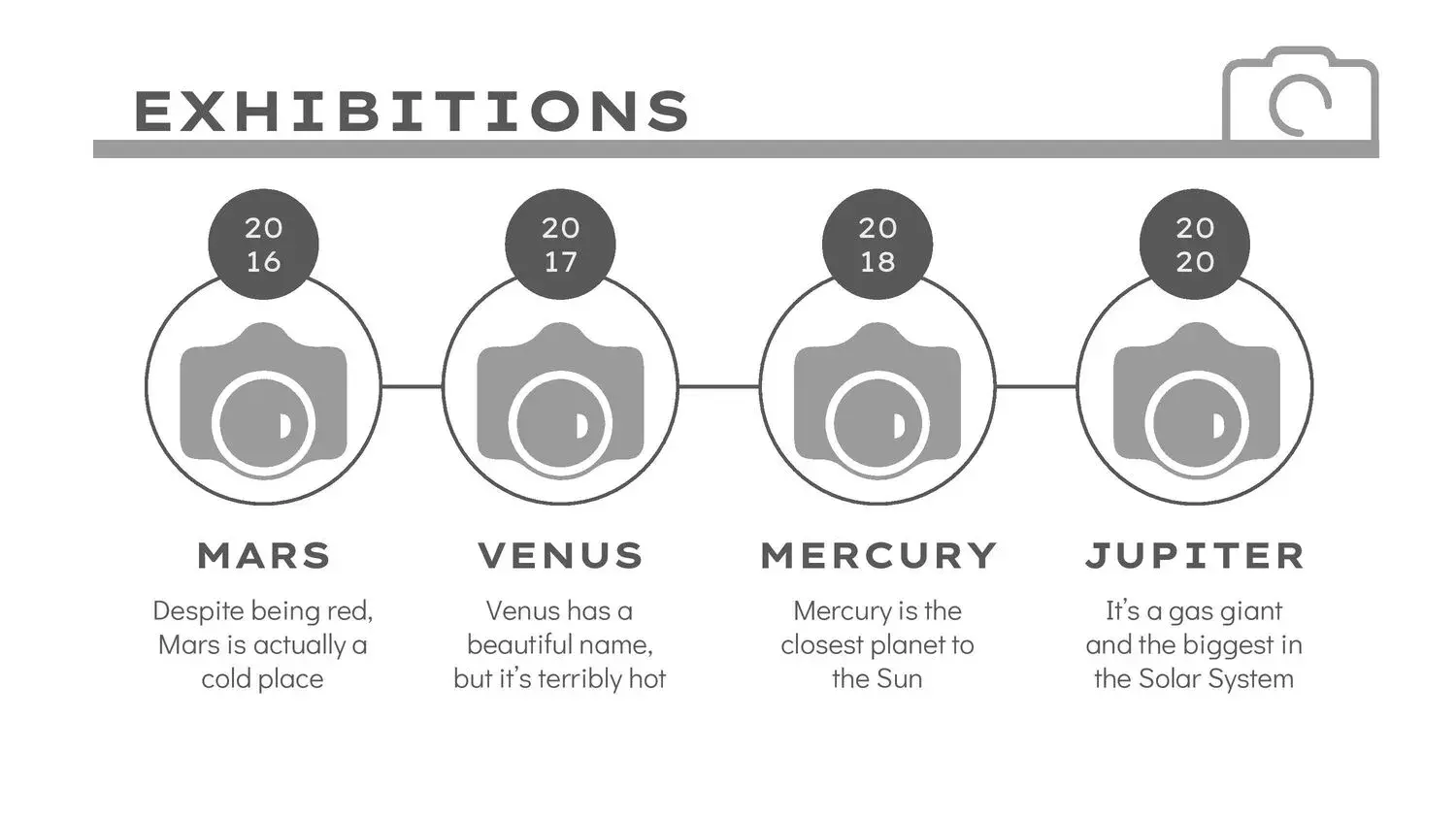
Yo suelo aprovechar las diapositivas de gráficos y líneas de tiempo para explicar procesos o estadísticas relacionadas con campañas visuales, y siempre obtengo una reacción positiva del público.
Ideal for photographers, students, and design professionals
This template adapts perfectly to different contexts. Whether you're a photographer, graphic designer, or student, you can use it to showcase your projects with impeccable visual style. The format is designed to combine high-resolution images, clear text, and space for graphics, making it easy to highlight the essentials without overloading the presentation.
Furthermore, I love that the template is available for free download, which makes it much easier when you're looking for a professional resource without having to invest in software or licenses.
How to customize your digital camera PowerPoint template
Editing this template is really easy:
- Open the file
.pptxin PowerPoint or Google Slides. - Change the texts and replace the images with your own photographs or visual resources.
- Adjust colors, icons, or backgrounds if you wish (although the original design already has a very well-achieved balance).
- Save your final version or share it directly online.
The format is compatible with all modern versions of PowerPoint, ensuring you won't have any compatibility issues.
Free download and immediate use
The best part is that this Digital Camera PowerPoint Template is free to download, allowing you to work with a high-quality design without worrying about additional costs. The direct download is available in .ppt format, and you can also open and edit it online from your browser.
I use it constantly for my visual presentations, and honestly, its modern and professional style always manages to capture the audience's attention from the first slide.




