











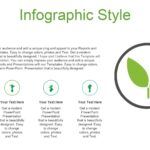



Visual presentations have become a key tool for communicating ideas clearly, especially when it comes to educational or scientific topics. In this context, having a well-designed botany PowerPoint template can make a big difference when explaining concepts related to plants, ecosystems, or plant biology.
After analyzing different options, I can say that a good template not only improves the presentation's aesthetics but also facilitates information organization. Something that caught my attention from the start is that all its slides are available for editing in any program, including Canva, which greatly expands the possibilities for those who prefer to edit their presentations online.
In this article I will explain everything you need to know about botany templates for PowerPoint, how to use them and why they have become one of the best solutions for educational presentations.
🌱 What is a botany PowerPoint template?
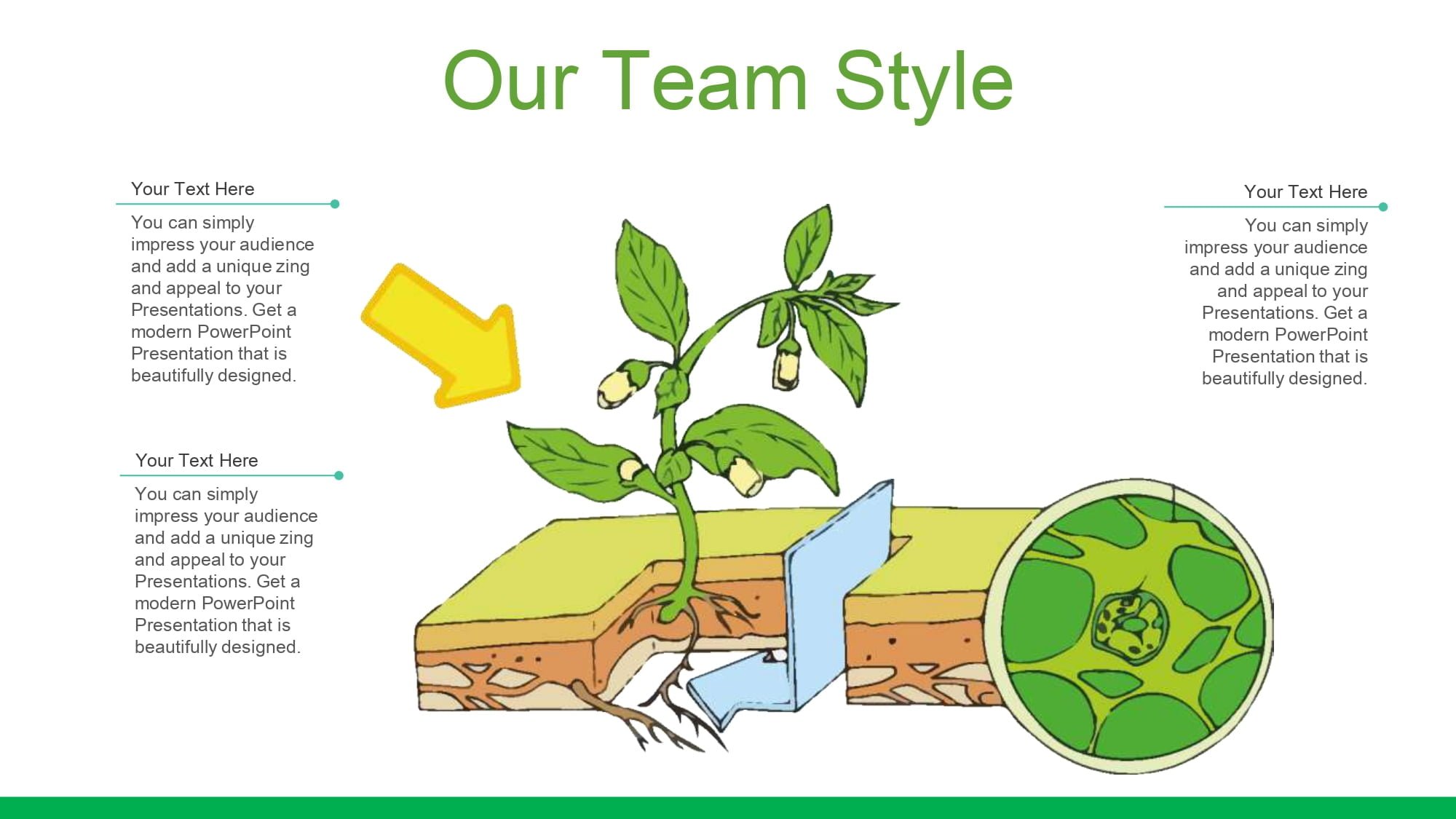
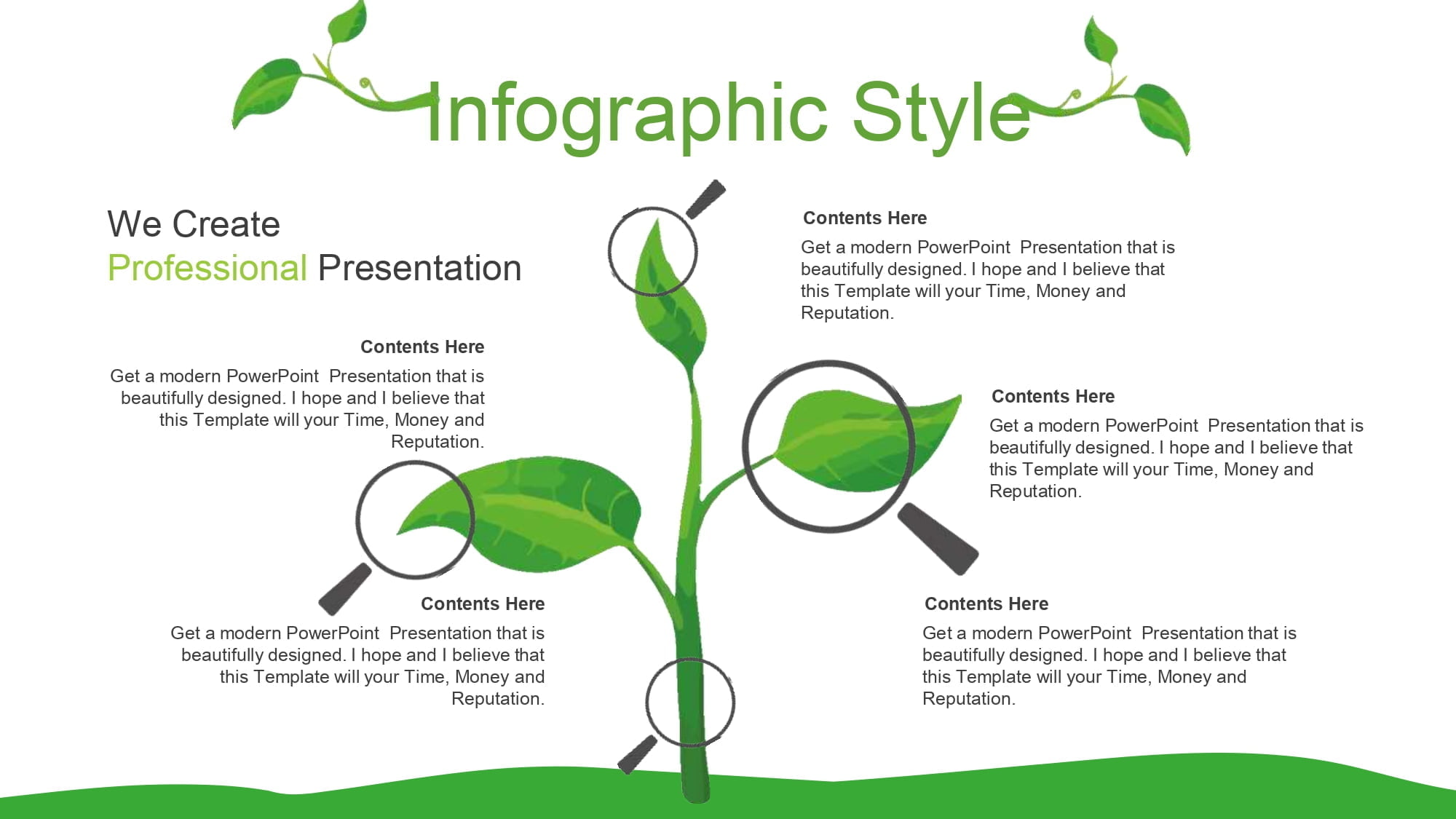
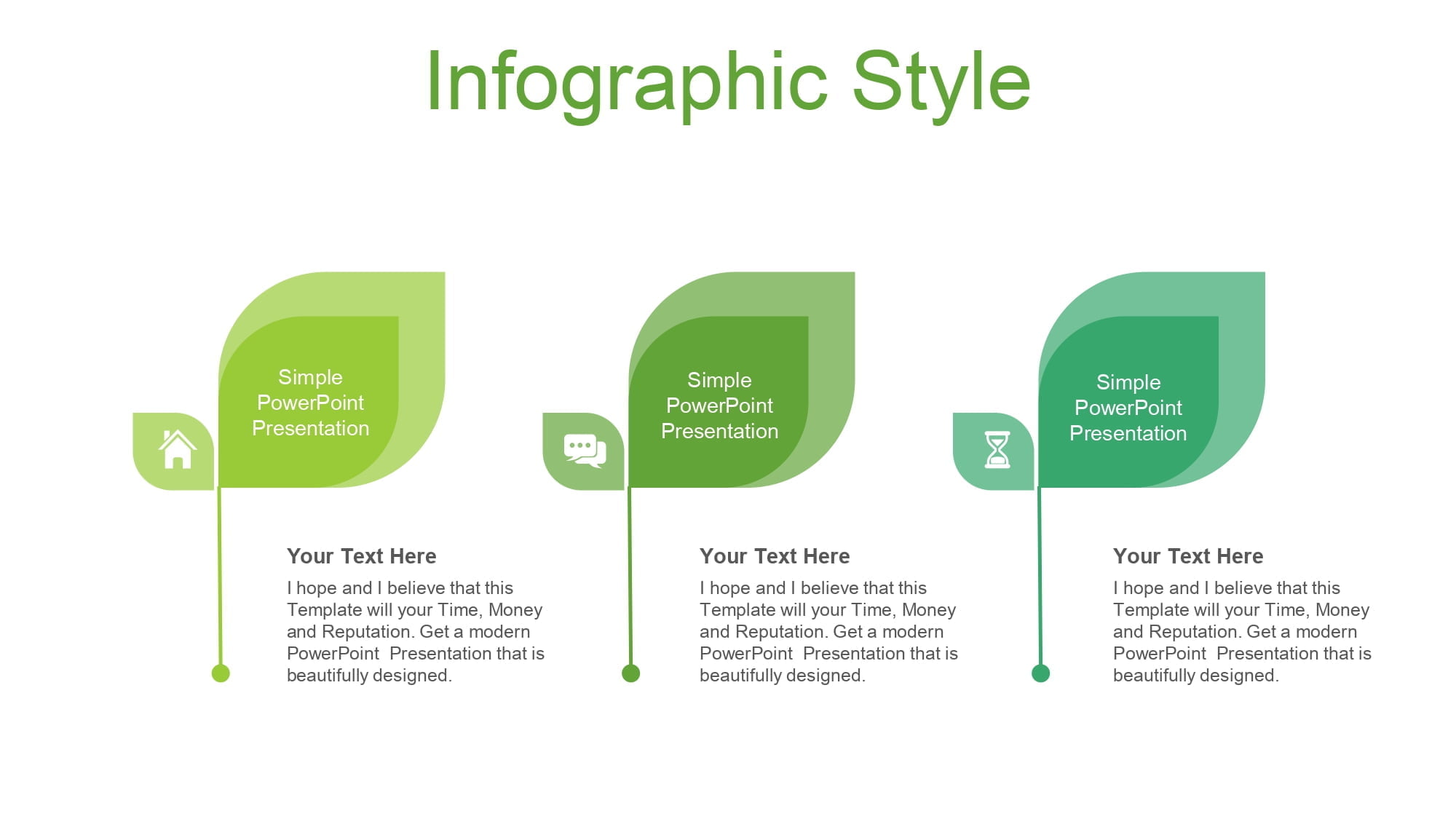
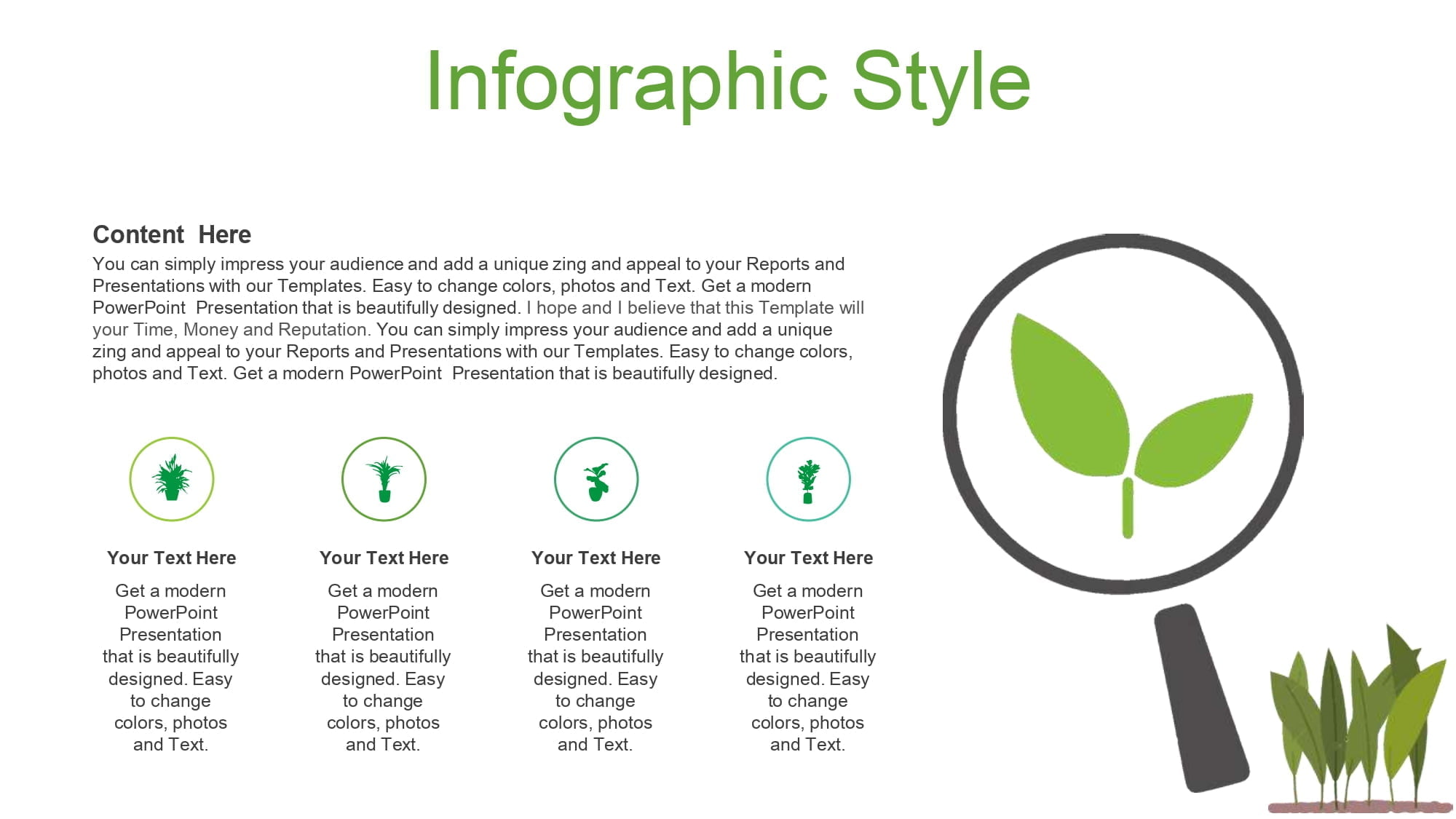
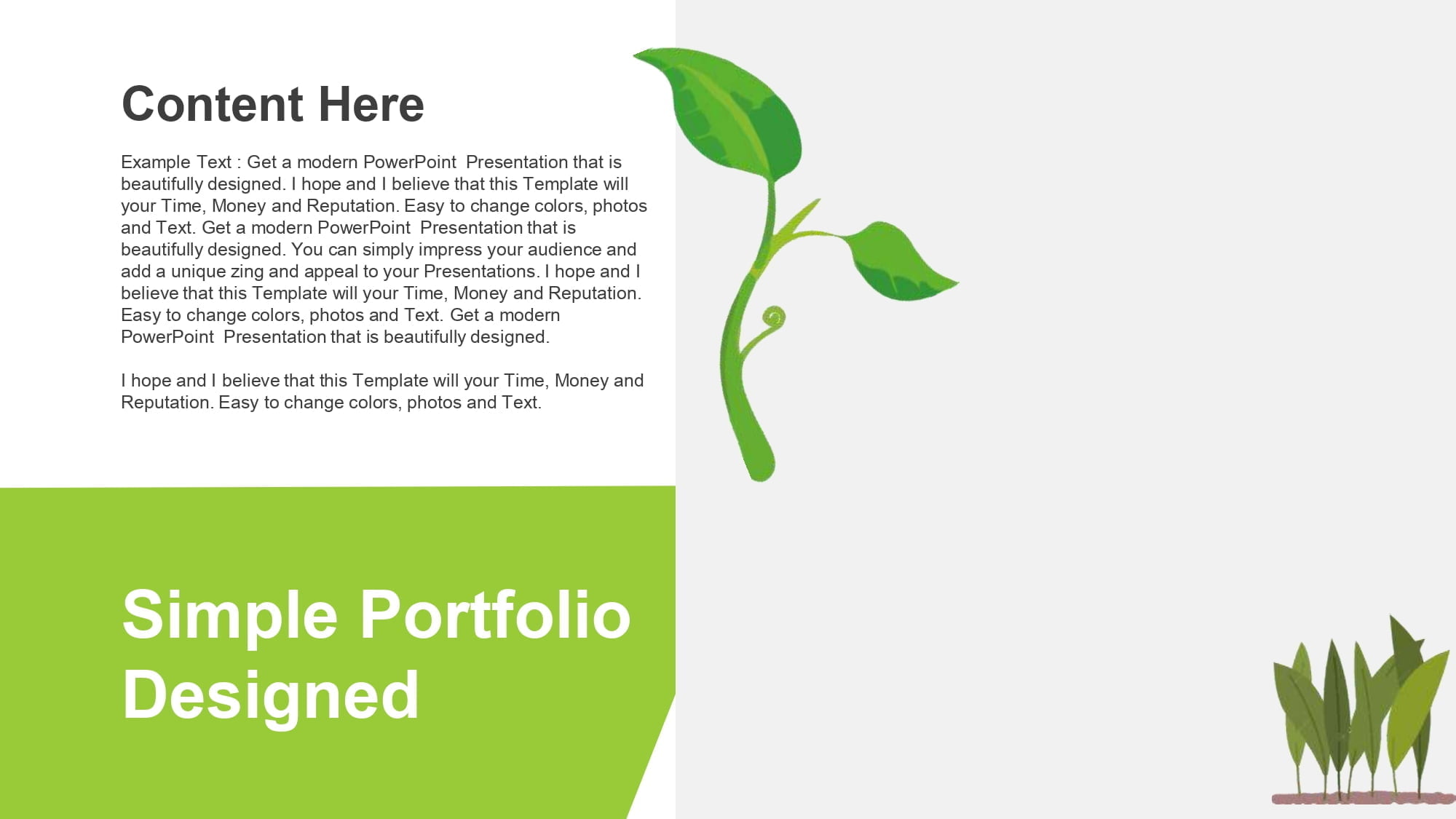
A botany template for PowerPoint is a set of pre-designed slides inspired by natural elements such as leaves, plants, flowers, or green landscapes.
These types of presentations usually include:
- backgrounds with a plant theme
- icons related to plants
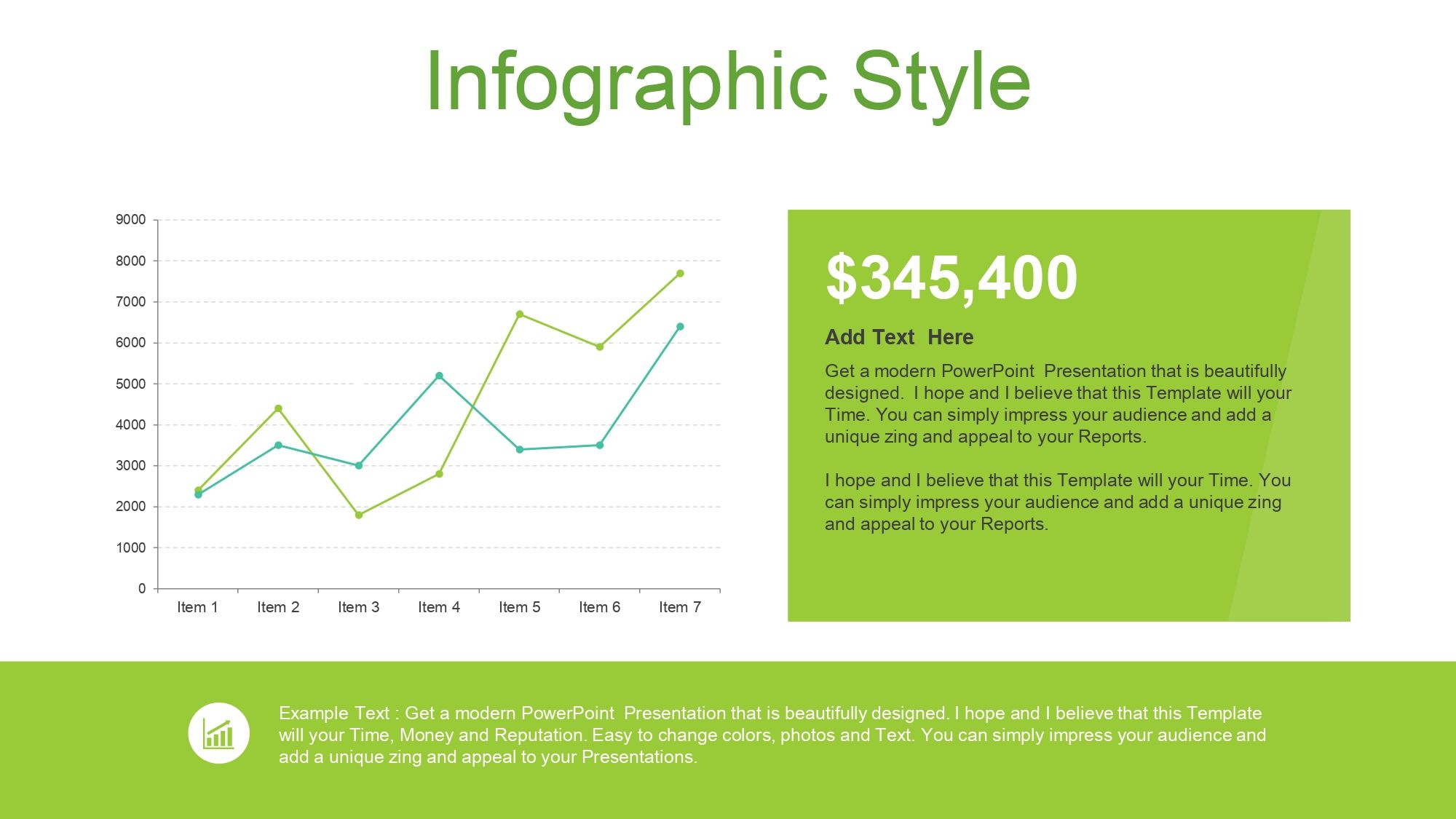
- editable graphics
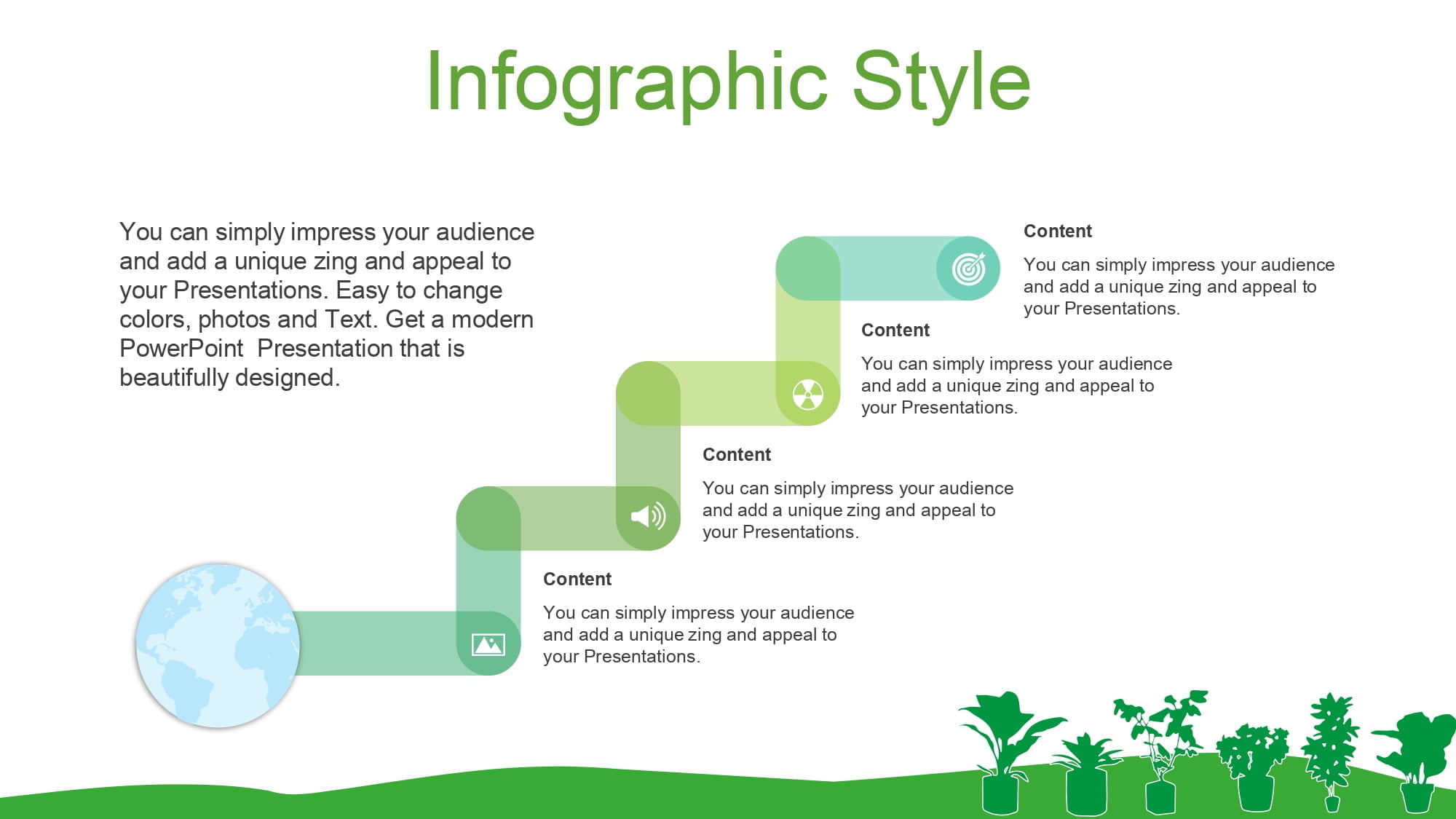
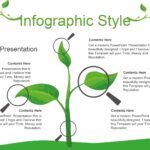
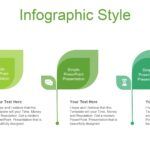
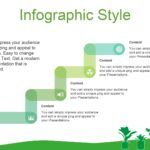
- diagrams to explain biological processes
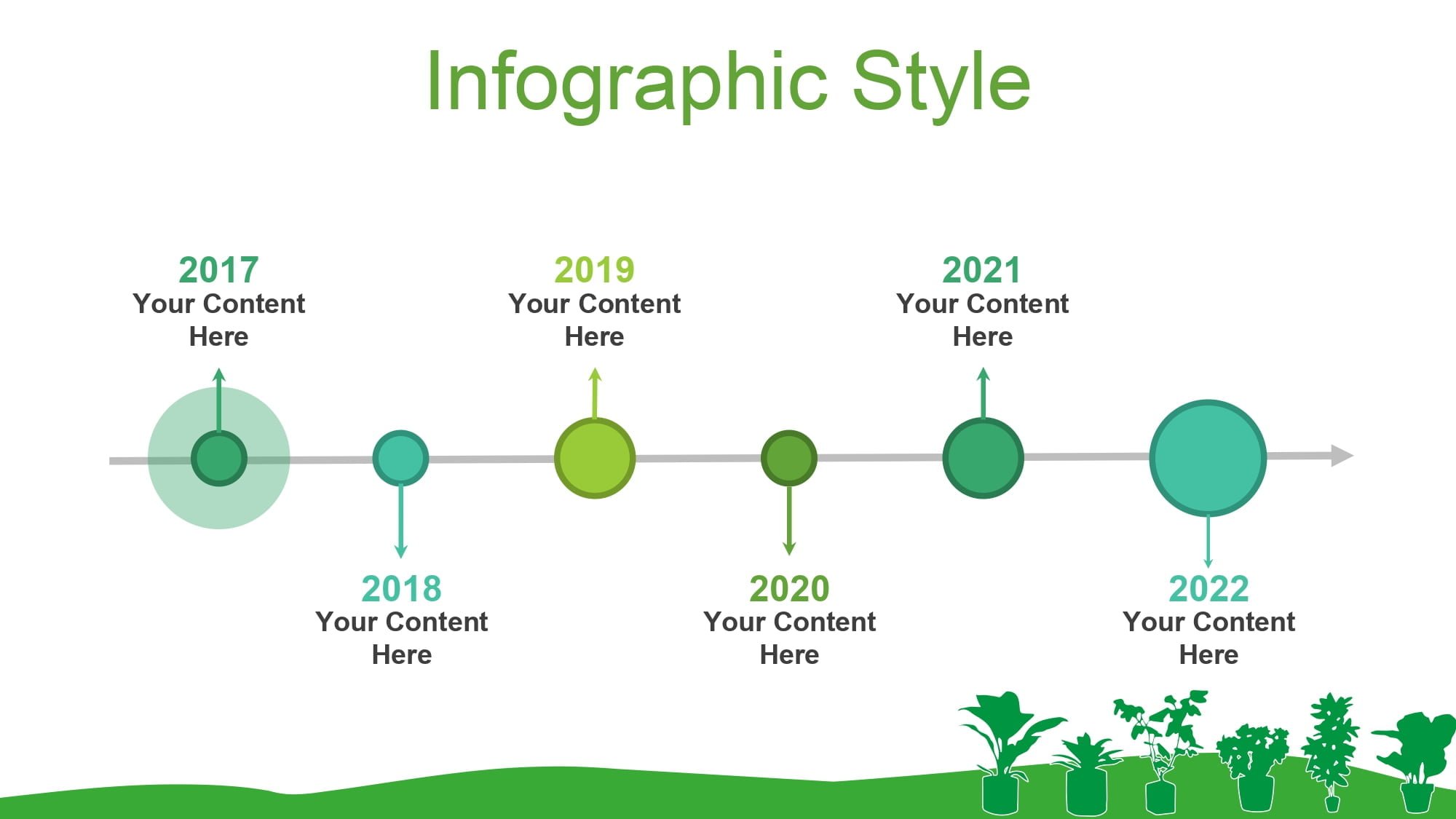
- timelines for research
These templates are primarily intended for:
- school presentations
- university exhibitions
- biology projects
- talks about the environment
- scientific research
Furthermore, something I find very useful when working with this type of resource is that all its slides are available to be worked on in any editing program, including the Canva platform, which allows the presentation to be easily adapted to the needs of the project.
🍃 Why use a botany template for presentations
Cuando realizamos una exposición sobre temas científicos, el diseño puede ayudar mucho a transmitir el mensaje.
A well-structured botany presentation offers several advantages.
📊 Improves visual comprehension
Images of plants, leaves, and natural elements help the public to better understand concepts related to plant biology.
⏳ Save design time
Instead of creating slides from scratch, the template already includes:
- content structures
- typographic styles
- diagrams
- editable graphics
This allows you to focus on the content and not the design.
🧩 Makes editing easier
One feature I really appreciate is that all of its slides are available to be worked on in any editing program, including the Canva platform, which is ideal if you need to edit the presentation from different devices or collaborate with other people.
🌿 Elements included in a botany PowerPoint template
The best botany PPT templates usually include multiple visual tools to enrich the presentation.
Among the most common elements we find:
🖼️ Themed slides
Funds with:
- leaves
- flowers
- botanical illustrations
- natural textures
This creates a consistent visual identity for the entire presentation.
📈 Editable graphics
The charts allow you to display information such as:
- plant growth
- environmental studies
- ecological statistics
All of this can be easily modified to suit any project.
🕒 Timelines
They are especially useful for explaining:
- evolution of plant species
- scientific processes
- research timelines
🎨 Icons and vectors
Nature-related icons make it easy to represent concepts without the need for long text.
Furthermore, something that makes the work much easier is that all of its slides are available to be worked on in any editing program, including the Canva platform, which allows you to modify graphics, colors or visual elements with total freedom.
💻 How to use a botany template in PowerPoint or Canva
One of the biggest advantages of these templates is their versatility.
The process is usually very simple.
📥 1. Download the template
First, download the presentation file.
🖥️ 2. Open it in the editing program
It can be edited using different tools such as:
- Microsoft PowerPoint
- Google Slides
- Keynote
- Canva
Personally, I find it very practical that all of their slides are available to be worked on in any editing program, including the Canva platform, because this allows working online without the need to install additional software.
✏️ 3. Personalize the content
Then all that remains is to modify:
- texts
- images
- graphics
- colors
In this way, the template is fully adapted to the specific topic of the presentation.
🎓 When to use a botany template
PowerPoint plant templates can be used in different contexts.
🏫 School presentations
They are perfect for:
- science exhibits
- biology jobs
- environmental projects
🎓 University presentations
In careers such as:
- biology
- agronomy
- ecology
- environmental sciences
This type of design helps to convey a more professional image.
🎤 Talks or workshops
They also work very well in:
- educational conferences
- presentations on sustainability
- research projects
In all these cases, it is very convenient that all your slides are available to be worked on in any editing program, including the Canva platform, as it allows you to collaborate with other colleagues or edit the content from anywhere.
🚀 Tips for getting the most out of a botany template
If you want to get the most out of a botany PowerPoint template, I recommend following these tips.
🎨 Maintain visual consistency
Always use the same color palette and icon style.
📄 Do not overload the slides
A good presentation should be visual, clear, and easy to understand.
📊 Use graphs to explain data
Graphics help to simplify complex information.
🖌️ Customize the images
Even if the template already includes images, it is always advisable to adapt them to the specific topic of the presentation.
Something that makes this customization much easier is that all your slides are available to be worked on in any editing program, including the Canva platform, which allows you to modify each element quickly.




