












Whenever I prepare a presentation on nutrition, healthy habits, or educational content about vegetables, I usually look for visual resources that truly connect with the audience. And it was during one of those searches that I discovered the Broccoli PowerPoint Template, a design that combines fun, informative content, and complete editable functionality.
My first thought was: If you have difficulties composing a presentation, you have to use this Broccoli template for PowerPoint and Google Slides full of images and 100% editable content, because it really makes the whole process easier.
This type of template isn't just for school classes; it's also perfect for nutrition workshops, university projects, health campaigns, children's content, and even cooking or wellness presentations. Its clean and user-friendly design makes complex topics, like balanced nutrition, much easier to understand.
🍃 A plant-based educational design to capture attention
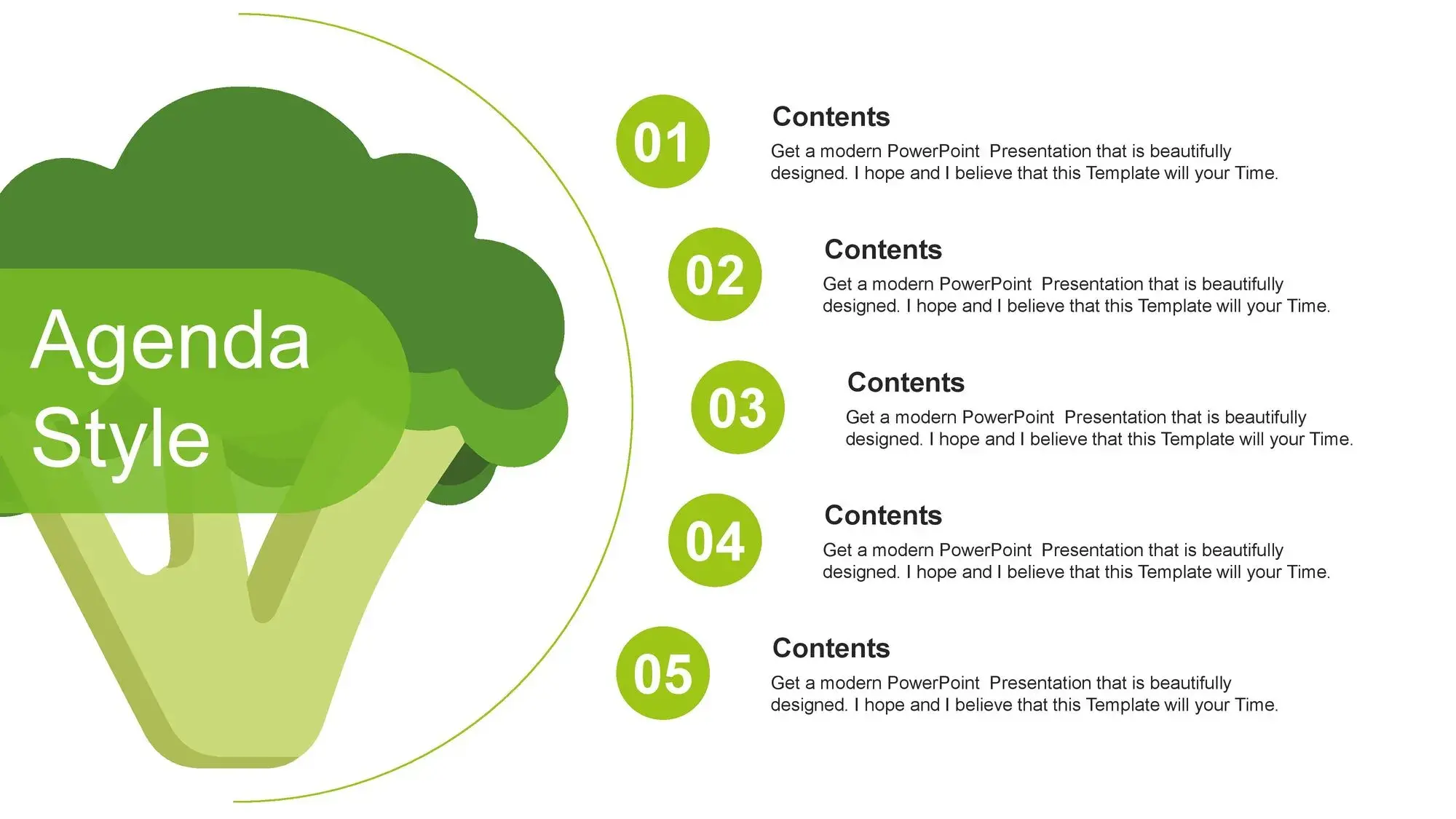
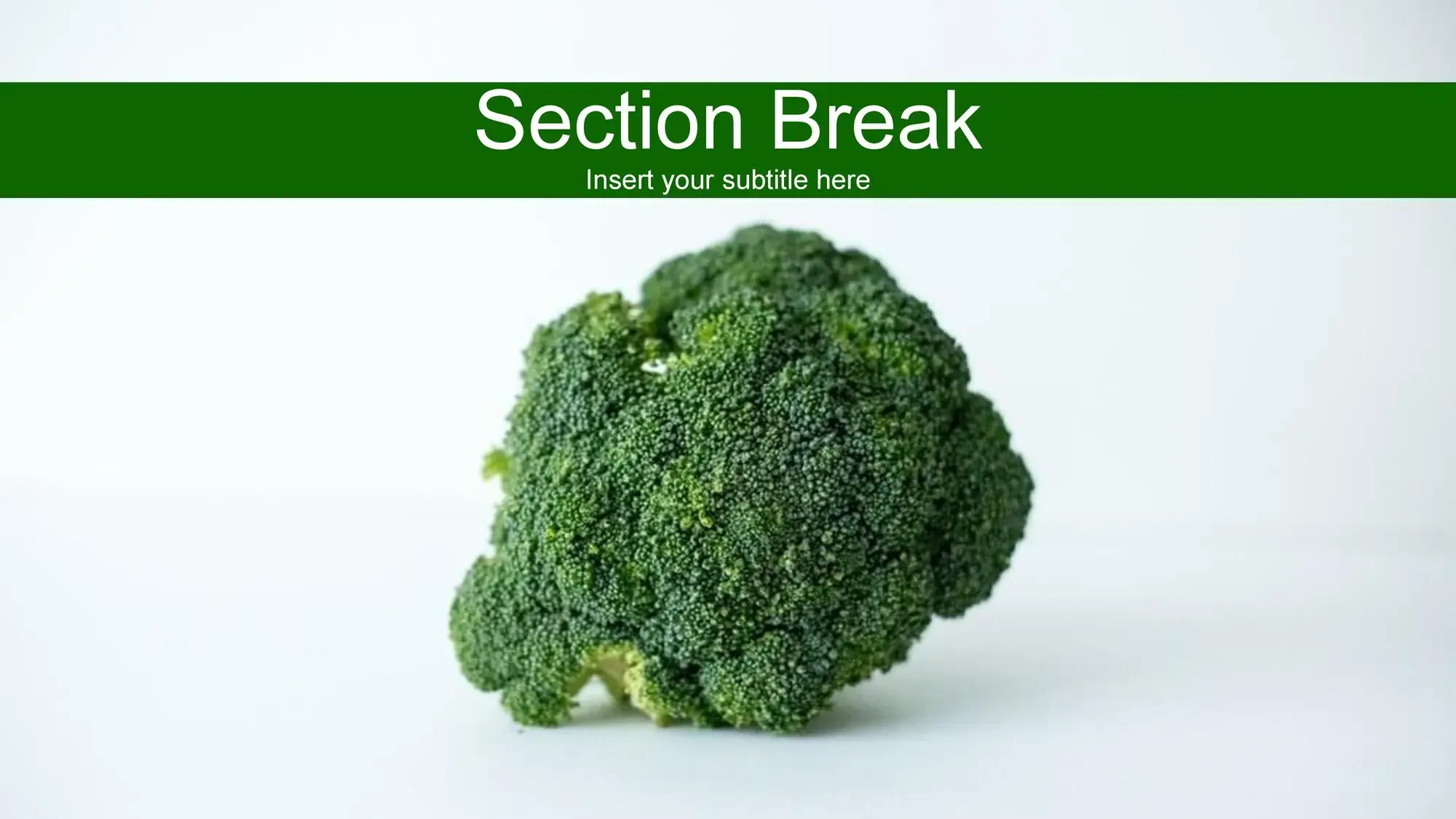
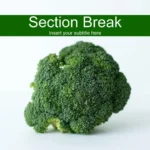
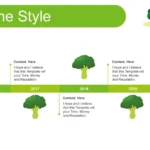
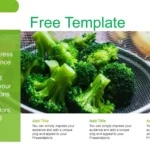
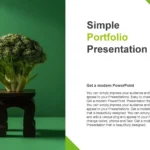
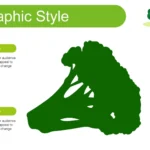
From the cover, this presentation stands out. Broccoli becomes the main visual element, surrounded by illustrations, green backgrounds, and organic shapes that convey a sense of freshness. While reviewing the slides, I kept remembering the phrase I always repeat: If you're having trouble putting together a presentation, you have to use this Broccoli template for PowerPoint and Google Slides, full of images and 100% editable content, because the way it's organized makes everything flow visually without effort.
Each slide maintains a perfect structure for explaining concepts:
- What is broccoli?
- Nutritional benefits
- Comparisons with other vegetables
- Healthy recipes
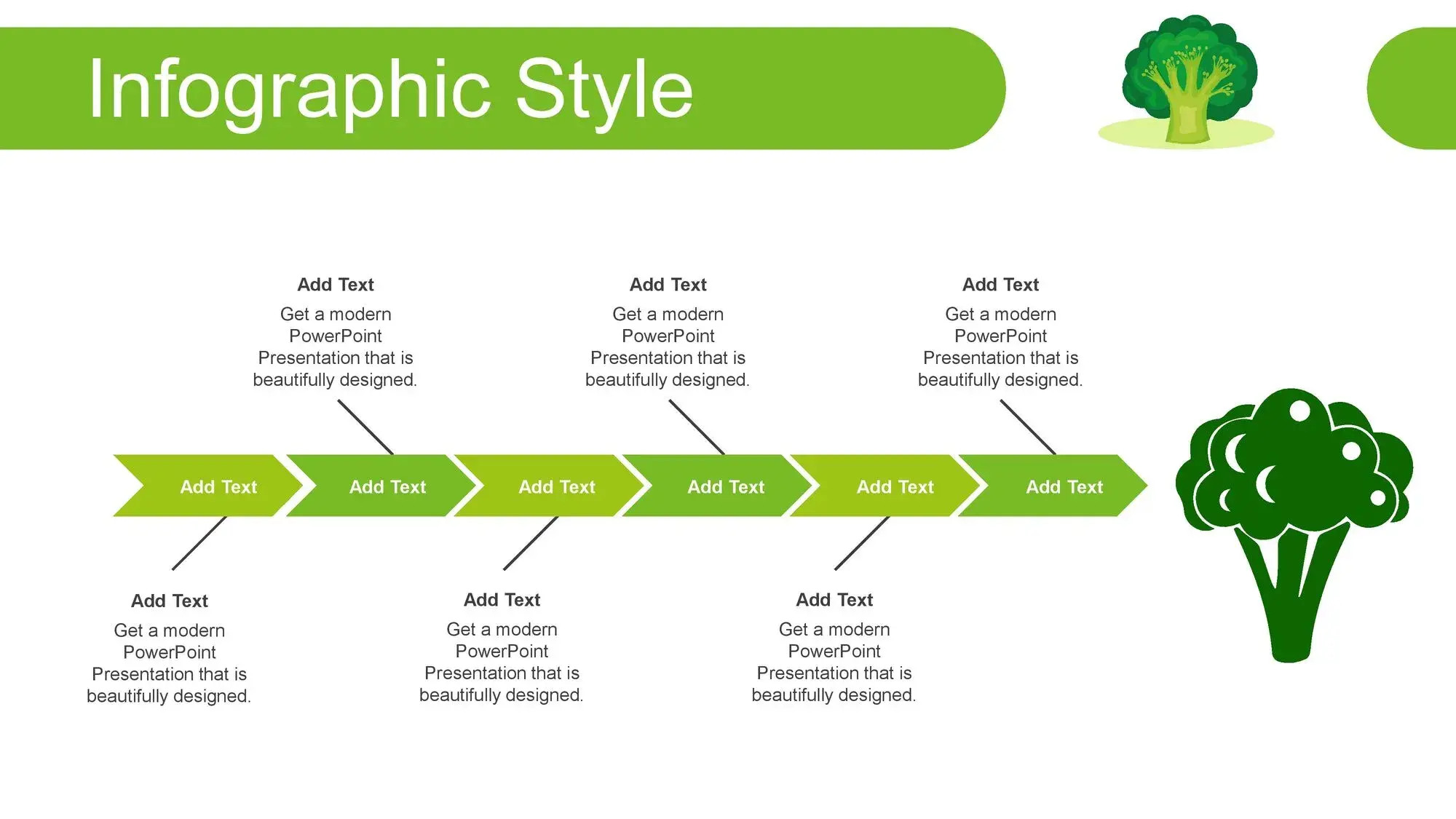
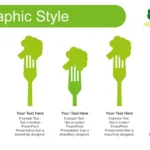
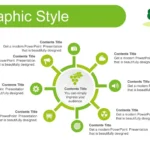
- Vitamin and mineral infographics
- Eating habits
- Activities for children
And all using a visual language that supports the content.
📚 Ideal for teachers, students, and healthcare professionals
If you work in education or nutrition, this template becomes an exceptional tool. It allows you to:
✔️ Explain food contents clearly
The illustrations help make health concepts more relatable.
✔️ Create interactive activities
Such as games, questions or activities for children about vegetables.
✔️ Use it in wellness workshops
Whether in schools, health centers or community talks.
✔️ Create content for social media or training
The visual style is perfect for adapting to Canva or Google Slides.
While preparing an educational module, I felt that this tool confirmed once again that if you have difficulties in composing a presentation, you have to use this Broccoli template for PowerPoint and Google Slides full of images and 100% editable content, because it saves time and prevents the content from looking flat or boring.
🎨 Green colors, editable vectors, and a friendly style
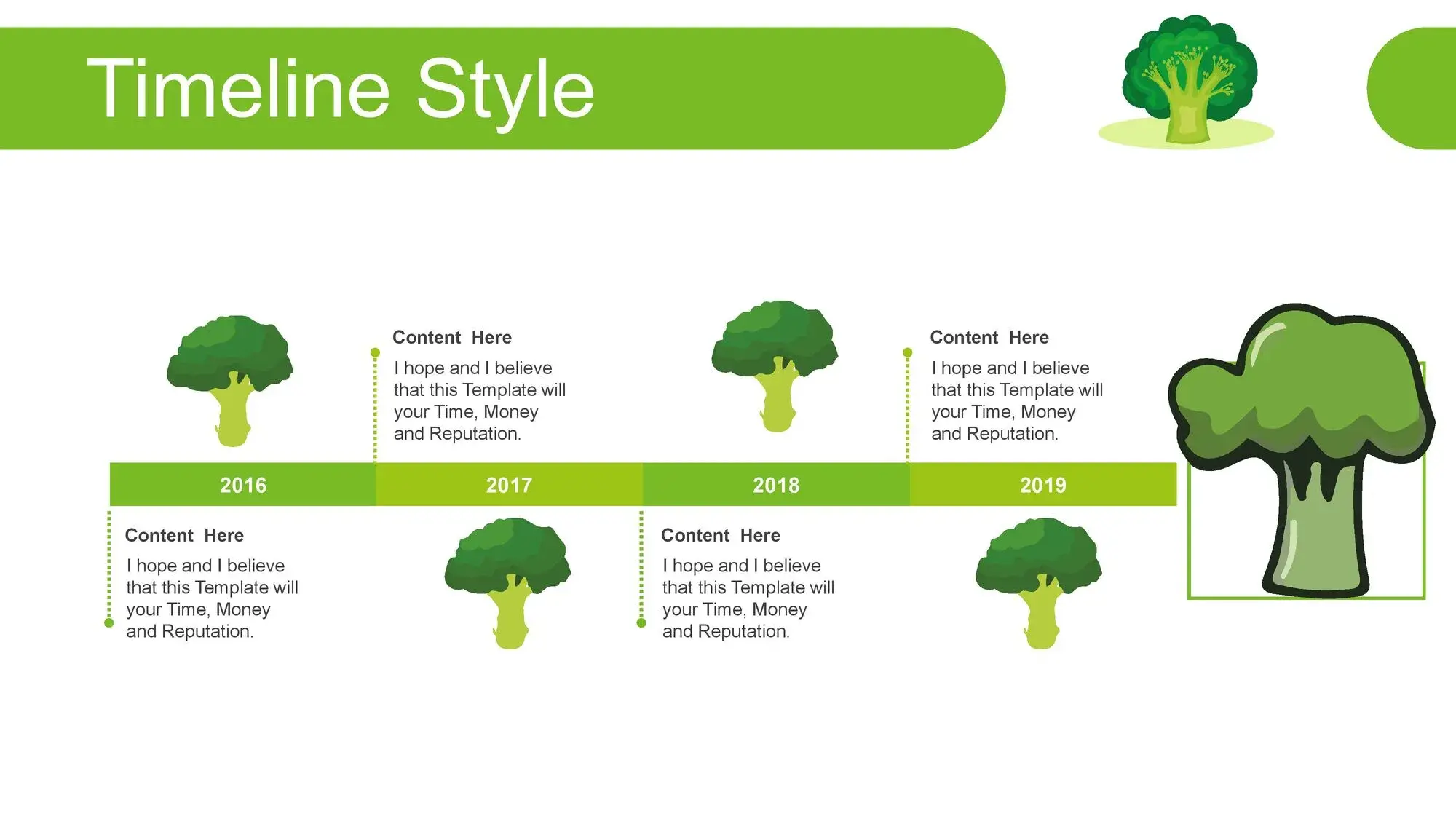
One of the most useful things about this template is that it doesn't just show pictures of broccoli; it also includes:
- Vegetable icons
- Thematic funds
- Customizable graphics
- Frames and illustrations
- Nutrient diagrams
- Organic visual elements
The green and creamy tones help convey a sense of freshness and health. And since everything is editable, you can modify colors, text, and shapes without losing the style. Something that constantly reminded me that if you have difficulty composing a presentation, you have to use this Broccoli template for PowerPoint and Google Slides, full of images and 100% editable content, because editing really is easy.
📈 How to get the most out of this template
✔️ Keep the content brief and visual
The green and natural design favors short texts accompanied by images.
✔️ Use icons to explain nutritional values
The presentation includes many elements ideal for that.
✔️ Create themed sections
Benefits, recipes, interesting facts… the slides make it easy for you.
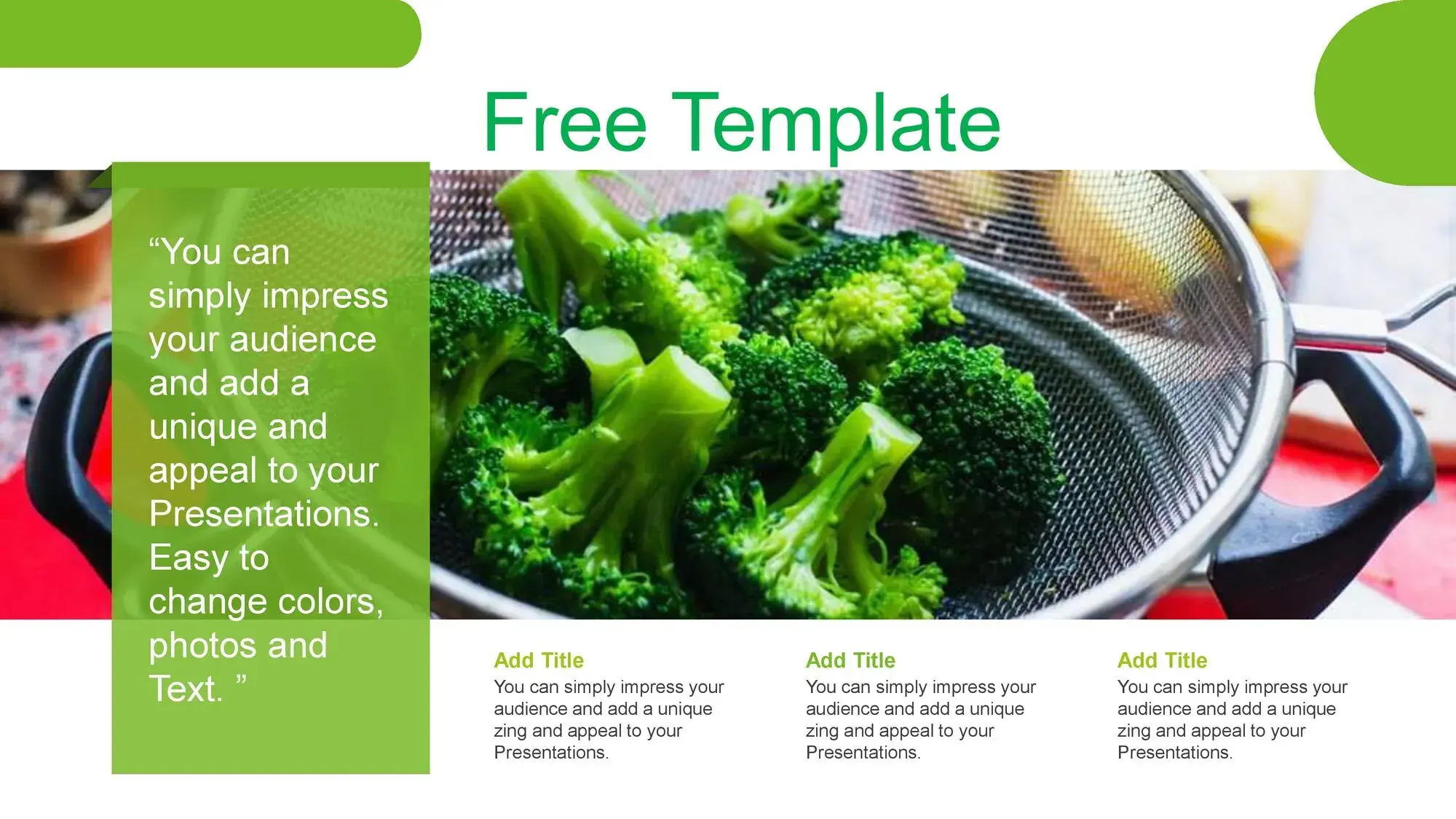
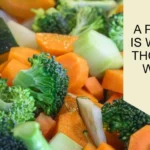
✔️ Integrates real food photos
That lends more credibility to any nutrition talk.
✔️ Alternate illustrations with graphics
Slides allow you to mix education with entertainment.
Each of these steps made me think about how useful it is to remember that if you have difficulties composing a presentation, you should use this Broccoli template for PowerPoint and Google Slides full of images and 100% editable content, because it really simplifies everything.