


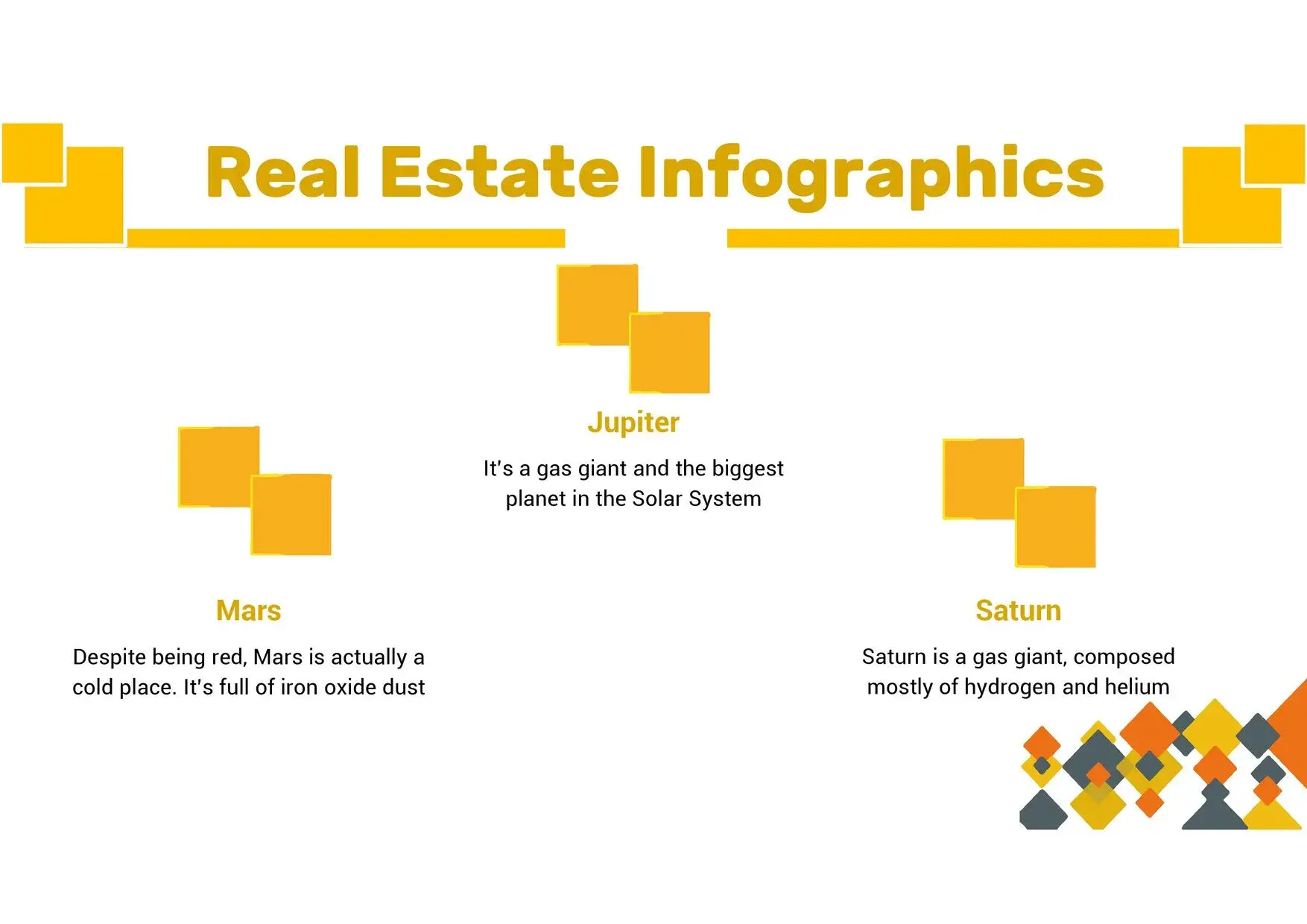


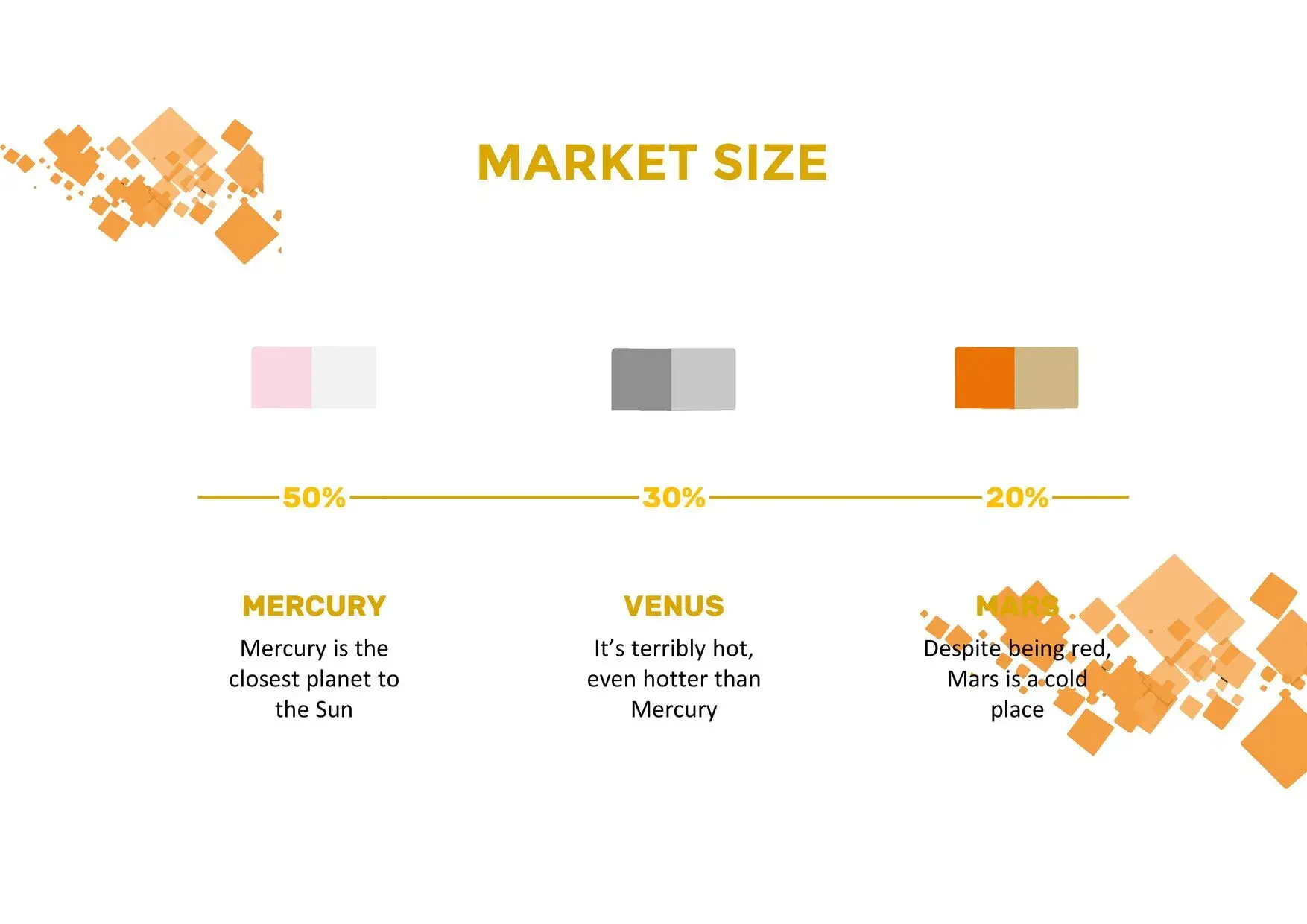










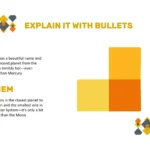





When it comes to creating a presentation that combines elegance with dynamism, few options are as effective as an Orange Squares PowerPoint Template. This type of design conveys energy, creativity, and confidence—characteristics that stand out in educational, corporate, or personal projects.
From the first time I used this template, I was impressed by its professional quality and versatility. Its 36 slides are professionally produced, and best of all, they can be downloaded for free in PowerPoint format or used online, which greatly facilitates both academic and professional work.
A design that conveys energy and modernity
The color orange is synonymous with optimism and dynamism, ideal for presentations where the goal is to capture attention without sacrificing formality. The grid structure creates a perfect visual balance between content and images, making each slide look organized, clean, and attractive.
During my presentations, I noticed that this design helped maintain audience interest. The orange squares serve as focal points that guide the eye, while the white spaces provide clarity and a sense of freshness.
Main features of the Orange Squares PowerPoint Template
This template stands out for being complete and functional, adapting to any type of project.
Among its main features we find:
- 36 fully editable slides with professional design.
- Full compatibility with PowerPoint and Google Slides.
- Clean design in warm tones, ideal for businesses, classes or reports.
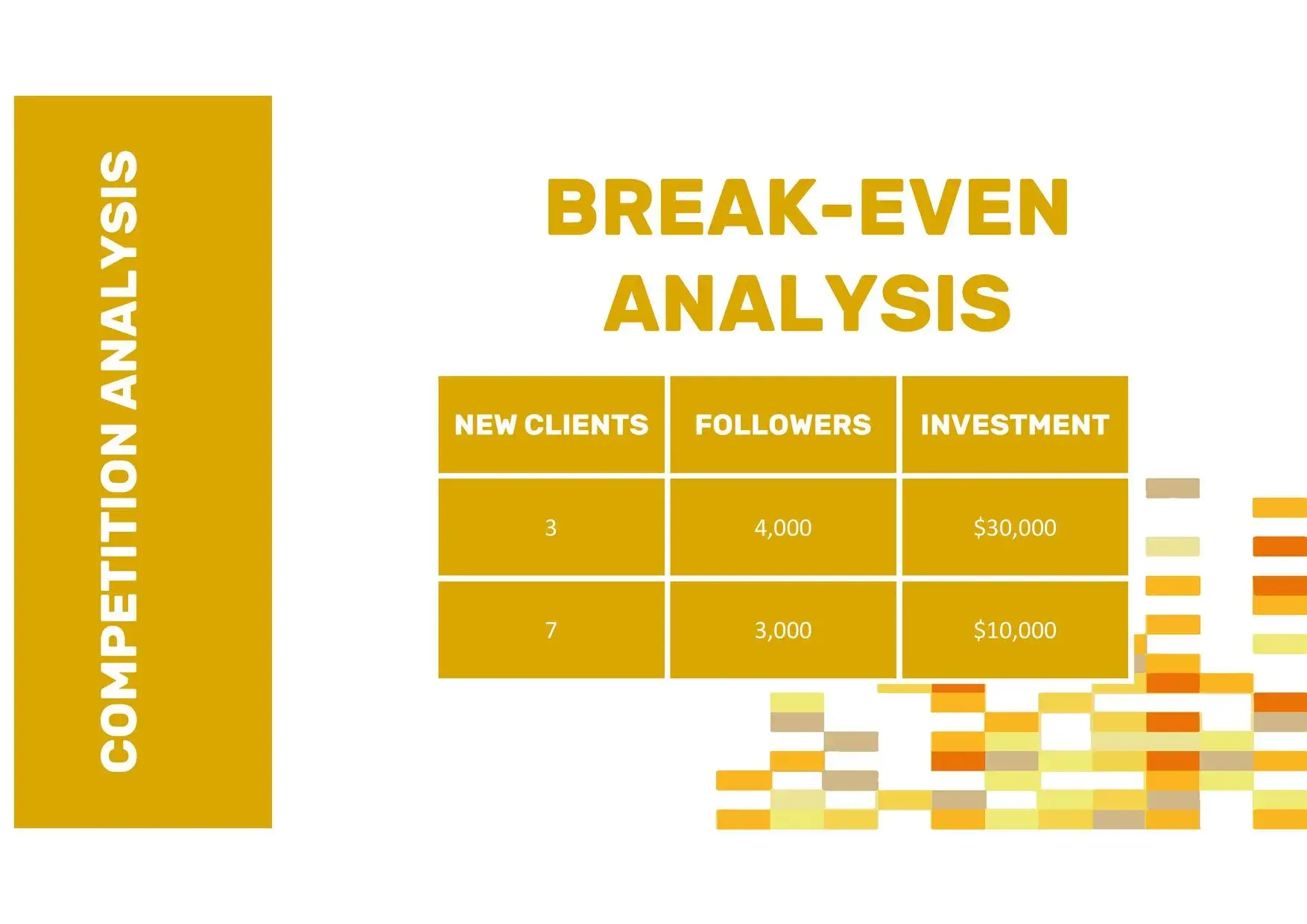
- Customizable graphic elements, such as icons, tables, and timelines.
- Free availability, ready to download in PPT format or use directly online.
One of the things I value most is its ease of use: you don't need advanced knowledge to edit it, and each slide maintains visual consistency, something few templates achieve.
Why choose an orange checkered template?
Orange is a color that combines the energy of red with the joy of yellow, creating a positive visual impact. Using a PowerPoint template with orange squares is not only an aesthetic choice, but also a strategy to communicate enthusiasm and creativity.
In my most recent presentations, I noticed how the warm tone of the design helped maintain an emotional connection with the audience, while the grid structure brought balance and professionalism.
How to customize the template for your project
Customizing this template is as easy as drag, drop, and edit. You can change the text, replace images, or modify the orange tones to match your brand or specific theme. Furthermore, each slide features well-defined spaces to include statistics, charts, or photos without overwhelming the viewer.
In my experience, the 36 slides it has allowed me to structure an entire visual report without having to add new sections. The best part is that I could use it online, which facilitated collaboration with other team members.




