



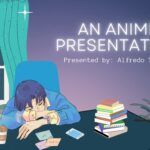




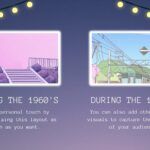





The Charm of Cartoon PowerPoint Template
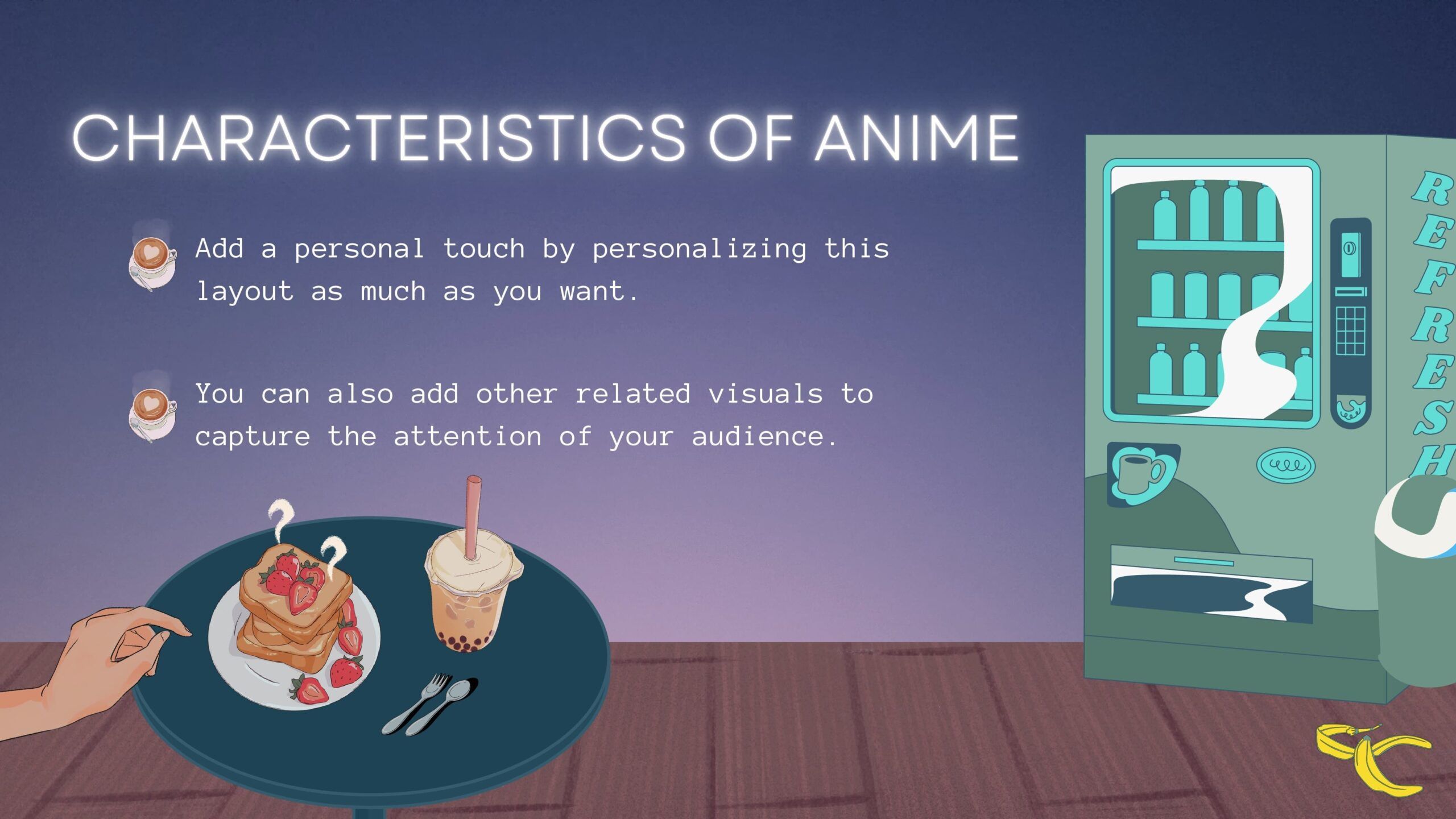
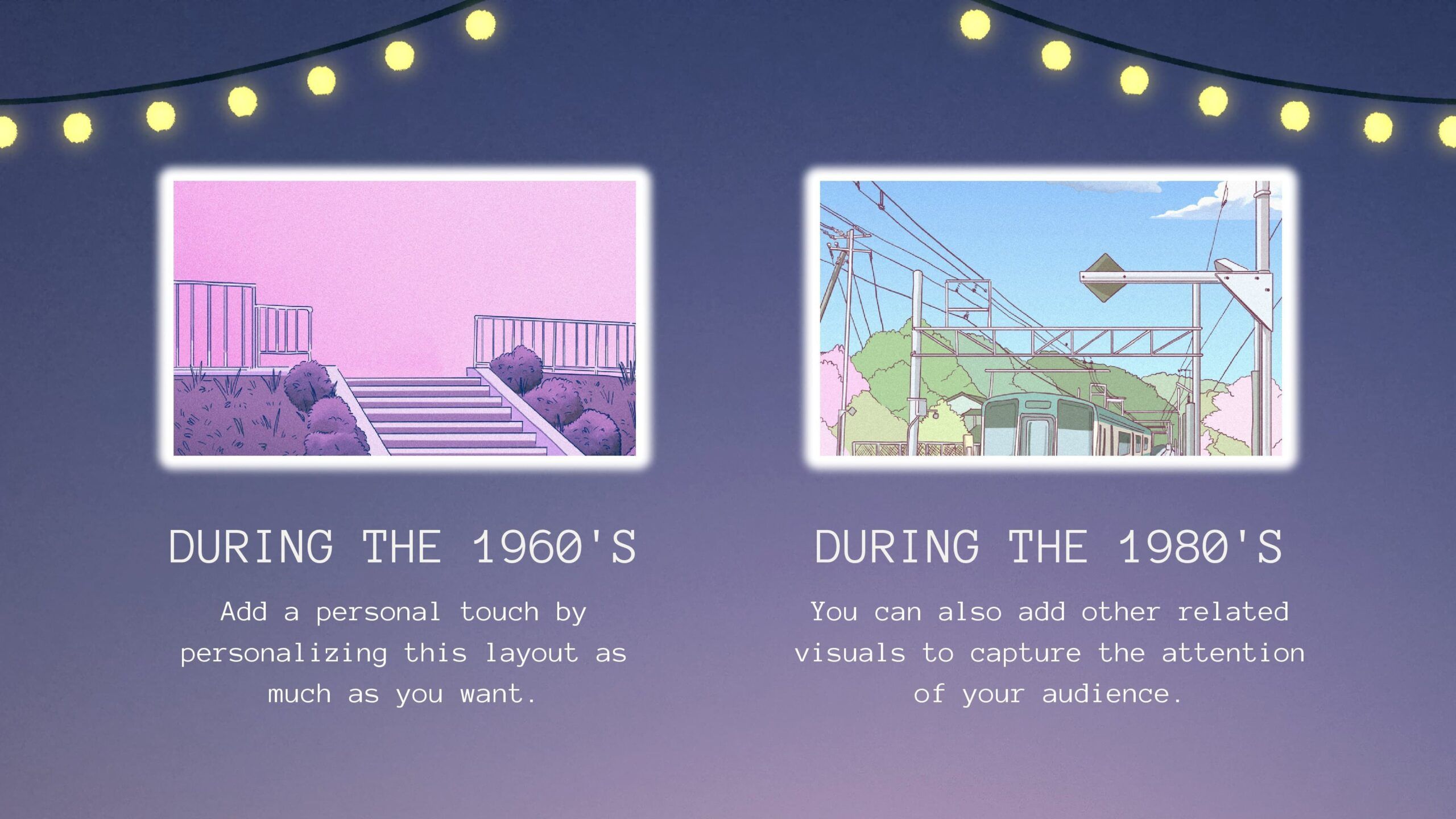
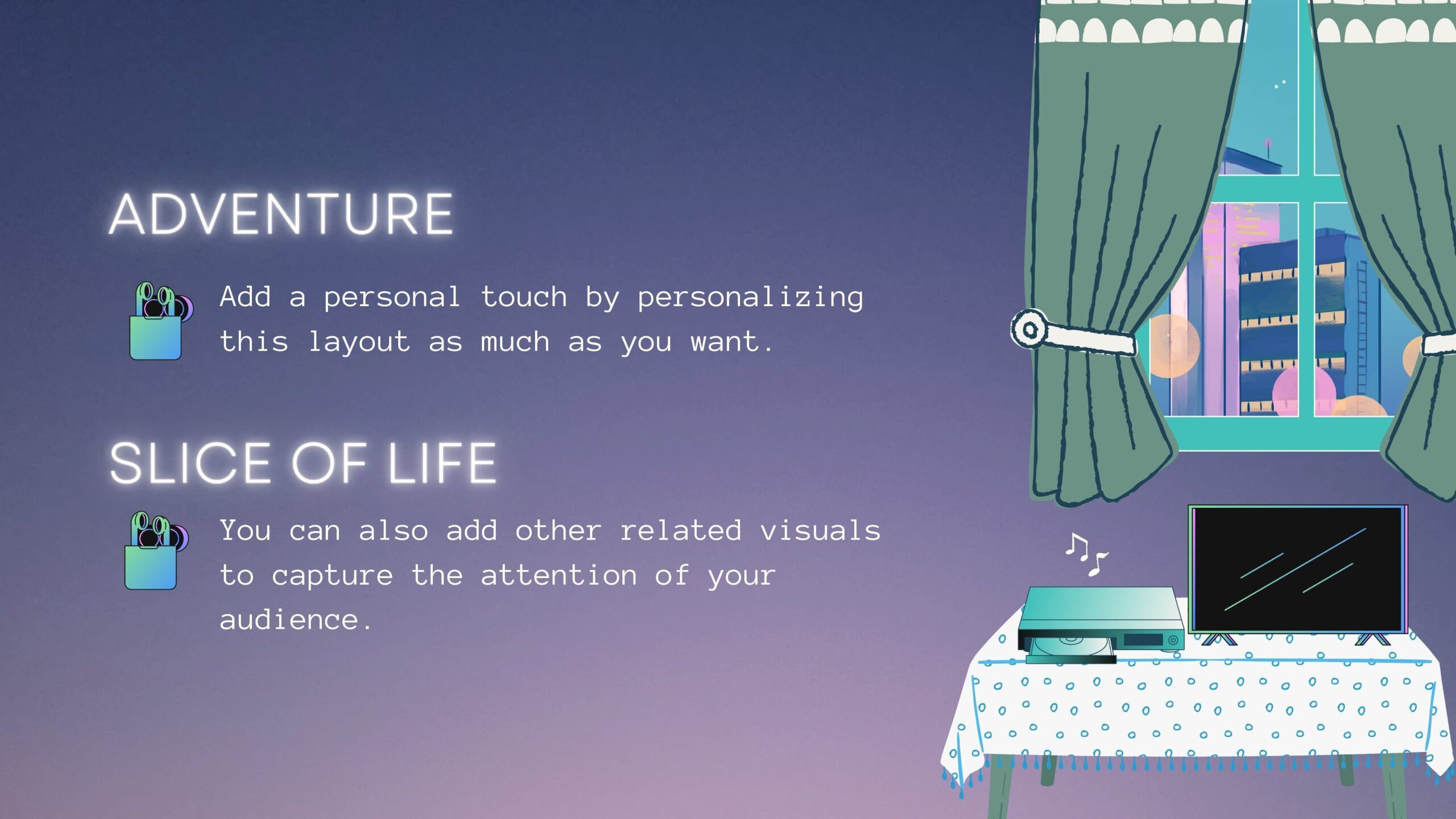
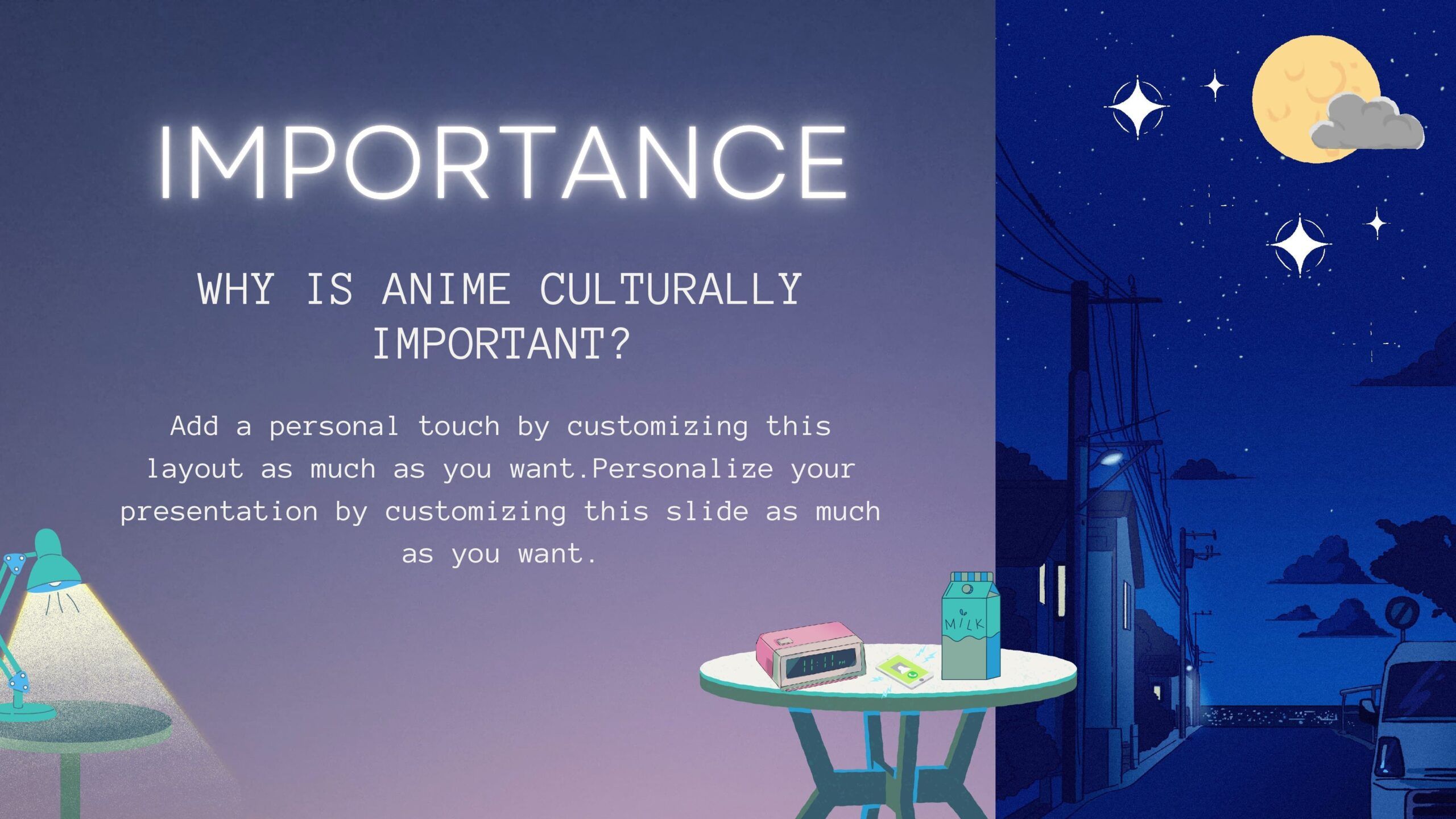
Effective presentations require more than just words on a screen. To capture your audience's attention and communicate your ideas in a memorable way, sometimes you need to add a touch of fun and creativity. The Cartoon PowerPoint Template is the perfect tool to achieve this. In this article, we'll explore how this template can bring your presentations to life.
Tips:
Once you've found the ideal Cartoon PowerPoint Template, here are some tips to make the most of its potential:
- Theme your Content: Take advantage of the cartoon style to emphasize your key points. Use characters and visuals to creatively illustrate your ideas.
- Simplify your Message: Use images and drawings to simplify complex concepts. This will help your audience better understand the information you are presenting.
- Maintain Consistency: Use a color palette and fonts that fit the template's cartoon style to maintain visual consistency throughout your presentation.
- Practice and Master the Template: Before presenting, make sure you are familiar with the template. Learn how to add content and navigate between slides to avoid interruptions during your presentation.
Features:
- It is 100% adjustable and easy to adjust
- 11 different slides to impress your audience
- Designed to be used in Google Slides and Microsoft PowerPoint
- 16:9 Aspect ratio suitable for all types of screens
- Contains information about fonts, colors and credits of free resources used
- You can edit it in Canva easily