













The Magic of the Guessing and Trivia Game PowerPoint Template
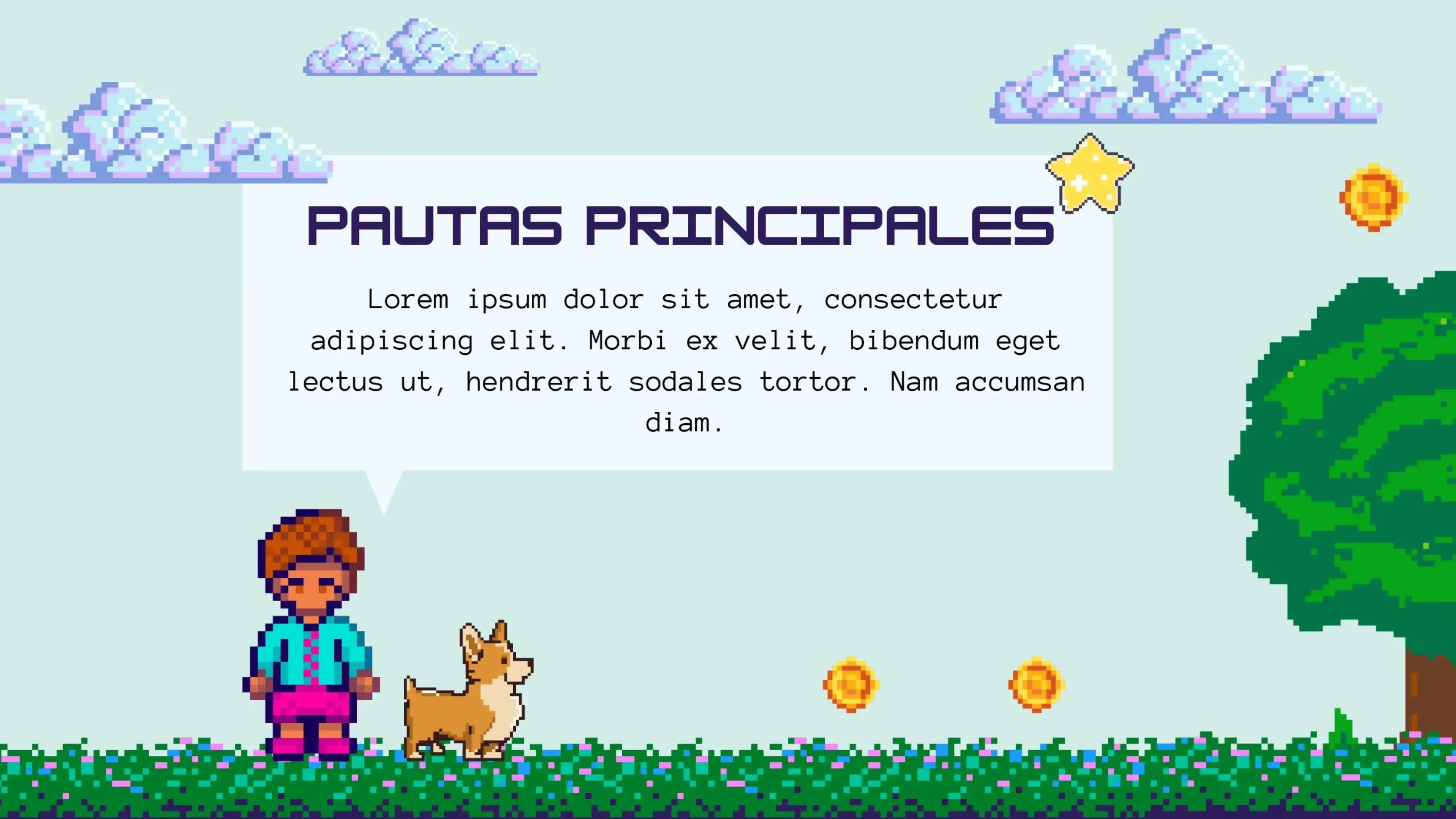
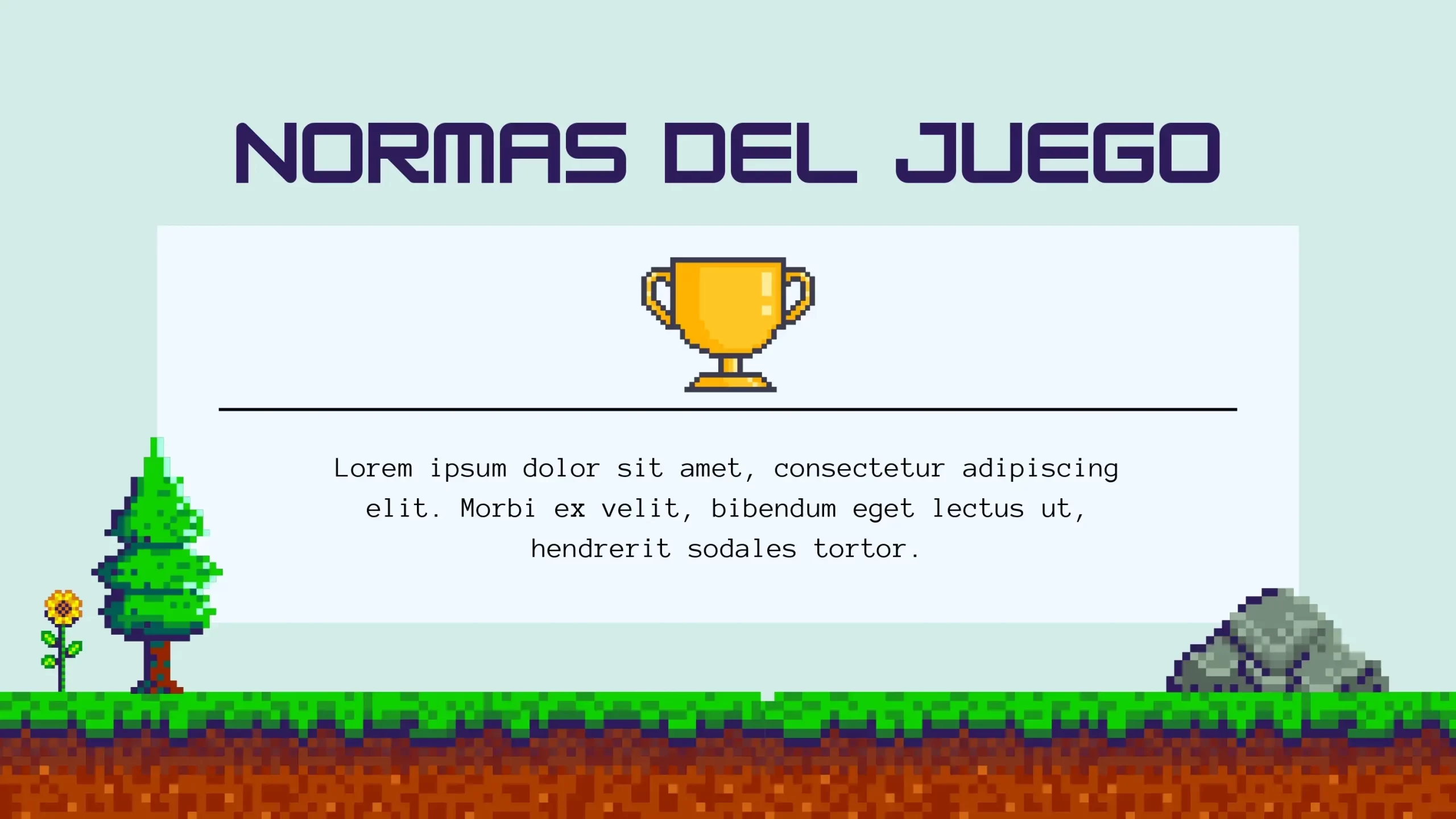
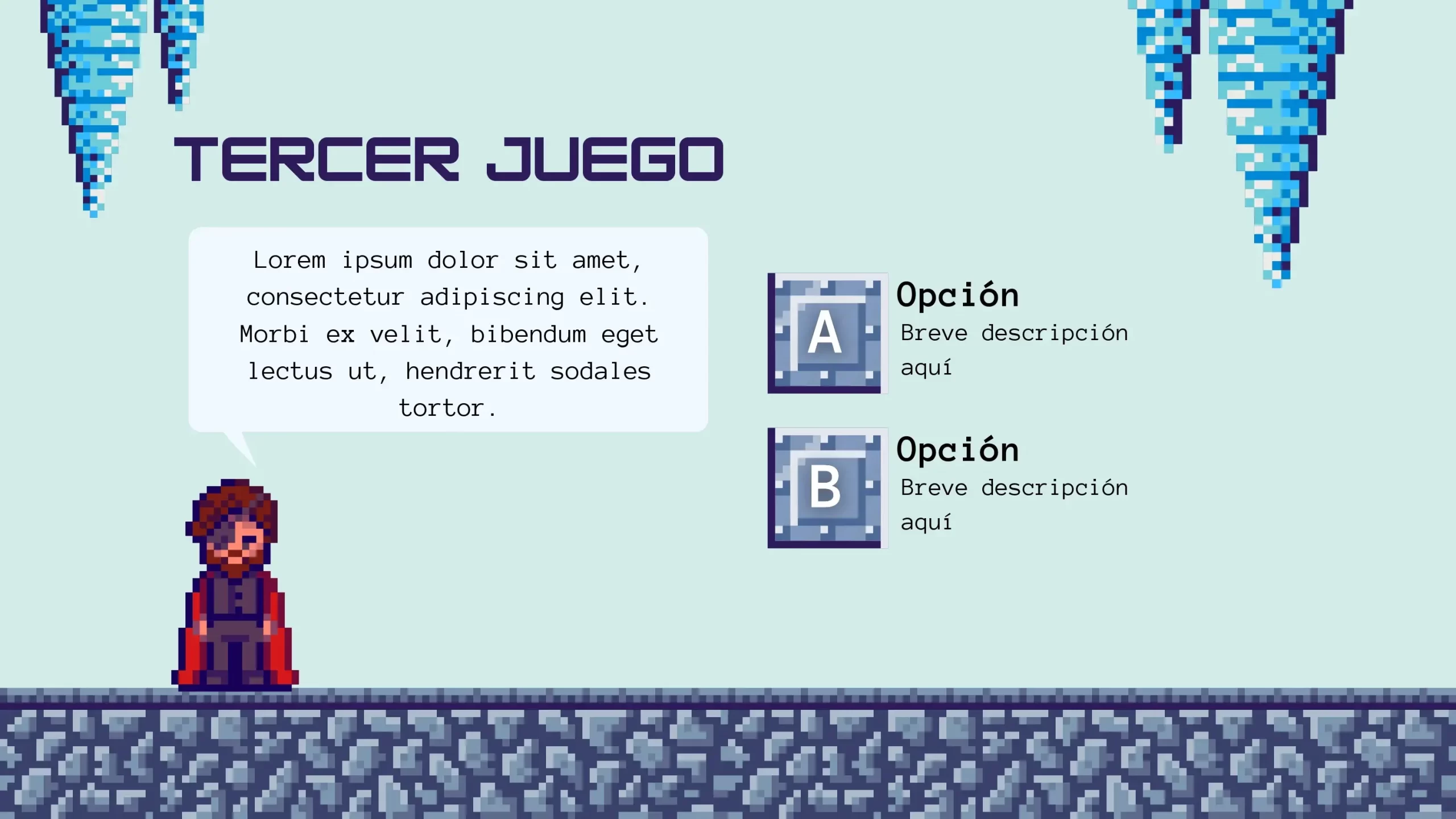
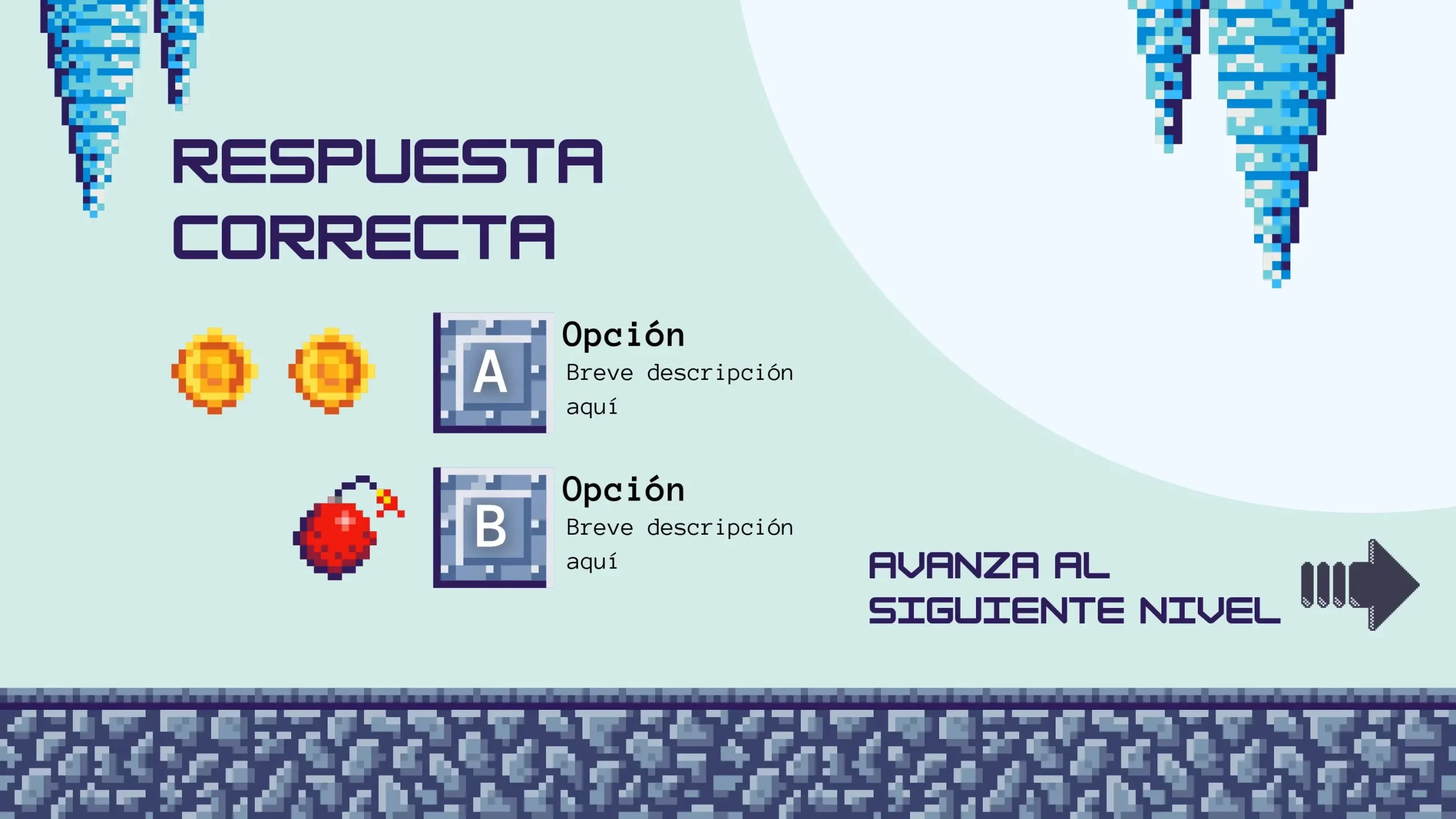
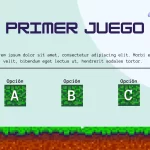
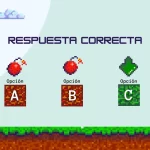
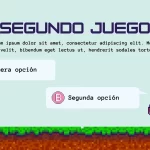
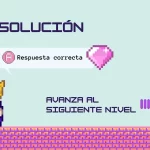
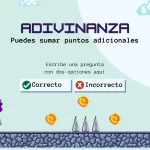
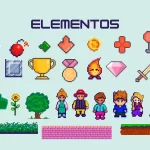
Presentations don't have to be boring or one-way. The Guessing and Trivia Game PowerPoint Template is a creative tool that can turn your slides into an interactive experience and playful. In this article, we will explore how this template can help you engage your audience, encourage participation.
- Fun Learning: The guessing and trivia game is a great way to learn while having fun. This template allows presenters to incorporate educational elements in an entertaining way.
- Unlimited Creativity: Unlike conventional templates, this option gives you the freedom to customize it with your own riddles, questions and content, meaning you can tailor it to your specific needs.
- Suitable for Various Audiences: The guessing and trivia game is versatile and can be adapted to a wide variety of topics and audiences. You can use it in educational presentations, business presentations, social events and more.
- Encourage Participation: Interaction with the audience is a fundamental part of this template. You can engage your viewers and keep their attention effectively.
Tips:
Once you've found the perfect Question and Guess Game PowerPoint Template, here are some tips to make the most of its potential:
- Plan your Questions: Before the presentation, prepare a list of questions or riddles that are relevant to your topic. Make sure they are challenging but accessible to your audience.
- Encourage Participation: Encourage your audience to actively participate. You can divide them into teams or ask them to answer the questions individually.
- Reward Participation: Consider offering small prizes or recognition to those who answer correctly. This can motivate your audience to participate and stay engaged.
- Practice and Master the Template: Before presenting, make sure you're familiar with the template and how the interactive elements work. Practice to ensure a smooth flow during your presentation.
COLORS:Colorful