


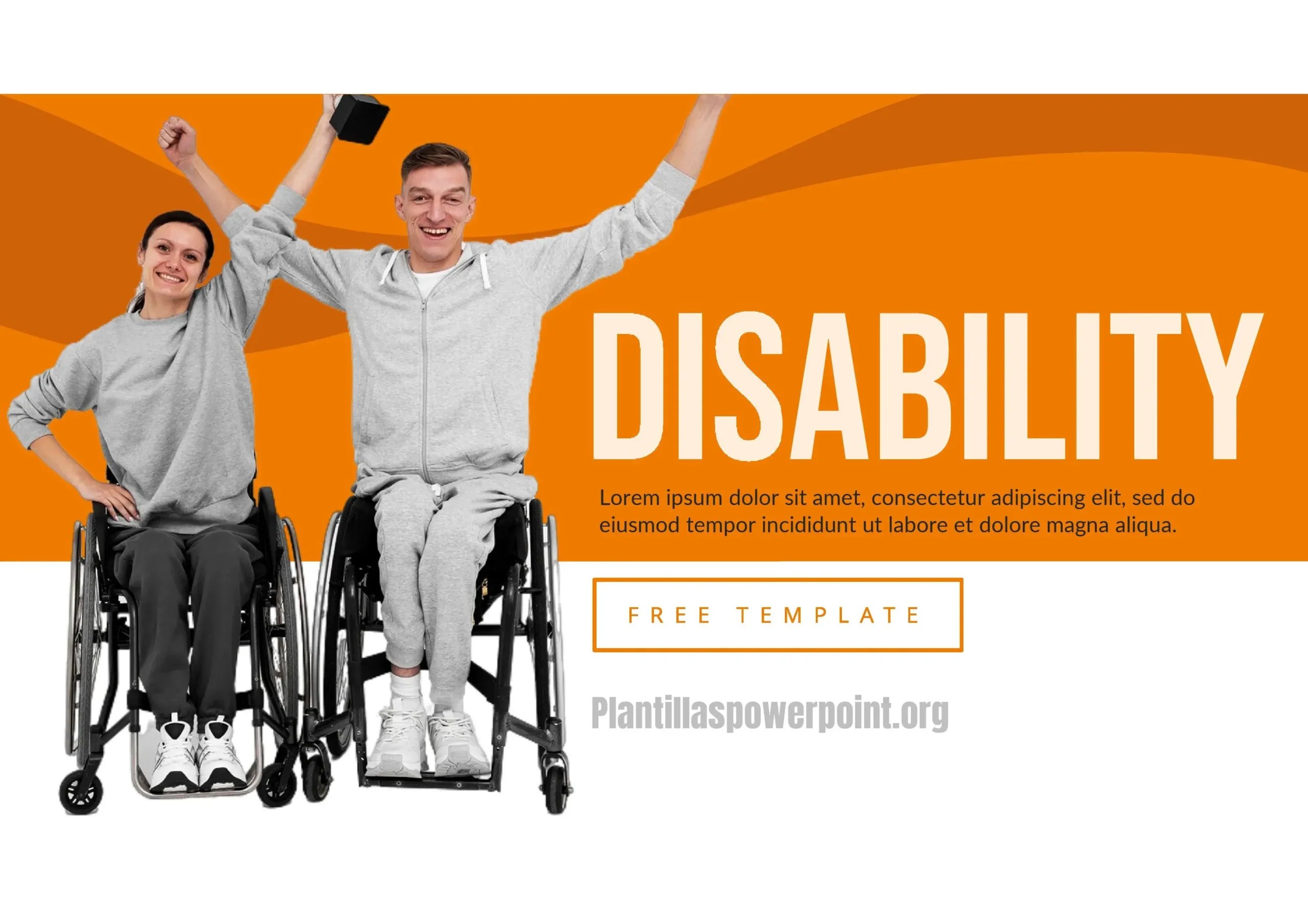











Talking about disability in an academic, corporate, or social setting requires tact, clarity, and, above all, tools that make it easier to convey the message. This is where the Disability PowerPoint Template comes in, an increasingly sought-after resource because it combines attractive visual design and an inclusive approach.
In my experience, I've found this to be an excellent template for talking about disability because it allows you to organize complex ideas into a clear and accessible format.
Why use a disability PowerPoint template?
When preparing a presentation on inclusion, accessibility, or the rights of persons with disabilities, text alone isn't enough. Visual support, clear diagrams, and images that convey empathy are needed.
A Disability PowerPoint Template makes that process easier because:
- It is designed with legible colors and accessible contrasts.
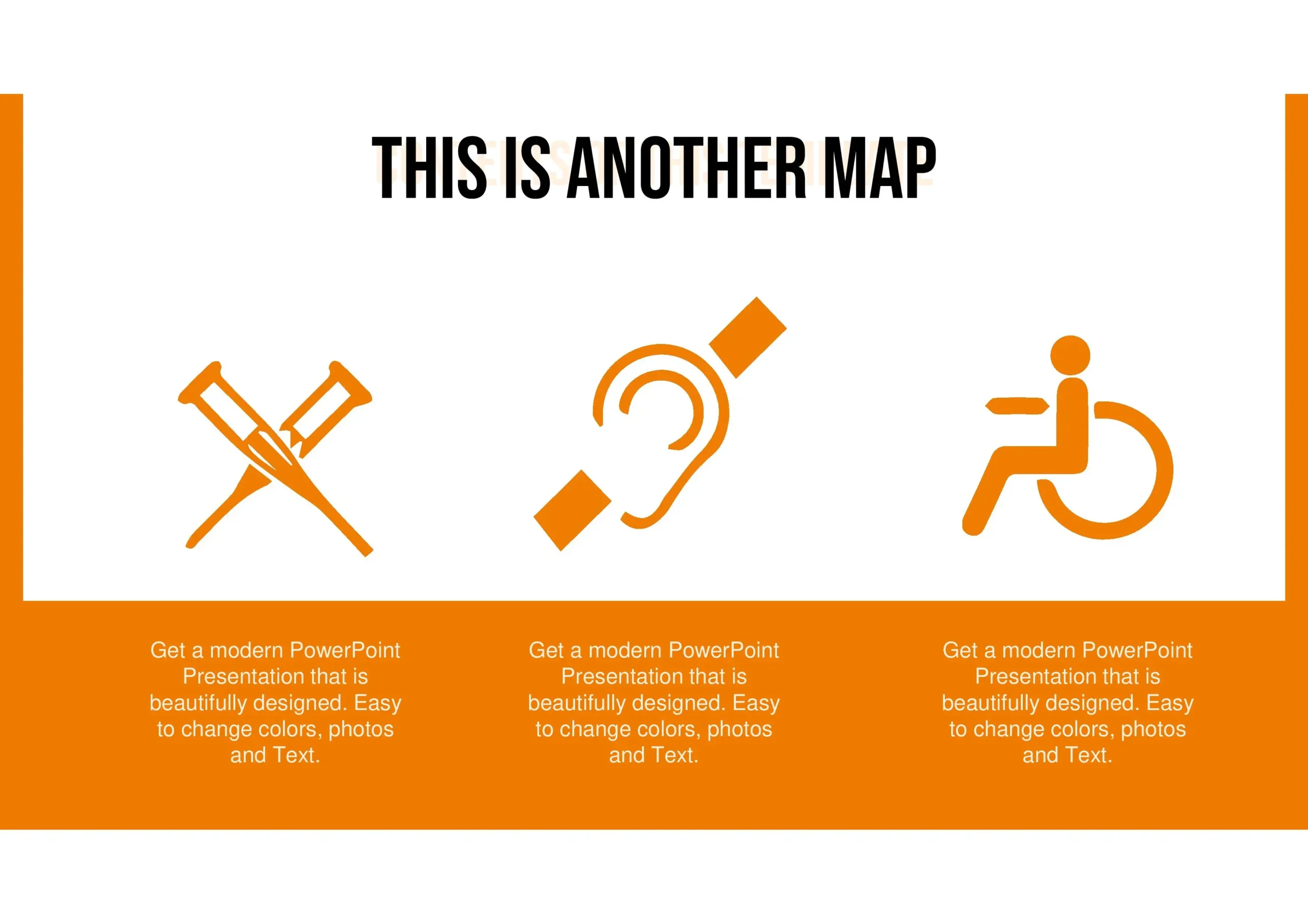
- Includes universal icons that represent inclusion, mobility, and diversity.
- It is editable, allowing you to customize each slide to suit your topic.
Examples of using the Template
- Education: talks in schools and universities about inclusion.
- Companies: presentations of workplace accessibility policies.
- Social events: commemoration of the International Day of Persons with Disabilities.
- Health institutions: dissemination of services, therapies, and support for people with disabilities.
Features:
- Cross-platform compatibility: Works with PowerPoint, Google Slides, and Keynote.
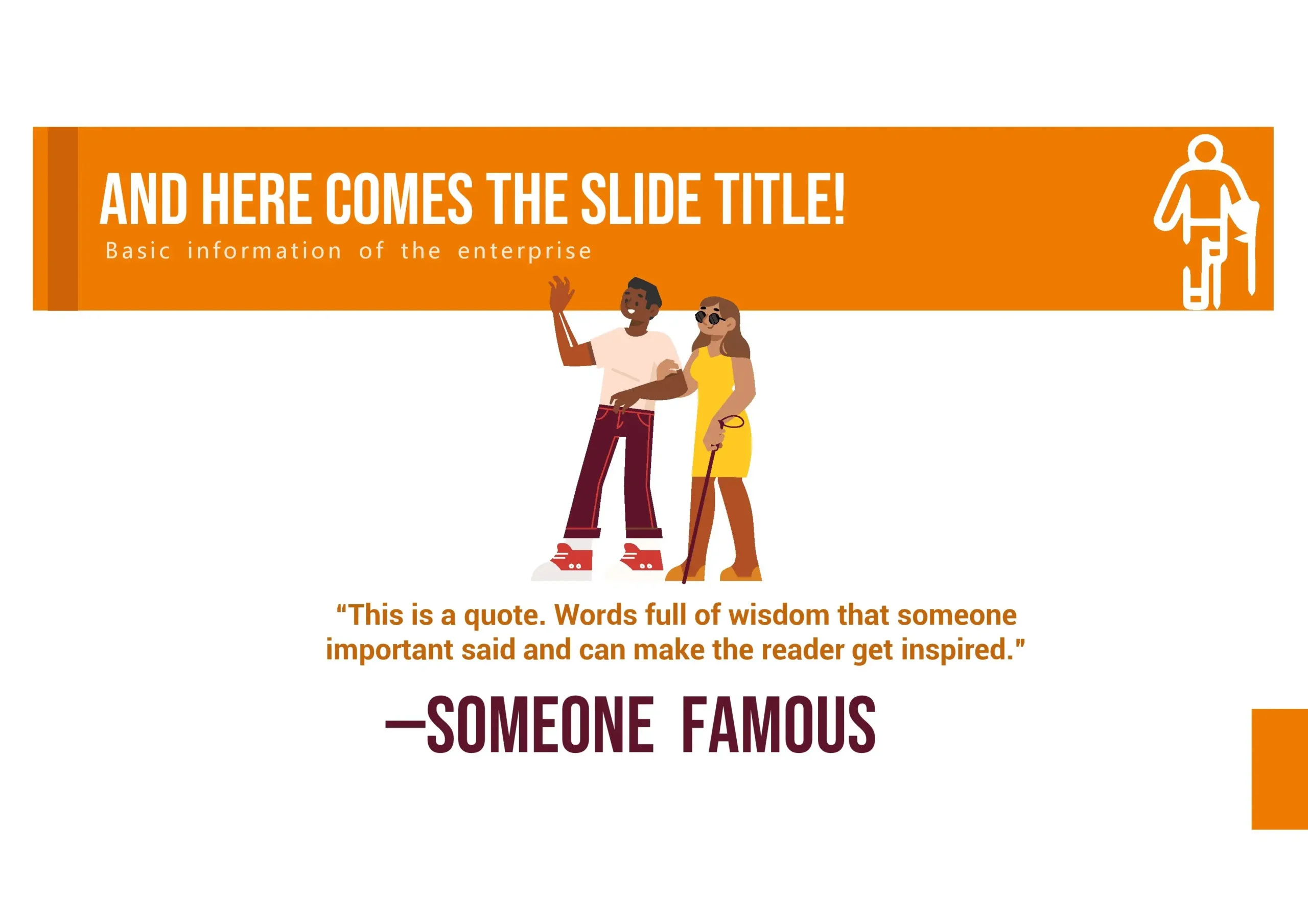
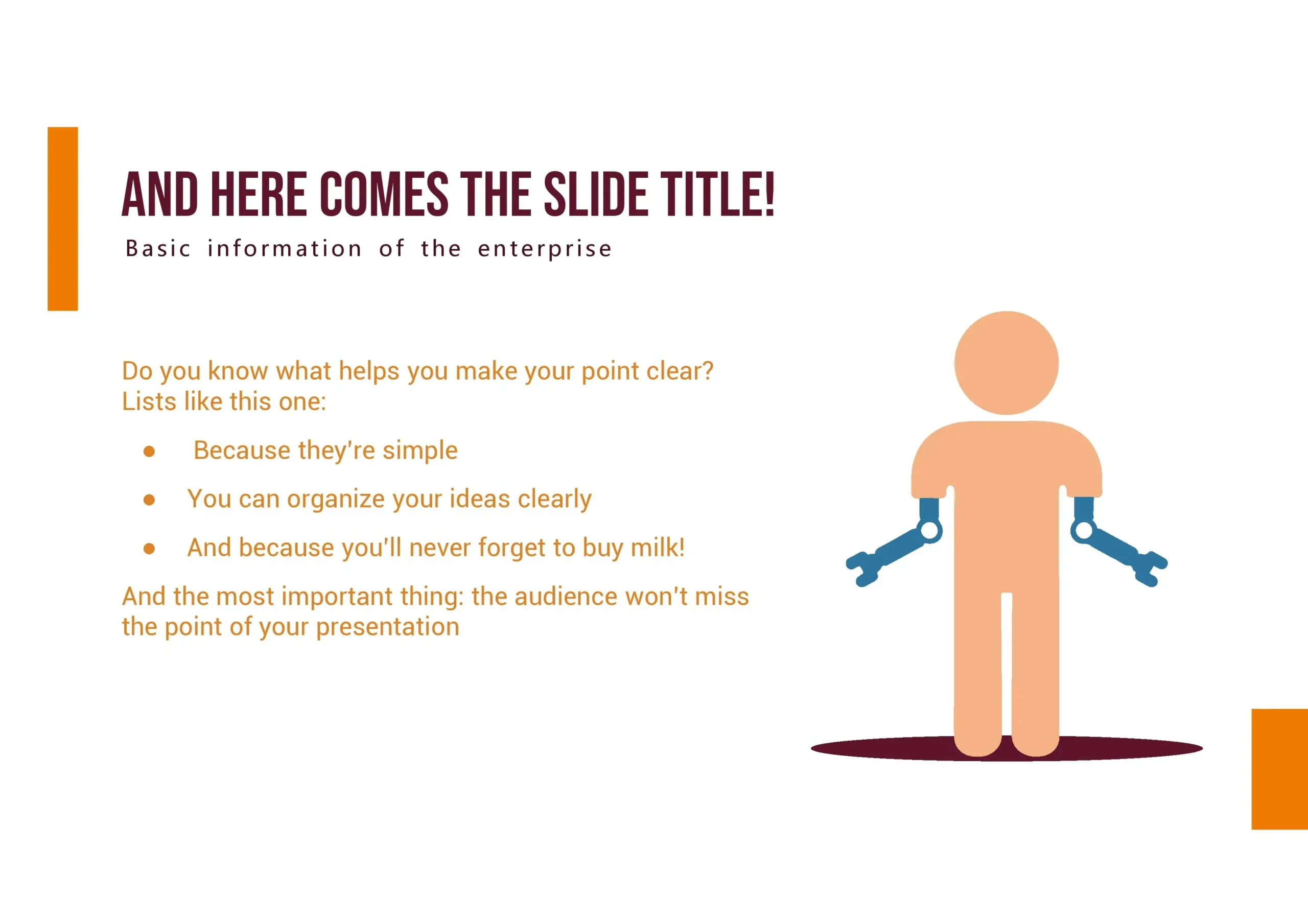
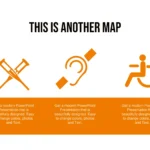
- Inclusive visual elements: pictograms, accessibility illustrations, international symbols.
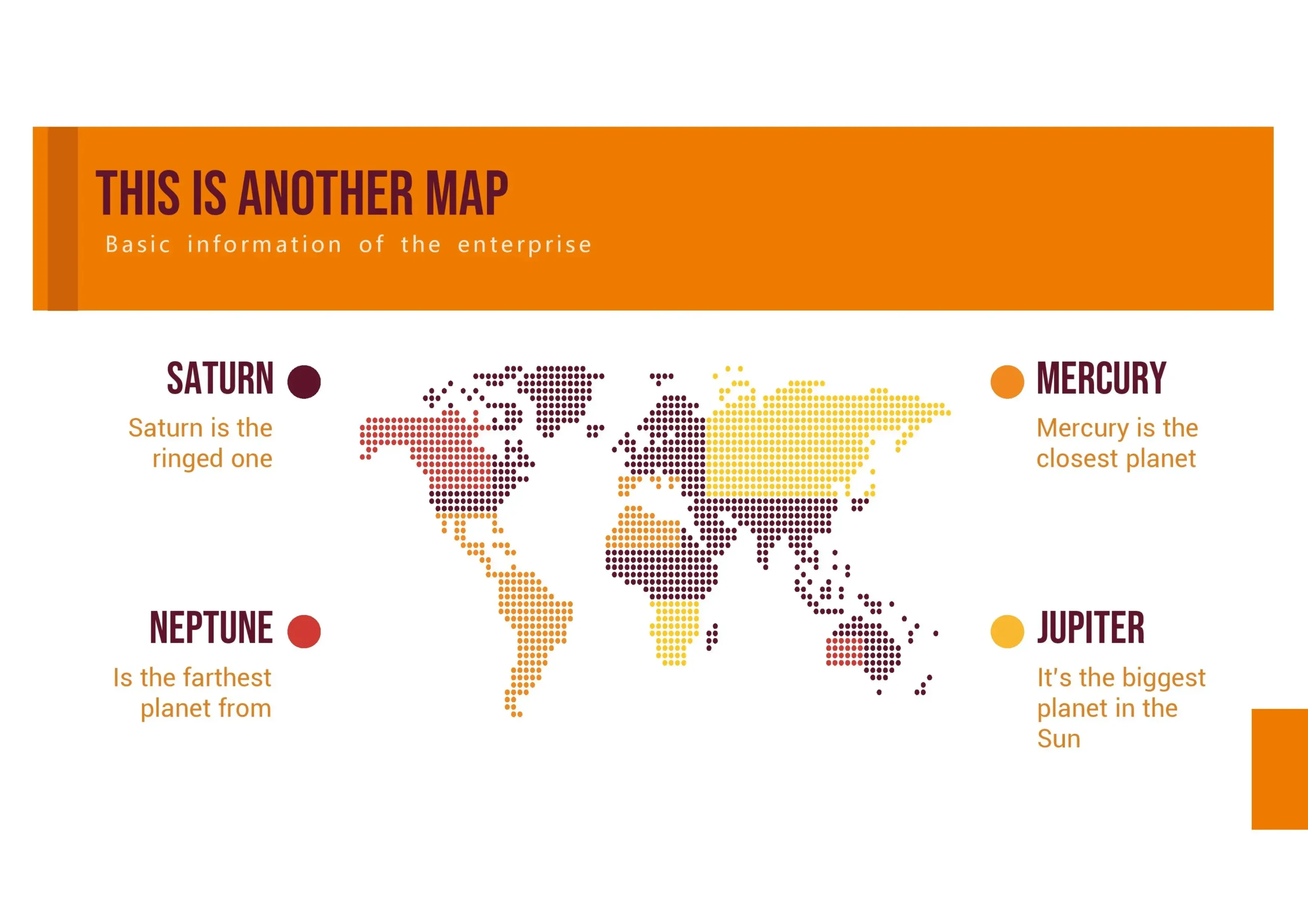
- Versatile slides: from statistical graphs to timelines or timelines.
- Minimalist and professional design: avoids visual saturation and makes reading easier.




