


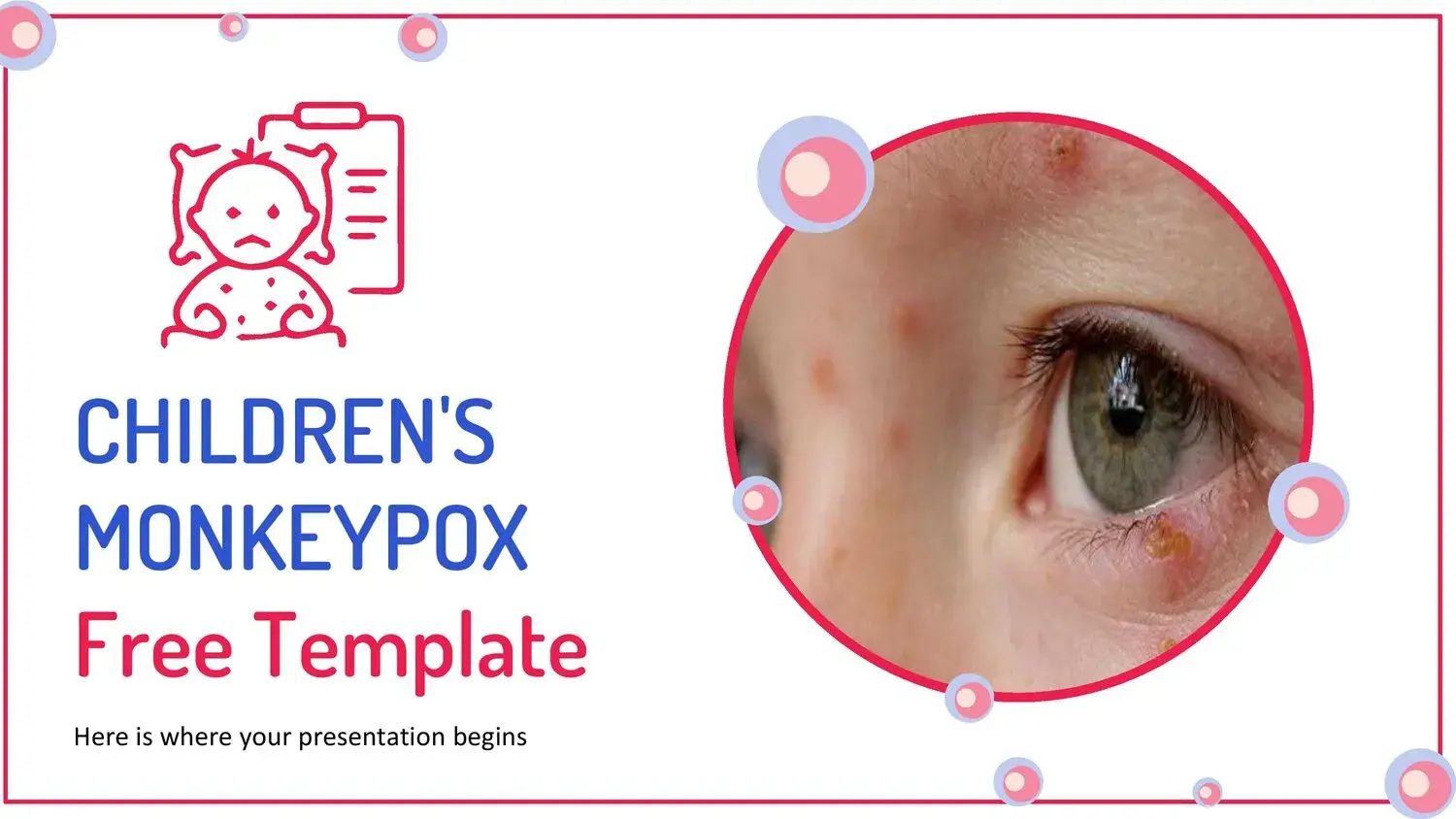
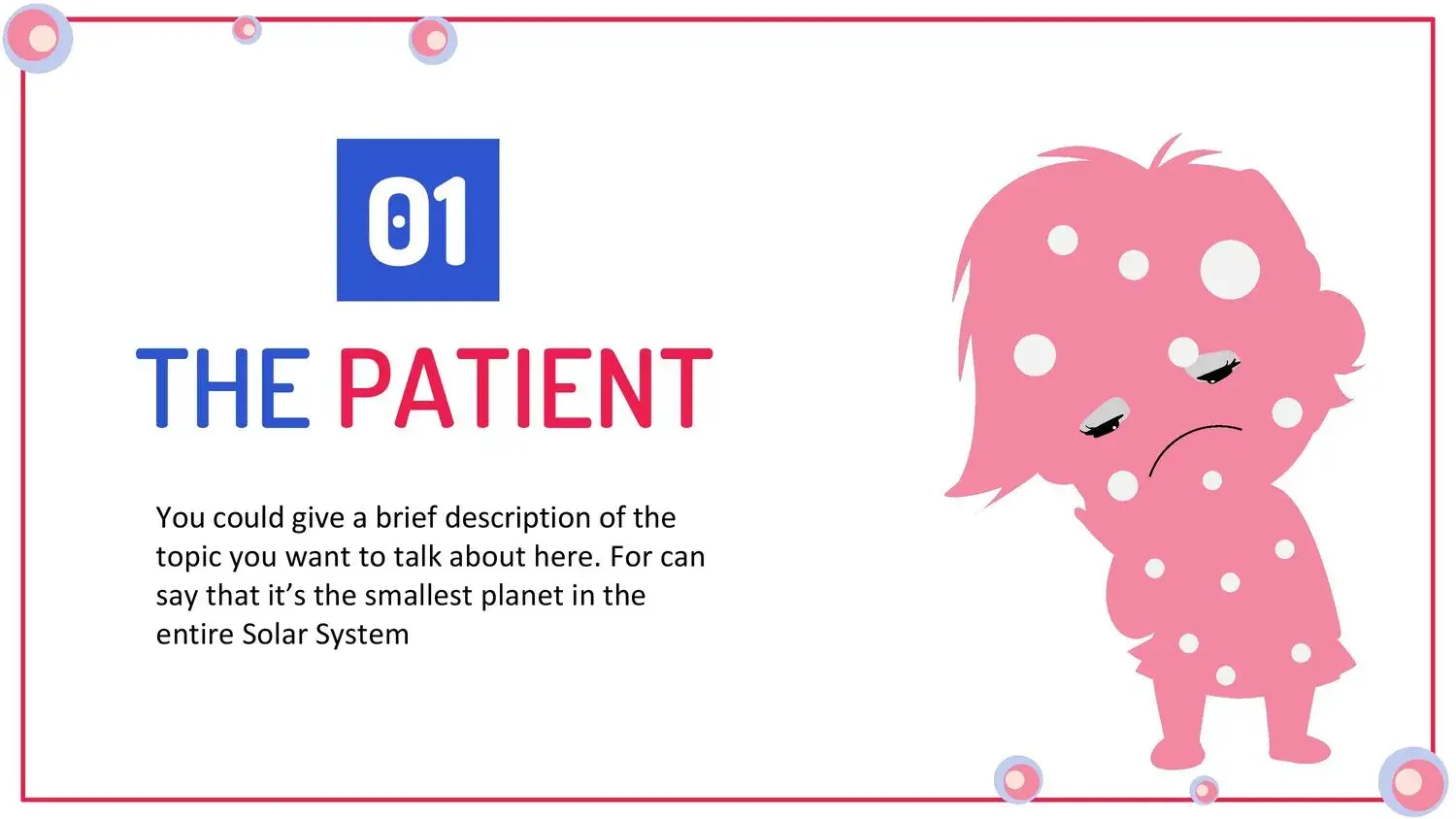

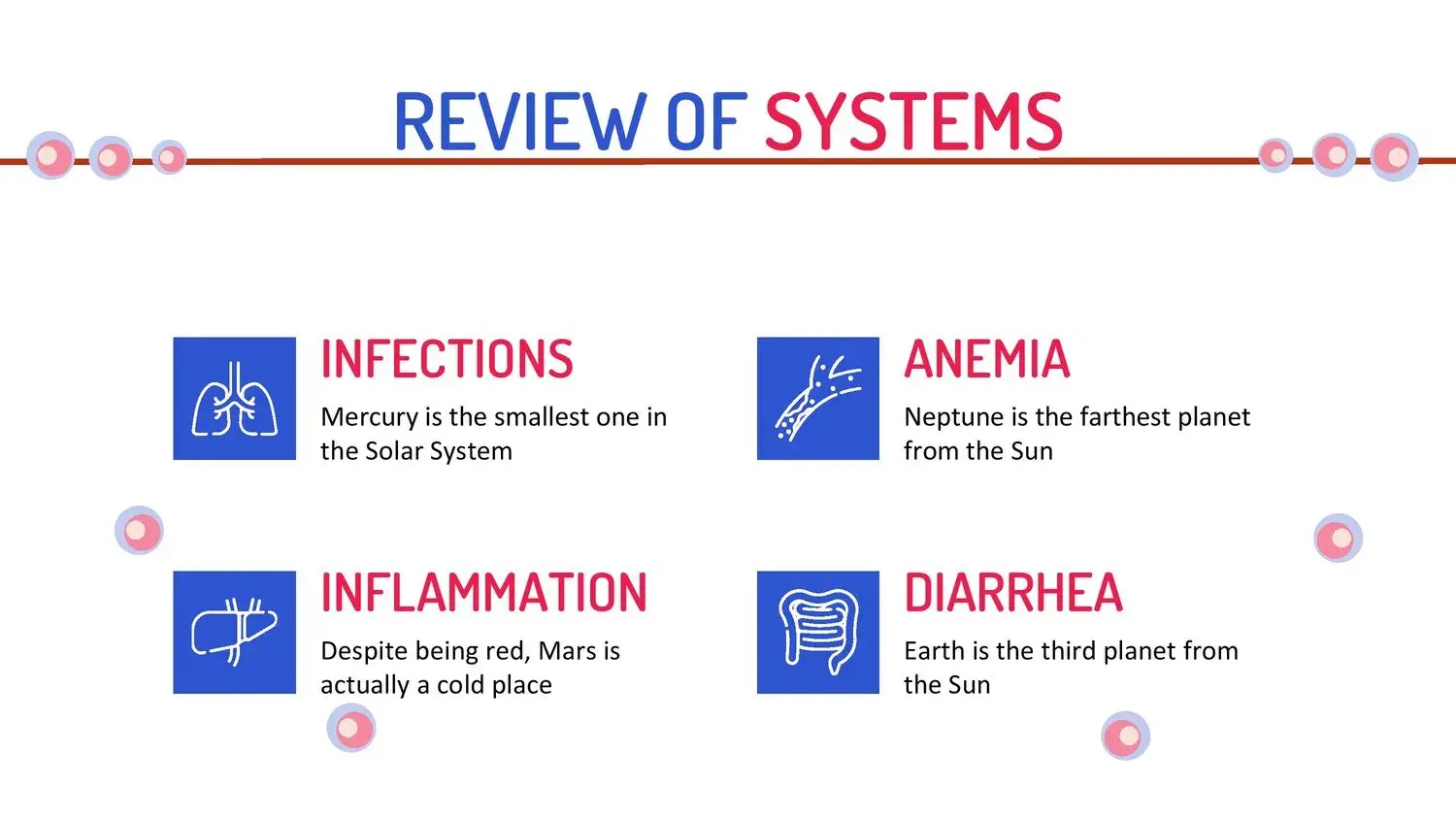
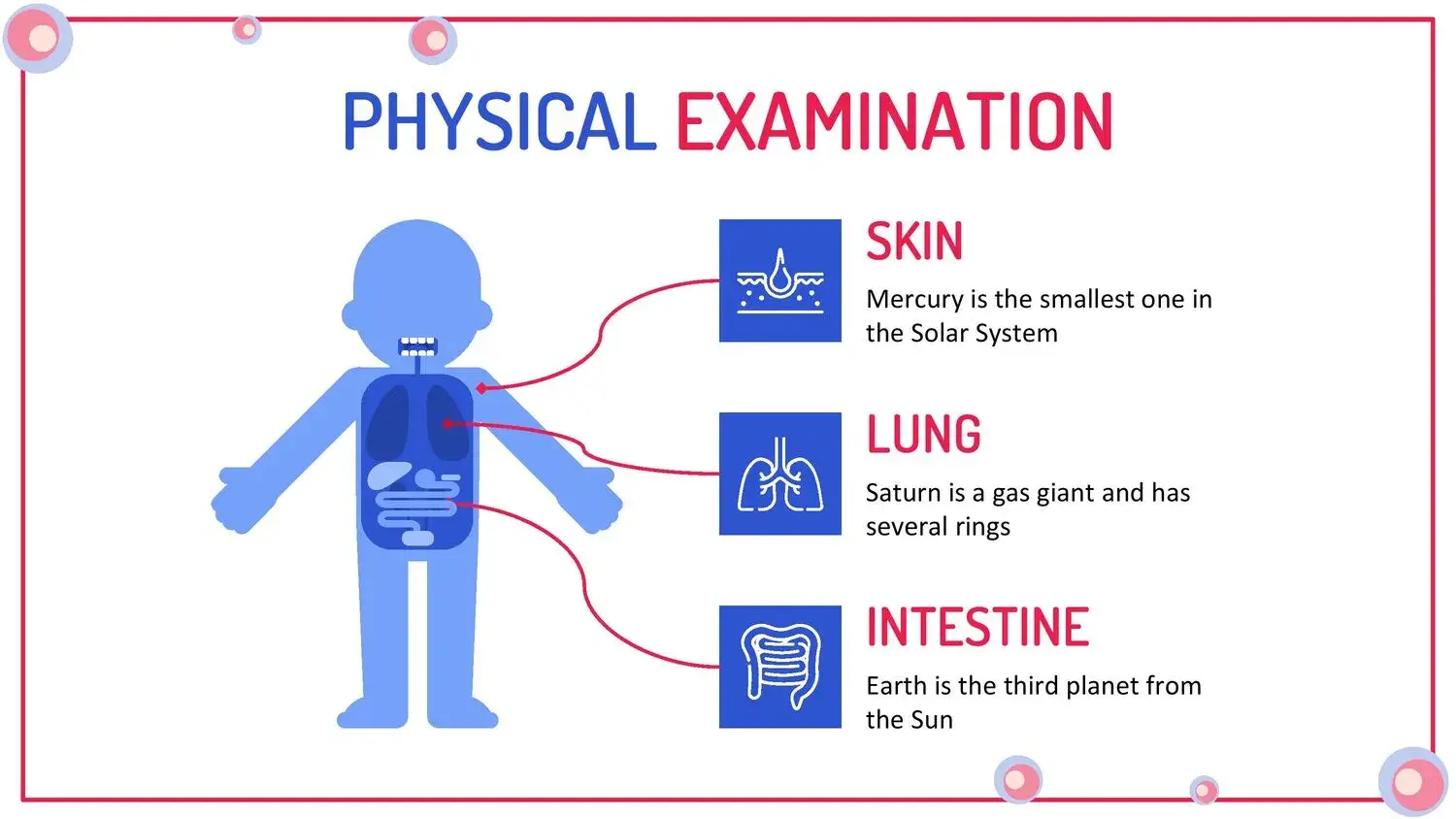

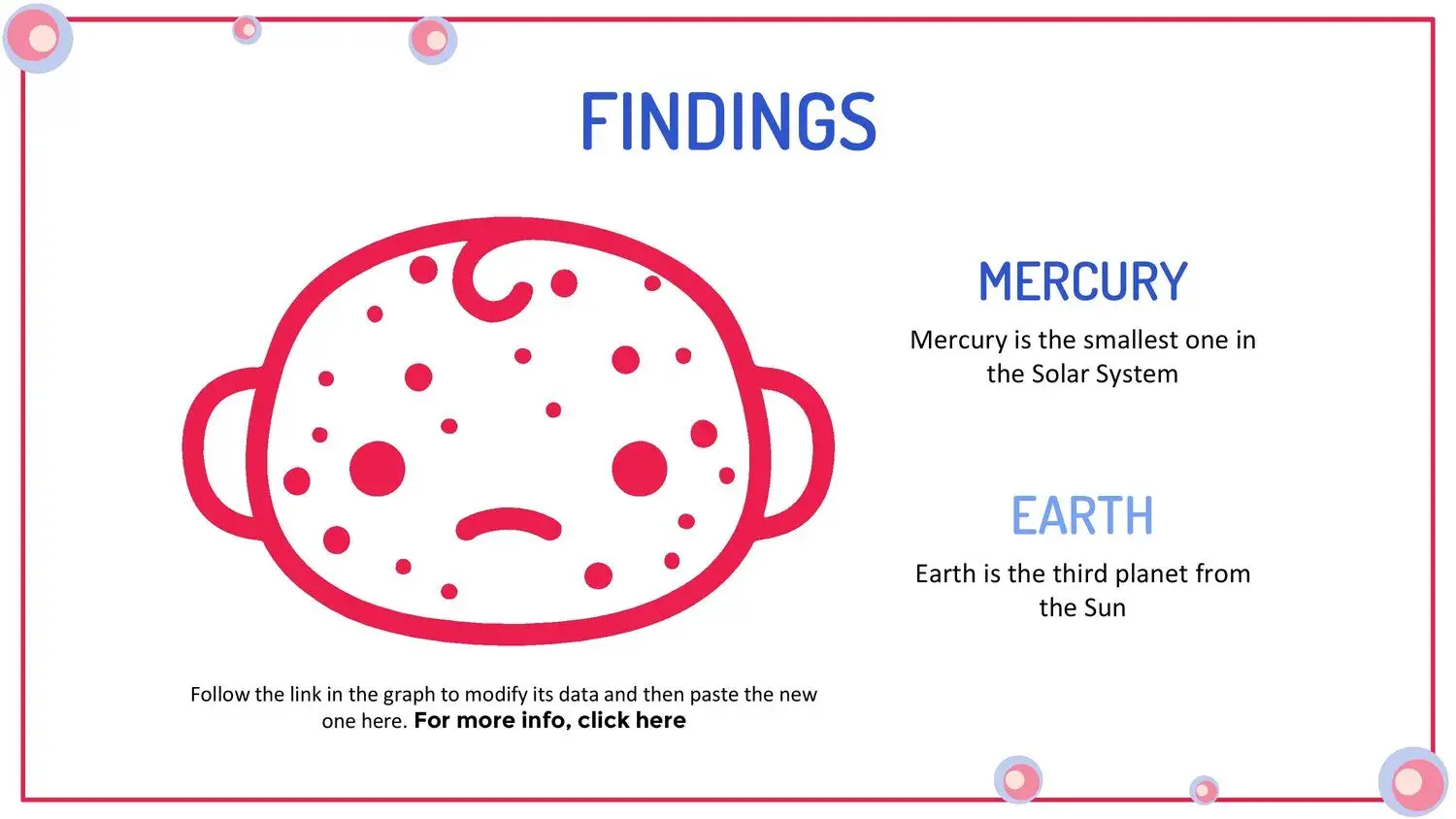
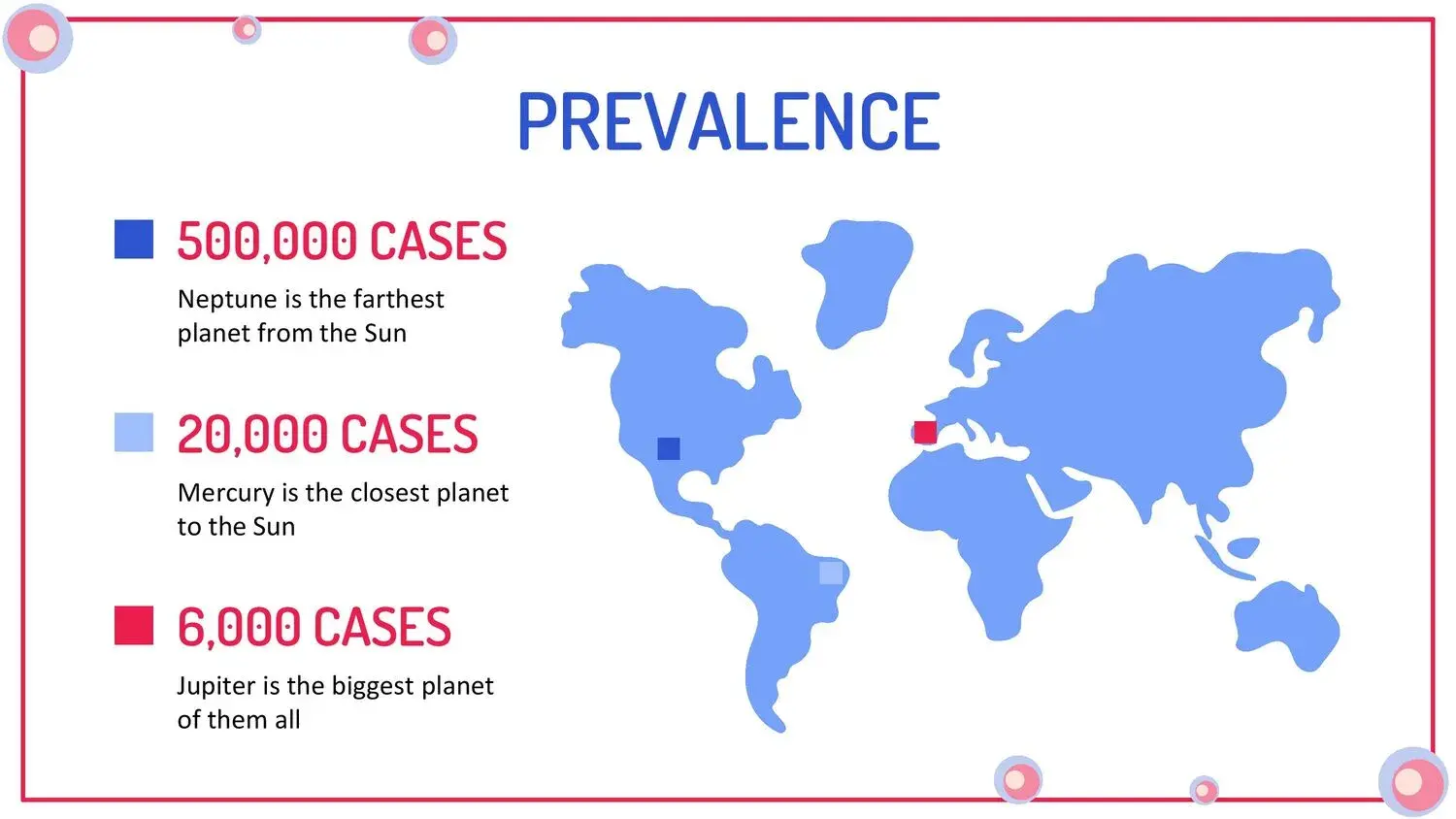
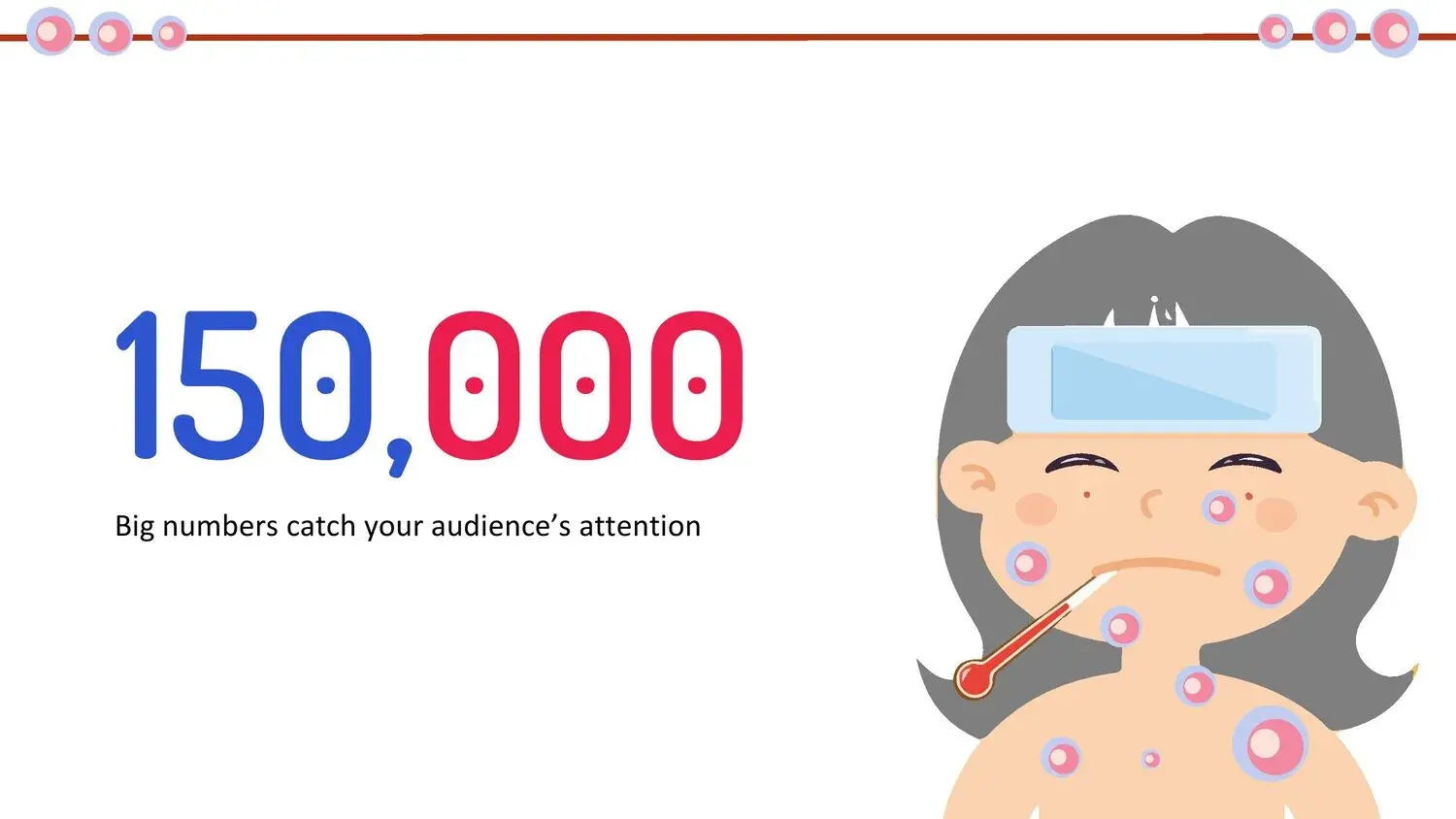



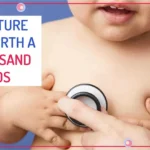




When I had to prepare a presentation on children's health, I realized something important: it is not enough to have correct information, you also need a clear, visual and attractive way to explain it, especially when it comes to children.
That's where I discovered the value of using a monkeypox PowerPoint template designed specifically for a children's audience.
🎯 What is a monkeypox PowerPoint template for children?
This is a pre-structured presentation that allows you to explain in a simple, visual and educational way what monkeypox is, how it is transmitted and how to prevent it.
These types of templates are designed for:
- Facilitating understanding in children
- Use clear visual elements
- Simplify complex concepts
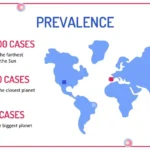
And something that really caught my attention is that its 34 slides include charts, tables, and timelines, which makes the information much easier to understand.
🧩 Why use a template instead of creating from scratch?
Creating a presentation from scratch can be complicated, especially when you want it to be educational and visual at the same time.
🚀 Key advantages:
✔️ Time saving
You don't have to design anything, just adapt.
✔️ Professional structure
Everything is already organized logically.
✔️ Greater understanding
The use of visual resources improves learning.
From my experience, tools like graphs and tables not only decorate, but are ideal tools for clarifying information, especially when explaining health topics.
🎨 Elements that make this template stand out
A good educational template is not just beautiful, it's functional.
📊 Educational graphics
They help to visualize data in a simple way.
📈 Comparative tables
Perfect for explaining symptoms or differences.
🕒 Timelines
Ideal for showing evolution or processes.
Something I found particularly useful is that all of this is already integrated into the slides, which makes creating content much easier.
🧒 How to adapt the presentation for children
Here's the key to success: adapting the content to the audience.
🗣️ Use simple language
Avoid complicated terms.
🎨 Take advantage of the visual
Children learn best with pictures.
📚 Divide the information
Don't overload the slides.
In this sense, the template structure is quite helpful, as it allows content to be introduced without losing clarity, especially because it includes graphics, tables, and timelines that organize the information naturally.
💻 Canva compatibility: a great advantage
One of the most important points nowadays is the ease of editing.
And here's something that really makes a difference:
👉 It also has a format compatible with Canva
This means you can:
- Edit online
- Teamwork
- Customize without technical knowledge
In my case, this made everything much faster, because I could simply adapt the content without worrying about the design.
🧠 Educational use: health and well-being in children
Beyond the presentation itself, this type of resource has enormous educational value.
Allows:
- Teaching prevention
- Explain diseases clearly
- Promote healthy habits
And something I consider key is that these types of materials are designed to inspire, since you can start creating presentations inspired by health and wellness without complications.
📊 Tips for creating an even more effective presentation
If you want to stand out even more:
✔️ Use simple examples
✔️ Add eye-catching images
✔️ Ask questions to the audience
✔️ Keep slides clean
Remember that the template already does much of the work, especially since its visual elements are designed to facilitate learning.




