


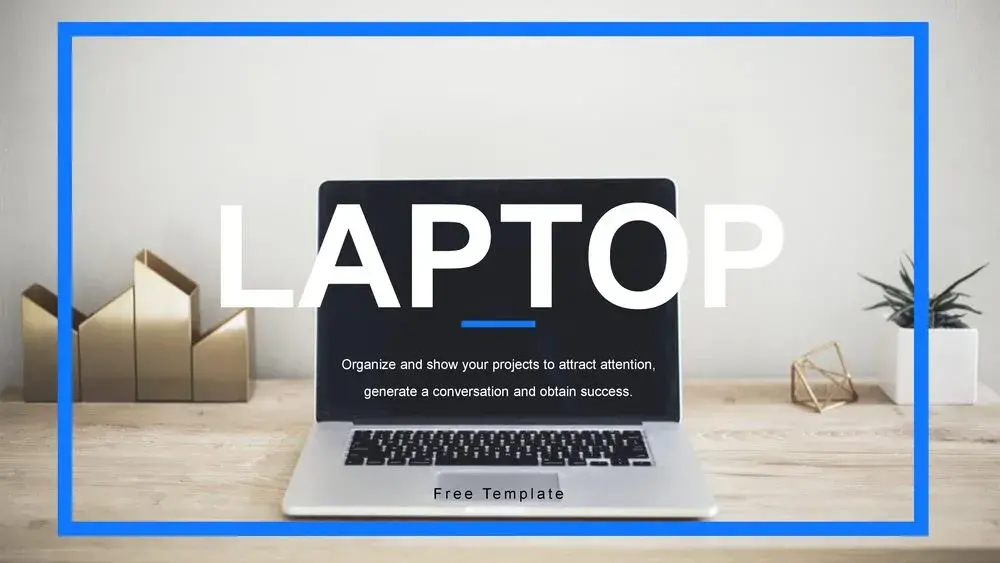
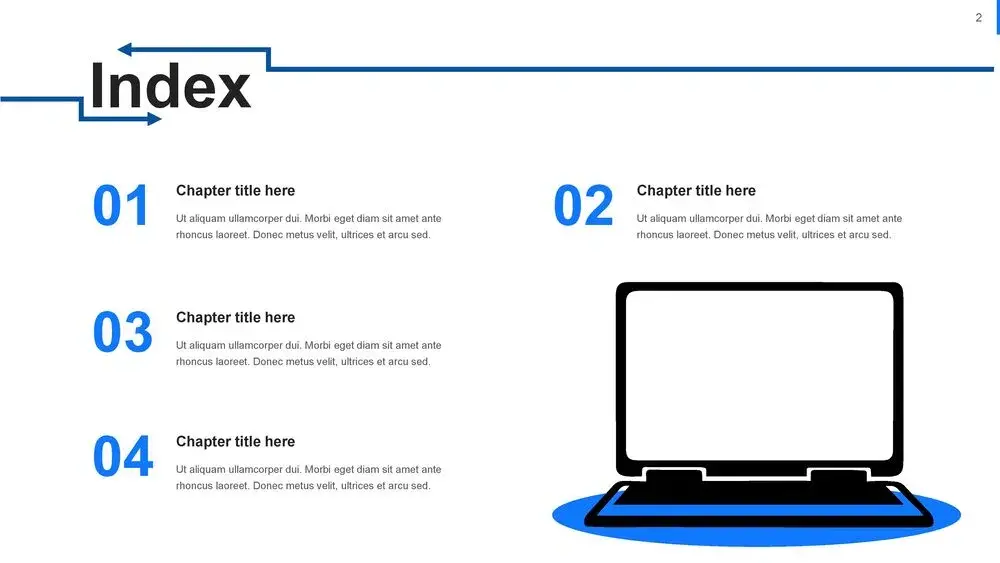

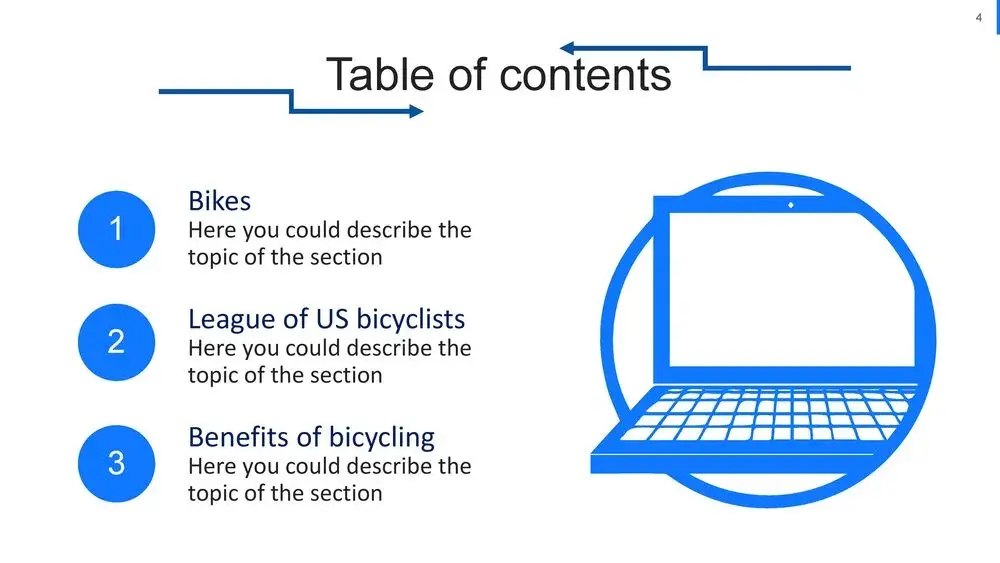
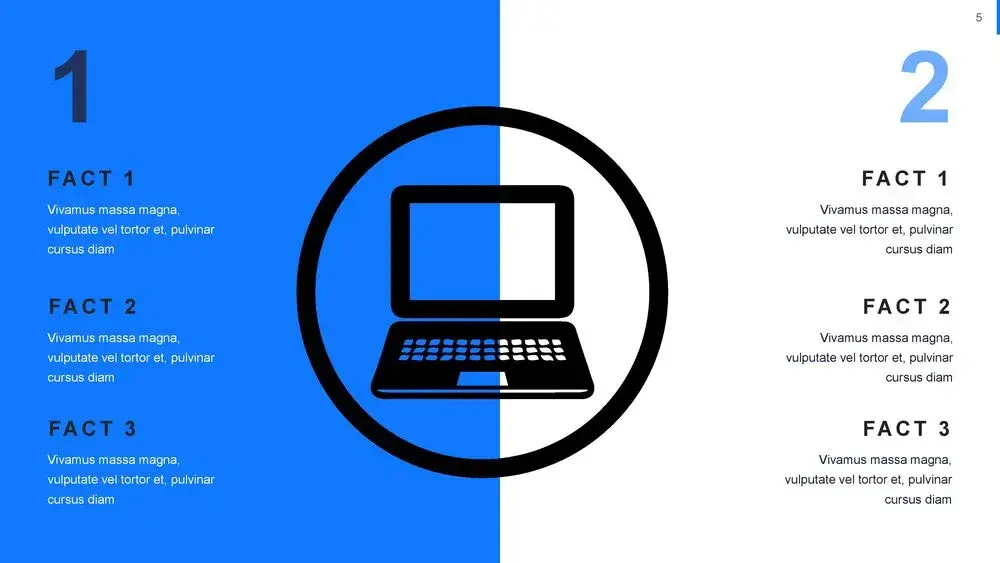












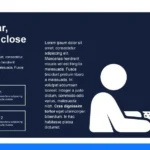
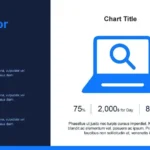

When it comes to creating impactful presentations with a professional touch, the Laptop PowerPoint Template has become one of my favorites. It combines a clean design with visual elements that convey modernity, technology, and innovation.
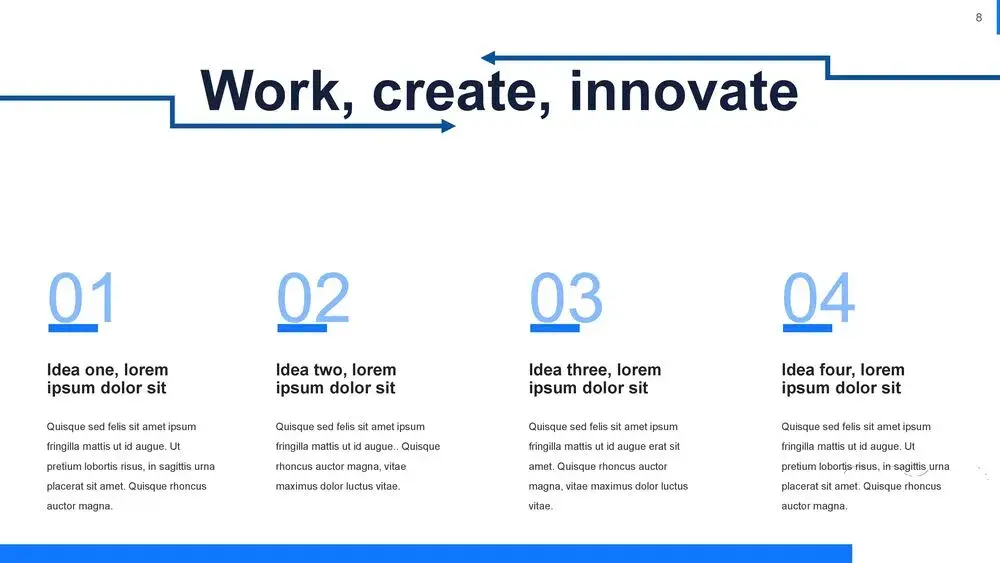
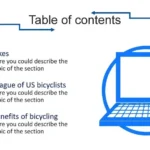
This template was designed for those looking to project professionalism in digital, business, or educational topics. From the moment I tried it, I noticed it offers a solid, adaptable, and very easy-to-customize structure. And I'm not exaggerating when I say that the 36 slides that make up this Laptop template make it easier to implement charts, tables, and timelines for better explanations.
A modern design for professional presentations
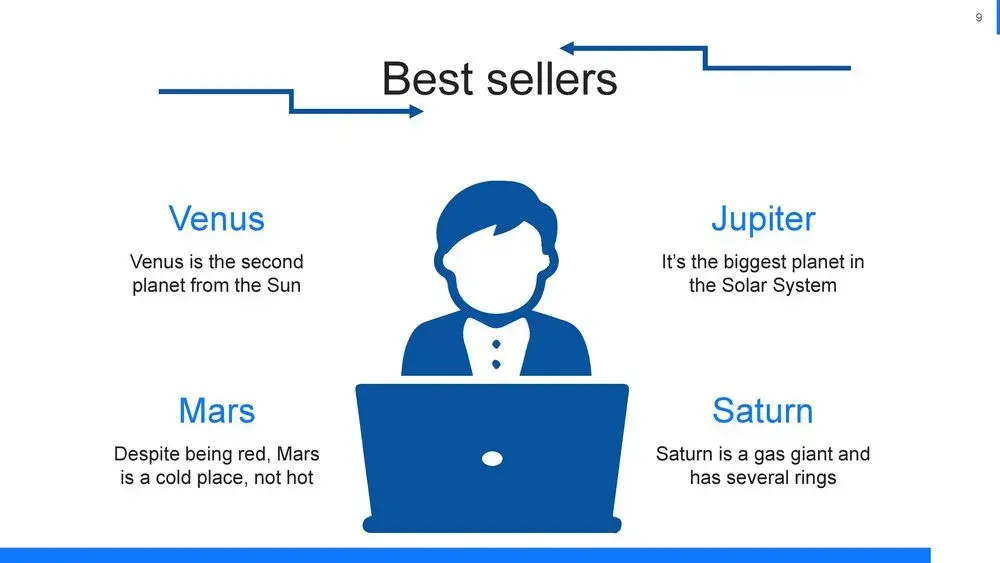
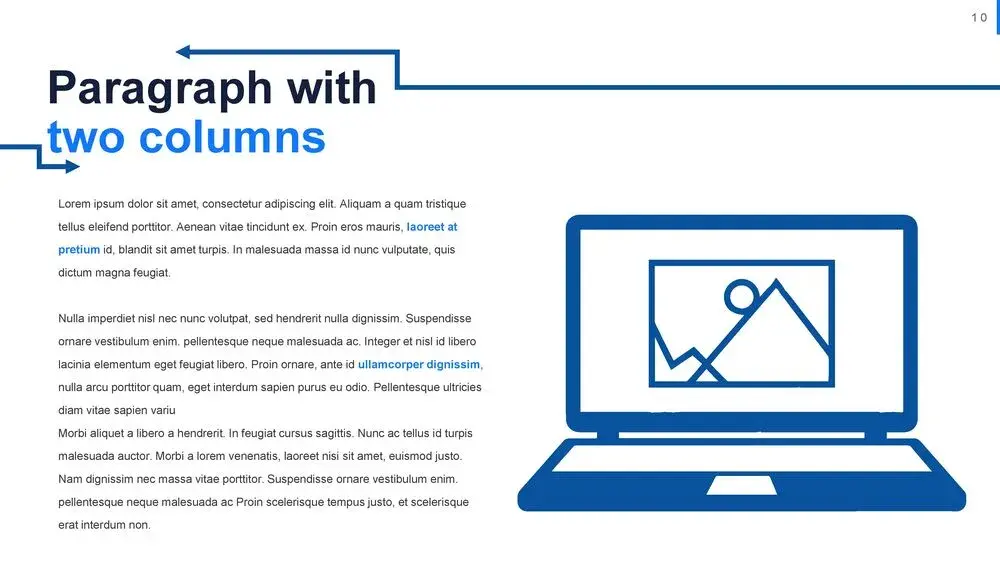
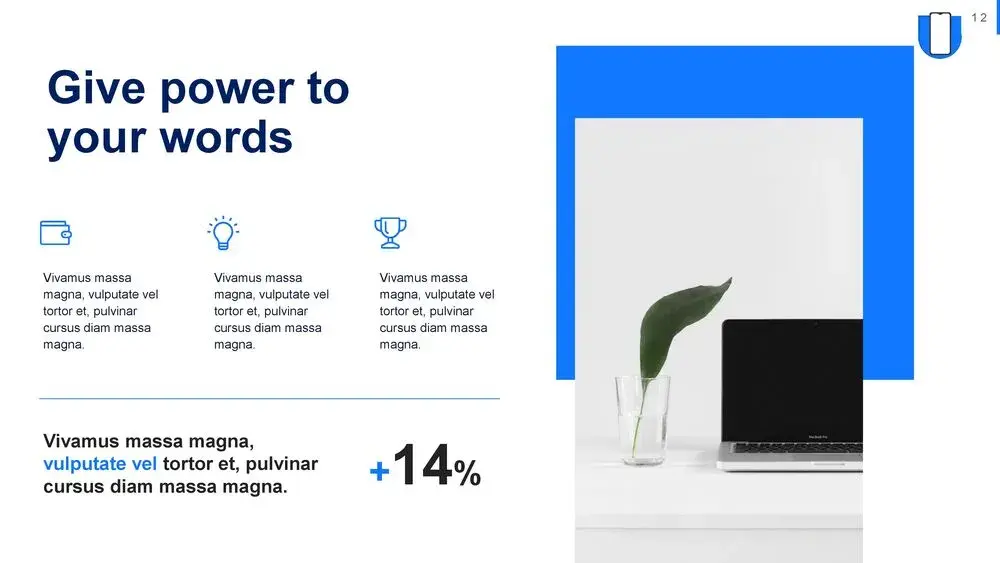
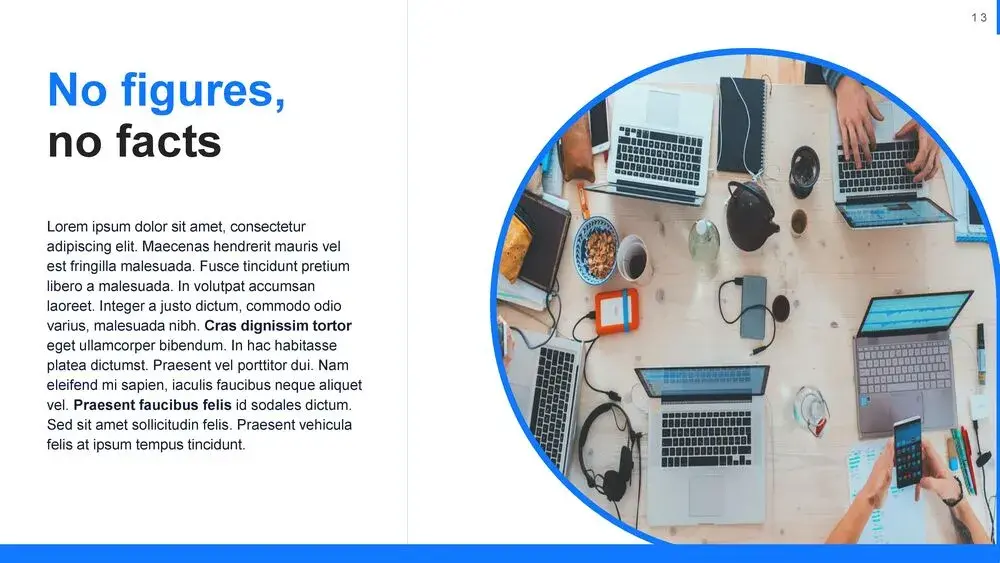
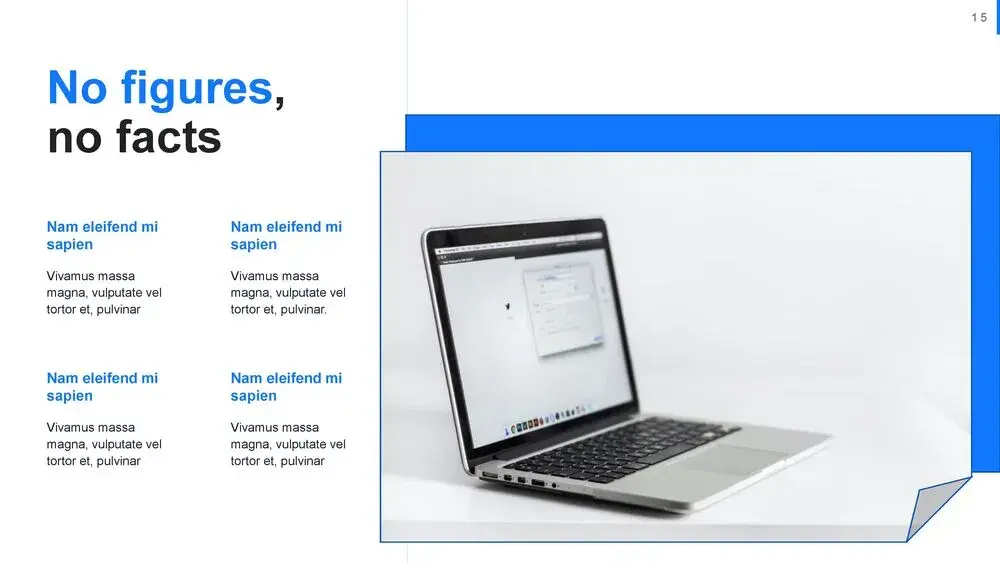
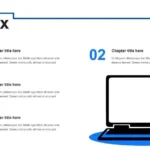
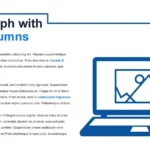
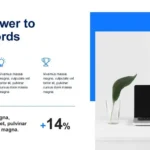
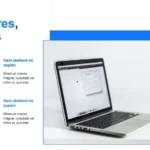
One of the reasons this template stands out is its technological focus. The background, featuring a laptop as the central element, conveys a message of digital connection and productivity. Ideal for tech startups, educational projects, or business reports, its aesthetic balances elegance and functionality.
In my case, I used it for a corporate presentation and was impressed by how intuitive it is. I didn't have to spend hours adjusting sizes or correcting alignments, since the 36 slides that make up this Laptop template make it easy to implement charts, tables, and timelines for better explanation.
Key features that make the difference
After analyzing and using the template, these are the qualities that users value most:
- 36 fully editable slides
- Compatible with PowerPoint, Google Slides, and Canva
- 16:9 widescreen design, perfect for screens and projectors
- Customizable vectors and tech icons included
- Neutral colors and soft contrasts that maintain a modern aesthetic
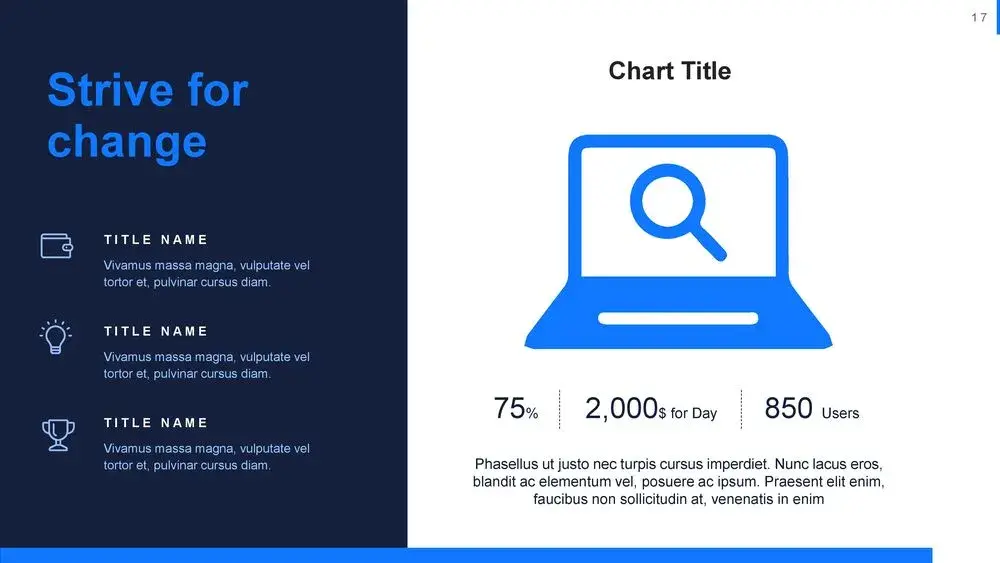
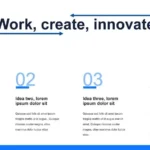
Each slide is designed for visual clarity. You can insert everything from statistics and comparisons to timelines and workflows.
How to customize according to your goal
One of its most notable advantages is its flexibility. This template is suitable for presentations for digital businesses, educational projects, and technology campaigns.
Usage ideas:
- Presentations on innovation or digital transformation.
- Software or application demonstrations.
- Progress reports or business metrics.
- Interactive classes or virtual training.
In my own presentations, I usually start with an introductory slide featuring an image of an open laptop. Then, I move on to dynamic charts that help me explain processes or results. This is where the quality of the design shines: The 36 slides that make up this Laptop template make it easier to implement charts, tables, and timelines for a more effective explanation.
Advantages of using this template in your projects
Using this Laptop PowerPoint Template offers concrete benefits in both design and efficiency:
- Save time: it's already structured, you don't need to create it from scratch.
- Improves visual comprehension: thanks to its infographic elements and tables.
- Conveys professionalism: ideal for corporate or academic environments.
- Promotes interactivity: allows you to insert animations and transitions without breaking the design.
- Completely free and editable: accessible to any user.




