


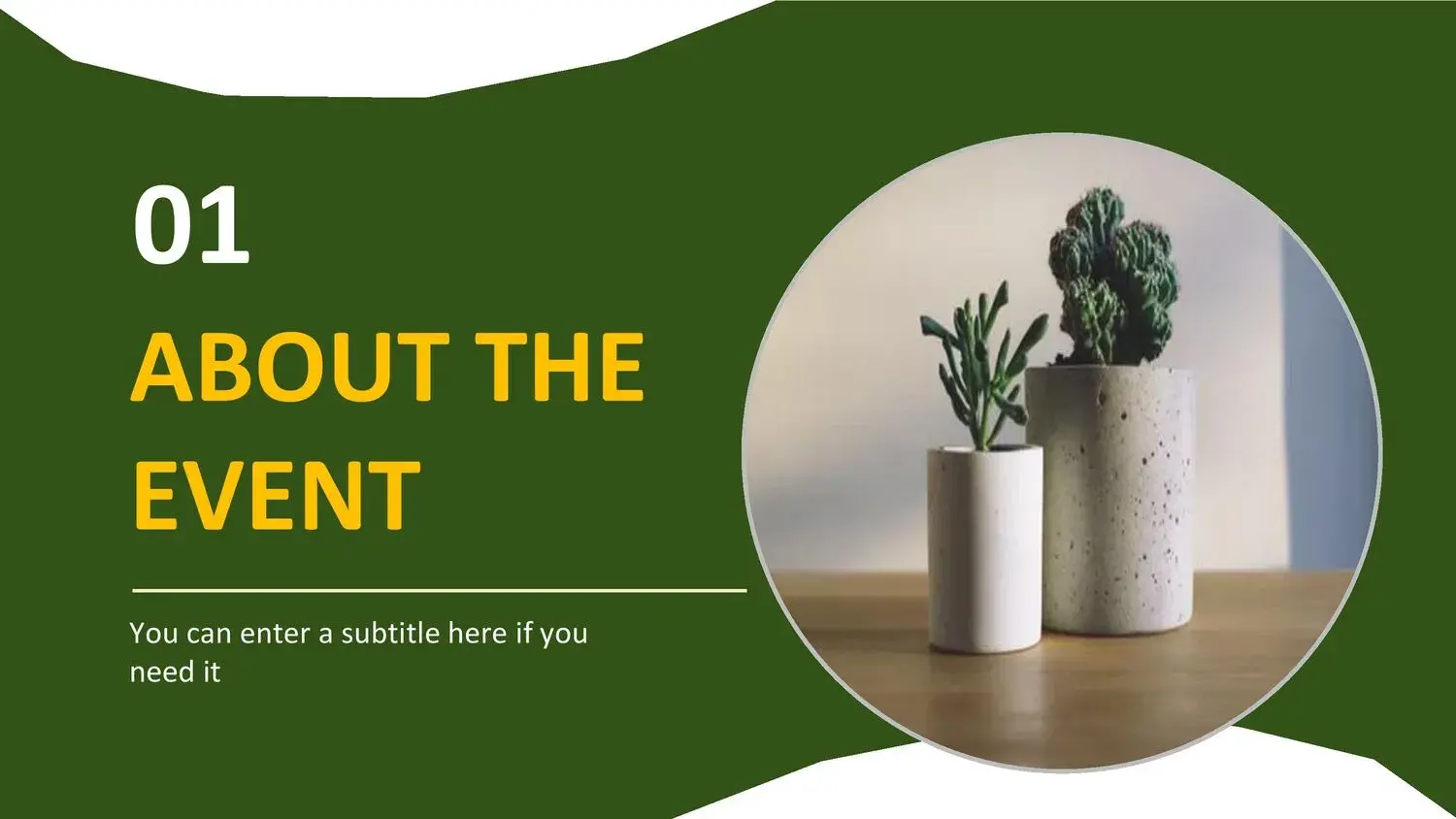
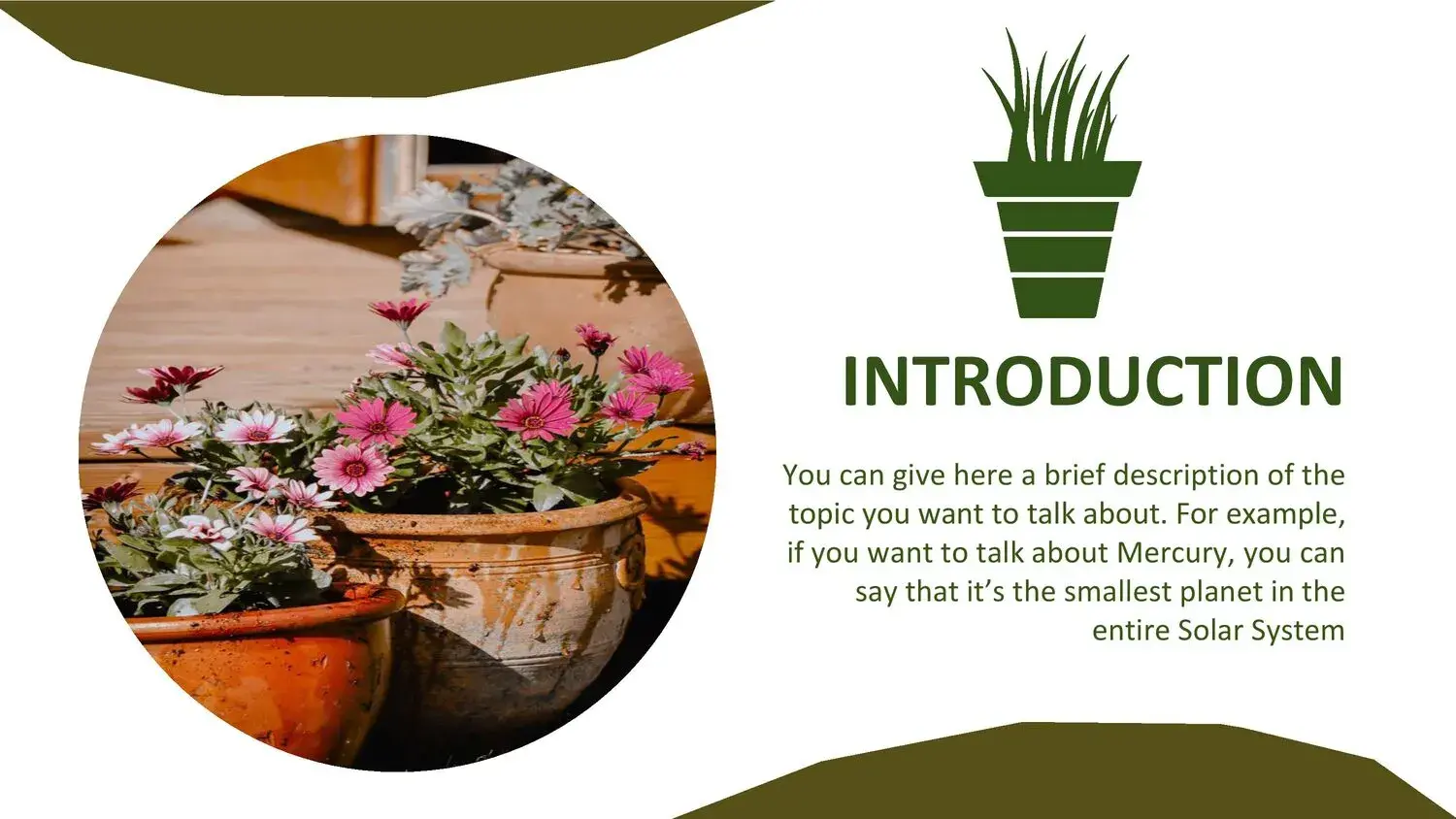
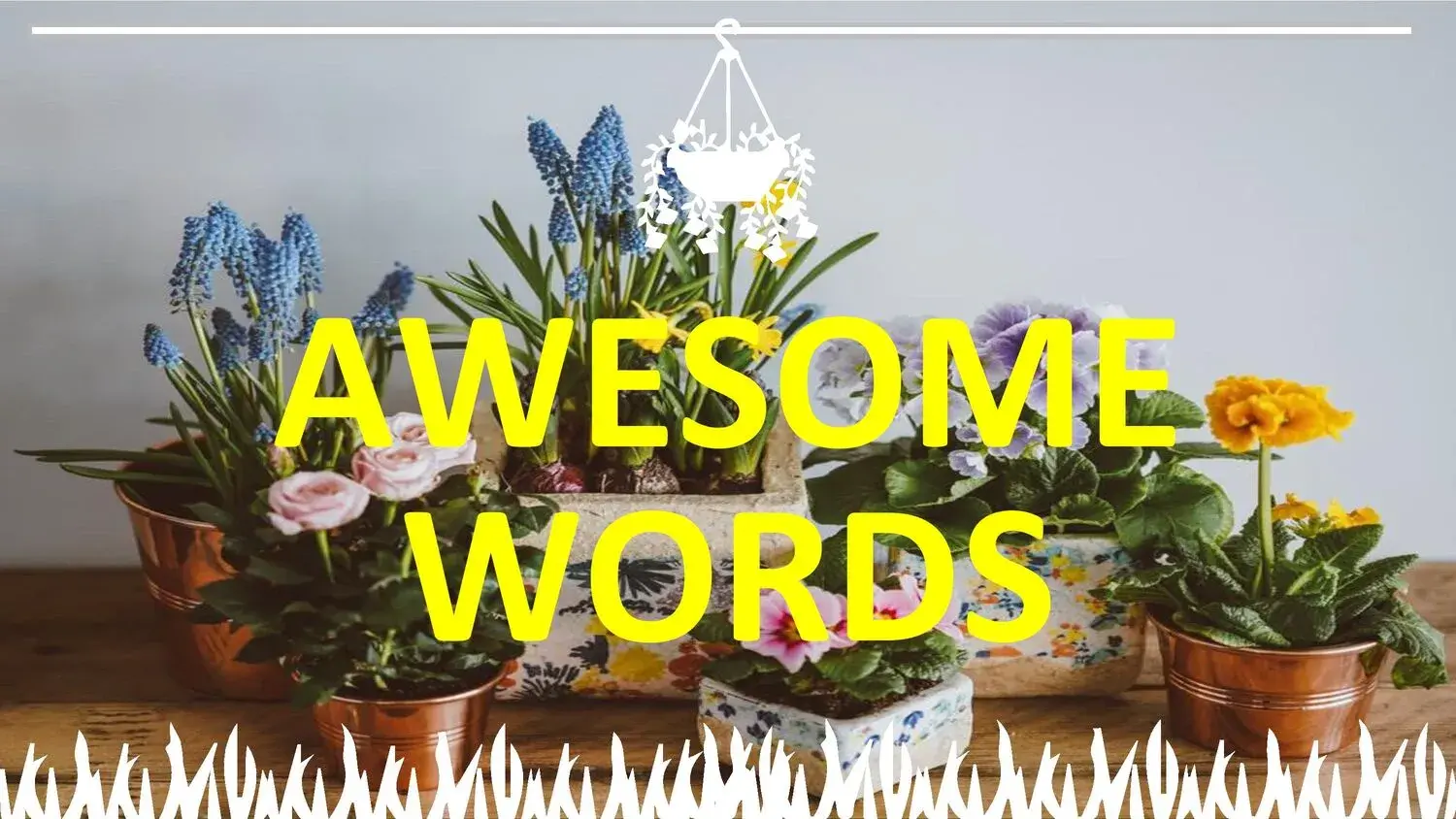
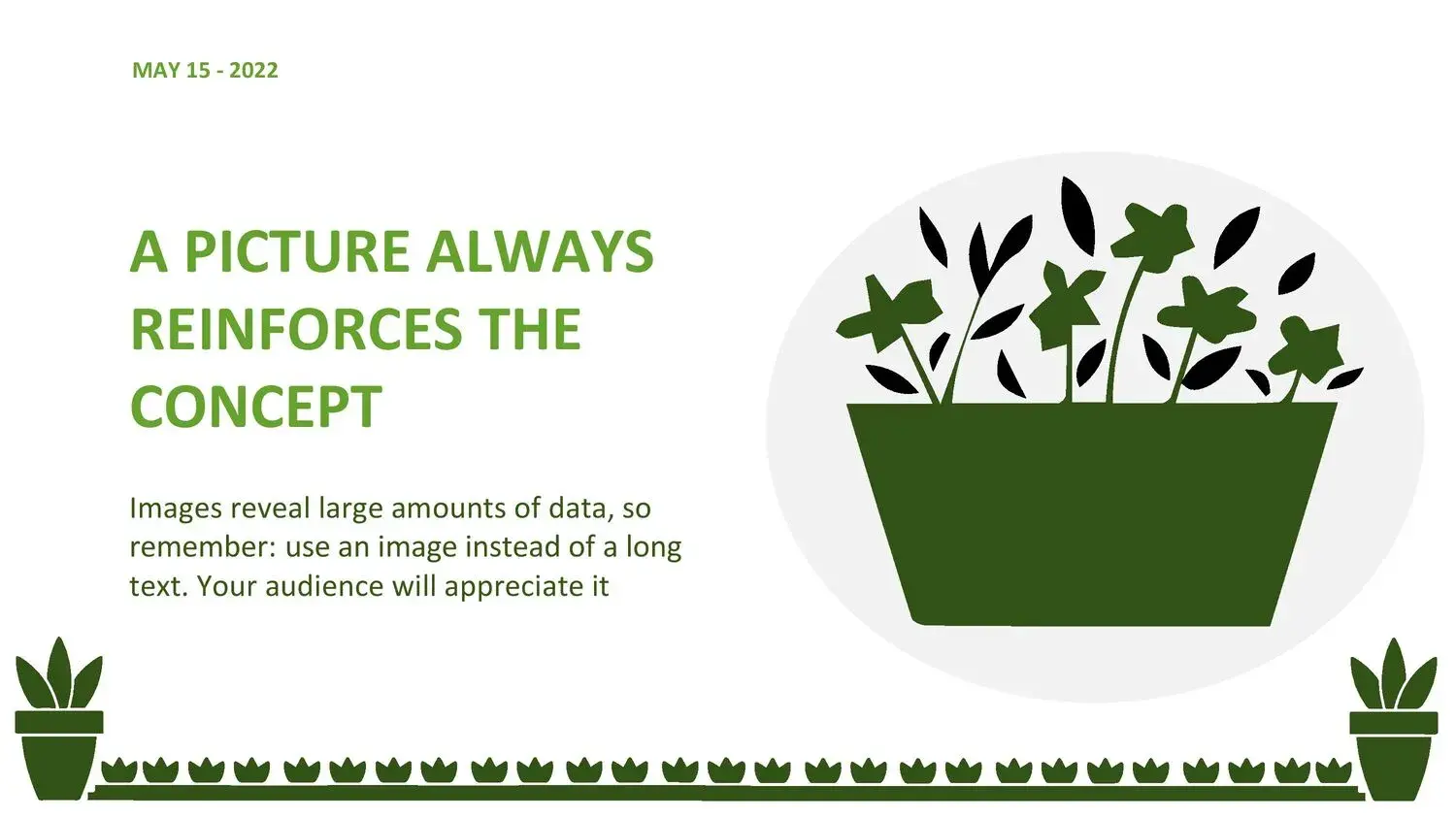
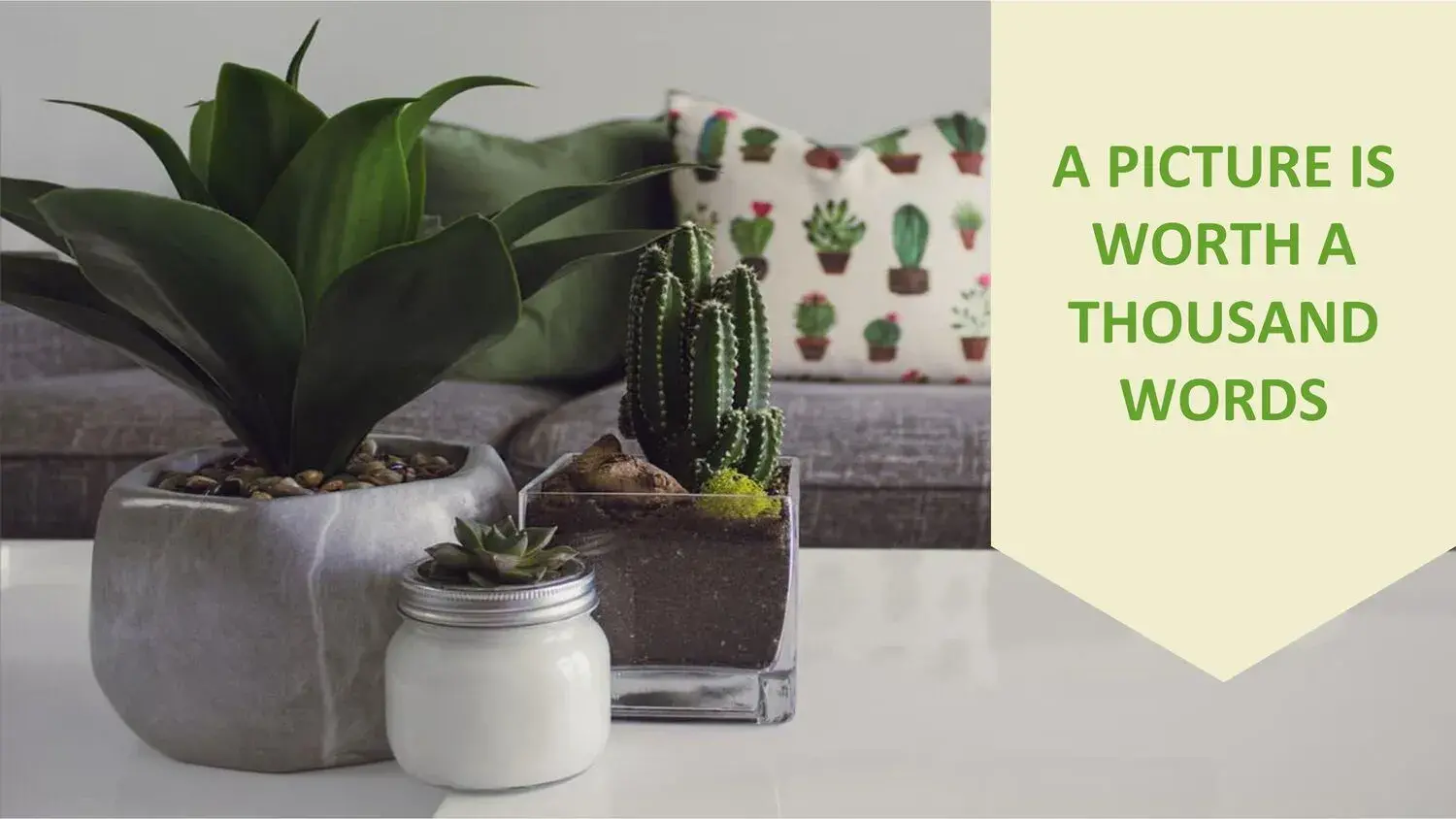
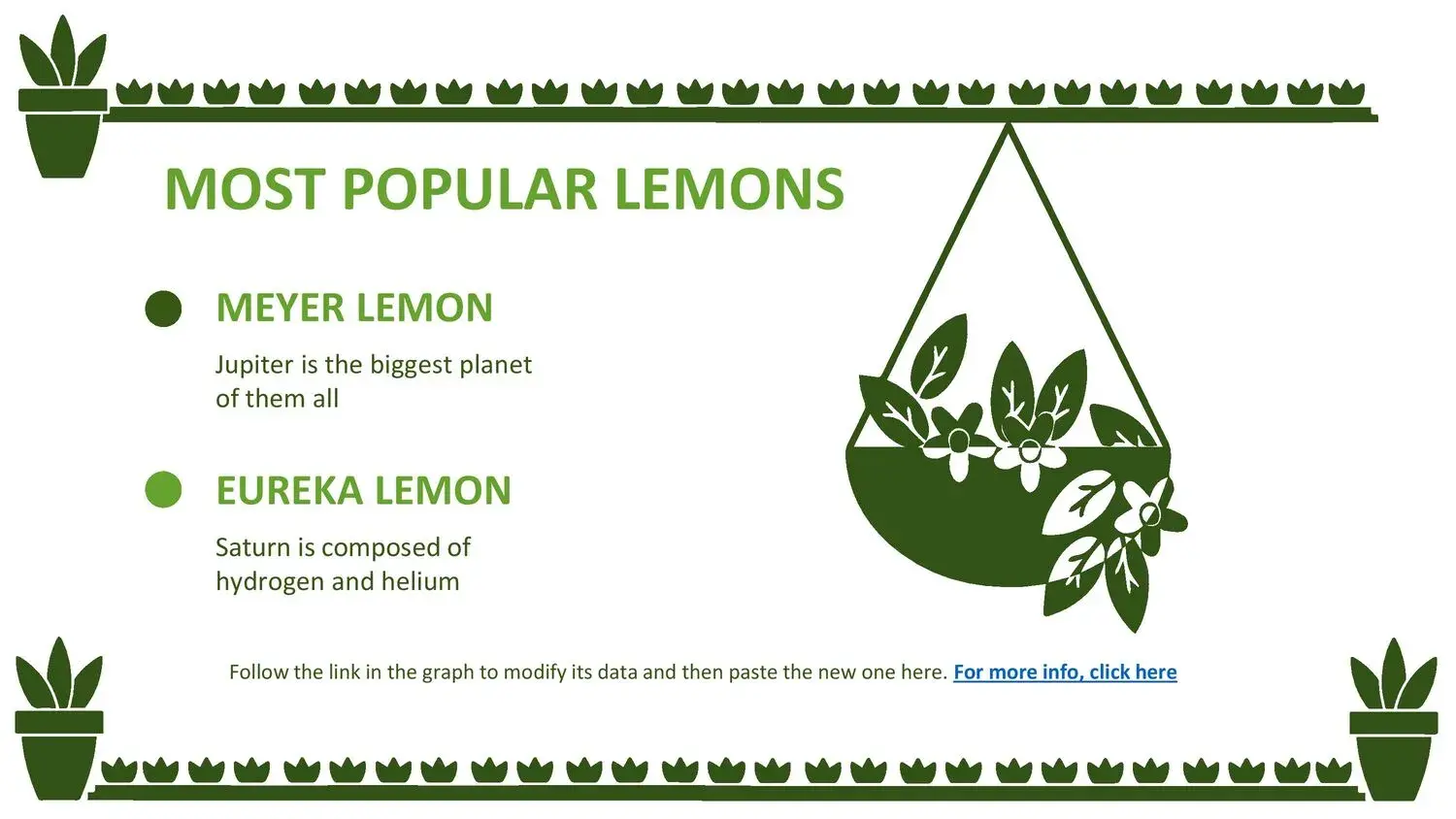
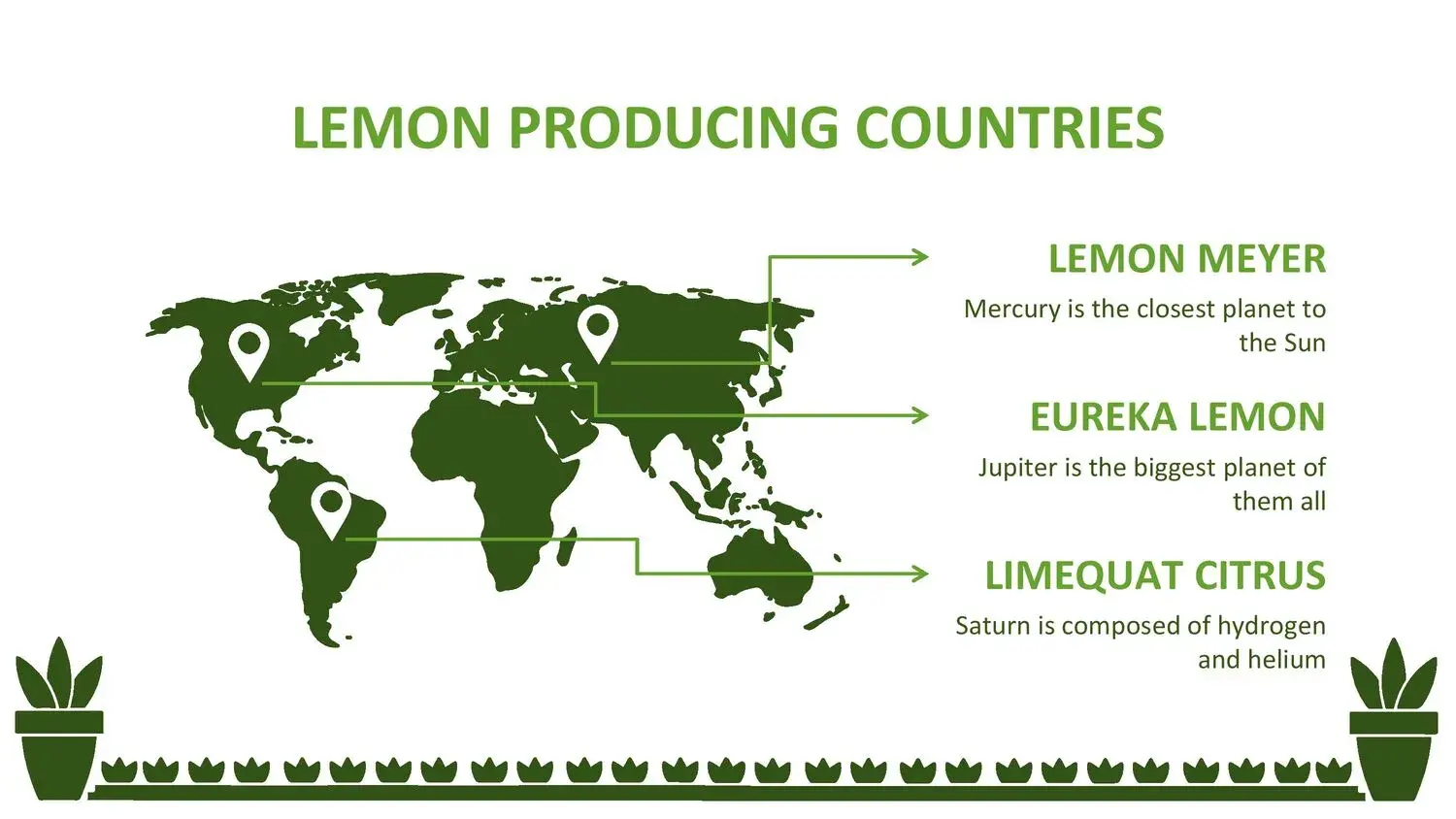







When I think of a presentation that conveys calm, nature, and a clean aesthetic, I always gravitate towards visual themes related to plants. That type of design has something special: it makes everything feel more organic and nurtured. That's why, when I discovered the Pot PowerPoint Template, I immediately understood its potential to transform any ordinary presentation into a truly professional one. Furthermore, while exploring it for the first time, I noticed that its 36 slides contain the essentials for a multimedia presentation: 100% editable images and vectors, giving me complete freedom to customize it to my style without sacrificing quality.
This template is designed for those seeking a balance between elegance, simplicity, and a natural visual style. Each slide offers ample space to develop ideas, integrate multimedia content, or clearly structure information. Best of all, you don't need to be a designer to make it look great; it's already designed to help you create something visually appealing from the start.
🌱 A nature-inspired design that communicates professionalism
What surprised me most when I started using this template is how it combines natural elements with a minimalist aesthetic. The pots, plants, and green tones bring serenity, and this visual environment greatly facilitates the communication of the message.
As I went through its sections, I kept telling myself that in its 36 slides you can find the essentials for a multimedia presentation, which are the 100% editable images and vectors, and that was key to reorganizing some elements, adjusting colors and adding my own images without anything losing cohesion.
The design is intended to make any type of content look clean: from long texts to complex graphics, everything becomes clearer when surrounded by a natural style.
🪴 Complete structure for any type of presentation
One of the reasons this template works so well is that it's strategically organized.
It includes:
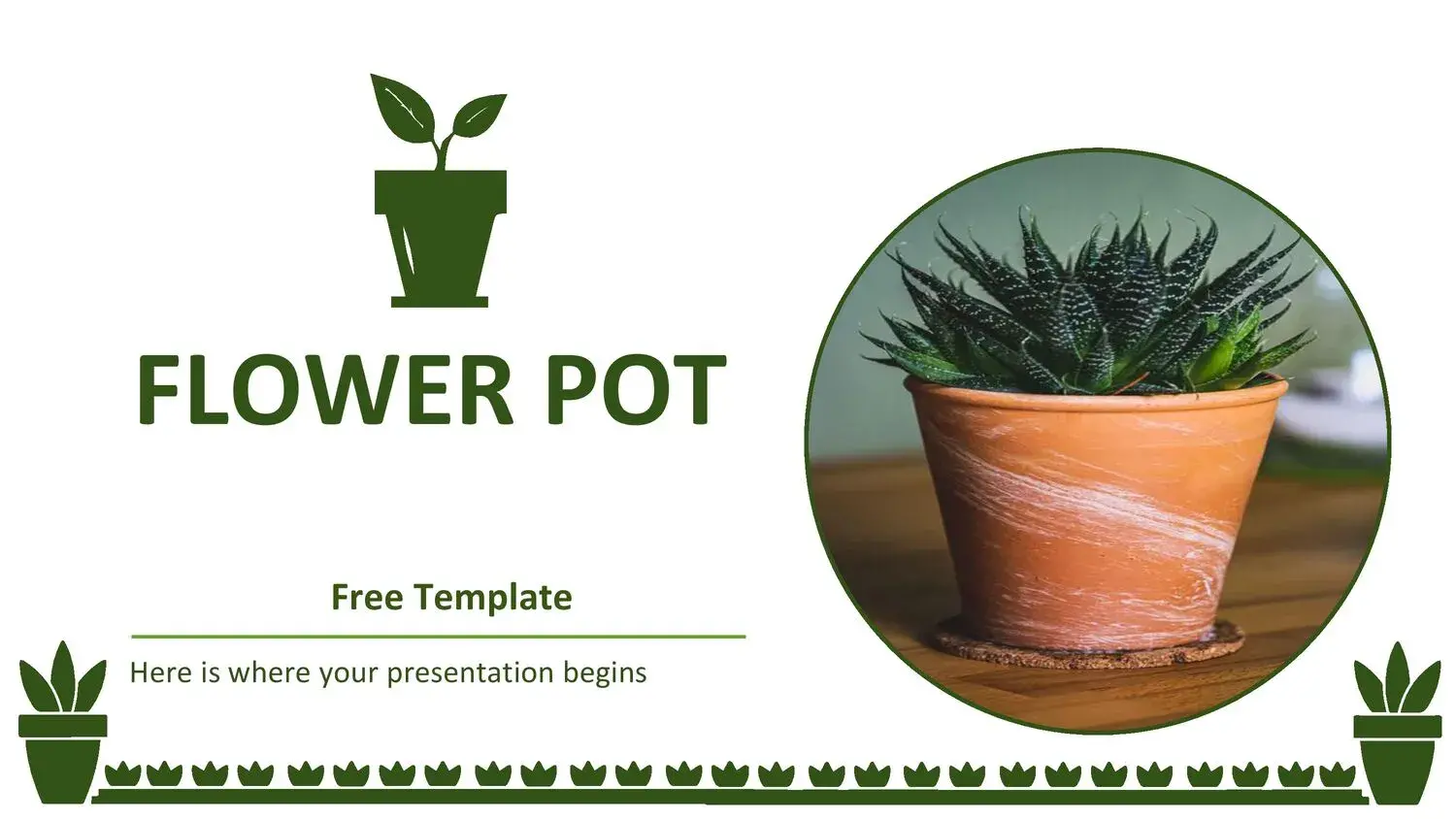
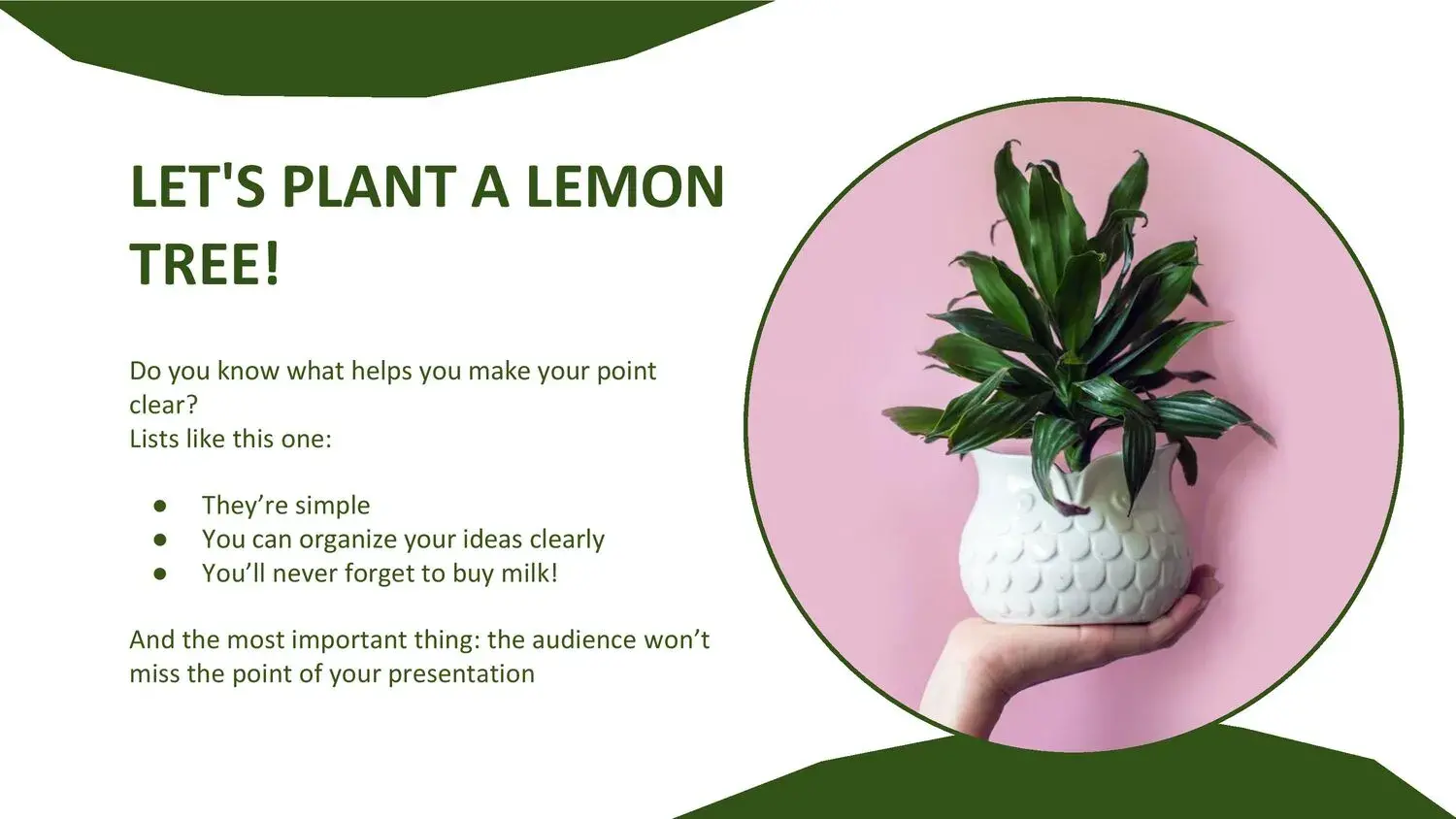
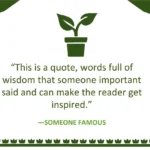
- Visual covers with potted plants
- Sections for titles and subtitles
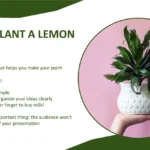
- Balanced spaces for photographs
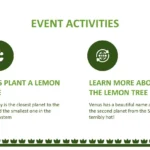
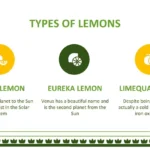
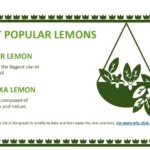
- Slides for lists and key points
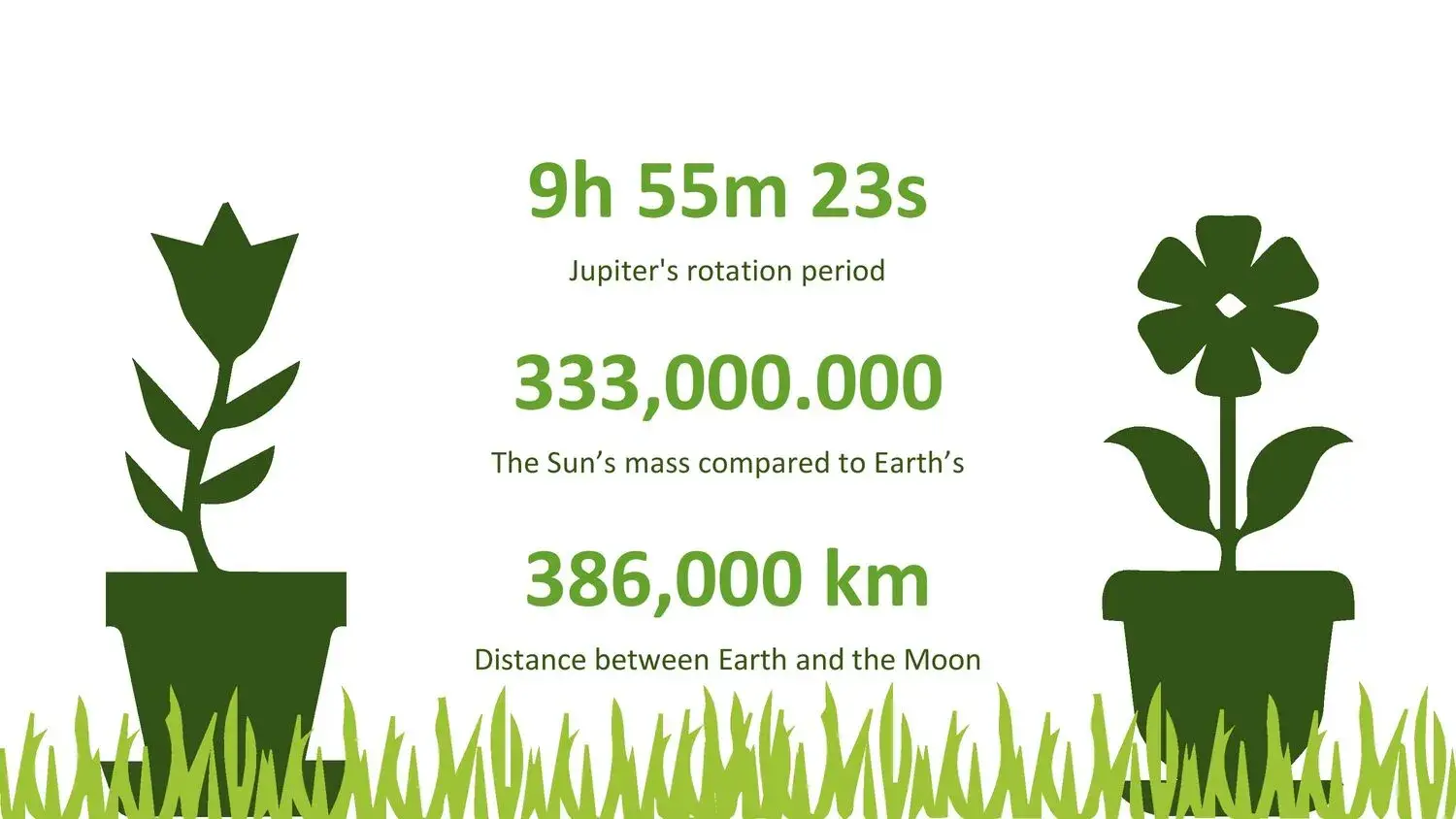
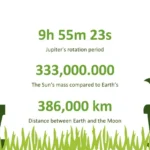
- Graphs, tables, and timelines
- Slides for comparisons
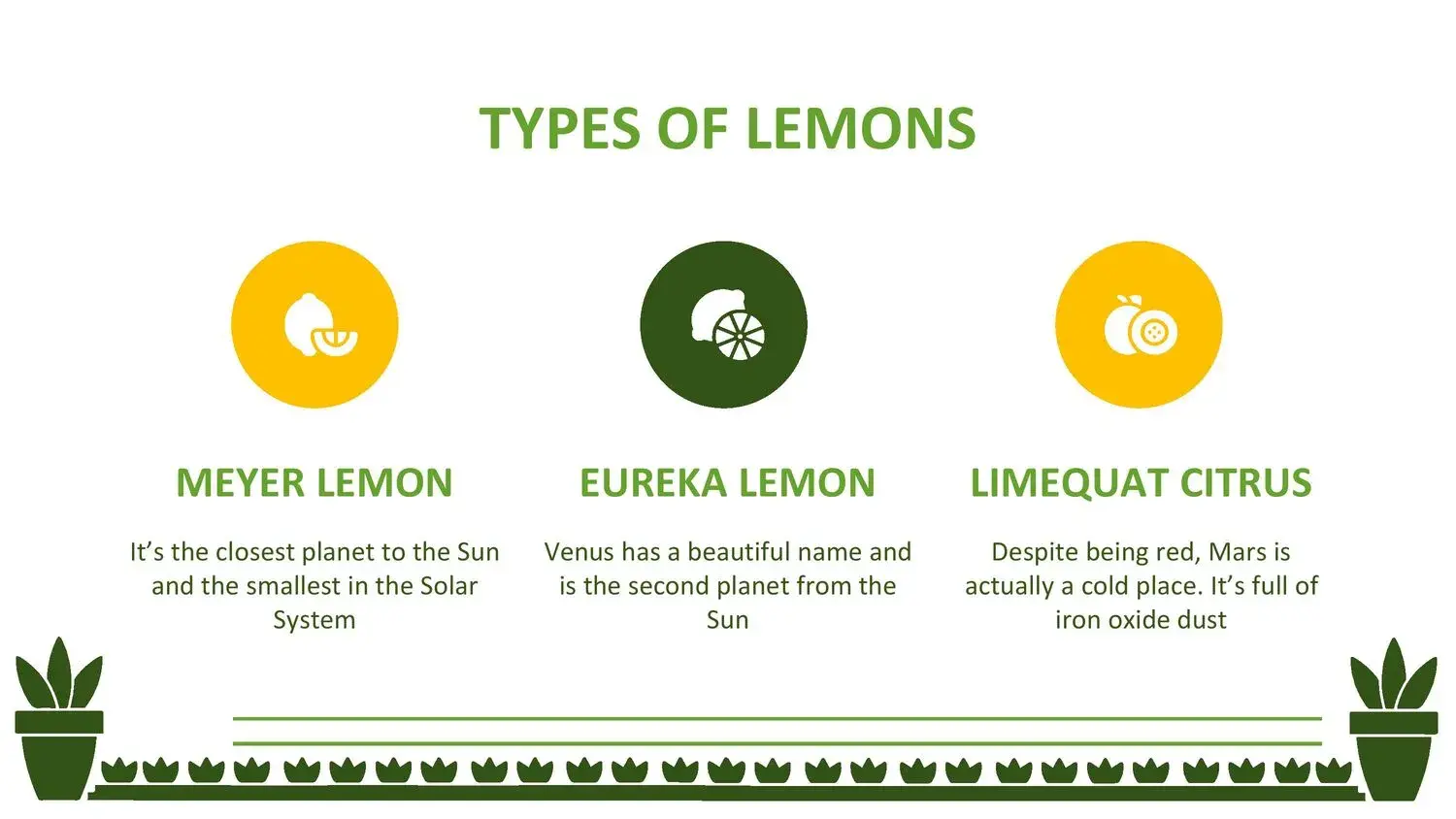
- Editable plant iconography
- Designs with natural backgrounds and soft tones
Each of these slides is accompanied by fully editable graphic elements, and that's where I understood that in its 36 slides you can find the essentials for a multimedia presentation, which are the 100% editable images and vectors, which allowed me to customize slides for gardening projects, environmental education, wellness or even more modern corporate designs.
🌿 Ideal for ecological, educational and creative themes
This template isn't just for plant presentations. Its natural aesthetic is so flexible that it works for many different themes.
It's perfect for:
- Ecological and sustainable presentations
- Gardening or botany projects
- Talks on wellness and healthy living
- School or university classes
- Interior design proposals
- Natural product ventures
- Corporate presentations with a minimalist aesthetic
- Mindfulness or personal development workshops
The best part is that, thanks to its professional design, any content feels more organized. And here again, something key stood out: in its 36 slides you can find the essentials for a multimedia presentation, namely 100% editable images and vectors, a detail that makes it easy to adapt to different audiences effortlessly.
🌎 A perfect visual resource for nature-focused presentations
This template has a clear visual identity: it aims to convey naturalness. This is evident in the choice of colors, the organic shapes, the soft backgrounds, and the use of potted plants as decorative elements.
Using editable images and vectors allows the design to be transformed without losing its essence. For example, you can:
- Change the color of the flower pots
- Replace the plants with custom illustrations
- Enlarge or reduce elements without losing quality
- Integrate real photographs to create interesting contrasts
That's where I understood why in its 36 slides you can find the essentials for a multimedia presentation, which are the 100% editable images and vectors: it allows you to maintain a professional style even if you customize each slide from scratch.
🧠 How to get the most out of this template (practical tips)
After working with this template several times, I'd like to share some tips that make a big difference:
✅ Maintain a natural palette
Green, beige, and earth tones work very well with this design.
✅ Use real images alongside vectors
The contrast between the illustrated and the photographic creates a modern aesthetic.
✅ Leave blank space
The insole is designed to breathe; don't overload it.
✅ Take advantage of editable vectors
You can adjust shapes, colors, and icons without affecting the overall design.
✅ Create visual rhythm by alternating sections
A clean slide followed by a more decorated one helps to maintain attention.
During this process, something I greatly appreciate is that in its 36 slides you can find the essentials for a multimedia presentation, which are the 100% editable images and vectors, facilitating the adaptation of the content without complications.




