


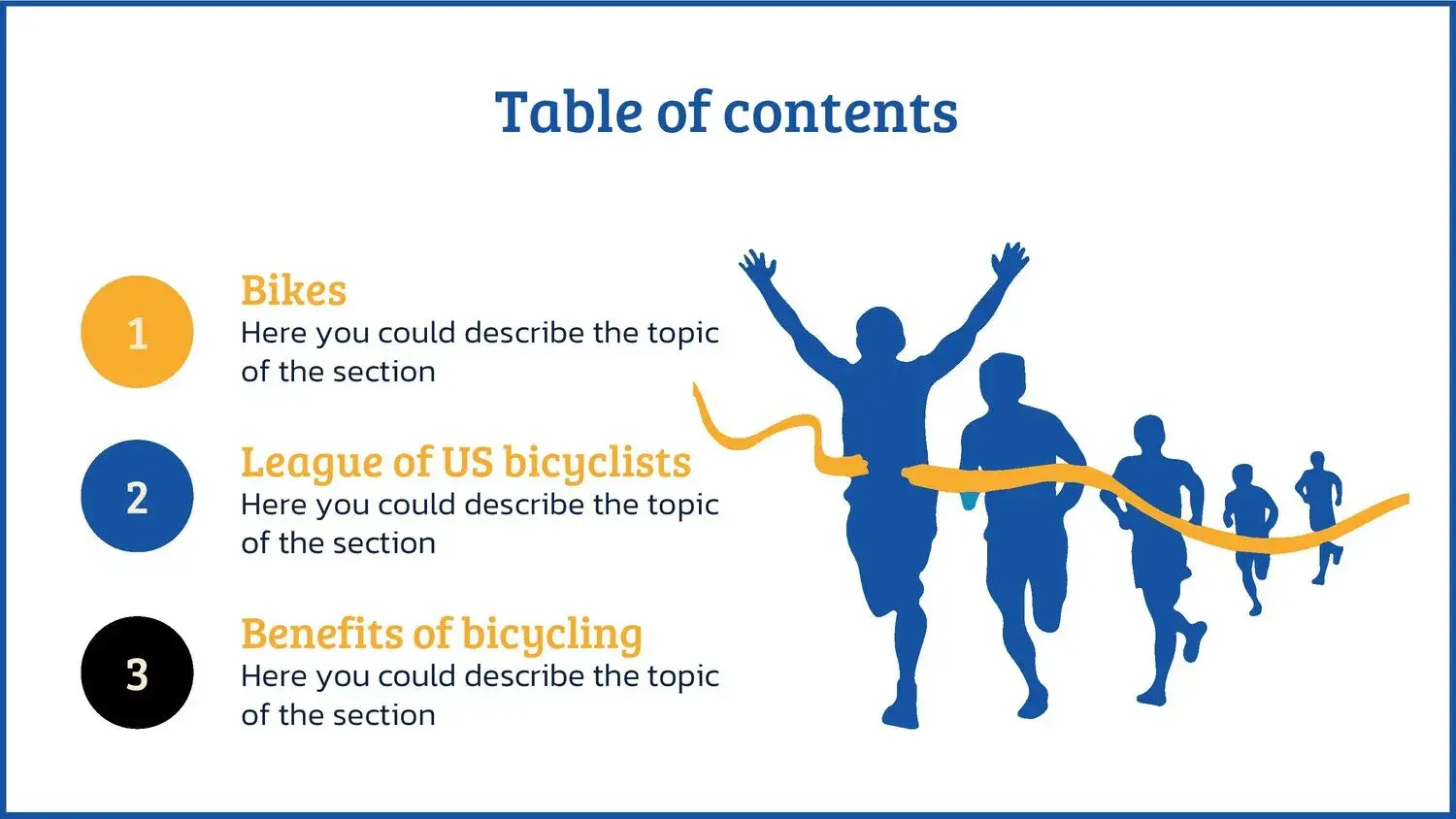

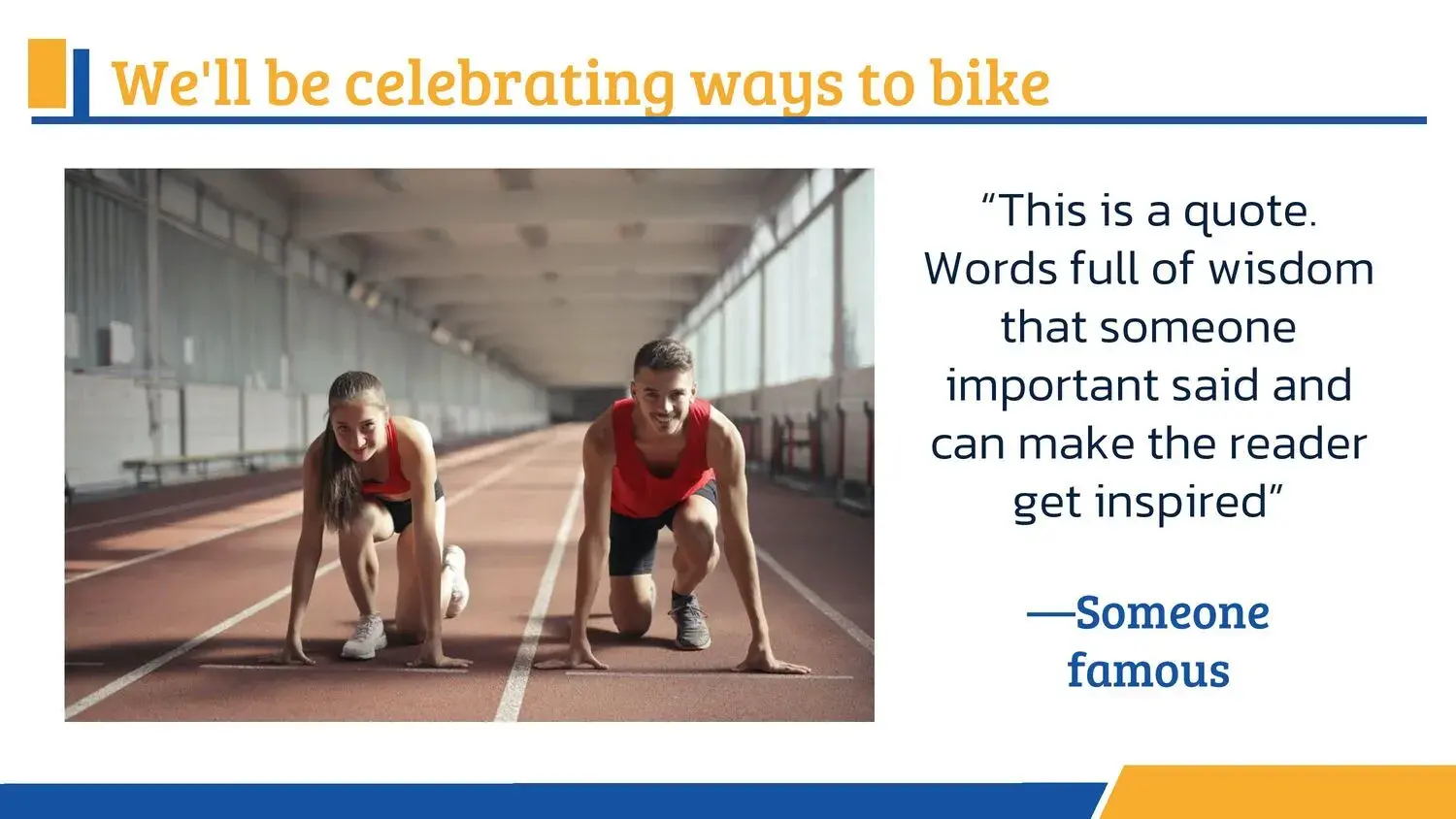
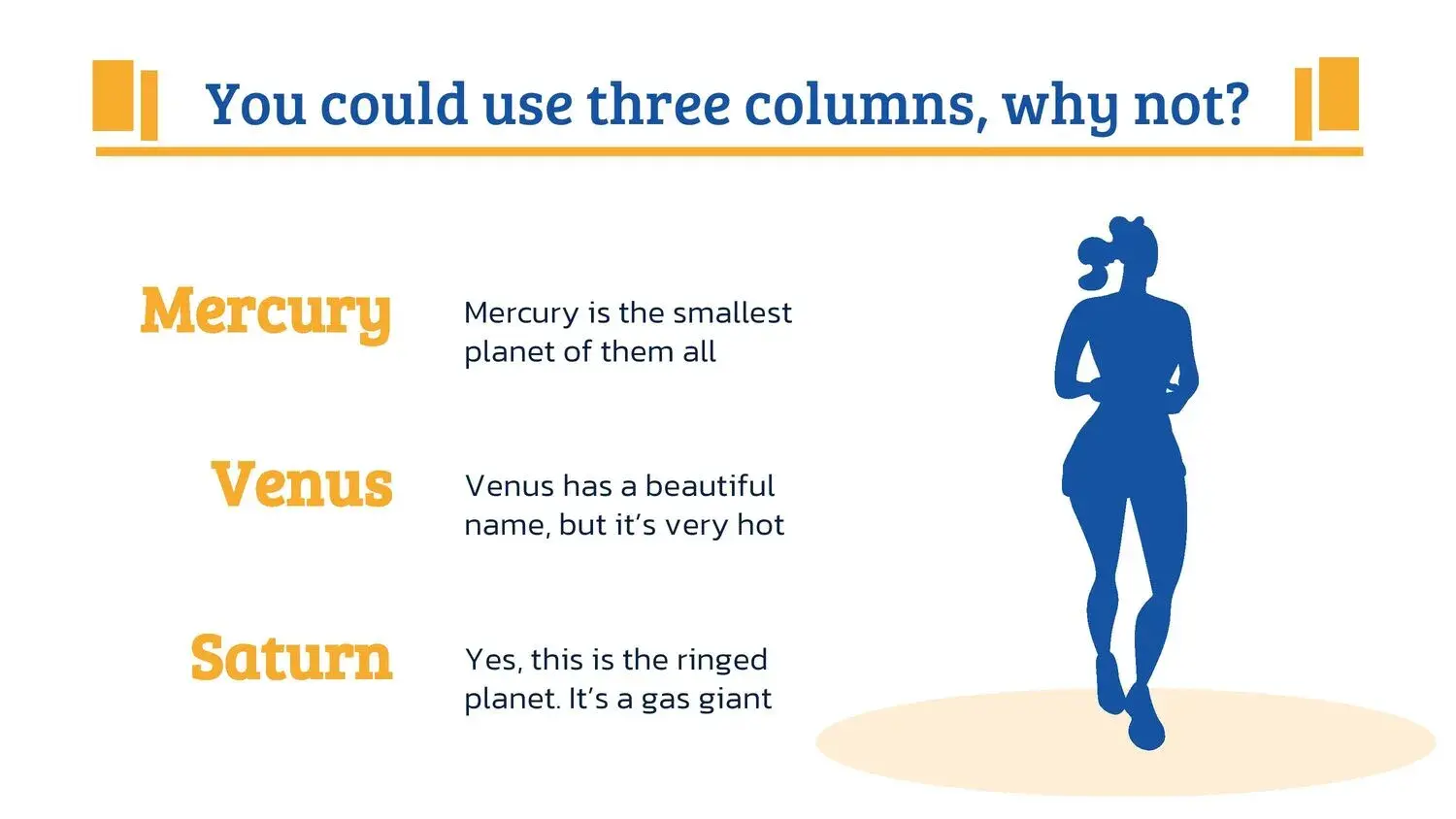

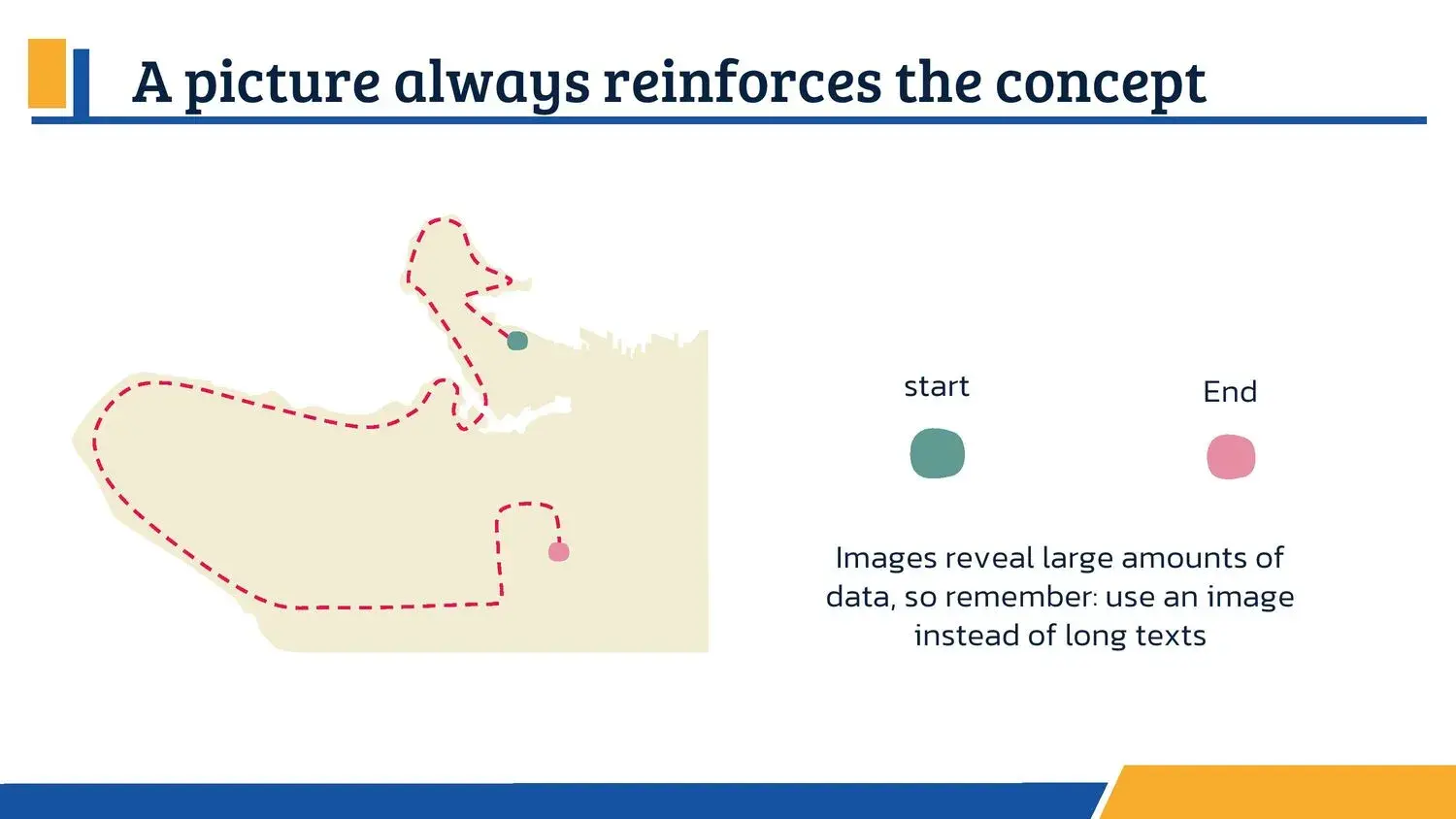
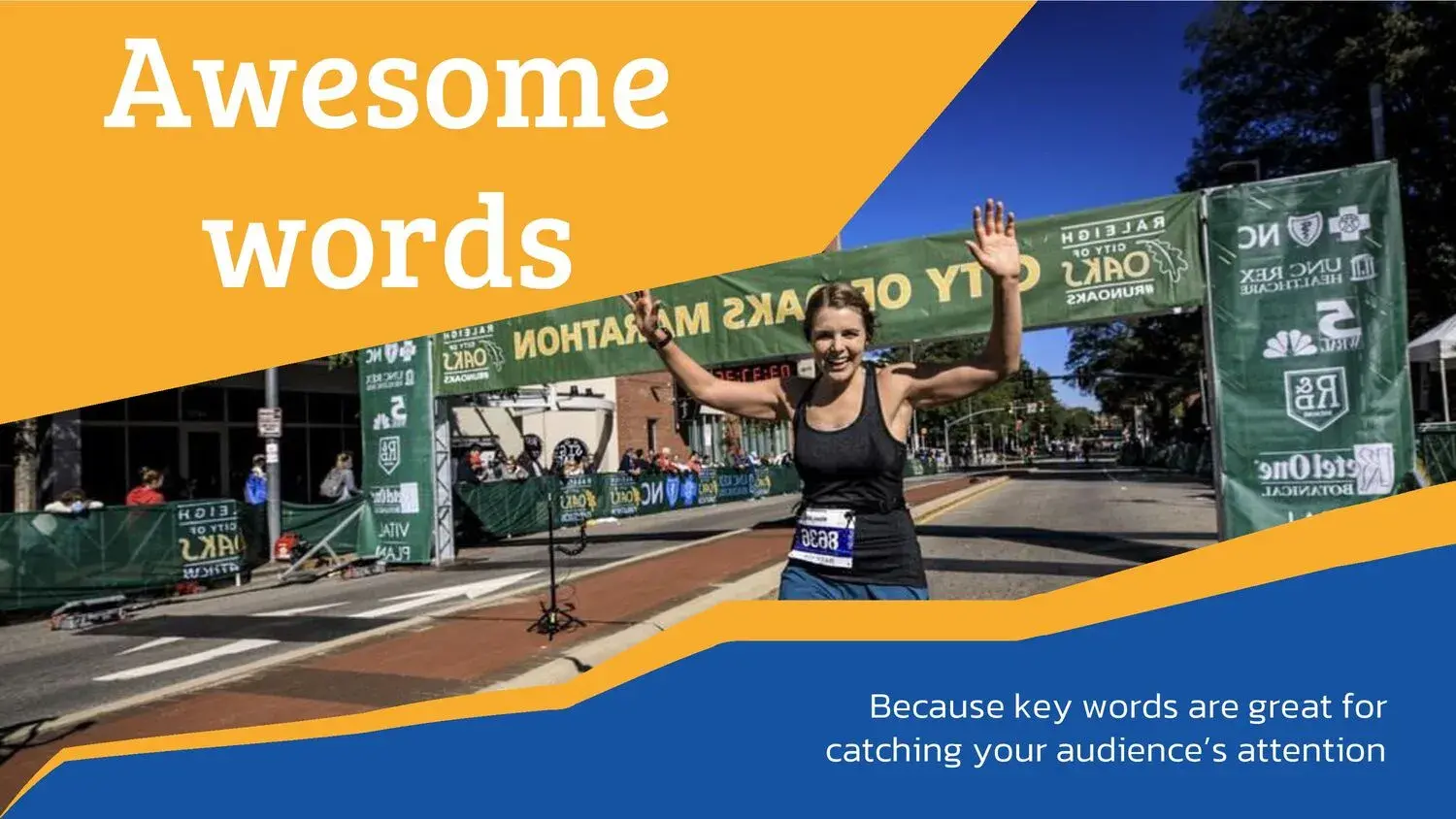
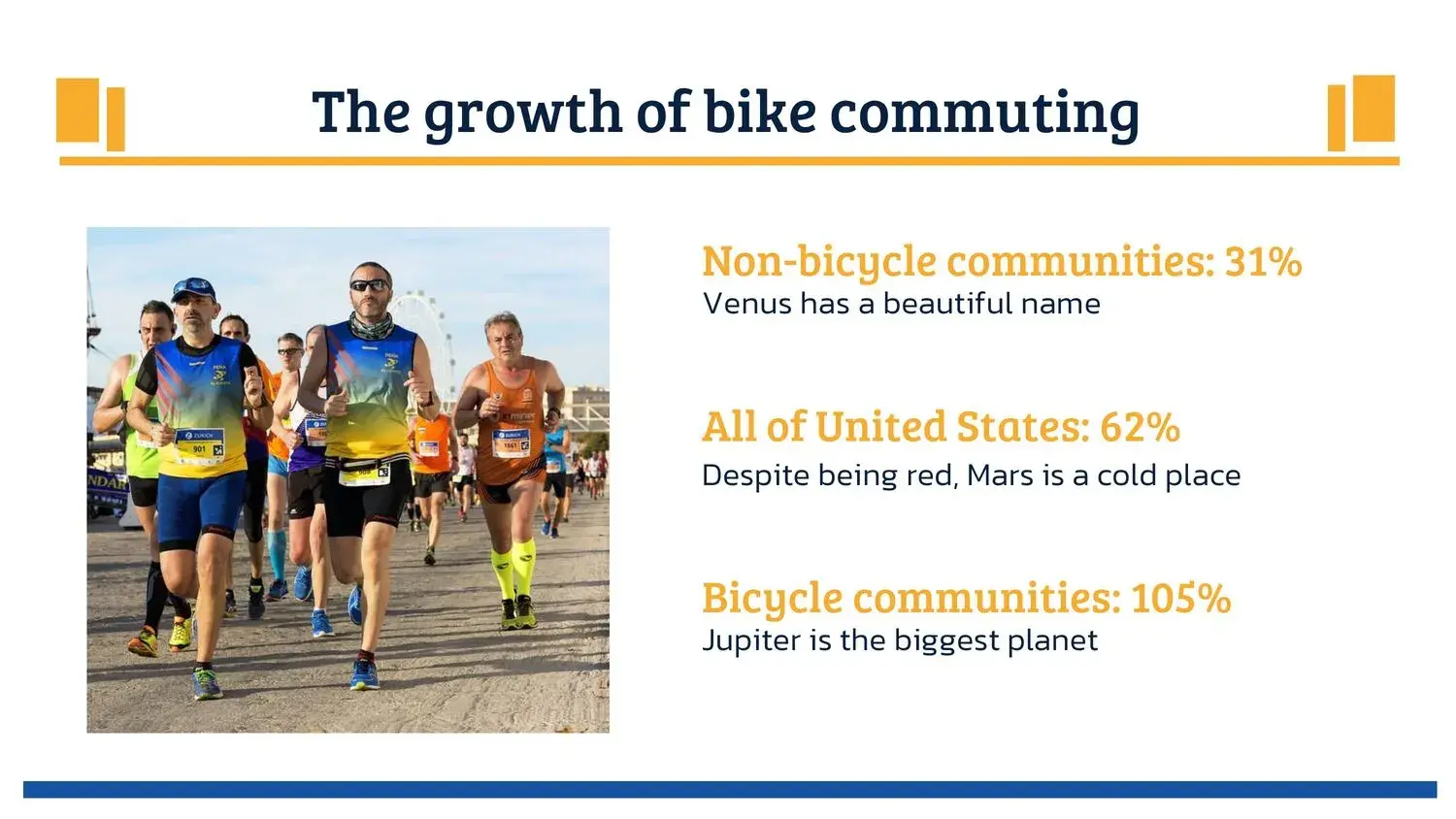



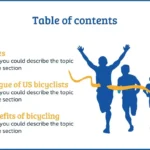
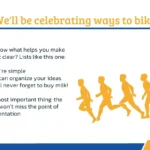
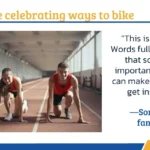

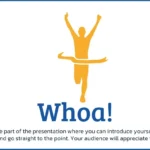



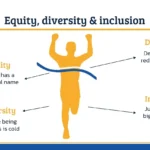


When it comes to presenting a sports project, a running event, or a long-distance race, visual design makes all the difference. A marathon PowerPoint template not only complements the message but enhances it, conveying dynamism, effort, and achievement from the very first slide.
In these types of templates, I've found that visual balance is key. Across its 36 slides, you'll find editable images and vectors, all perfectly coordinated with their background colors, making it easy to maintain a coherent and professional presentation effortlessly.
🧠 What is a marathon PowerPoint template?
A marathon PowerPoint template is a set of slides specifically designed to communicate ideas related to:
- Sports careers
- Running events
- Athletic competitions
- Projects related to sport and endurance
This type of design uses visual resources that evoke movement, speed, and consistency. In practice, its 36 slides include editable images and vectors, allowing each presentation to be adapted to different contexts without losing its visual identity.
🎨 Sporty design conceived to communicate better
One of the aspects I value most in a well-designed template is the harmony between elements. It's not just about adding sports images, but about integrating them correctly.
In this case, the editable images and vectors are perfectly in sync with their background colors, creating a sense of visual fluidity that is maintained from beginning to end.
🎯 Ideal uses of a marathon PowerPoint template
This type of template adapts very well to different scenarios:
- Presentations of sporting events
- Educational projects related to sports
- Competency reports
- Sponsorship proposals
- Motivational talks
In all these cases, having 36 slides with editable images and vectors allows you to build a solid and professional visual presentation.
🧩 36 slides to tell a complete story
The number of slides is not a minor detail. Having a comprehensive structure makes it easier to organize the information clearly and progressively.
I've noticed that when you can find editable images and vectors in its 36 slides, it becomes much simpler:
- Maintain visual consistency
- Reinforce key ideas
- Adjust the pace of the presentation
In addition, the harmony with the background colors helps the content to be perceived as clean and professional.
🛠️ Total customization without losing consistency
One of the great advantages of this marathon PowerPoint template is its ease of editing. The editable vectors and images allow for:
- Change texts
- Adjust colors
- Adapt graphics
- Reorganize content
All this without breaking the visual harmony, since the elements are in perfect harmony with their background colors, something key when working with tight deadlines.
🌐 Compatibility with different platforms
Today, it's essential that a template be versatile. This type of presentation works perfectly in:
- PowerPoint
- Google Slides
- Canva
Thanks to this, the 36 slides with editable images and vectors can be reused without losing visual quality.
✨ Sports presentations that connect with the public
A good presentation not only informs, it also conveys emotions. The marathon design connects with the audience because it reflects effort, perseverance, and overcoming challenges.
This impact is achieved when the editable images and vectors are perfectly in sync with their background colors, creating a smooth visual experience.
🏆 Why choose a marathon PowerPoint template?
Because it brings together everything necessary to communicate effectively:
- Professional sports design
- 36 well-structured slides
- Fully editable images and vectors
- Chromatic coherence
- Ease of customization
In my experience, this visual balance makes a real difference compared to other generic templates.




