














When it comes to discussing computer hardware and components, a good presentation can make all the difference between capturing or losing the audience's attention. That's why today I want to tell you about the Processor PowerPoint Template, a visual tool that combines technology, design, and professionalism.
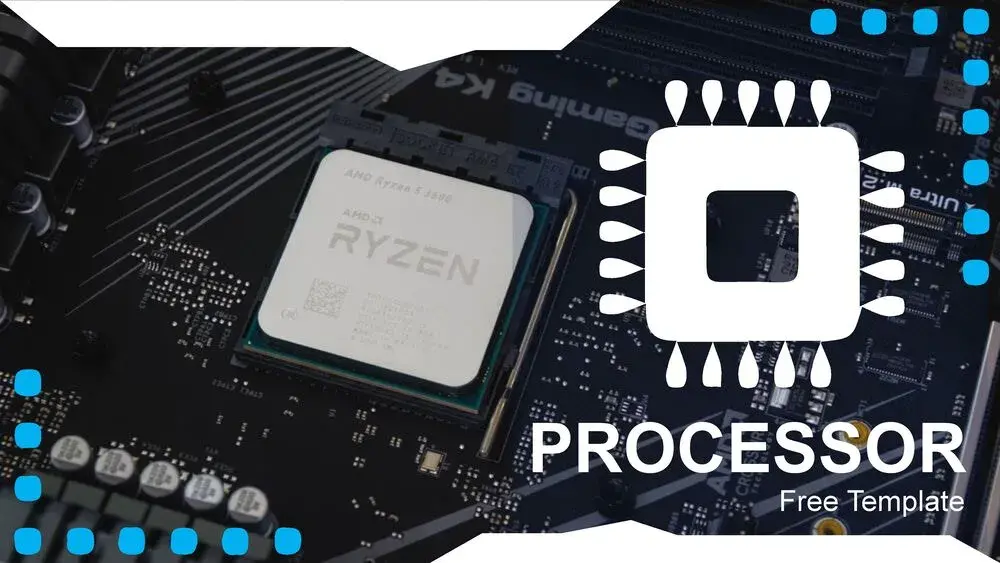
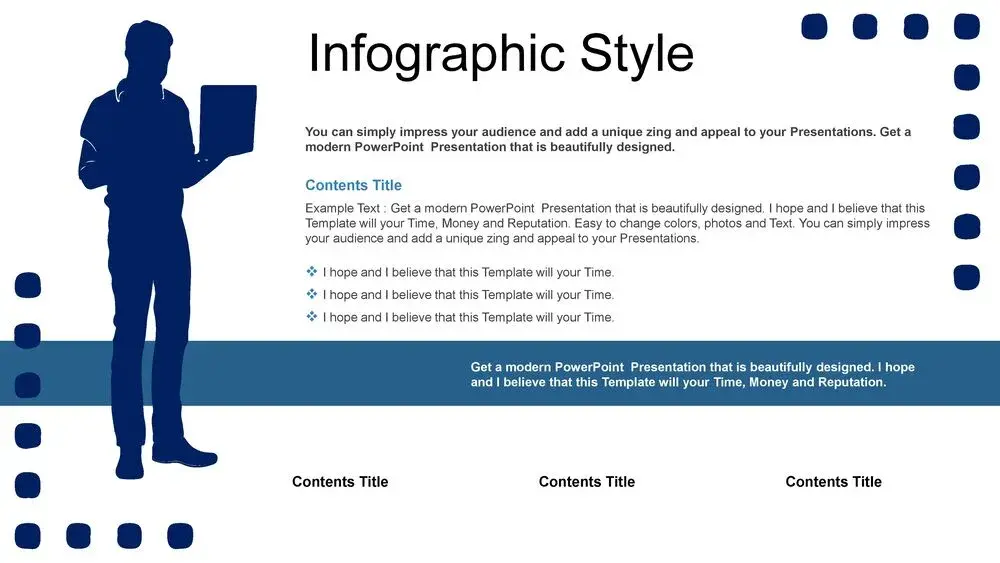
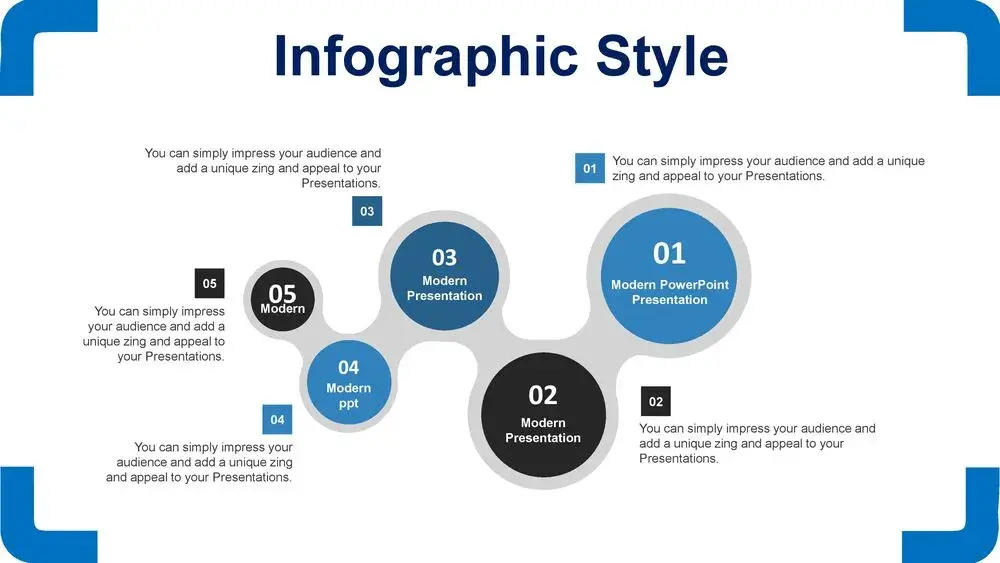
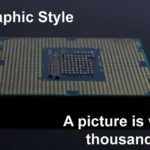
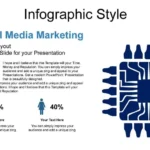
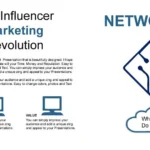
This laptop and PC processor template for PowerPoint and Google Slides features eye-catching images and a symbolic color palette. From the first time I used it, I noticed it conveyed the perfect balance between technical and visual, ideal for classes, lectures, or academic projects about technology.
Why choose a word processor PowerPoint template?
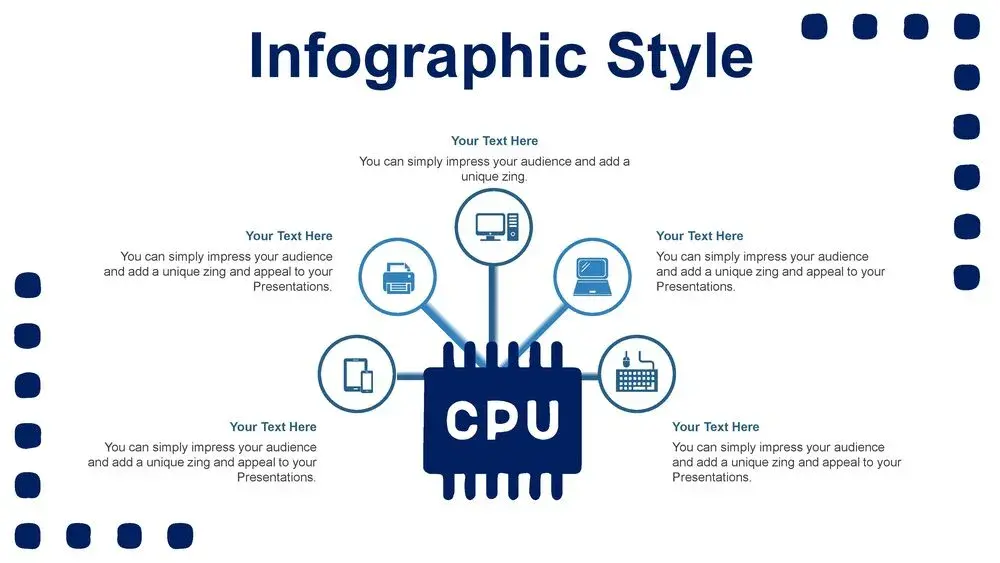
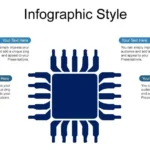
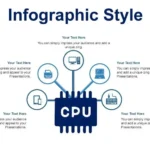
The processor, or CPU, is the brain of any computer. Explaining how it works isn't always easy, especially for a non-expert audience. This is where a professional template comes in: it allows you to illustrate complex concepts using graphics, diagrams, and visual schematics that make them easier to understand.
What I liked most was how this laptop and PC processor template for PowerPoint and Google Slides features eye-catching images, as well as a symbolic color palette, which makes each slide look modern and consistent with the technology theme.
Its design manages to convey innovation and energy, without distracting from the main content.
Professional design with technological inspiration
This template uses an aesthetic inspired by the digital world. The blue, metallic gray, and black tones represent performance, while the orange and green accents add vibrancy to the overall design.
Each slide is designed to adapt to different types of projects:
- Explanations on how the processor works.
- Comparisons between chips and CPU generations.
- Topics related to laptops, PCs, performance, and architecture.
- Corporate presentations or presentations of technology startups.
And the best part: this laptop and PC processor template for PowerPoint and Google Slides features eye-catching images, as well as a symbolic color palette, giving an elegant and recognizable touch to any presentation.
Main features of the Processor PowerPoint Template
- 💡 More than 30 editable slides.
- 🧠 Modern and themed design: circuits, chips and components.
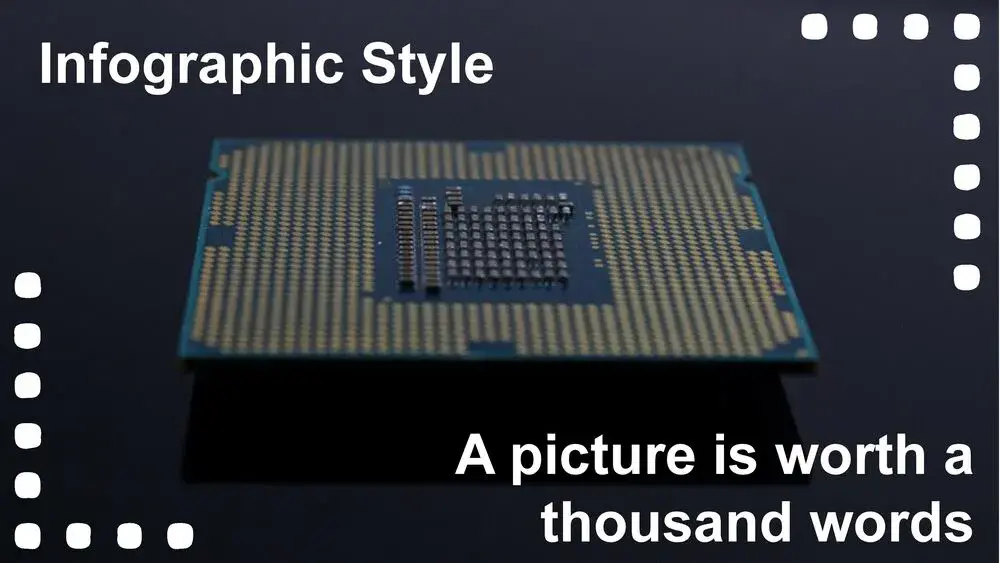
- 🖼️ Realistic images and professional backgrounds.
- 💻 Compatible with PowerPoint and Google Slides.
- 🎨 Symbolic color palette: inspired by metallic and technological tones.
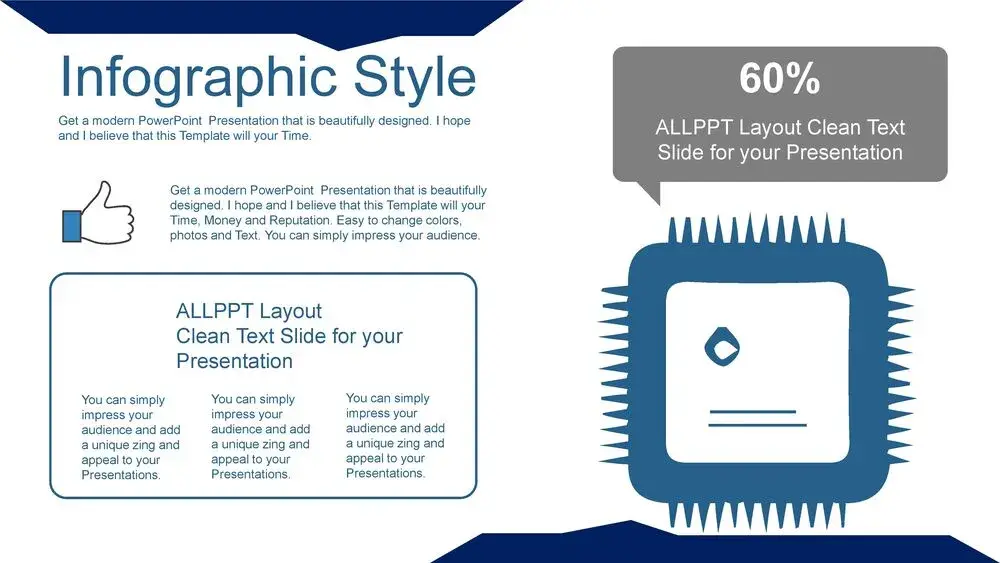
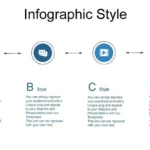
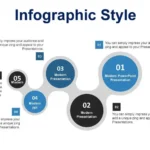
- 📊 Spaces for infographics, timelines, and comparisons.
Each slide is 100% customizable. You can change colors, icons, or text without altering the overall design. I was struck by the fact that this laptop and PC processor template for PowerPoint and Google Slides features eye-catching images, as well as a symbolic color palette, which makes maintaining visual consistency effortless.
How to get the most out of this template
- Simplify technical information. Use diagrams and charts to explain CPU functions.
- Customize the colors. If you're talking about brands (Intel, AMD, Apple), use colors that match the branding.
- Add subtle animations. A well-measured entrance effect keeps the audience's attention.
- Includes real images of the hardware. Helps connect theoretical content with visuals.
- Combine short text and clear visuals. In technology, less is more.
Thanks to the fact that this laptop and PC processor template for PowerPoint and Google Slides features eye-catching images and a symbolic color palette, the explanations become much more visual, and the audience understands the concepts better.
Advantages over other technology templates
- Designed exclusively for processors and hardware topics.
- Adaptable structure for education, professional presentations or technology marketing.
- Graphics that convey precision and modernity.
- Colors and typography that evoke the digital world without losing legibility.
Unlike other generic templates, this one is not limited to a simple design: this laptop and PC processor template for PowerPoint and Google Slides features eye-catching images and a symbolic color palette, making it a superior choice for communicating innovation.




