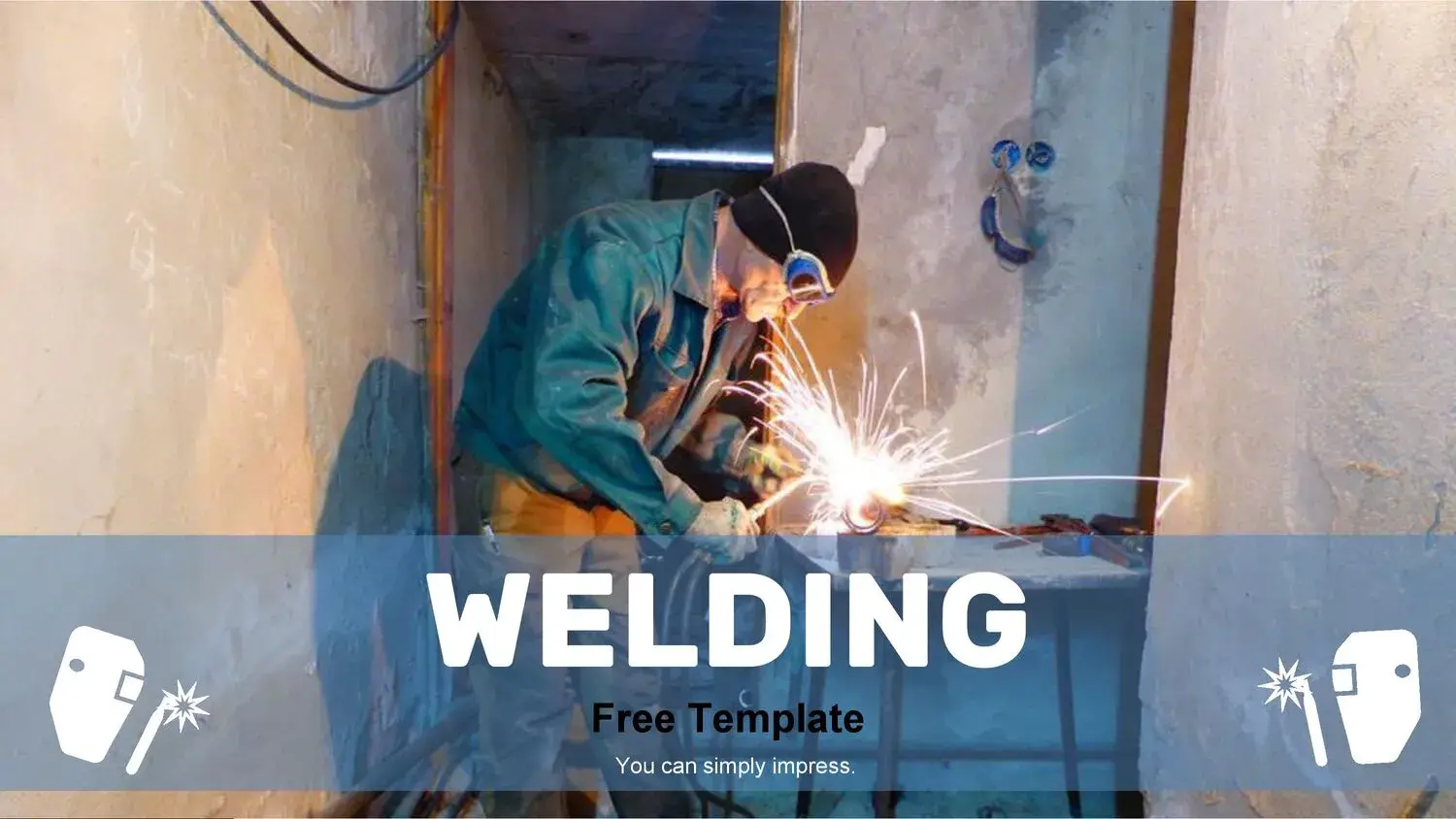

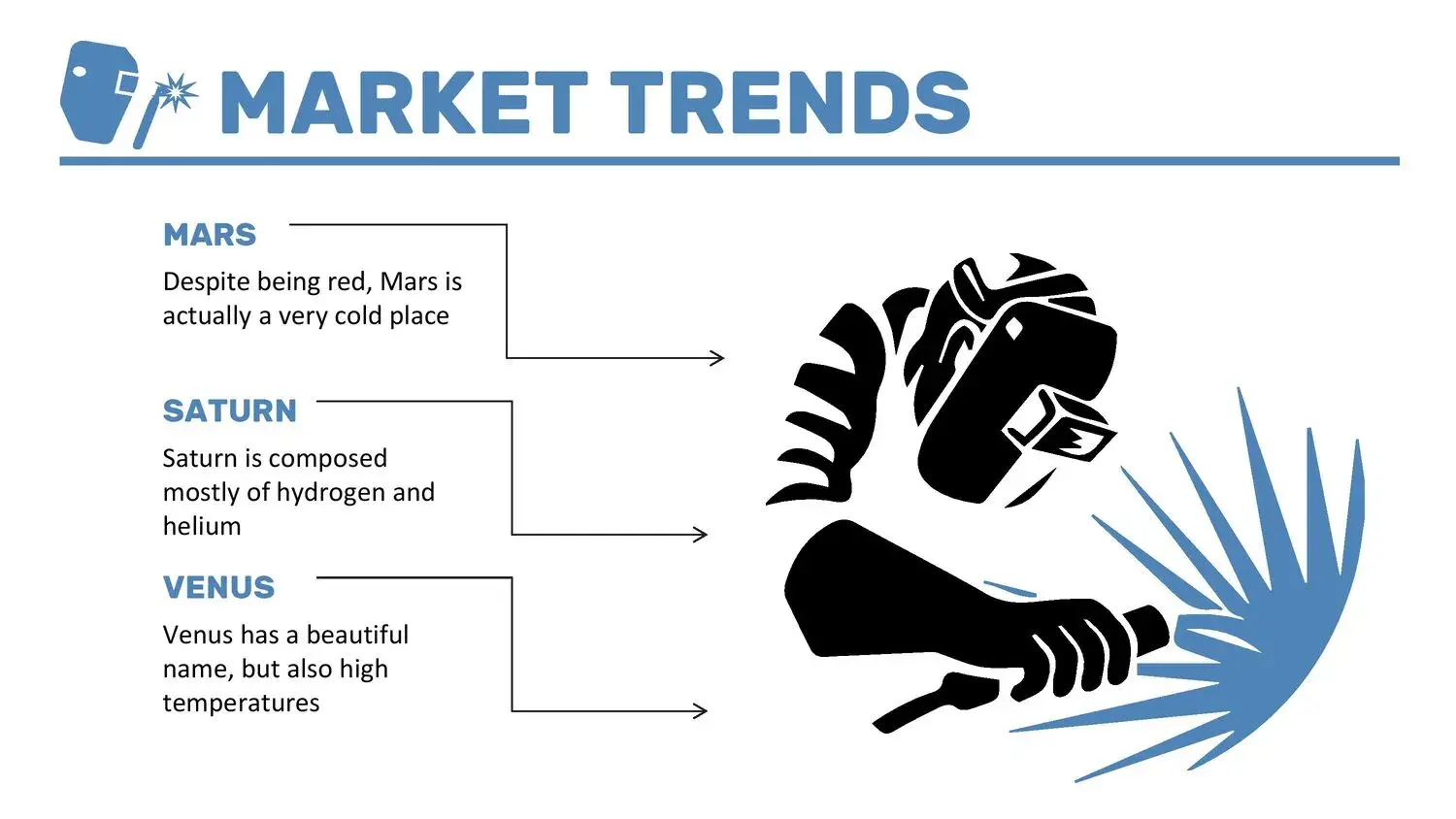
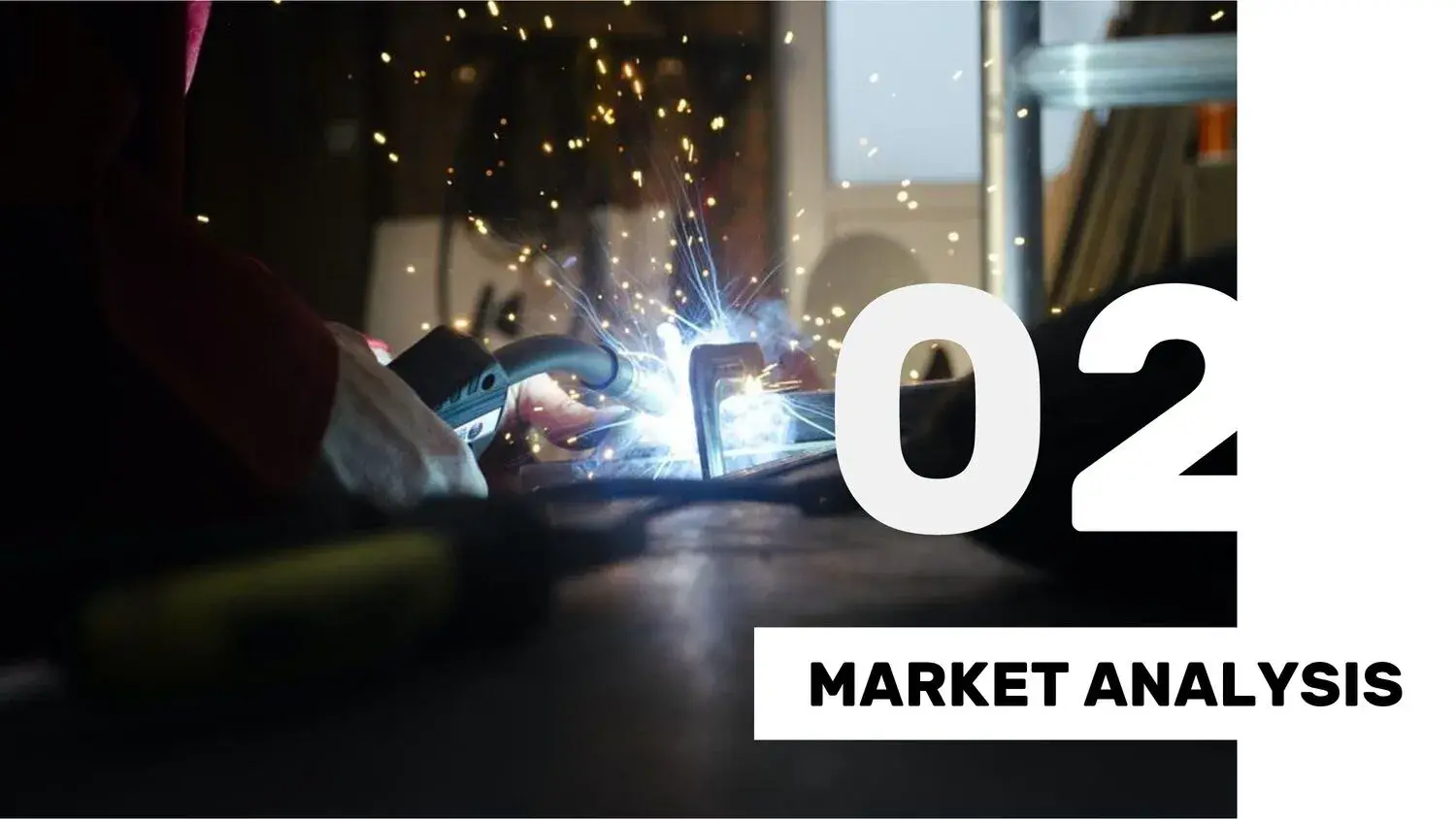
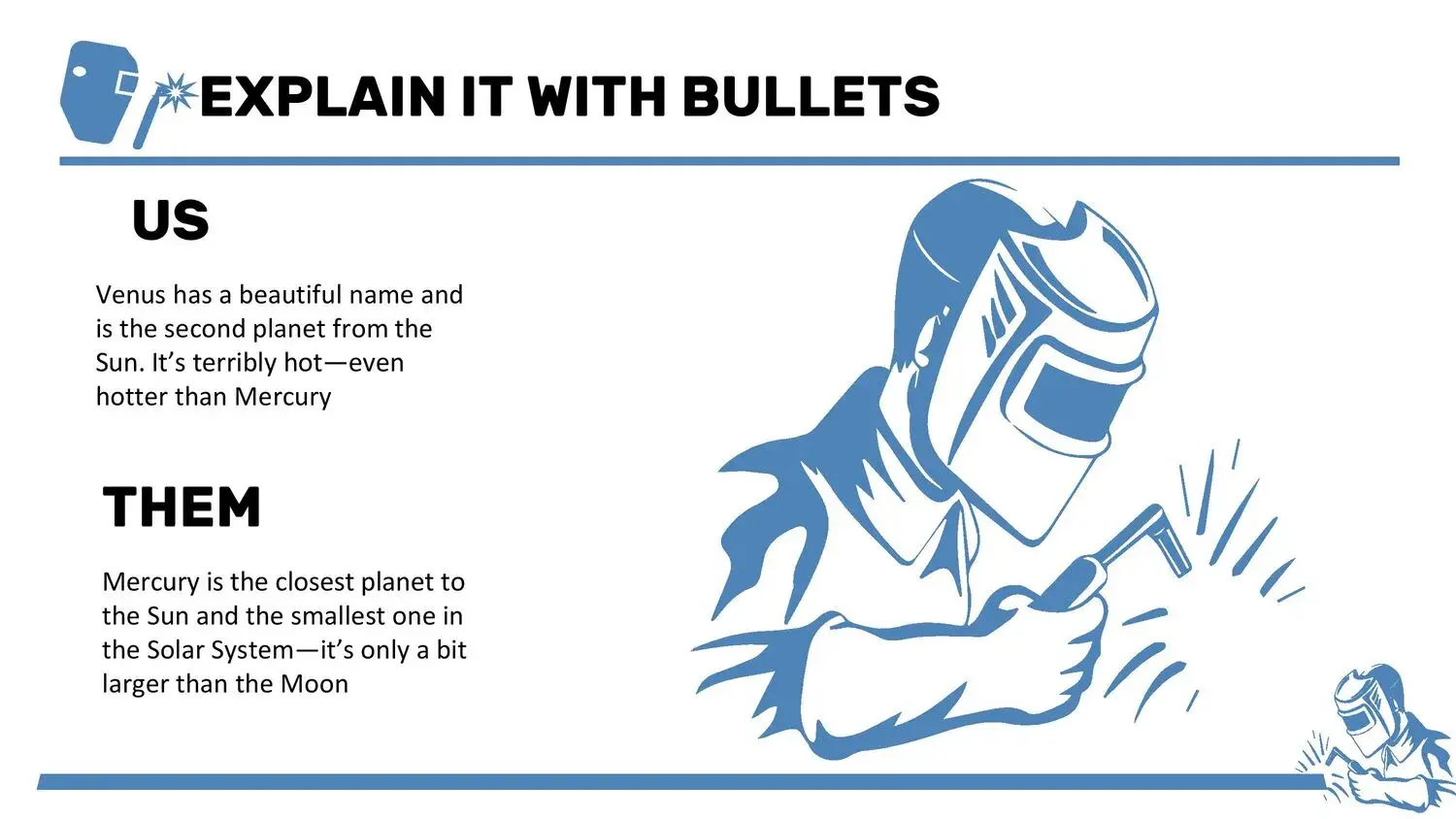
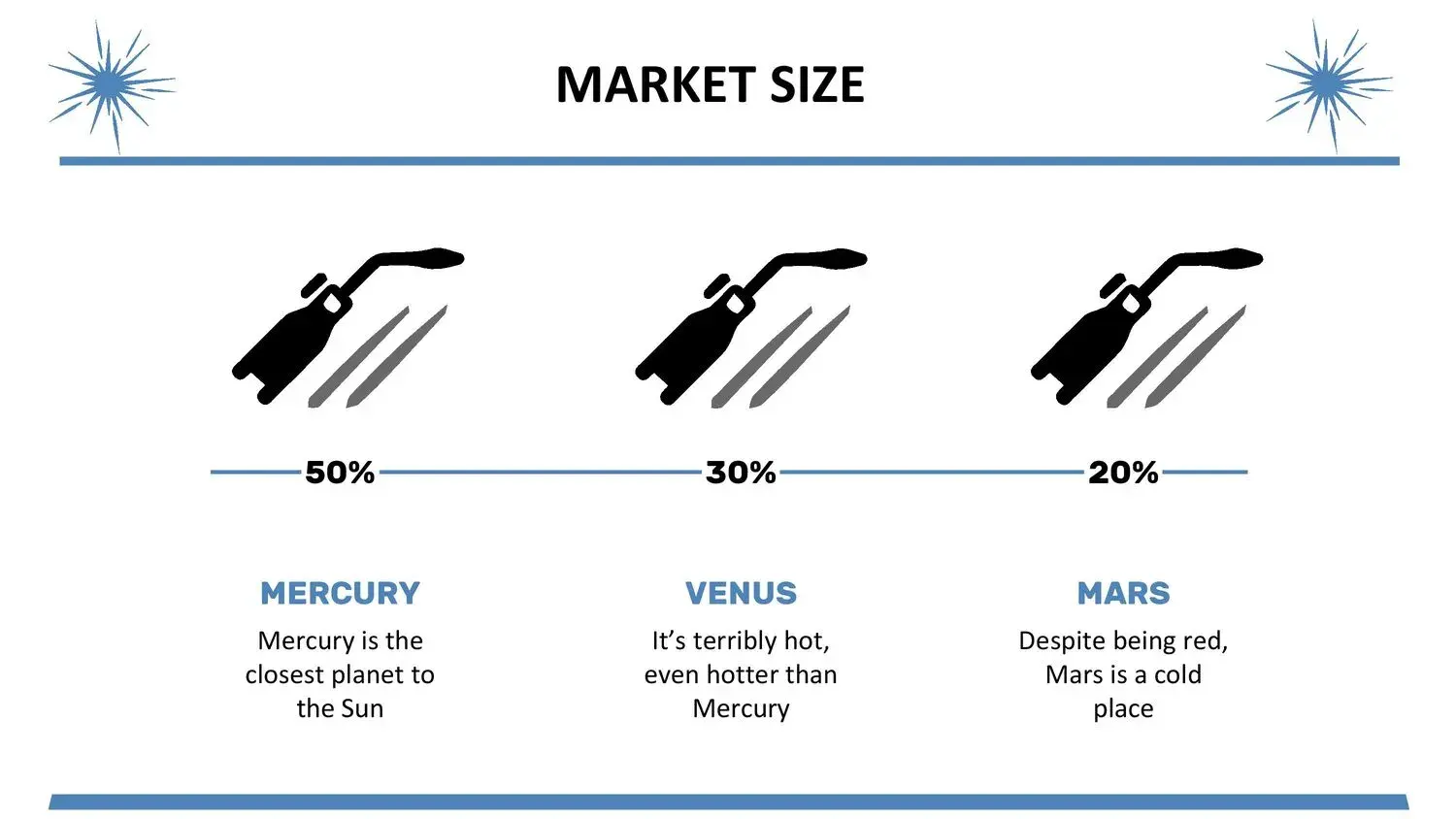






When working with technical content, design cannot be a mere add-on. In the industrial sector, a welding PowerPoint template must convey precision, clarity, and professionalism from the very first slide.
In my experience, what really makes the difference is when the hallmark of this welding template is its high-quality and 100% editable vectors, graphics, tables, timelines, and images, because that allows you to communicate complex processes clearly and in an organized way.
🧠 What is a welding PowerPoint template?
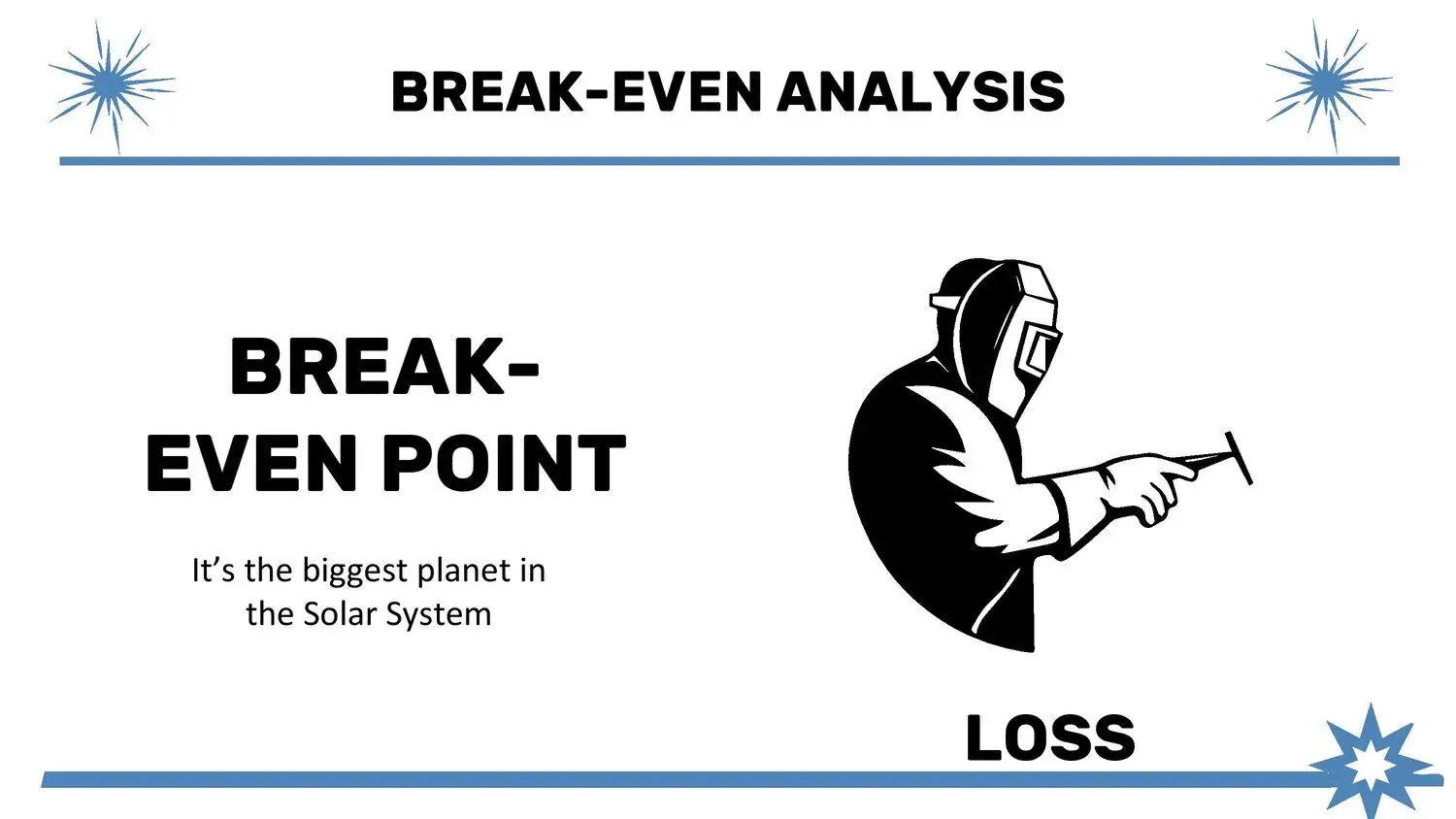
A welding PowerPoint template is a set of slides specifically designed to represent processes, techniques, and concepts related to welding and the industrial environment.
This type of template is commonly used in:
- Technical training
- Industrial presentations
- Safety training
- Engineering projects
- Production process reports
In this context, having your vectors, graphics and tables 100% editable is fundamental to adapting each presentation to real needs.
🏭 Industrial design conceived for technical environments
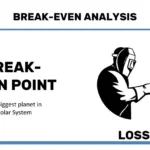
A technical presentation doesn't allow for visual improvisation. The elements must be clear, coherent, and functional. This is where the importance of the hallmark of this welding template being its high-quality graphics, timelines, and images becomes clear, as they help structure the information without overwhelming the viewer.
Well-executed industrial design facilitates the understanding of even the most complex processes.
📊 Vectors, graphics, and tables that facilitate explanation
When I explain welding processes, work phases, or production flows, I especially value having well-constructed visual resources.
The fact that this template includes fully editable vectors, graphics, and tables allows:
- Representing step-by-step processes
- Compare techniques
- Show technical data
- View results
All while maintaining a professional and consistent aesthetic.
⏱️ Timelines for welding processes
Timelines are especially useful for explaining:
- Production stages
- Work sequences
- Security procedures
- Evolution of an industrial project
In this type of presentation, 100% editable timelines become a key tool for organizing information logically.
🖼️ High-quality images that reinforce the message
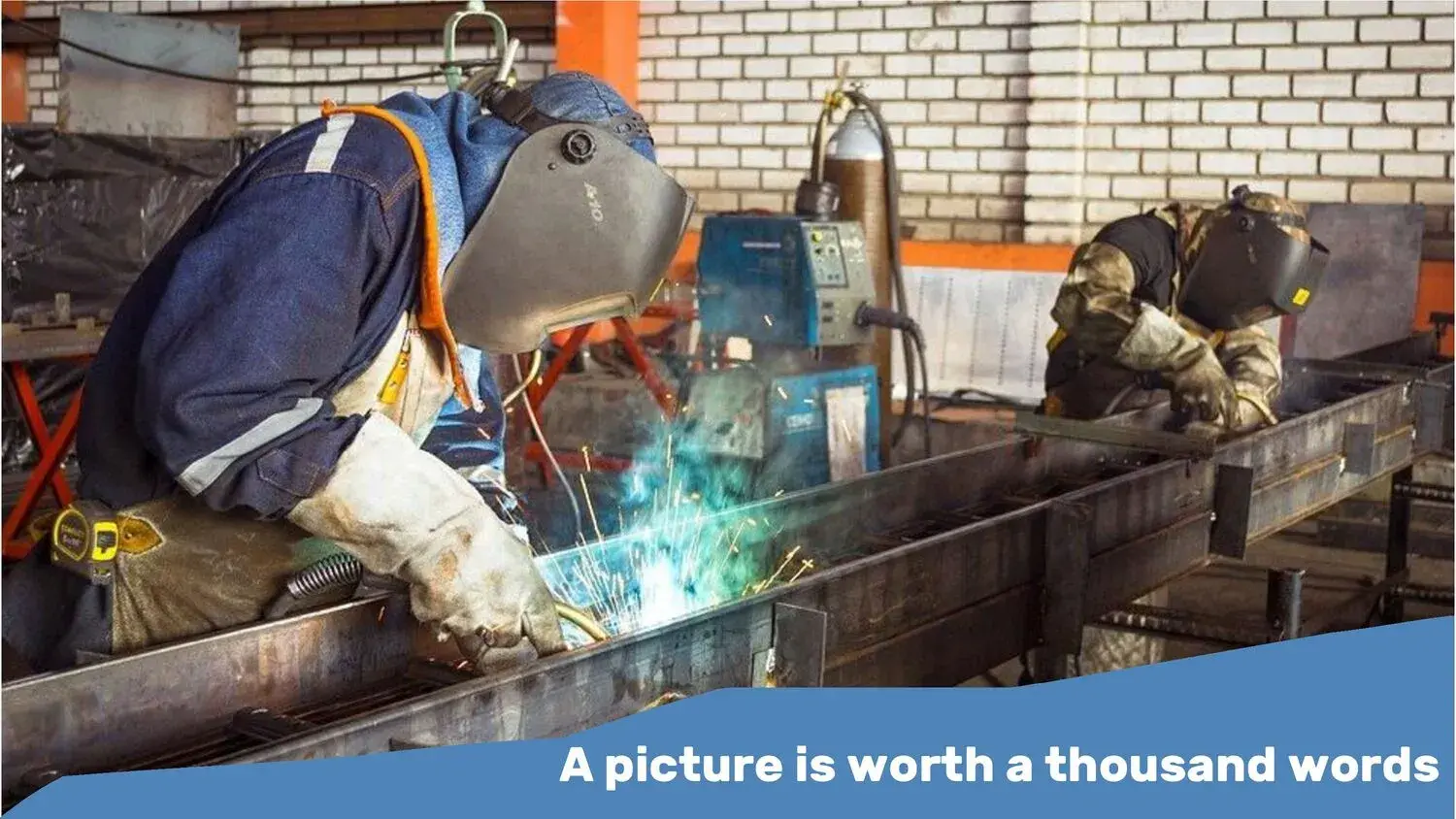
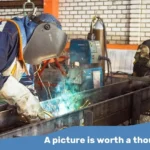
A poorly chosen technical image can cause confusion. That's why the high quality and fully editable images in this welding template add real value to the presentation.
Well-integrated images reinforce the message, contextualize the content, and raise the professional level of the presented material.
🛠️ Total customization without losing visual consistency
One of the great advantages of this welding PowerPoint template is its adaptability. Being 100% editable, it allows:
- Adjust colors
- Modify texts
- Reorganize charts
- Adapt tables and timelines
All this without losing visual coherence, precisely because the hallmark of the template is its well-integrated vectors, graphics, and editable elements.
🌐 Compatible with PowerPoint, Google Slides, and Canva
In professional environments, it's common to work with different platforms. This type of template is perfectly suited to:
- PowerPoint
- Google Slides
- Canva
Thanks to this, your editable charts, tables and images can be reused in different contexts without losing quality or functionality.
🏆 Why choose a welding PowerPoint template?
Because it brings together everything necessary for an effective technical presentation:
- Professional industrial design
- Editable vectors and graphics
- Clear and functional tables
- Well-structured timelines
- High quality images
- Complete, hassle-free editing
In my experience, when a template offers this level of visual resources, the final result always conveys greater credibility.