
















I've always believed that an educational presentation should be clear, engaging, and visually appealing. When I discovered the Tablet PowerPoint Template, I realized it had exactly what I needed to connect with my audience in a more dynamic way. From the very first moment, I noticed that this 36-slide presentation is perfect for interacting with viewers in a more fun way, thanks to its educational content, and that marked a turning point in how I organize my presentations.
Tablet-friendly design isn't just an aesthetic detail; it's a way to present content in a format familiar to students, professionals, and anyone who interacts with digital devices daily. That's why this template works so well in classes, training sessions, workshops, presentations, and meetings where a modern touch is desired.
🌟 A tablet-inspired design that makes learning easier
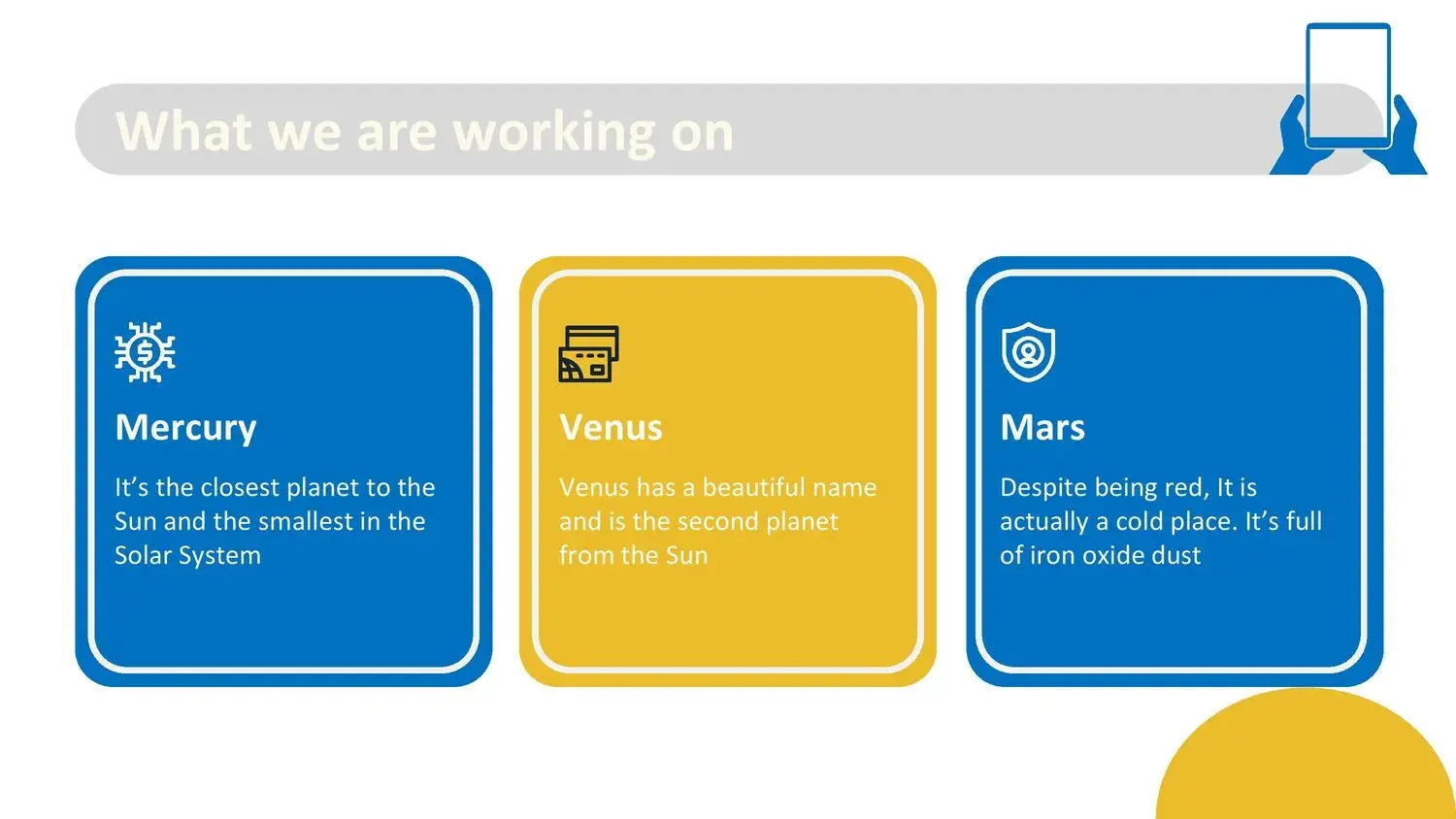
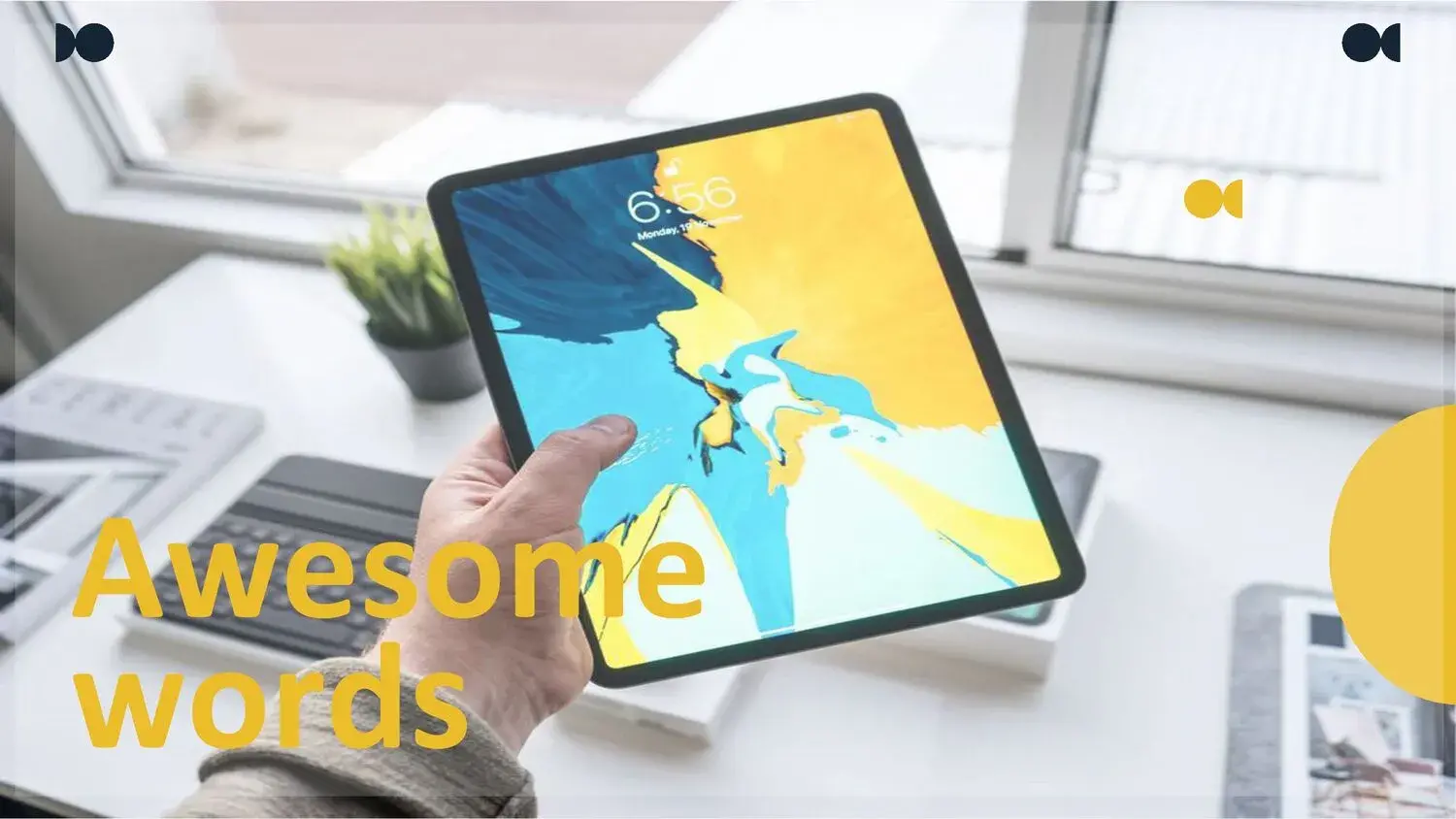
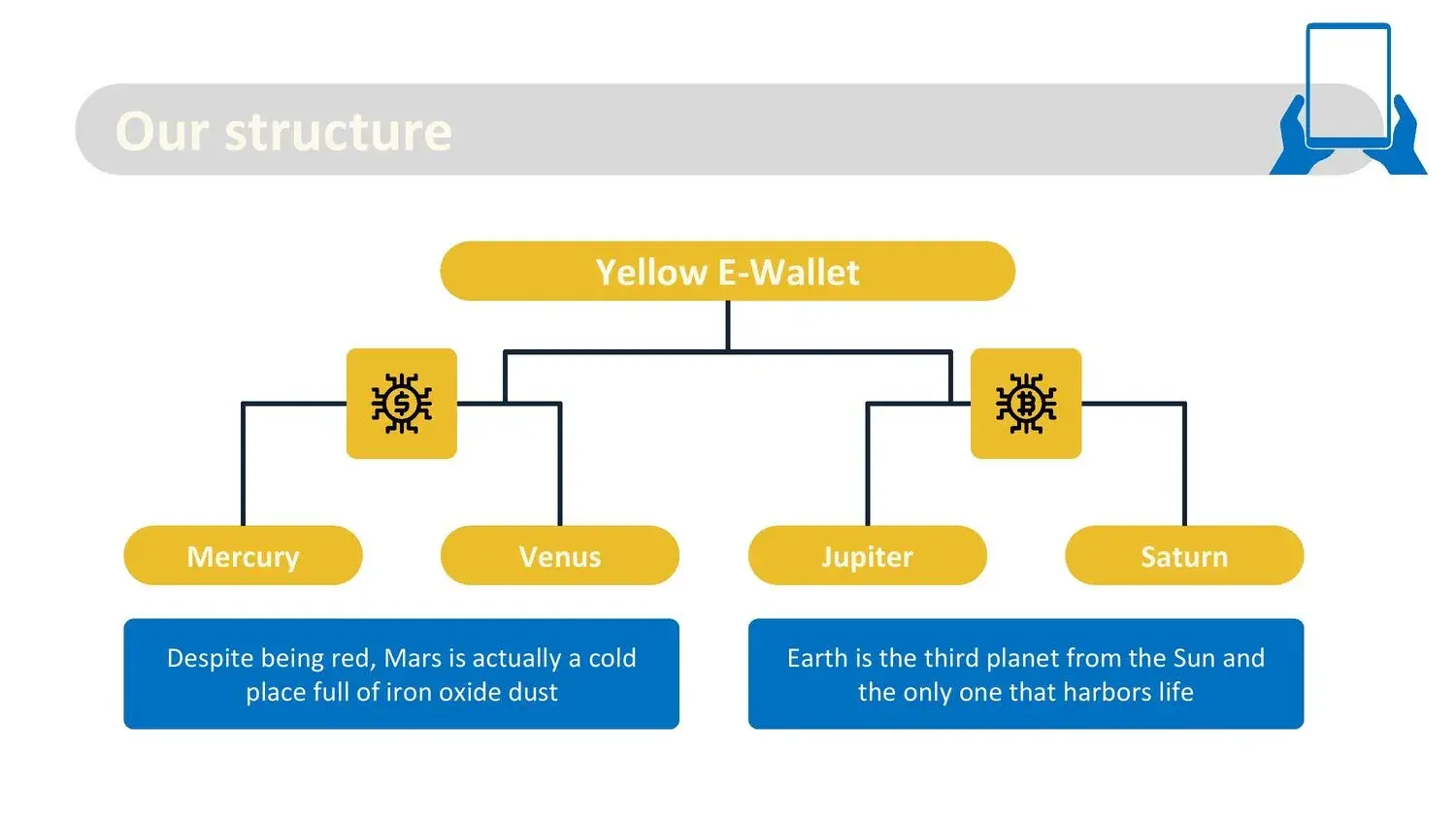
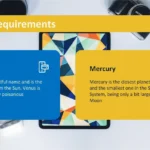
One of the things I liked most when I started using it is how each slide mimics a tablet interface. This makes the content more relatable and intuitive. Also, I immediately remembered that this 36-slide PowerPoint presentation is perfect for engaging viewers in a more fun way, thanks to its educational content, because each section features vibrant colors, friendly icons, and spaces designed to capture attention.
The backgrounds, illustrations, and frames have a style that blends childlike charm with modern design, making it ideal for children, teenagers, and adults alike. In fact, when I first used it in a classroom, the reaction was overwhelmingly positive: tablets create a more digital, up-to-date, and engaging environment.
🎒 Ideal for classes, workshops, training, and interactive content
If there's one thing this template does exceptionally well, it's supporting educational processes. The structure is perfect for:
✔️ Explain educational topics visually
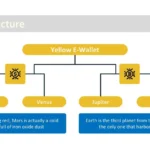
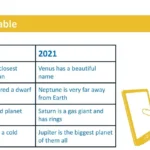
You can use each tablet as if it were a "screen" that contains a part of the content: definition, example, image, activity.
✔️ Create dynamic presentations
The colorful slides and technological style make even theoretical topics feel more entertaining.
✔️ Create visual activities or challenges
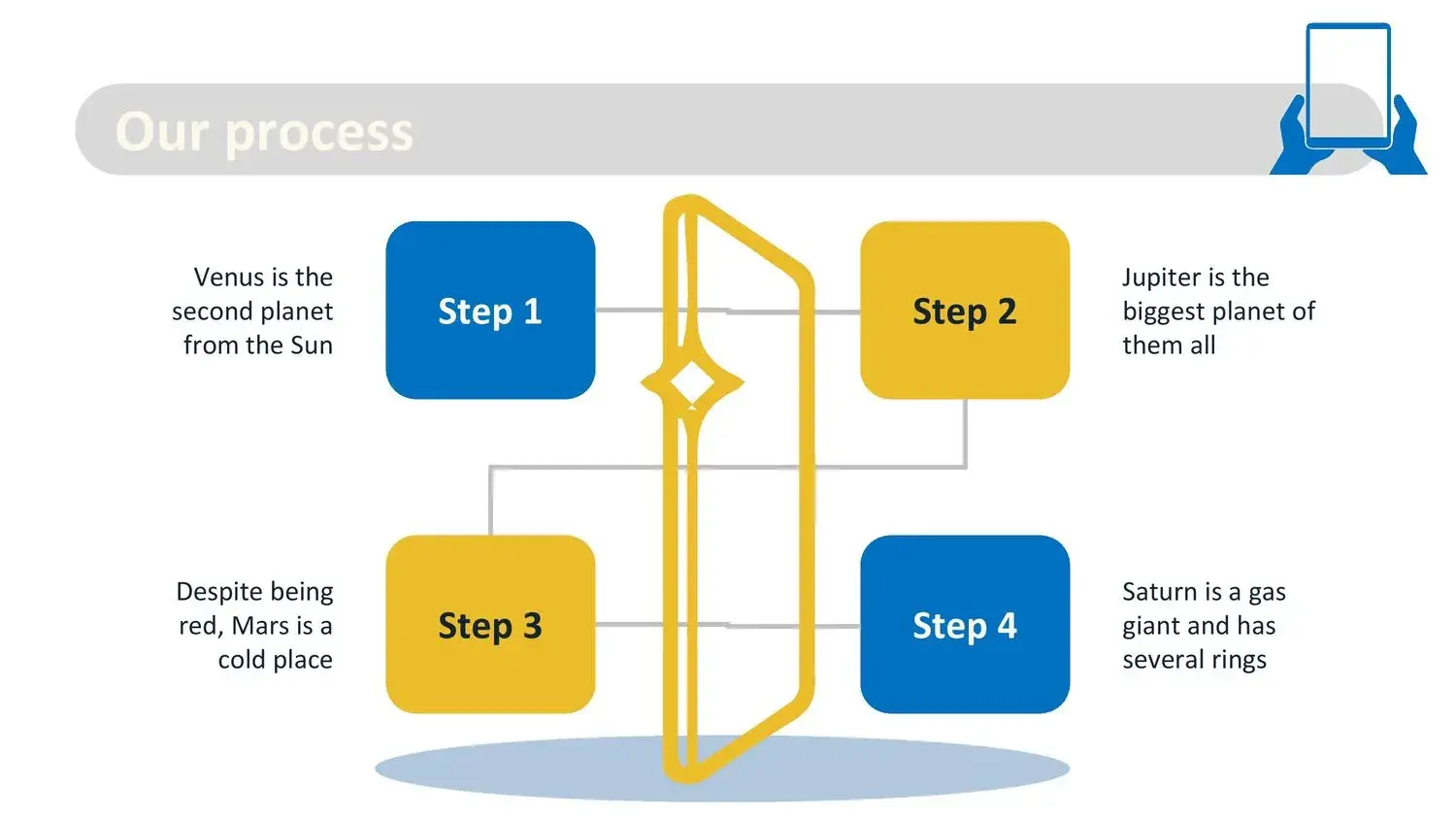
Each tablet is an ideal space for interactive proposals: questions, games, steps to follow, etc.
✔️ Presentations for children or teenagers
The design is fun without sacrificing professionalism. They feel "at home" because the format is familiar to them.
And while I was using it, it was reinforced in my mind that this 36-slide ppt is perfect for interacting with viewers in a more fun way, due to its educational content, because it was literally designed to capture attention within a learning environment.
🎨 Colors, icons, and visual style that create an immediate impact
Another aspect I loved was the color scheme: vibrant tones that highlight the content without being distracting. The editable icons help reinforce key ideas, and the 16:9 aspect ratio fits perfectly on any screen.
Each slide is a small "device" where you can insert:
- Short texts
- Educational illustrations
- Photographs
- Comparisons
- Activities
- Schedules
- Questions
- Graphics
While reorganizing my activities, I appreciated once again that this 36-slide ppt is perfect for interacting with viewers in a more fun way, due to its educational content, because each tablet allows for better structuring of information without overloading it.
📈 How to get the most out of it (my best recommendations)
✔️ Use educational images within the tablets
This creates a sense of real interaction, as if the content were inside the device.
✔️ Keep the text short
Aesthetics work best when using visual content + key phrases.
✔️ Take advantage of the slides designed for activities
They can function as quizzes, games, challenges, or reflections.
✔️ Combine this template with subtle transition effects
It adds a modern touch without being distracting.
✔️ Alternate colors and sections
Tablets allow you to divide content very clearly.
And every time I applied these tips, I became even more convinced that this 36-slide ppt is perfect for interacting with viewers in a more fun way, due to its educational content, because it makes the dynamic between presenter and audience much smoother.




