




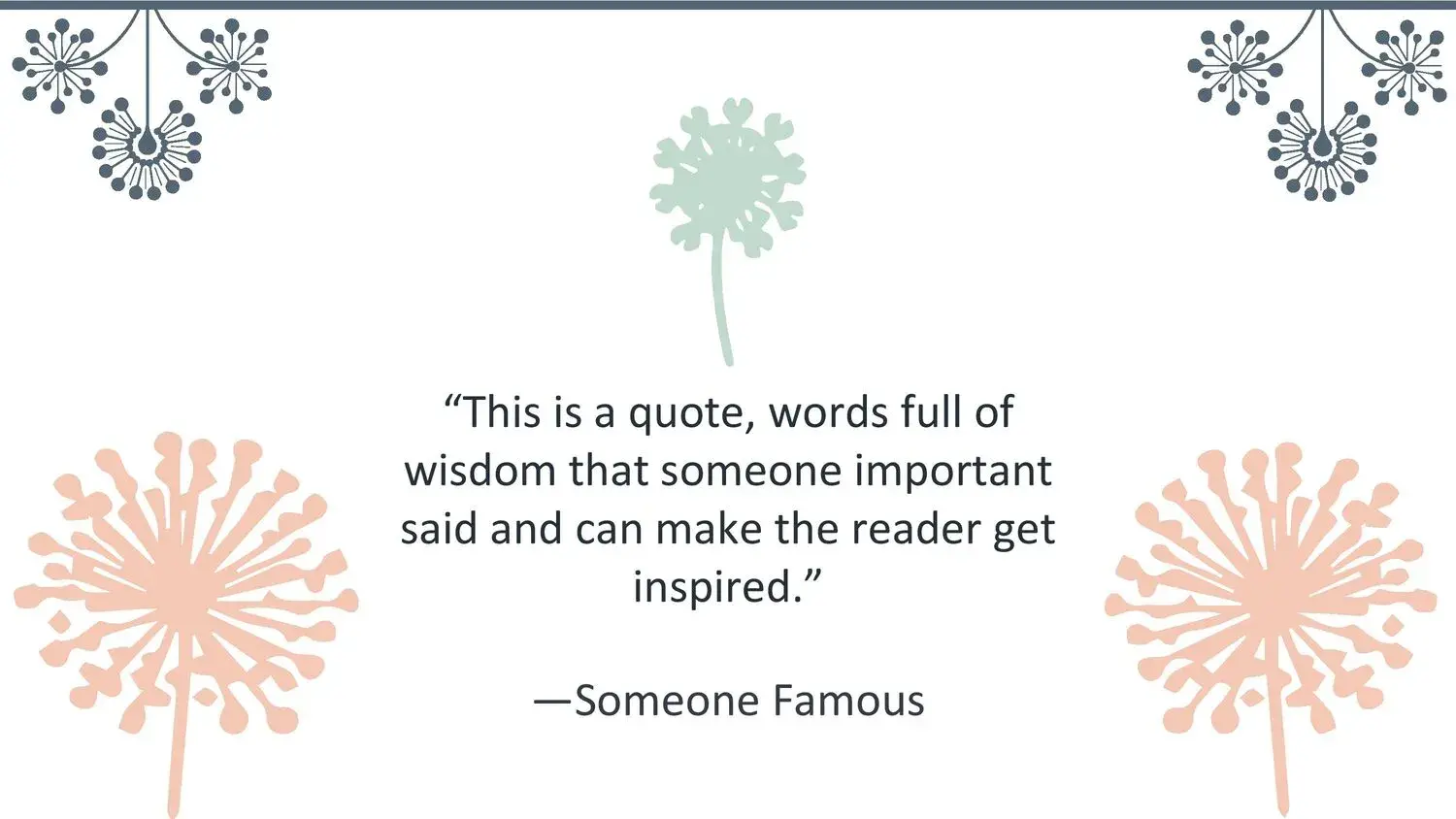














Whenever I prepare a presentation where I want to convey elegance, calm, and a visually clean message, I turn to natural themes. There's something about floral elements that helps the content breathe and flow more smoothly. That's why, when I found the Dandelion PowerPoint Template, I knew immediately that it was just the kind of resource that could elevate the aesthetics of my slides. And I confirmed this when I saw that the dandelion template has a wide visual impact due to the high-quality, 100% editable images and vectors that make up this resource, something that truly gave me the freedom to customize it without losing quality.
From the very first slide, it's clear this template is designed to convey both naturalness and professionalism. The dandelion, with its subtle and symbolic shape, fits perfectly in presentations where you need a balance between visual design and understated elegance. It's a theme that inspires, softens, and adds a touch of poetry to the content without overwhelming it.
🌿 A clean and natural design conceived for visual clarity
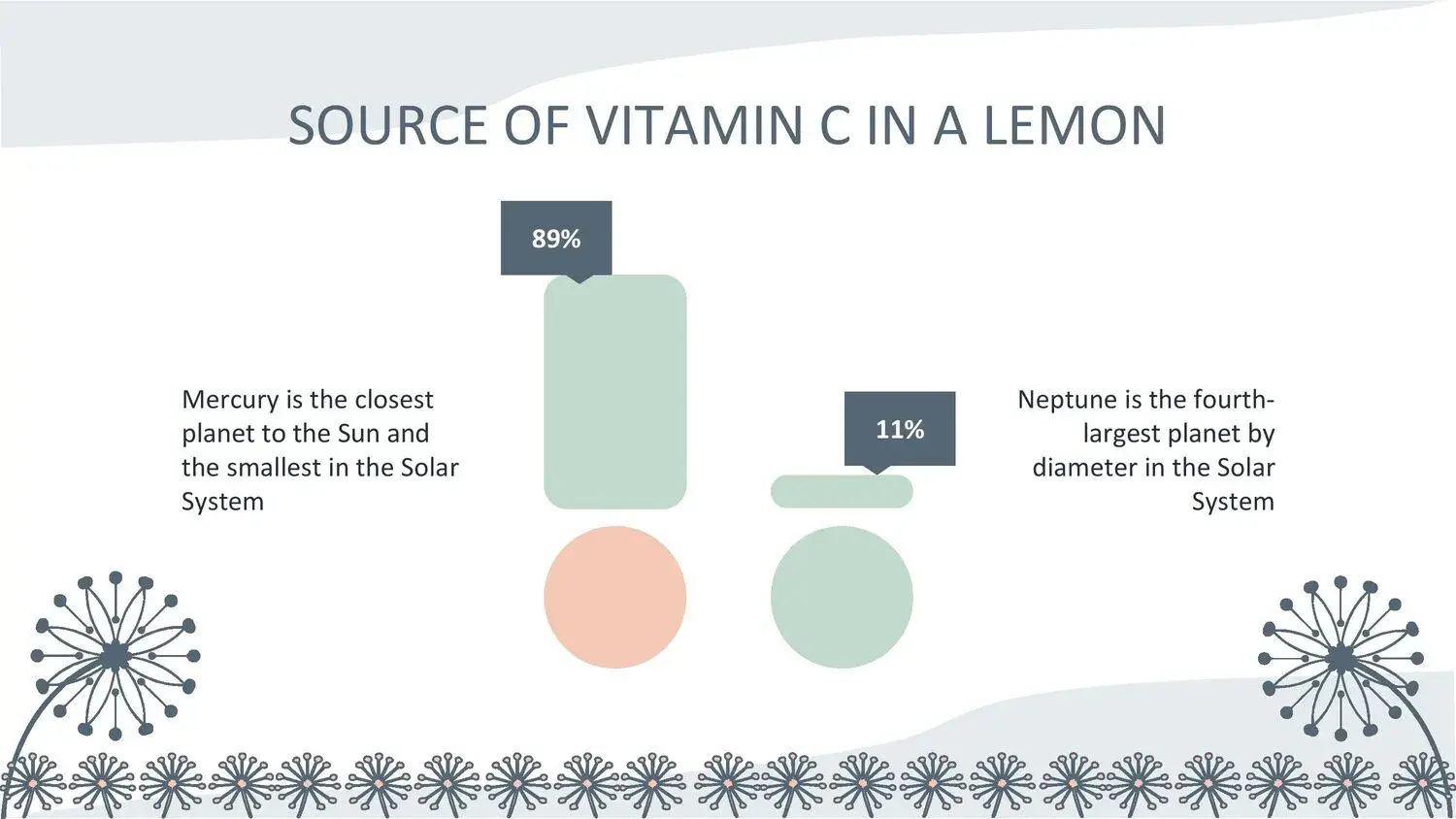
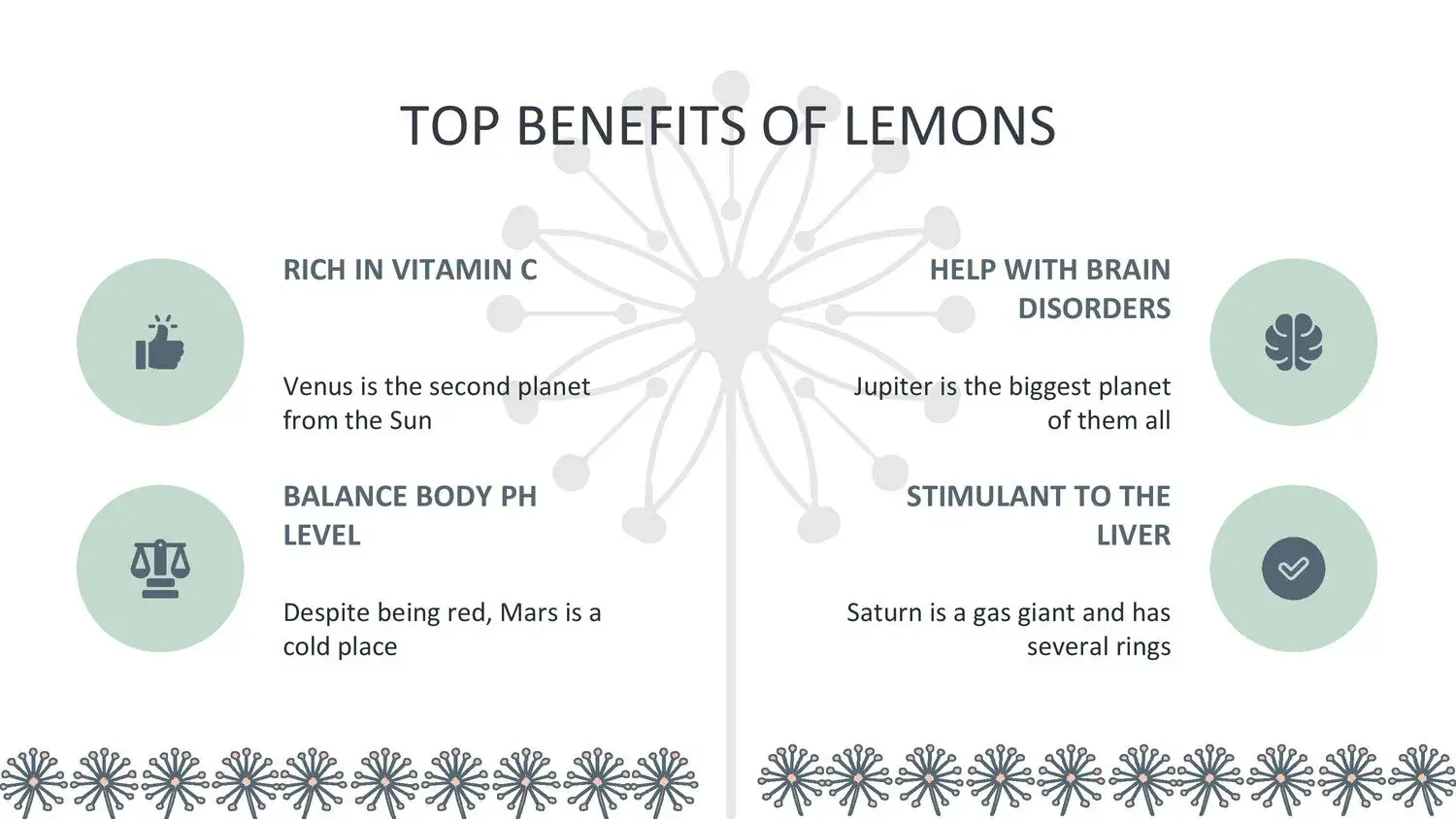
One of the first things that caught my eye was the visual quality of its images. It's clear that the dandelion template has a wide visual impact due to the high-quality, 100% editable images and vectors that make up this resource, and this is evident on every slide. This type of aesthetic works very well when you want the content to stand out without competing with busy backgrounds.
Minimalist design is present in:
- White or soft-toned backgrounds.
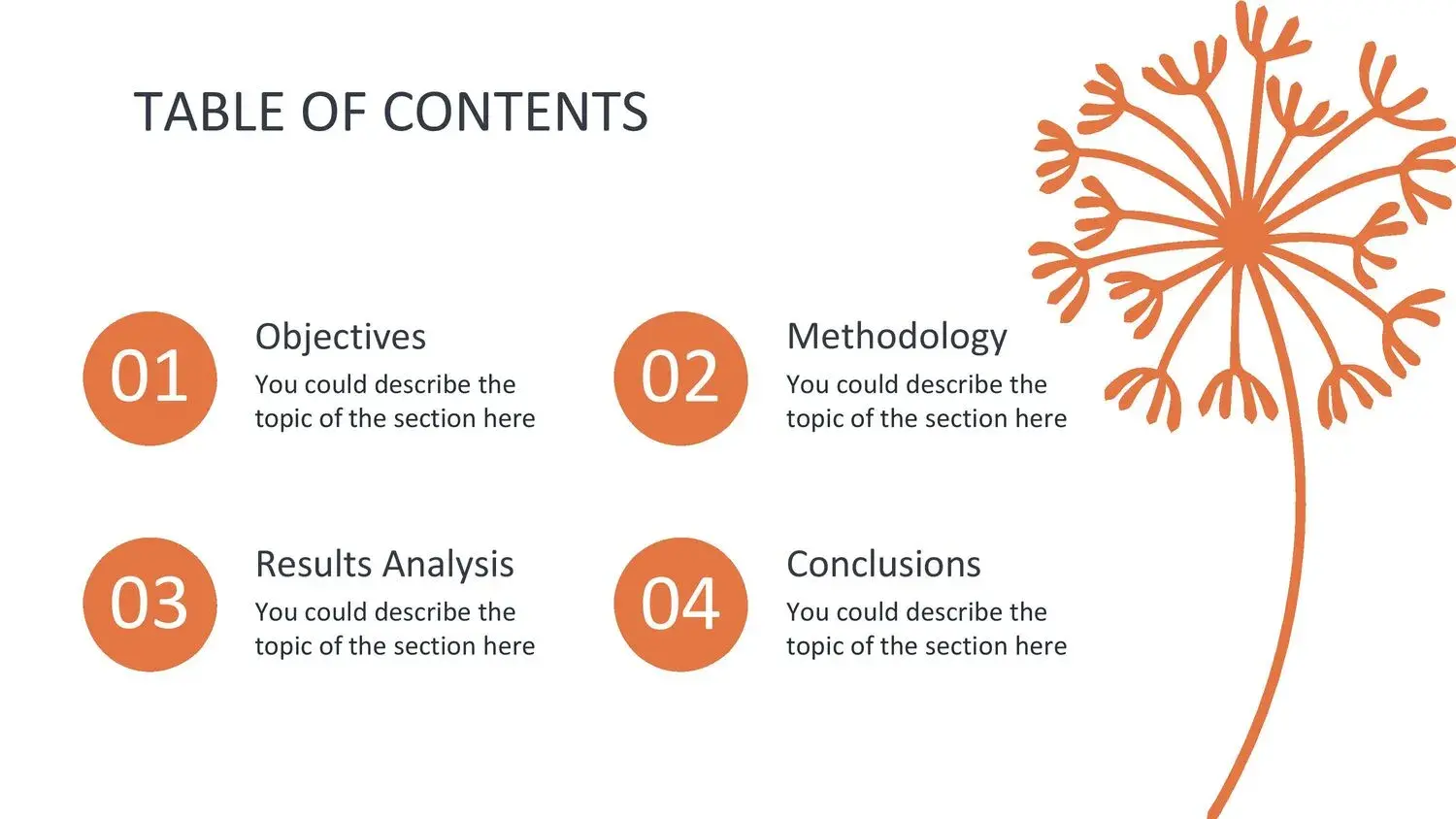
- Delicate illustrations of the dandelion flower.
- Centered compositions that convey serenity.
- Clean, modern, and fully editable vectors.
This style allows you to create visually impactful presentations without cluttering the screen. It's perfect for audiences who prefer clear, professional content.
🎨 An elegant and perfectly balanced visual palette
The color balance is one of the great strengths of this template. The soft tones—whites, light grays, muted greens, or beige—allow the dandelion to take center stage without the need for other distracting elements.
As I moved through the slides, I was once again struck by that sense of visual precision I had already noticed when I said that the dandelion template has a broad visual impact due to the high quality of the 100% editable images and vectors that make up this resource. This aesthetic consistency greatly facilitates reading and audience focus.
📚 Versatile for educational, corporate, or personal projects
Although the theme is floral, its professional design makes it an ideal template for multiple contexts, not just creative ones.
It is especially useful for:
- Minimalist corporate presentations
- Educational projects with a visual approach
- Workshops on well-being, nature or mindfulness
- Creative portfolios
- Personal or artistic presentations
- Reports where you seek clarity and style
- University projects with a clean aesthetic
- Inspirational or motivational content
In all these scenarios, his style brings a fresh and modern feel that makes any information look more organized.
✨ Details that make the Dandelion PowerPoint Template special
There are pretty templates, and then there are truly functional and elegant templates. And this one belongs to the second group.
What I want to highlight most is:
✅ High-quality images
The sharpness of each illustration allows it to be enlarged, moved, or recolored without losing detail.
✅ 100% editable vectors
I was able to verify this firsthand —and again I remembered that the dandelion template has a wide visual scope due to the high quality of the 100% editable images and vectors that make up this resource— by customizing various elements without them becoming distorted.
✅ Clean and tidy structure
Each section has a clear purpose, which facilitates the organization of the content.
✅ Full compatibility
It works perfectly in PowerPoint, Google Slides, and Canva.
🧠 How to leverage this template for more effective presentations
Over time, I've learned how to get the most out of minimalist templates like this one. Some recommendations I use are:
🎯 1. Keep it simple
The design is already elegant in itself. Use it to your advantage.
🎯 2. Leave blank space
It allows the contents to breathe.
🎯 3. Use consistent tones
The template already provides a smooth base that you can extend to graphics and icons.
🎯 4. Support the message with subtle images
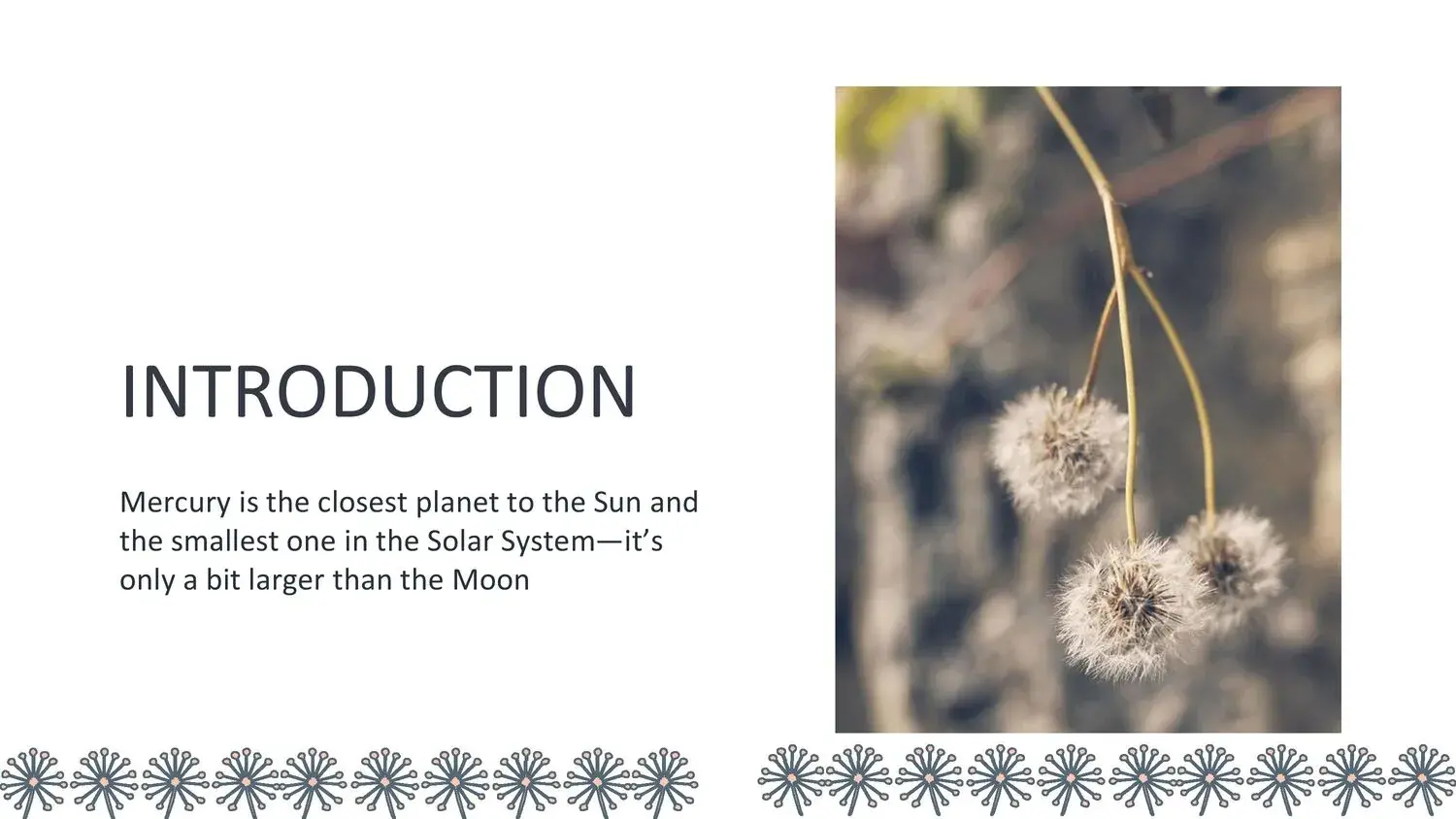
The dandelion illustrations provide a relaxing feeling, ideal for calmly explaining complex ideas.
Every time I adjust a slide, I remember that the dandelion template has a wide visual range due to the high quality of the 100% editable images and vectors that make up this resource, and that allows me to work freely without worrying about resolution issues.




