







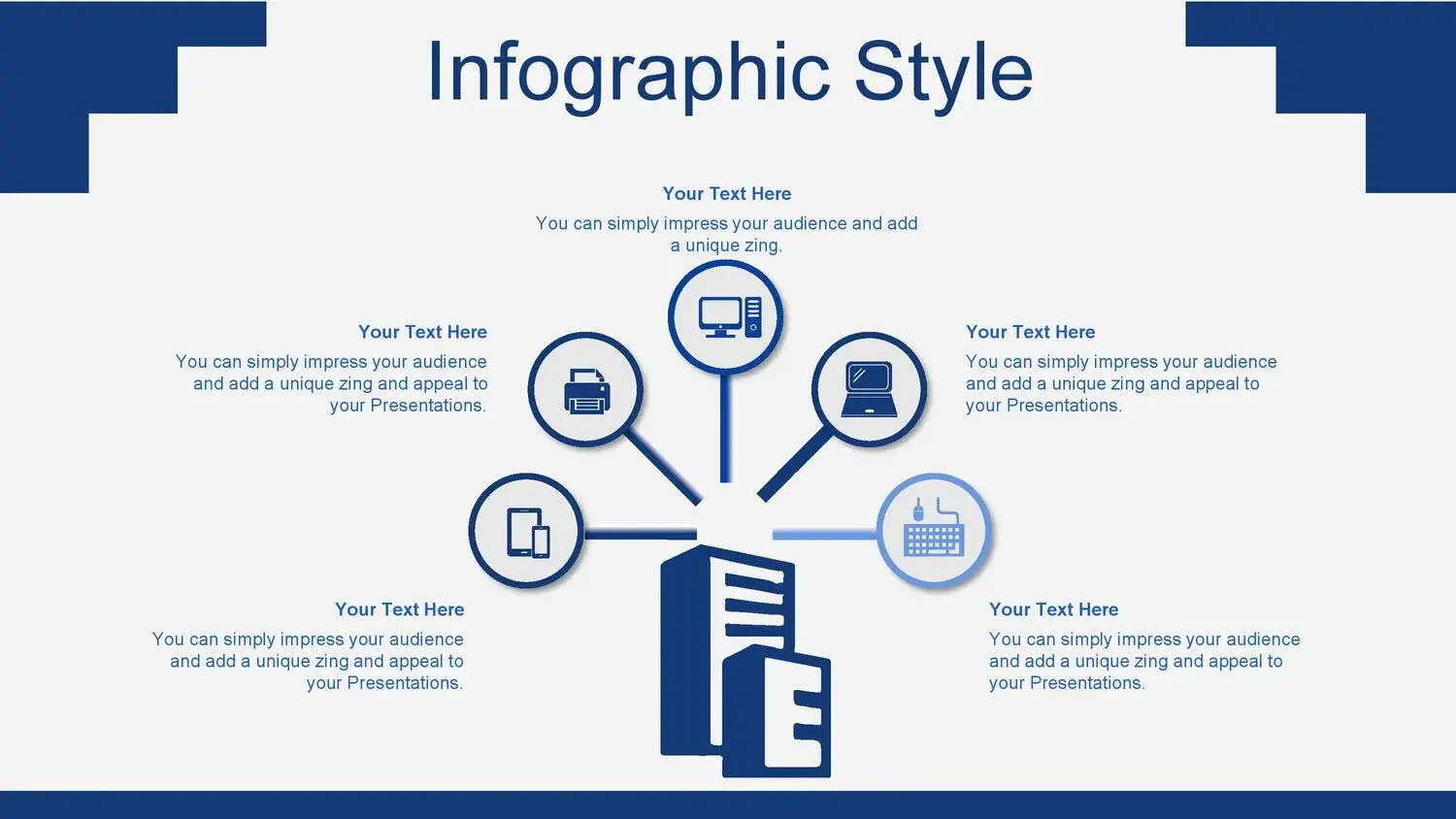


























When we talk about a Corporate Style PowerPoint Template, we are not simply talking about a combination of sober colors and formal fonts.
We are talking about a strategic tool that projects leadership, organization, and authority from the very first slide.
In business environments, perception is everything.
🎯 What is a Corporate Style PowerPoint Template?
A corporate PowerPoint template is a professional design intended for:
- Business presentations
- Financial reports
- Executive projects
- Commercial proposals
- High-level meetings
What makes the difference is that it's not just about aesthetics, but about visual structure.
In my case, I discovered that this corporate-style template for PowerPoint and Google Slides features many editable vectors, making it easy to adapt graphics, diagrams, and visual elements without losing professional consistency.
And that, in a business environment, saves time and improves results.
🔵 Blue as a corporate symbol
The color blue is not accidental in the business world.
In fact, this corporate-style template uses the color blue as a symbol of the presentation, reinforcing values such as:
- Trust
- Security
- Stability
- Professionalism
Big brands use blue because it creates a sense of order and credibility.
When a presentation uses a well-structured corporate blue background, the message gains weight even before you start speaking.
🧩 Editable vectors: the key to customization
One of the most powerful elements of this professional corporate template is that it includes many editable vectors.
This means you can:
- Modify icons
- Adjust graphics
- Customize diagrams
- Adapt visual elements to your brand
You are not limited to static images.
You are working with a dynamic design that adapts to your business needs.
And when a template allows that flexibility in both PowerPoint and Google Slides, it becomes a truly functional tool.
📊 Ideal for executive and business presentations
A corporate-style PowerPoint template is perfect if you need:
- Present quarterly results
- Present strategic plans
- Defend investment projects
- Show financial analysis
- Prepare business proposals
In all these cases, visual consistency is fundamental.
El uso del azul como símbolo institucional ayuda a transmitir estabilidad y control, algo imprescindible en contextos empresariales.
🧠 Modern and minimalist corporate design
Modern business design is not based on an excess of elements.
It is based on:
- Well-distributed spaces
- Clean typography
- Strategic use of color
- Clear visual hierarchy
A well-designed corporate template prevents saturation and allows data to breathe.
That's something I noticed immediately when working with well-integrated editable vectors: the information doesn't compete with the design, it complements it.
⚙️ Full compatibility: PowerPoint and Google Slides
Today, flexibility is key.
This corporate-style template for PowerPoint and Google Slides allows you to:
- Simple edition
- Rapid adaptation
- Collaborative work
- Export in multiple formats
It doesn't matter if you work in a traditional or digital corporate environment.
Compatibility guarantees efficiency.
🚀 Differences compared to other corporate templates
Not all business templates offer:
- Fully editable vectors
- Strategic use of corporate blue
- Coherent professional design
- Real adaptability
Many templates look professional, but lack a solid structure.
When a template integrates editable vectors and maintains blue as the central symbol of the presentation, the experience changes completely.
It feels more professional.
More solid.
More strategic.




