


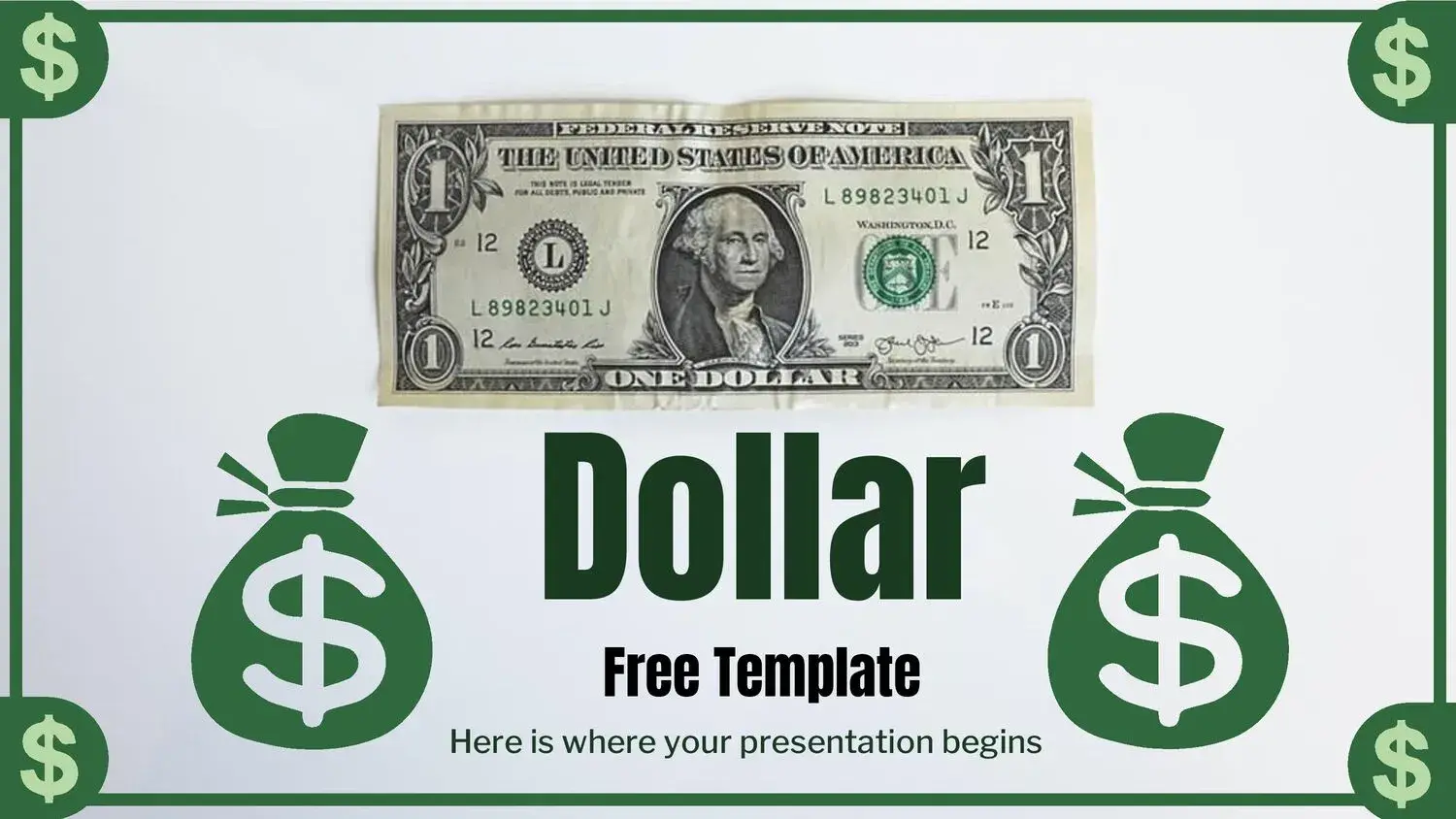
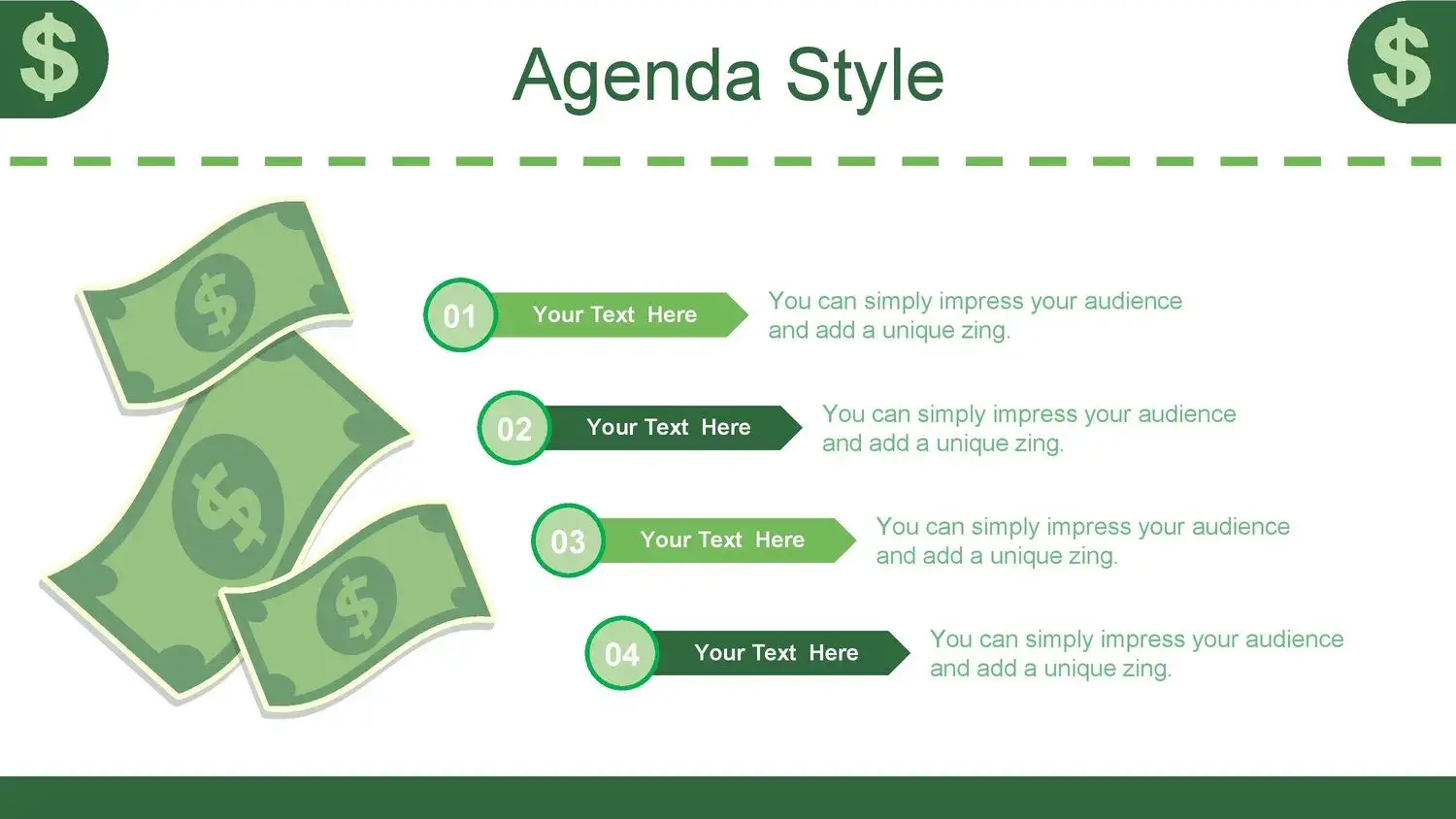
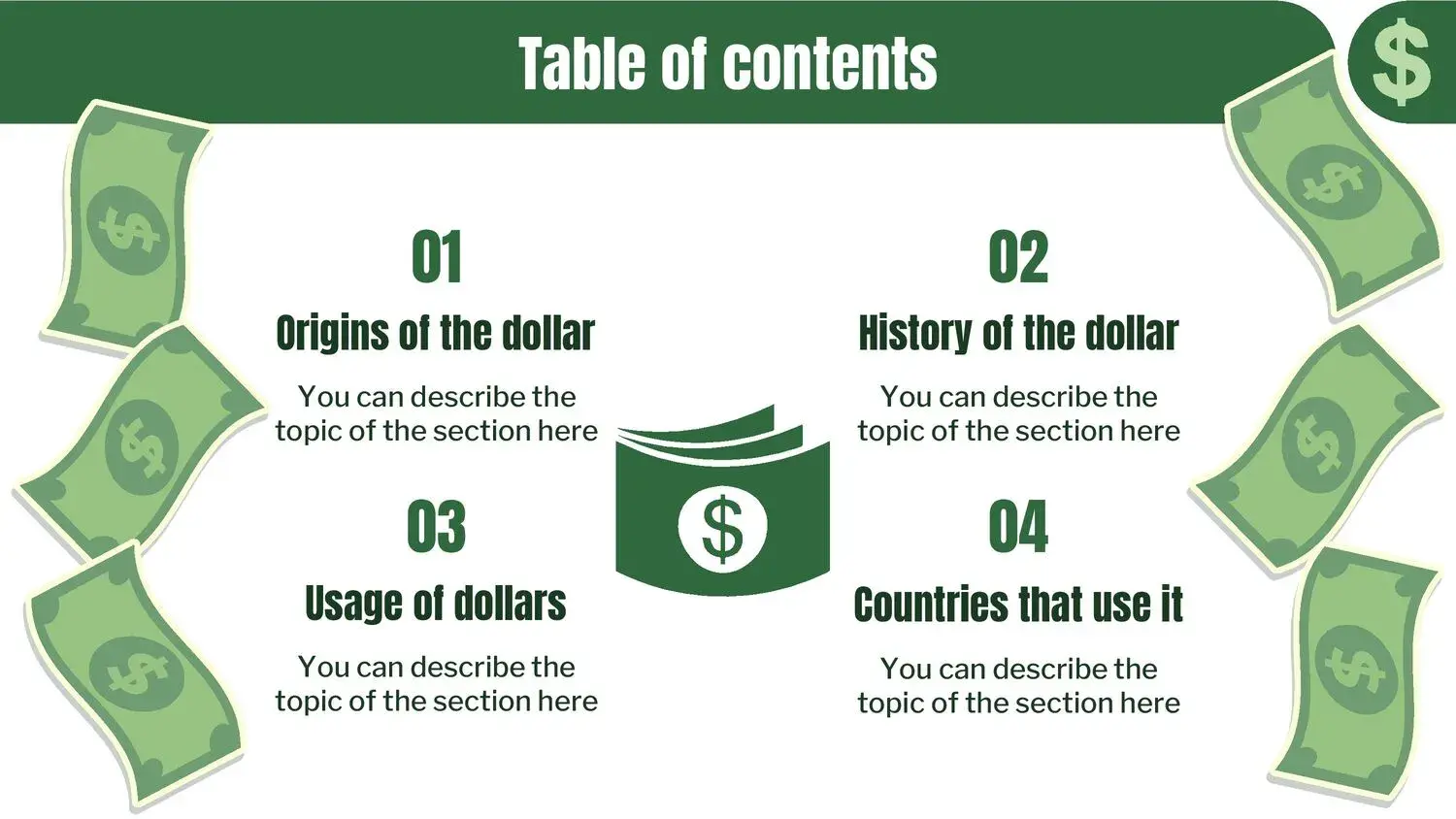












When we talk about presentations that convey success, ambition, and economic growth, image is everything.
Having solid data is not enough.
Well-made graphics are not enough.
The way you present your information can either raise or lower the perception of your project.
And that's where a Dollars Style PowerPoint Template makes all the difference.
Because if you want to increase your level in this type of activity, you need to get hold of this PPT resource and implement the information in your presentation in a strategic and visually powerful way.
Why choose a dollar-themed template?
The theme of money is not just aesthetic.
It symbolizes:
- Profitability
- Growth
- Business
- Finance
- Entrepreneurship
- Investment
A PowerPoint template about dollars immediately communicates that you are talking about results, figures, opportunities, and financial success.
In corporate presentations, investment proposals, or business plans, this creates a powerful first impression.
What type of presentations does it work best for?
A money-style template is ideal for:
- Entrepreneurship presentations
- Investment projects
- Financial plans
- Investor pitch
- Economics classes
- Business conferences
- Quarterly results
- Marketing and sales workshops
I have found that when you use a design aligned with the financial theme, the audience connects with the message more quickly.
Because he doesn't just hear numbers... he visualizes them.
Key elements of a good Dollar-style PowerPoint template
Not just any design using banknotes works.
A professional template should include:
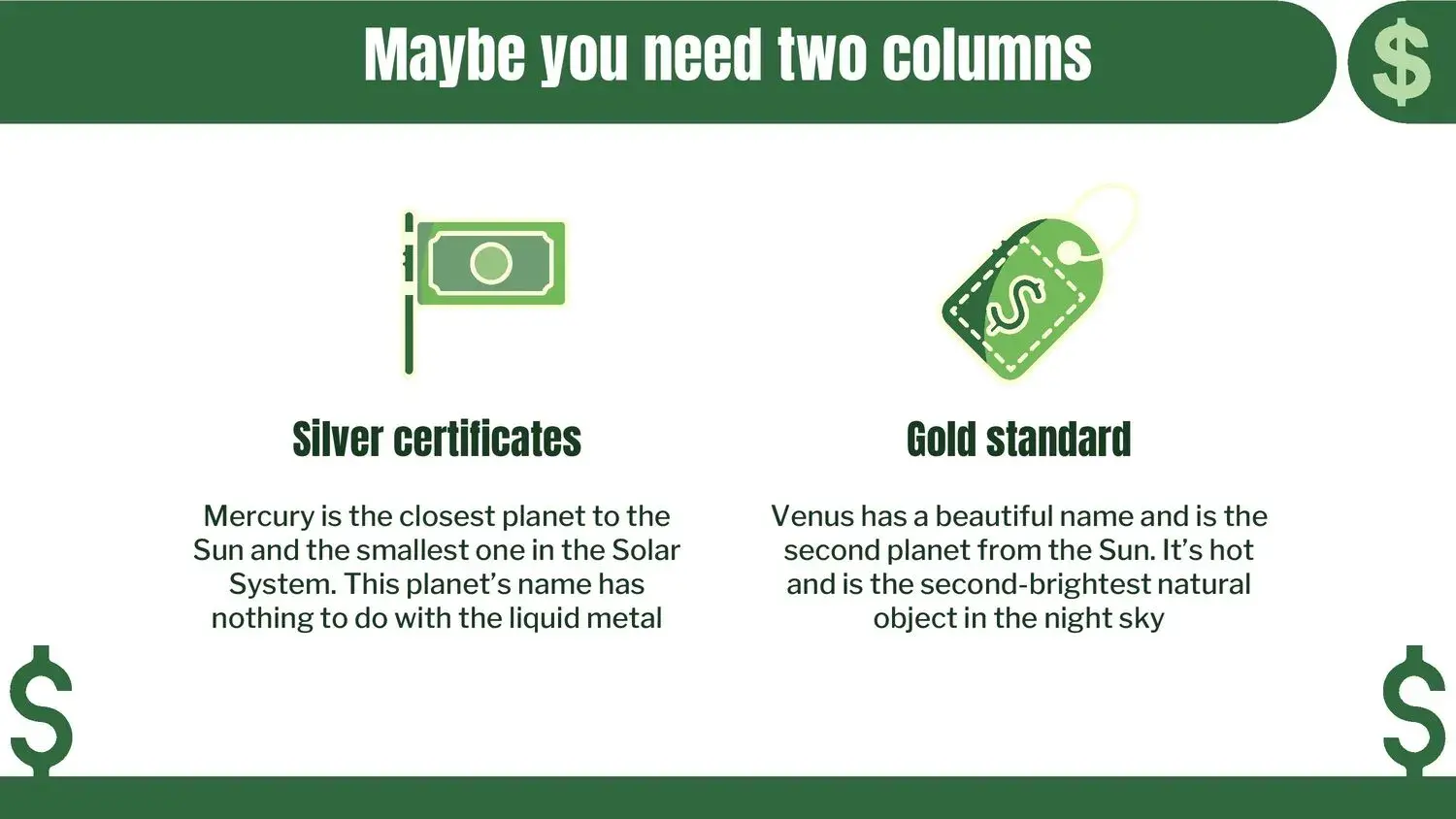
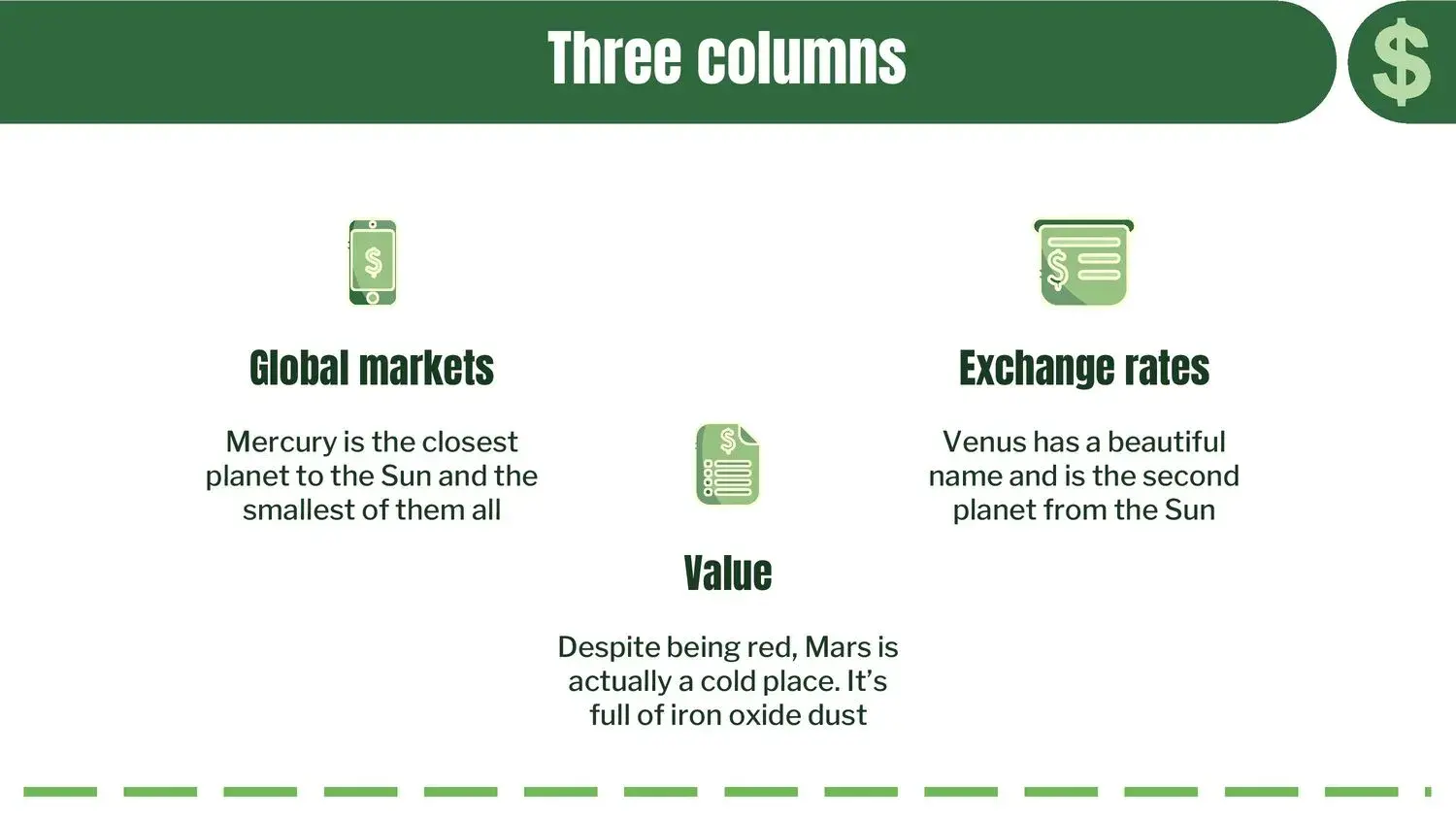
- Clean and balanced slides
- Ample space for financial charts
- Editable vectors
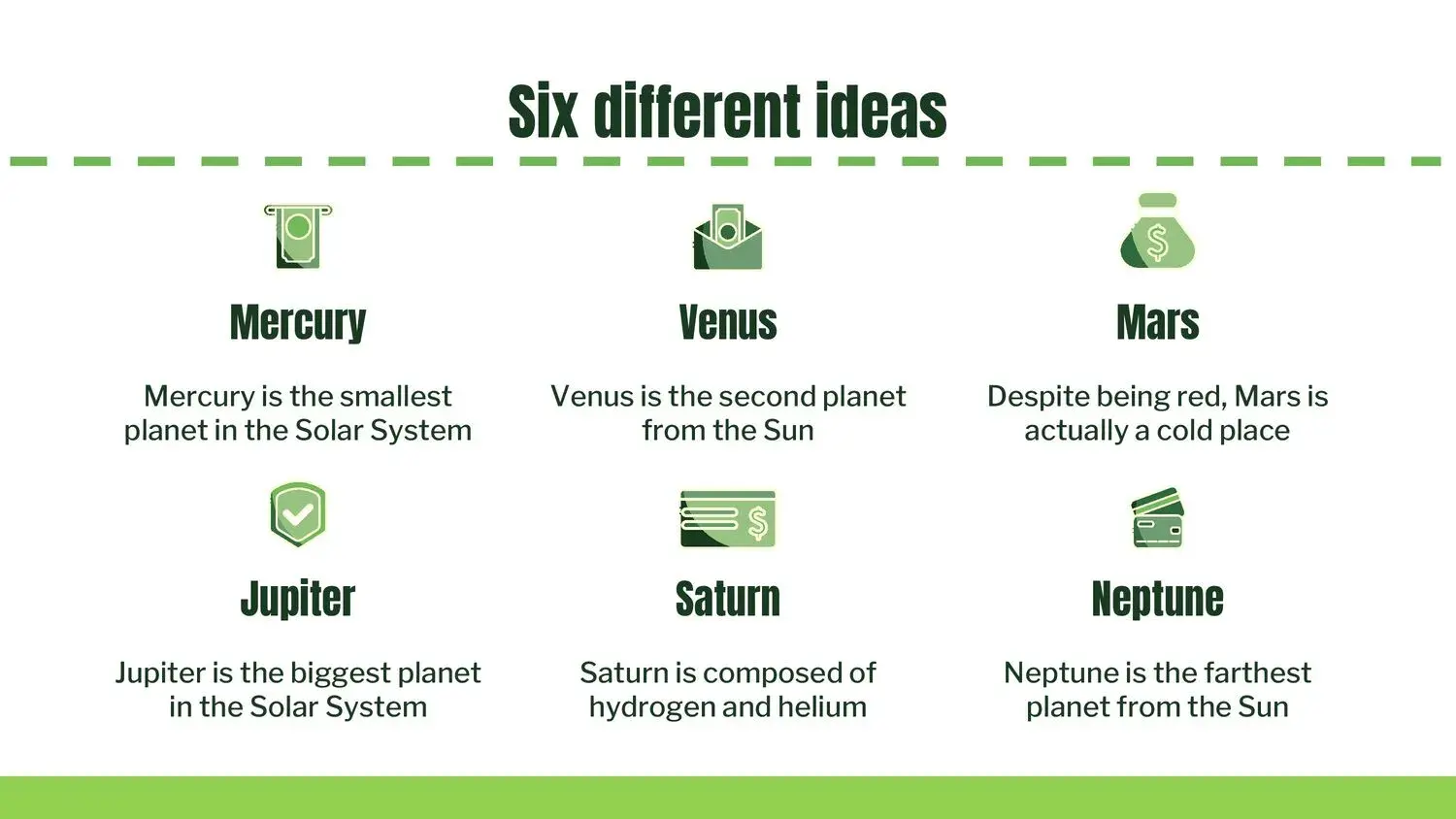
- Business iconography
- Comparative tables
- Designs for affordable infographics
- Slides for SWOT analysis
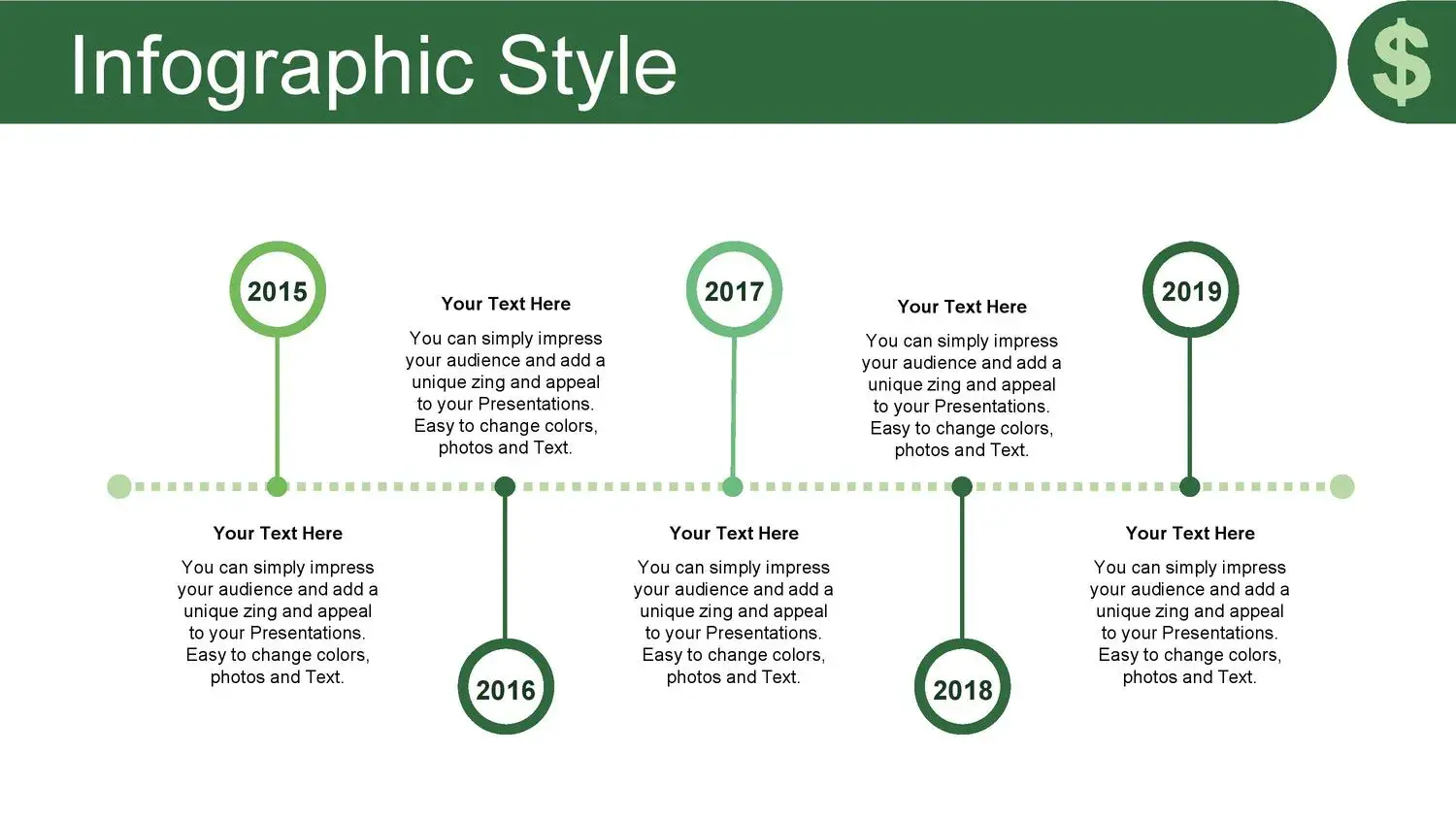
- Growth schedules
And, above all, visual coherence.
Too many images of banknotes can look unprofessional if they are not well integrated.
Strategic advantages of using a financial template
This is where many underestimate the power of design.
If you want to improve your skills in this type of activity, you need to get this PPT resource and implement the information in your presentation with a strategic intention.
A suitable template allows you to:
✔ Convey authority
✔ Reflect professionalism
✔ Increase the perception of value
✔ Generate visual impact
✔ Facilitate data understanding
In the business world, perception matters as much as information.
How to correctly implement the information in the template
It's not just about downloading the template.
It's about knowing how to use it.
I recommend:
- Do not overload the slides
- Use a maximum of 6 lines per slide
- Prioritize visual graphics
- Respect the color palette
- Maintain typographic consistency
- Insert relevant and specific data
The team is the vehicle.
Tu contenido es el motor.
But both must work together.
Differences between a standard template and a professional dollar-style template
A basic template:
- It has generic funds
- It is not geared towards a specific sector.
- It lacks a strategic structure
A financial theme template:
- It is designed for business
- It makes it easier to show projections
- It visually reinforces the economic message
- Includes executive layouts
And that completely changes the viewer's experience.
Is it compatible with Google Slides?
Yeah.
The best dollar-style templates are usually:
- 100% editable
- Compatible with PowerPoint
- Adaptable to Google Slides
- Easy to customize
This allows you to work both online and offline without losing quality.
Tips to stand out from the competition
If you are going to present an investment project or business proposal, remember:
- The first impression happens in the first 15 seconds.
- The design conveys confidence.
- Visual order conveys mental clarity.
- Consistency conveys professionalism.
That's why I insist: if you want to increase your level in this type of activity, you have to get this PPT resource and implement the information in your presentation strategically.
The right design is not an expense.
It is a personal positioning tool.
Conclusion
A Dollars Style PowerPoint Template is not just an eye-catching design.
It is a strategic visual resource for financial, business, and entrepreneurial presentations.
When used correctly:
- Elevate your professional image
- Strengthen your message
- It increases the perception of success
- Improve your connection with your audience
And in the business world, that visual advantage can make the difference between a forgettable presentation and a closed opportunity.




