









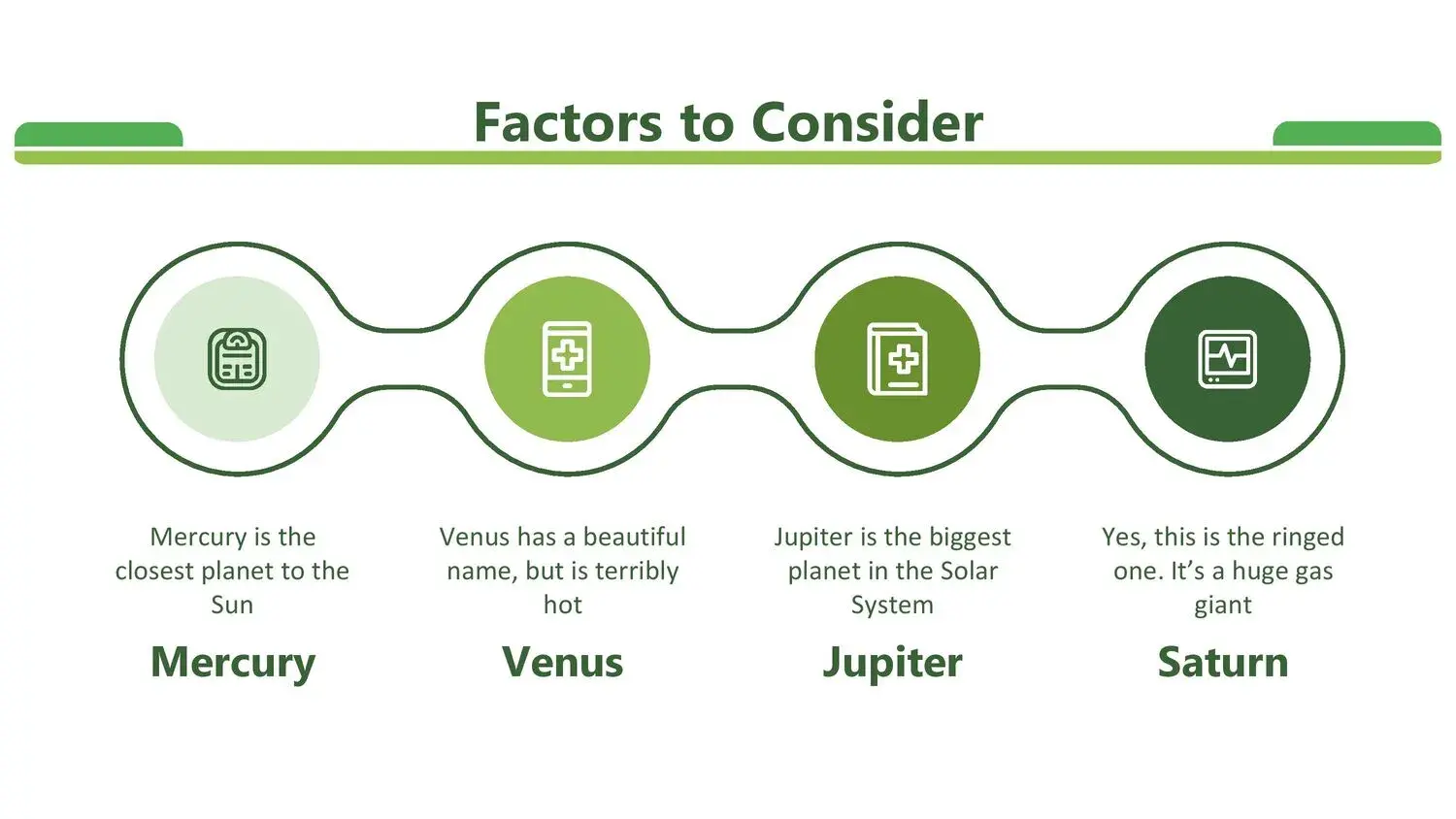
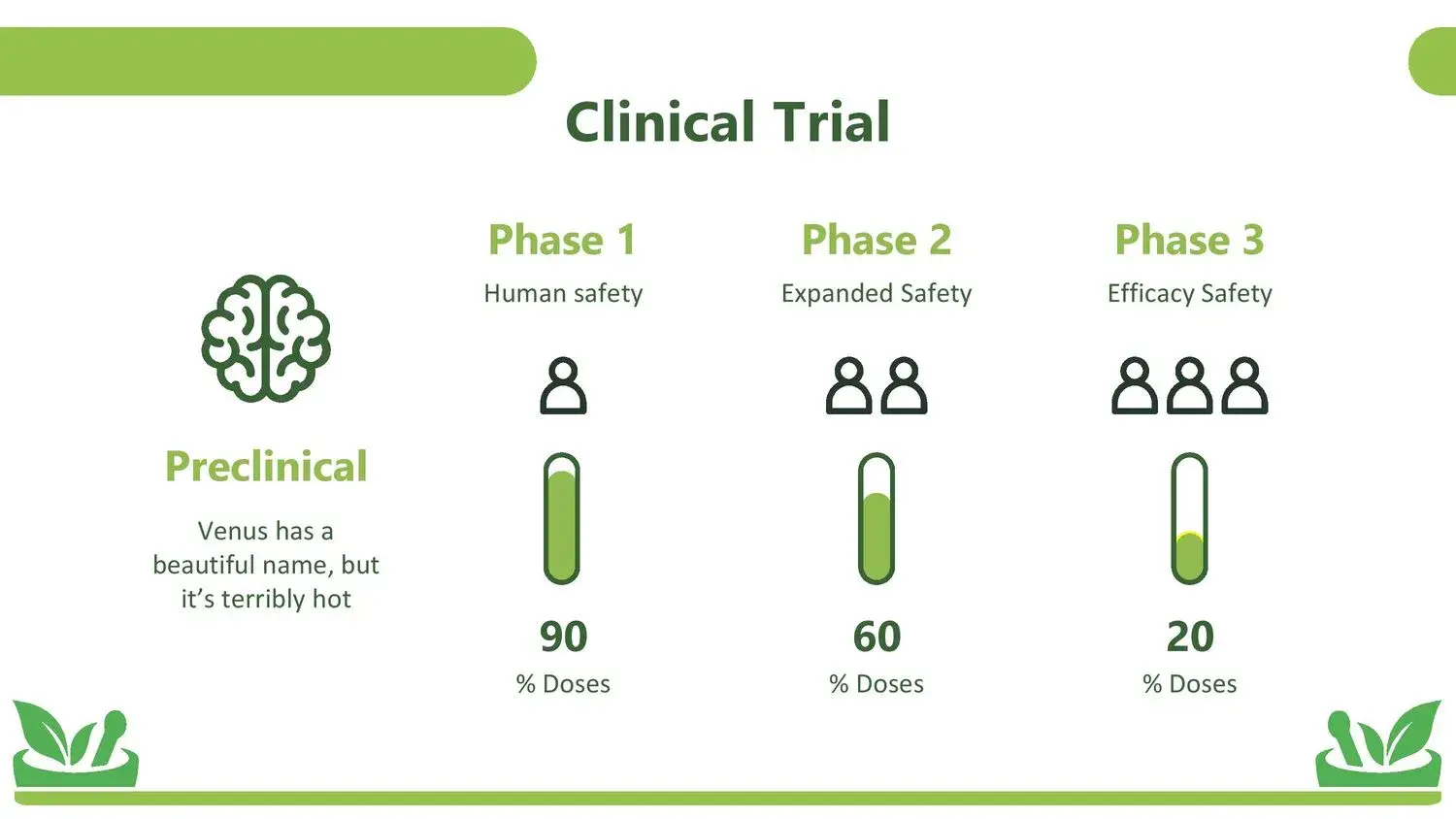








If you're preparing a presentation on natural therapies, alternative medicine, or herbal treatments, choosing a good natural medicine PowerPoint template can make the difference between an ordinary presentation and one that truly connects with your audience.
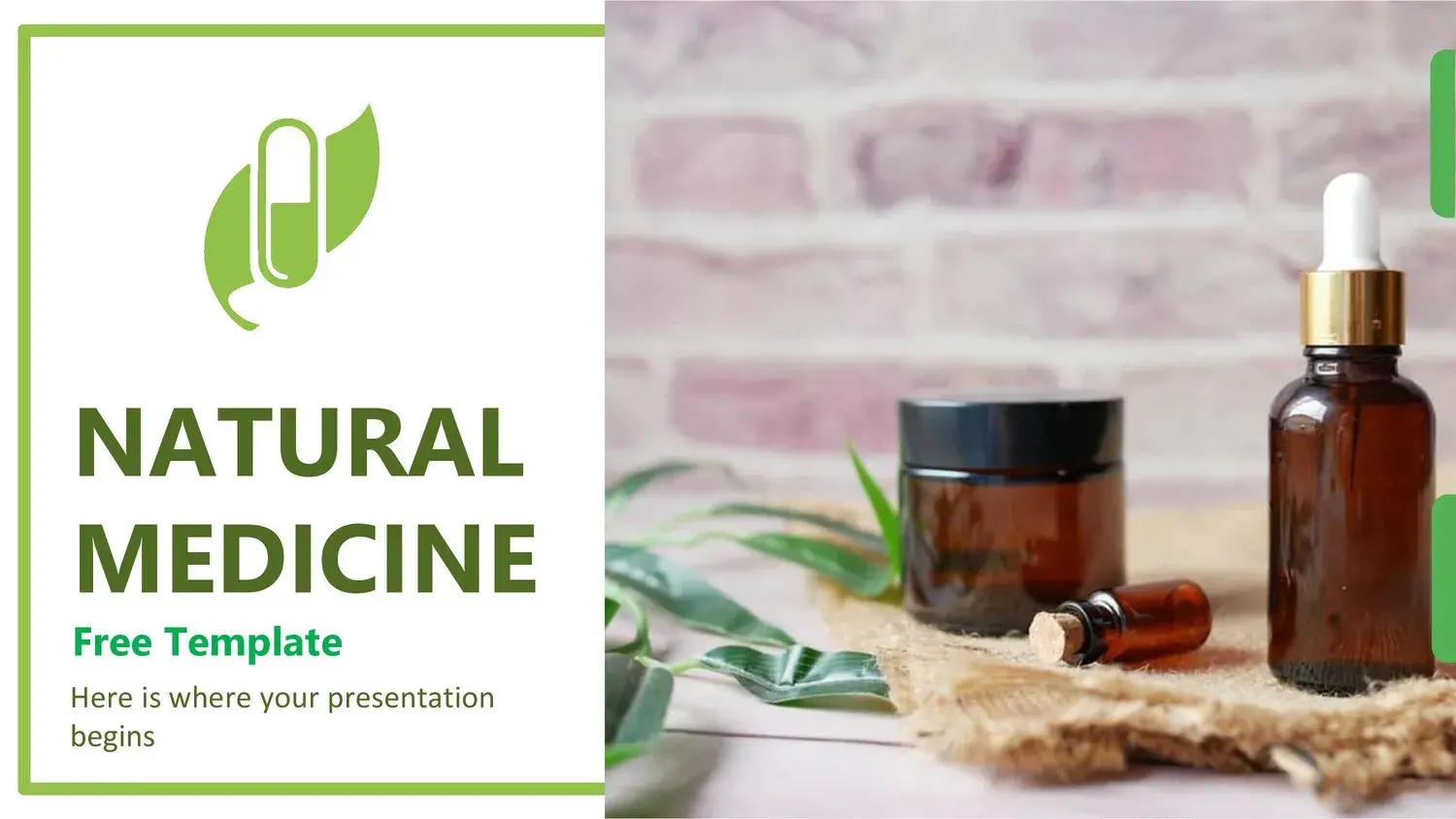
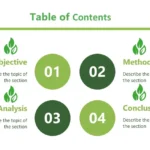
In the world of complementary health, aesthetics are just as important as content. That's why it's essential to work with a design that reflects harmony, nature, and professionalism. And something I confirmed while reviewing these types of resources is that the natural medicine template for PowerPoint and Google Slides has a perfect composition of high-quality images and editable tools, making it easy to create a visually coherent and professional presentation.
Why use a template specializing in natural medicine?
Using a generic template is not the same as using one specifically designed for the alternative health sector.
A natural medicine PowerPoint template typically includes:
- Colors inspired by nature (greens, earth tones, soft shades).
- Graphic elements of medicinal plants.
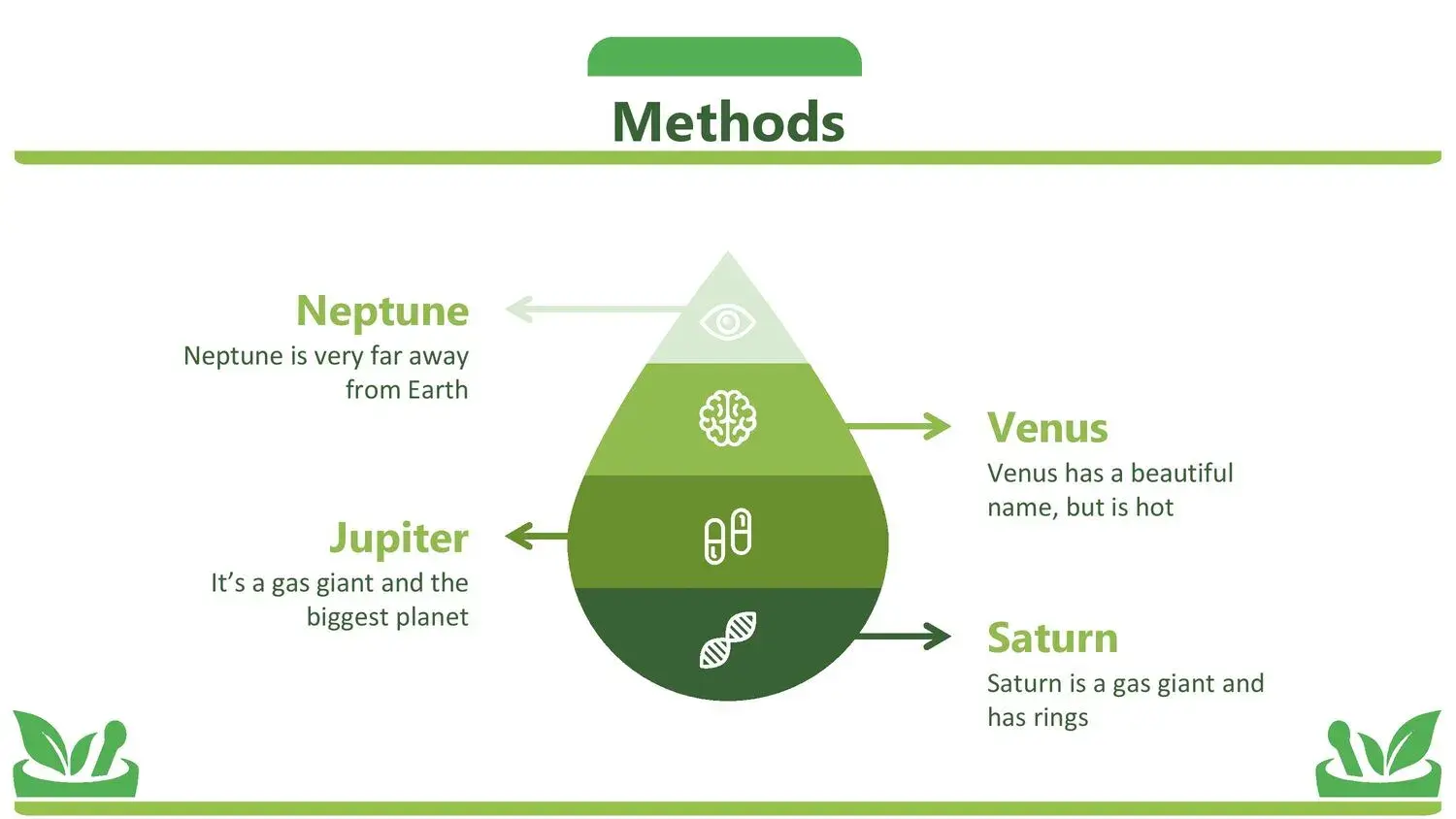
- Iconography related to well-being.
- Spaces to explain natural therapies.
- Slides designed for courses, workshops or exhibitions.
When the design complements the message, the perception changes completely. In fact, one of the aspects I valued most is that the natural medicine template for PowerPoint and Google Slides has a perfect composition of high-quality images and editable tools, allowing you to adapt each element according to the focus of the presentation.
Key features of a good natural medicine template
If you're looking for the best option, make sure it includes:
🌿 Themed cover
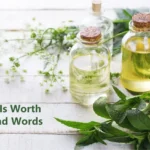
With images related to plants, leaves, or organic elements.
🌱 Slides for defining concepts
Ideal for explaining what natural medicine, complementary therapies or phytotherapy are.
🍃 Slides for benefits and applications
Perfect for displaying the properties of medicinal plants.
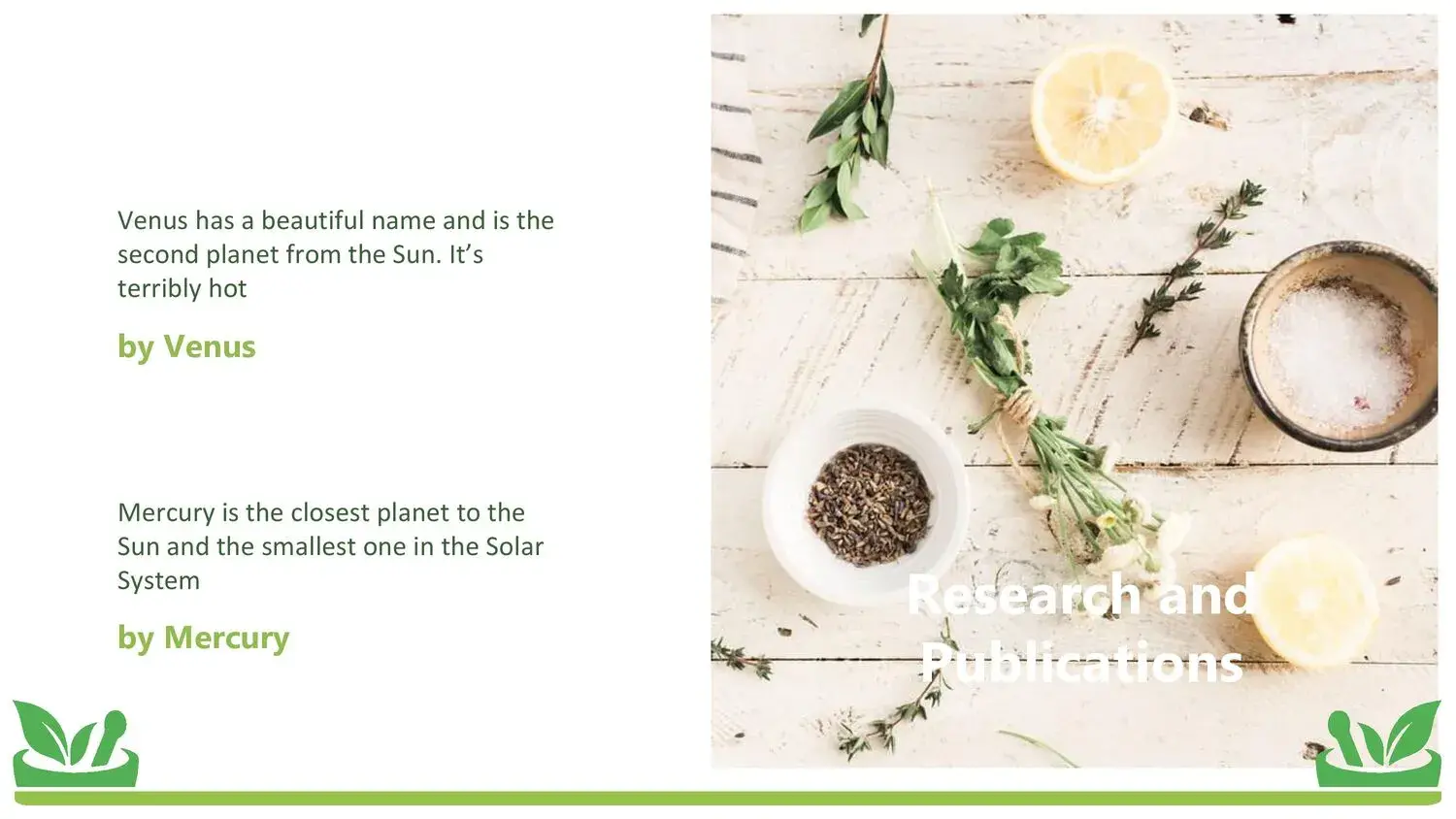
🌼 Spaces for studies or research
If you need to back it up with scientific data.
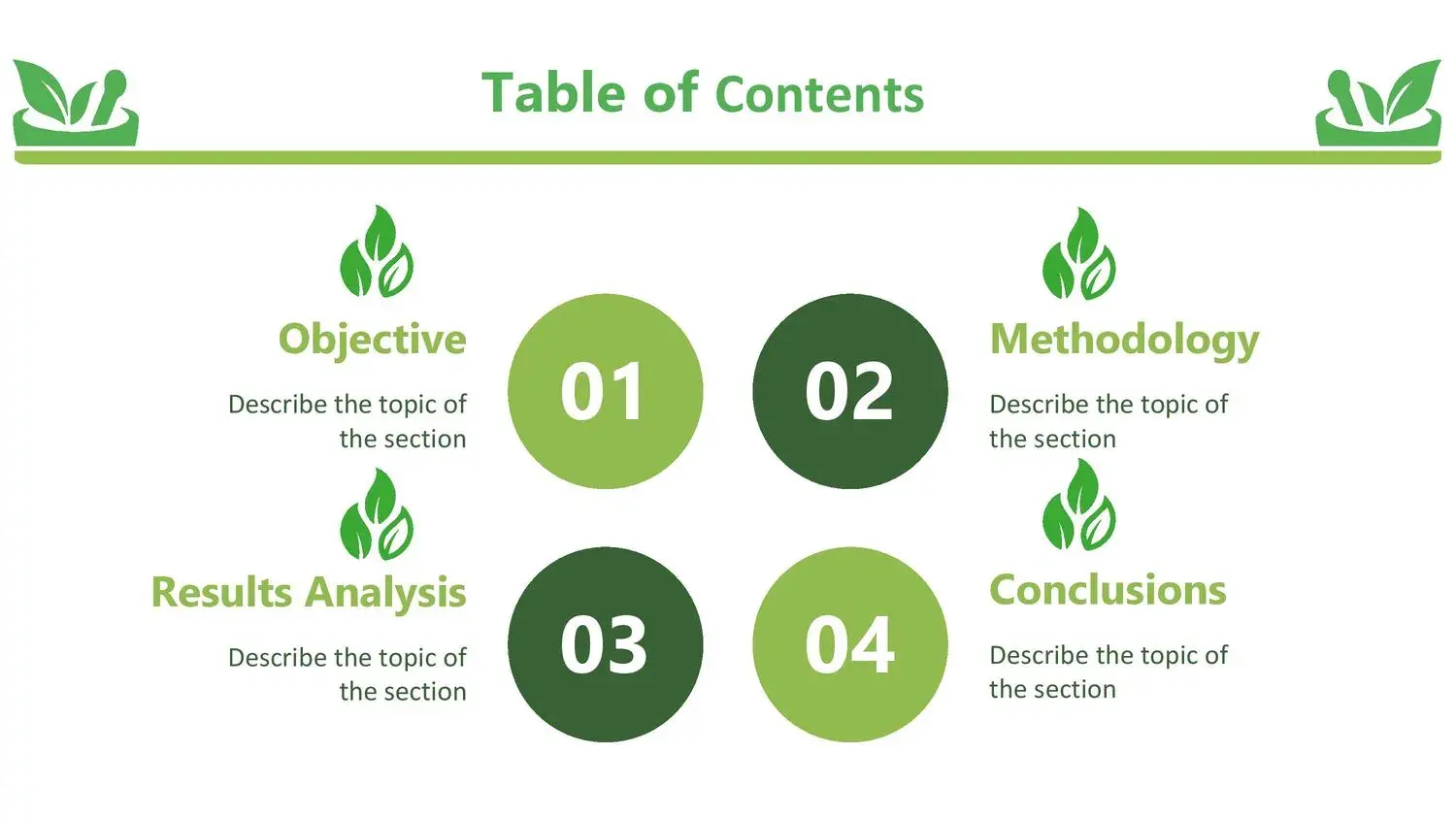
🌾 Conclusions and recommendations
To conclude your presentation clearly.
In this type of well-thought-out structure, it is evident that the natural medicine template for PowerPoint and Google Slides has a perfect composition of high-quality images and editable tools, something essential when seeking to convey professionalism without losing the natural essence of the subject.
PowerPoint vs Google Slides in natural medicine
Compatibility is another important point.
- PowerPoint offers greater offline control.
- Google Slides makes it easy to share and edit as a team.
The best templates are available in both formats, allowing you to easily modify colors, icons, and text. And when the design is already balanced from the start, thanks to the natural medicine template for PowerPoint and Google Slides' perfect composition of images and high-quality editable tools, the customization process is much simpler.
How to get the most out of your template
Although the design is excellent, I recommend:
- Do not overload the slides with text.
- Use images as visual support, not as filler.
- Highlight key concepts with clear typography.
- Maintain consistency in colors.
A professional template doesn't replace knowledge, but it does enhance the way you communicate it.
Who can use a natural medicine template?
This template is ideal for:
- Students of alternative therapies.
- Complementary medicine professionals.
- Wellness course instructors.
- Speakers in the natural health sector.
- Herbal product entrepreneurs.
The right design conveys confidence. And when you work with a resource like the natural medicine template for PowerPoint and Google Slides, which features a perfect composition of high-quality images and editable tools, the presentation feels structured, polished, and professional.




