





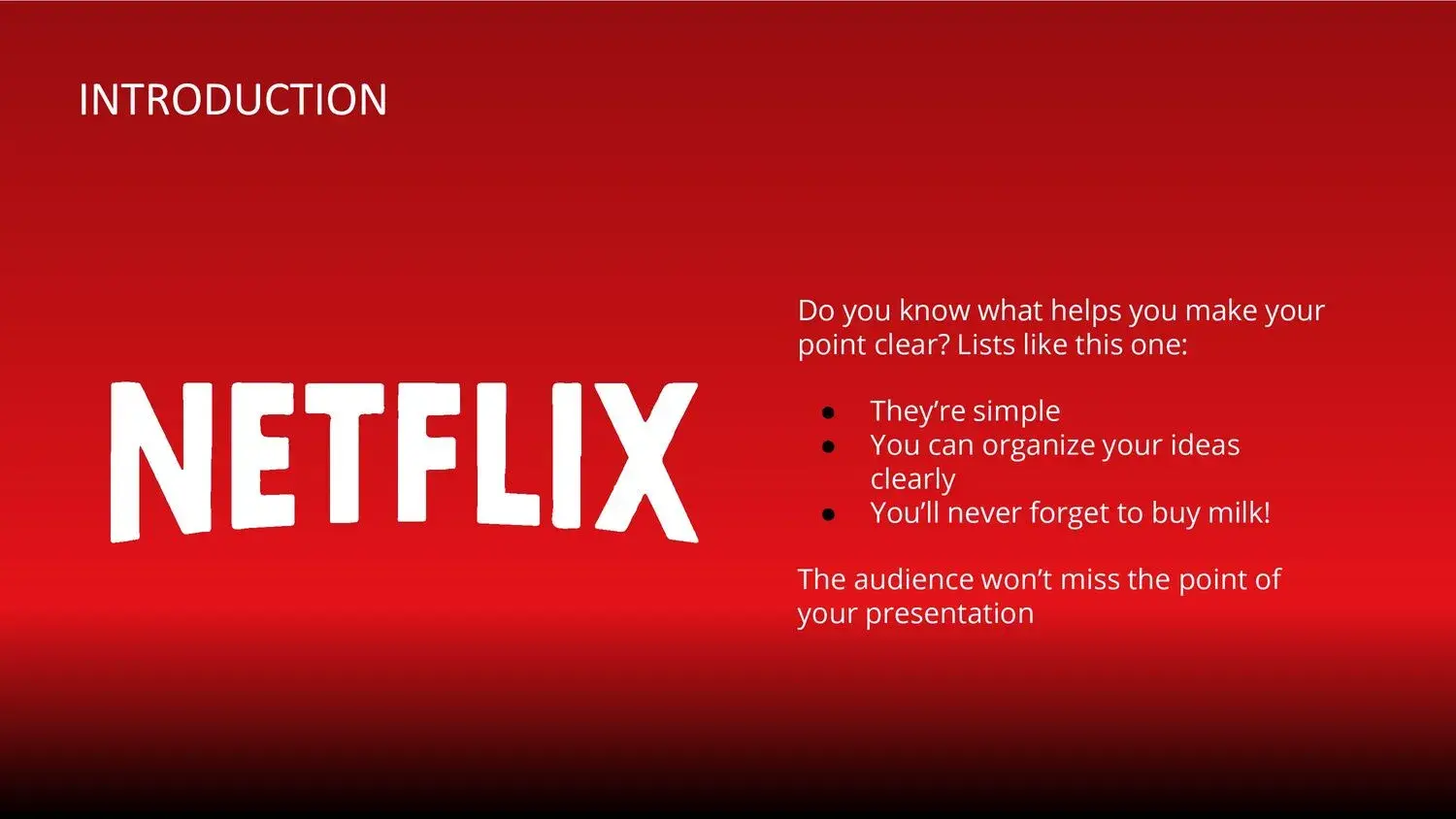









When I'm looking to create a presentation that truly captures attention, I always think of Netflix's modern and immersive aesthetic. That visual style—dark, clean, and with touches of red—has something about it that communicates both professionalism and excitement. By using a modern Netflix PowerPoint template, I discovered how easy it is to transform an ordinary presentation into a visually engaging and purposeful experience.
From the beginning, I noticed that this modern Netflix-style template for PowerPoint, Canva, and Google Slides is perfect for delivering a presentation with a clear and direct message, making it an ideal tool for those seeking clarity, impact, and aesthetics.
Why choose a Netflix-inspired template
Netflix is more than just a streaming platform; it's a visual language. Its vibrant colors, minimalist design, and cinematic approach have redefined how we consume information. Bringing that identity to a presentation means offering more than just slides: it means telling a story.
With this modern Netflix PowerPoint template, every visual element is designed to guide the viewer. Smooth transitions, clear typography, and contrasting backgrounds help reinforce your main message without being distracting. And indeed, this modern Netflix-style template for PowerPoint, Canva, and Google Slides is perfect for delivering a presentation with a clear and direct message—essential when you need your audience to remember your key ideas.
Key features that make it stand out
- 16:9 widescreen design, adapted for HD screens and projections.
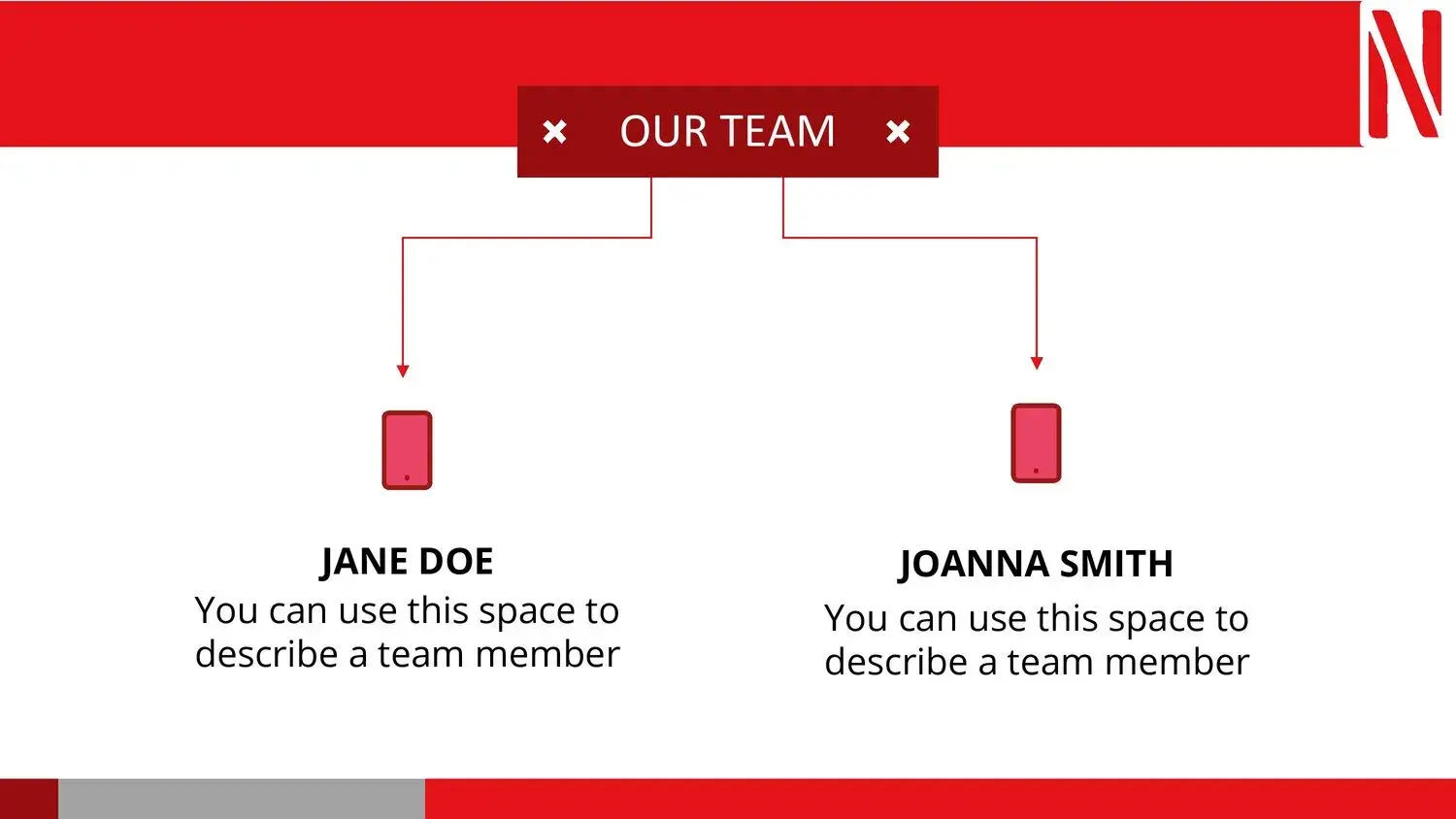
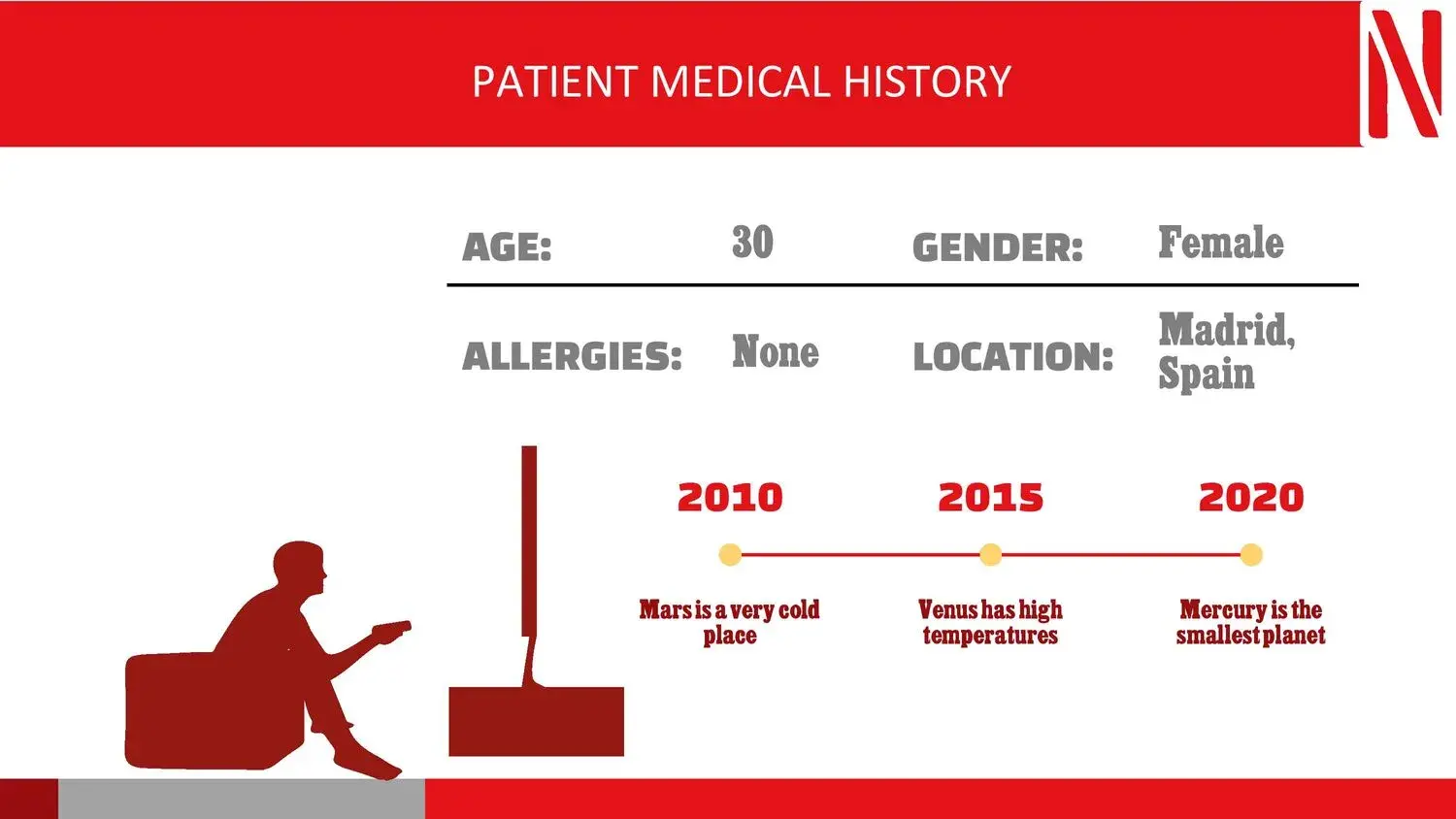
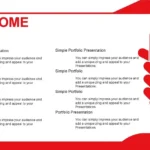
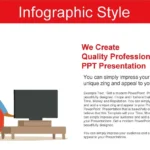
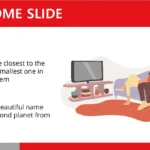
- More than 40 editable slides, with structures for covers, graphics, teams and conclusions.
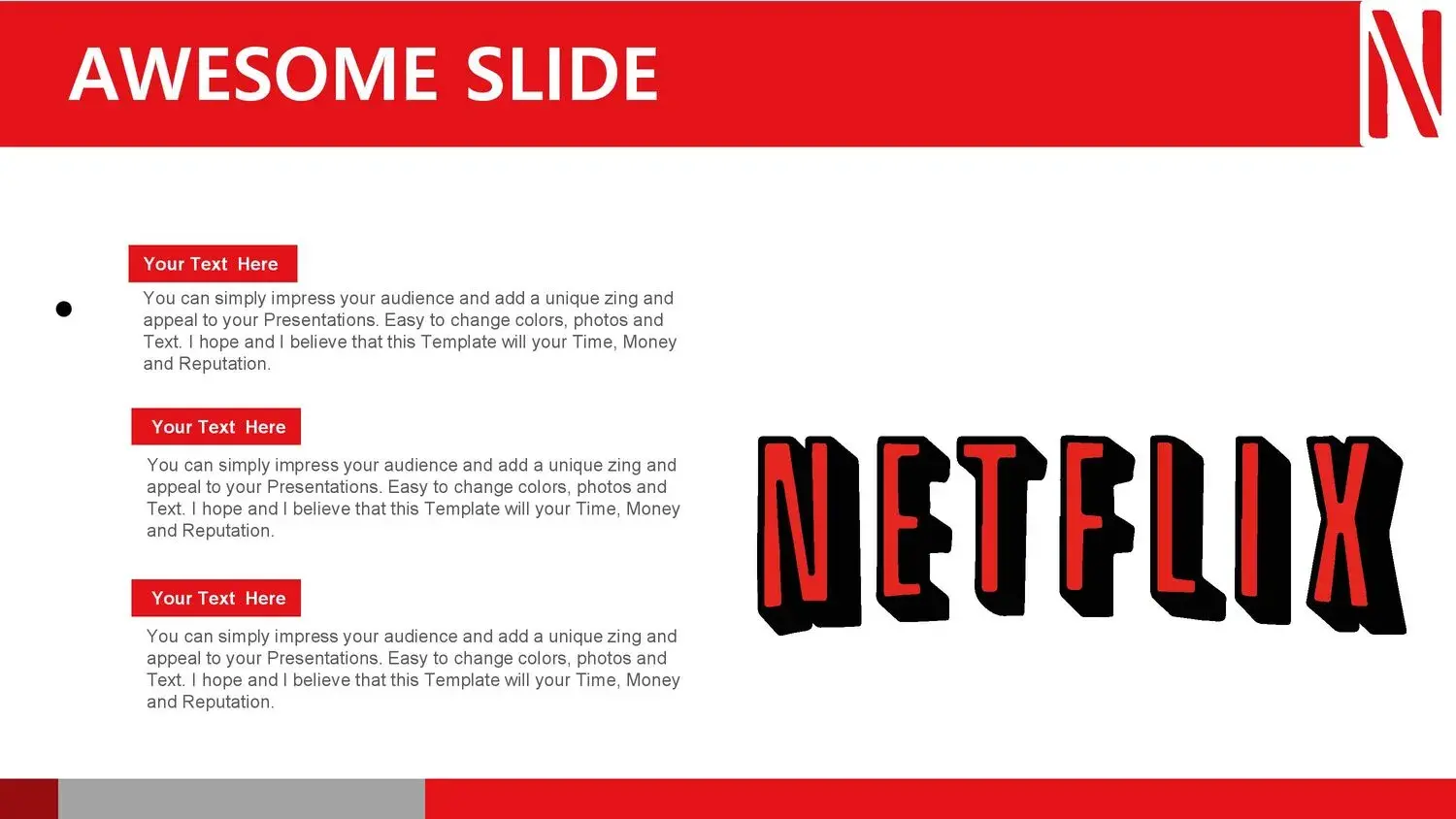
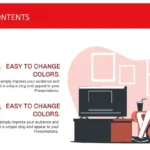
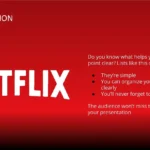
- Dark style with red touches, inspired by the Netflix brand.
- Full compatibility with PowerPoint, Canva, and Google Slides.
- Clean fonts (Open Sans and Montserrat) that guarantee readability.
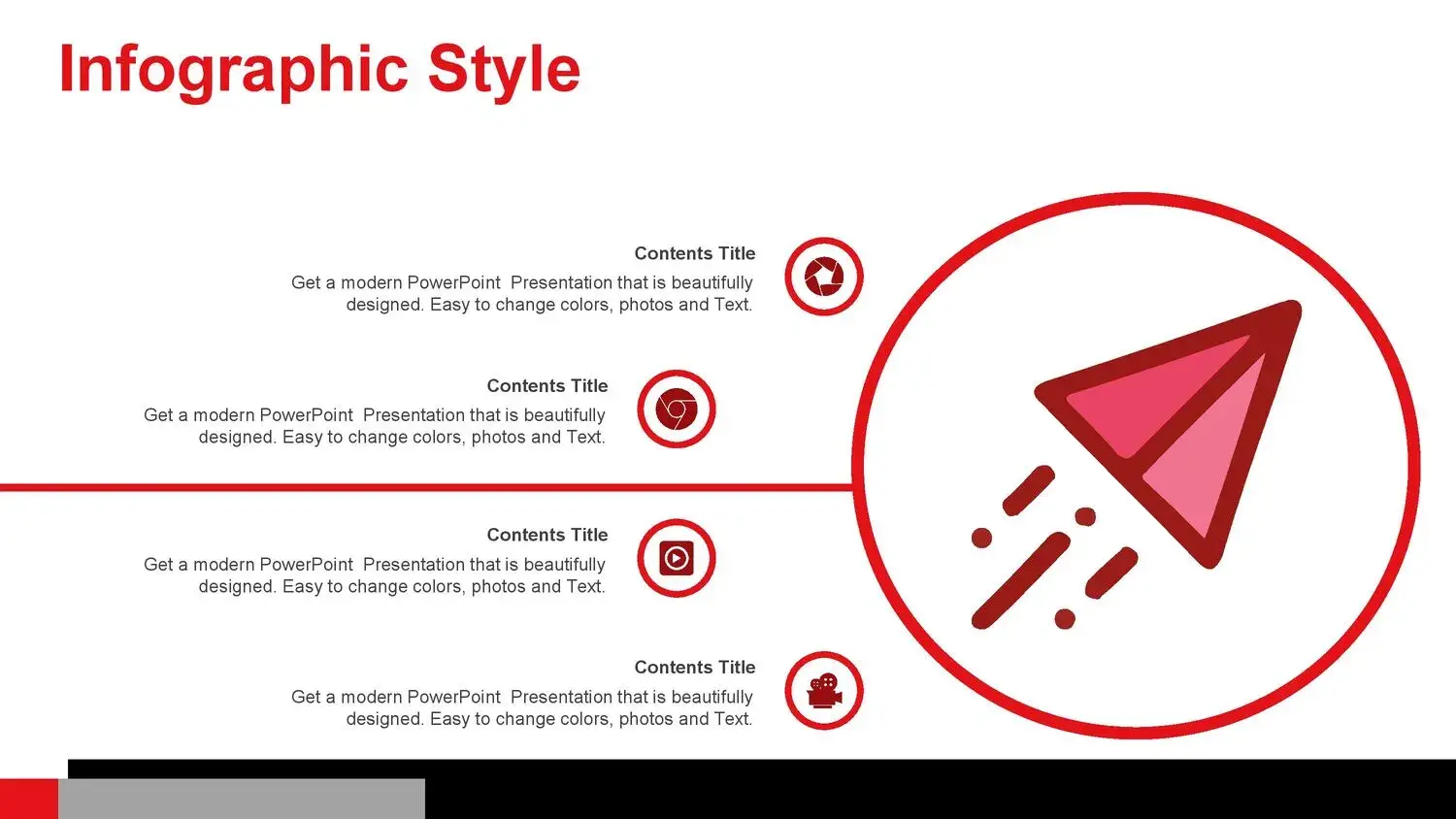
- Customizable graphic elements, icons and vector maps.
During my use, I noticed that the consistency between color and typography helps maintain a natural visual flow. There are no unnecessary elements, and everything contributes to the purpose: to deliver an exhibit with a clear and direct message.
How to make the most of it
- Create a visual story: Structure your presentation as a series of chapters. Each slide should be a scene.
- Use the color red strategically: highlight key concepts or calls to action.
- Integrate videos and graphics: Smooth transitions allow you to mix text, image, and video without breaking the rhythm.
- Lean on simplicity: less text, more visual impact.
While applying these ideas, I confirmed something that defines it: this modern Netflix-style template for PowerPoint, Canva, and Google Slides is perfect for delivering a presentation with a clear and direct message, even for those who are not design experts.
Advantages of using a modern Netflix-style template
- It projects innovation and confidence.
- It facilitates effective and structured communication.
- Save time thanks to its fast editing and cross-platform compatibility.
- It improves the audience's visual retention through its cinematic style.
Every time I use it in a professional setting, the results are remarkable. Attendees often comment that the presentation “looks like a Netflix trailer,” which demonstrates the power of well-executed modern design.




