


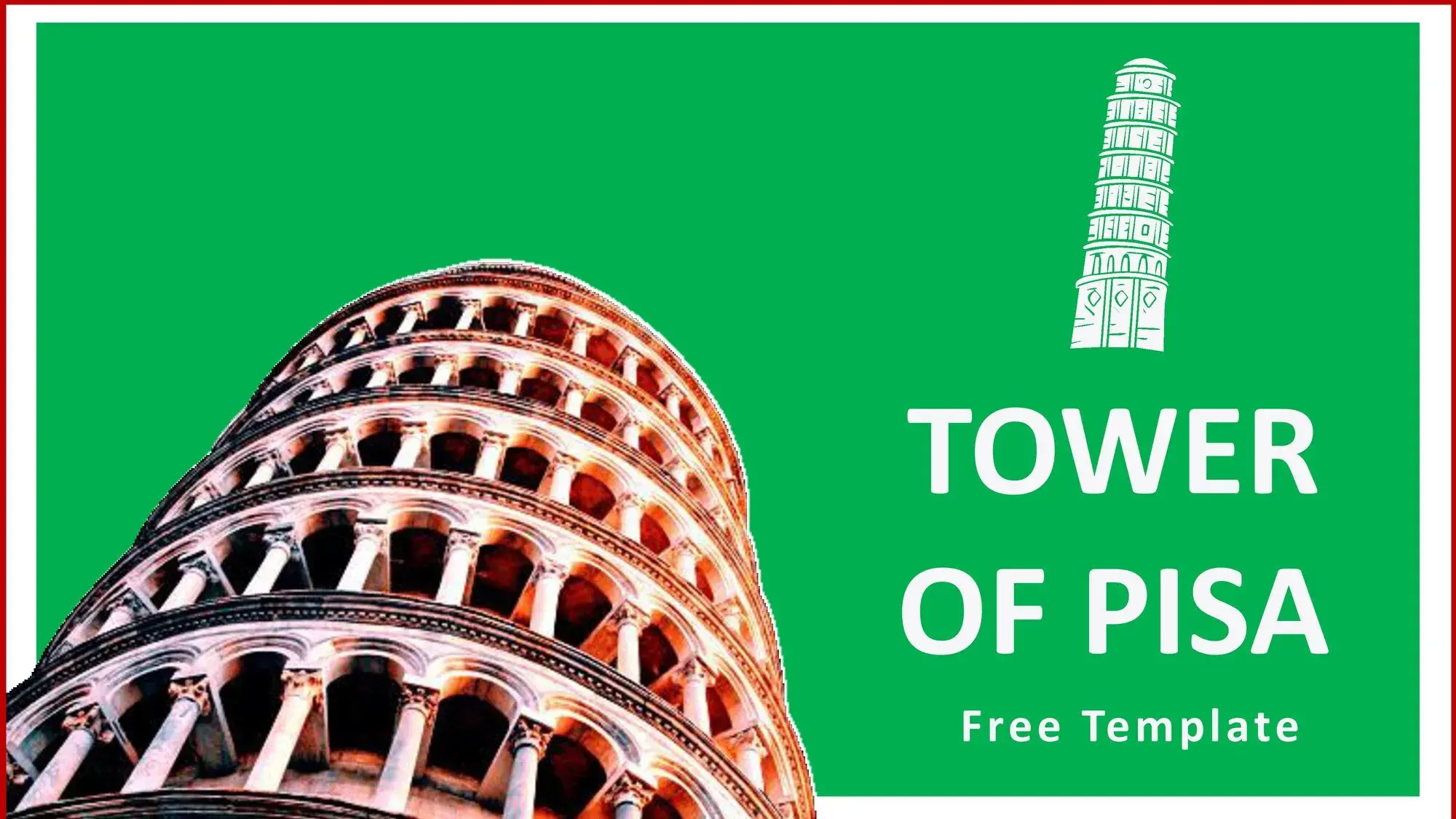
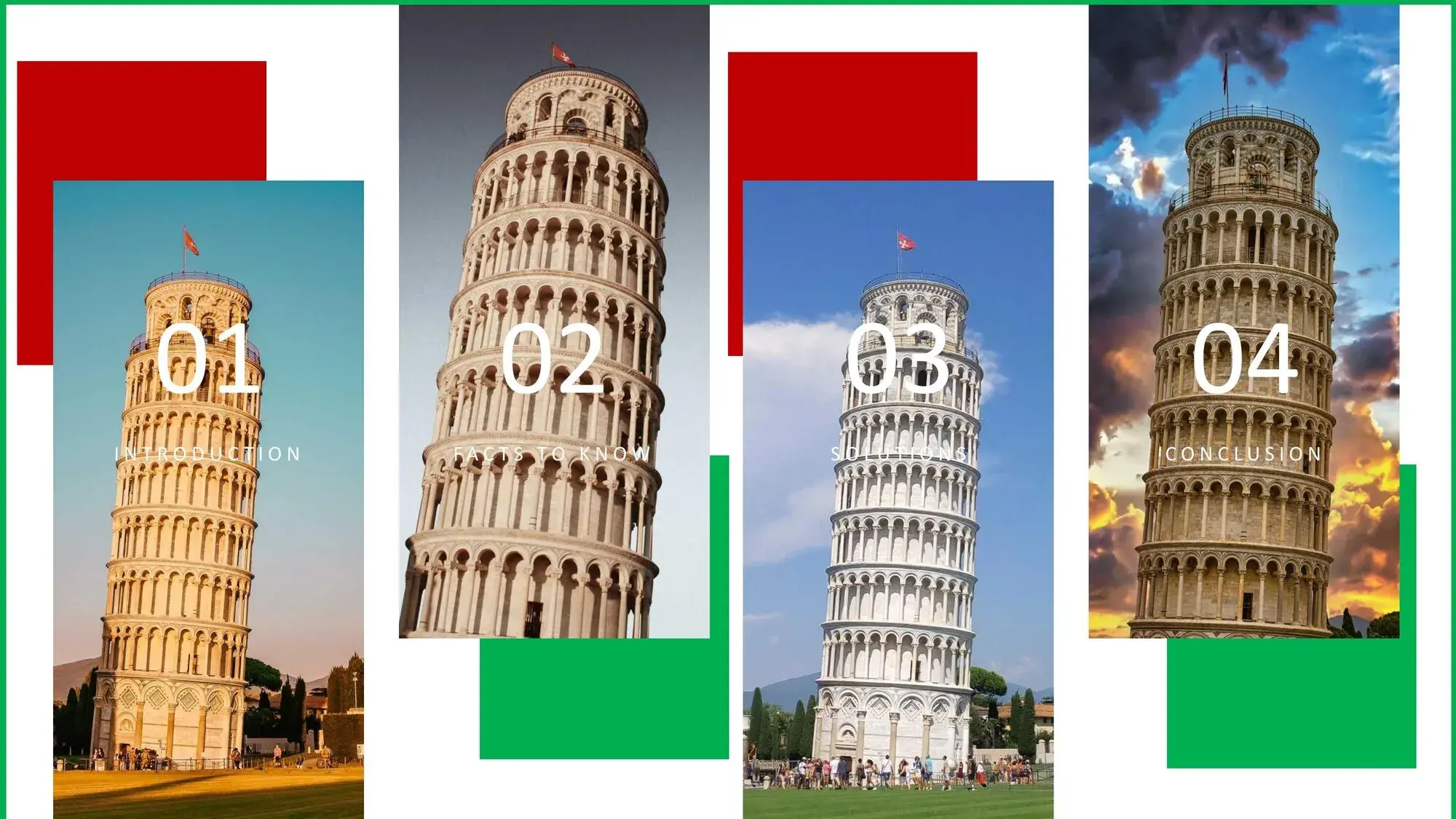
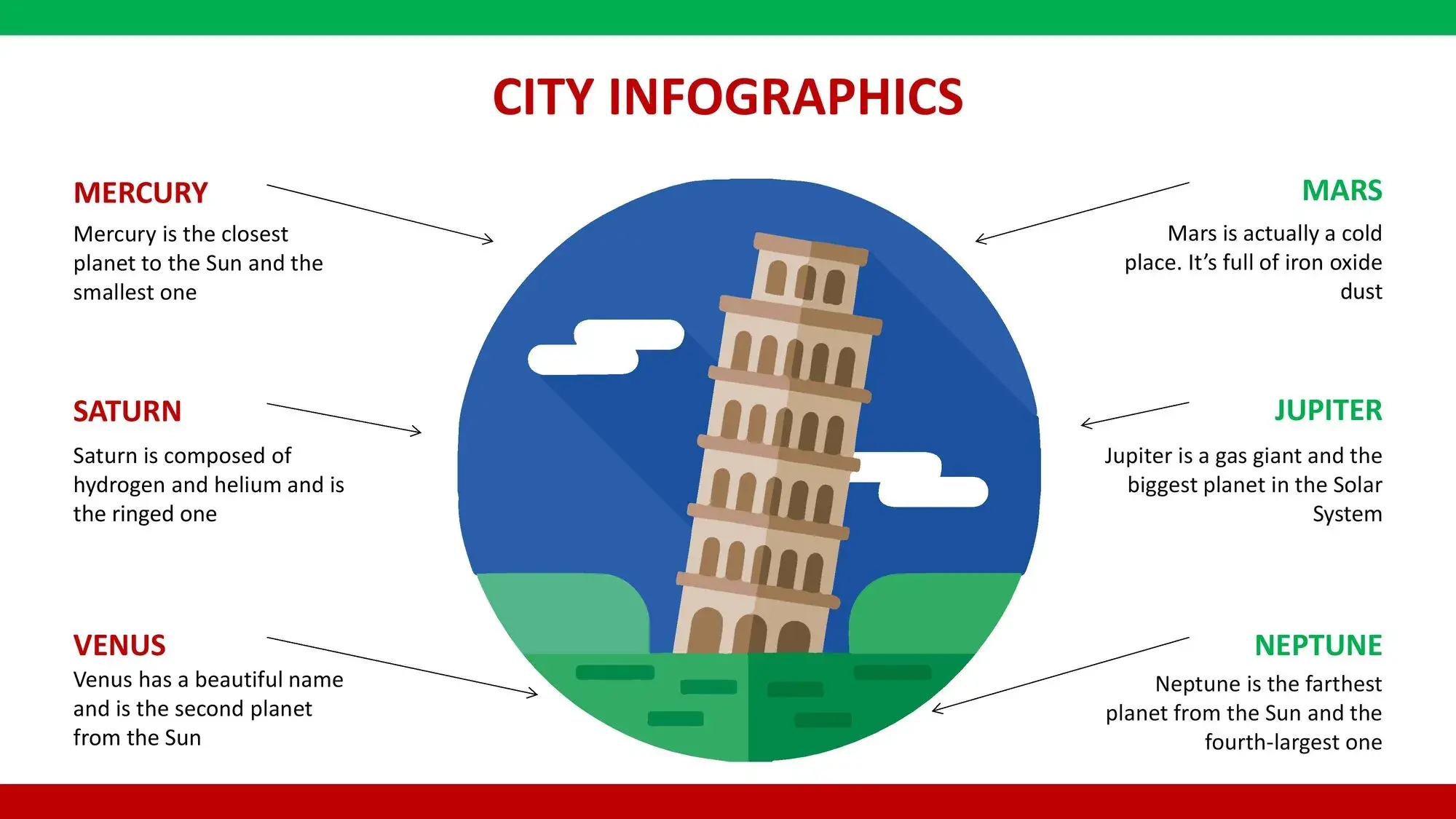

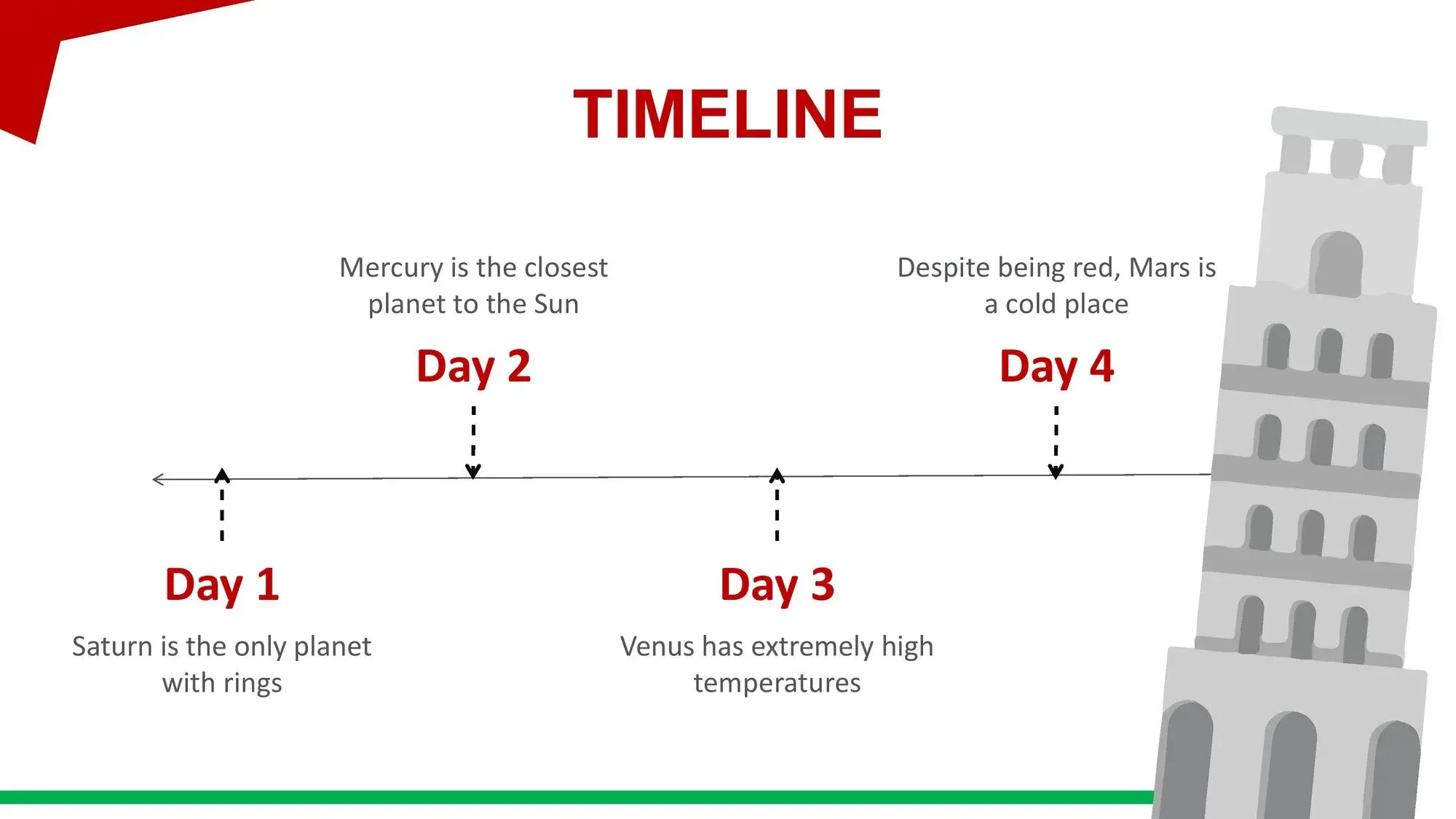

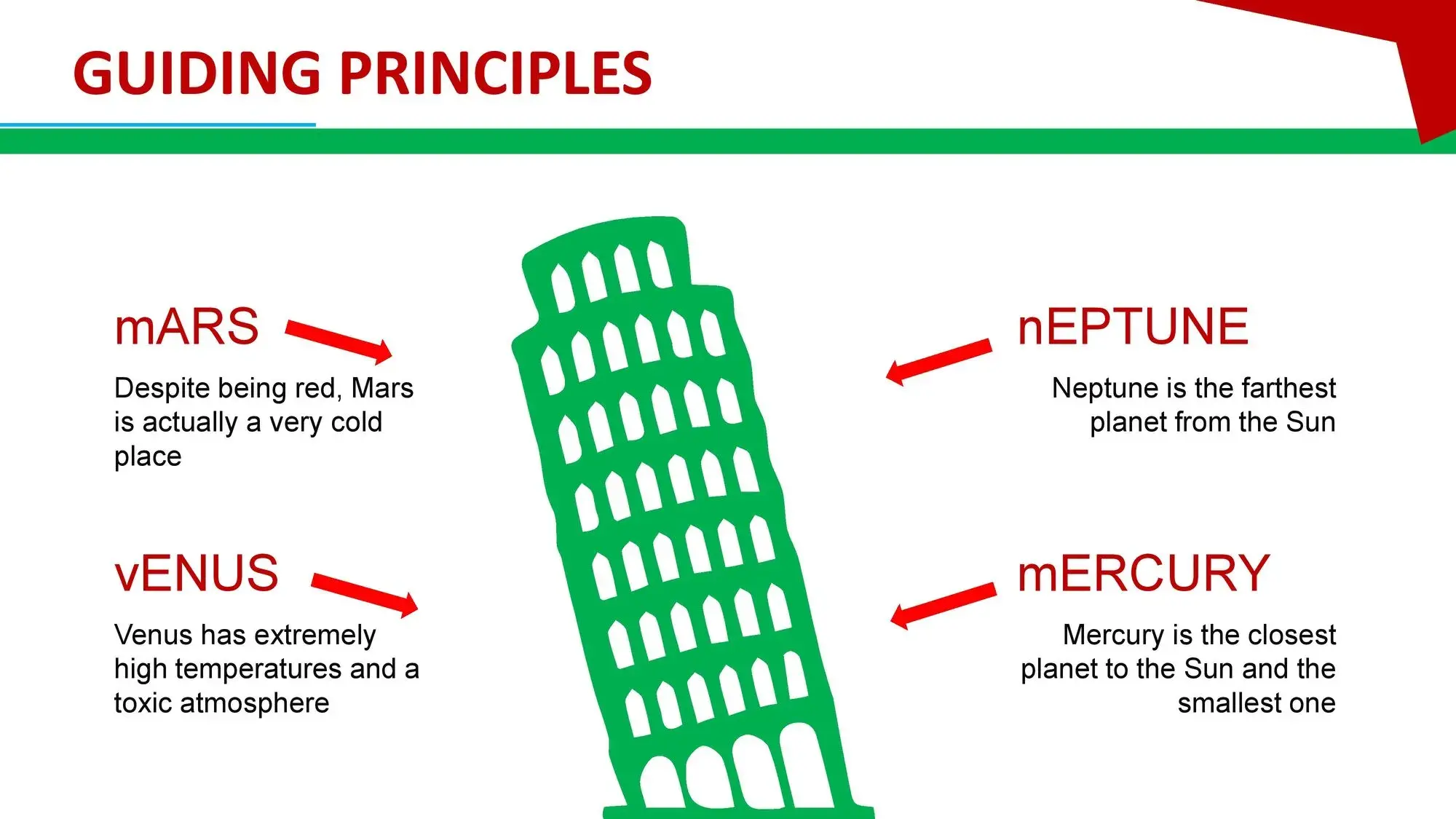
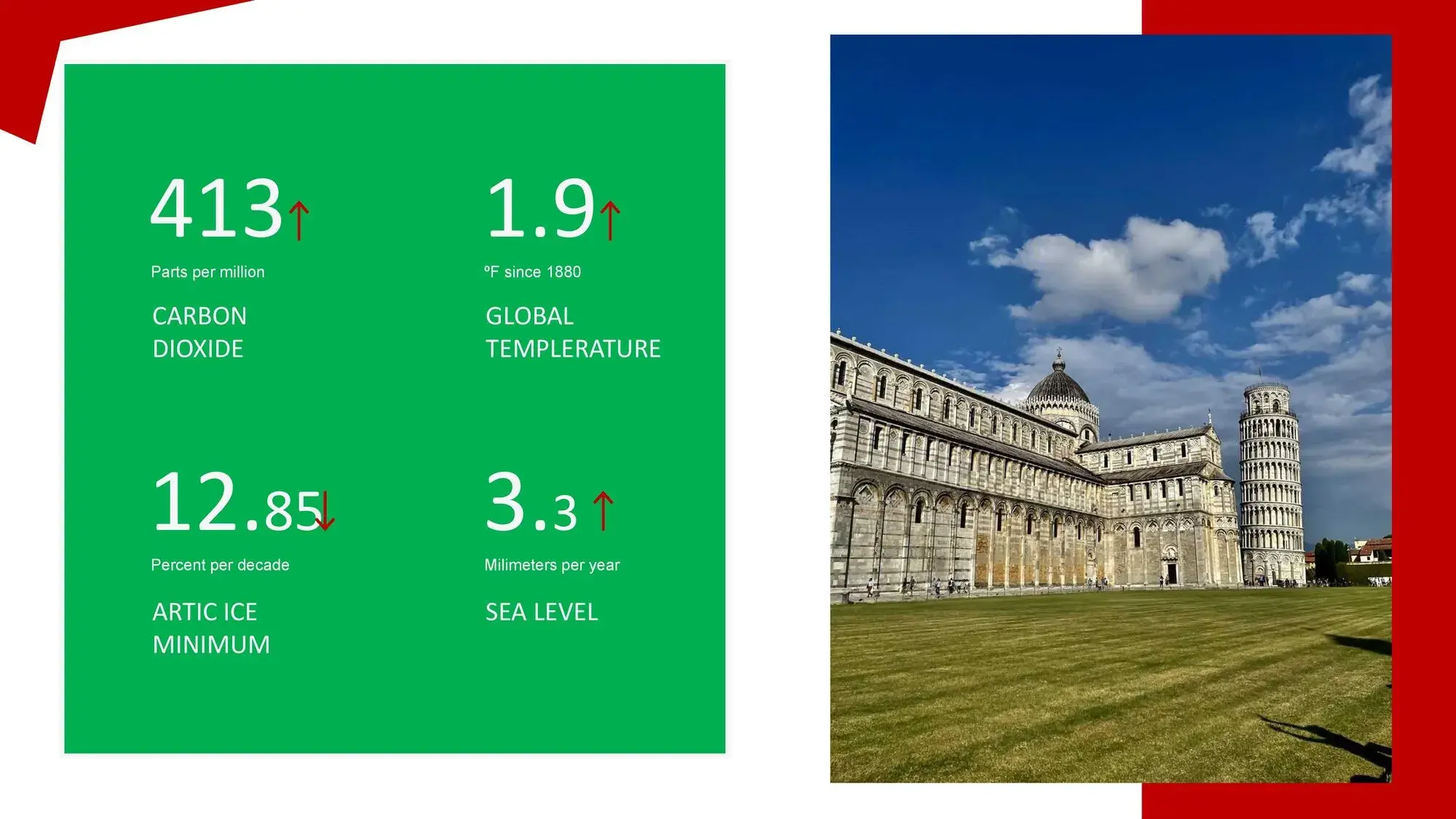
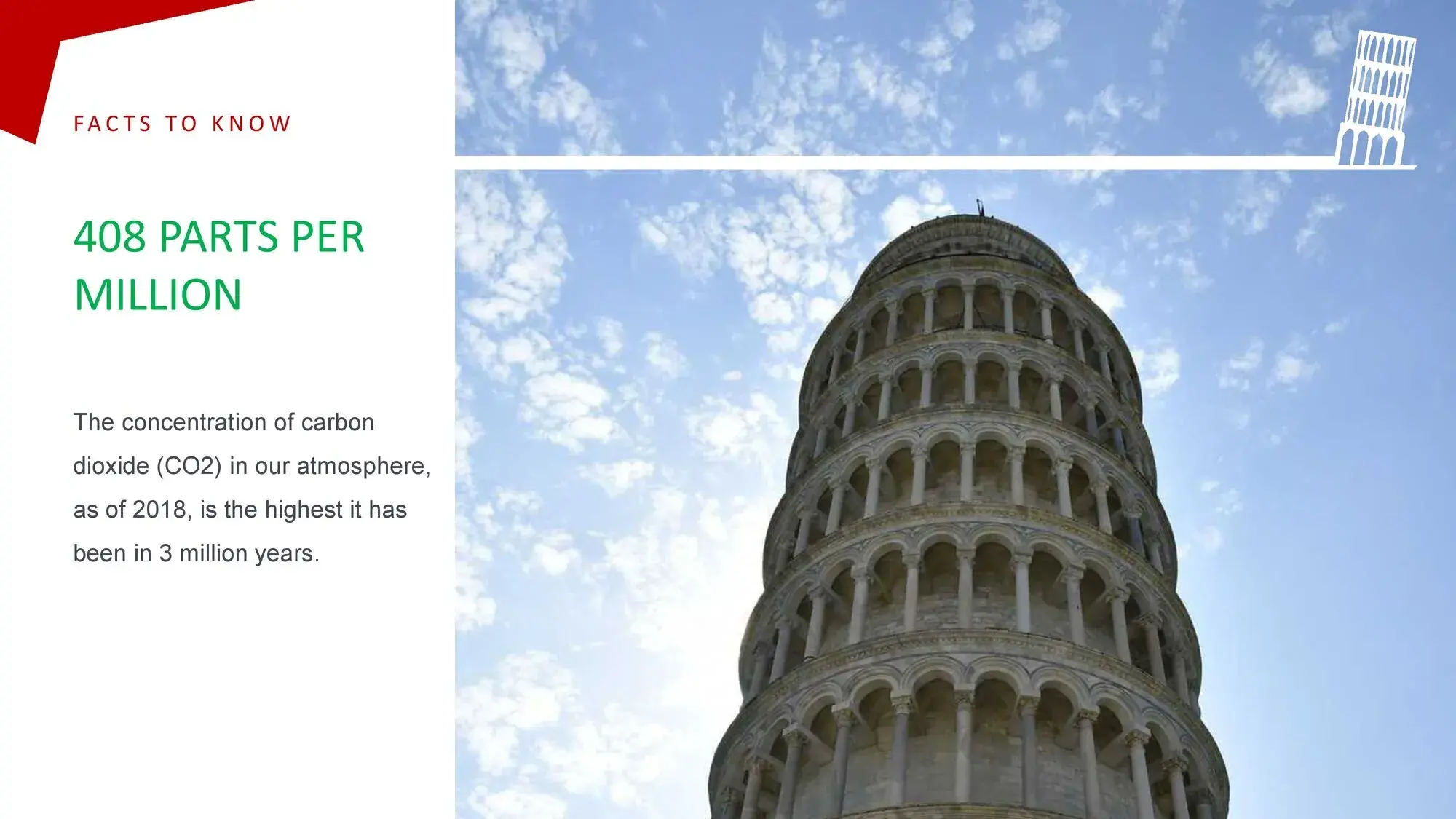
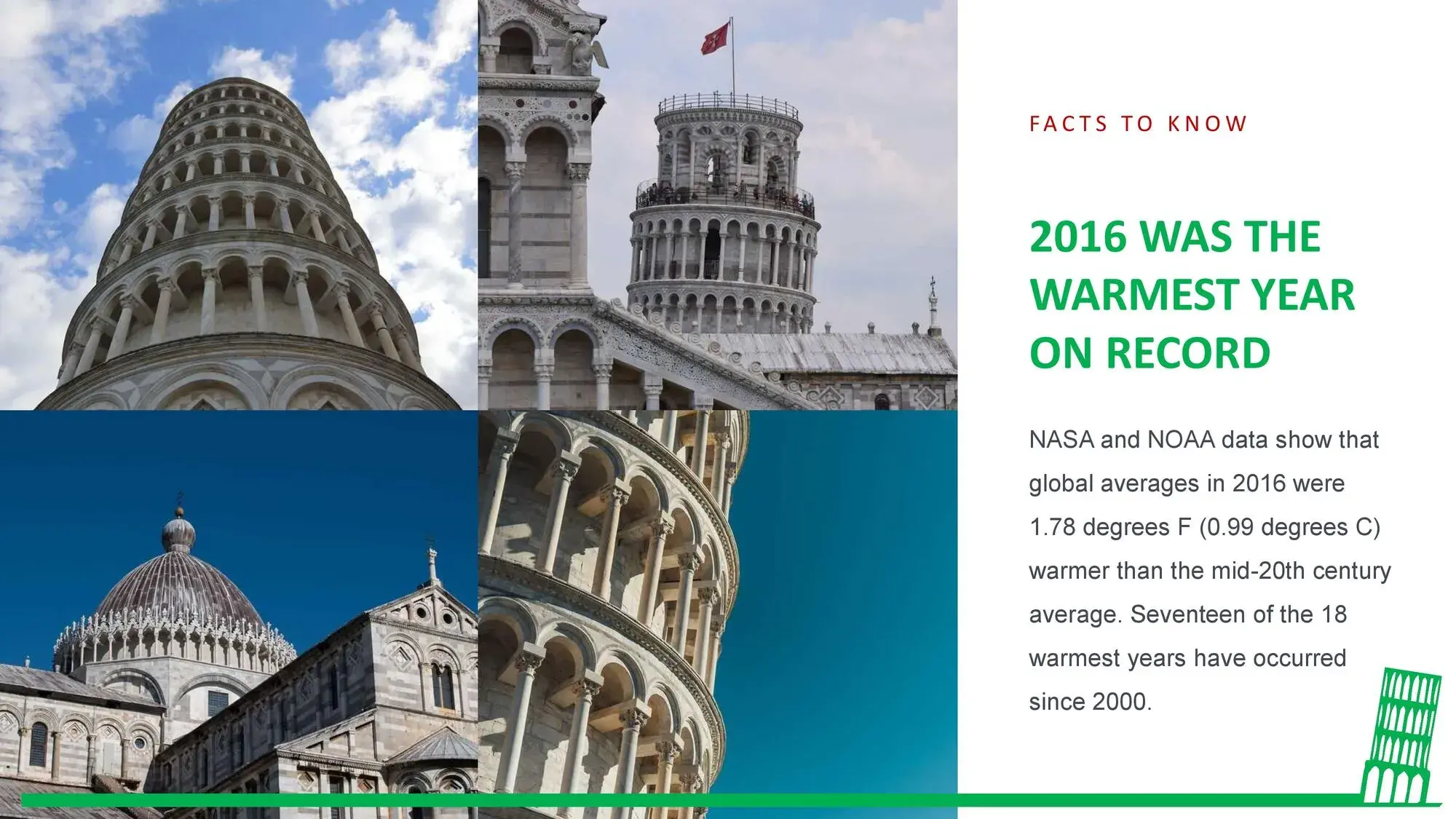


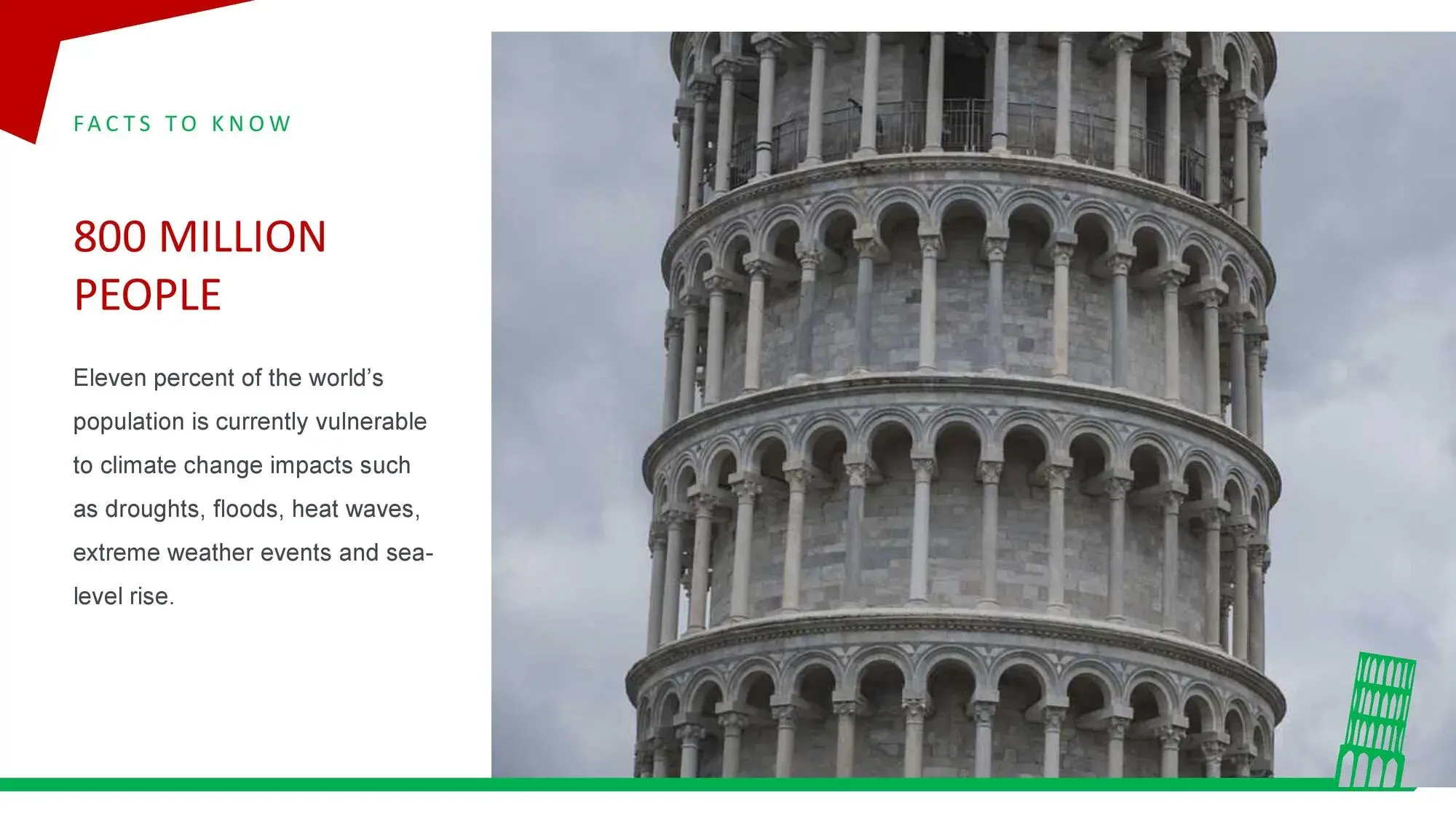










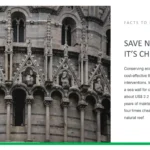

Whenever I prepare a presentation that needs an iconic, cultural, or historical visual touch, I look for templates that are not only beautiful but also convey a sense of identity. And there's no monument more representative than the Leaning Tower of Pisa, a figure capable of capturing attention from the very first second. That's precisely why, when I started working with the Leaning Tower of Pisa PowerPoint Template, I realized it was much more versatile than I had imagined. From the outset, I appreciated how easy it is to include this Leaning Tower of Pisa template for PowerPoint, Canva, and Google Slides in your presentations, all thanks to its ppt format, which allowed me to quickly integrate it into different projects without complications.
This type of template has a special power: it combines architecture, history, and professional design, creating a visual impact that doesn't go unnoticed. Whether for an academic project, a tourism exhibit, a cultural presentation, or even a pitch where you want to highlight an iconic destination, the Leaning Tower of Pisa has the ability to capture the interest of any audience.
🧱 A visual design inspired by one of the world's most famous monuments
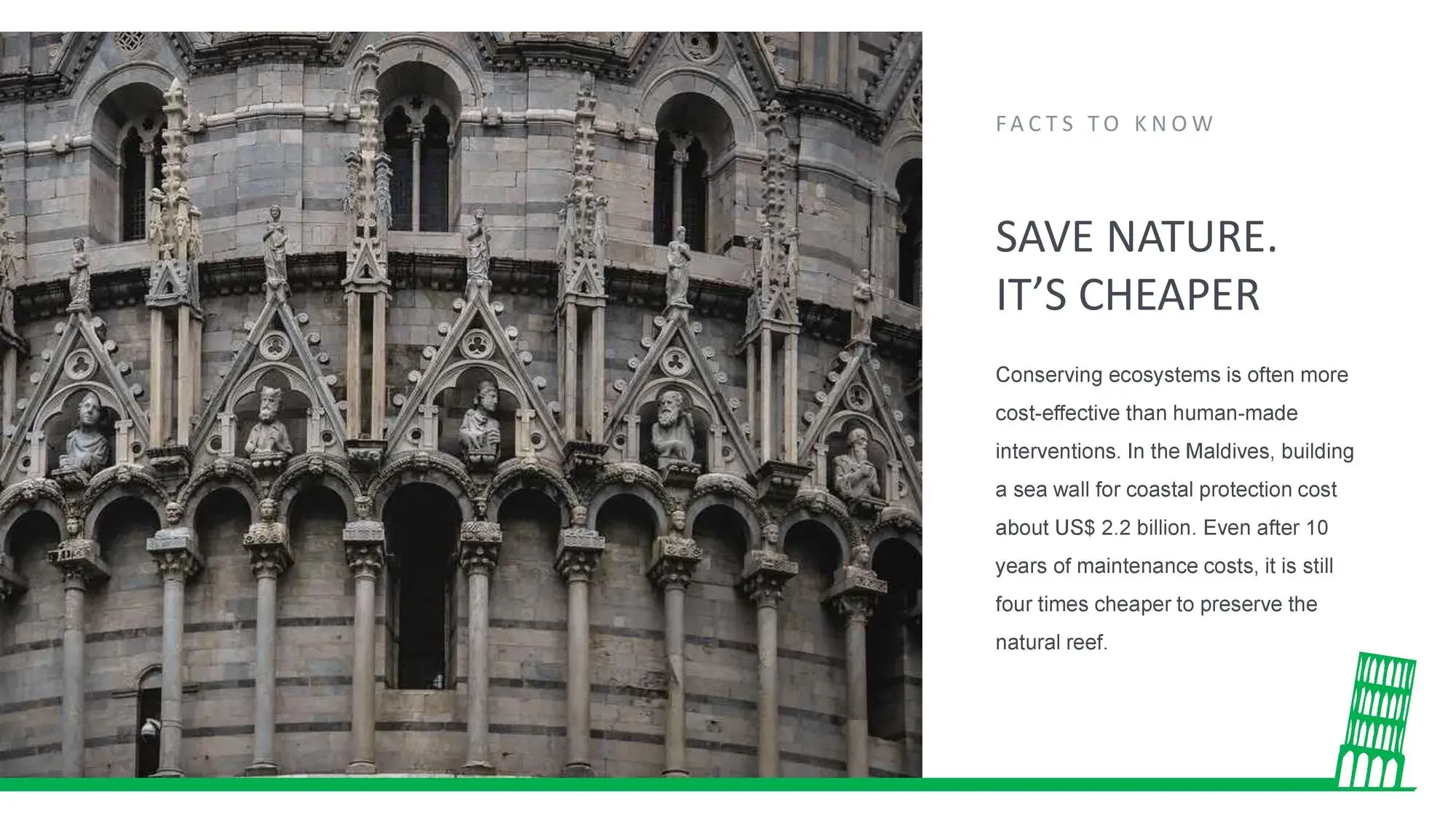
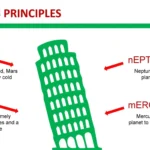
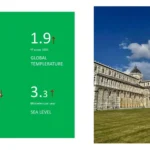
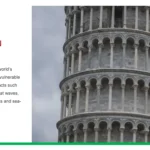
The first thing I noticed when I opened the template was the quality of its images: clean backgrounds, well-integrated architectural details, and a visual style that successfully balances modern and historical elements. This type of design makes any presentation look more professional effortlessly.
While adjusting the first few slides, I was again struck by the advantage that it's incredibly easy to incorporate this Leaning Tower of Pisa template for PowerPoint, Canva, and Google Slides into your presentations, thanks to its ppt format, which streamlined the entire creative process. I didn't have to worry about compatibility or special settings; I simply imported the slides and started working.
🗺️ Ideal for presentations on history, architecture, tourism and culture
One of the strongest points of this template is its versatility. Although it's inspired by a historical monument, its design makes it useful for many different areas:
✅ Education
- History of Italy
- Medieval and Renaissance architecture
- European culture
- Tourist Geography
- School or university exhibitions
✅ Tourism and marketing
- Presentations of tourist destinations
- Travel proposals to Italy
- Cultural guides
- Projects for tourism agencies
✅ Creative projects
- Themed art presentations
- Visual storytelling
- Portfolios related to architectural design
And in all these cases, having a format that makes it very easy to include this Leaning Tower of Pisa template for PowerPoint, Canva, and Google Slides in your presentations, thanks to its ppt format, greatly speeds up the work, especially when you need to edit from different devices or platforms.
🎨 An aesthetically pleasing composition that stands out without exaggeration
The template strikes a perfect balance: it conveys elegance without being cluttered. Its colors, generally neutral or warm, perfectly complement the images of the Leaning Tower of Pisa. The typography used is understated and legible, helping the content stand out without sacrificing visual style.
Thanks to the design of its slides you can:
- Create impactful covers
- Add informative texts
- Incorporate real photographs
- Present comparisons or timelines
- Display historical data clearly
- Integrate tourist maps or icons
While testing different combinations, I realized how practical it is that it's very easy to include this Leaning Tower of Pisa template for PowerPoint, Canva, and Google Slides in your presentations, all thanks to its ppt format, because it allows you to modify graphic elements without losing visual coherence.
🧩 Editable elements that facilitate any presentation
One of the most valuable strengths of this template is the ability to fully customize it without breaking the original design.
Includes:
- Editable icons
- Integrated photographs
- Adjustable shapes and vectors
- Spaces designed for long texts
- Featured Titles
- Graphs, tables and comparative charts
That flexibility allowed me to adapt it to both tourist presentations and historical explanations, always maintaining a professional style.
Upon reviewing each slide, I understood why it's so easy to include this Leaning Tower of Pisa template for PowerPoint, Canva, and Google Slides in your presentations, all thanks to its ppt format: it's designed so you can manipulate everything without advanced design knowledge.
🧠 Practical tips to get the most out of it
If you're going to work with this template, these tips can help you:
🔹 Use real photographs of the Leaning Tower of Pisa
Combining authentic images with the template's aesthetic creates a powerful visual effect.
🔹 Take advantage of light-colored funds
They make the texts easier to read and make the Leaning Tower of Pisa stand out as a decorative element.
🔹 Maintain a narrative structure
The template has perfect sections for telling a story: origin, context, interesting facts, current events.
🔹 Play with timelines
The tower's history is rich and visually appealing; use it to your advantage.
🔹 Adjust the color to achieve unity
A warm or beige tone works great with the architectural theme.
With every adjustment I make, I appreciate that it's so easy to include this Leaning Tower of Pisa template for PowerPoint, Canva, and Google Slides in your presentations, all thanks to its ppt format, because it makes the process seamless, even if I'm editing from different platforms.




