


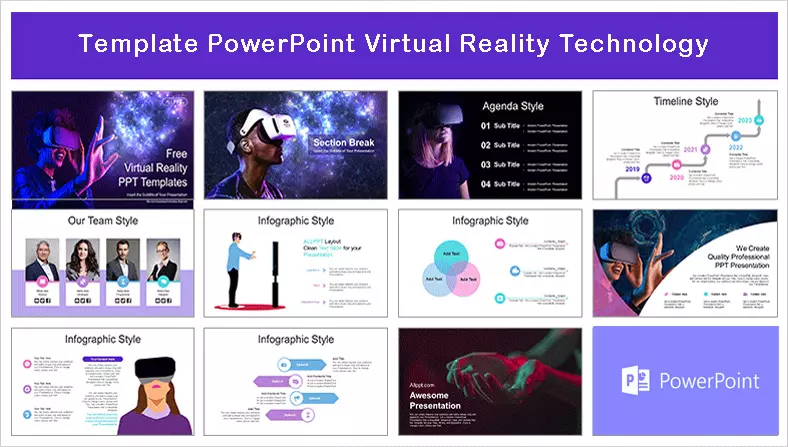

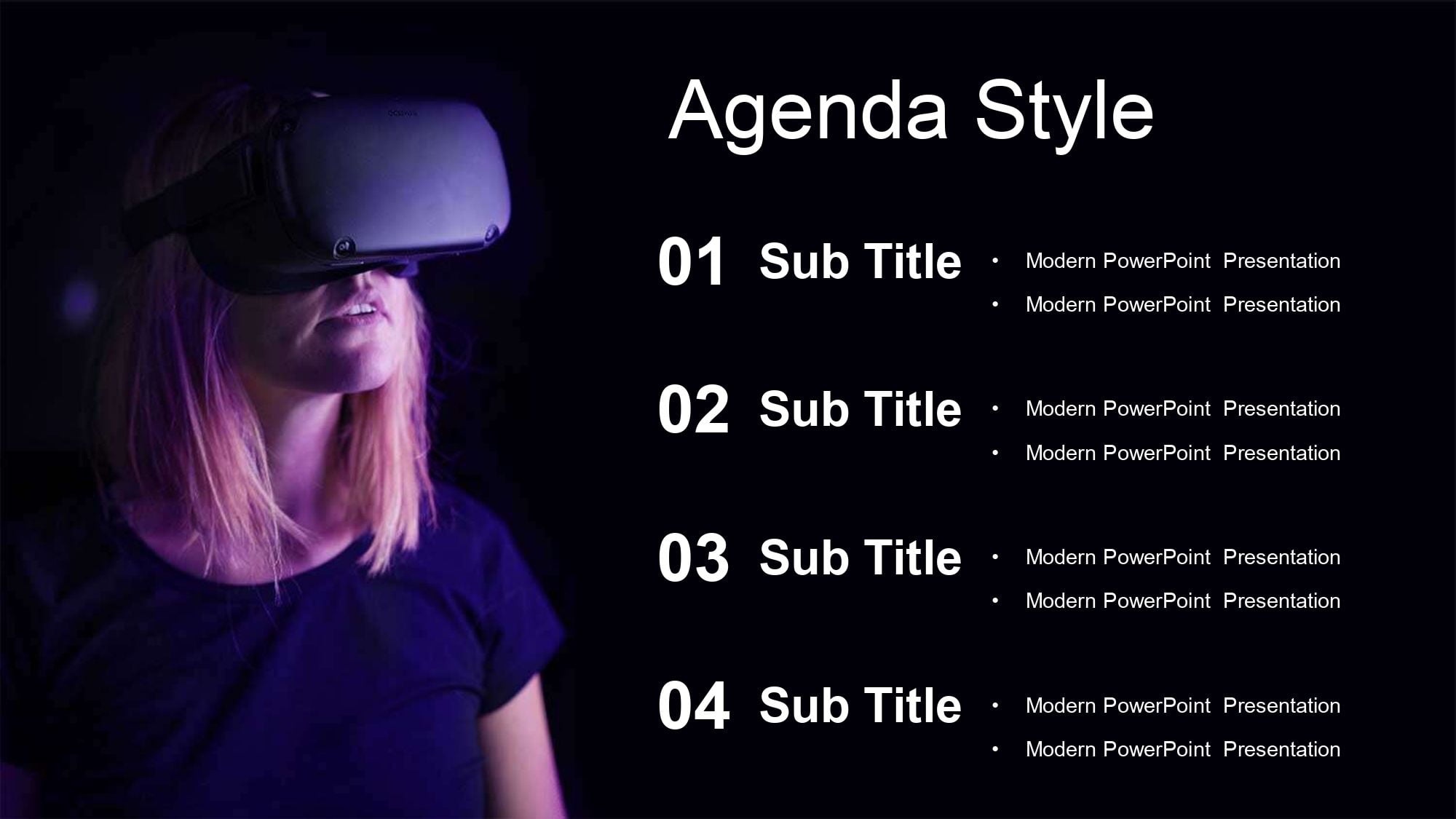
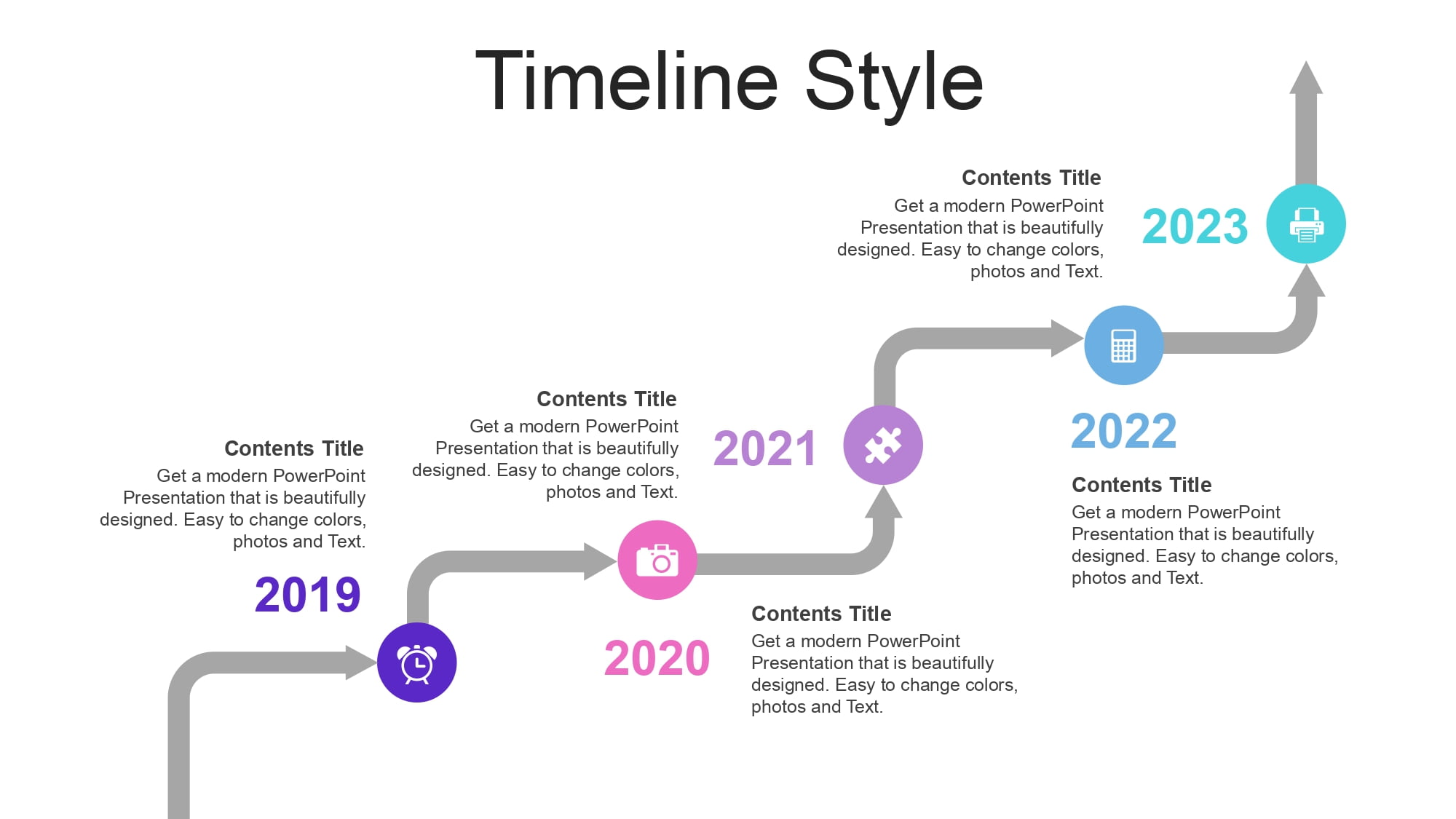

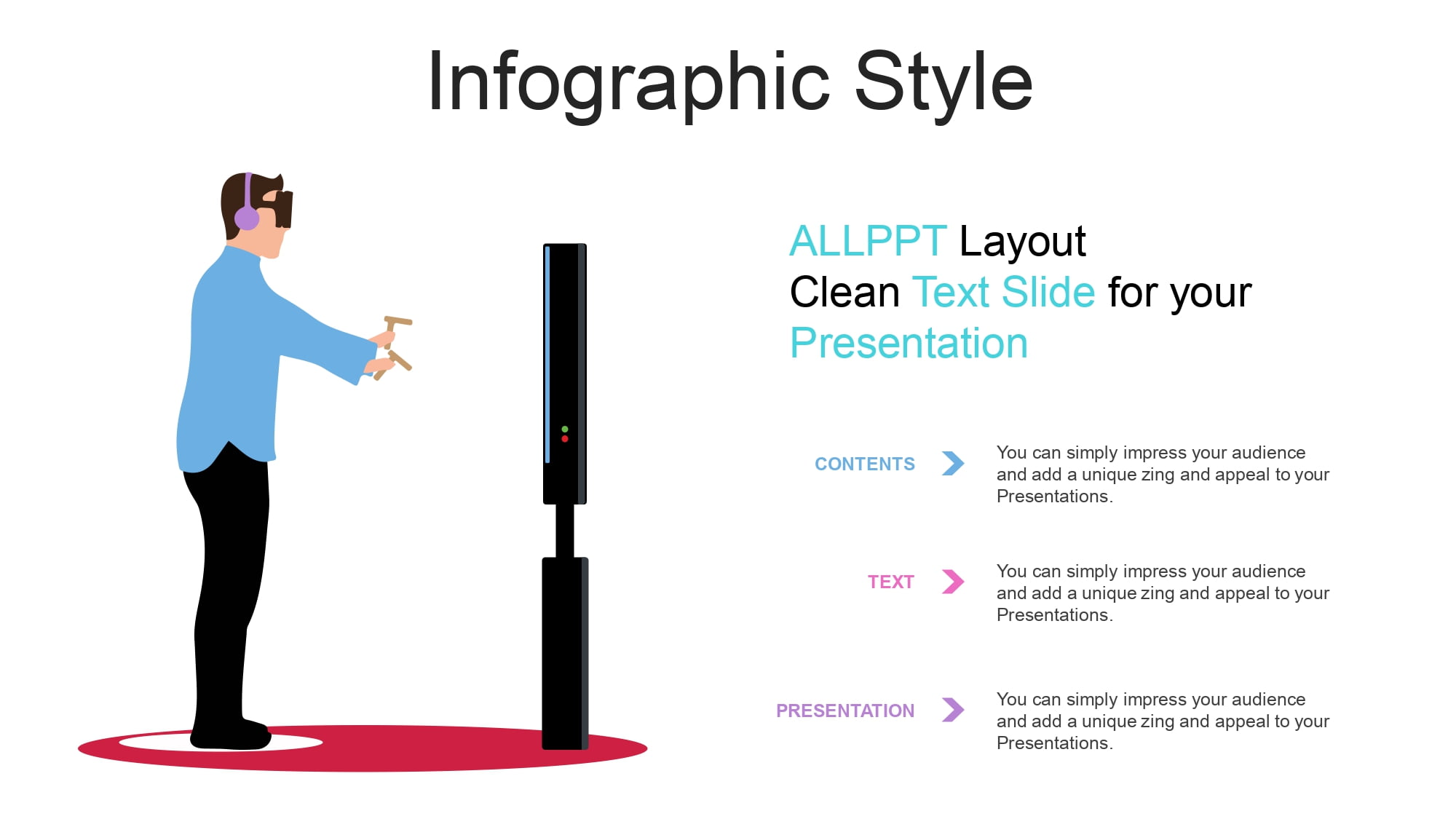











Virtual reality is no longer science fiction. Today, it's part of educational, business, medical, and technological projects. If you're preparing a presentation on this innovative topic, choosing a good virtual reality PowerPoint template can make all the difference between an ordinary presentation and a truly immersive one.
In an environment where innovation is key, visual design must match the quality of the content. That's why I consider it essential to work with a specialized template that is not only attractive but also functional. In fact, something I particularly value is that its 36 slides include 100% editable, high-quality elements that can be edited in your favorite program, including Canva, which greatly expands the customization possibilities.
Why use a specific virtual reality template?
When we talk about VR (Virtual Reality), we are talking about:
- Immersive experiences
- Simulation technology
- Digital innovation
- 3D Environments
- Technological transformation
A virtual reality PowerPoint template should convey modernity, dynamism, and advanced technology. Simply using bright colors isn't enough; visual consistency, modern typography, and technological iconography are essential.
And this is where choosing a professional option makes sense: its 36 slides bring 100% editable and high-quality elements, these can be edited in your favorite program, including the Canva platform, which allows you to adapt each slide to different contexts, whether academic or corporate.
Features that a virtual reality template should have
If you're looking for the best virtual reality PowerPoint template, make sure it includes:
🚀 Futuristic cover
With graphic elements related to digital technology and virtual environments.
🕶 Slides for defining concepts
Ideal for explaining what virtual reality, augmented reality, or the metaverse is.
💡 Slides for practical applications
Education, medicine, video games, business simulation.
📊 Spaces for data and statistics
Perfect for showcasing VR market growth or technological trends.
🔮 Conclusions and future innovation
Where you can talk about the future of immersive technology.
The advantage of working with a professional template is clear: its 36 slides include 100% editable, high-quality elements that can be edited in your favorite program, including the Canva platform, making it easy to modify graphics, colors, and text without affecting the base design.
PowerPoint, Google Slides or Canva: Total flexibility
One of the most interesting aspects is cross-platform compatibility.
- PowerPoint allows for greater advanced customization.
- Google Slides facilitates collaborative work.
- Canva simplifies visual and fast editing.
When a template offers this versatility, the creative process becomes much smoother. And even more so when you know that its 36 slides include 100% editable, high-quality elements, eliminating the need to redesign from scratch.
How to create a truly impactful virtual reality presentation
Although the template is excellent, I recommend:
- Use dark backgrounds with neon contrasts.
- Incorporate subtle animations.
- Show real-world examples of VR applications.
- Avoid overloading the slides with text.
- Maintain typographic consistency.
The key is to combine solid content with strategic design.
Who can benefit from this template?
This virtual reality template for PowerPoint and Google Slides is ideal for:
- Engineering or technology students.
- Entrepreneurs in the digital sector.
- Speakers on innovation.
- Companies that present VR projects.
- Technology content creators.
Technological design conveys modernity and professionalism. And when you work with a structure where all 36 slides contain 100% editable, high-quality elements that can be edited in your favorite program, including the Canva platform, the presentation not only looks good, but also perfectly suits your message.




